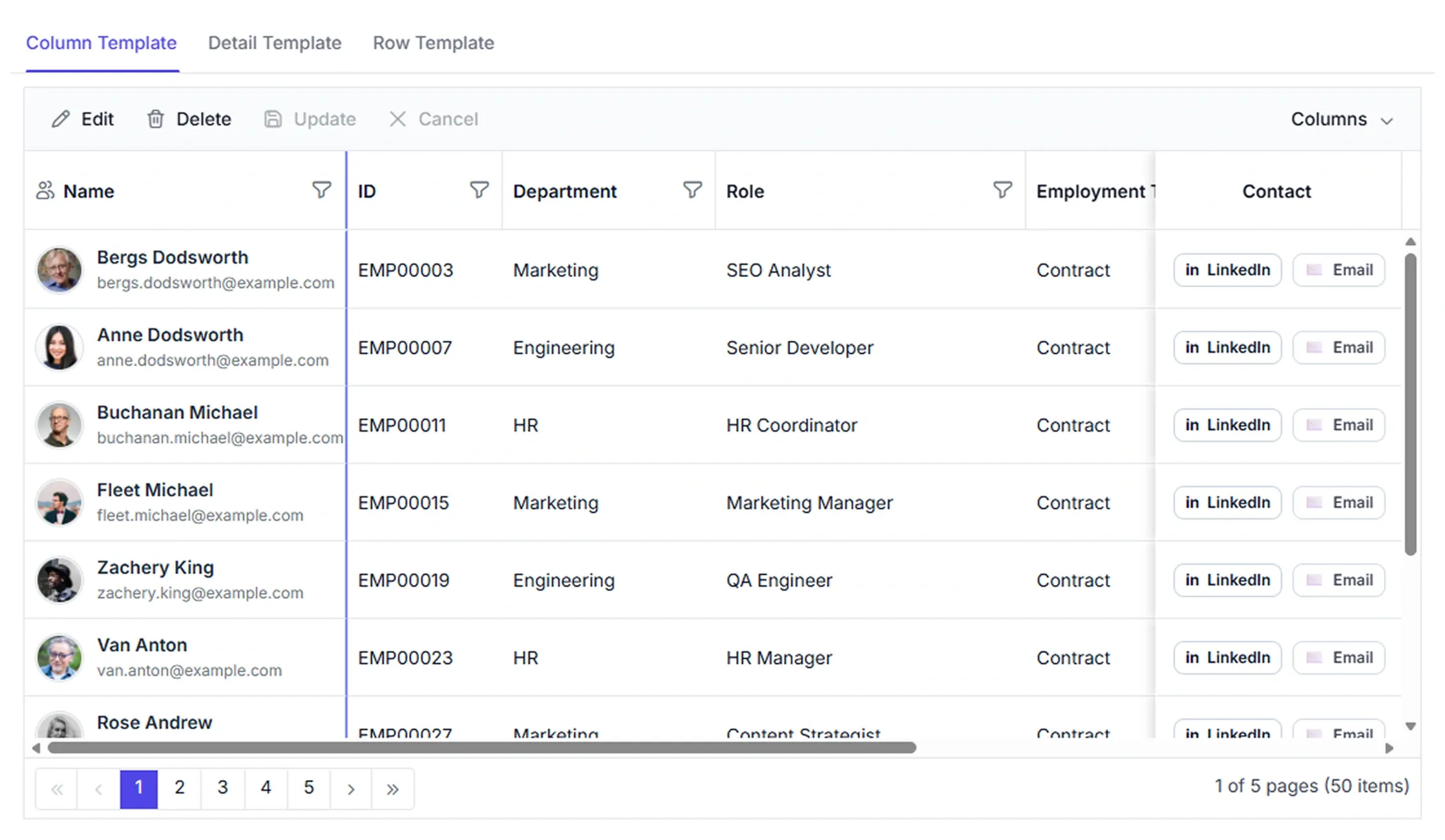



Template-based data presentation
Apply customizable templates to columns, rows, headers, and detail views to build structured, interactive layouts. Deliver enhanced data experiences with business‑focused presentations tailored to application needs and requirements.
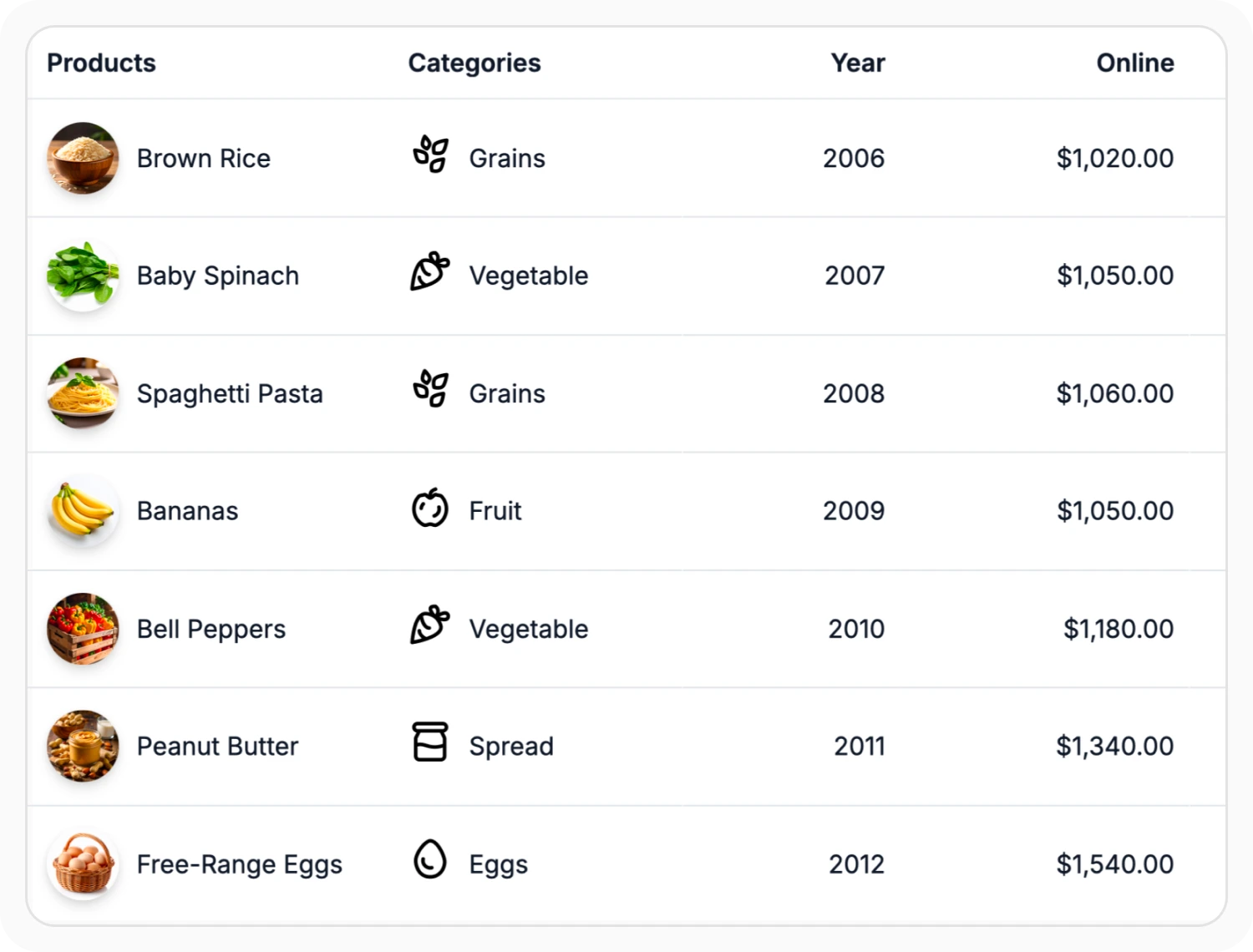
Customize cells with column templates
Column templates define how content is presented within grid cells by replacing plain text with images, buttons, badges, icons, or formatted values. Use this feature when data requires custom visual representation or interactive elements within cells.
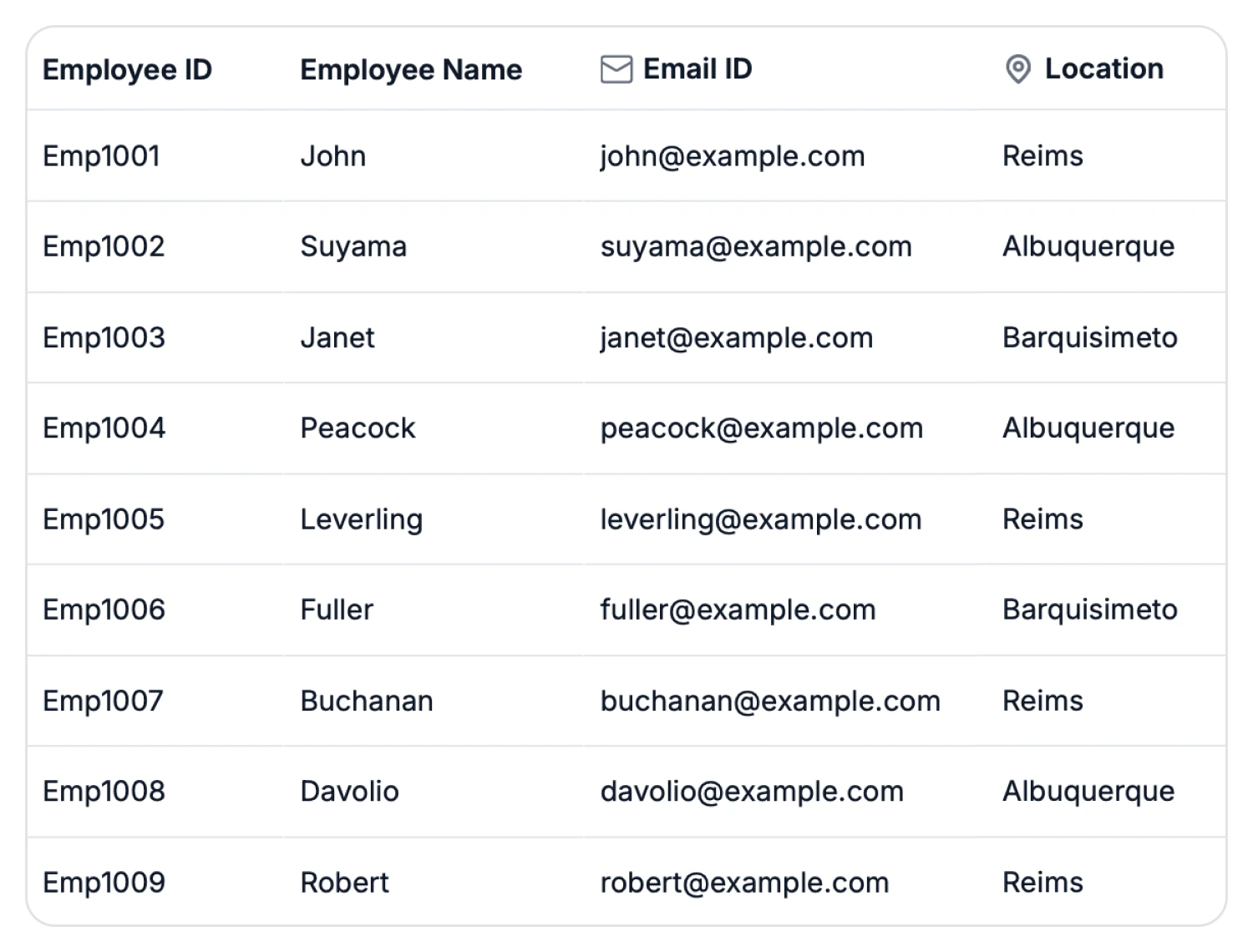
Customize headers using templates
Header templates customize how content is displayed in column headers by adding icons, labels, and interactive elements. Use this feature when column headers require additional context or custom presentation.
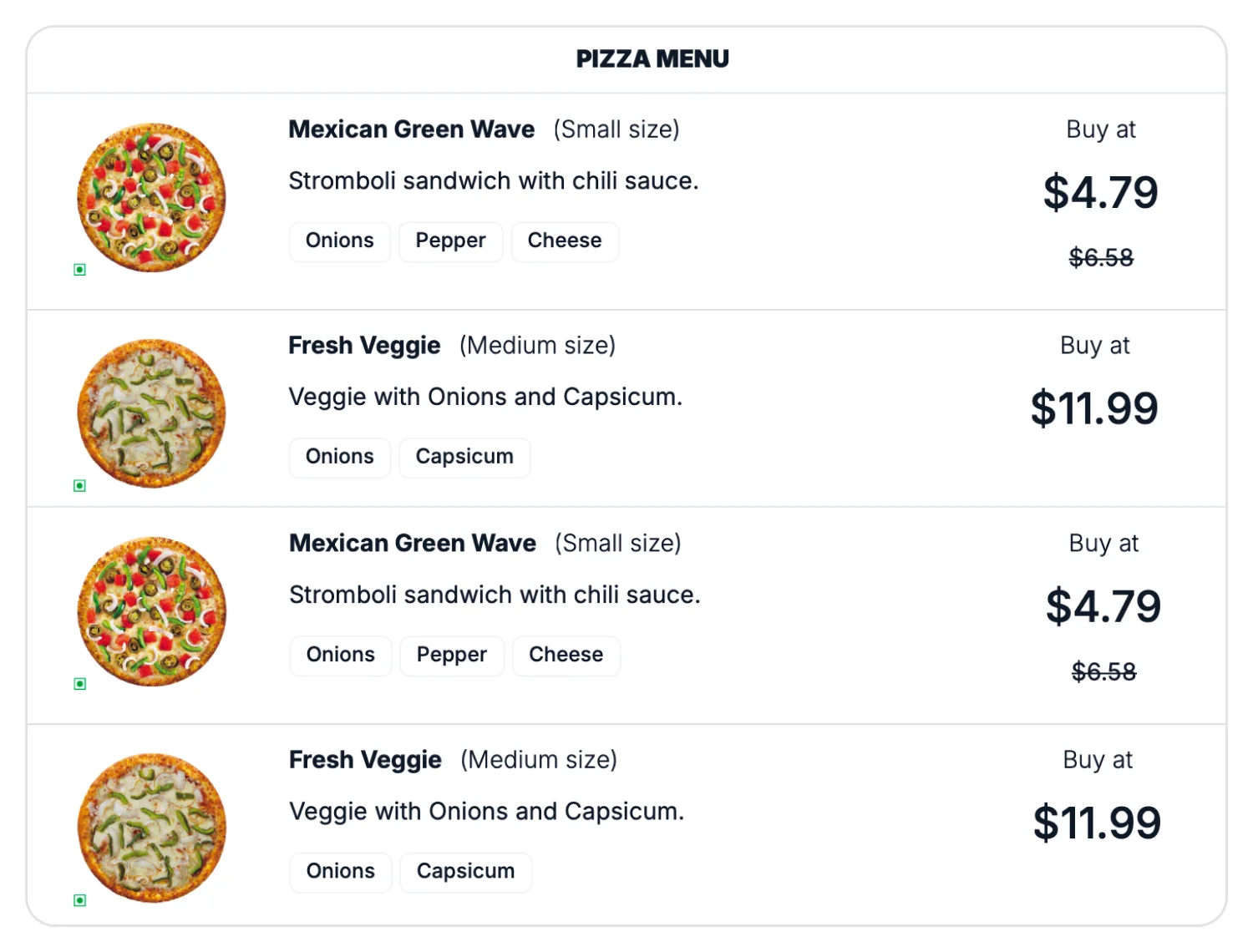
Customize layouts with row templates
Row templates replace standard rows with custom layouts for presenting record information. Use this feature when records require a customized layout beyond the standard row structure.
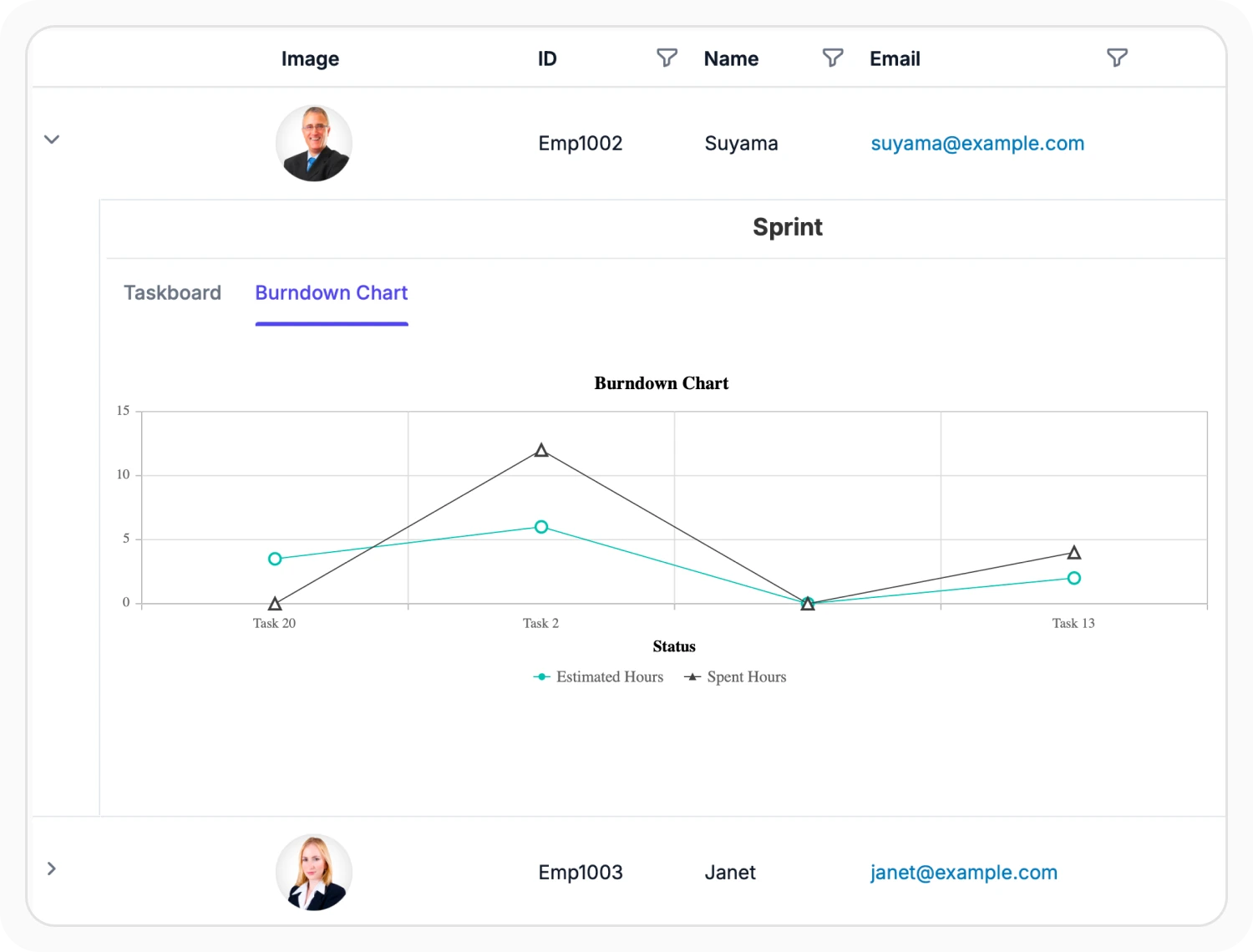
Expand rows with detail templates
Detail row templates display additional information beneath an expanded parent row. Use this feature when records contain more information than can be shown in the main grid view, allowing related details to be accessed without navigating to a separate page.
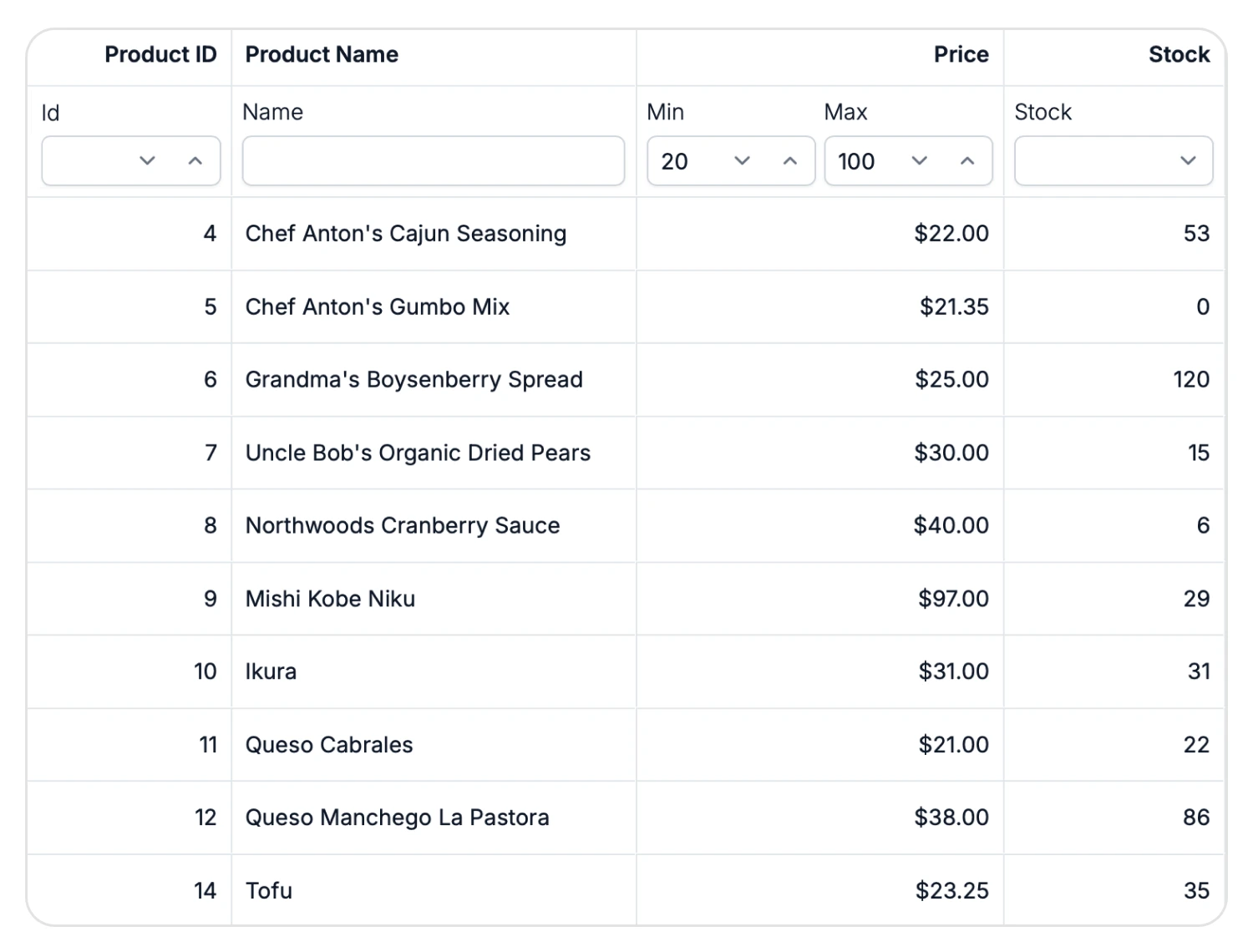
Custom filter controls
Filter templates allow custom filter controls, such as DropDownList, DateRangePicker, MultiSelect, and other input components, instead of standard filter inputs. Use this feature when filtering requires specific input controls or additional filter options.
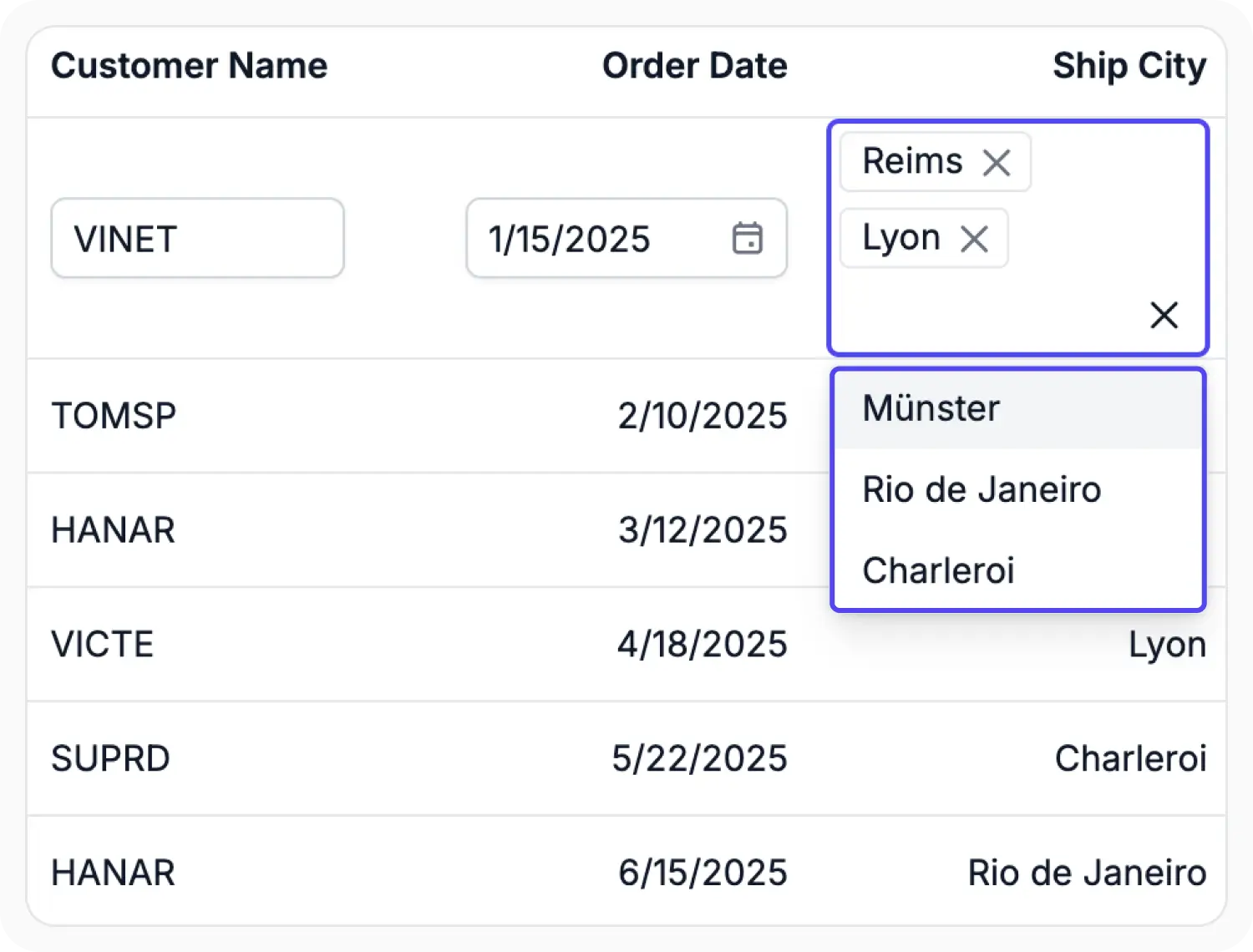
Custom edit controls
Edit templates allow custom editing controls, such as DropDownList, DateRangePicker, Uploader, and MultiSelect, and more, instead of standard editors. Use this feature when data editing requires specific input controls, custom validation rules, or specialized data-entry layouts.
See Why Developers Love Syncfusion
Our Customers Love Us
Having an excellent set of tools and a great support team, Syncfusion reduces customers’ development time. Here are some of their experiences.




Frequently Asked Questions
How can custom content be displayed in Syncfusion React Data Grid cells?
Use Data Grid column templates to render custom content such as images, icons, buttons, badges, or formatted values within cells for enhanced visual presentation.
How to display additional information in detail rows based on parent records in Syncfusion React Data Grid?
Additional details can be displayed using the Data Grid detail template, which renders child content from the parent record. Each expanded row shows information related to its parent.
How can a custom layout be displayed for each record in the Syncfusion React Data Grid?
Data Grid row templates allow records to be displayed with a fully customized layout, replacing the default row structure for tailored presentation.
How to customize column headers in Syncfusion React Data Grid?
Column headers can be customized using Data Grid header templates or CSS classes to align with branding and design requirements.
How to optimize performance when using multiple templates in the same Syncfusion React Data Grid?
The Data Grid row and column virtualization feature improves performance by rendering only the templates within the viewport instead of the entire dataset.
How can conditional templates be applied in Syncfusion React Data Grid?
Data Grid conditional templates allow customizing the layout or style of cells and rows based on specific record values. This ensures dynamic rendering that adapts to different data conditions.
Resources
Learn more about React Data Grid customization
Explore demos, KB articles, and documentation for React Data Grid customization and templates.
Guides and examples for template implementation.
Live samples for column templates, row templates, and detail views.
Ask, share, and connect with peers.
Find solutions and best practices fast.
Get expert help when needed.
Feature requests and bug reports
Track issues and suggest improvements.
See Real Success Stories
Developers around the world trust Syncfusion’s Essential Studio to simplify complex projects and speed up delivery. With a vast library of UI controls, powerful SDKs, and reliable support, Essential Studio helps teams build enterprise-ready applications with confidence.
Read Our Customer StoriesIndustry
Software development
75% Cost reduction
50% Faster development

Industry
Utilities (oil and gas)

450+ hours saved
Streamlined processes and hours of development effort saved.

Advanced, flexible features
Empowered users through robust and versatile functionality.
Industry
Software and technology
1000+ of hours saved
Accelerated development with enterprise-ready UI components.

Efficient file management
Streamlined workflows with document libraries without building them from scratch.
Industry
Software and technology

2 Years of delay avoided
Two years of delays prevented with proactive planning.

On-time delivery
Projects delivered on schedule using trusted controls.
Industry
IT services and IT consulting

Improved performance
Large datasets handled with easy customization and quick debugging.

Highly customizable
Plug-and-play controls with quick template integration.
Industry
Professional services
Instant access
Quick availability of features and resources.
Reduced dependencies
Fewer dependencies for faster development.
Awards
Greatness—it’s one thing to say you have it, but it means more when others recognize it. Syncfusion® is proud to hold the following industry awards.









