
JavaScript Scheduler - 柔軟なイベントカレンダーコントロール
- 日、週、月、議題、年、タイムラインなど、さまざまなビューで鮮やかなイベントを表示できます。
- 細かくグループ化されたイベントを持つ複数のカレンダーを単一のレイアウトに表示します。
- Google カレンダーと Outlook カレンダーと簡単にイベントを同期できます。


Trusted by the world’s leading companies

概要
JavaScript Scheduler、またはイベントカレンダーは、ユーザーが時間を効率的に管理するのに役立つ、豊富な機能を備えたイベントカレンダーコンポーネントです。エディタポップアップ、ドラッグアンドドロップ、サイズ変更アクションを通じて、リソースのスケジュール設定やイベントまたは予定の再スケジュールを容易にします。
Syncfusion JavaScript Scheduler を選ぶ理由
高いパフォーマンス
Scheduler は、転送と読み込み時間を短縮するため、デフォルトでオンデマンドでデータを読み込みます。異なるフィールド名を持つデータソースにScheduler をバインドする際には、適切なフィールドマッピングが必須です。
シームレスなデータバインディング
データマネージャーの助けを借りて、JSON、OData、WCF、RESTful Web サービスなどのさまざまなローカルおよびリモートデータソースとデータをシームレスにバインドします。
組み込みビュー
日、週、稼働週、月、議題、月-議題、年、タイムラインなど、いくつかの異なる組み込みビューモードが利用可能です。さまざまなビュー固有の変数を使用して、各ビューをカスタマイズできます。
繰り返しイベント
統合された繰り返しオプションを使用して、繰り返しイベントを日次、週次、月次、年次で簡単に繰り返すように設定できます。
複数のリソースとグループ化
複数の要因に応じてリソースをグループ化するために、Scheduler は幅広い柔軟なオプションを提供します。また、リソースと日付によるスケジュールタイムラインと予定のグループ化もカバーしています。
あらゆる解像度に対応
Scheduler は高い応答性を持つレイアウトと、デスクトップ、タッチスクリーン、スマートフォン向けに最適化されたデザインを備えています。iOS、Android、またはWindows OSを使用するすべての携帯電話でうまく機能します。
魅力的なカスタマイズ可能なテーマ
Fluent、Tailwind CSS、Bootstrap、Material、Fabric など、5つ以上の組み込みテーマを備えた最先端のデザイン。Scheduler のテーマを簡単にカスタマイズするには、オンラインの Theme Studio ツールを利用してください。
グローバリゼーションとローカリゼーション
異なるロケールのユーザーが日付、通貨、数値のフォーマットを好みに合わせて調整できるようにすることで、Scheduler を使用できます。
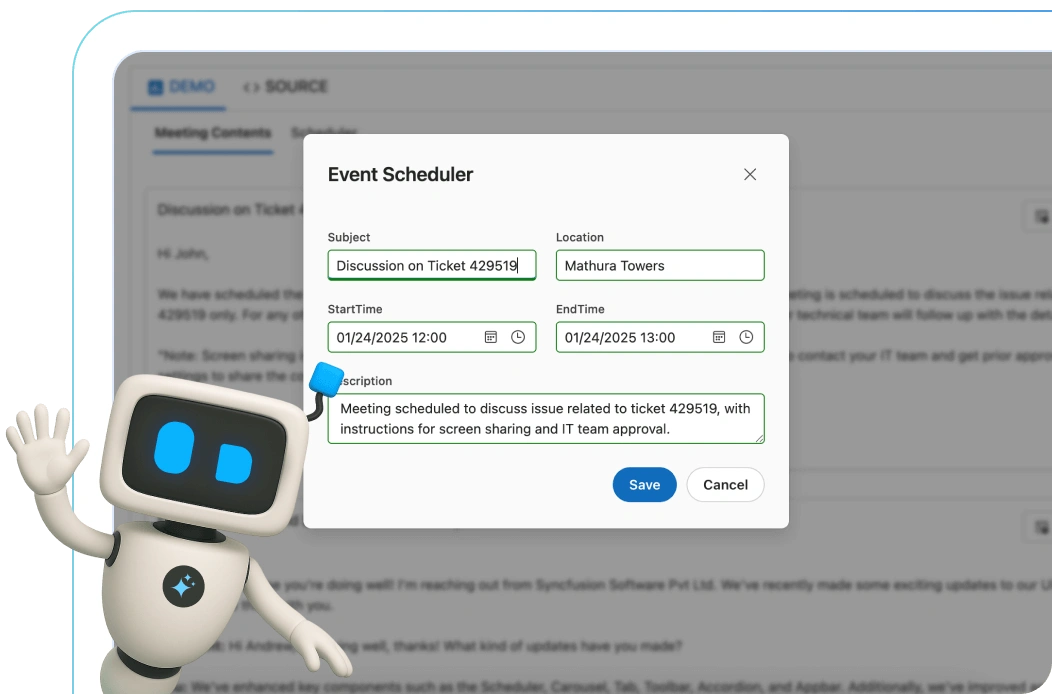
AI搭載 Schedulerによる効率的な時間管理
AI Schedulerを使って生産性を向上させましょう。”毎週金曜日の午前10時にチームミーティングをスケジュール”のようなコマンドを入力するだけで、最適な時間を提案し、重複を避け、カレンダーを視覚的に整理します。
JavaScript Scheduler のコード例
以下の HTML と TSX コードの数行で、JavaScript Scheduler を簡単に使い始めることができます。また、Scheduler をJavaScriptでレンダリングおよび構成する方法を示すJavaScript Scheduler の例も参照してください。
<html>
<head>
  <link href=https://cdn.syncfusion.com/ej2/material.css rel="stylesheet">
</head>
<body>
  <div class="control-section">
    <div id="Schedule"></div>
  </div>
</body>
</html>
import { Schedule, Day, Week, WorkWeek, Month, Agenda } from '@syncfusion/ej2-schedule';
Schedule.Inject(Day, Week, WorkWeek, Month, Agenda);
let data: Object[] = [
{
Id: 1,
Subject: 'Scrum Meeting',
Location: 'Office',
StartTime: new Date(2022, 1, 12, 9, 30),
EndTime: new Date(2023, 1, 12, 10, 30),
RecurrenceRule: 'FREQ=WEEKLY;BYDAY=MO,TU,WE,TH,FR;INTERVAL=1'
}
];
let scheduleObj: Schedule = new Schedule({
selectedDate: new Date(2022, 1, 20),
eventSettings: { dataSource: data }
});
scheduleObj.appendTo('#Schedule');複数のScheduler ビュー
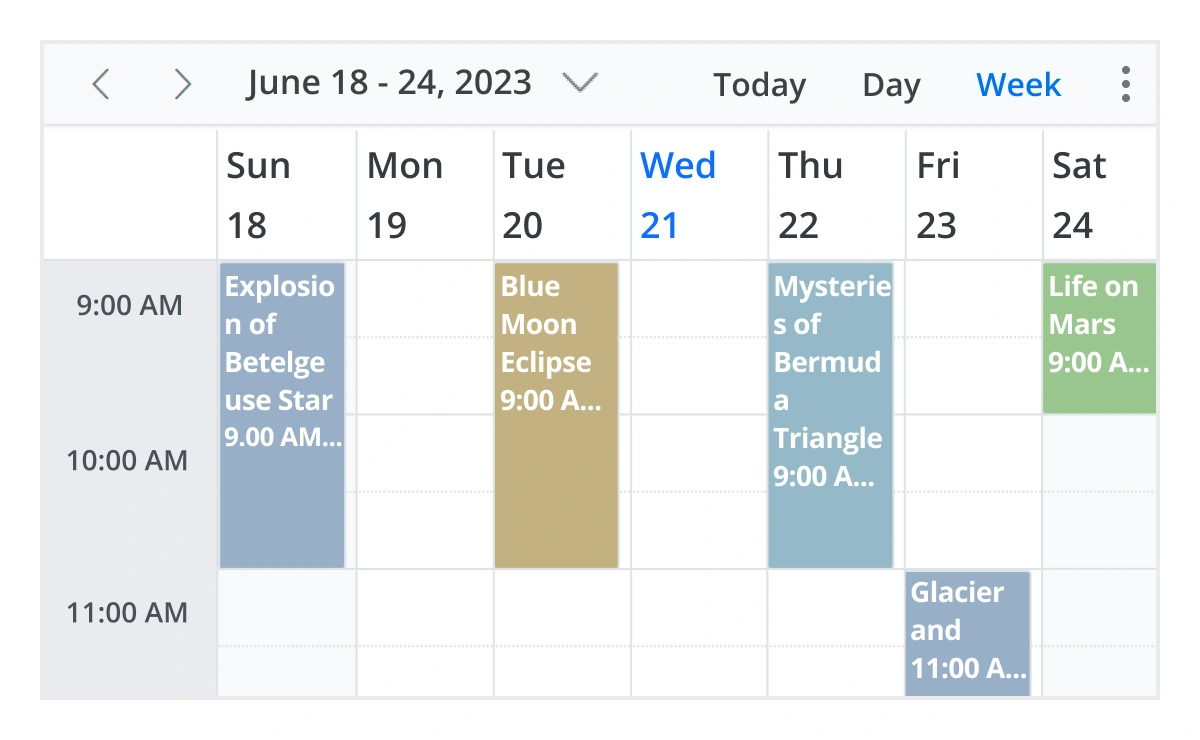
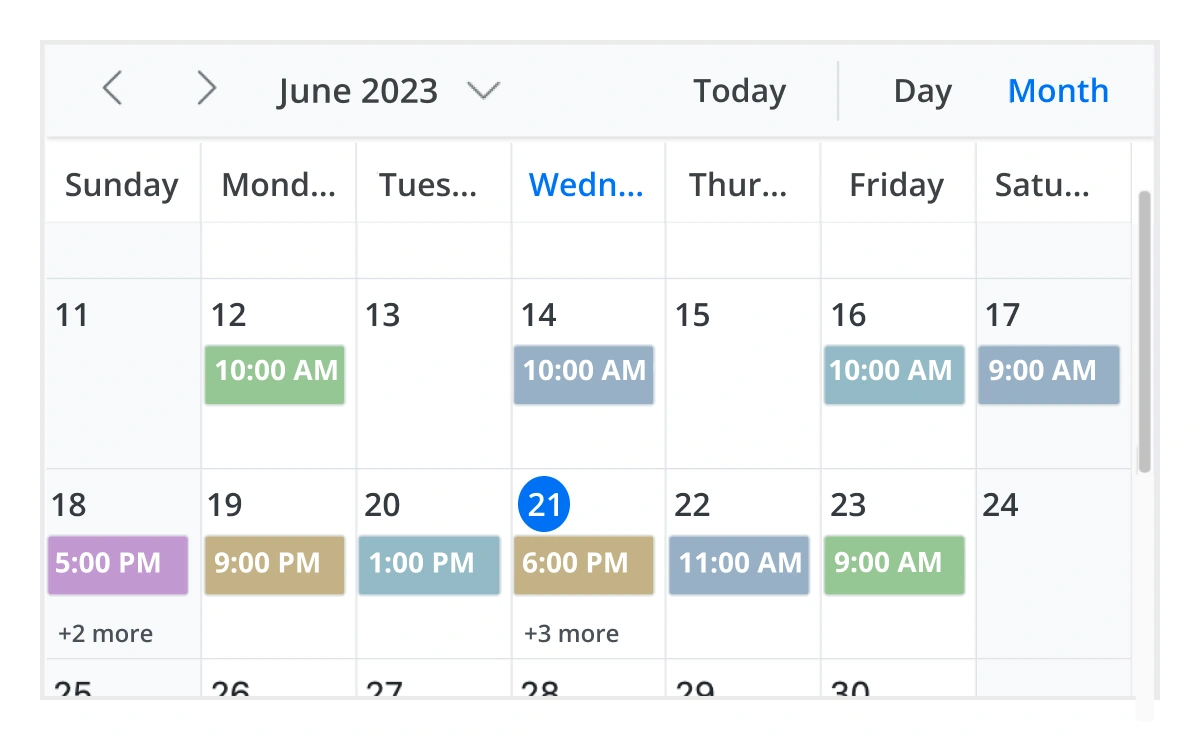
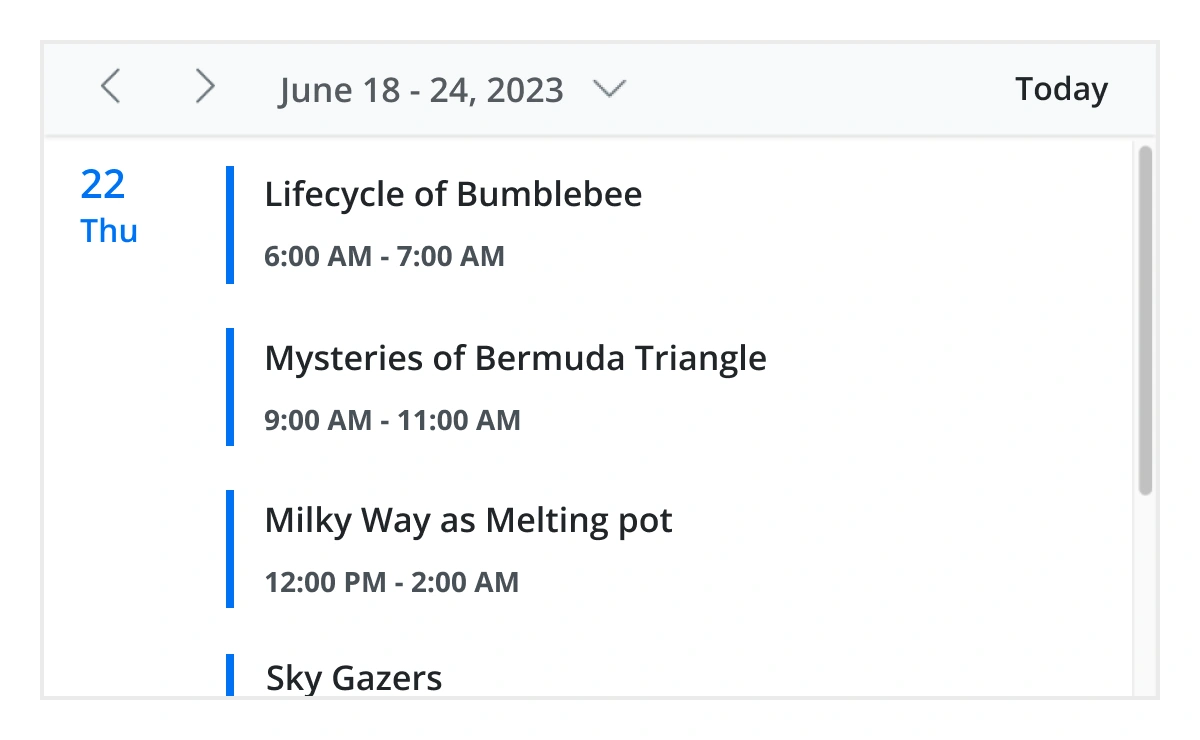
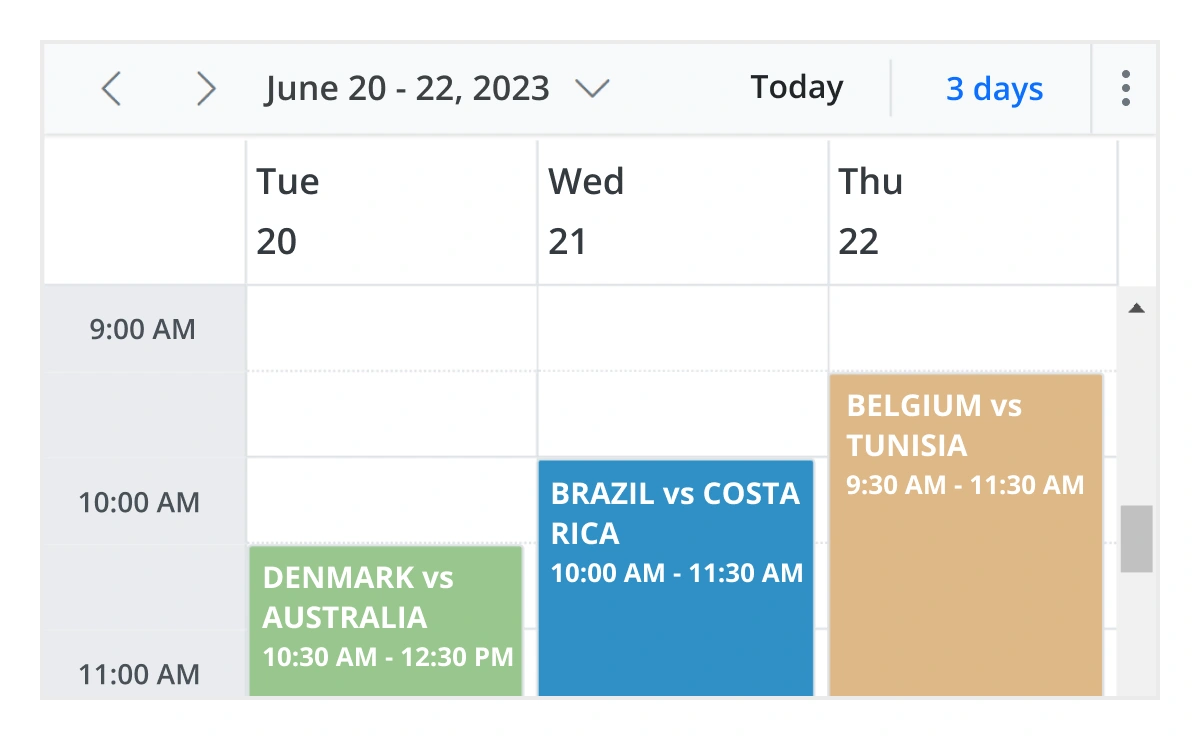
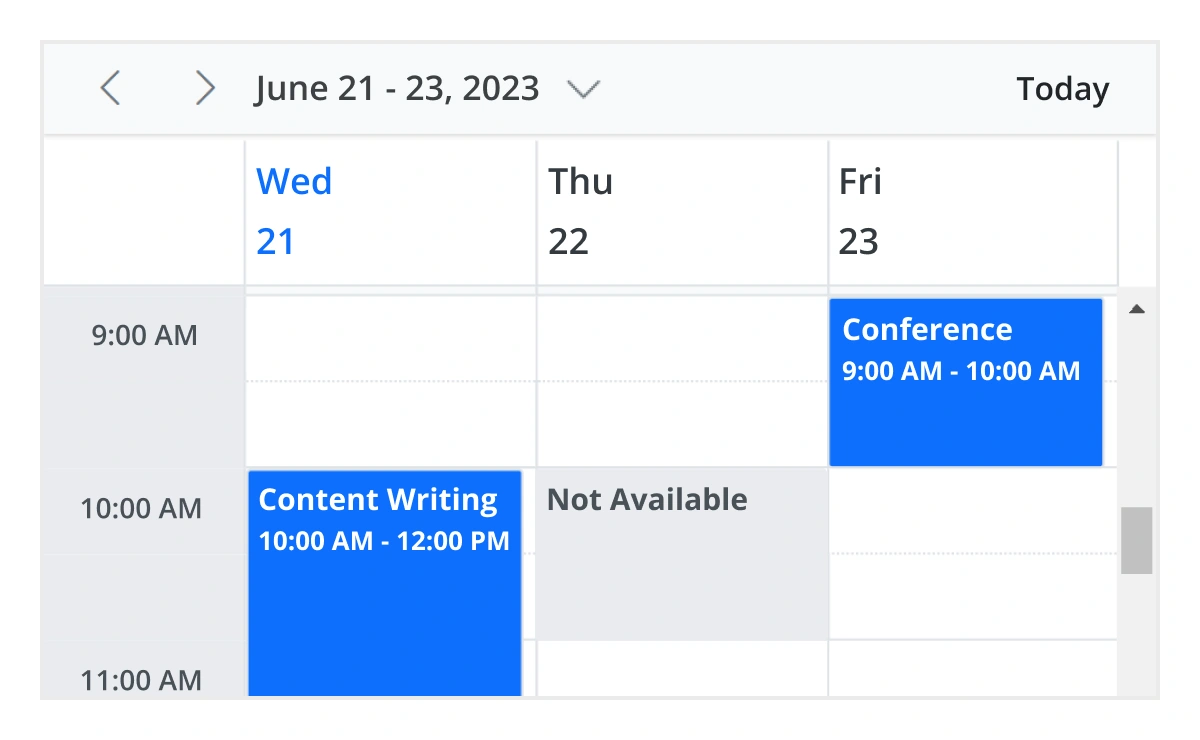
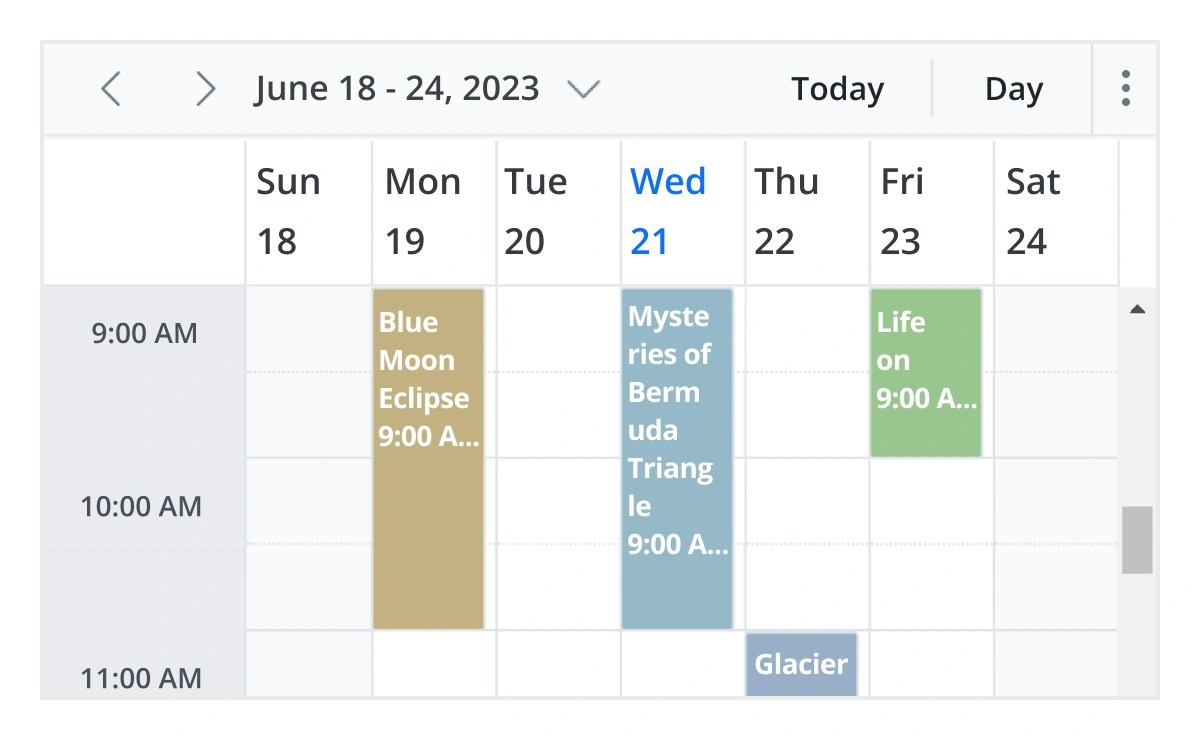
日、週、稼働週、月、議題、月-議題、年、タイムラインなど、さまざまな組み込みビューモードが利用可能です。さまざまなビュー固有のオプションを使用して、各個別ビューを簡単に構成できます。
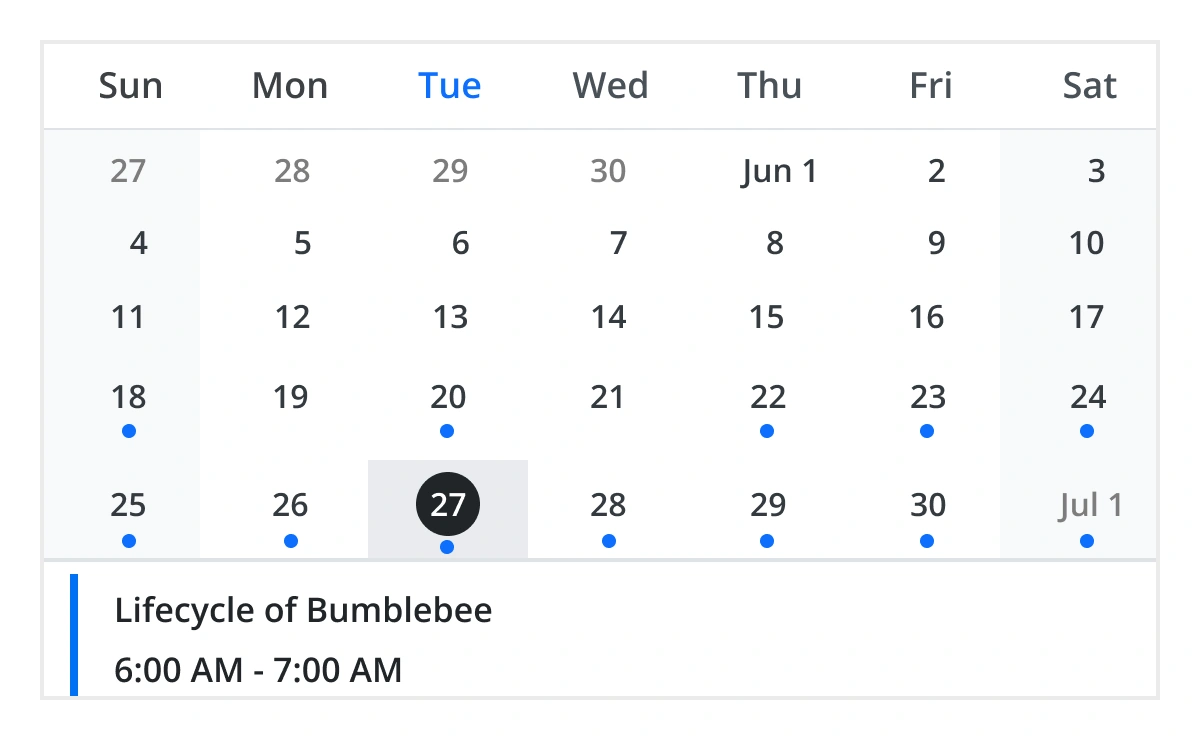
月次議題ビュー
カレンダーレイアウトと現在選択されている日付のイベントを表示します。日付の下にある丸いインジケータは、その日に1つ以上のイベントが存在することを示します。
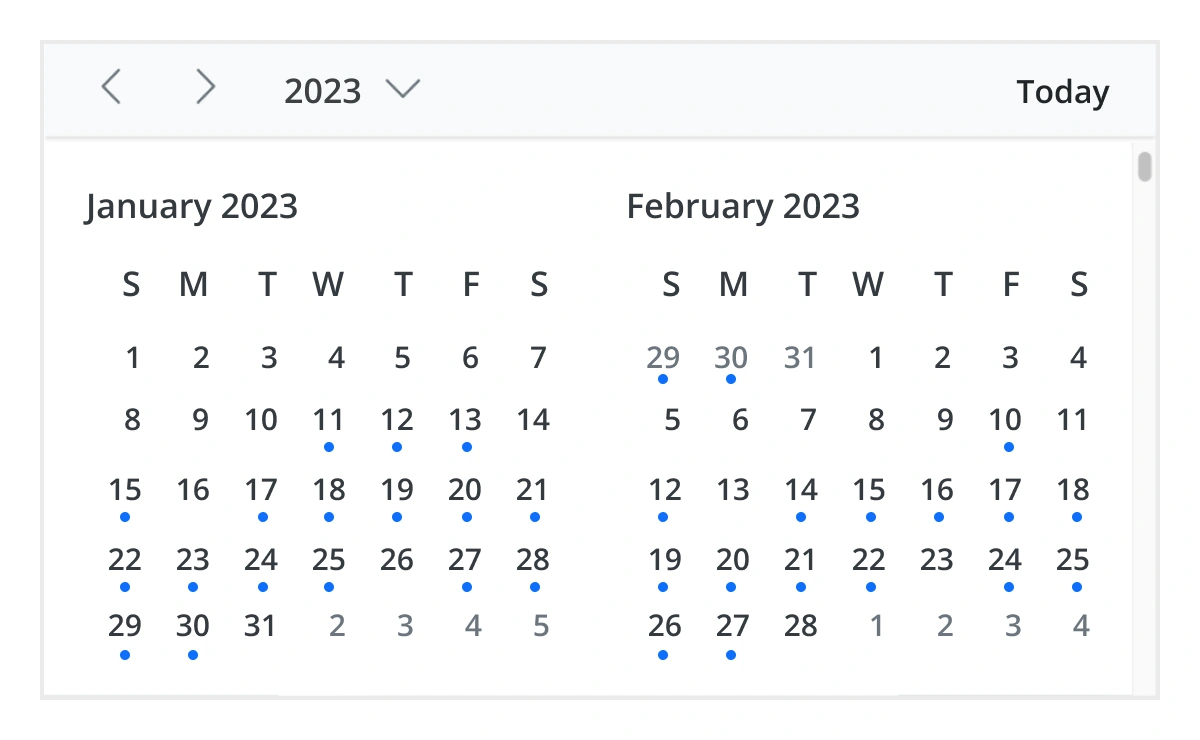
年次ビュー
年次ビューは、特定の年のすべての月をカレンダービュー形式で表示します。そのカレンダービューでは、イベントや予定を含む日付には、個々の日付の下に配置されたドットで強調表示されます。日付をクリックすると、イベントポップアップが表示され、イベントがリストされます。
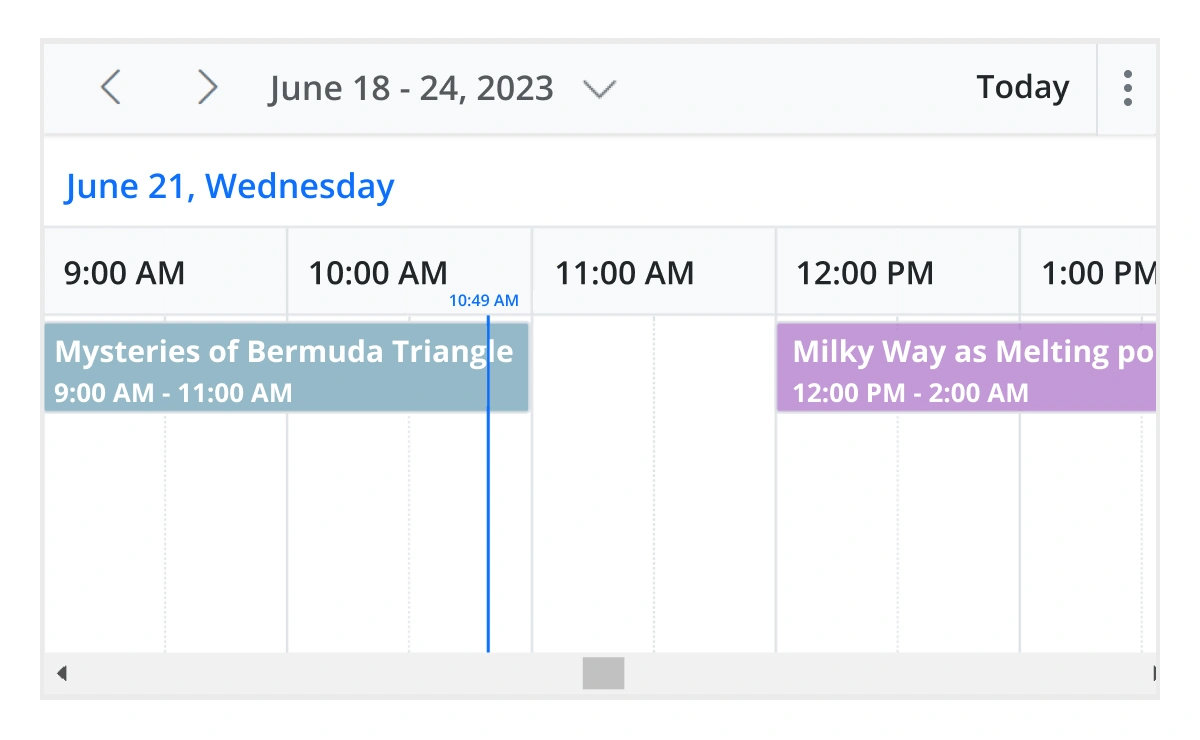
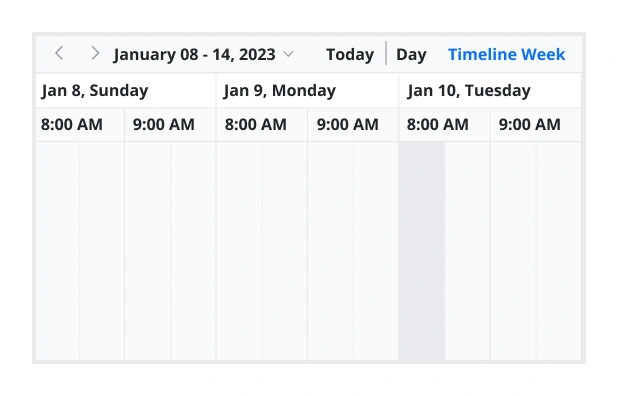
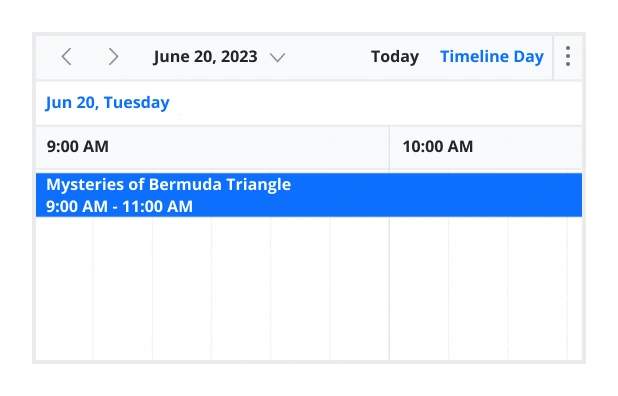
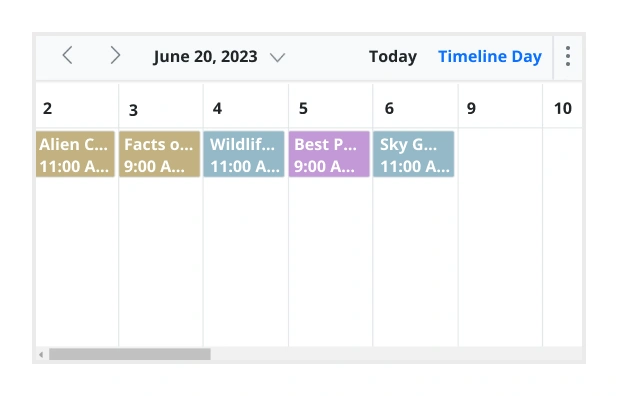
タイムラインビュー
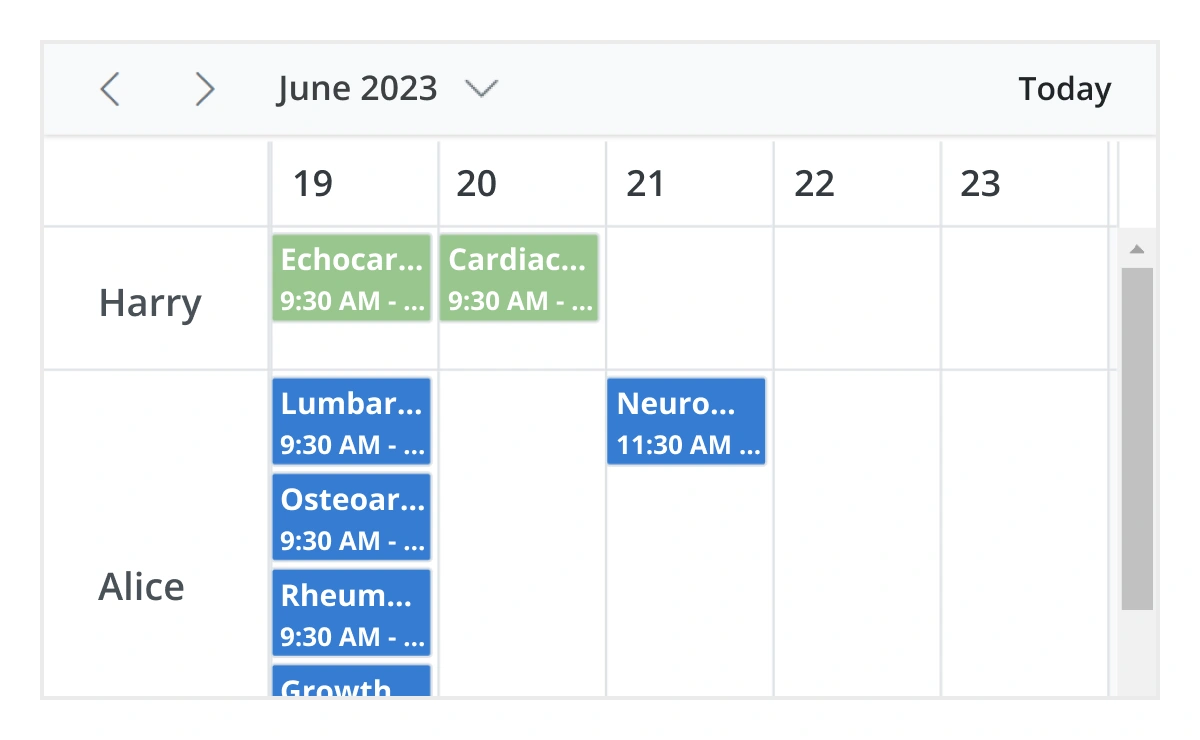
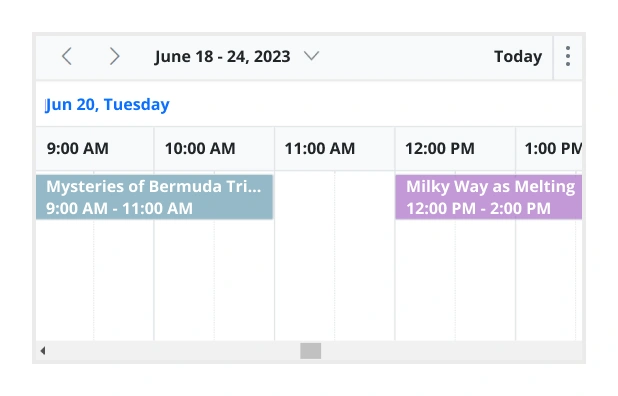
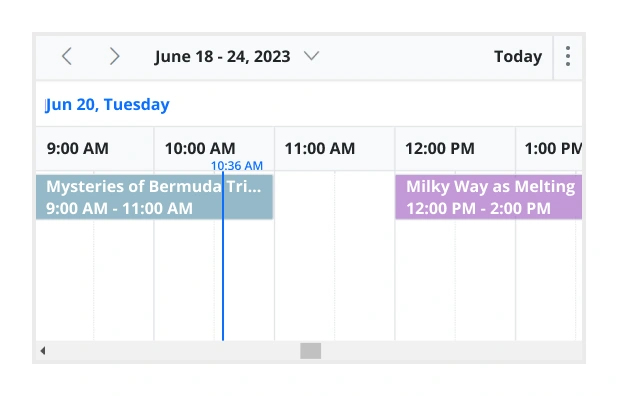
JavaScript は、タイムライン日、タイムライン週、タイムライン稼働週、タイムライン月、タイムライン年の5つの組み込みタイムラインビューを提供します。各ビューは、単一の日または複数日の水平時間軸全体にイベントを正確に表示します。
パフォーマンスを向上させるために、タイムラインビューは、すべてのスクロールアクションでリソース、イベント、および予定を仮想的に読み込みます。
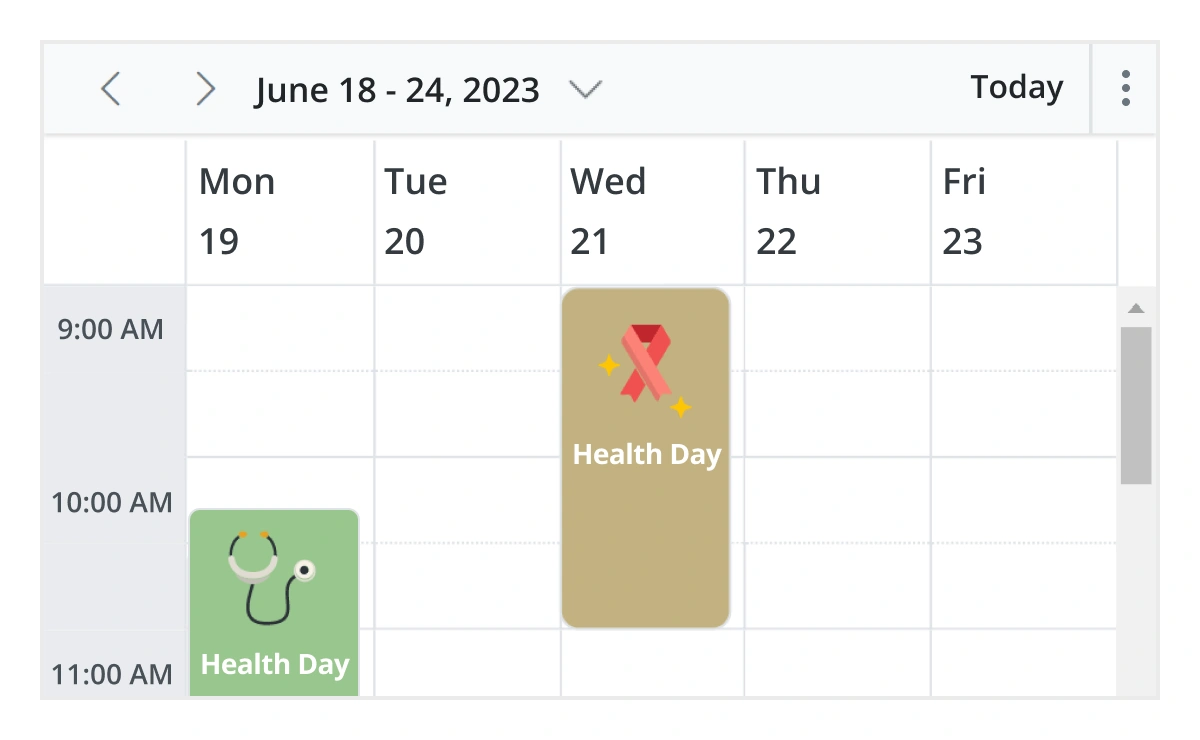
ユニークなビュー構成
さまざまなカレンダー設定で各個別ビューモードを簡単に構成できます。たとえば、月次ビューでグループ化機能を有効にし、週次ビューでイベントテンプレートを適用できます。
インライン予定
この機能が有効な場合、ユーザーはScheduler のセルまたは既存の予定の件名をシングルクリックすることで、インラインで予定を作成および編集できます。インラインテキストボックスに新しい件名を入力した後、Enterキーを押すと、予定が適切に更新および保存されます。
高度なイベント処理オプション
JavaScript イベントカレンダーは、割り当てられた時間に基づいて、Scheduler のタイムライン全体にわたるイベントと予定の明確で鮮やかで正確な表現を提供します。

追加および編集機能
デフォルトのイベントエディタを使用するか、直感的なドラッグアンドサイズ変更アクションを通じて、予定の作成と編集を容易にするなど、イベント処理を改善するための組み込みのサポートがあります。さらに、イベントとリソースデータソースの両方にカスタムデータフィールドを追加することもできます。

複数イベント選択
Ctrlキーを押しながらイベントをクリックすることで、一度に複数のイベントを簡単に選択できます。モバイルデバイスでは、イベントをタップして押し続けることで同じ操作を行い、単一タップで他のイベントを選択し続けることができます。イベントを正常に選択した後、それらを同時に削除または再配置できます。

ツールチップ
カスタマイズ可能なツールチップは、マウスポインタがイベントの上にホバーしている間、イベント情報を表示します。モバイルデバイスでは、イベントをタップして保持することで同じ操作を行います。

外観のカスタマイズ
HTMLまたはCSSを使用してデフォルトの外観とスタイルをカスタマイズすることで、JavaScript Scheduler イベントと予定の見た目を変更します。

タイムゾーン
システムタイムゾーンに関係なく、JavaScript イベントカレンダーは、コントロール自体とイベントに必要なタイムゾーンを設定することをサポートしています。

クリップボード
JavaScript Scheduler はクリップボード機能をサポートしており、ユーザーはイベントを効率的に管理できます。ユーザーは Ctrl+C ショートカットを使用して選択したイベントをコピーし、Ctrl+X でイベントをカットし、Ctrl+V で異なるタイムスロットにイベントを貼り付けることができます。
適応型行
新しい同時イベントまたは予定が追加されたときに、月次ビューとタイムラインビューの行の高さを自動的に増やす JavaScript イベントカレンダーに組み込みのオプションが追加されました。
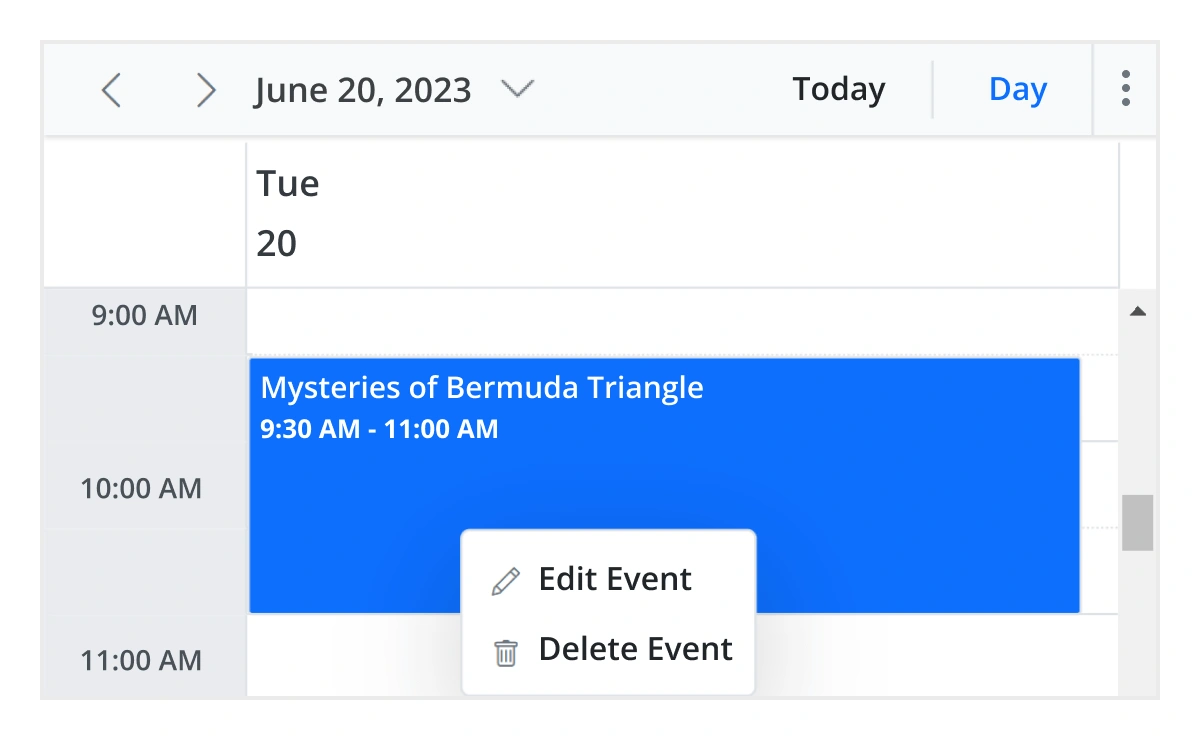
コンテキストメニュー
JavaScript Scheduler と統合されたコンテキストメニューは、セルまたは予定を右クリックすると開きます。
リアルタイムデータ同期
リアルタイムの予定データは、JavaScript Scheduler と正確に同期します。
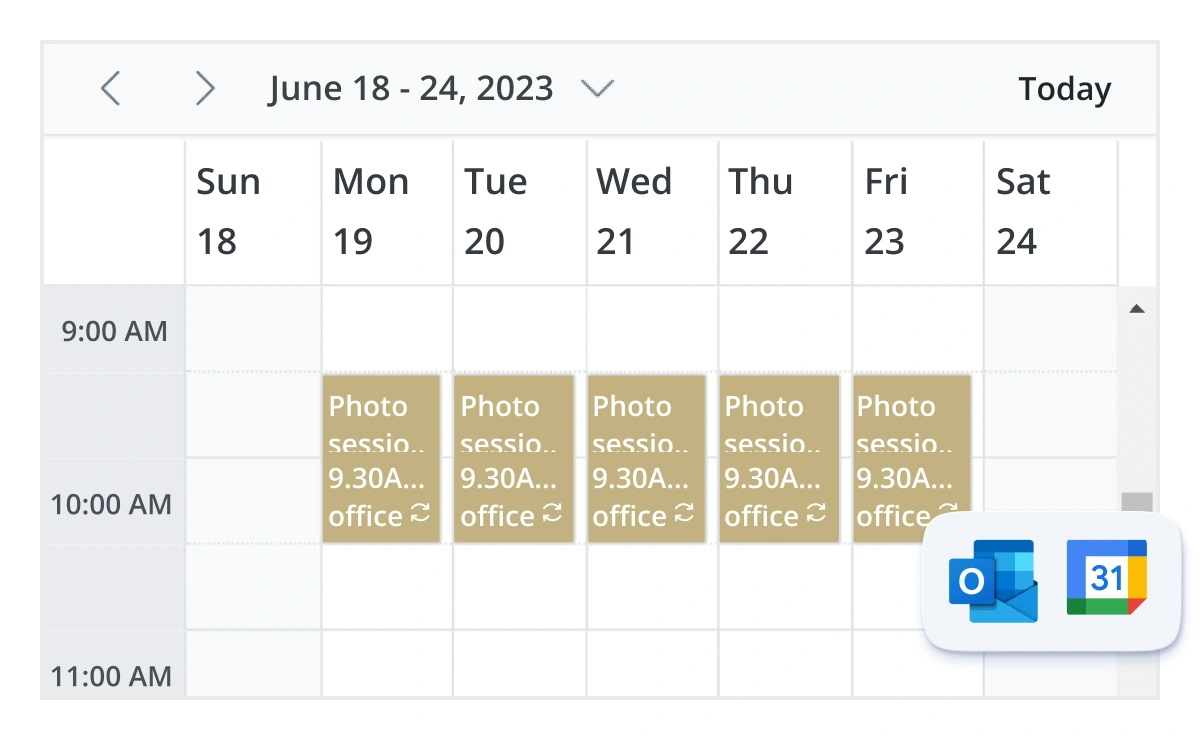
Outlook および Google カレンダー統合
Google Calendar API または Microsoft Outlook のオブジェクトライブラリを介して、JavaScript イベントカレンダーと Google または Outlook カレンダーの間でイベントを簡単に同期します。
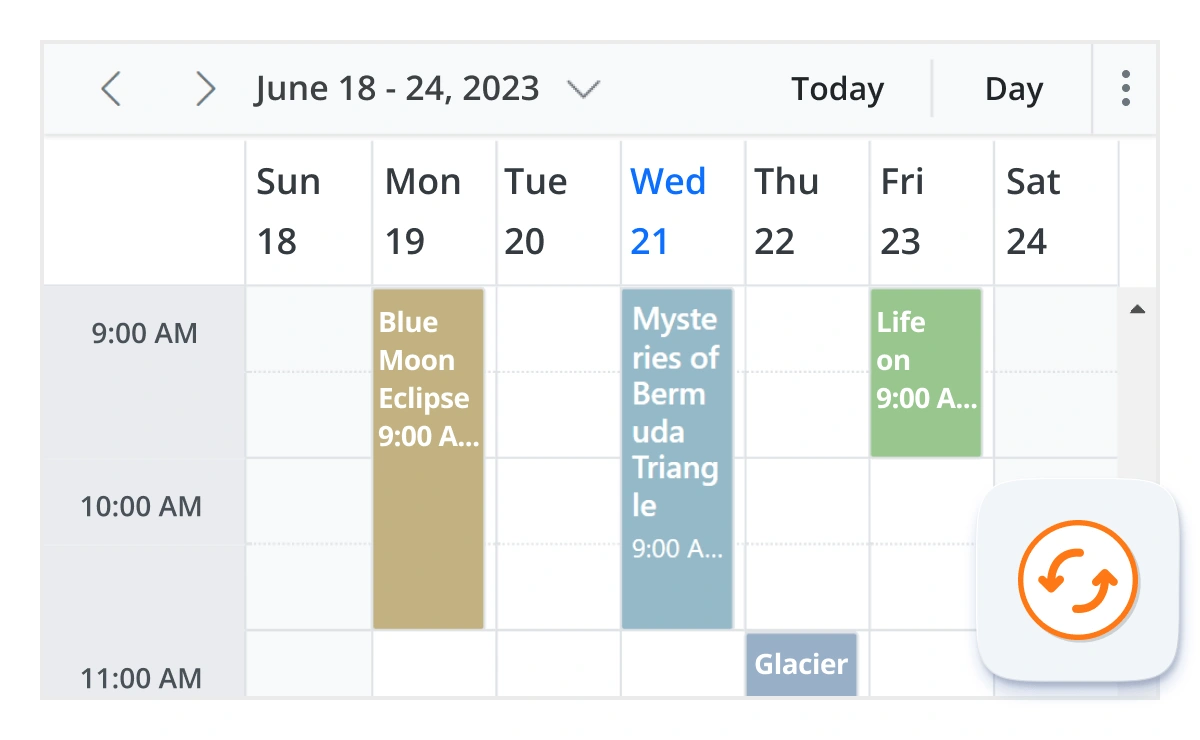
リアルタイム更新
双方向データ通信により、Scheduler で行われたサーバー側の予定更新が、SignalR を介して接続されているすべてのクライアントに伝達されます。
豊富な機能のカレンダーオプション
JavaScript イベントカレンダーは、週の最初の日やタイムスケールなど、カレンダー固有のほとんどすべての機能を継承しています。
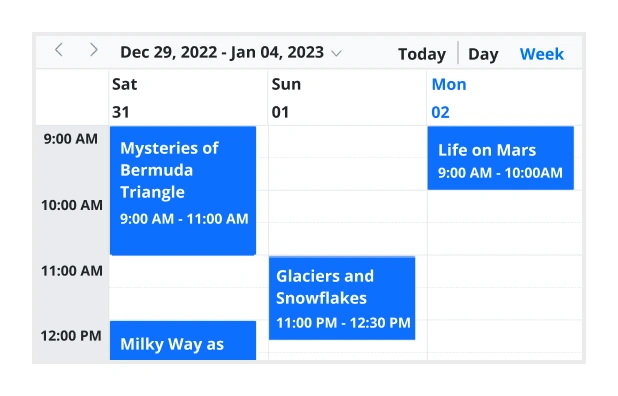
週番号表示
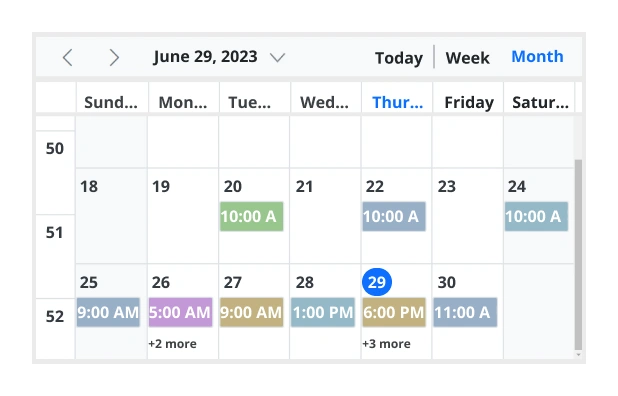
日、週、稼働週ビューの日付ヘッダーの隣に現在の日付範囲の週番号を表示します。また、月ビューでは週番号を最初の列として表示します。週番号は、週の最初の日と週のルール(最初の日、最初の完全週、または最初の4日間週)によって決定されます。
時刻モード
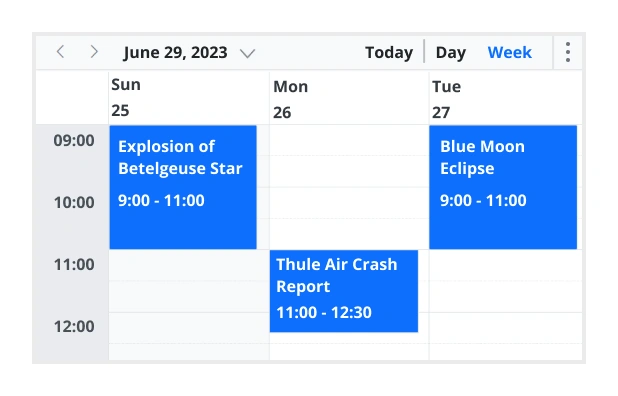
Scheduler コントロールは、12時間形式と24時間形式の両方をサポートしています。
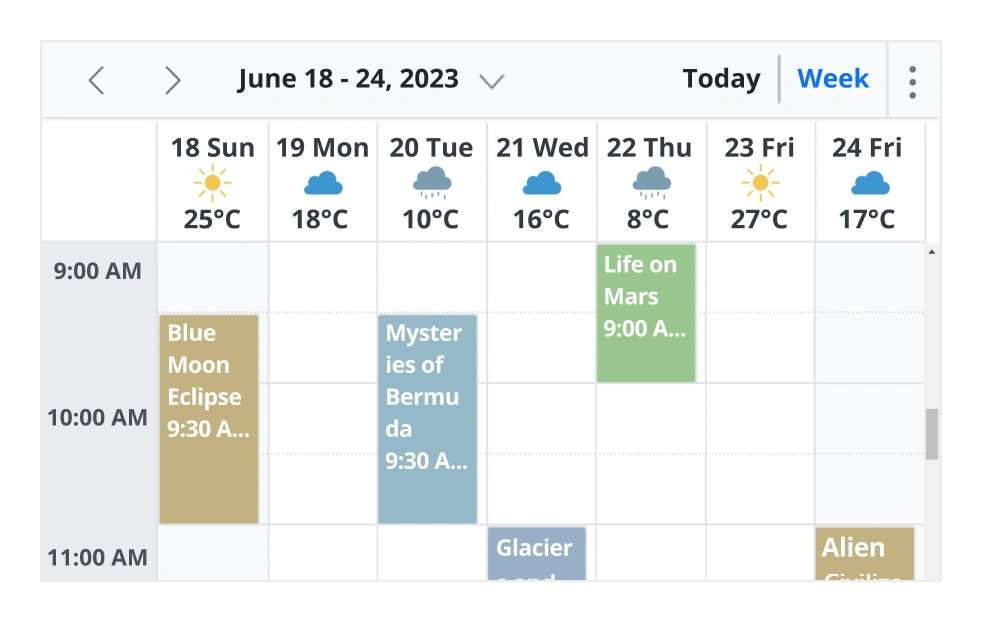
完全にカスタマイズ可能なUI
HTMLとCSSスタイルを使用して、Scheduler インターフェースの任意の部分の外観をカスタマイズします。
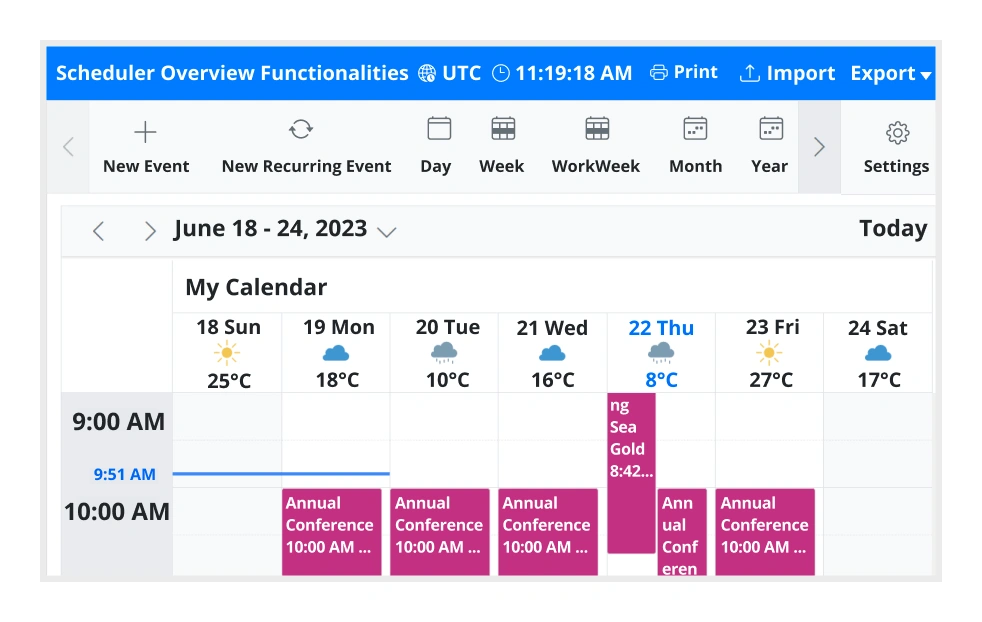
Scheduler UIの完全なカスタマイズ
組み込みのクライアント側イベントにより、エンドユーザーはScheduler のユーザーインターフェースの任意の部分をカスタマイズできます。
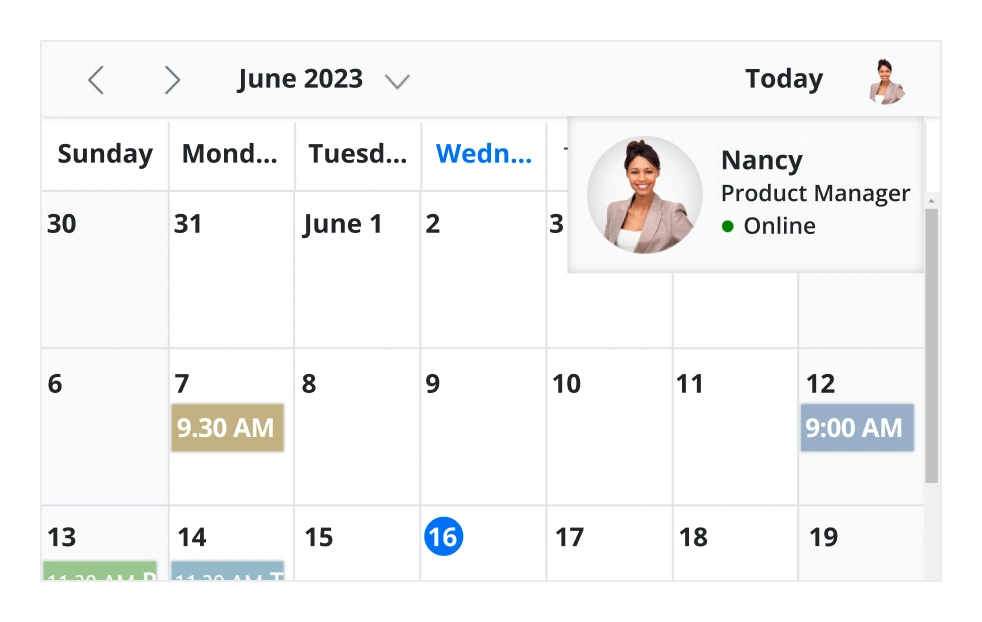
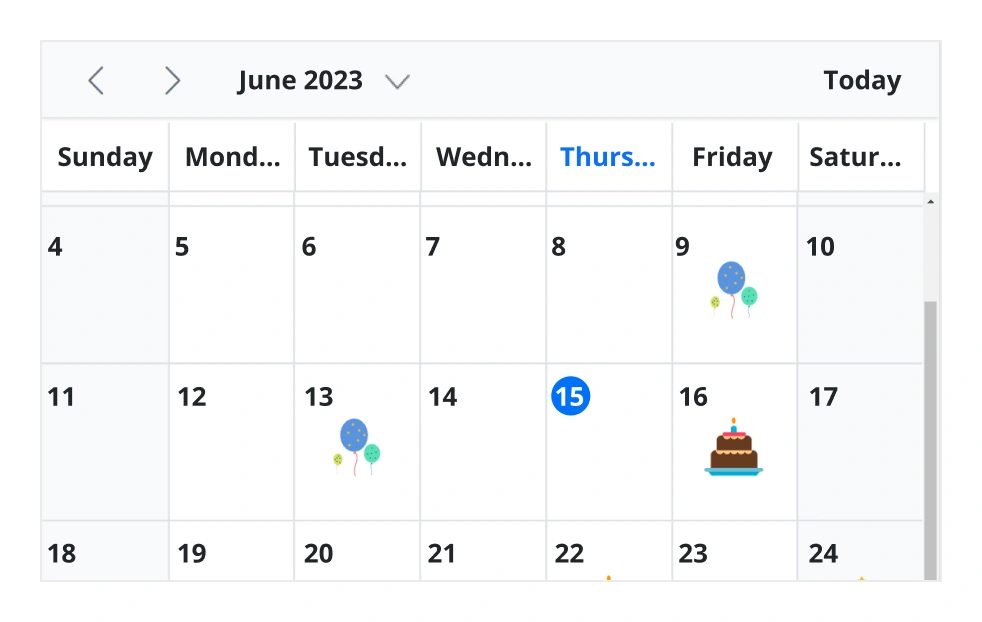
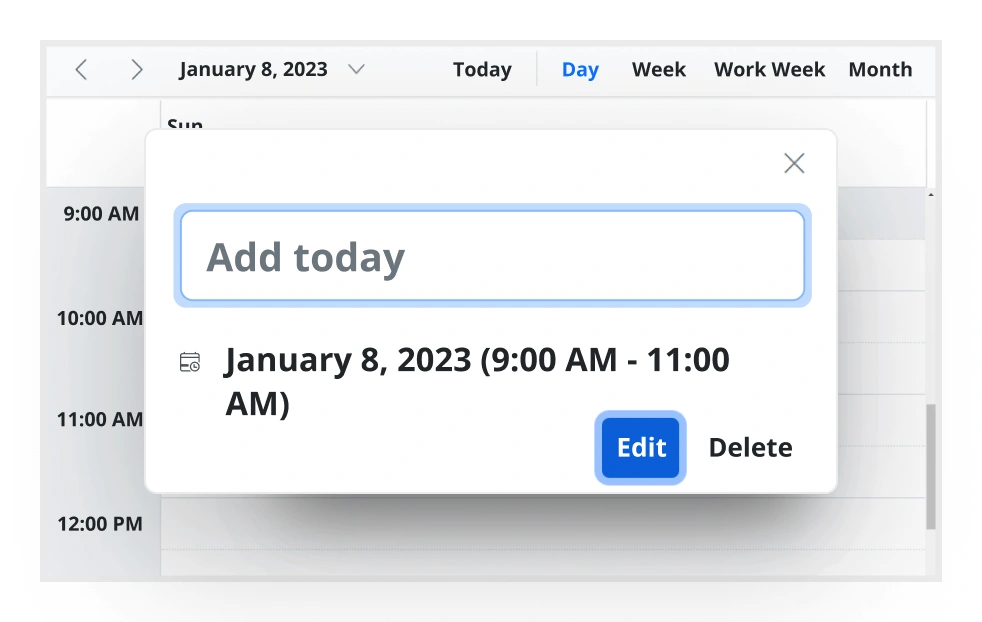
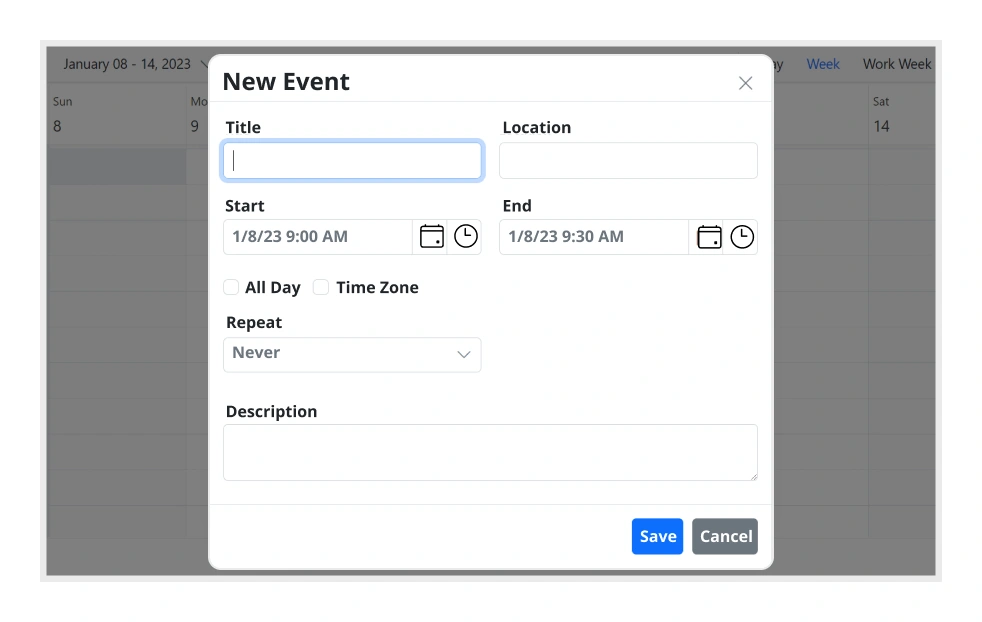
ユーザーフレンドリーなインタラクション
JavaScript Scheduler のモダンでトレンディなUIデザインは、ユーザーインタラクションをよりシンプルかつ効率的にします。
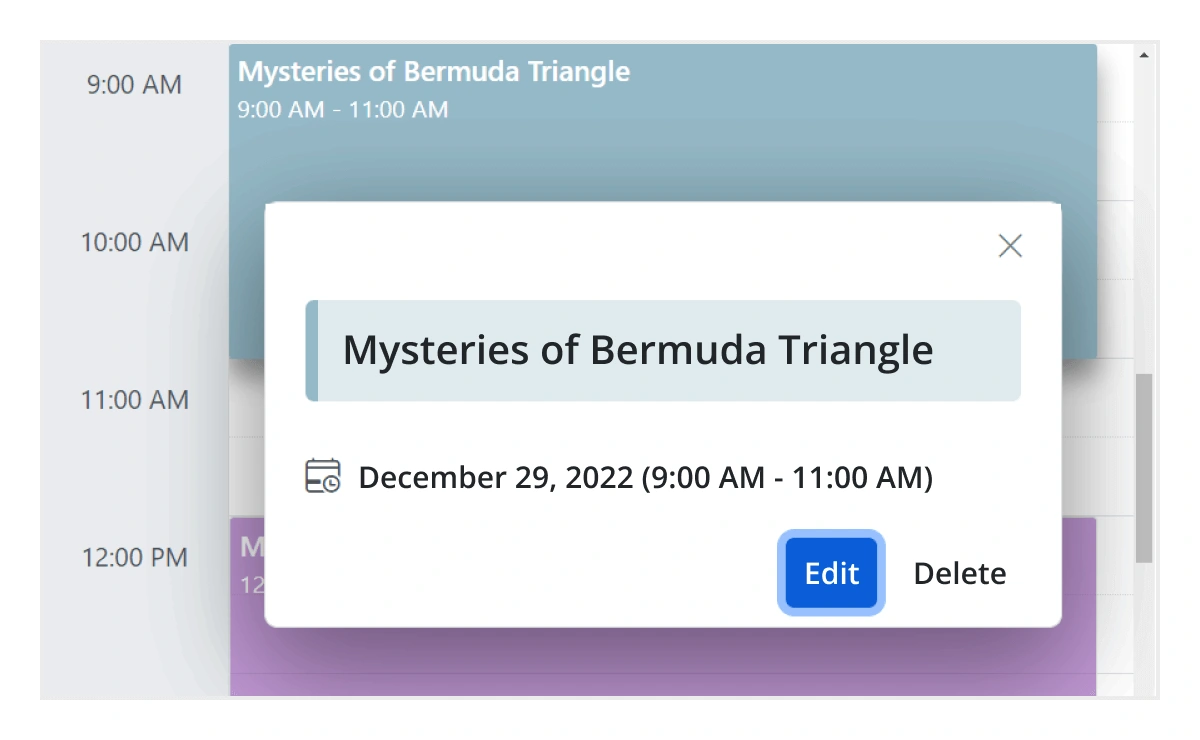
クイックイベント概要
イベントをクリックまたはタップすると、件名や時間などの重要な詳細が、編集および削除オプションとともに表示されます。
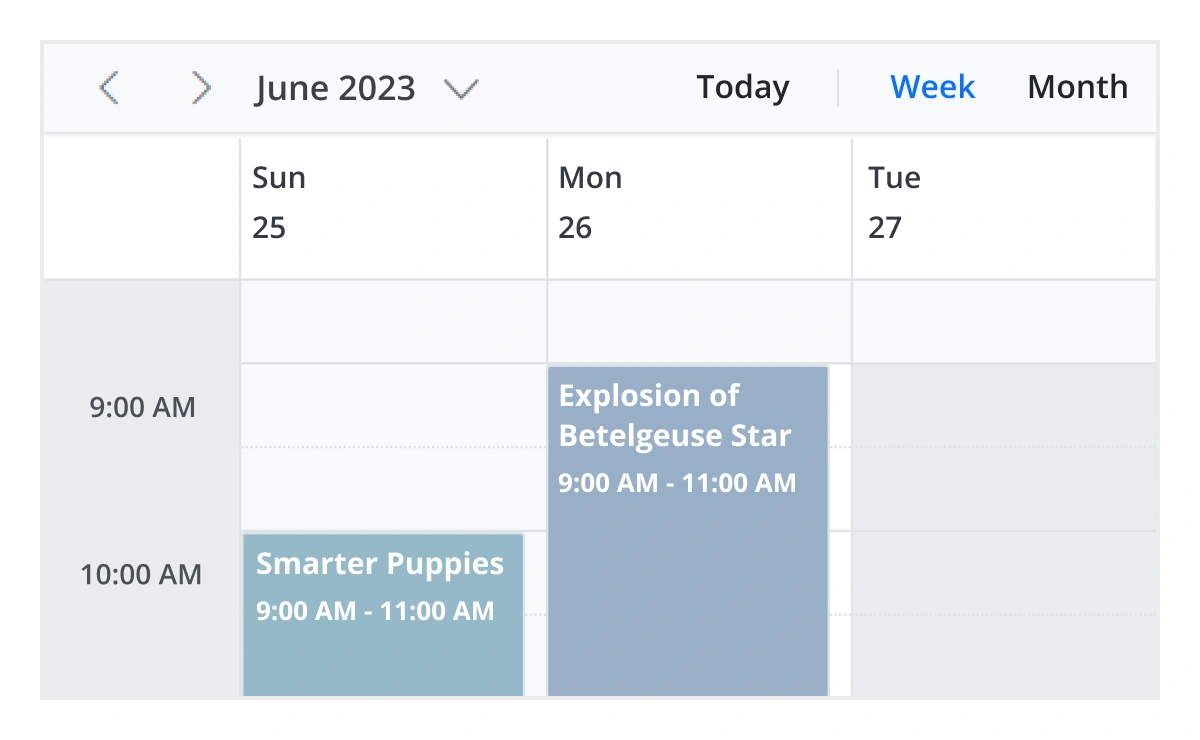
セル選択
Scheduler のセル上をポイントしてドラッグすると、複数セルを選択できます。キーボードショートカットでも同じ操作を行えます。
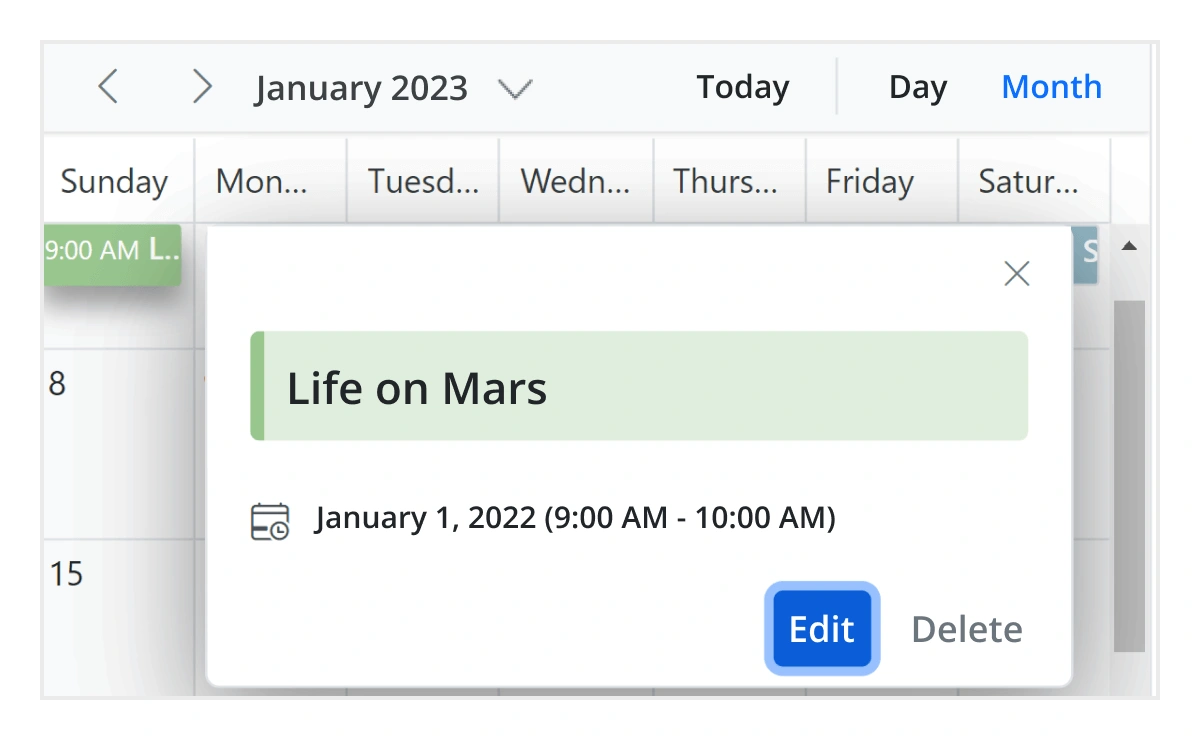
イベントコンテナ
月次ビューとタイムラインビューでテキストインジケータ(+n more)をクリックすると、その日のすべての非表示イベントと予定の詳細をリストするイベントコンテナが開きます。
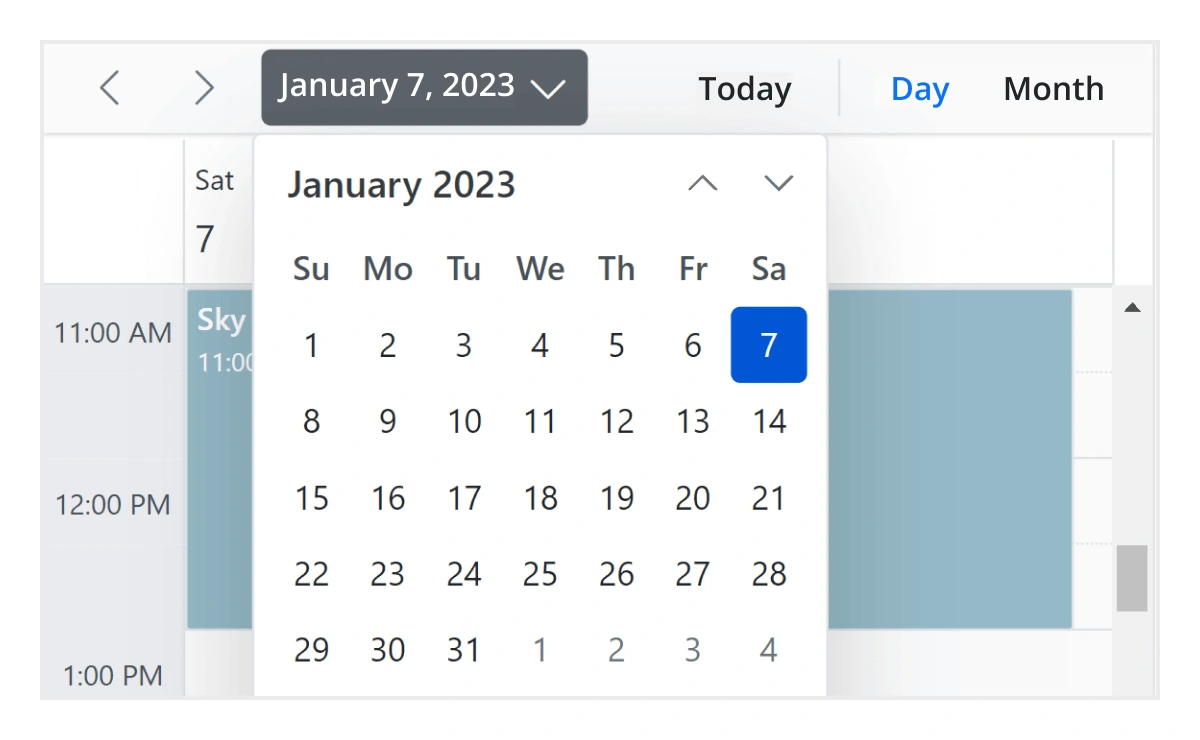
クイックナビゲーション
JavaScript Scheduler は、インラインカレンダーを使用して日付範囲を前後に移動したり、異なるビューモード間を移動したりするための直感的な方法を提供します。
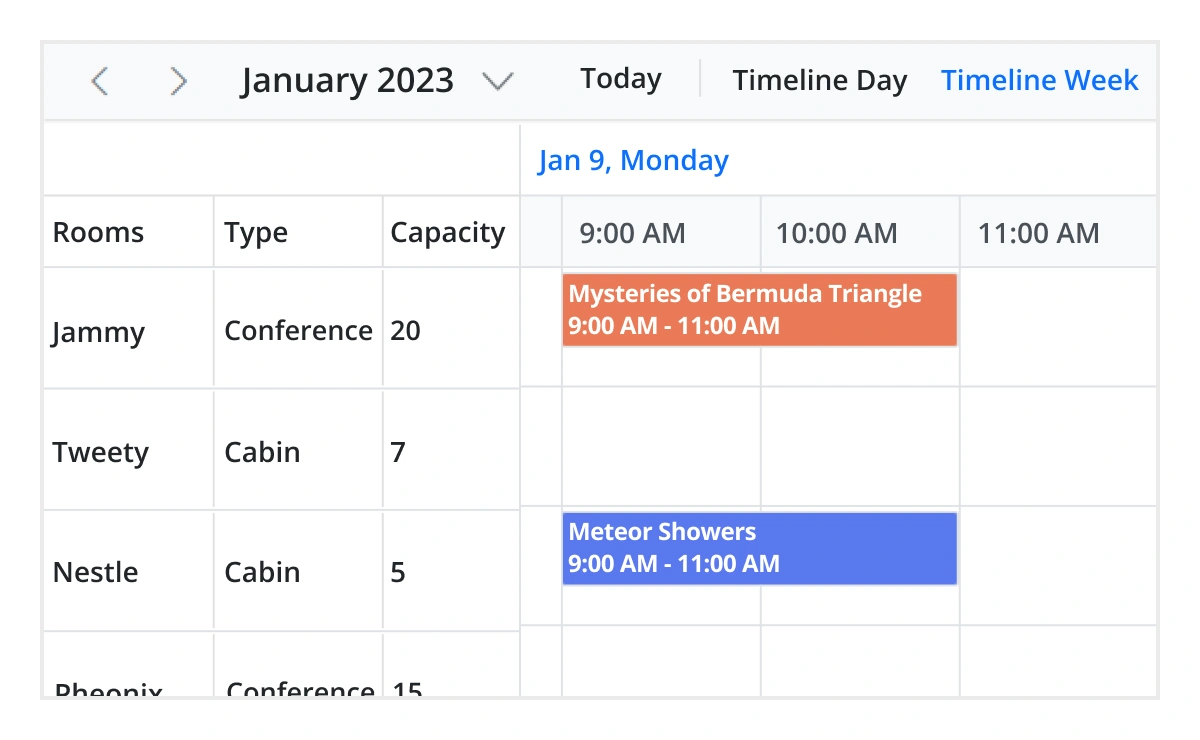
リアルタイムアプリケーション
多くのリアルタイムアプリケーションでは、Scheduler が不可欠な部分として使用されており、プロジェクトの種類に基づいてさまざまな目的を果たしています。アクティブなアプリケーションには、運賃カレンダー、会議室カレンダー、医師の予約プランナー、ホテル部屋予約などがあります。
インタラクティブな機能
JavaScript Scheduler は、イベントをExcelファイルまたはICSファイルの2つの方法でエクスポートできます。

Excelへのエクスポート
JavaScript Scheduler は、すべてのイベントをデフォルトでExcelドキュメントにエクスポートできます。また、カスタムイベントデータコレクションをエクスポートするための追加のカスタマイズオプションも提供します。

ICSのエクスポートとインポート
JavaScript イベントカレンダーは、すべてのイベントデータを iCal 形式にエクスポートすることをサポートしており、iCal ファイルからScheduler にイベントをインポートすることをサポートしています。

開発者向けAPI
開発者は、組み込みの開発者向けAPIを通じてイベントカレンダーのUIと動作を完全に制御できます。これにより、複雑なScheduler の機能も簡単にカスタマイズできます。
アクセシビリティ
JavaScript Scheduler コンポーネントは、スクリーンリーダーで簡単にアクセスできます。完全なキーボードインタラクションサポートも提供されています。

完全にアクセシブル
JavaScript Scheduler コンポーネントは、完全なWAI-ARIAアクセシビリティサポートを備えています。Scheduler UIには高コントラストの視覚要素が含まれており、視覚障害者にも最高の閲覧体験を提供します。また、有効なUIの説明は、スクリーンリーダーなどの支援技術を通じて簡単にアクセスできます。

キーボードインタラクティブ
複数のセルまたはイベントの選択や、他のビューへの移動など、ほとんどすべてのScheduler アクションを実行するためのさまざまなキーボードショートカットが利用可能です。

その他の対応フレームワーク
Scheduler は、Blazor、React、Angular、Vue フレームワークで利用できます。以下のリンクからプラットフォーム固有のオプションを探してください。


サポートされているブラウザ
JavaScript Scheduler は、Chrome、Firefox、Edge、Safari、Opera を含むすべてのモダンなWebブラウザでうまく動作します。

最初の JavaScript Scheduler をどう作成すればいいかわからない?ドキュメントがお手伝いします。
今すぐ読む155+ 以上のJavaScript UIコントロール
すべてのコントロール
スマートコンポーネント
グリッド
ドロップダウン
インプット
データビジュアライゼーション
ナビゲーション
ボタン
インタラクティブチャット
よくある質問
Syncfusion JavaScript Scheduler を選ぶべき理由は何ですか?
豊富な機能を備えたJavaScript Scheduler は、以下を提供します。
- デスクトップ、タブレット、モバイル向けに最適化された、高い応答性を持つレイアウトと洗練されたデザイン。
日、週、稼働週、月など、さまざまな基本ビューと、カレンダーモードの年次ビュー、タイムラインモード。
仮想スクロールにより、大量のリソースとイベントを動的に読み込むことができます。
- 異なるタイムゾーンに瞬時に適応します。
タイムライン、水平、階層、日付ビューに基づく複数のリソースグループ化。
- Google および Outlook カレンダーとイベントを簡単に同期できます。
- ソフトウェアとインタラクトするための機能豊富なUIを提供する市場で最高のJavaScript Scheduler の1つ。
簡単な構成とAPI。
- すべてのモダンブラウザのサポート。
Syncfusion JavaScript Scheduler の価格は?
JavaScript Scheduler は個別に販売していません。Syncfusion チームライセンスの一部としてのみ購入できます。これには、JavaScript Scheduler を含む 1,600以上のコンポーネントとフレームワークが含まれています。チームライセンスの価格は、開発者5人に対して月額395ドルから始まり、サブスクリプションの有効期限までサポートとアップデートが含まれます。さらに、現在実施中のプロモーションに基づいて割引を提供できる場合があります。追加の割引が適用されるかどうかについては、今すぐ製品スペシャリストにお問い合わせください。
Syncfusion JavaScript Scheduler のデモはどこで見つけられますか?
Scheduler をレンダリングして構成する方法を示すJavaScript Scheduler のデモをご覧いただけます。
Syncfusion JavaScript Scheduler コンポーネントを個別に購入できますか?
いいえ、弊社の 1,600以上のWeb、モバイル、およびデスクトップ用のコンポーネントとフレームワーク(JavaScript Scheduler を含む)は、個別に販売されていません。チームライセンスの一部としてのみ利用可能です。ただし、弊社は競合他社がScheduler コントロールのみで請求する金額よりわずかに高いだけで、競争力のある価格を設定しています。また、弊社の経験から、お客様は通常、弊社の製品のいずれか1つを使用し始め、すぐに複数の製品に拡張するため、開発者5人のチームに対して月額395ドルから始まるサブスクリプション料金ですべての 1,600以上のコンポーネントとフレームワークを提供するのが最善であると感じました。さらに、現在実施中のプロモーションに基づいて割引を提供できる場合があります。追加の割引が適用されるかどうかについては、今すぐ製品スペシャリストにお問い合わせください。
Syncfusion JavaScript Scheduler を無料でダウンロードして利用できますか?
いいえ、これは商用製品であり、有料ライセンスが必要です。ただし、年間売上総収入が100万米ドル未満で、開発者が5人以下の企業や個人向けに無料のコミュニティライセンスも利用可能です。
Syncfusion JavaScript Scheduler の始め方については?
包括的なはじめにドキュメントから始めるのが良いでしょう。
お客様は私たちを愛しています
優れたツール群と充実したサポートチームにより、Syncfusion® はお客様の開発時間を短縮します。お客様の体験談の一部をご紹介します。

Light and fast
I like JS controls the most, they are simple to use and easy to integrate to JS apps. In ASP.NET MVC your controls behave very nice, although I consider I have more control by using the JS version.

Alexis A.

Software Architect
Syncfusion - Great controls and terrific support
The best in Syncfusion is the attention and efforts spent by the technical support whenever needed. It’s priceless. The Syncfusion controls are really usefull to accelerate my projects, mainly those things related to UI.

David B.
CEO
実際の成功事例を見る
世界中の開発者が複雑なプロジェクトを簡素化し、納期を短縮するために Syncfusion の Essential Studio を信頼しています。豊富な UI コントロール ライブラリ、強力な SDK、信頼できるサポートにより、Essential Studio はチームがエンタープライズ対応のアプリケーションを自信を持って構築できるよう支援します。
ケーススタディを探る産業
ソフトウェア開発
75% コスト削減
50% より迅速な開発

産業
公益事業 (石油・ガス)

450+ 節約された時間
プロセスを合理化し、開発工数を大幅に削減

高度で柔軟な機能
強力で多用途な機能によりユーザーを支援
産業
ソフトウェアと技術
1000+ 節約された時間
エンタープライズ対応の UI コンポーネントで開発を加速

効率的なファイル管理
ドキュメント ライブラリにより、ゼロから構築することなくワークフローを合理化
産業
ソフトウェアと技術

2年 回避された遅延
プロアクティブな計画により 2 年間の遅延を防止

予定どおりの納品
信頼性の高いコントロールを使用してプロジェクトを期日どおりに納品
産業
ITサービスとITコンサルティング

パフォーマンスの向上
大規模データセットを簡単なカスタマイズと迅速なデバッグで処理

高いカスタマイズ性
プラグアンドプレイ方式のコントロールによりテンプレートを素早く統合
産業
プロフェッショナルサービス
即時アクセス
機能とリソースをすぐに利用可能
依存関係の削減
開発を高速化するための依存関係を最小限に
世界中のユーザーからの評価



Syncfusion JavaScript Scheduler リソース


受賞歴
偉大さ—自分で言うのではなく、他の人が認めるからこそ意味があります。 シンクフュージョンは以下の賞をいただきました。


JavaScript Scheduler のブログの最近のアクティビティ
JavaScript Scheduler のブログ投稿は、JavaScript コントロールで最初のアプリを構築するのに役立ちます。これらは問題解決戦略を提供し、機能と機能性を説明し、新機能のリリースを発表し、ベストプラクティスを説明し、例のシナリオを紹介します。JavaScript Scheduler の更新については、ブログチャンネルの最新の投稿をご覧ください。







