


Overview
The Syncfusion JavaScript PDF library provides powerful and flexible APIs for adding rich content to PDF pages, templates, and layers. Developers can easily draw text, images, shapes, tables, graphics, watermarks, and custom elements directly onto PDF pages. The library also supports creating reusable PDF templates for headers, footers, stamps, and background elements, ensuring consistent design across documents.
Additionally, the library enables working with PDF layers (Optional Content Groups), to organize content into separate, controllable layers whose visibility can be toggled programmatically or by users in PDF viewers. This makes it ideal for building interactive, multi‑layered documents such as architectural plans, maps, design mockups, and dynamic reports.
Compatible with JavaScript, TypeScript, Angular, React, Vue, ASP.NET Core, and Node.js, the library enables seamless client‑side and server‑side PDF generation across modern web applications.
How Add Content to Pages, Templates, and Layers in JavaScript?
import { PdfDocument, PdfPage, PdfTemplate, PdfImage, PdfBitmap, PdfStandardFont, PdfBrush, PdfFontFamily, PdfFontStyle } from '@syncfusion/ej2-pdf';

// Create a new PDF document
let document: PdfDocument = new PdfDocument();
// Add a page
let page: PdfPage = document.addPage();
// Create a template
let template: PdfTemplate = new PdfTemplate({ x: 100, y: 100, width: 400, height: 200 });
// Create new image object by using JPEG image data as Base64 string format
let image: PdfImage = new PdfBitmap('/9j/4AAQSkZJRgABAQEAkACQAAD/4....QB//Z');
// Draw the image into the template graphics
template.graphics.drawImage(image, { x: 0, y: 0, width: 100, height: 50 });
// Create a new font
let font: PdfStandardFont = document.embedFont(PdfFontFamily.helvetica, 20, PdfFontStyle.regular);
// Draw the text into template graphics.
template.graphics.drawString('Created by Syncfusion PDF', font, {x: 10, y: 20, width: 100, height: 200}, new PdfBrush({r: 0, g: 0, b: 255}));
// Draw template to the page
page.graphics.drawTemplate(template, { x: 0, y: 0, width: 100, height: 50 });
// Save the document
document.save('output.pdf');
// Destroy the document
document.destroy();
Different ways to add content to pages, templates, and layers
Explore different methods for adding content to pages, templates, and layers from PDFs.
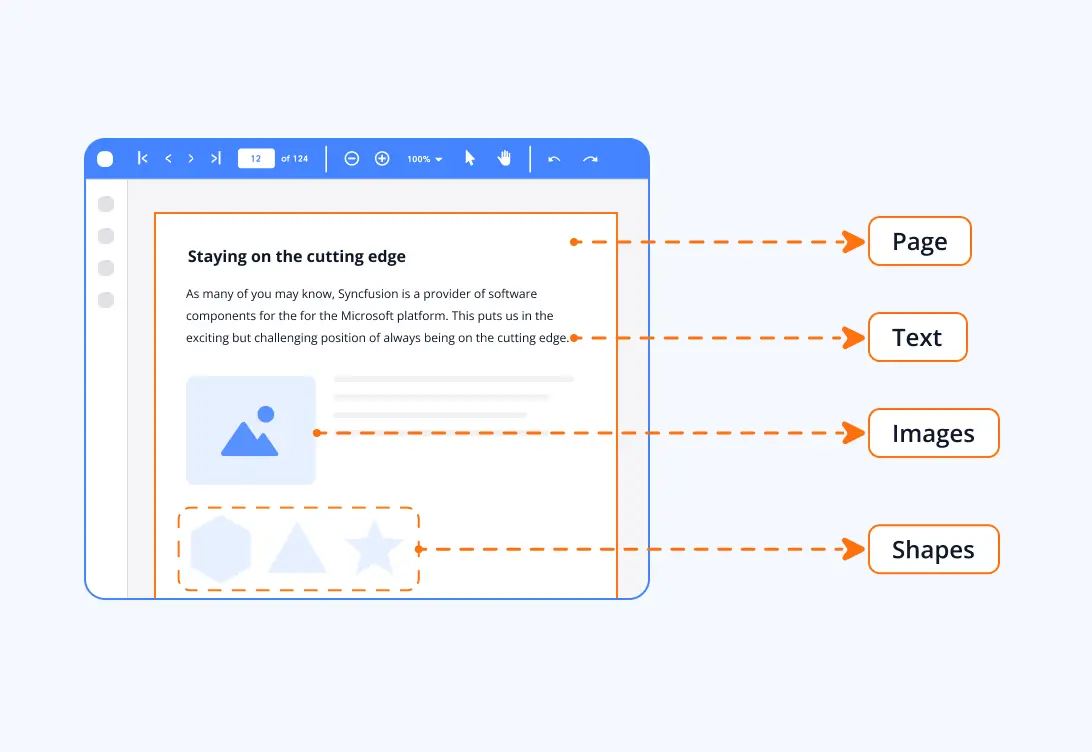
PDF page
PDF pages act as the main drawing surface to add text, images, shapes, and graphics using the Syncfusion JavaScript PDF library. Users can precisely position content anywhere on a page, enabling the creation of fully customized and visually rich PDF documents.
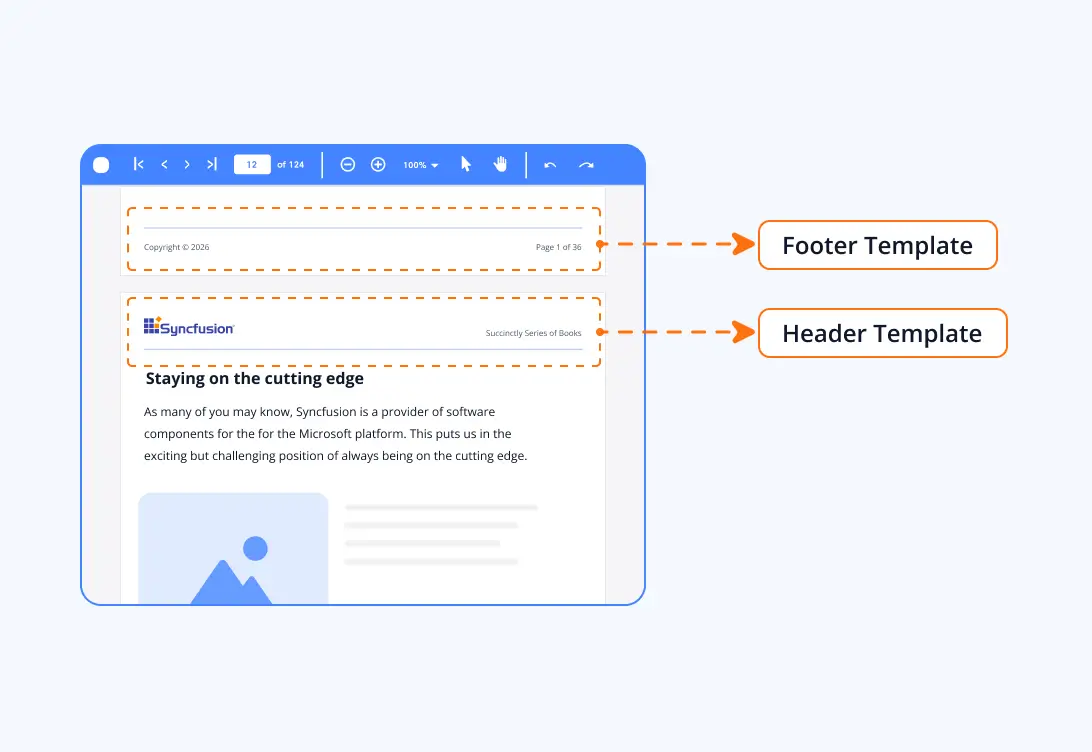
PDF templates
PDF templates allow users to create reusable design elements, such as watermarks and backgrounds—that can be applied across multiple pages. Using the library, design content once and reuse it seamlessly, ensuring consistent layout and styling throughout the document.
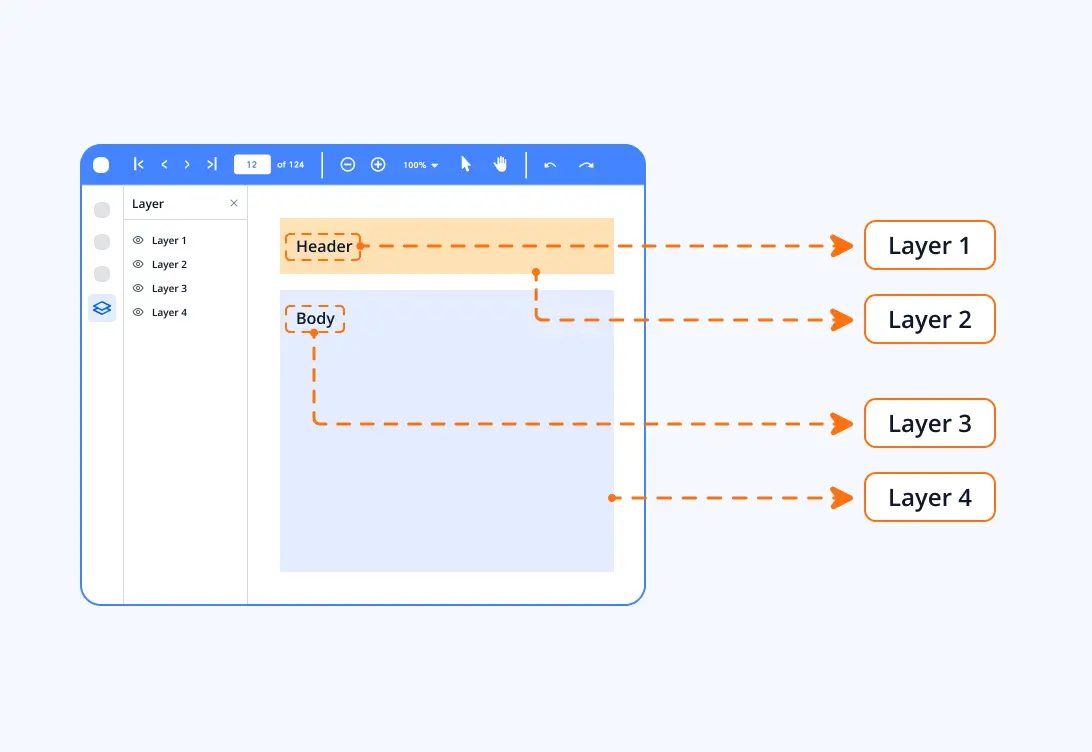
PDF layers
PDF layers (Optional Content Groups) let users place content—such as text, images, or graphics—on separate, toggleable visual layers. With the Syncfusion JavaScript PDF library, create and manage these layers to control visibility and organize complex content more effectively. This helps build interactive and customizable PDF documents.
Syncfusion JavaScript PDF Library Resources
Explore these resources for comprehensive guides, knowledge base articles, insightful blogs, and ebooks.


Product Updates


Technical Support


Frequently Asked Questions
How can I add text, images, or graphics to a PDF page using the JavaScript PDF library?
You can add content such as text, images, shapes, and graphics directly to a PDF page using APIs like drawText, drawImage, and drawRectangle. These allow you to position content precisely on the page using coordinates.
What are PDF layers (Optional Content Groups), and how do they benefit PDF creation?
PDF layers let you place content in separate, toggle‑able groups. Users or developers can control the visibility of each layer. This is useful for creating documents like maps, architectural plans, engineering diagrams, or dynamic reports where different content sets need to be shown or hidden independently.
What are PDF templates, and how are they used in document creation?
PDF templates are reusable drawing surfaces that allow you to create background designs, stamps, and repeat content. Once created, templates can be applied to one or multiple pages, helping maintain consistency across the entire document.
Can I control the visibility of templates and layers in the final PDF?
Yes. Templates can be drawn as fixed elements on pages, while layers offer greater control, enabling visibility toggling in supported PDF viewers. You can specify whether layers should be visible by default or allow users to turn them on or off.
Trusted by the world’s leading companies
Our Customers Love Us











