


Why do you need our JavaScript PDF Library?
Add native, high-performance PDF capabilities to web applications—without relying on external services. Maintain full control of data while creating, reading, editing, and manipulating PDFs, extracting text and images, applying redactions, and securing documents with digital signatures. Built for scalability and reliability, it integrates seamlessly into modern JavaScript apps, reducing complexity so teams can focus on delivering exceptional user experiences.
Enterprise-ready document editing power
JavaScript PDF API for creating and editing PDFs
Use our JavaScript PDF API to create, edit, and analyze PDF documents programmatically, without relying on Adobe Acrobat or other external PDF software.
- Create PDFs from scratch
- Add text, images, and shapes
- Extract text and images from existing PDFs
- Edit and manipulate content
- Add annotations and form fields
- Flatten forms and redact sensitive content
- Digitally sign documents for security and authenticity
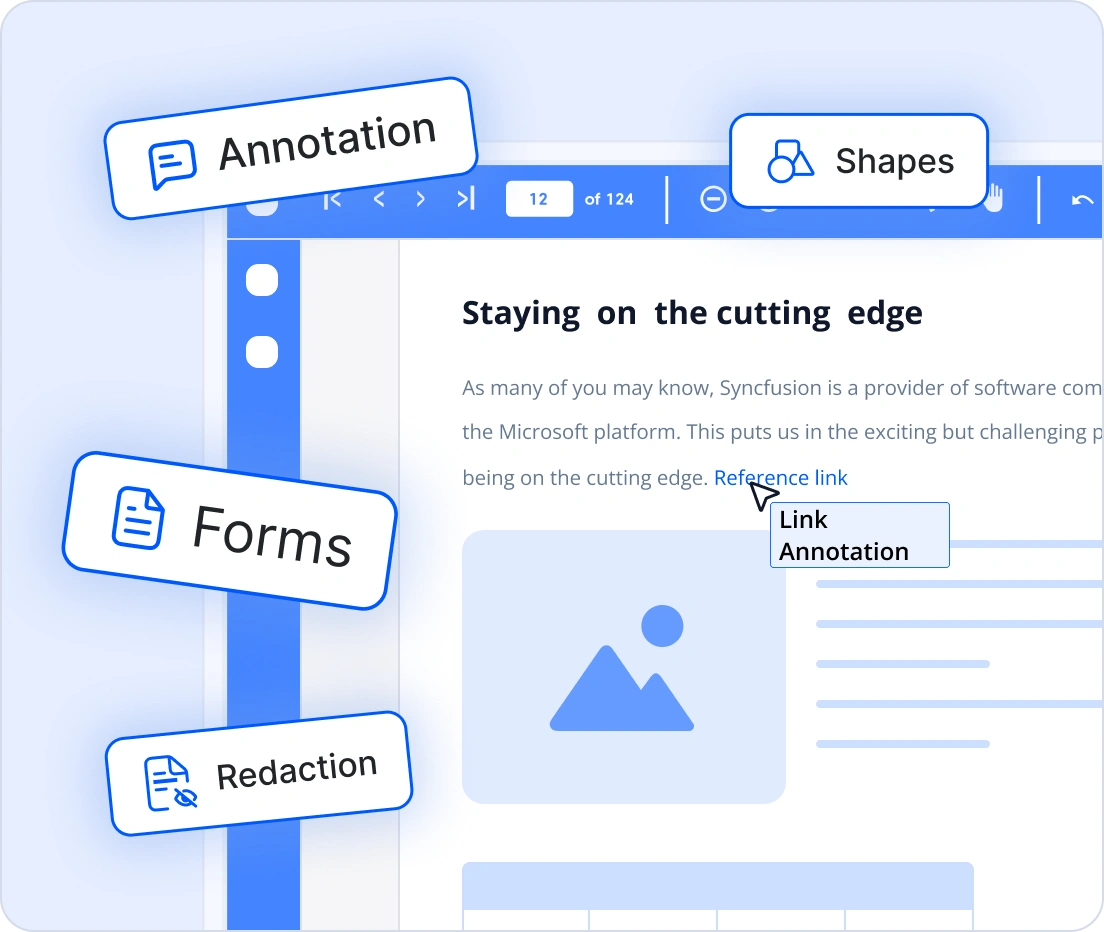
High-performance PDF processing
Achieve fast, reliable PDF creation and manipulation directly in JavaScript. Designed to handle complex layouts and large files without external dependencies.
- Create, read, and modify PDFs with high performance
- Handle large documents and complex layouts efficiently
- Extract text and images with speed and accuracy
- Apply redaction and digital signatures securely
- Run entirely within your application environment

Scale with absolute confidence
Process PDFs of any size while maintaining speed and stability. Built for modern applications that demand reliability under heavy workloads.
- Optimized for low memory usage and high throughput
- Perform consistently with large and complex documents
- Scale across client-side and server-side environments
- Ideal for enterprise and high-traffic applications
- Ensure dependable performance in critical workflows
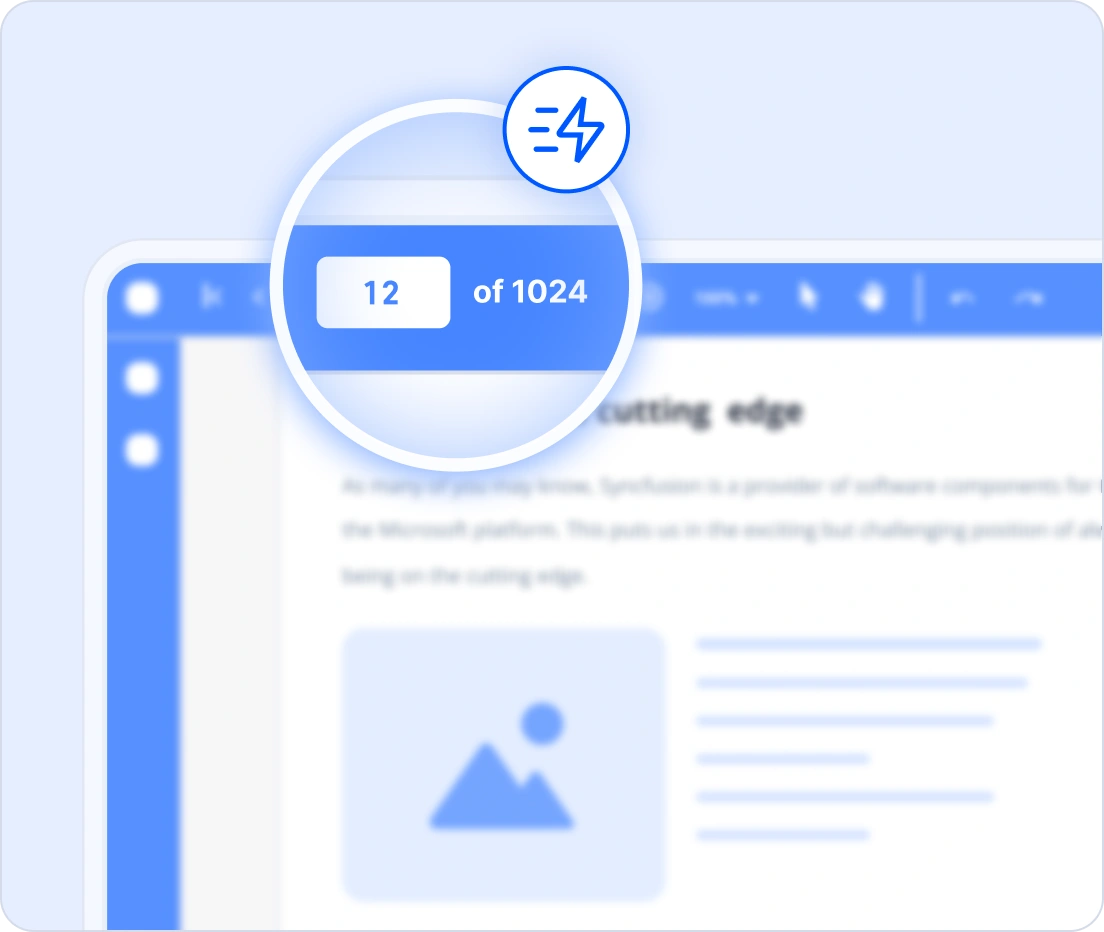
Developer-friendly setup
As part of Syncfusion’s JavaScript Document SDK, the lightweight PDF Library integrates powerful features quickly. No plugins or external services required, just seamless setup and faster development.
- Simple, intuitive API for rapid integration
- No external dependencies or additional services required
- Fits naturally into existing JavaScript workflows
- Works for both client-side and server-side applications
- Minimize setup time and accelerate development
import { PdfDocument, PdfGraphics, PdfPage, PdfFont, PdfFontFamily, PdfFontStyle, PdfBrush } from '@syncfusion/ej2-pdf';

// Create a new PDF document
let pdf = new PdfDocument();
// Add a new page
let page: PdfPage = pdf.addPage();
// Get graphics from the page
let graphics: PdfGraphics = page.graphics;
// Set font
let font: PdfFont = pdf.embedFont(PdfFontFamily.helvetica, 36, PdfFontStyle.regular);
// Create a new black brush
let brush = new PdfBrush({r: 0, g: 0, b: 0});
// Draw text
graphics.drawString('Hello World!!!', font, {x: 20, y: 20, width: graphics.clientSize.width - 20, height: 60}, brush);
// Save and download PDF
pdf.save('output.pdf');
// Destroy the PDF document instance
pdf.destroy();
Works with major JavaScript frameworks
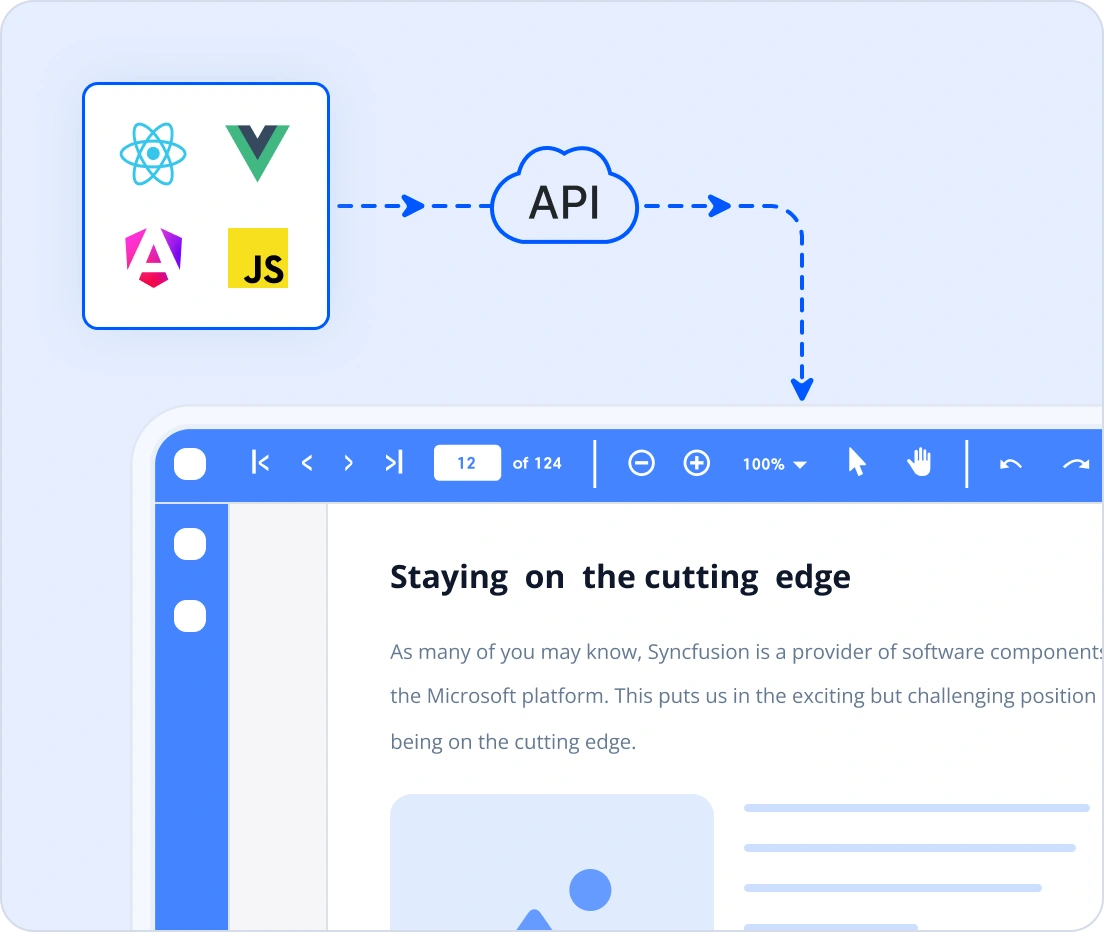
Integrate advanced PDF processing into your applications with minimal effort. Our non-UI JavaScript PDF library fits seamlessly into modern development stacks, enabling a simple, efficient implementation without external dependencies.
Compatible with popular frameworks like React, Angular, Vue, ASP.NET Core, and ASP.NET MVC
Consistent API for seamless cross-platform integration, enabling PDF creation and editing in browsers and Node.js
- Extensive documentation with framework-specific examples for quick adoption
Comprehensive document capabilities
Create, edit, and extract content across various formats.
Our JavaScript PDF creator lets you generate PDF files from scratch and build rich, interactive, accessible documents with support for:
Text and images: Create, style, and position text elements, and insert various image formats programmatically within PDF pages.
Shapes: Draw vector shapes and graphical elements such as lines, rectangles, circles, and custom paths to enhance layout or highlight content.
Annotations: Add, modify, or delete various annotations such as notes, highlights, stamps, and shapes to support reviewing and interactive markup in PDF documents. Customize supported shape annotations with cloud-style borders to highlight specific regions of a PDF page.
Forms: Create, fill, edit, and manage interactive form fields, including text boxes, checkboxes, radio buttons, dropdown lists, and digital signature fields.
Document Properties: Set and modify metadata such as title, author, subject, and keywords to help identify and organize PDF documents.
Layers: Create optional content layers that can be toggled on or off in PDF viewers, enabling multi-level, multi-language, or visually structured layouts.
Hyperlinks: Insert clickable links that open web pages, navigate to internal pages, launch external files, or initiate email actions directly from the PDF.
Font embedding: Embed font files into the PDF to ensure consistent and accurate text rendering across different devices and platforms.
XMP metadata: Embed standardized metadata (title, author, keywords, copyright) for consistent, structured, portable PDF information.
Tables: Create structured PDF tables from application data, customize rows and cells, apply built-in styles, and seamlessly distribute large tables across multiple PDF pages.
PDF encryption: Secure PDF documents with encryption, passwords, and permission controls. Restrict printing, copying, editing, and other actions while protecting sensitive document content.
Enhance and manage your PDFs with advanced editing tools:
Digital signatures: Apply digital signatures to ensure document authenticity, verify integrity, and maintain tamper proof PDF workflows.
Long-term validation (LTV): Preserve the long-term validity of digital signatures by embedding revocation information, including OCSP and CRL responses, directly into PDF documents.
Signture validation: Validate digital signatures in existing PDF documents by verifying document modifications, certificate chains, timestamps, and certificate revocation information from OCSP and CRL responses. Validate multiple signatures within the same PDF document.
Watermarks: Add text or image watermarks to PDF pages.
Split and Merge: Programmatically split a PDF into smaller documents or merge multiple PDFs into a single combined file.
Organize pages: Reorder, rotate, insert, delete, or extract pages to restructure or modify the PDF’s page layout programmatically.
Flattening: Convert interactive elements such as form fields, annotations, and layers into static content to prevent further modification.
Effortlessly extract or remove PDF content using powerful, easy-to-use APIs:
Text extraction: Extract text from individual pages or the entire document for search, indexing, processing, or data analysis.
Image extraction: Retrieve embedded images from PDF pages and access their properties, such as position, index, and raw byte data.
Redaction: Permanently remove sensitive text or images from PDF pages.
Find text: Find specific text in PDF documents and retrieve the page index and rectangular bounds of every matching occurrence. Use the results to highlight or redact text, add annotations, navigate between matches, and build custom PDF search experiences.
Build End-to-End PDF Workflows
Securely sign PDFs, build fillable forms, annotate documents, and export data in multiple formats, all in one streamlined workflow.

Digital signatures
Our JavaScript PDF library makes it easy to add secure digital signatures to PDF documents. It supports multiple signing methods, including X.509 certificates (.pfx files with private keys) and external signing workflows. You can prepare document hashes for signing through external providers such as HSMs, smart cards, or cloud-based signature services, ensuring flexibility and compliance for secure document authentication.
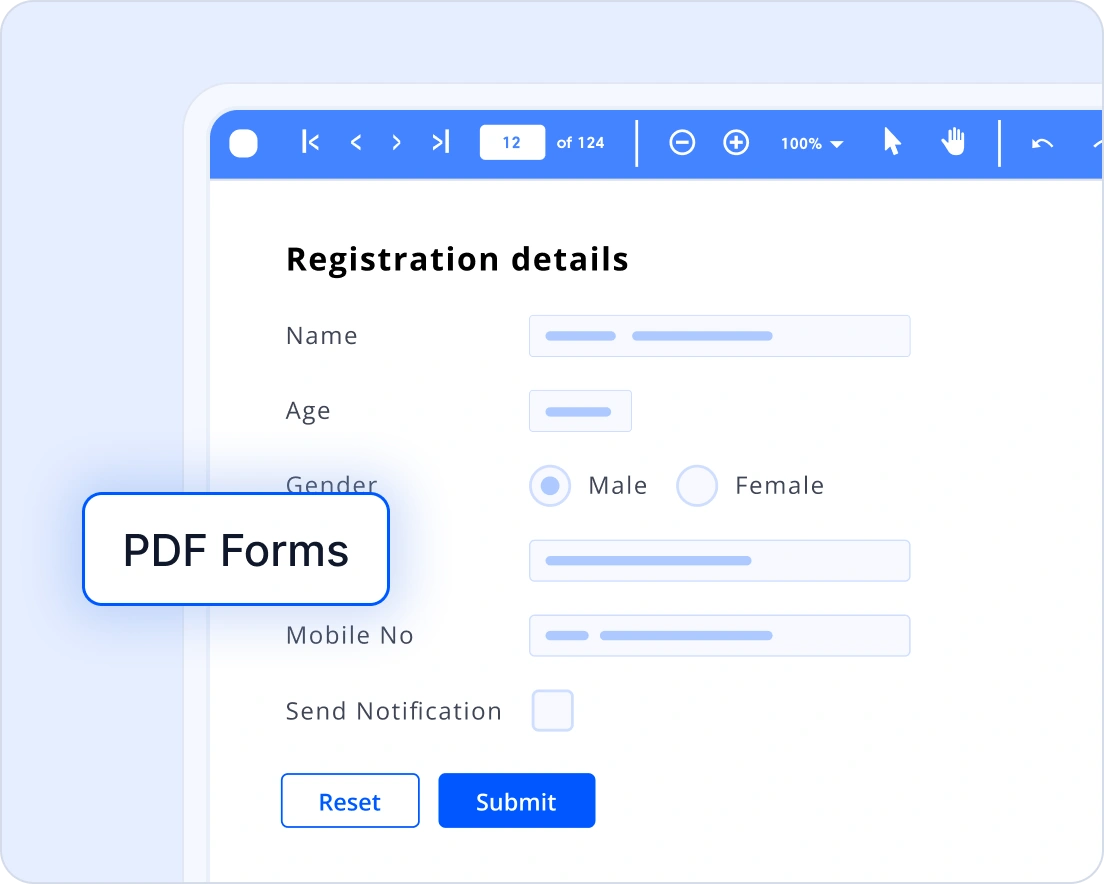
Create and manage fillable PDF forms
Create interactive PDF forms that streamline data collection and improve user engagement. Add form elements such as text boxes, checkboxes, radio buttons, dropdown menus, and signature fields, all customizable in appearance and behavior. These fillable forms offer precise layout control and support a wide range of applications from surveys and registrations to contracts, onboarding, and feedback forms.
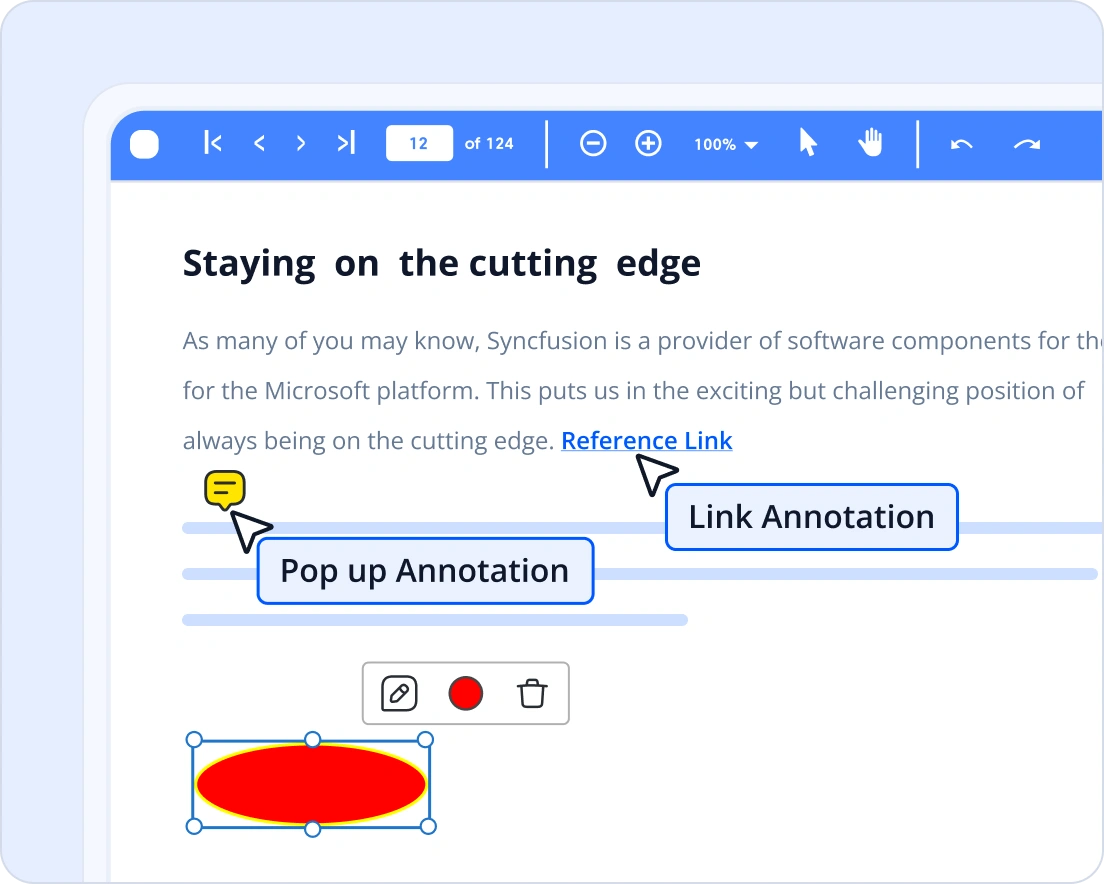
Annotate PDF documents
Enhance your PDFs with interactive annotations using our JavaScript PDF library. Add highlights, comments, shapes, and notes programmatically to improve collaboration and document review workflows. Perfect for applications that require dynamic markup without relying on external tools.
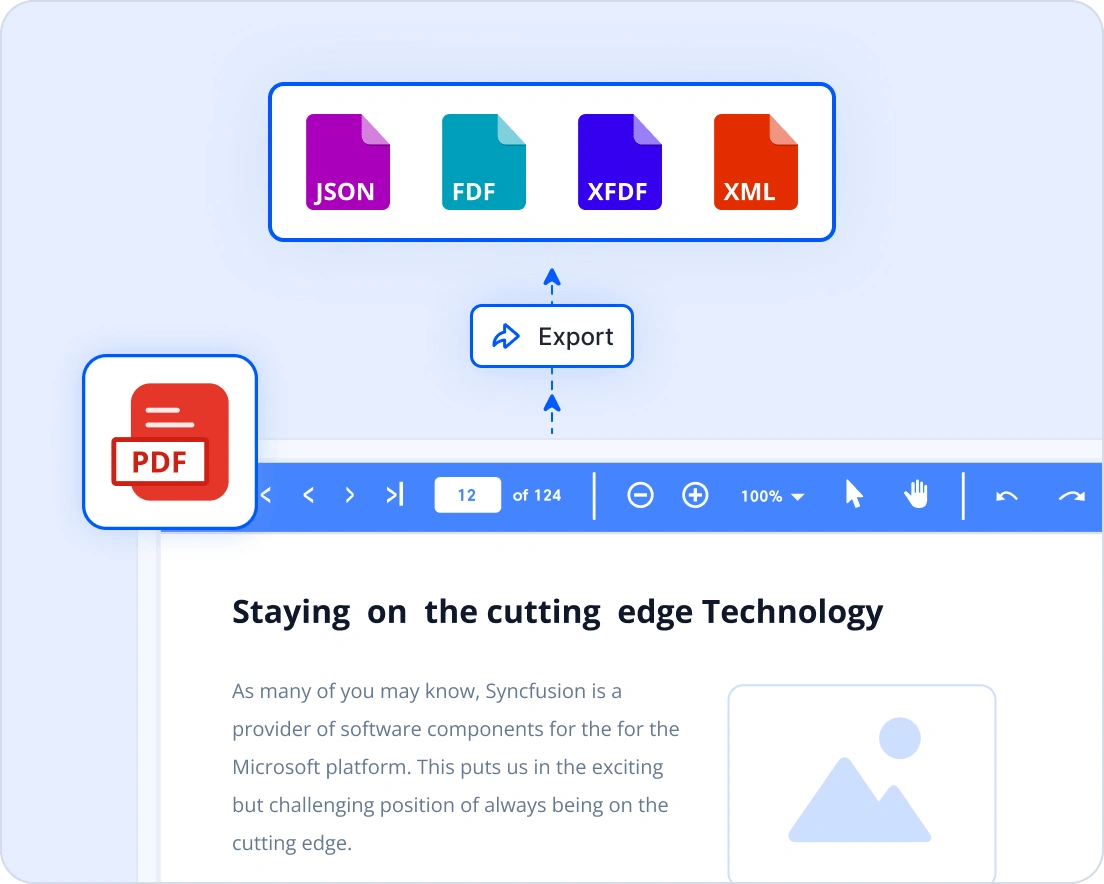
Export data from PDF
Export annotations and form data from PDFs, including highlights, comments, notes, and field values. Use formats like FDF, XFDF, JSON, and XML for easy integration across a wide range of applications and workflows. Ideal for review feedback, study notes, survey data, and contract workflows.
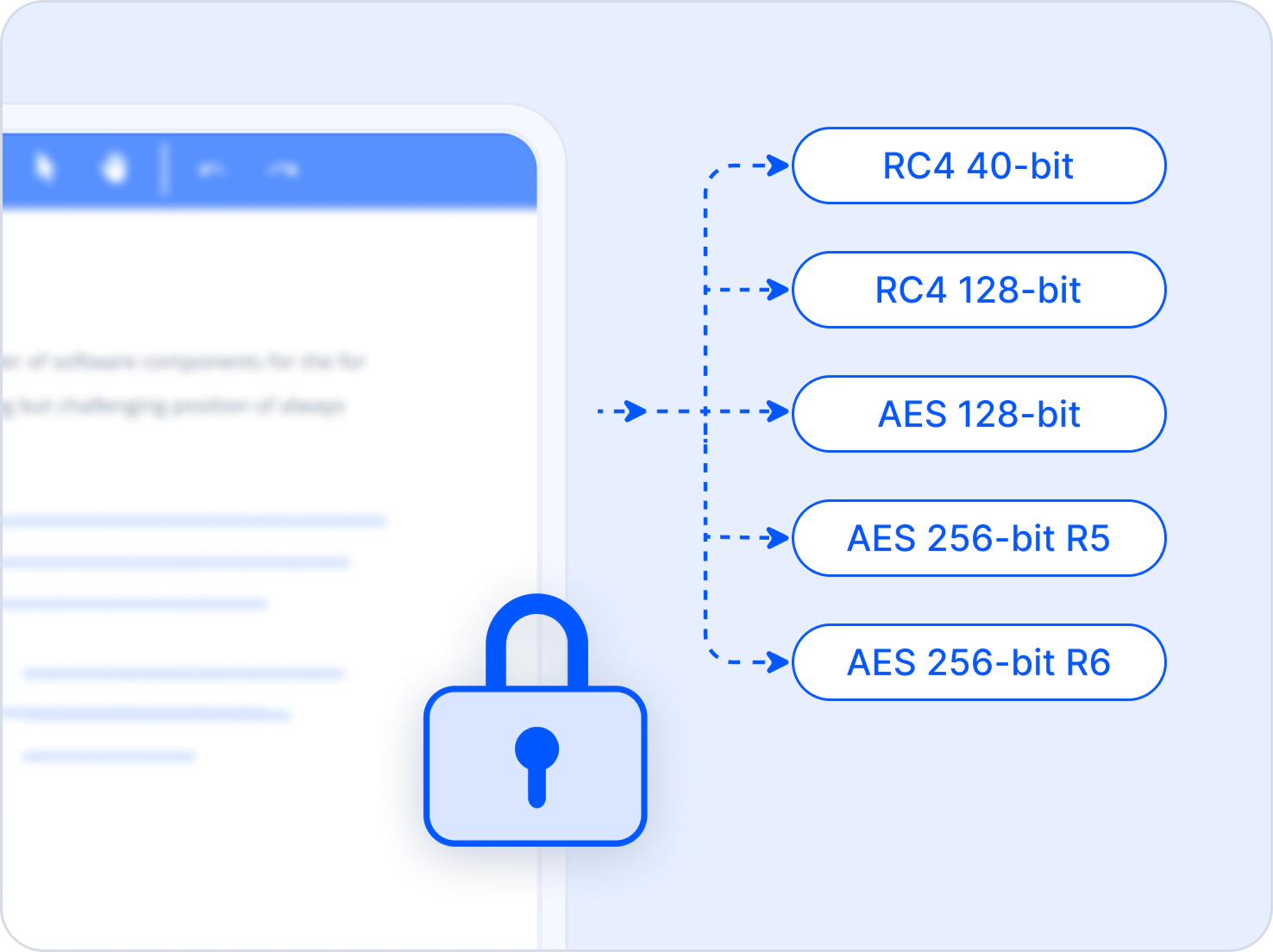
PDF encryption
Secure PDF documents with encryption, passwords, and permission controls using the JavaScript PDF Library. Protect files with RC4 or AES encryption, apply user and owner passwords, and restrict actions such as printing, copying, editing, form filling, and document assembly. Secure existing PDFs, update permissions, modify passwords, or remove encryption with authorized access.
Rich PDF content creation
Add and arrange diverse content types on PDF pages using intuitive drawing APIs to build structured, interactive, and visually rich documents.
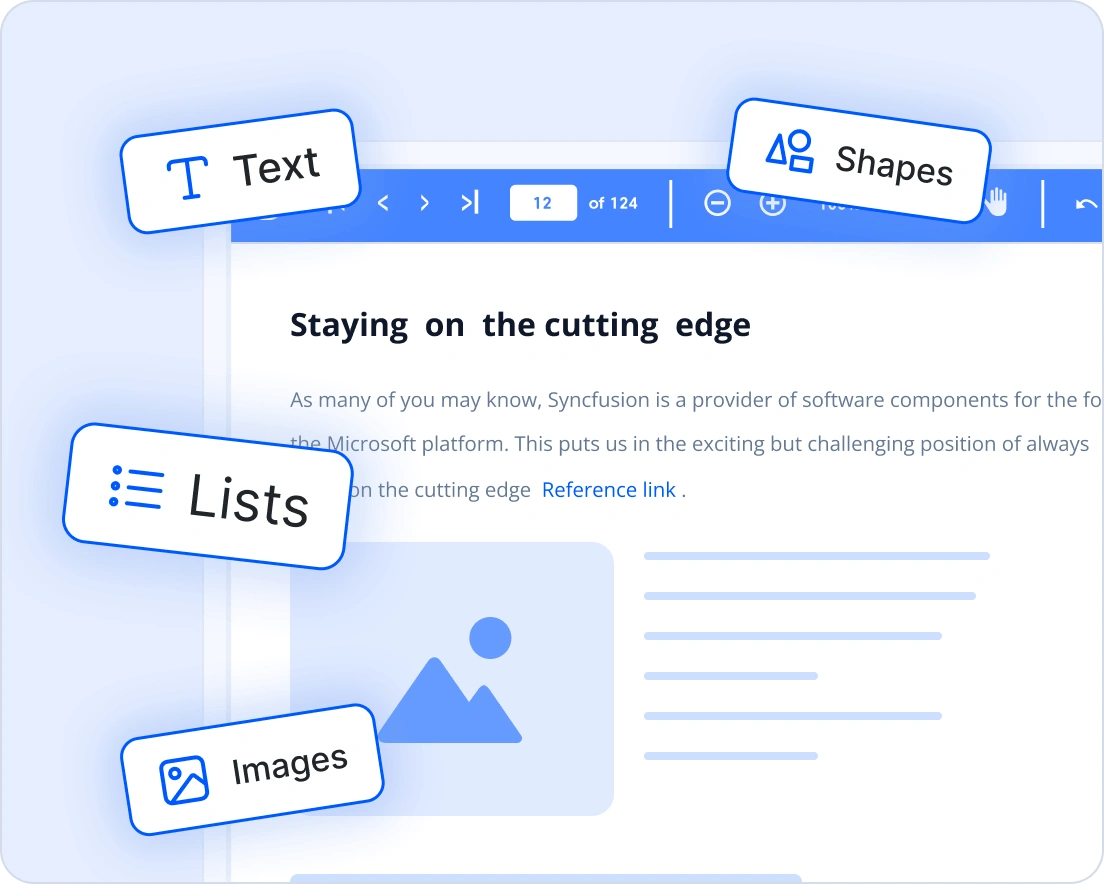
PDF content types
Bring PDFs to life with a wide range of supported content types. The JavaScript PDF library enables developers to add text, images, shapes, and lists, each serving a unique role in document design and functionality. Text elements allow precise placement of headings, paragraphs, and labels with customizable styles. Images embed logos, product visuals, or diagrams anywhere on the page. Shapes and vector graphics are used to add charts, diagrams, and design elements. By combining these content types, developers can create dynamic, professional PDFs tailored for business reports, contracts, architectural plans, maps, and design mockups.
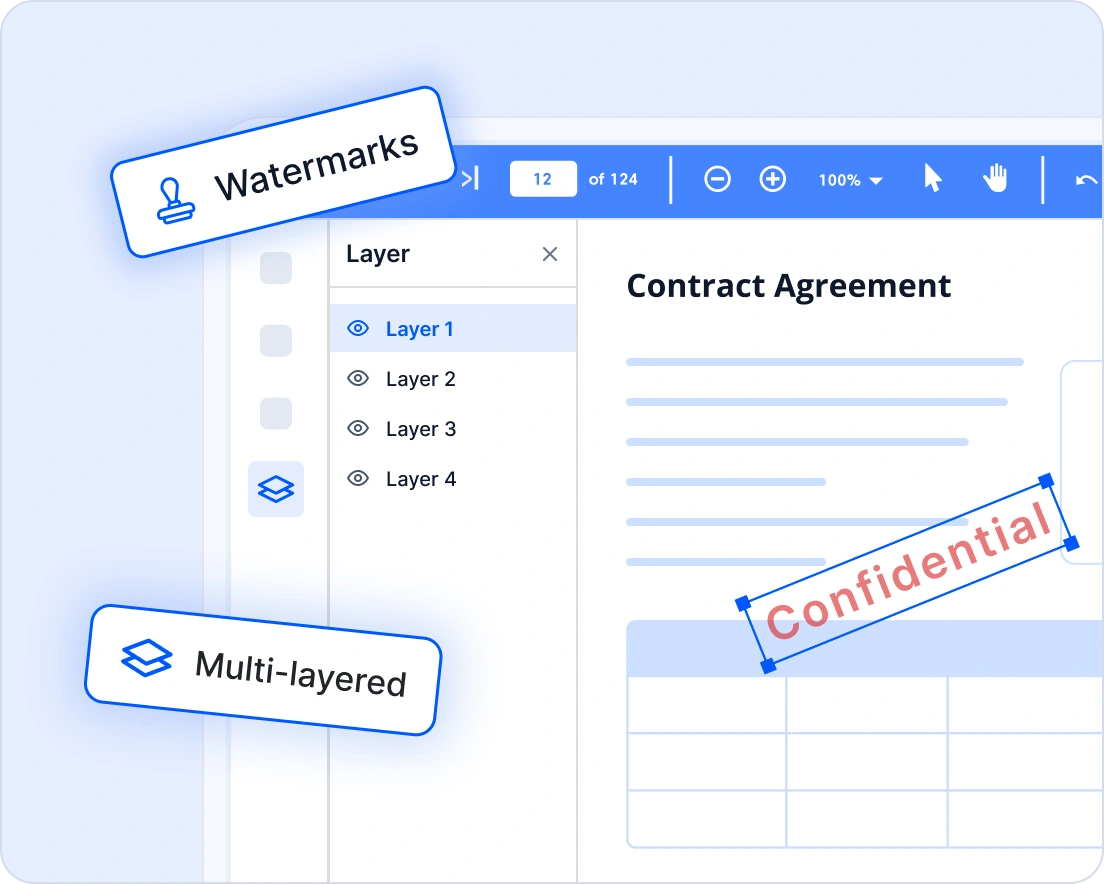
Build Layered and Structured PDFs
Design professional, interactive PDF documents with precise control over content placement using the JavaScript PDF library. Easily position text, images, and shapes exactly where needed, while incorporating headers and footers for consistent elements like page numbers, titles, and branding across pages. Reusable template support allows you to standardize layouts for reports, invoices, and contracts, ensuring uniform design with minimal effort. You can also apply watermarks and organize content into layers with controllable visibility, enabling the creation of clean, consistent, and multi-layered documents such as reports, contracts, maps, and dynamic presentations.
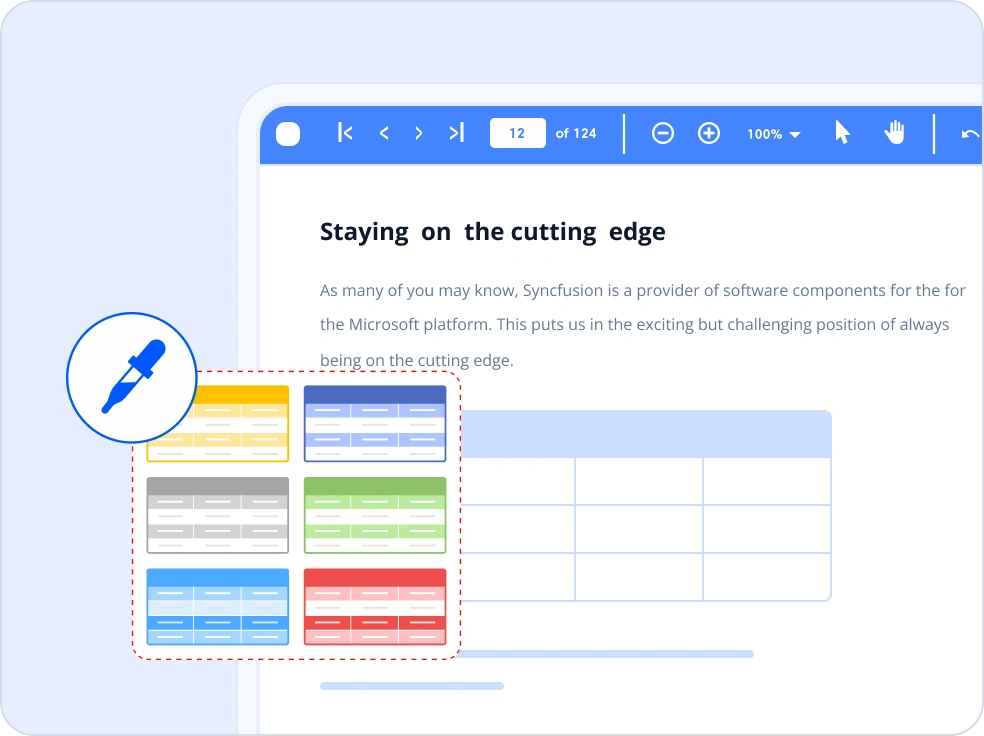
Tables
Create structured PDF tables from application data sources such as arrays, collections, and data sets using PDF Grid Drawing. Configure columns, headers, and layouts; apply built-in styles and custom formatting; and create advanced table structures with row and column spanning, nested tables, hyperlinks, images, and automatic pagination with repeated headers across PDF pages.
Precise content extraction and redaction
Extract text, images, annotations, and form field data from PDF documents, and securely remove sensitive information with reliable redaction tools for safe handling.
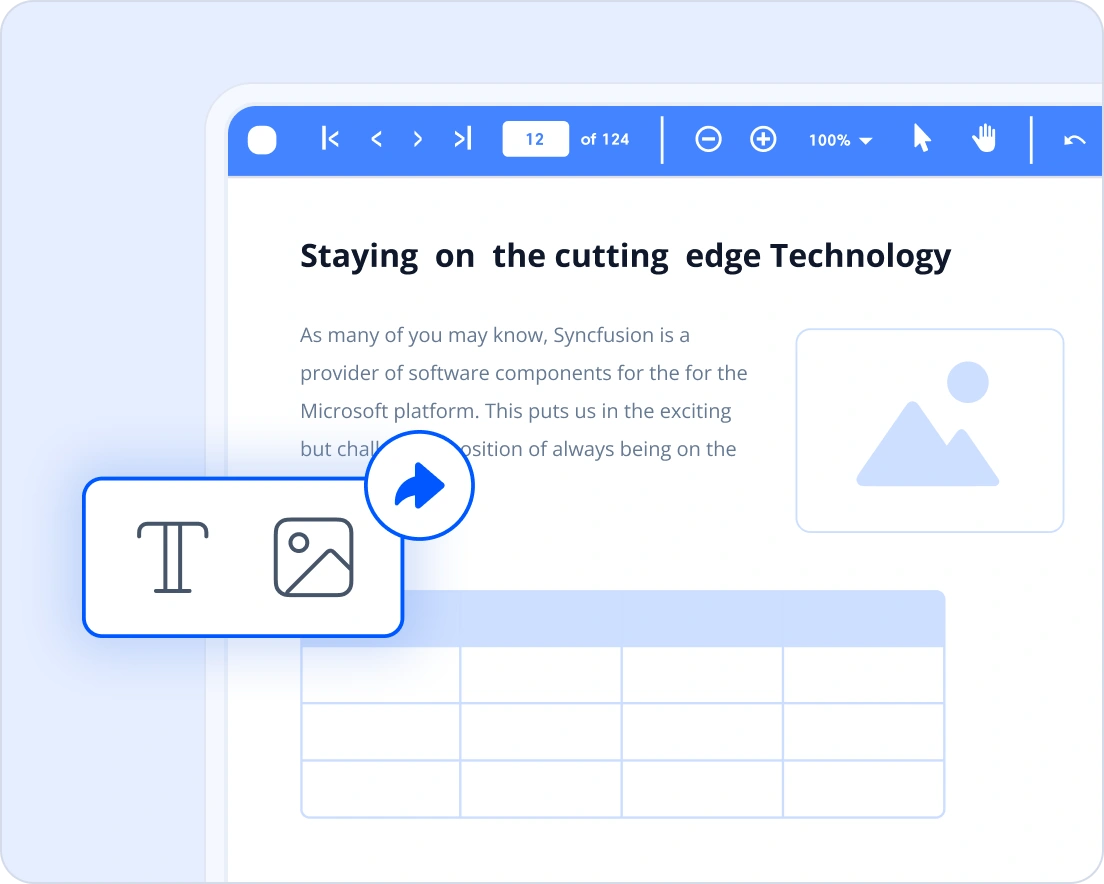
Text & image extraction
Our JavaScript PDF library provides an efficient way to extract content from PDF documents. Retrieve text for indexing, searching, or analytics and extract embedded images for reuse or processing—all directly in the browser without external dependencies. It is perfect for applications that require data mining, content analysis, or dynamic repurposing of content.
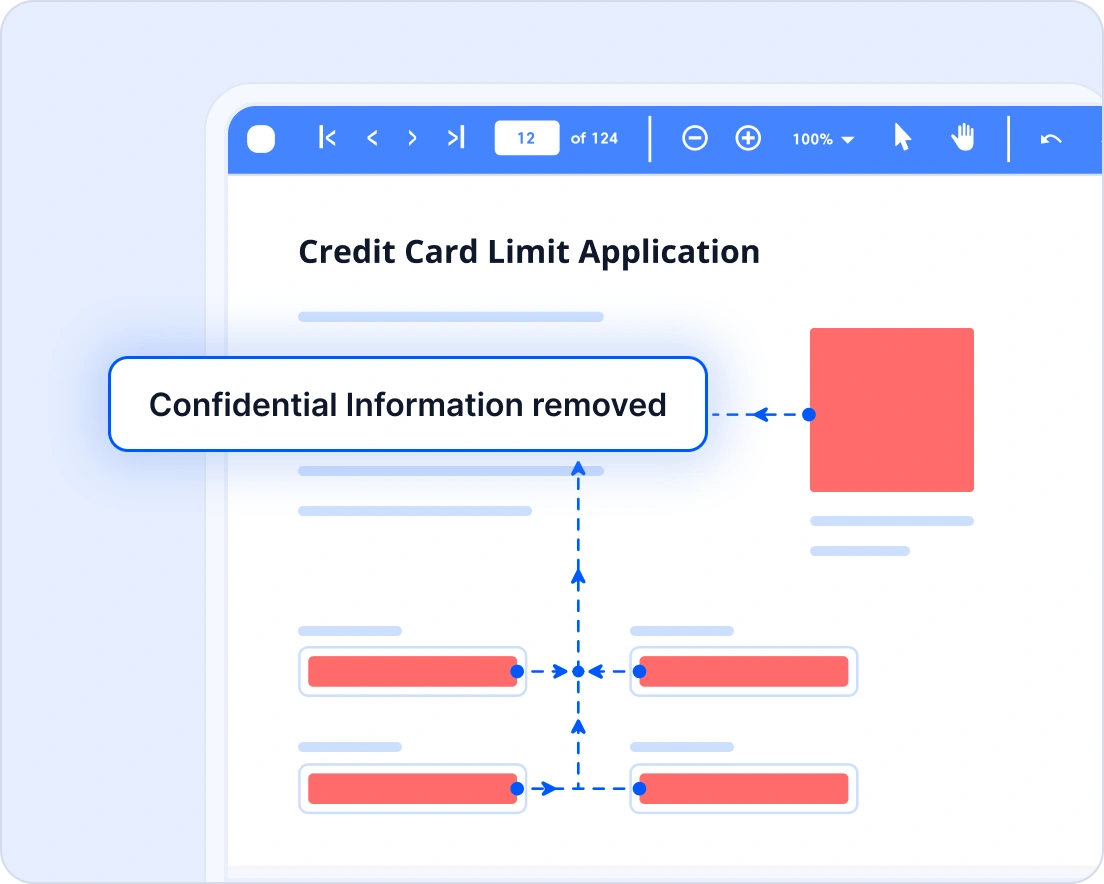
Securely redact sensitive information from PDFs
Easily and permanently remove sensitive or confidential content from PDF documents. This feature helps comply with privacy regulations such as GDPR, ensuring the protection of personal data while maintaining document integrity. It is ideal for industries, such as legal, healthcare, and enterprise workflows, where data security is paramount.
Flexible PDF document organization
Split, merge, rotate, reorder, or remove pages to efficiently reorganize PDF documents with flexible editing and precise page-level operations.
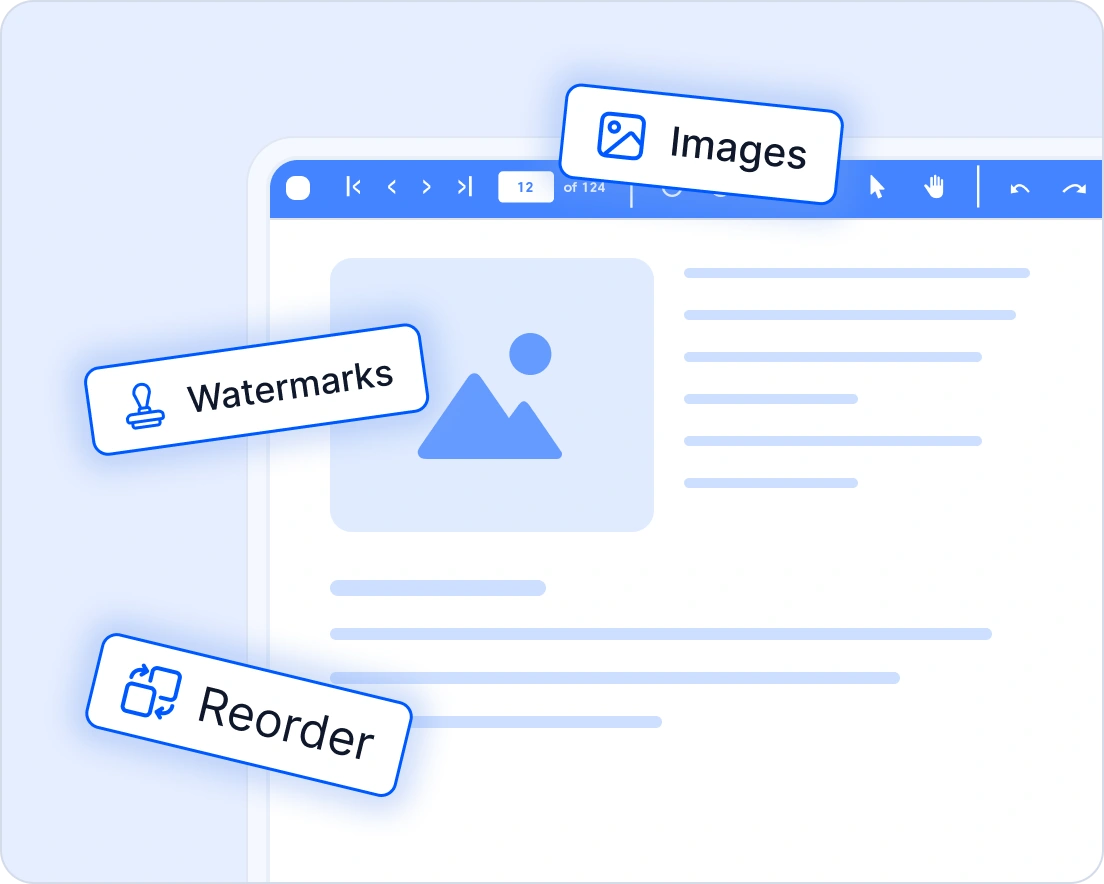
Edit PDF Files
The Syncfusion JavaScript PDF library allows users to edit and update existing PDF documents effortlessly. Add or modify text, graphics, and shapes, apply watermarks or stamps, and reorganize pages for better document structure. The library also supports extracting or replacing embedded elements, such as text or graphics, and managing attachments within the file. With its flexible editing APIs, dynamic PDF processing workflows can be built directly within JavaScript applications.
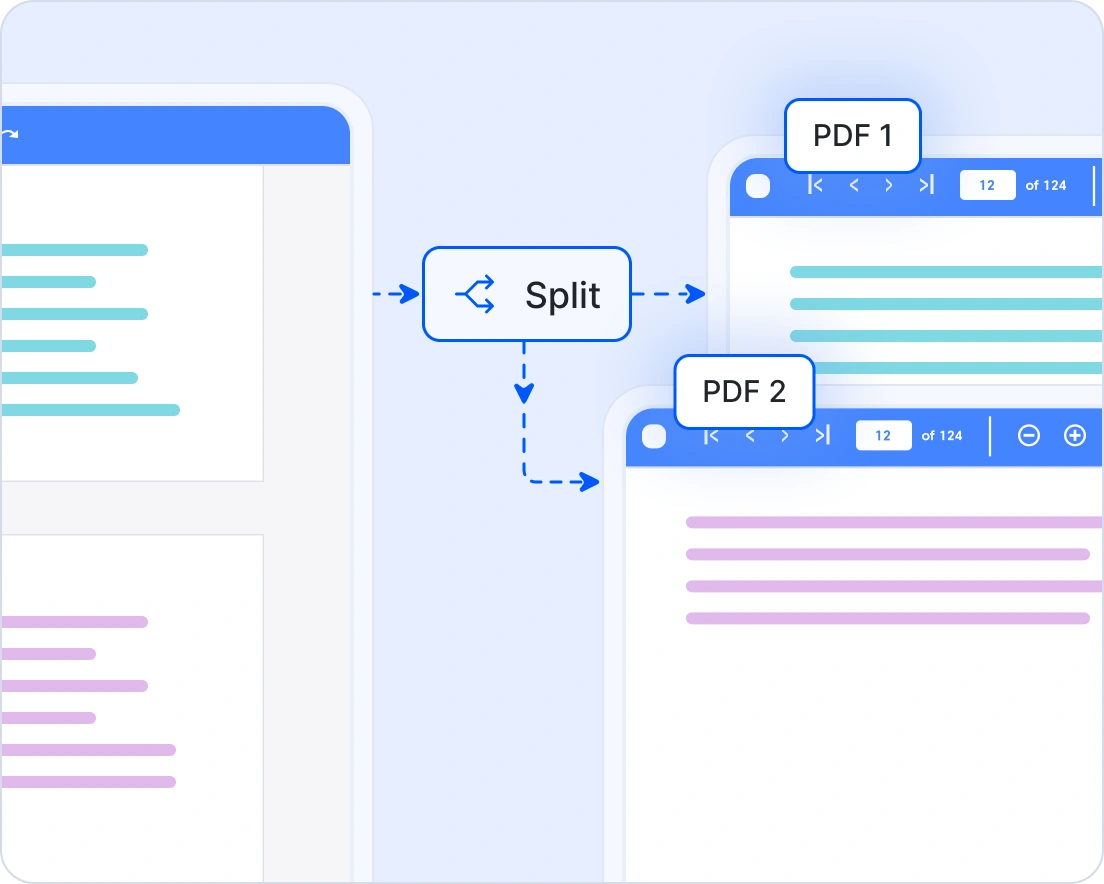
Split PDF pages
Organize large documents effectively by splitting PDFs into smaller, more manageable sections. The split functionality enables files to be divided by fixed page counts or custom page ranges, giving complete control over how the content is structured. Each output file is generated instantly, making it simple to store, share, or edit further. Split PDFs are ideal for scenarios such as distributing lengthy reports, extracting chapters from study materials, isolating legal clauses, or categorizing invoices and receipts. With flexible options and precise validation, document management is streamlined, ensuring accuracy and efficiency.
Industry-specific use cases
Tailored for professional environments requiring compliance, precision, and security.
No credit card required.
Legal document preparation
Easily create and edit contracts or agreements in-browser, apply digital signatures for authenticity, and extract clauses for quick review.
Healthcare portals
Allow patients to download medical summaries or insurance forms securely on the client side, with sensitive data redacted before rendering.
Financial dashboards & web apps
Enable in-browser PDF generation for invoices, statements, and reports without sending data to external servers-ensuring privacy and compliance.
Education & online learning
Generate certificates, progress reports, and course materials dynamically in the browser without server-side processing.
AI-assisted development
Build document processing solutions faster
Accelerate PDF workflows with Syncfusion AI tools that streamline browser-based document processing.
Agent Skills
Generate accurate document processing code using Syncfusion Agent Skills for faster implementation.
Example Prompt Show me how to process PDFs using Syncfusion JavaScript PDF library?
MCP Server
Generate, configure, and troubleshoot code for Syncfusion Document SDK directly in your IDE
Example Prompt Show how to process PDF documents in JavaScript using Syncfusion PDF library.
AI Agent Tools
Automate document workflows with Syncfusion AI Agent Tools to create, process, convert, and extract data from documents.
Example Prompt Process a PDF document in JavaScript and return the output.
Trusted by the world’s leading companies

See Why Developers Love Syncfusion
These real-world examples highlight the impact of our JavaScript PDF Library
The best way to showcase our commitment is through the experiences and stories of those who have used our PDF Library.




Endless possibilities with one JavaScript PDF library
From generating secure contracts and archiving financial records to creating dynamic reports with charts and interactive forms, the JavaScript PDF Library is designed for every scenario. Join 1M+ developers who trust Syncfusion for enterprise-grade PDF processing and discover why it consistently leads in performance and reliability.
No credit card required.
JavaScript PDF Library FAQs
If you’re new to the PDF Library or have questions, our FAQs will help you explore its features and capabilities.
What is the JavaScript PDF Library?
It’s a high-performance, non-UI PDF library for modern JavaScript apps. You can create, read, edit, and manipulate PDFs, extract text and images, apply redactions, add annotations and forms, and digitally sign documents-without relying on Adobe Acrobat or external services.
Does it support font embedding and Unicode?
Yes, you can embed standard, TrueType, and OpenType fonts. Unicode and complex scripts are supported when using the appropriate fonts.
What are the developer resources available for the JavaScript PDF library?
Comprehensive documentation, code samples, API references, and community forums are available to support developers at every stage.
How do I add a digital signature to a PDF in JavaScript?
Use PdfSignature to sign a document or a PdfSignatureField on a page, then save the file. Supports standard cryptographic options like CMS and SHA256.
How do I extract all text from a PDF?
Use PdfDataExtractor.extractText() to get the entire document’s text, or pass pagerange options.
How do I add or remove annotations via code?
Create the relevant annotation object (e.g., PdfPopupAnnotation) and add it to the page’s annotations; you can also enumerate and remove them.
Does it work in the browser and on the server?
Yes. You can use it client-side (e.g., React/Angular/Vue) and server-side (e.g., Node in ASP.NET Core/MVC backends) depending on your architecture and data governance requirements.
Does the library require sending documents to servers?
No. All processing is local to your app/runtime, ensuring data control and compliance.
How do I get started with the Syncfusion JavaScript PDF Library?
You can begin by exploring the official documentation, downloading the JavaScript PDF library, and following the step-by-step guides to integrate it into your application.
Can I permanently redact sensitive content in a PDF?
Yes, mark regions using PdfRedactionRegion and apply with PdfRedactor; the redaction is irreversible.
Can I create, fill, and flatten AcroForm fields?
Yes, create and manage fields with PdfForm and field classes; flattening is also supported.
Resources
Learn more about our JavaScript PDF Library
Explore demos, KB articles, and documentation to get the most out of our JavaScript PDF Library.
Explore guides, APIs, and quick-start tips
See live use cases in action
Ask, share, and connect with peers
Get expert help when you need it
Feature requests and Bug reports
Track issues and suggest improvements







