


Overview
The Syncfusion JavaScript PDF Library provides an easy and effective way to permanently remove confidential or sensitive information from PDF documents using simple JavaScript APIs. This redaction feature helps developers securely remove text and images from PDFs while supporting compliance with privacy standards such as GDPR.
This feature works seamlessly across modern web development environments, including JavaScript, TypeScript, Angular, React, Vue, Node.js, and any other framework that integrates JavaScript. It is suitable for both client‑side and server‑side PDF processing, making it versatile for a wide range of web applications.
How to redact PDF content from PDF documents in JavaScript?
import { PdfDocument } from '@syncfusion/ej2-pdf';
import { PdfRedactor, PdfRedactionRegion } from '@syncfusion/ej2-pdf-data-extract';

// Load the document
let document: PdfDocument = new PdfDocument(data);
// Create a new text extractor
let redactor: PdfRedactor = new PdfRedactor(document);
// Add redactions to the collection
let redactions: PdfRedactionRegion[] = [];
redactions.push(new PdfRedactionRegion(0, {x: 10, y: 10, width: 100, height: 50}));
redactor.add(redactions);
// Apply redactions on the PDF document
redactor.redact();
// Save the document
document.save('output.pdf');
// Close the document instance
document.destroy();
Key functions of redact PDF
Discover how the redact PDF feature removes content from PDF documents with various options.
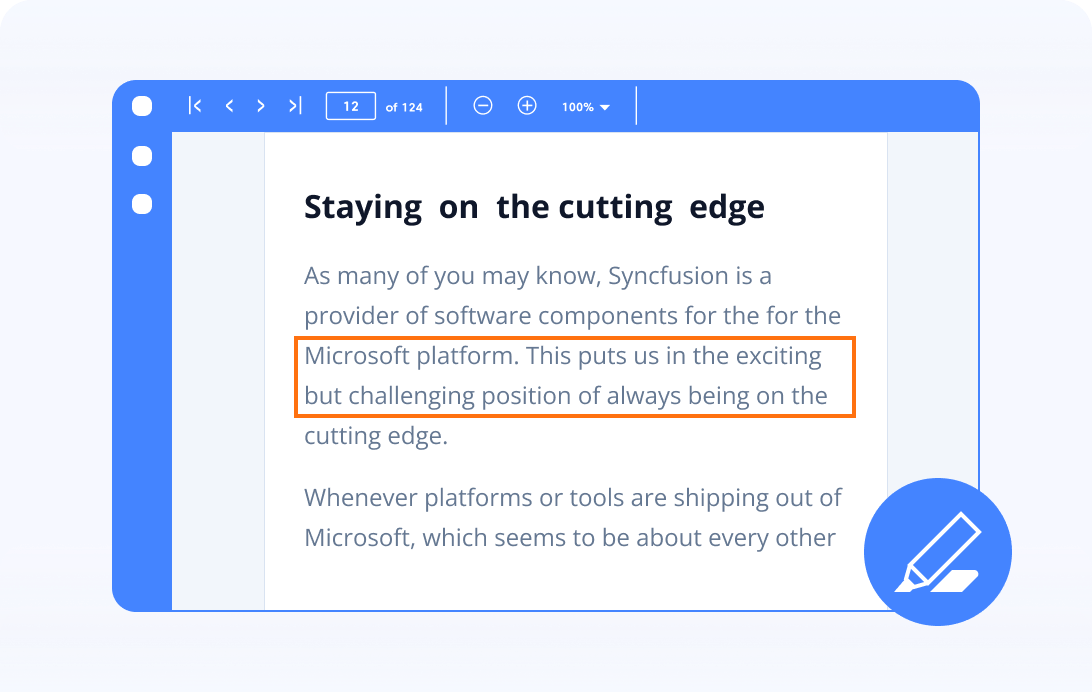
Mark for redaction
Mark sensitive or confidential data programmatically and forward it to the next person for further review and approval before redacting.
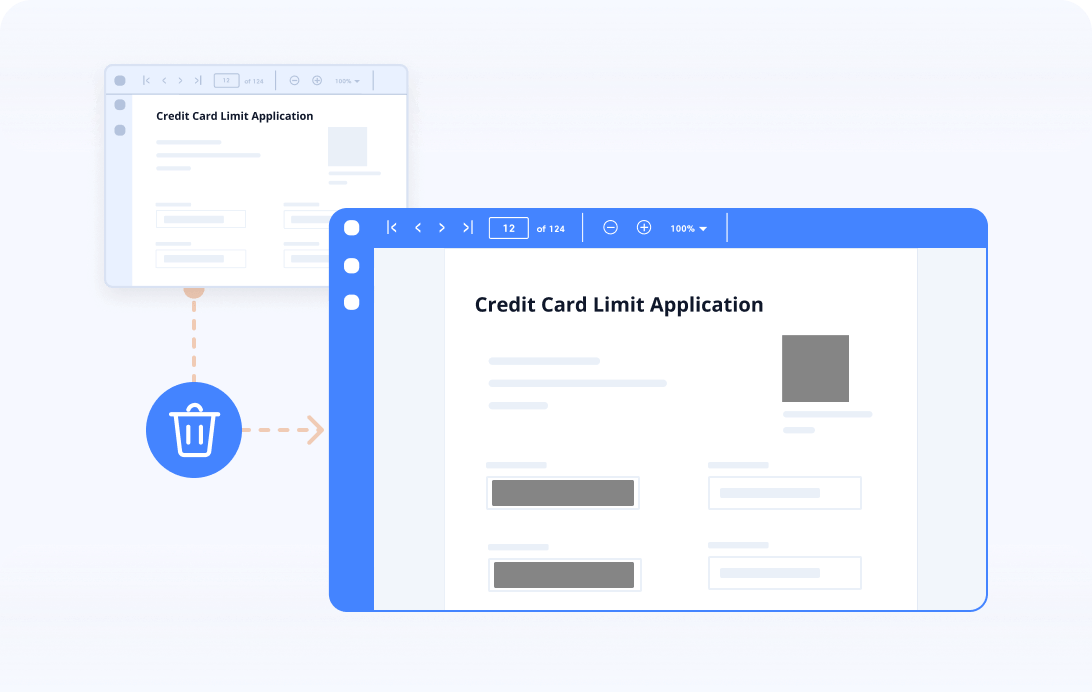
Permanently remove sensitive data
Remove sensitive or confidential text, images, areas, or entire pages permanently from the PDF documents using the PDF redaction support.
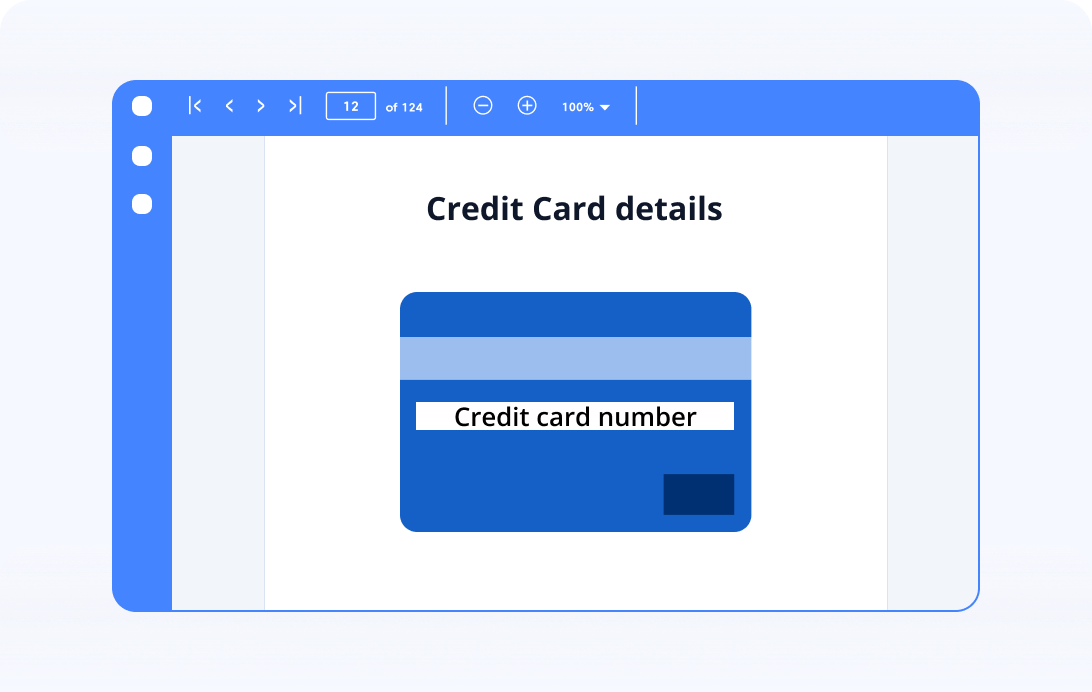
Redact sensitive content with an overlay text
Draw the overlay text on the redacted area and customize it with a different font, style, color, and brush.
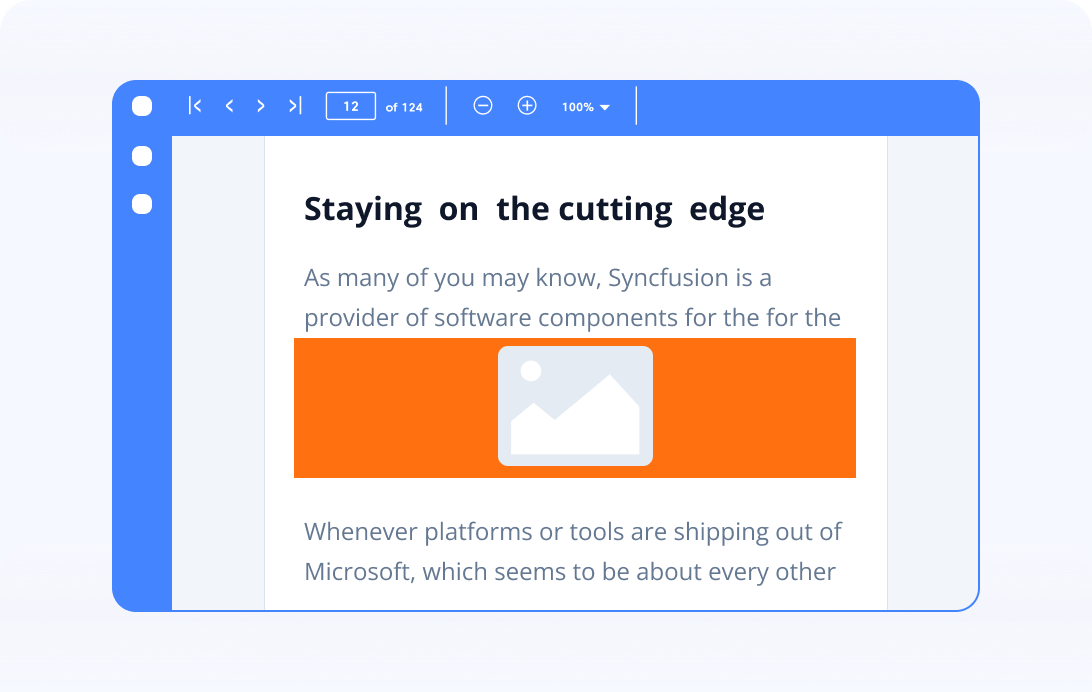
Redact sensitive content with an overlay image
Redact the information from a page by drawing an image on the redacted area. This will completely remove the content from the PDF document and apply the image over the redacted area.
Syncfusion JavaScript PDF Library Resources
Explore these resources for comprehensive guides, knowledge base articles, insightful blogs, and ebooks.


Product Updates


Technical Support


Frequently Asked Questions
What is redaction?
Redaction is the process of permanently removing or obscuring sensitive or confidential information from a document. This is typically done to protect sensitive data from unauthorized access or disclosure.
Is redacting permanent?
Yes, the redaction feature permanently removes the content from the PDF document.
Why would I need to redact a PDF document?
Redacting a PDF is essential for protecting personal information, adhering to privacy regulations, safeguarding classified data, and maintaining confidentiality in both legal and business documents.
Can I recover any redacted information?
No, you can’t recover the redacted content from PDF documents because it has been permanently deleted.
Trusted by the world’s leading companies
Our Customers Love Us











