


Overview
The Syncfusion JavaScript PDF Library provides comprehensive support for creating, customizing, and managing form fields in PDF documents. Fillable PDF forms enable developers to build interactive documents designed to collect user input efficiently. These forms can include a variety of elements such as text boxes, checkboxes, radio buttons, dropdown lists, list boxes, signatures fields, and more.
PDF forms function smoothly across modern web development environments, including JavaScript, TypeScript, Angular, React, Vue, ASP.NET Core, and Node.js, making it suitable for both client‑side and server‑side PDF processing within web applications.
How to create PDF forms in JavaScript?
import {PdfDocument, PdfField, PdfPage, PdfTextBoxField, PdfInteractiveBorder, PdfBorderStyle, PdfFontFamily, PdfFontStyle} from '@syncfusion/ej2-pdf';

// Create a new PDF document
let document: PdfDocument = new PdfDocument();
//Add the PDF page.
let page: PdfPage = document.addPage();
// Create new textbox field
let field: PdfField = new PdfTextBoxField(
  page,
  'FirstName',
  { x: 50, y: 600, width: 200, height: 22 },
  {
    toolTip: 'Enter your first name',
    color: { r: 0, g: 0, b: 0 },
    backColor: { r: 255, g: 255, b: 255 },
    borderColor: { r: 0, g: 122, b: 204 },
    border: new PdfInteractiveBorder({ width: 1, style: PdfBorderStyle.solid }),
    text: 'John',
    font: document.embedFont(PdfFontFamily.helvetica, 10, PdfFontStyle.regular)
  }
);
// Add the textbox field
document.form.add(field);
// Save the document
document.save('output.pdf');
// Destroy the document
document.destroy();
Key functions of PDF forms
PDF forms streamline data collection, enhance user interactivity, and enable dynamic form management.
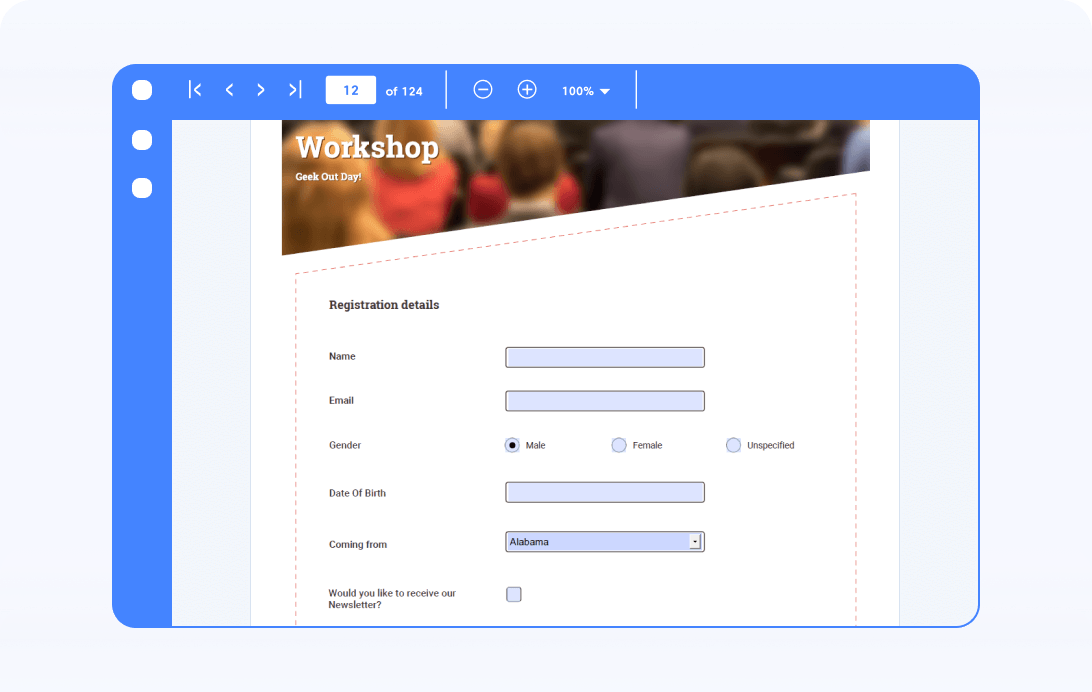
Create forms
Simplify your workflow with the Syncfusion PDF Library, with which you can easily add form fields to your PDFs. Our intuitive APIs enable you to create text boxes, checkboxes, radio buttons, dropdown menus, and signature fields seamlessly.
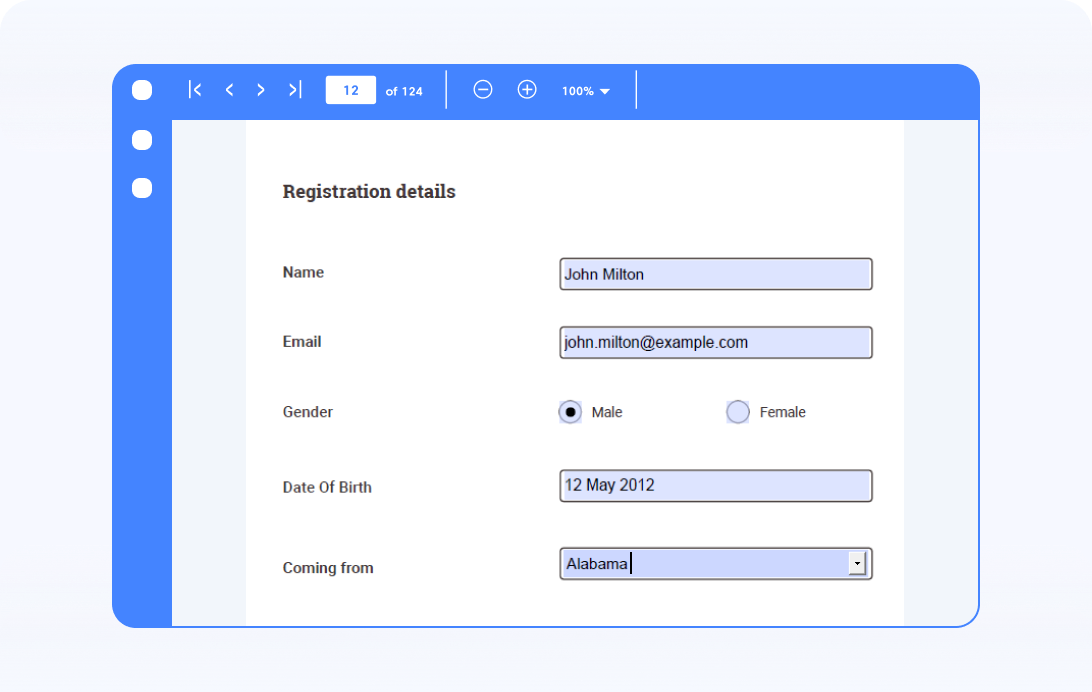
Fill form fields
Fill in form fields with ease. Whether you’re completing user data, updating existing information, or automating form filling, our tools simplify the process. Streamline your workflow by effortlessly populating form fields, ensuring your PDF documents are completed accurately and efficiently.
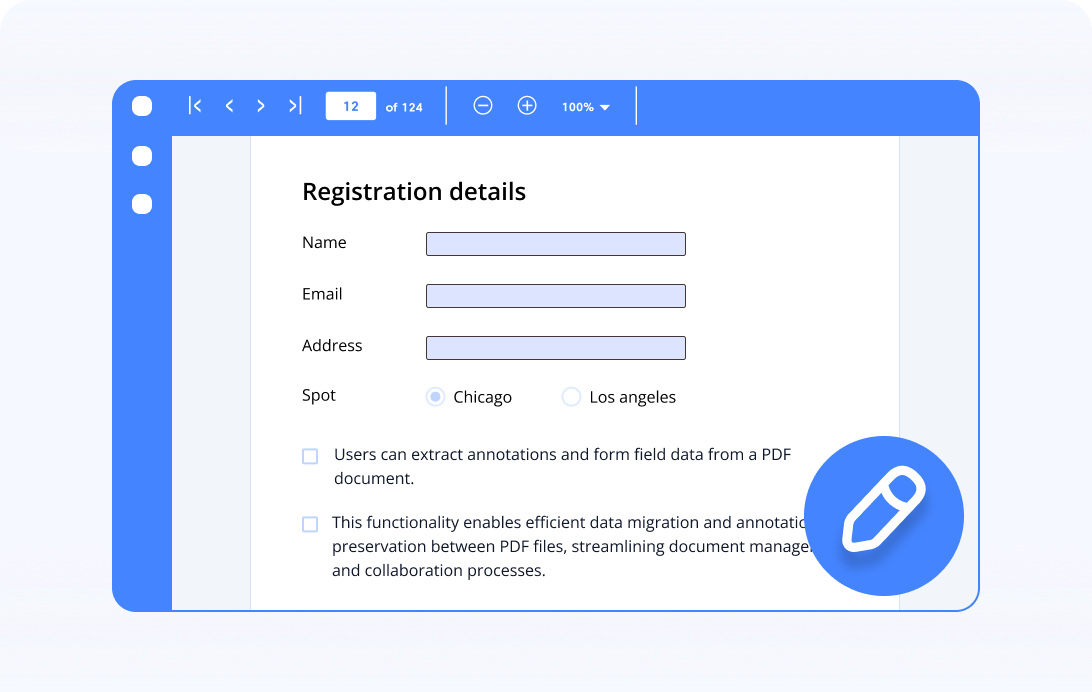
Read and modify form fields
Easily read and edit form fields in your PDF documents. Whether you’re retrieving user input, updating existing data, or adjusting form field properties, our intuitive APIs ensure seamless interaction with PDF forms.
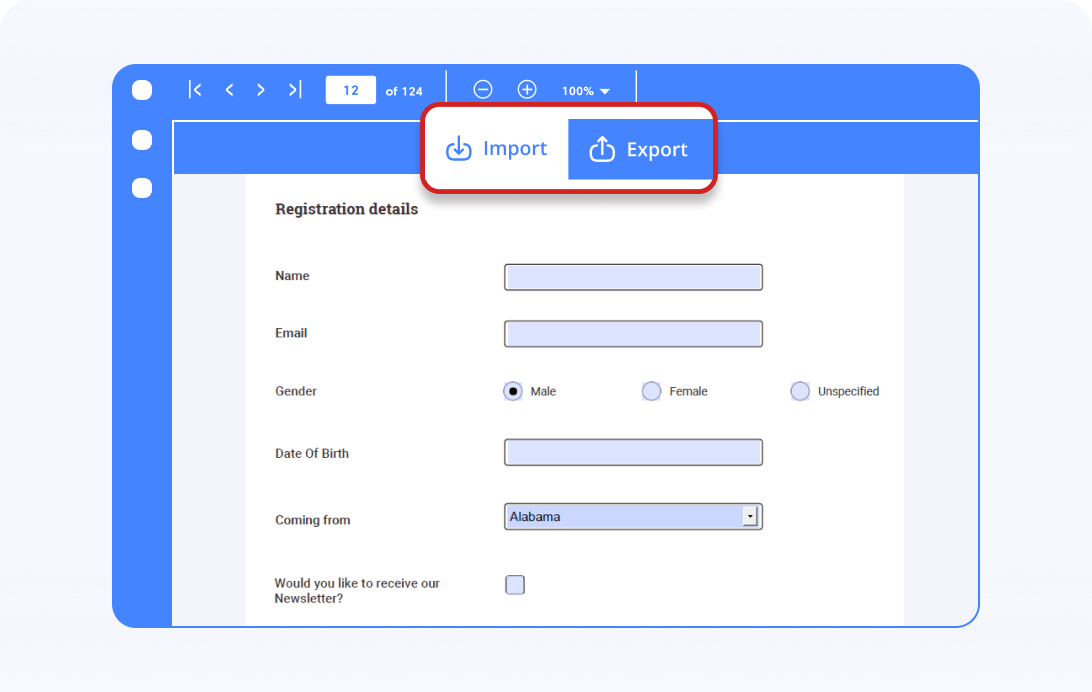
Import and export form data
Import and export form data in FDF, XFDF, JSON, and XML formats. Simplify your workflow by managing form data, ensuring compatibility and efficiency across your systems.
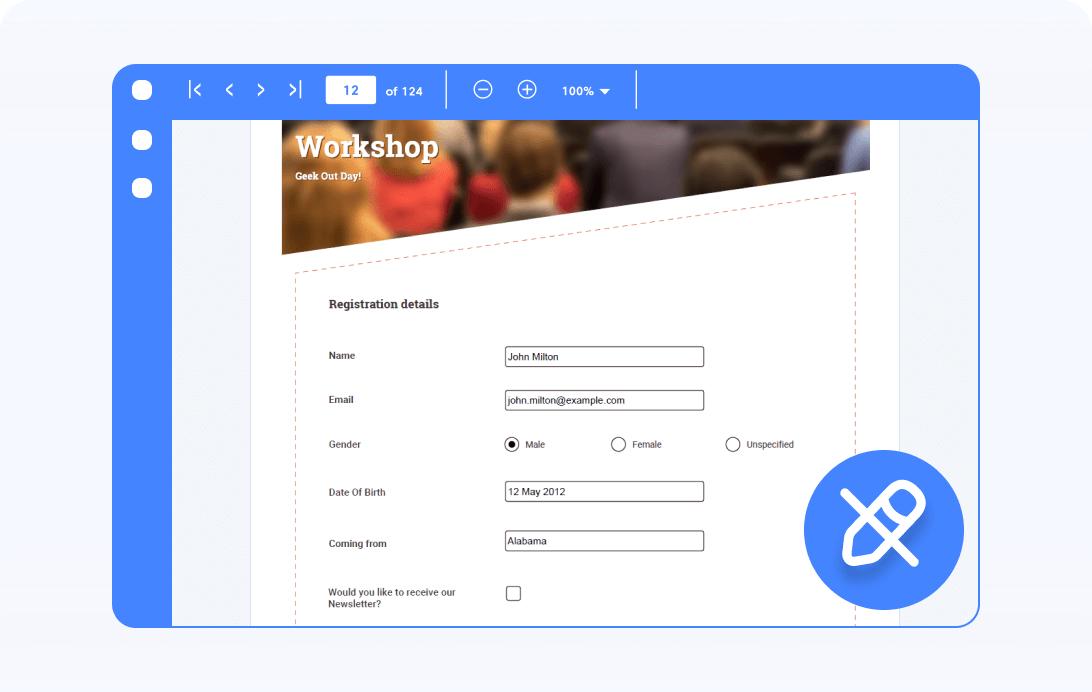
Flatten form fields
Flatten form fields effortlessly. This process transforms interactive elements into static content within your PDF documents, simplifying their presentation and ensuring compatibility across platforms.
Syncfusion JavaScript PDF Library Resources
Explore these resources for comprehensive guides, knowledge base articles, insightful blogs, and ebooks.


Product Updates


Technical Support


Frequently Asked Questions
What is a PDF form?
PDF forms, also known as fillable forms or interactive forms, are documents in PDF format that include fields into which users can enter data. These include various types of fields like text boxes, checkboxes, radio buttons, and dropdown menus, allowing for user input directly within the document.
How do I create a PDF form?
You can create PDF forms either programmatically using the Syncfusion PDF Library or interactively using the PDF Viewer’s form designer.
Are PDF forms secure?
PDF forms can be secured using password protection and digital signatures to ensure the integrity and confidentiality of the information provided.
How do I fill out a PDF form?
You can fill out PDF forms either programmatically using the Syncfusion PDF Library or interactively using the PDF Viewer.
Can I sign a PDF form digitally?
Yes, you can digitally sign a PDF form using the Syncfusion PDF Library.
Can I bind data between a PDF form and a database?
Yes, you can bind data between PDF form fields and a database using the import and export form data APIs in the Syncfusion JavaScript PDF Library. These APIs allow you to load form values from external data sources or export filled form data back to your database, enabling seamless data synchronization in JavaScript applications.
Trusted by the world’s leading companies
Our Customers Love Us











