


Overview
The Syncfusion JavaScript PDF Library provides powerful APIs for adding essential content to PDF pages, templates, and layers. Developers can easily add formatted text, insert images, and create ordered or unordered lists to structure content.
Reusable PDF templates help apply consistent headers, footers, and background elements, while PDF layers (optional content groups) allow grouping text, images, and lists into toggleable sections for clean, interactive layouts.
Compatible with JavaScript, TypeScript, Angular, React, Vue, ASP.NET Core, and Node.js, the library supports flexible and seamless PDF generation across modern web applications.
What types of contents can be added in JavaScript?
import { PdfDocument, PdfPage, PdfStandardFont, PdfFontFamily, PdfFontStyle, PdfBrush, PdfImage, PdfBitmap } from '@syncfusion/ej2-pdf';

// Create a PDF document
let document: PdfDocument = new PdfDocument();
// Add a page
let page: PdfPage = document.addPage();
// Get graphics from the page
let graphics: PdfGraphics = page.graphics;
// Set font
let font: PdfStandardFont = document.embedFont(PdfFontFamily.helvetica, 10, PdfFontStyle.regular);
// Draw text
graphics.drawString('Hello World', font, { x: 10, y: 20, width: 100, height: 200}, new PdfBrush({r: 0, g: 0, b: 255}));
// Load the image(base64 / Uint8Array)
let image: PdfImage = new PdfBitmap('/9j/4AAQSkZJRgABAQEAkACQAAD/4....QB//Z');
// Draw the image.
image.draw(graphics, { x: 10, y: 10});
// Save the document
document.save('Output.pdf');
// Close the document
document.destroy();
Add different types of content
Explore the different types of content that can be added to PDF pages, templates, and layers in PDFs.
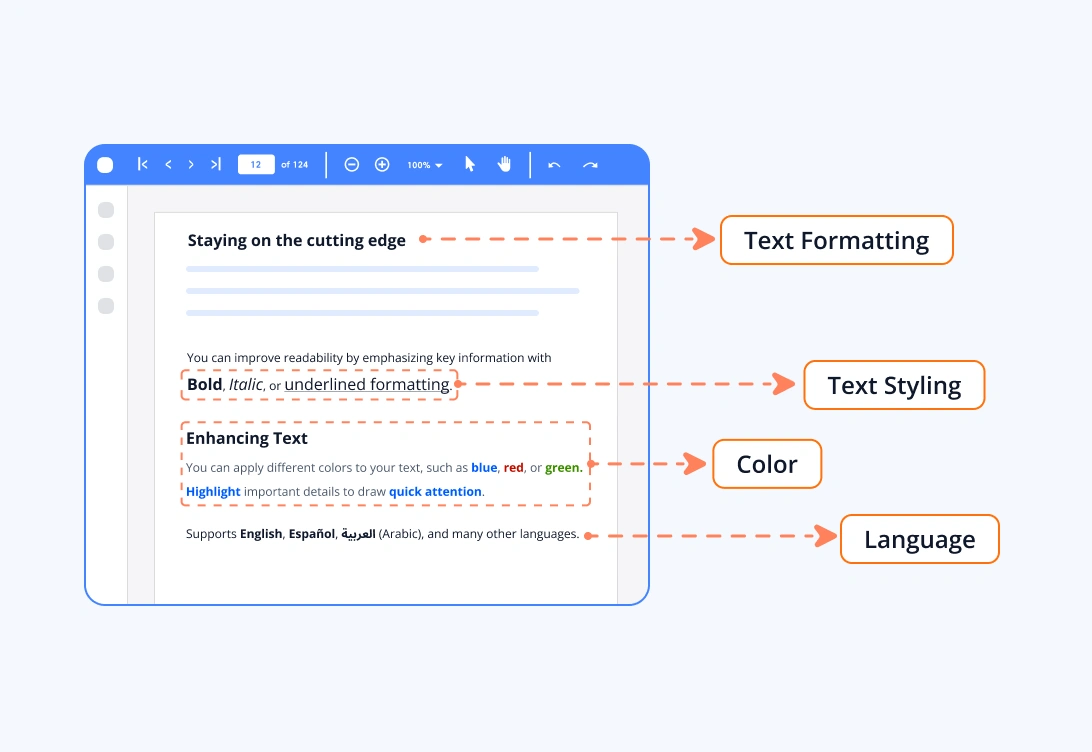
PDF text
Text can be added to PDF pages, templates, or layers with precise positioning. Large amounts of text can be arranged in multiple columns that automatically flow across pages. These features make proper alignment, spacing, and pagination simple in the JavaScript PDF Library.
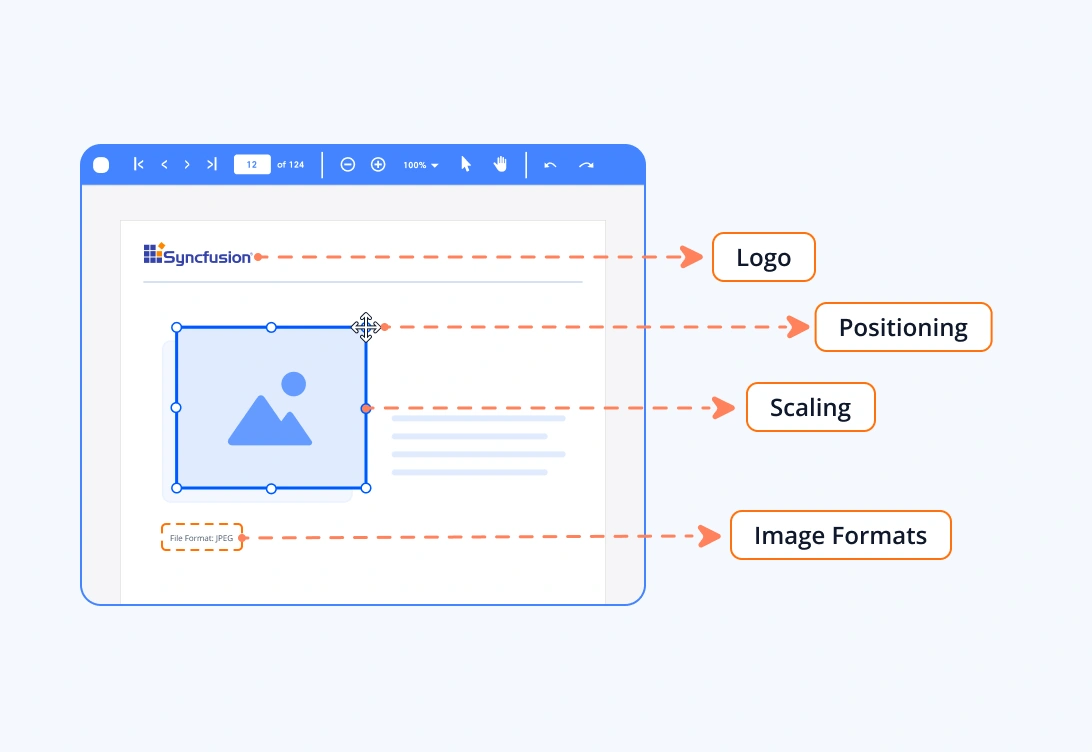
PDF images
You can easily add images in JPEG and PNG format to PDF pages, templates, or layers using the Syncfusion JavaScript PDF Library. Images can be positioned anywhere on the page and scaled to fit your layout needs. This makes it simple to include logos, illustrations, backgrounds, or visual elements throughout the document.
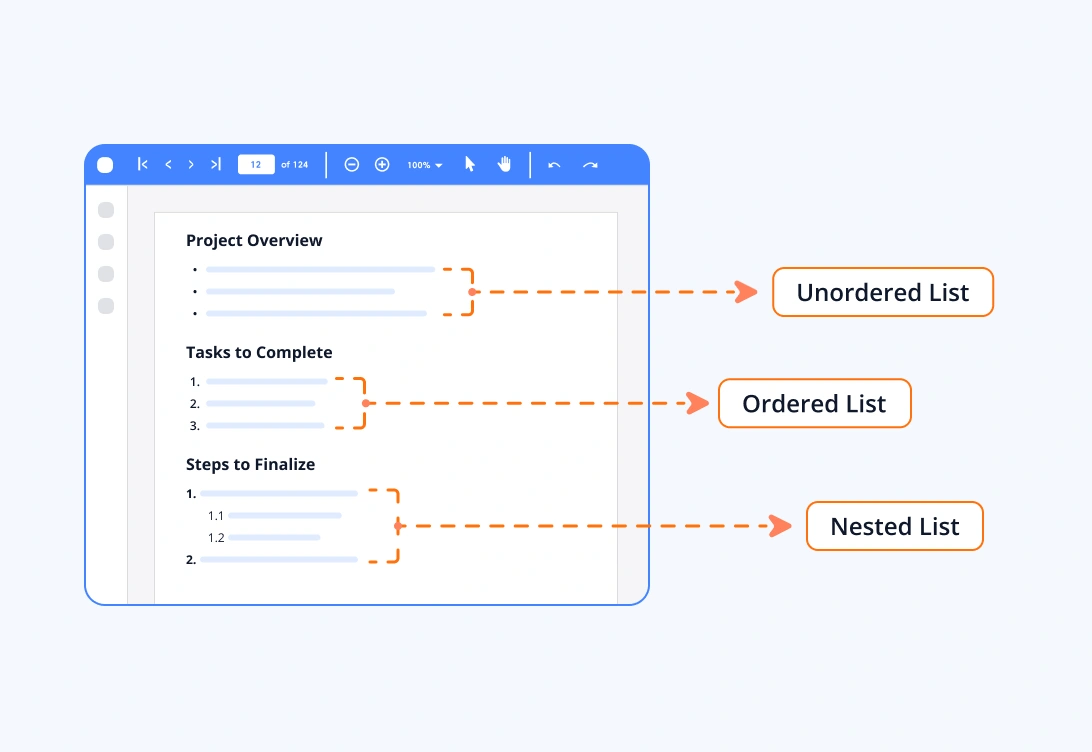
Lists
You can create and add ordered or unordered lists to PDF pages, templates, or layers using the Syncfusion JavaScript PDF Library. Lists help structure information clearly, presenting bullet points, steps, or grouped data in a clean and readable format within the document. You can also use customised image as the bullet marker for an unordered list.
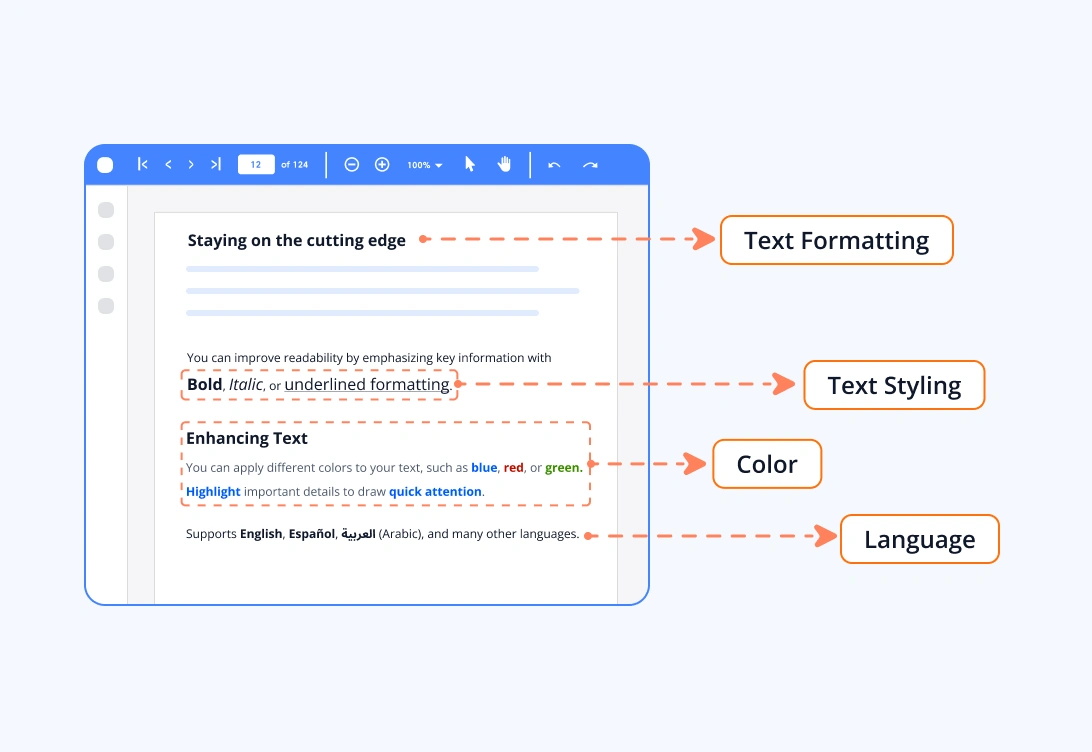
Text formatting
Text can be effortlessly formatted using the Syncfusion JavaScript PDF Library, allowing you to craft polished and professional content with ease. The control offers extensive customization options with a variety of fonts, sizes, colors, and styles, enabling you to establish clear visual hierarchy and consistency throughout a document. Its rich formatting features let you create well-structured, readable, and aesthetically refined content.
Syncfusion JavaScript PDF Library Resources
Explore these resources for comprehensive guides, knowledge base articles, insightful blogs, and ebooks.


Product Updates


Technical Support


Frequently Asked Questions
What types of content can I add to a PDF using the Syncfusion JavaScript PDF Library?
You can add text, images, and lists to PDF pages, templates, and layers. These elements can be customized and positioned anywhere within the document.
What image formats can I insert into a PDF?
You can add the most common image formats JPEG and PNG. Images can also be resized and positioned precisely on pages, templates, or layers.
Can I format the text that I add to a PDF?
Yes. You can change the text custom fonts, sizes, colors, styles, alignment, line spacing, and more to help you create clear and visually appealing PDF content.
Can I create ordered and unordered lists inside a PDF document?
Absolutely. The library supports adding ordered (numbered) and unordered (bulleted) lists, making it easy to structure information clearly within your PDF.
Trusted by the world’s leading companies
Our Customers Love Us











