


Overview
The Syncfusion JavaScript PDF Library enables developers to easily export annotation and form field data from PDF documents into industry‑standard formats such as JSON, XFDF, FDF, and XML. These export options allow seamless integration with workflows, storage systems, or external applications that rely on structured data interchange.
Using straightforward JavaScript APIs, you can serialize highlights, notes, stamps, free‑text annotations, and form field values into the format of your choice—making it simple to process, persist, or reuse PDF data across different systems.
This feature works smoothly across modern JavaScript frameworks and runtimes, including JavaScript, TypeScript, Angular, React, Vue, ASP.NET Core, and Node.js, supporting both client‑side and server‑side PDF processing scenarios.
How to export data from PDF document in JavaScript?
import {PdfDocument, DataFormat} from '@syncfusion/ej2-pdf';

// Load the base PDF document from resources
let document: PdfDocument = new PdfDocument(data);
// Imports annotations from to the PDF document.
document.importAnnotations(jsonData, DataFormat.json);
// Save the PDF document
document.save('output.pdf');
// Close the document
document.destroy();
Different ways to export data from PDFs
Explore different methods for exporting data from PDFs.
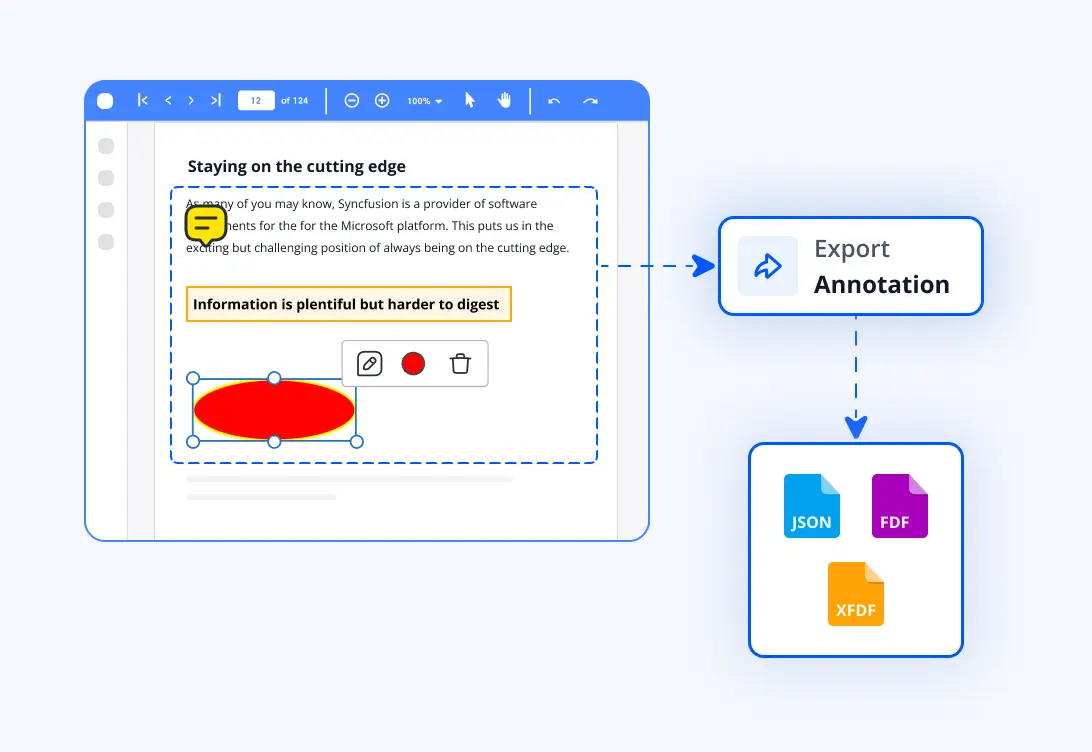
Export annotations
Exporting annotations from a PDF document allows developers to capture markup data such as highlights, notes, stamps, and shapes—and serialize it into structured formats like JSON, XFDF and FDF. This enables seamless integration with external systems, simplifies document collaboration, and supports efficient annotation storage and processing workflows.
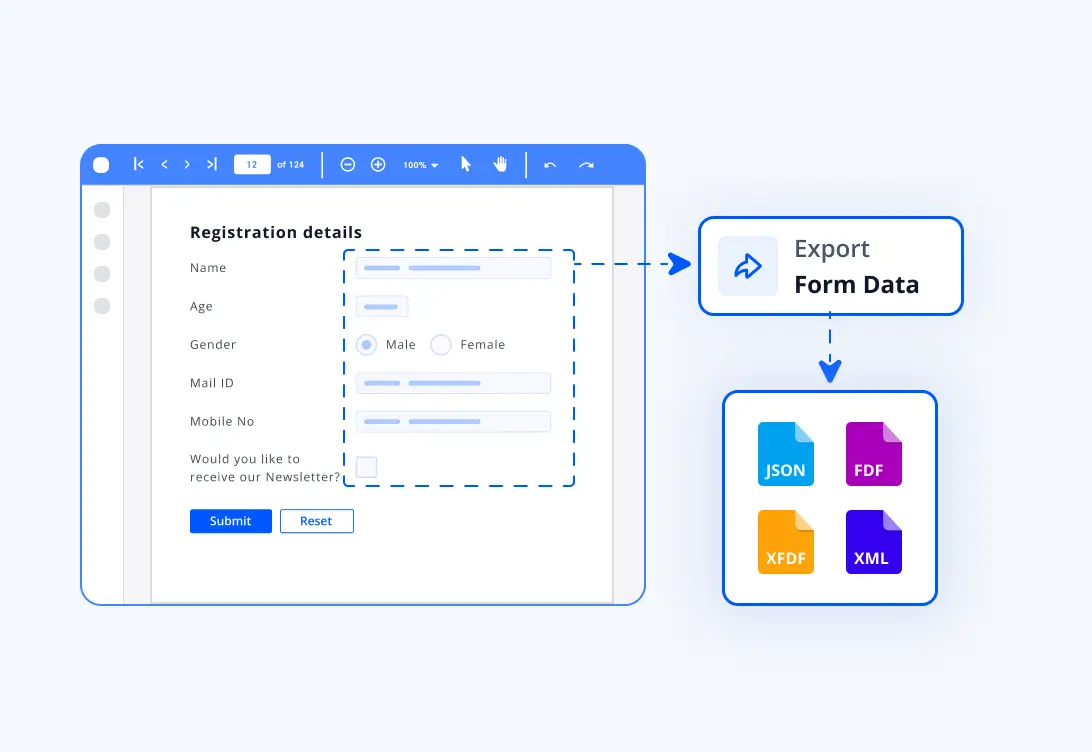
Export form field data
Exporting form field data from a PDF document allows developers to capture values from text boxes, checkboxes, radio buttons, dropdowns, and other form elements, and serialize them into structured formats such as JSON, XFDF, FDF, or XML. This enables smooth data transfer between applications, simplifies form processing workflows, and supports automated data reuse or integration in external systems.
Syncfusion JavaScript PDF Library Resources
Explore these resources for comprehensive guides, knowledge base articles, insightful blogs, and ebooks.


Product Updates


Technical Support


Frequently Asked Questions
Which export formats are supported for annotations and form fields?
The Syncfusion JavaScript PDF Library supports exporting annotation and form field data into JSON, XFDF, FDF, and XML formats. These standardized formats make it easy to integrate PDF data with external applications and workflows.
Can I extract data from scanned PDFs?
Yes, with optical character recognition technology, it’s possible to extract text and data even from scanned PDFs.
Can exported annotation or form data be imported back into another PDF?
Yes. The exported data (JSON,XFDF,FDF,XML) can be imported into another PDF document to restore annotations or populate form field values, enabling smooth data transfer and document collaboration scenarios.
What types of annotations can be exported?
Highlights, underlines, strikeouts, notes, shapes, free‑text, stamps, ink, and other supported annotation types can be exported. The exported structure preserves annotation properties such as author, subject, color, bounds, and content.
Trusted by the world’s leading companies
Our Customers Love Us











