


Overview
The Syncfusion® JavaScript PDF Library, A non-UI component enables real-time editing of PDF documents. It also supports adding text, images, graphics, and shapes to existing files. Designed for seamless integration within web applications, the library provides comprehensive functionality for creating and manipulating PDF content.
How do you add a watermark in a PDF document using JavaScript?
import {PdfDocument, PdfPage, PdfGraphics, PdfStandardFont, PdfGraphicsState, PdfFontFamily, PdfFontStyle, PdfBrush} from '@syncfusion/ej2-pdf';

// Load an existing PDF document
let document: PdfDocument = new PdfDocument();
// Access first page
let page: PdfPage = document.addPage();
// Gets the graphics of the PDF page
let graphics: PdfGraphics = page.graphics;
// Create a new font
let font: PdfStandardFont = document.embedFont(PdfFontFamily.helvetica, 20, PdfFontStyle.regular);
// Save the graphics state
let state: PdfGraphicsState = graphics.save();
// Set graphics transparency
graphics.setTransparency(0.25);
// Set the rotate transform
graphics.rotateTransform(-45);
// Draw the string
graphics.drawString('Created by Syncfusion PDF', font, {x: 10, y: 20, width: 100, height: 200}, new PdfBrush({r: 0, g: 0, b: 255}));
// Restore the graphics state
graphics.restore(state);
// Save the document
document.save('output.pdf');
// Destroy the document
document.destroy();
Editing features
Explore the wide range of PDF editing capabilities available.
Add watermarks and stamps
Watermarks and stamps can be added using simple text or designed with advanced customization options. With the JavaScript PDF Library, the following actions are supported:
- Applying watermarks or stamps that contain text, images, or both.
- Using opaque images or rotated elements when creating stamps.
- Stamping pages during document merging or splitting operations.
- Adding stamps to encrypted PDF documents.
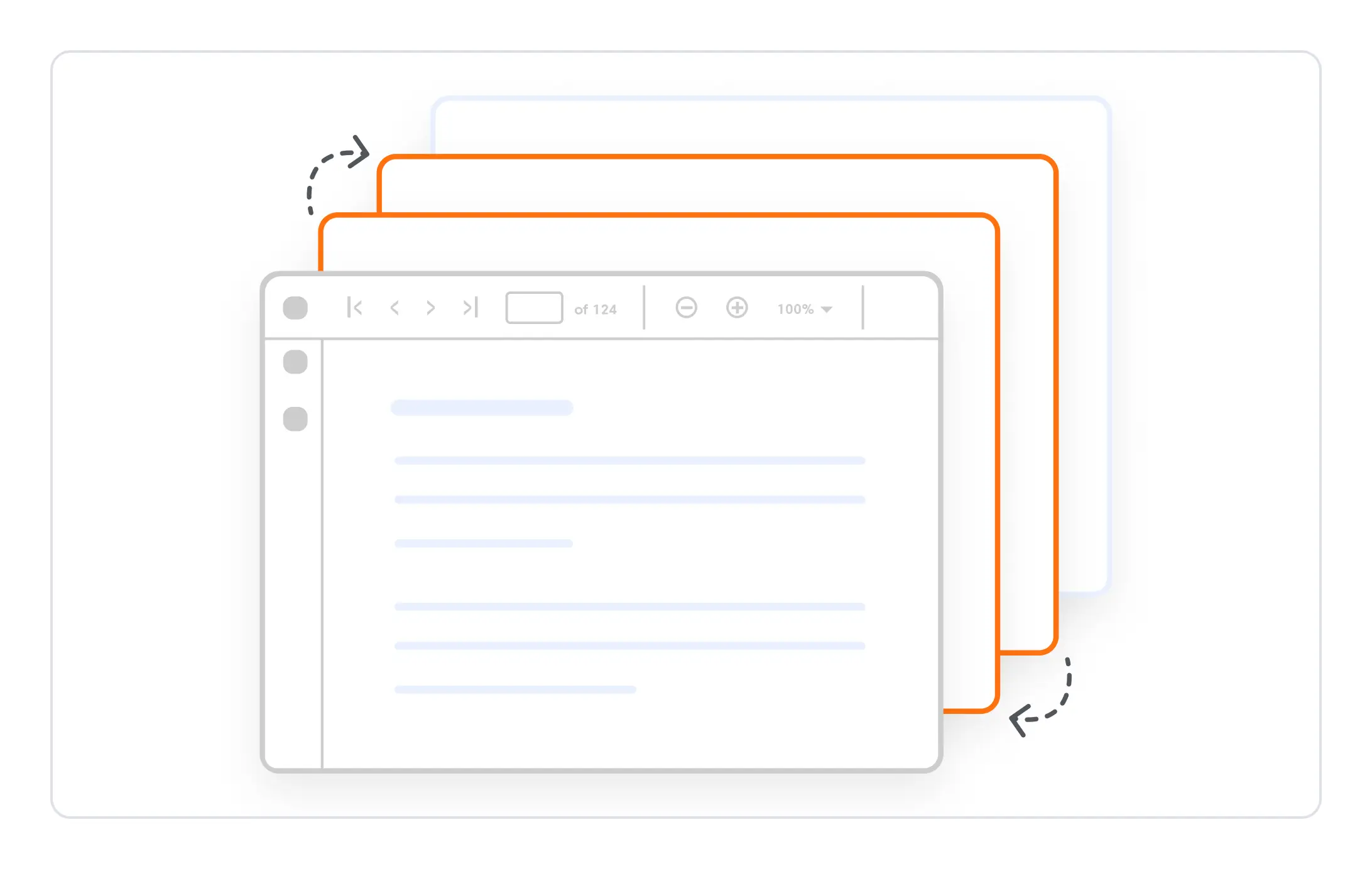
Page reordering
The Syncfusion PDF library provides the ability to reorder pages in an existing PDF file, improving the overall organization and structure of the document.
Syncfusion JavaScript PDF Library Resources
Explore these resources for comprehensive guides, knowledge base articles, insightful blogs, and ebooks.


Product Updates


Technical Support


Frequently Asked Questions
Does the library support adding new text or images to an existing PDF?
Yes. You can draw text, shapes, or images on any page using the PDF graphics API.
Can I control watermark transparency and position?
Yes. Watermarks support customizable opacity, rotation, size, alignment, and X/Y positioning.
How do I apply a watermark or stamp across all pages of a PDF?
You can loop through each page and draw text or image watermarks using the page graphics context.
Trusted by the world’s leading companies
Our Customers Love Us











