.NET Excel Examples
Convert a CSV File to an Excel Document with the Syncfusion .NET Excel Library
Overview
The Syncfusion® .NET Excel Library (XlsIO) enables you to create, read, and edit Excel documents programmatically without Microsoft Excel or interop dependencies. Using this library, you can convert a CSV file to an Excel document using C#.
Watch this video to see how to convert a CSV file to an Excel document by using the Syncfusion .NET Excel Library:
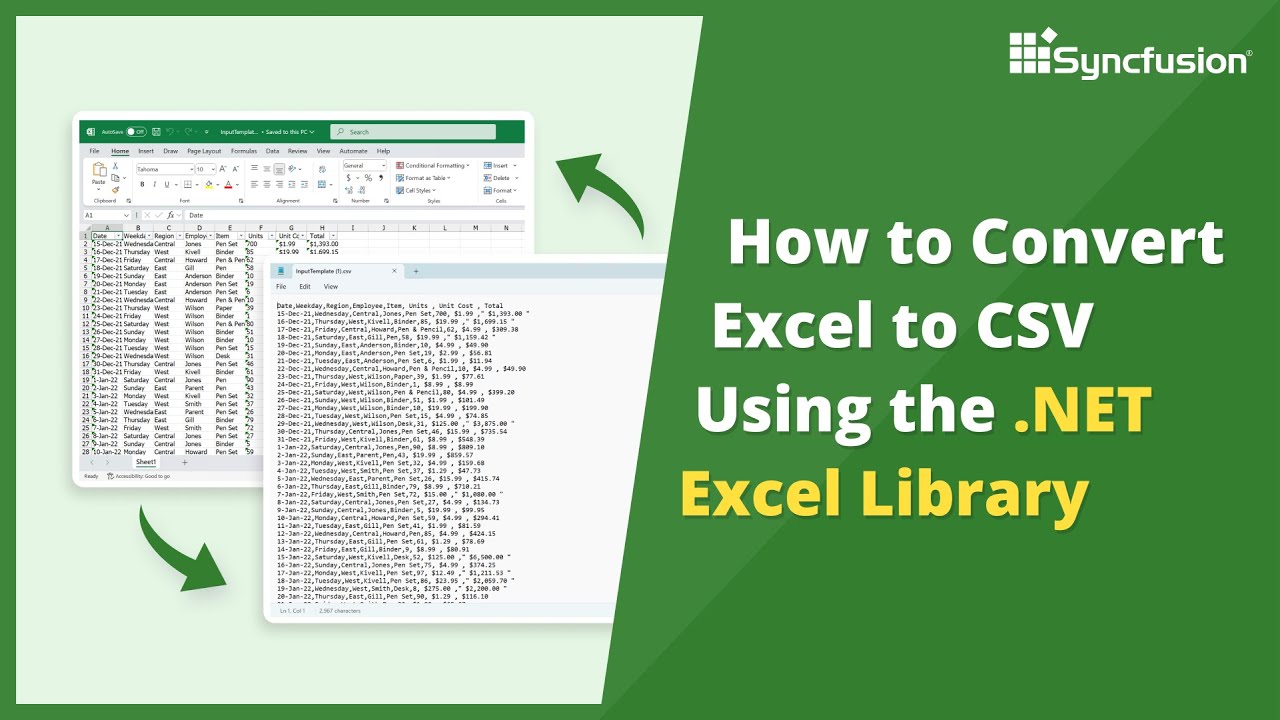
Steps to convert a CSV file to a Excel file
Follow these steps to convert a CSV file to an Excel document using the Syncfusion .NET Excel Library.
Step 1: Create a new project
Start by creating a new C# Console Application project.
Step 2: Install the NuGet package
Add the Syncfusion.XlsIO.Net.Core package to your project from NuGet.org.
Step 3: Include namespace
Add the following namespace to your Program.cs file:
using Syncfusion.XlsIO;Step 4: Add CSV-to-Excel conversion code
Use the following code in the Program.cs file to convert a CSV file to an Excel document.
using (ExcelEngine excelEngine = new ExcelEngine())
{
    IApplication application = excelEngine.Excel;
    application.DefaultVersion = ExcelVersion.Xlsx;
    FileStream inputStream = new FileStream(Path.GetFullPath(@"Data/InputTemplate.csv"), FileMode.Open, FileAccess.Read);

    //Open the CSV file.
    IWorkbook workbook = application.Workbooks.Open(inputStream, ",");
    IWorksheet worksheet = workbook.Worksheets[0];

    //Save the workbook as a stream.
    FileStream outputStream = new FileStream(Path.GetFullPath(@"Output/Output.xlsx"), FileMode.Create, FileAccess.Write);
    workbook.SaveAs(outputStream);

    //Dispose streams.
    outputStream.Dispose();
    inputStream.Dispose();
}NuGet installation
Get started quickly by downloading the installer and checking license information on the Downloads page.
Table of contents
Syncfusion .NET Excel Library resources
Explore these resources for comprehensive guides, knowledge base articles, insightful blogs, and ebooks.
Learning


Technical support








