Try Our Live Demo
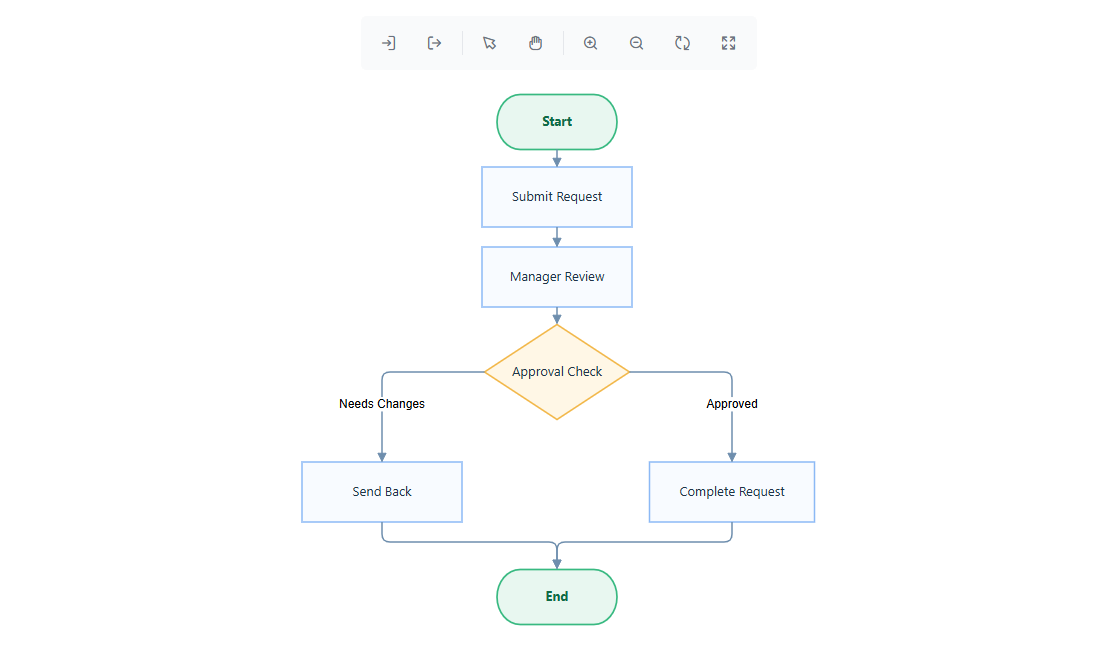
Explore React Diagram Visio import and export features
Exchange editable VSDX diagrams between React applications and Microsoft Visio while preserving supported diagram elements. Import existing Visio files for continued editing, or export updated diagrams for documentation, review, and collaboration across tools.
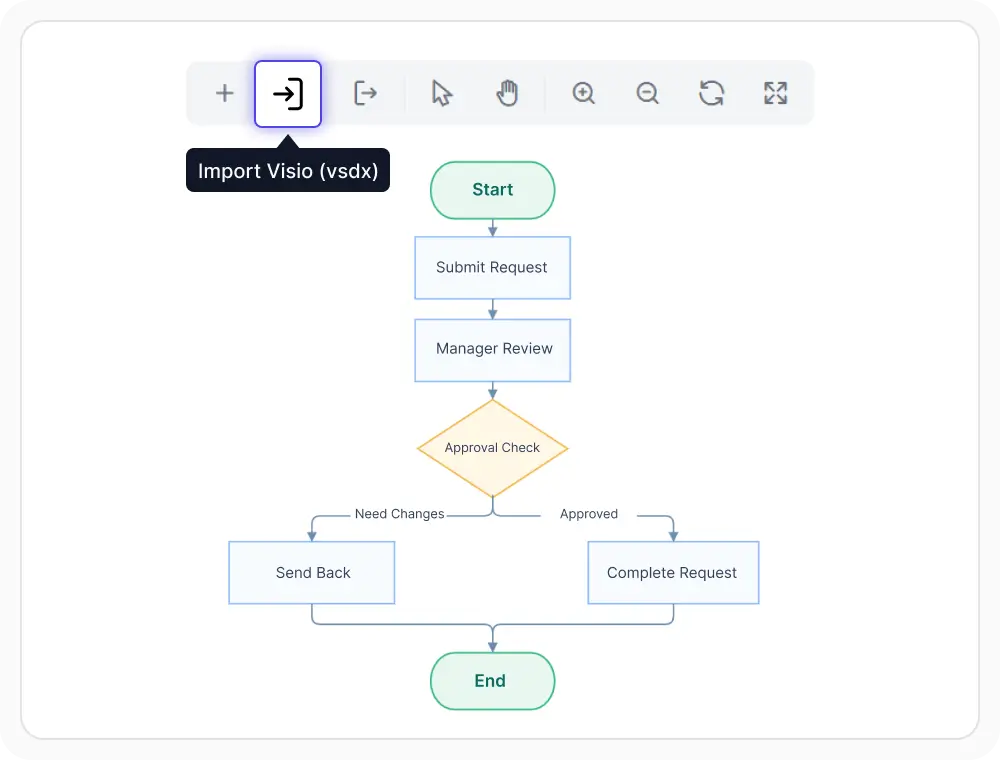
Import existing Visio files
VSDX files can be brought into the diagram surface as editable content. This helps preserve existing diagram work without redrawing it from scratch. Use it when older Visio diagrams need continued editing in a React application.
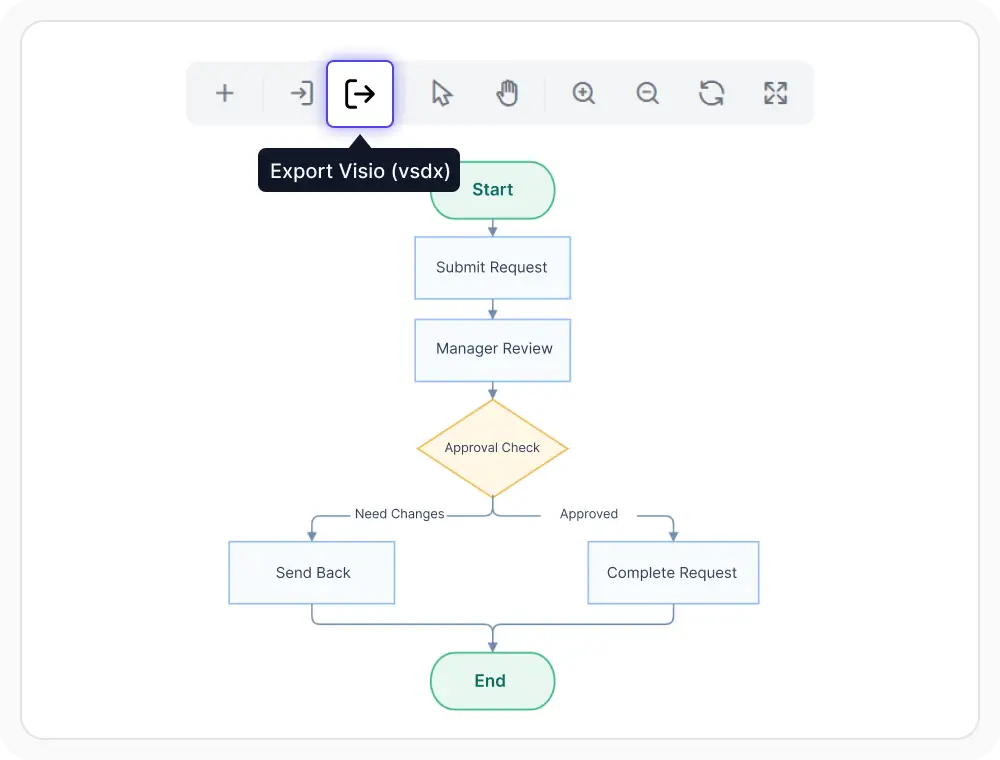
Export diagrams to Visio
Diagrams created or updated in the application can be saved for Microsoft Visio. This supports documentation sharing and handoff across teams that work in different diagram tools. Use it when edited diagrams must remain usable outside the browser.
See Why Developers Love Syncfusion
Our Customers Love Us
Having an excellent set of tools and a great support team, Syncfusion reduces customers’ development time. Here are some of their experiences.




Frequently Asked Questions
What does React Diagram Visio import and export support?
It supports bringing VSDX files into the diagram surface for editing and exporting diagrams back to a Visio-compatible file format. The main goal is to keep diagrams usable across both environments.
Can React Diagram export diagrams for Microsoft Visio?
Yes. Diagrams can be exported so they can be opened and reviewed in Microsoft Visio. Validation is still important when shared files contain platform-specific details.
Which diagrams work best with this feature?
Flowcharts, process diagrams, organizational charts, and general node-link diagrams are strong candidates. These diagram types are typically easier to exchange and review across both environments.
Can React Diagram import existing Microsoft Visio files?
Yes. Existing VSDX files can be imported and worked with as editable diagram content in supported scenarios.
Are all React Diagram Visio capabilities preserved after transfer?
Not always. Standard diagram structures are better suited for transfer, while some Visio-specific details may need review after import or export.
Resources
Learn more about our React Diagram
Explore demos, knowledge base articles, and documentation to get the most out of the Diagram.
Explore guides, APIs, and quick-start tips
See live use cases in action
Ask, share, and connect with peers
Find solutions and best practices fast
Get expert help when needed
Feature requests and bug reports
Track issues and suggest improvements
Awards
Greatness—it’s one thing to say you have it, but it means more when others recognize it. Syncfusion® is proud to hold the following industry awards.









