Try Our Live Demo
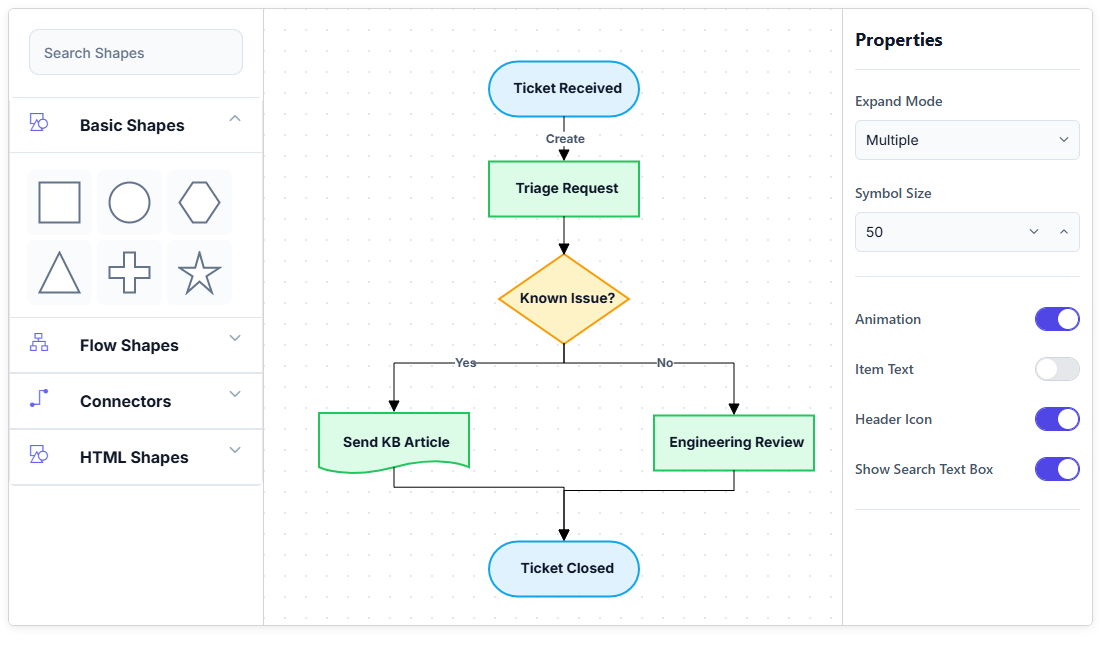
Explore React Diagram Symbol Palette features
Build diagrams from reusable shapes, connectors, and custom symbols organized into clear collections. Group and search large symbol libraries, expand or collapse categories, identify elements with descriptions and tooltips, and drag symbols directly onto the diagram surface.
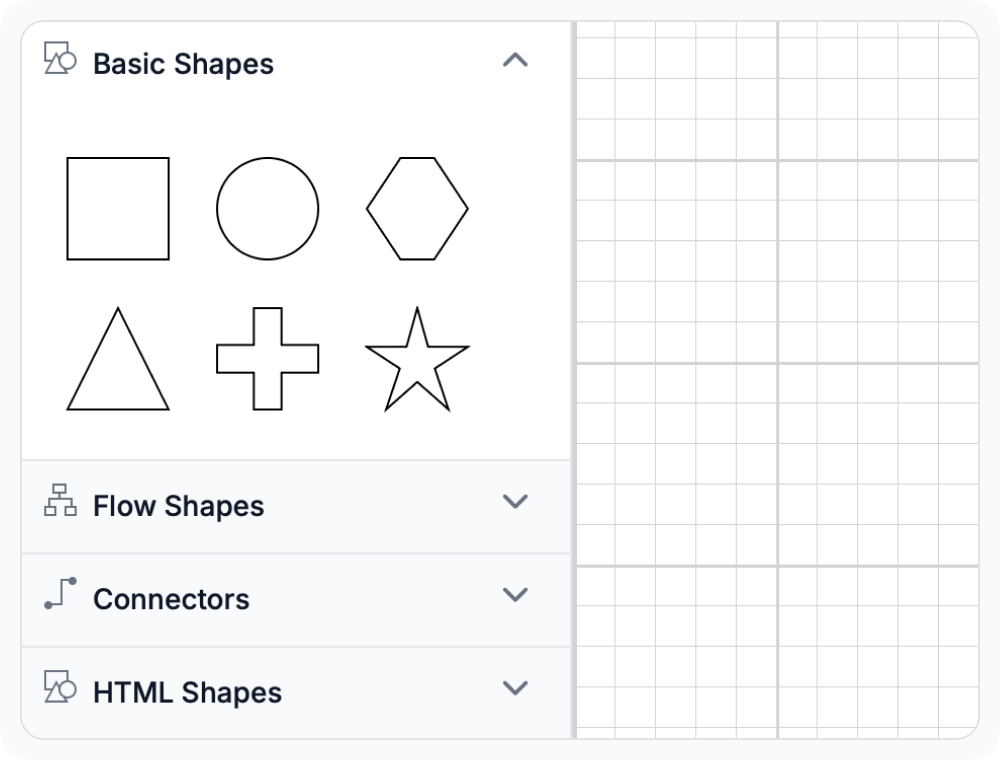
Organize symbols by category
Organize reusable shapes, connectors, and custom symbols into separate palette groups with clear category headers. This makes large symbol libraries easier to browse and keeps related diagram elements together. Use grouped palettes when an application provides symbols for several diagram types or visual domains.
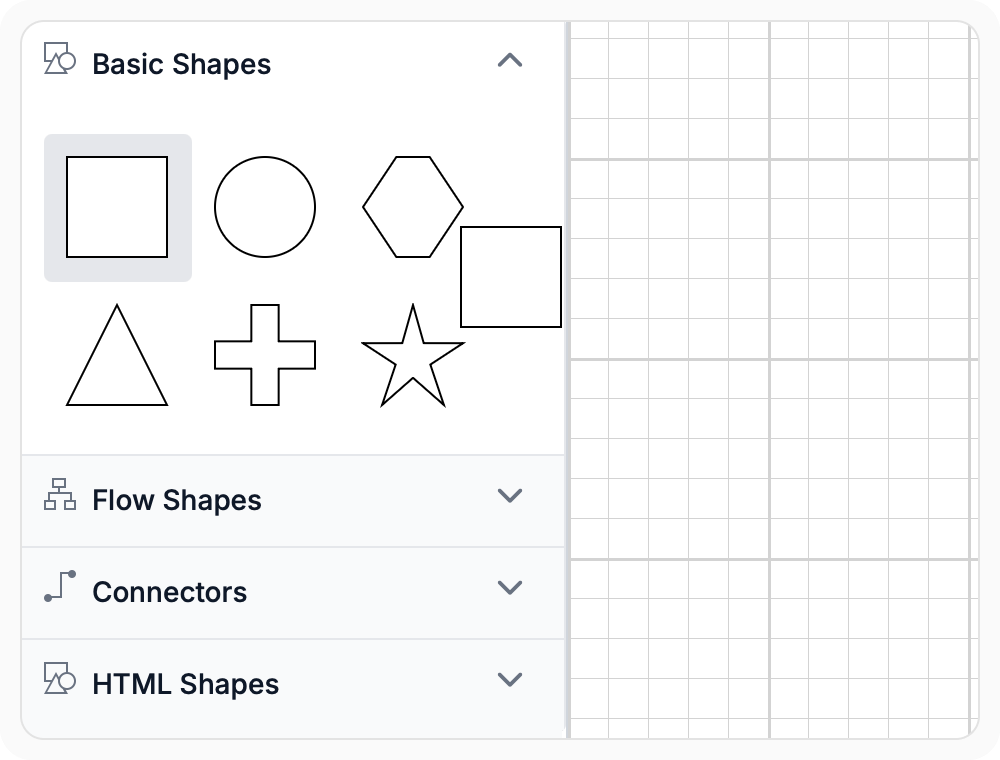
Drag symbols into diagrams
Drag shapes and connectors from the Symbol Palette and drop them onto the diagram surface. The same reusable symbol can be placed multiple times, reducing repeated setup when diagrams contain common elements. Use drag-and-drop placement when users need to build diagrams visually from predefined symbol collections.
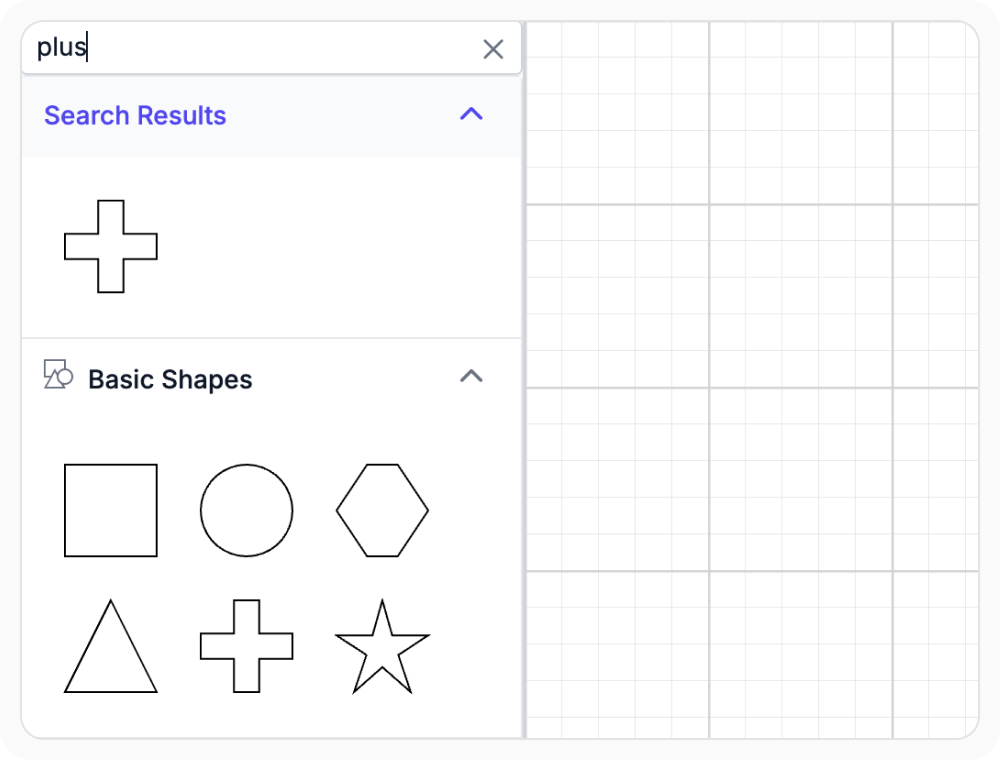
Search large symbol libraries
Search helps users find symbols without browsing every palette group. This is useful when the Symbol Palette contains many nodes, connectors, or custom elements across several collections. Use search when users need to locate a known symbol quickly in a large library.
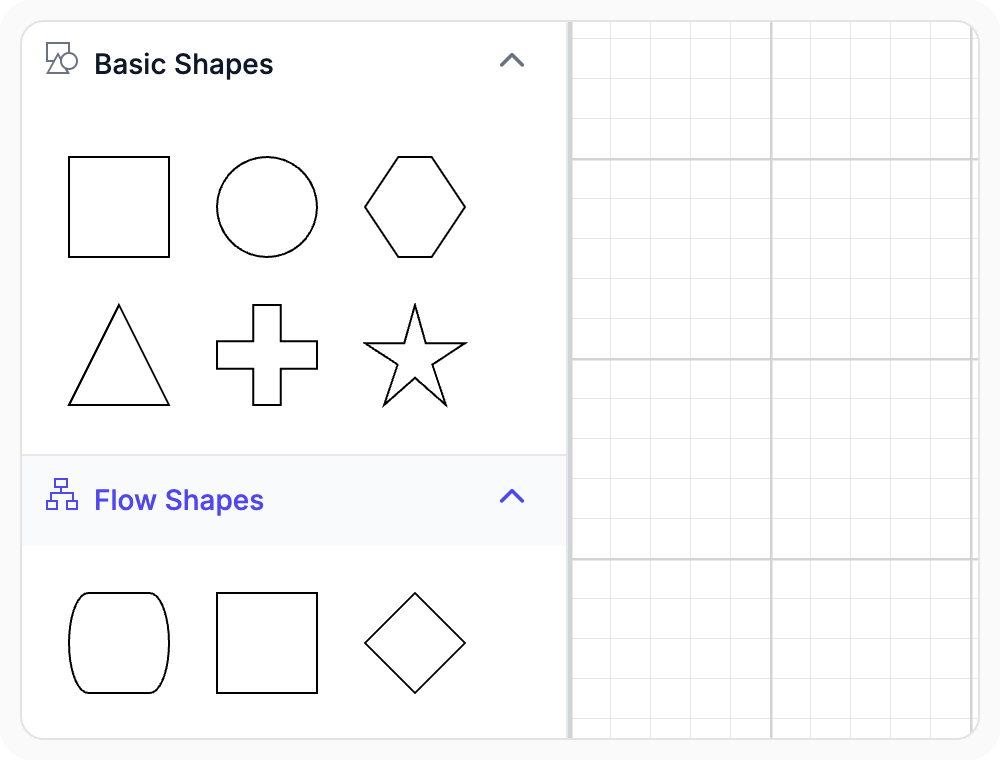
Expand and collapse palette groups
Expand or collapse palette groups to control which symbol collections are visible. This reduces clutter in large libraries while keeping other categories available when needed. Use collapsible groups when the Symbol Palette contains several collections but users usually work with only a few at a time.
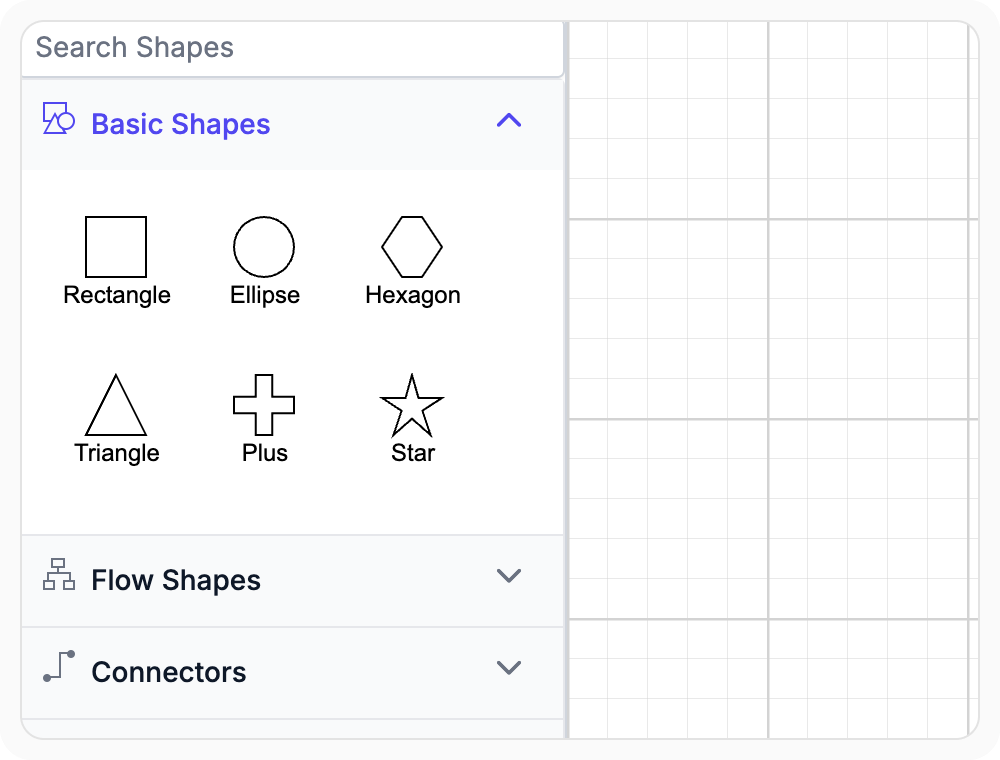
Identify symbols with descriptions and tooltips
Display descriptions beneath symbols and show tooltips when users hover over them. This additional context helps users understand a symbol’s purpose before placing it on the diagram surface. Use descriptions and tooltips when a palette contains unfamiliar or visually similar elements.
See Why Developers Love Syncfusion
Our Customers Love Us
Having an excellent set of tools and a great support team, Syncfusion reduces customers’ development time. Here are some of their experiences.




Frequently Asked Questions
What is React Diagram Symbol Palette used for?
React Diagram Symbol Palette provides reusable nodes, connectors, groups, and custom symbols for visual diagram creation. Users can browse organized symbol collections and drag required elements onto the diagram surface multiple times.
Can users search for symbols in React Diagram Symbol Palette?
Yes. Search helps users find symbols in large or categorized palette collections without browsing every group. Searchable names can be configured so symbols are easier to locate.
Can symbols be dragged from the palette into React Diagram?
Yes. Nodes and connectors can be dragged from the Symbol Palette and dropped onto the diagram surface. The same reusable symbol can be placed multiple times when a diagram requires repeated elements.
Can React Diagram organize symbols into palette groups?
Yes. Related nodes, connectors, and custom symbols can be organized into separate palettes with category headers. Groups can also be expanded or collapsed, making larger symbol collections easier to browse and manage.
Can symbols include descriptions and tooltips?
Yes. Descriptions can appear beneath symbols, and tooltips can provide additional information when users hover over them. These options help users identify unfamiliar or similar-looking symbols before placing them in a diagram.
Resources
Learn more about our React Diagram
Explore demos, knowledge base articles, and documentation to get the most out of the Diagram.
Explore guides, APIs, and quick-start tips
See live use cases in action
Ask, share, and connect with peers
Find solutions and best practices fast
Get expert help when needed
Feature requests and bug reports
Track issues and suggest improvements
Awards
Greatness—it’s one thing to say you have it, but it means more when others recognize it. Syncfusion® is proud to hold the following industry awards.









