Try Our Live Demo
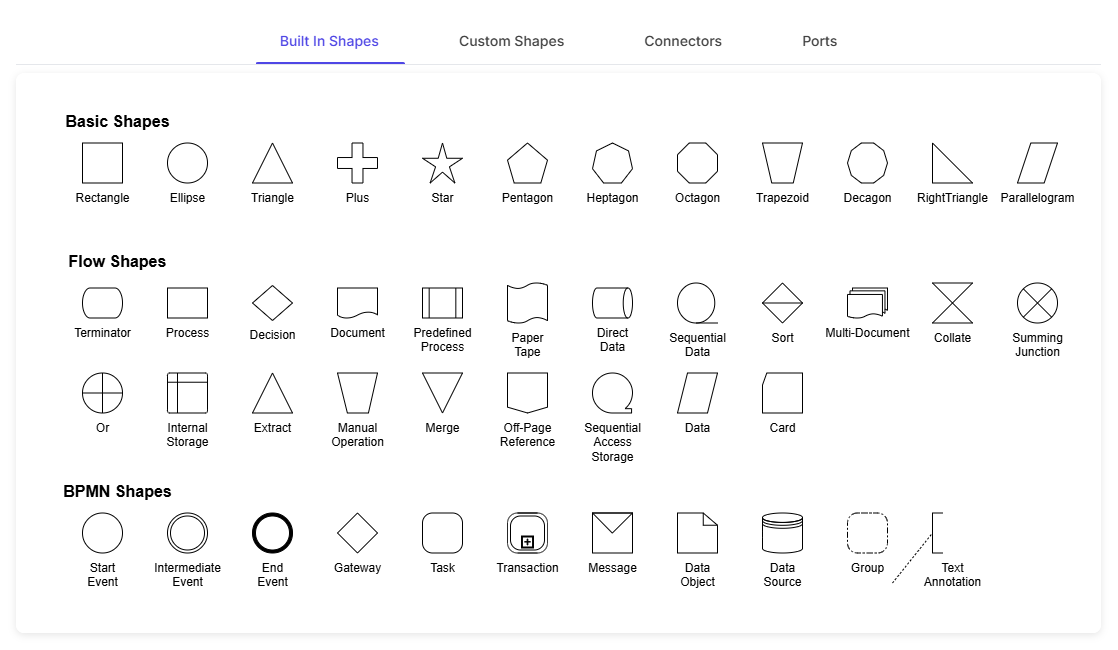
Explore React Diagram shapes and connector features
Build visual models with built-in shapes or custom nodes, and connect diagram elements using straight, orthogonal, or curved paths. Use ports for precise attachment points, route connections through complex diagrams, and group related elements so they can be managed together.
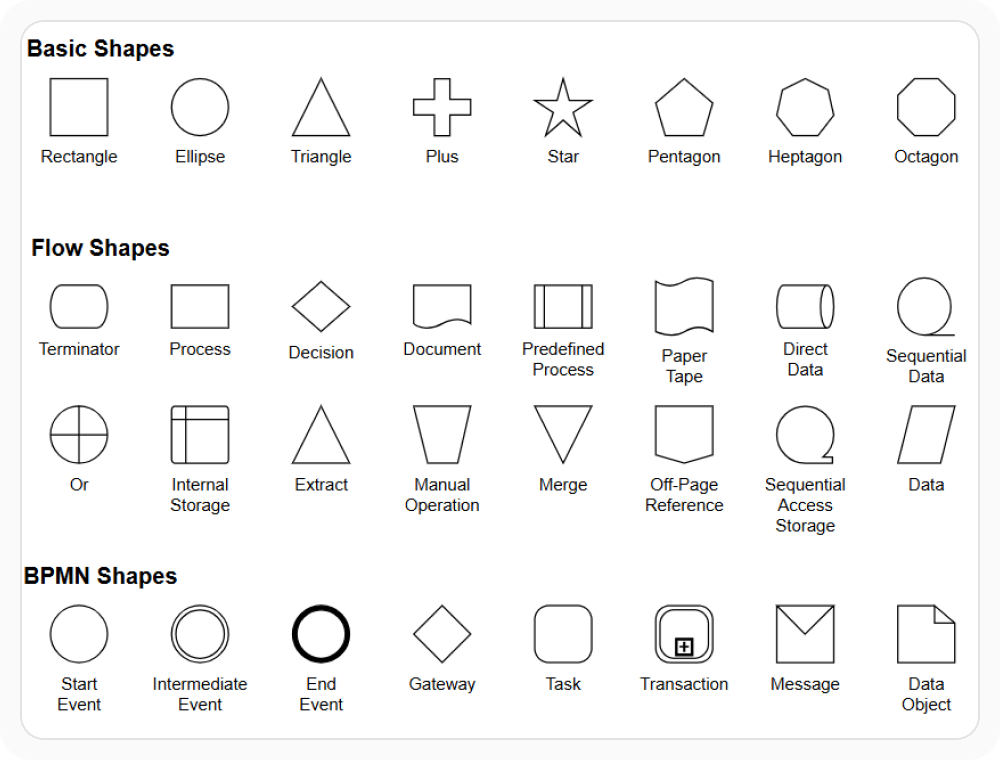
Use built-in shapes
Built-in shapes provide familiar symbols for flowcharts, processes, workflows, and other common visual models. They help teams follow consistent visual conventions without creating every element from the beginning. Use them when a diagram needs recognizable symbols for common actions, decisions, and relationships.
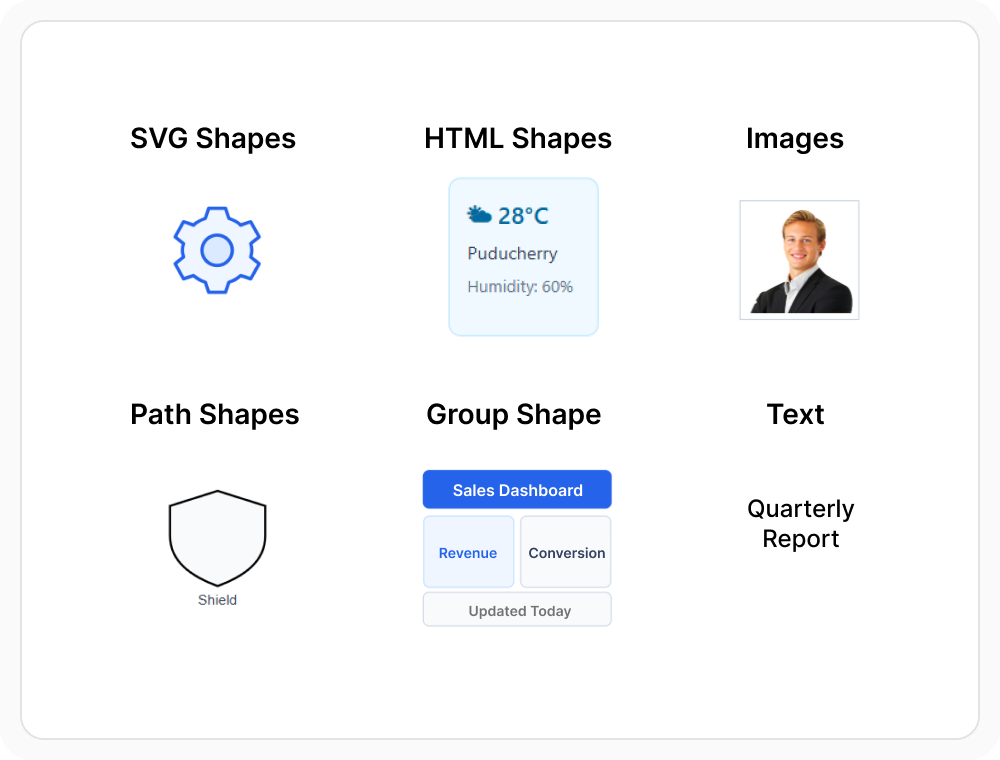
Create custom diagram elements
Create custom nodes with images, HTML content, SVG graphics, vector paths, or branded visuals when built-in shapes do not meet a specific need. This helps users represent specialized concepts, equipment, people, or business items with a distinct visual design. Use custom nodes when diagrams require richer content or elements designed for a specific application.
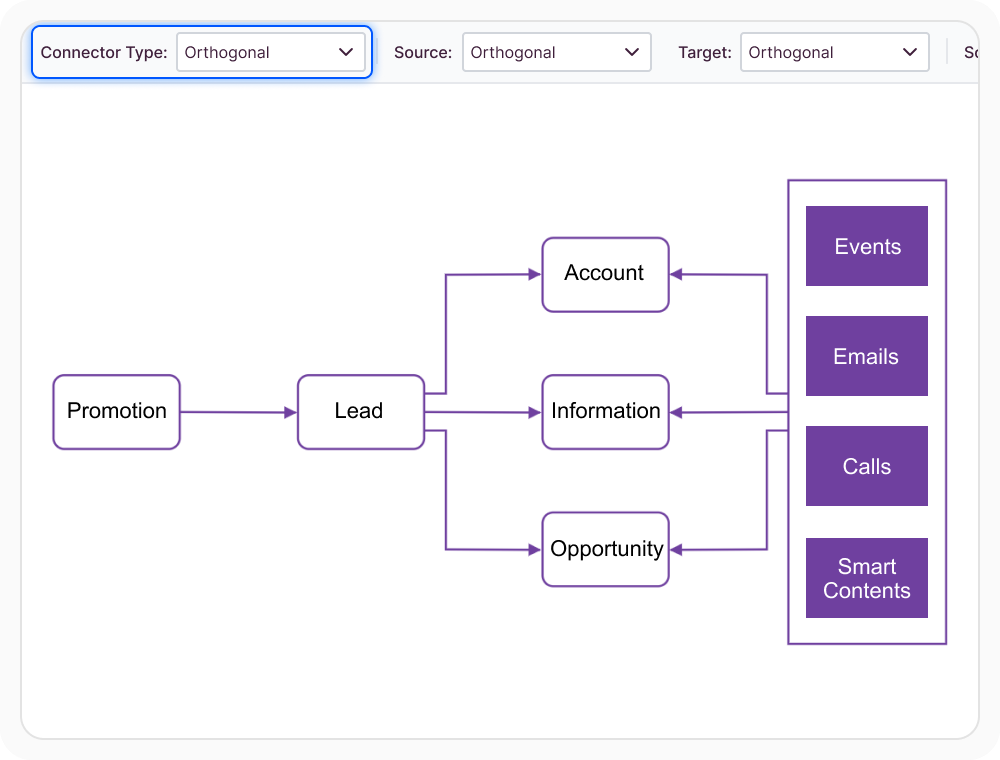
Connect shapes with flexible connector types
Use straight, right-angled orthogonal, or curved Bezier connectors to represent relationships and process flows. Orthogonal connectors can route around diagram elements, while line bridges and overlap avoidance help users follow connection paths in crowded layouts. Add decorators, such as arrowheads, to communicate direction or meaning. Use these options when relationships must remain clear as a diagram becomes more complex.
Control where connections attach
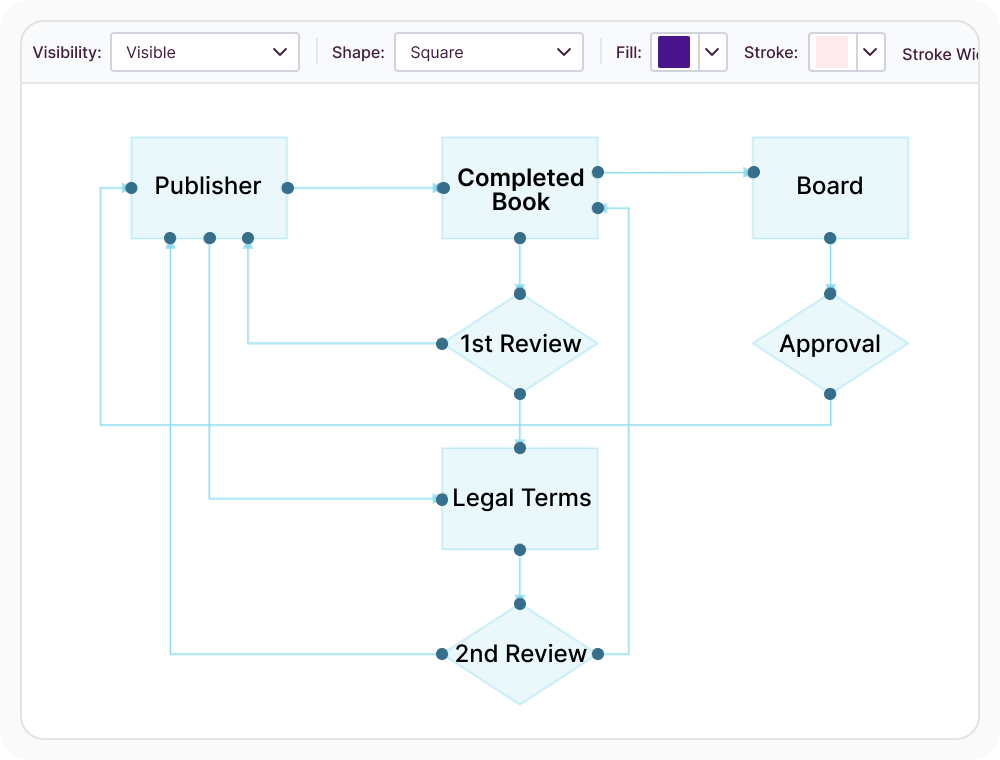
Add ports as predefined points where connectors can attach to a shape or node. Unlike automatic node-to-node connections, port connections remain tied to their assigned locations when the node is moved, rotated, or resized. Use ports when a diagram needs stable and predictable connection points.
Group related diagram elements
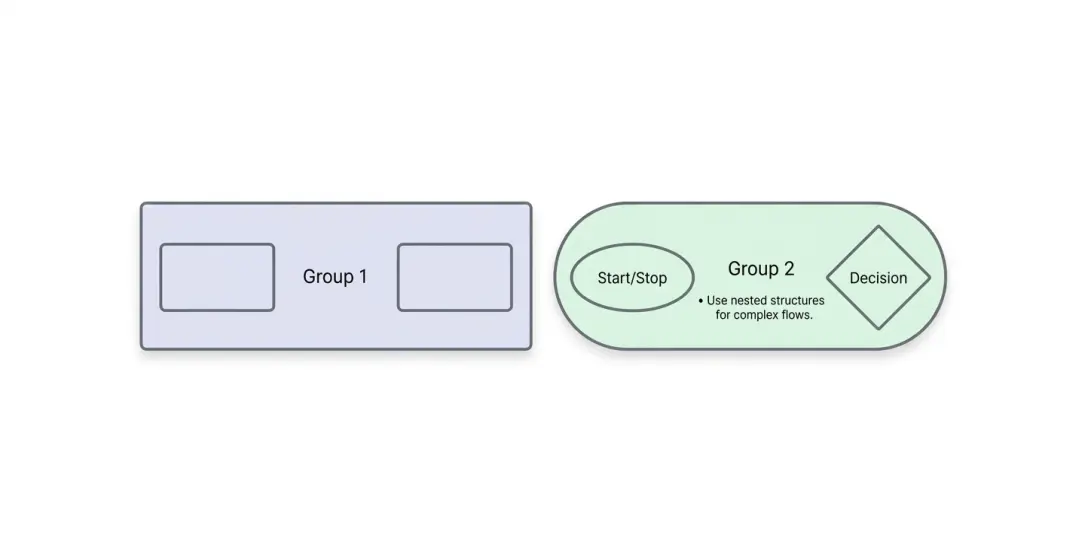
Grouping combines related nodes and connectors into one diagram element. The group can be selected and managed as a unit, helping multi-part structures remain organized within a larger diagram. Use it when several elements represent one logical component or reusable section.
See Why Developers Love Syncfusion
Our Customers Love Us
Having an excellent set of tools and a great support team, Syncfusion reduces customers’ development time. Here are some of their experiences.




Frequently Asked Questions
What are React Diagram shapes and connectors used for?
React Diagram shapes and connectors provide the core visual elements for creating interactive diagrams. Shapes represent items, actions, or concepts, while connectors show relationships and process flow between them. Ports, routing, connector decorators such as arrowheads, and grouping provide additional control over how these elements are presented.
What connector types does React Diagram support?
React Diagram supports straight, right-angled orthogonal, and curved Bezier connectors for different relationship patterns. Orthogonal connectors can use line routing to avoid diagram elements, while line bridges, overlap avoidance, and decorators such as arrowheads help keep complex connection paths understandable.
Can React Diagram route connectors around nodes?
Yes. Orthogonal connectors can use line routing to find paths around diagram nodes. Bridges and overlap avoidance can also help distinguish crossing or overlapping connector segments in dense diagrams.
Can React Diagram use built-in and custom shapes?
Yes. React Diagram provides predefined shapes for common visual models, such as flowcharts, and supports custom nodes for specialized requirements. Custom nodes can use visual content and reusable templates, allowing built-in and application-specific elements to appear in the same diagram.
How do ports control React Diagram connections?
Ports let connectors attach to predefined points on a shape or node instead of choosing an attachment point automatically. This keeps connections in predictable locations and makes diagrams with several connectors easier to organize and understand.
Can React Diagram group related shapes and connectors?
Yes. Related nodes and connectors can be combined into a group and managed as one diagram element. Grouping helps organize composite components and keeps connected elements together within larger diagrams.
Resources
Learn more about our React Diagram
Explore demos, knowledge base articles, and documentation to get the most out of the Diagram.
Explore guides, APIs, and quick-start tips
See live use cases in action
Ask, share, and connect with peers
Find solutions and best practices fast
Get expert help when needed
Feature requests and bug reports
Track issues and suggest improvements
Awards
Greatness—it’s one thing to say you have it, but it means more when others recognize it. Syncfusion® is proud to hold the following industry awards.









