Try Our Live Demo
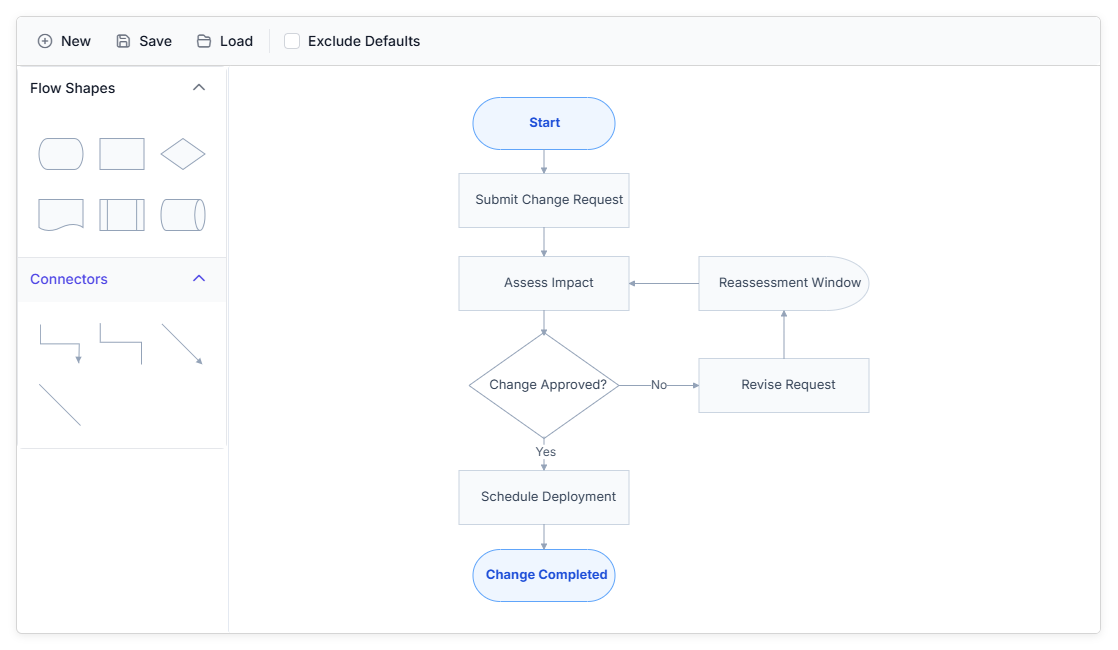
Explore React Diagram serialization features
Save diagram content as JSON and restore the same nodes, connectors, annotations, configurations, and visual settings in a later session. Detect unsaved changes before replacing active content, and reduce stored data by excluding unchanged default properties.
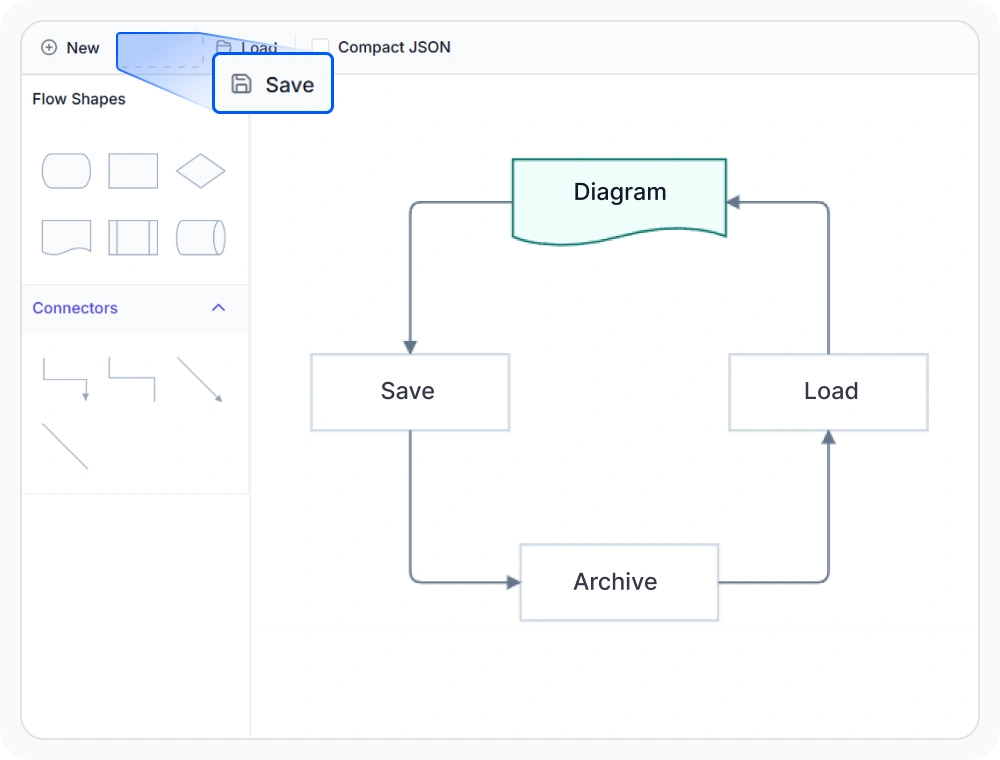
Save diagram content as JSON
Save the current diagram as a JSON string that retains its nodes, connectors, annotations, configurations, and visual settings. The JSON can be stored in the browser, downloaded as a file, or transferred to another system, making the diagram available for later use or sharing. Use this feature when diagram edits must remain available beyond the active session.
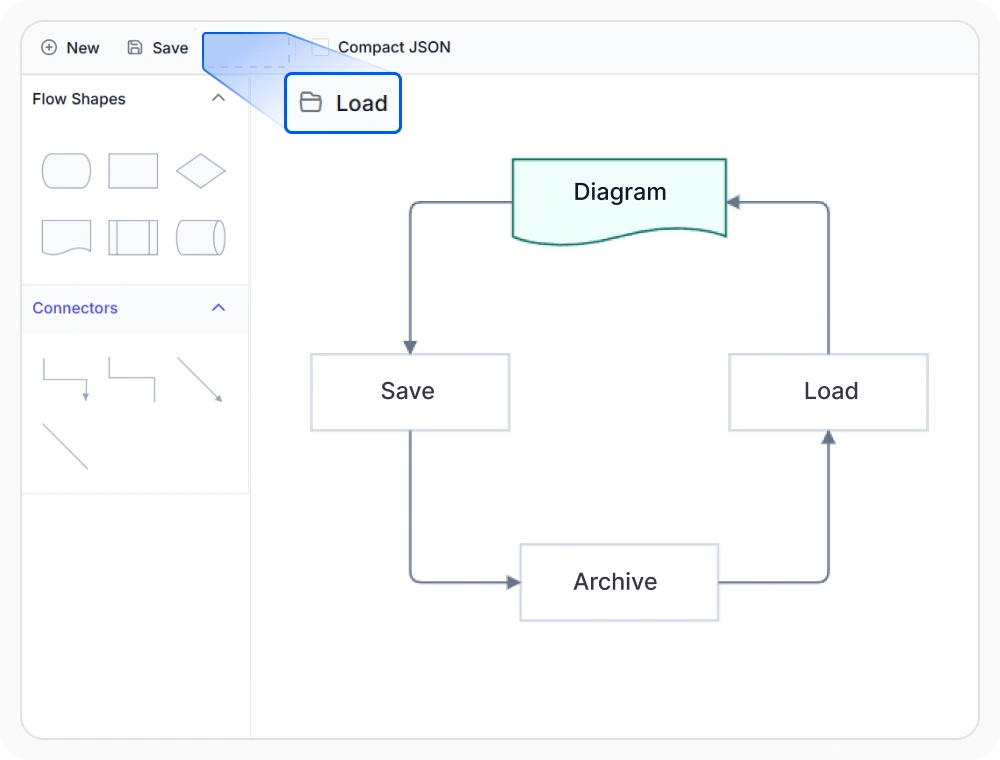
Load saved diagram content
Load a previously saved diagram from serialized JSON, automatically clearing the current content before restoring its nodes, connectors, annotations, configurations, and visual settings. This allows editing to continue without recreating the diagram. Use this feature when previously stored work must reopen with the same structure and settings.
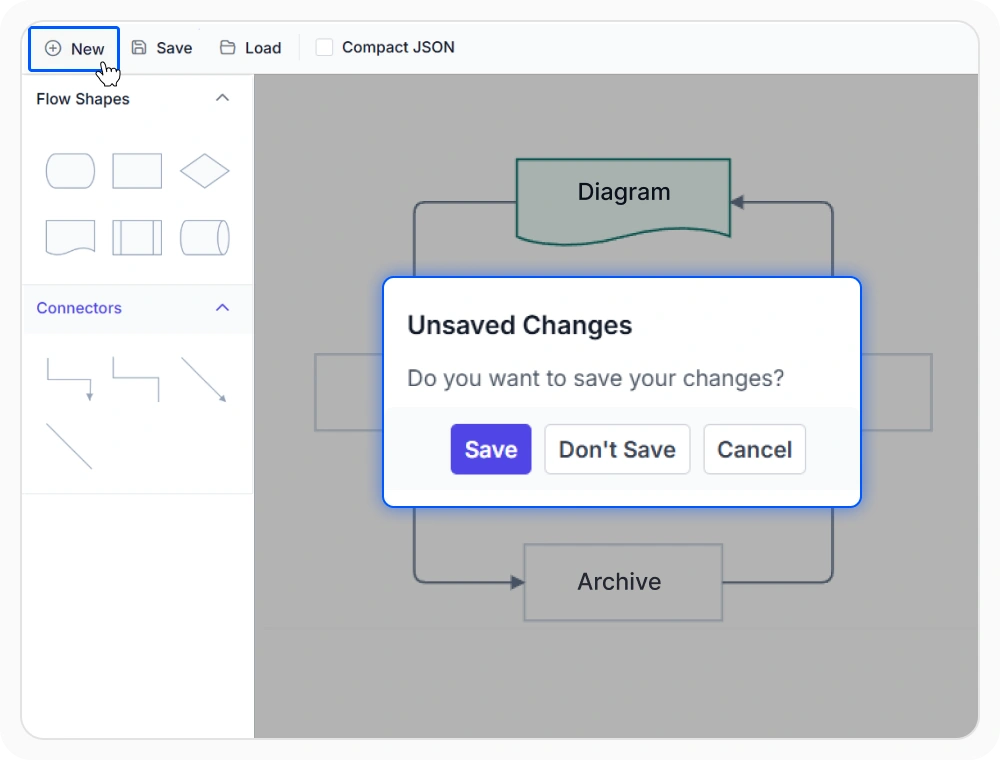
Identify unsaved changes before a new action
Applications can compare the active diagram with its previously saved state to identify pending edits. The comparison can be used to display a warning and give users an opportunity to save their work before opening another diagram, replacing the current content, or leaving the page.
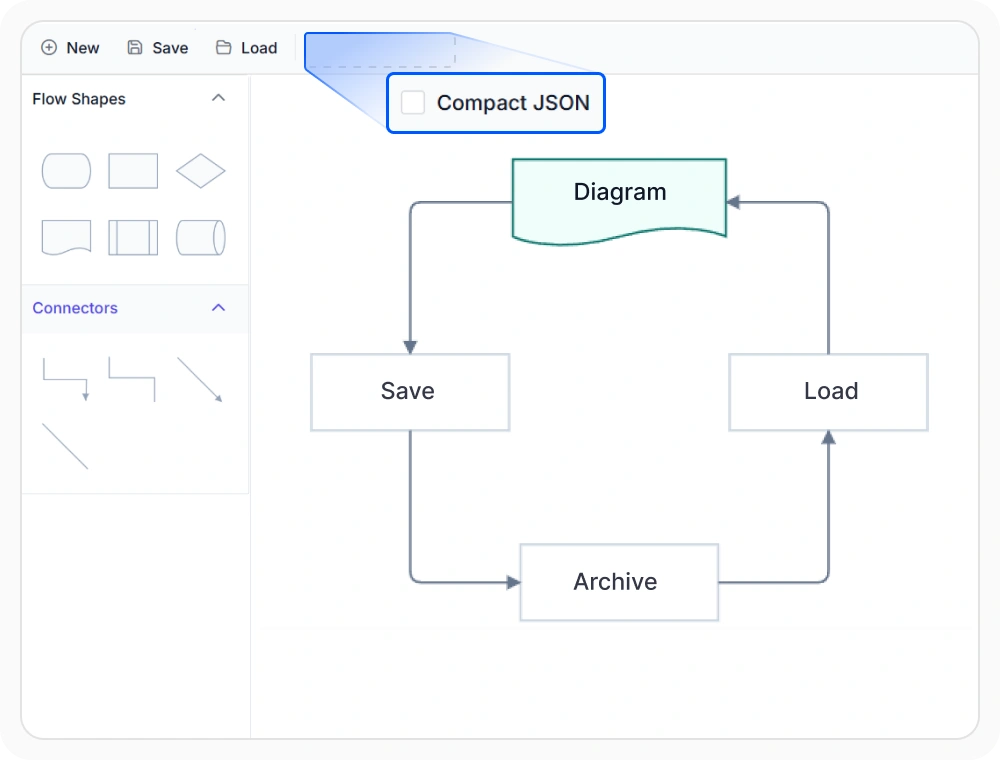
Reduce saved diagram data size
Store only the information that differs from default settings when saving diagram content. This helps reduce storage requirements and improves the efficiency of saving, loading, and transferring diagrams. Use it for large diagrams or applications that save diagram state frequently.
See Why Developers Love Syncfusion
Our Customers Love Us
Having an excellent set of tools and a great support team, Syncfusion reduces customers’ development time. Here are some of their experiences.




Frequently Asked Questions
What is React Diagram Serialization?
React Diagram Serialization converts the current diagram state into a JSON string so its nodes, connectors, annotations, configurations, and visual settings can be stored and restored later. The serialized content can be kept in browser storage, downloaded as a file, or transferred between systems.
Can React Diagram Serialization load a previously saved diagram?
Yes. React Diagram Serialization can reload serialized JSON to restore the diagram’s nodes, connectors, annotations, configurations, and visual settings. Existing diagram content is automatically cleared before the saved state is loaded.
Can React Diagram Serialization reduce stored JSON size?
Yes. The serialization settings can exclude unchanged default properties from the JSON output. This produces a smaller payload that requires less storage and is more efficient to transfer or process.
How does React Diagram Serialization save a diagram?
React Diagram Serialization converts the diagram configuration into portable JSON. Applications can keep this serialized content in local storage, save it as a JSON file, or send it to a server for storage and later retrieval.
How can an application detect unsaved changes in React Diagram?
An application can compare the current serialized diagram with its previously saved state to determine whether nodes, connectors, annotations, or other settings have changed. The result can be used to show a pending-change indicator or warn users before content is opened, replaced, or discarded.
Resources
Learn more about our React Diagram
Explore demos, knowledge base articles, and documentation to get the most out of the Diagram.
Explore guides, APIs, and quick-start tips
See live use cases in action
Ask, share, and connect with peers
Find solutions and best practices fast
Get expert help when needed
Feature requests and bug reports
Track issues and suggest improvements
Awards
Greatness—it’s one thing to say you have it, but it means more when others recognize it. Syncfusion® is proud to hold the following industry awards.









