Try Our Live Demo
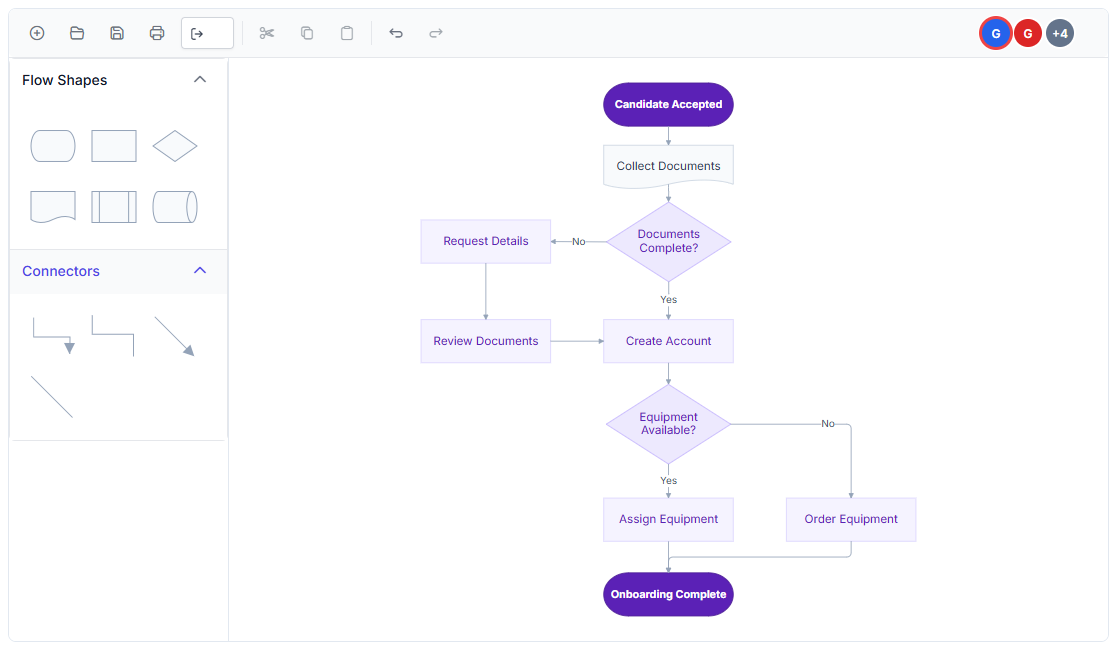
Explore React Diagram collaborative editing features
Work with multiple participants in the same shared diagram while maintaining visibility into active collaborators and ongoing changes. Track editing activity, handle changes that cannot be merged, and save collaborative sessions so work can continue later.
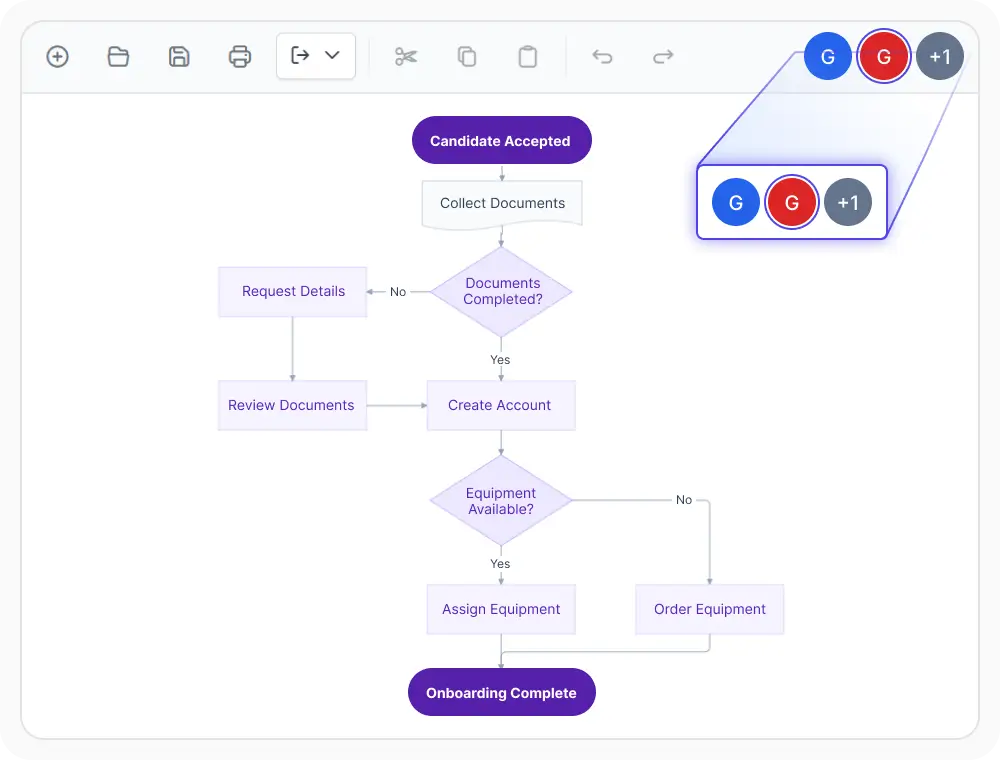
See who is collaborating
Users can see who is currently present in the shared diagram. This gives everyone visibility into active participation and helps teams coordinate their work. Use this feature during collaborative reviews, planning sessions, and diagram editing.
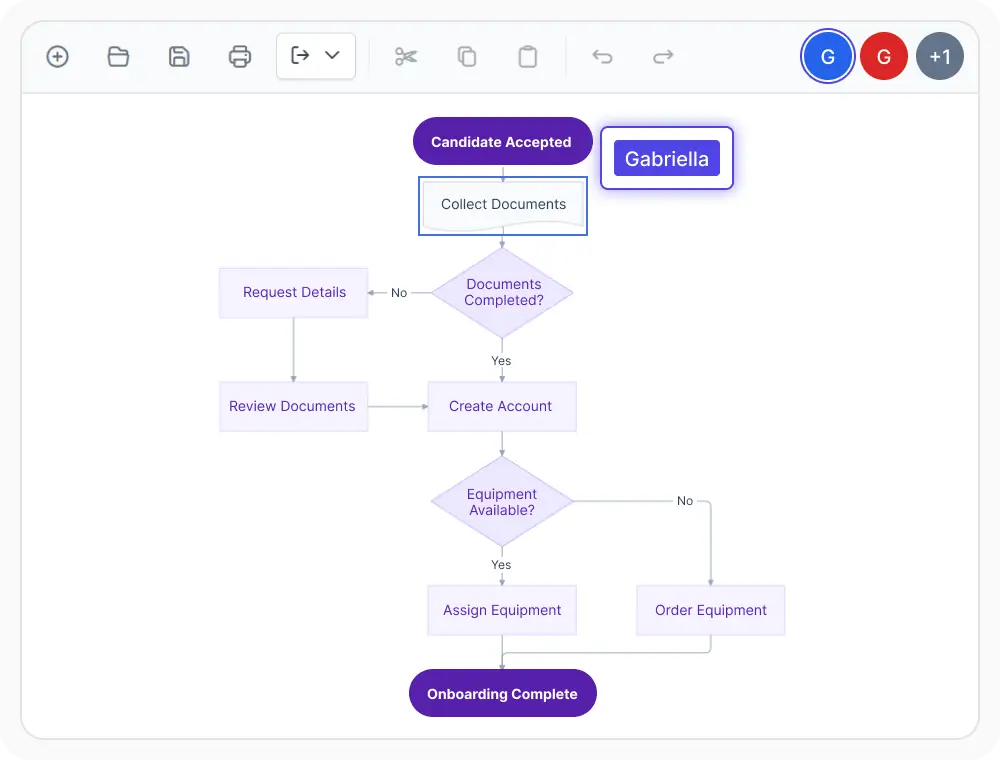
Track editing activity
View ongoing editing activity as participants make changes to the diagram. This helps teams follow updates, coordinate related work, and avoid editing the same content unnecessarily. Use this feature when multiple people work on the same diagram at the same time.
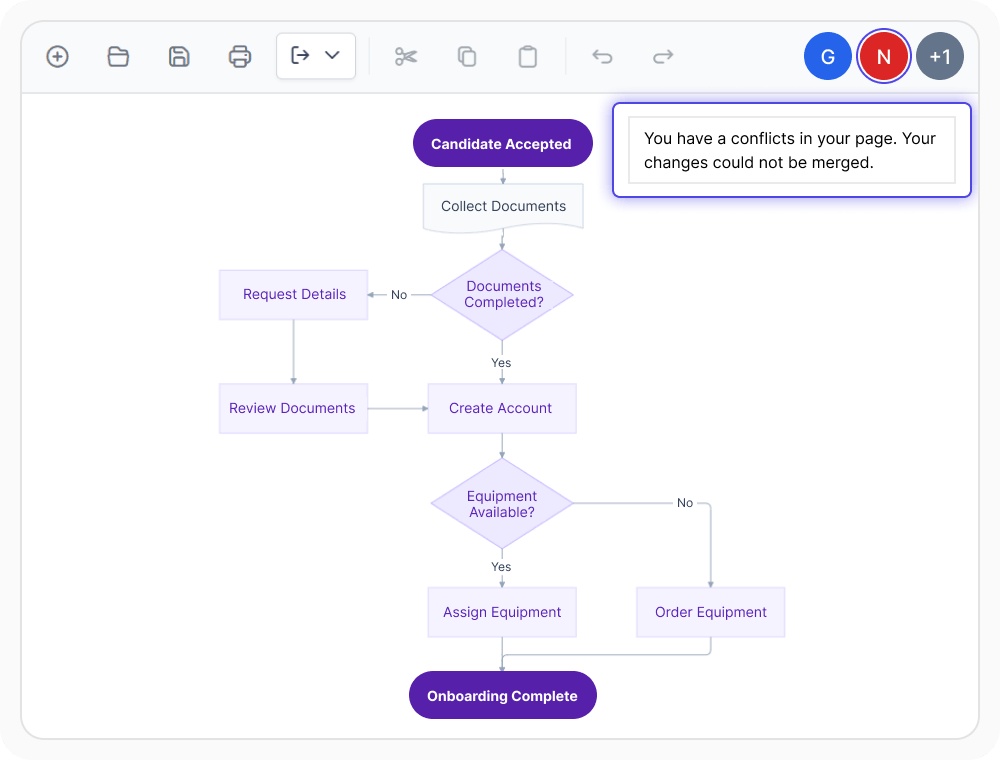
Handle editing conflicts
React Diagram notifies users when simultaneous changes cannot be merged. This helps prevent conflicting updates from being applied without warning. Use this feature when multiple team members may edit the same part of a diagram.
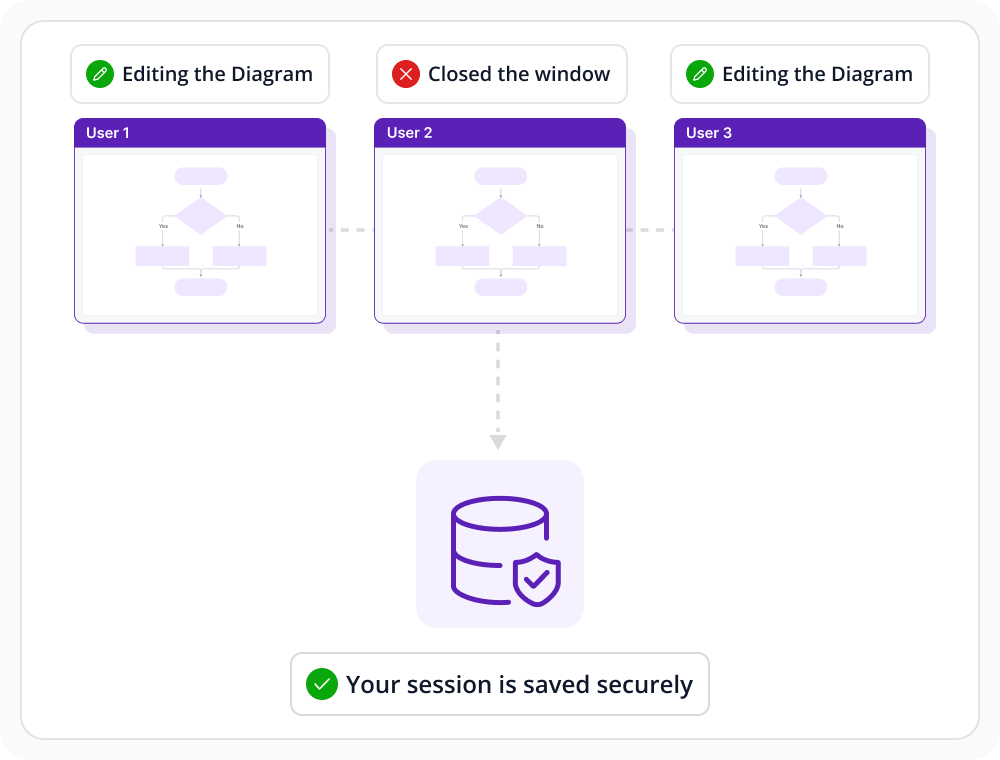
Continue saved diagram sessions
Collaborative diagrams can be saved and restored so work can continue later. This helps long-running diagram efforts stay organized across separate editing periods. Use this option when shared diagram work extends beyond one active session.
See Why Developers Love Syncfusion
Our Customers Love Us
Having an excellent set of tools and a great support team, Syncfusion reduces customers’ development time. Here are some of their experiences.




Frequently Asked Questions
Can multiple users edit the same React Diagram at the same time?
Yes. The feature supports shared diagram sessions where multiple participants can work on the same diagram and see synchronized updates across connected views.
Which diagram types work with React Diagram collaborative editing?
Collaborative editing can be applied to supported diagram types such as flowcharts, BPMN diagrams, network diagrams, and other shared visual models.
How does React Diagram handle conflicting edits?
React Diagram notifies users when simultaneous changes cannot be merged. This warns participants about the conflict so they can review the affected content before continuing.
Does React Diagram include built-in communication services for collaborative editing?
No. React Diagram provides the collaborative editing experience, but a separate communication service is required to send updates between users.
How does React Diagram show shared editing activity?
Shared editing activity can be reflected through synchronized diagram updates and visible interaction cues inside the collaborative workspace. This helps participants follow ongoing changes more clearly during active sessions.
Can shared diagram sessions be saved and restored later?
Yes. Collaborative diagram states can be saved and restored so shared work can continue after a pause, reconnection, or later review session.
Resources
Learn more about our React Diagram
Explore demos, knowledge base articles, and documentation to get the most out of the Diagram.
Explore guides, APIs, and quick-start tips
See live use cases in action
Ask, share, and connect with peers
Find solutions and best practices fast
Get expert help when needed
Feature requests and bug reports
Track issues and suggest improvements
Awards
Greatness—it’s one thing to say you have it, but it means more when others recognize it. Syncfusion® is proud to hold the following industry awards.









