Try Our Live Demo
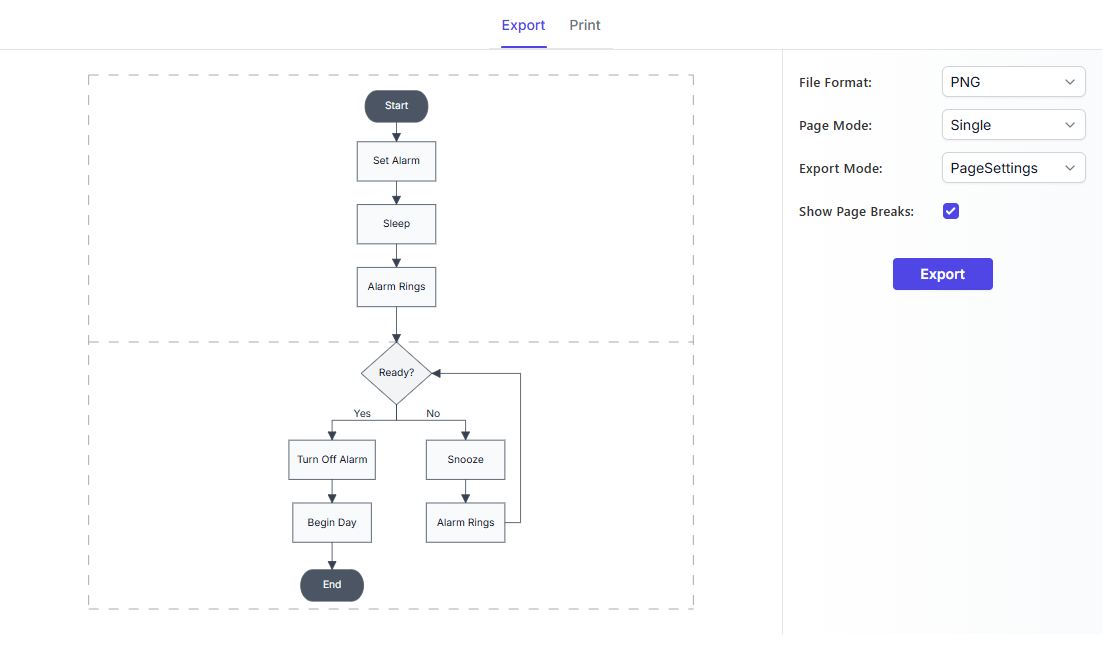
Explore React Diagram export and print features
Prepare diagrams for reports, documentation, presentations, reviews, and printing. Export diagrams in common image formats, print directly from an application, select the exact output area, and split large diagrams across multiple pages.
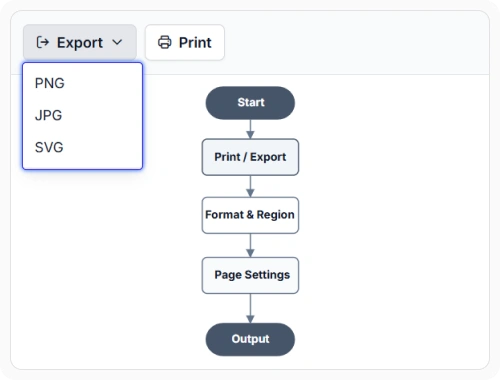
Export in common formats
Export diagrams as PNG, JPEG, or SVG image files. These portable copies can be viewed and shared across different applications and devices. Use this option when adding diagrams to reports, documentation, presentations, or other shared materials.
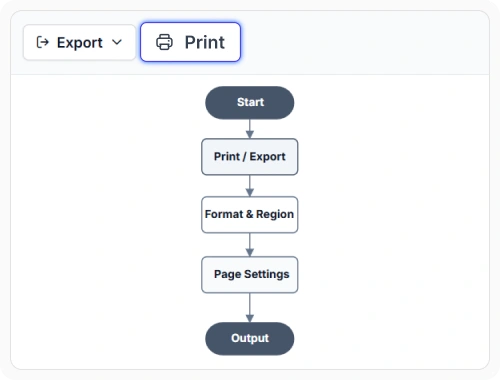
Print diagrams from applications
Print diagrams directly from the application for reviews, discussions, and record keeping. This helps create clear, consistent printed copies without additional steps. Use this option when printed copies are needed for review sessions, handouts, or records.
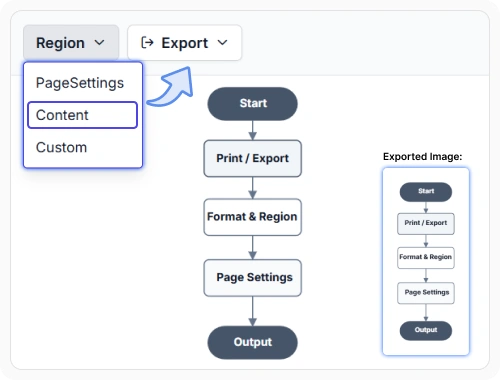
Export exactly what you need
Control whether output covers the full diagram, page-based content, or a selected region. This keeps exported material aligned with the exact portion that needs to be shared. Use this option when only a focused section or a structured page view is required.
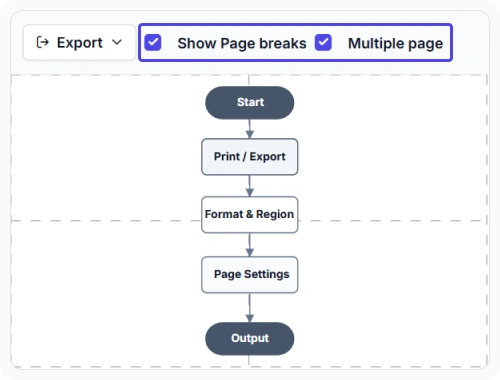
Handle large diagram pages
Split large diagram output across multiple pages when the content extends beyond a single page. This preserves readability for complex layouts that would otherwise shrink too much in one view. Use this option when diagrams contain broad structures or long connected flows.
See Why Developers Love Syncfusion
Our Customers Love Us
Having an excellent set of tools and a great support team, Syncfusion reduces customers’ development time. Here are some of their experiences.




Frequently Asked Questions
What export and print options are available?
React Diagram Export and Print supports image export, print output, selected-area export, page-based output, and handling for large diagrams that span multiple pages.
Can React Diagram print large diagrams clearly?
Yes. Large diagrams can be prepared for output across multiple pages so more content remains readable in printed form instead of being compressed into a single page.
Which image formats are available in React Diagram?
React Diagram supports common diagram export formats including PNG, JPEG, and SVG. These options help match output to document sharing, image storage, or scalable graphic needs.
Can only part of a diagram be exported?
Yes. Output can target the full diagram, page-based content, or a selected region when only a specific area needs to be shared or reviewed.
Resources
Learn more about our React Diagram
Explore demos, knowledge base articles, and documentation to get the most out of the Diagram.
Explore guides, APIs, and quick-start tips
See live use cases in action
Ask, share, and connect with peers
Find solutions and best practices fast
Get expert help when needed
Feature requests and bug reports
Track issues and suggest improvements
Awards
Greatness—it’s one thing to say you have it, but it means more when others recognize it. Syncfusion® is proud to hold the following industry awards.









