Try Our Live Demo
Explore React Diagram mind map features
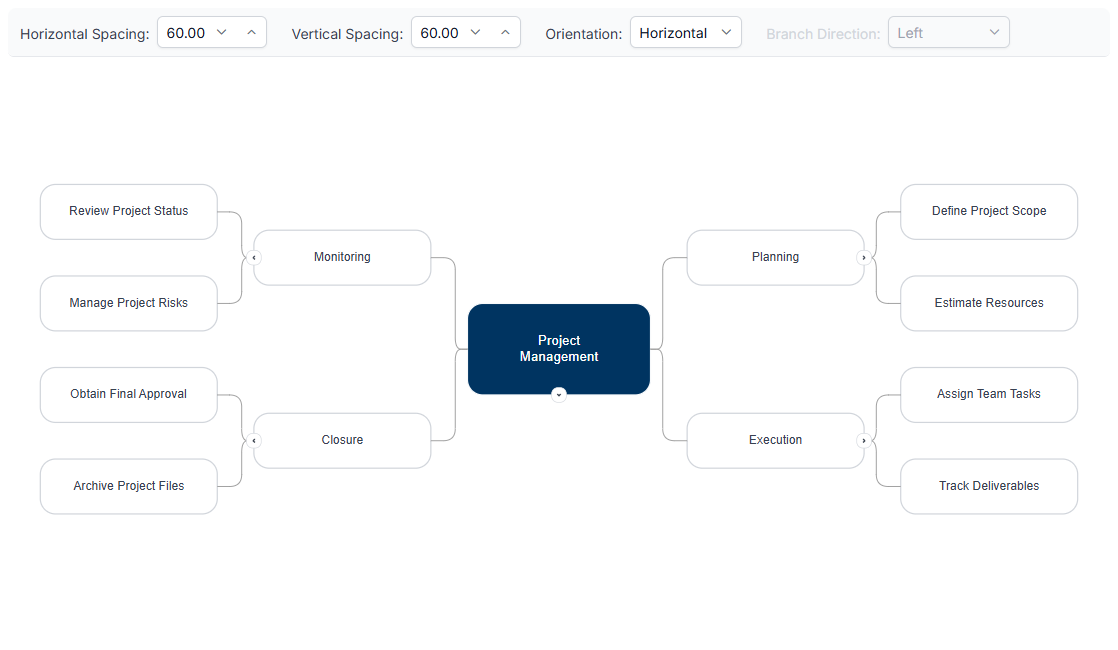
Organize related topics around a central idea using flexible orientation, spacing, and branch-direction controls. Expand or collapse branches to focus on relevant information, and use custom templates to give topics additional context and a consistent visual presentation.
Adjust orientation and spacing
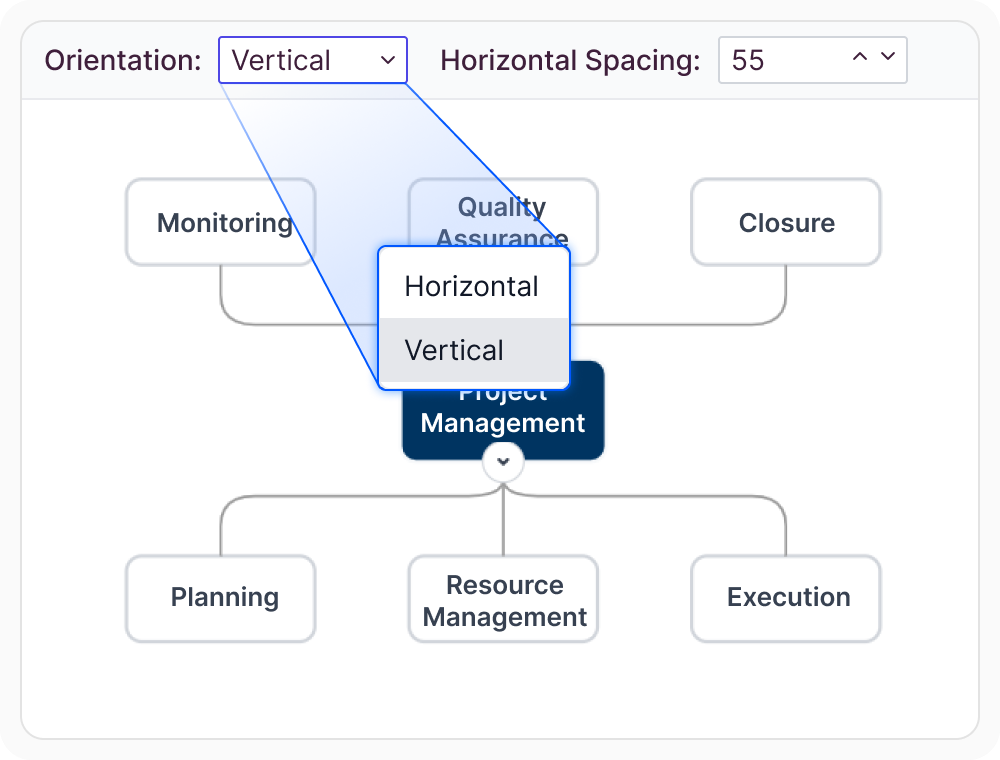
Arrange the mind map horizontally or vertically and adjust spacing between topics. Orientation and spacing settings are suitable for adapting deep or wide topic structures to different reading directions and available space.
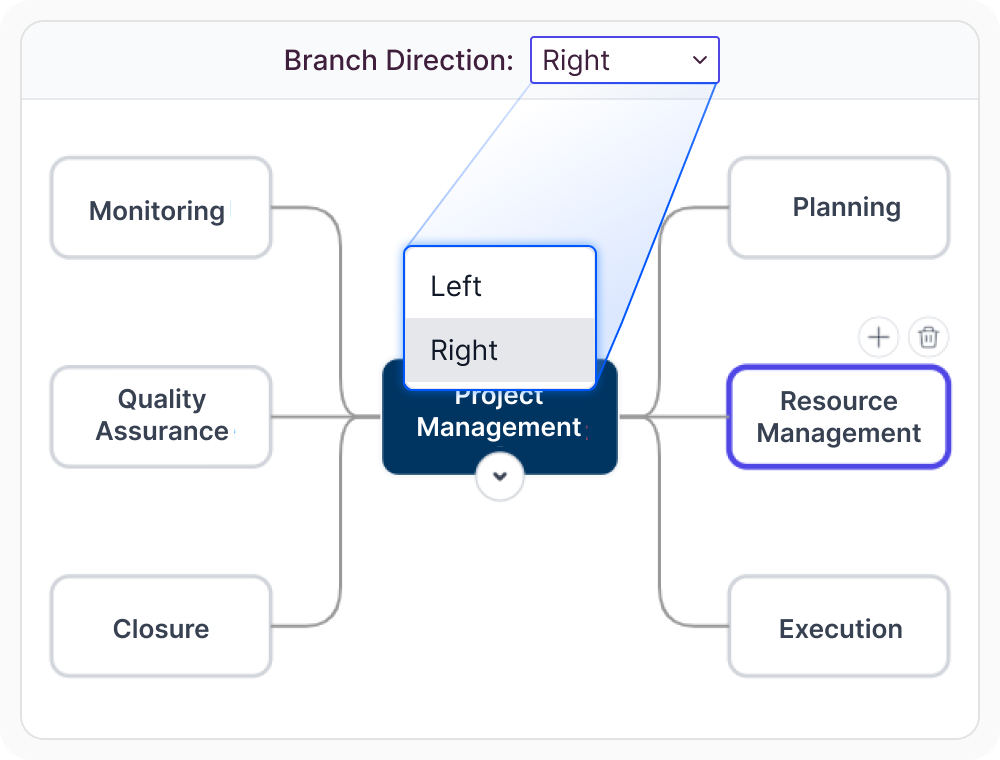
Balance topics with branch direction control
Branch direction control places selected root-level branches on the left or right of the central topic. Directional branch placement is suitable for distributing related topic groups across both sides of a mind map according to the available layout space.
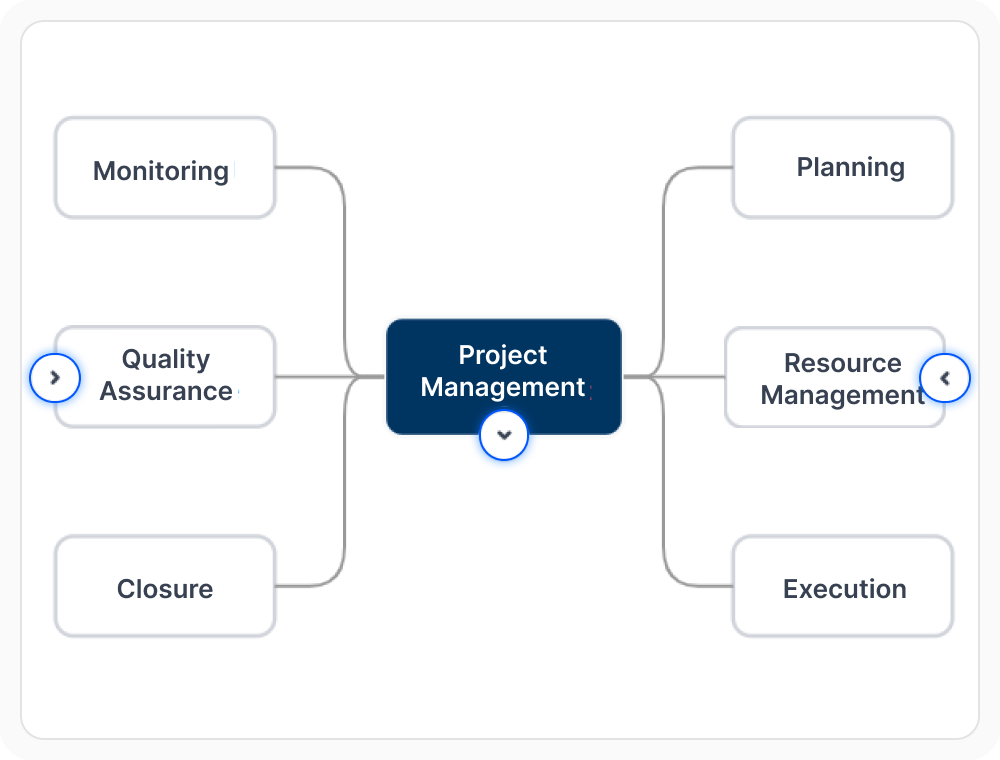
Focus on topics with expand and collapse
Expand branches to review their child topics and collapse them to focus on selected sections of the mind map. Branch expansion and collapse are suitable for navigating large topic structures while keeping other sections minimized.
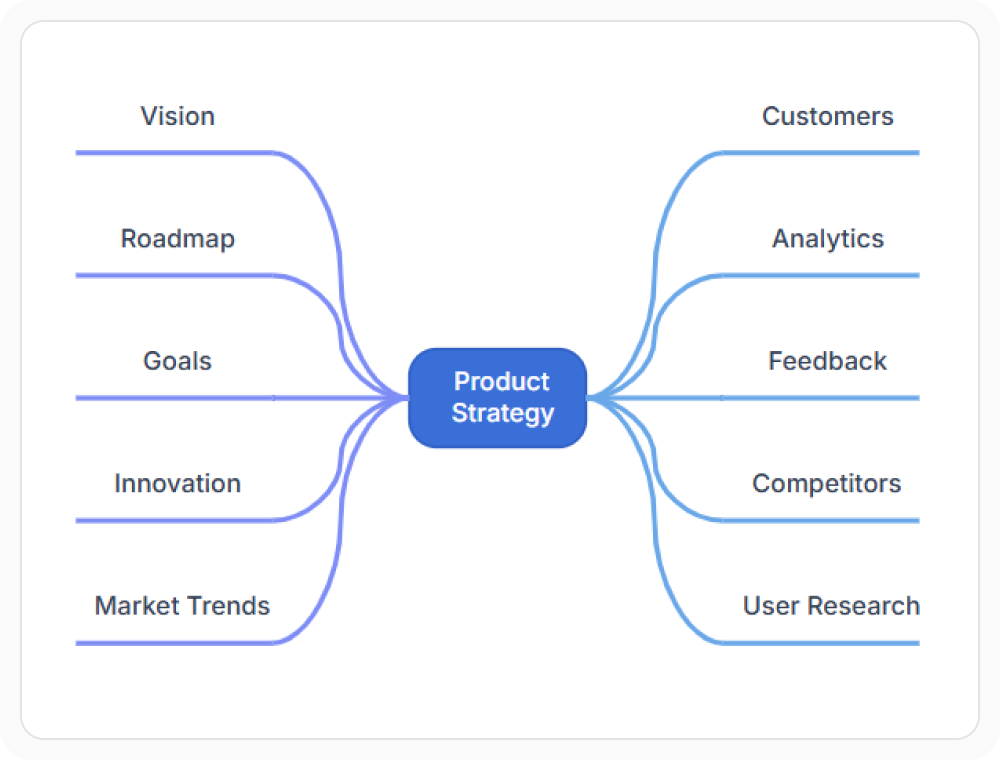
Customize topics with templates
Custom templates give mind map topics a distinct visual presentation and support content beyond plain text. Template-based topic styling is suitable for displaying additional context, status, category, or application-specific visual elements.
See Why Developers Love Syncfusion
Our Customers Love Us
Having an excellent set of tools and a great support team, Syncfusion reduces customers’ development time. Here are some of their experiences.




Frequently Asked Questions
What is Syncfusion React Diagram mind map layout?
React Diagram mind map layout arranges related topics around a central idea in a structured visual map. It helps teams review how concepts branch outward while keeping the overall layout easier to read and maintain.
Can Syncfusion React Diagram mind map branches be expanded and collapsed?
Yes. Branches can be expanded to show detailed sections or collapsed to simplify the view. This keeps larger maps easier to review while preserving the overall topic structure.
How does Syncfusion React Diagram mind map layout handle large maps?
Large mind maps can be kept readable by adjusting orientation and spacing, distributing branches across both sides of the central topic, and collapsing sections that are not currently needed. Users can then focus on one part of the map without losing the overall topic structure.
How does Syncfusion React Diagram mind map layout arrange branches?
React Diagram mind map layout positions connected topics as branches around a central idea, with spacing and orientation that can be adjusted to improve readability. Branch direction control also lets selected branches connected directly to the central topic appear on the left or right for a balanced layout.
Can Syncfusion React Diagram customize topic presentation?
Yes. Custom templates can style topics and display content beyond plain text. Templates can show a topic's purpose, importance, status, or category within the topic itself.
Resources
Learn more about our React Diagram
Explore demos, knowledge base articles, and documentation to get the most out of the Diagram.
Explore guides, APIs, and quick-start tips
See live use cases in action
Ask, share, and connect with peers
Find solutions and best practices fast
Get expert help when needed
Feature requests and bug reports
Track issues and suggest improvements
Awards
Greatness—it’s one thing to say you have it, but it means more when others recognize it. Syncfusion® is proud to hold the following industry awards.