Try Our Live Demo
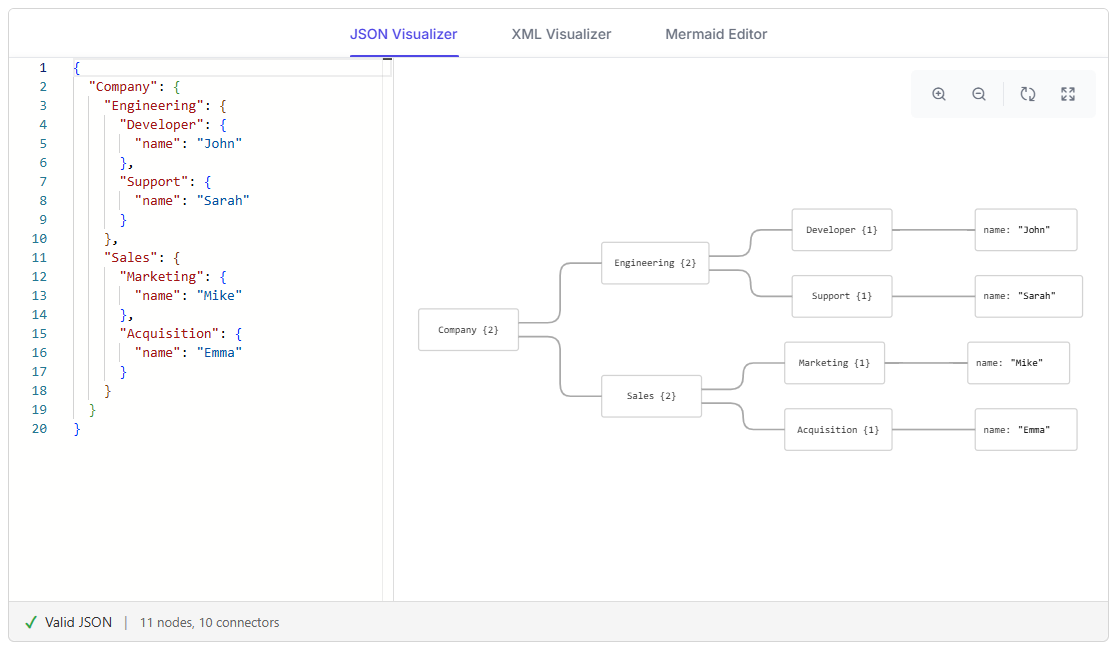
Explore React Diagram visualization and generation features
Convert JSON and XML structures into connected hierarchical diagrams, and render Mermaid flowcharts, UML sequence diagrams, and mind maps from text-based definitions. Compare source content with generated results and use zoom, reset, and fit-to-page controls to examine larger diagrams.
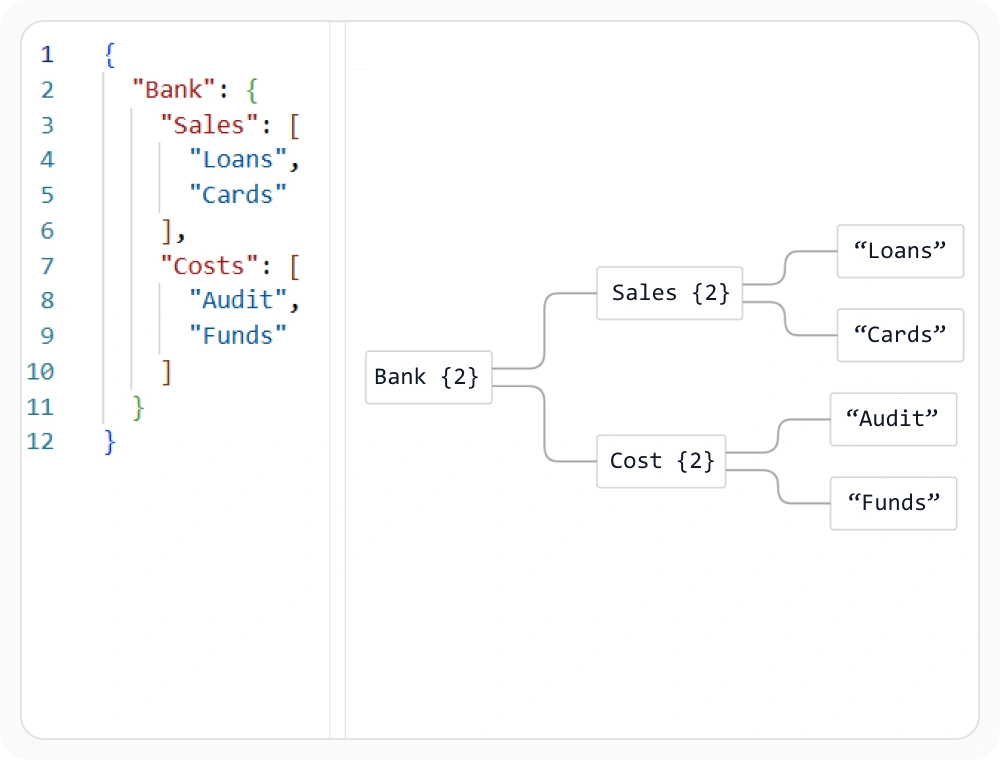
Visualize JSON data structures
Convert JSON objects into hierarchical diagrams that show nested properties and relationships. The side-by-side editor and visualizer make complex JSON structures easier to inspect. Use this capability when reviewing application data, configuration files, or API responses stored in JSON.
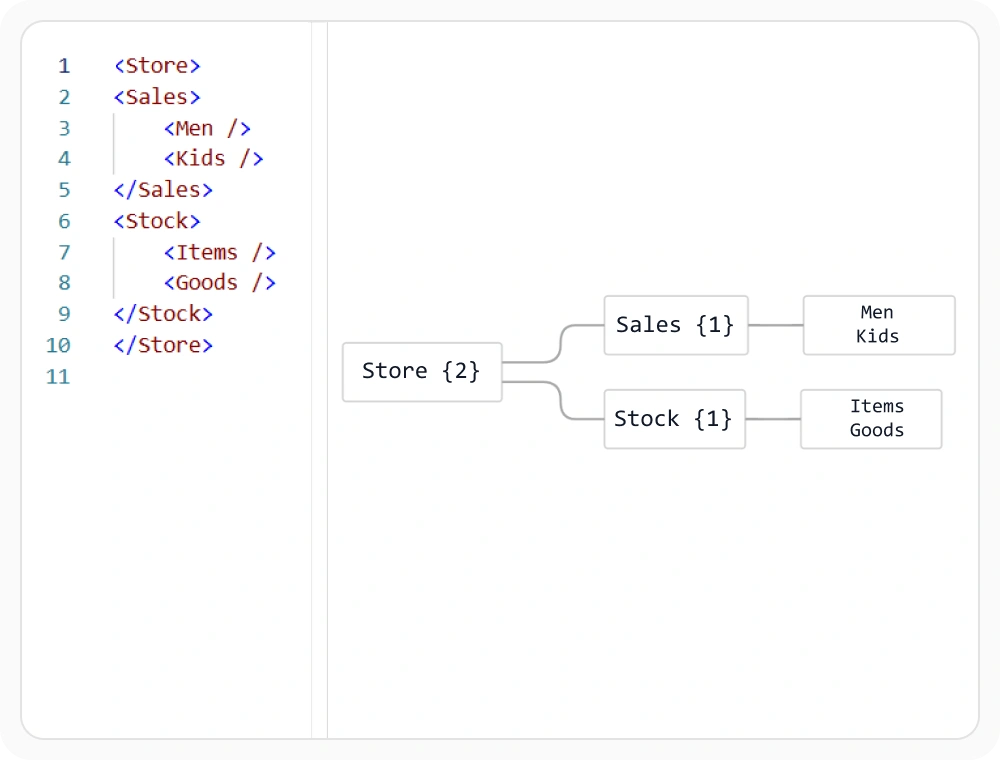
Visualize XML data structures
Transform XML elements and attributes into a connected hierarchical diagram. This provides a clearer view of document structure than reading nested markup alone. Use this capability when inspecting configuration files, document formats, or data exchanged in XML.
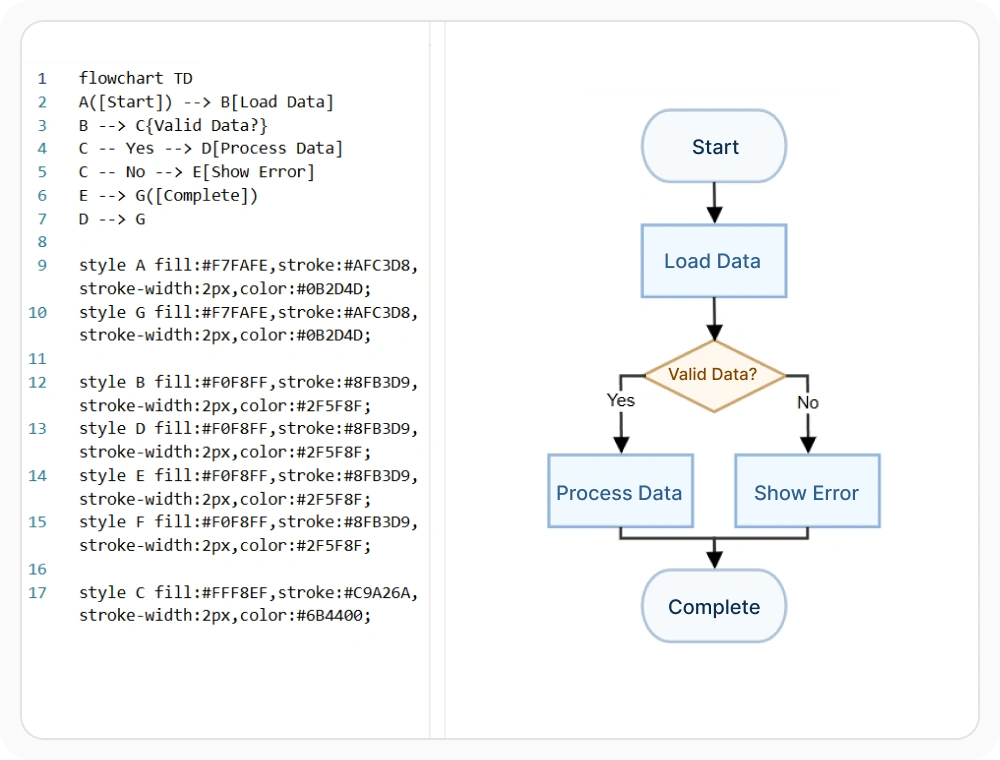
Edit and render Mermaid diagrams
Enter or update Mermaid definitions in the source editor and render flowcharts, UML sequence diagrams, and mind maps alongside the code. The side-by-side workspace makes the source definition and generated diagram easier to compare. Use this capability when creating or maintaining diagrams through text-based definitions.
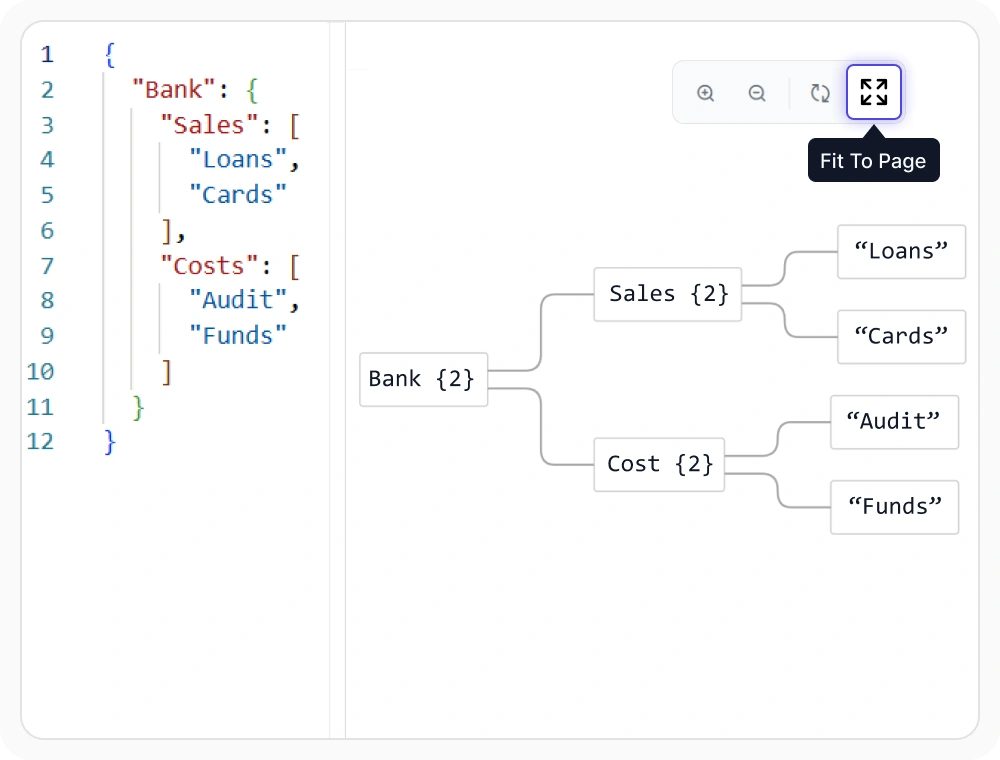
Navigate generated diagrams
Use zoom, reset, and fit-to-page controls to inspect different parts of a generated diagram. These controls make larger structures easier to review. Use them when a diagram contains more information than can be examined comfortably in the default view.
See Why Developers Love Syncfusion
Our Customers Love Us
Having an excellent set of tools and a great support team, Syncfusion reduces customers’ development time. Here are some of their experiences.




Frequently Asked Questions
What is the React Diagram JSON, XML, and Mermaid visualizer?
The visualizer converts JSON structures, XML documents, and Mermaid definitions into diagrams. It presents the source content and generated visual output in a side-by-side workspace.
Can React Diagram visualize XML documents?
Yes. XML elements, attributes, and nested content can be transformed into a visual hierarchy that shows how the document is organized.
Which Mermaid diagram types can React Diagram render?
React Diagram can render Mermaid flowcharts, UML sequence diagrams, and mind maps from text-based definitions. Users can edit the source, review validation feedback, and inspect the generated diagram in the same workspace.
Can React Diagram visualize JSON data?
Yes. JSON objects and nested properties can be displayed as connected nodes in a hierarchical diagram, making the structure and relationships easier to inspect.
Can I edit and render Mermaid definitions?
Yes. Mermaid definitions can be entered or modified in the editor and rendered as flowcharts, UML sequence diagrams, or mind maps beside the source definition.
Which navigation controls are available?
The diagram workspace includes controls for zooming in, zooming out, resetting the view, and fitting the diagram to the available page area.
Resources
Learn more about our React Diagram
Explore demos, knowledge base articles, and documentation to get the most out of the Diagram.
Explore guides, APIs, and quick-start tips
See live use cases in action
Ask, share, and connect with peers
Find solutions and best practices fast
Get expert help when needed
Feature requests and bug reports
Track issues and suggest improvements
Awards
Greatness—it’s one thing to say you have it, but it means more when others recognize it. Syncfusion® is proud to hold the following industry awards.









