Try Our Live Demo

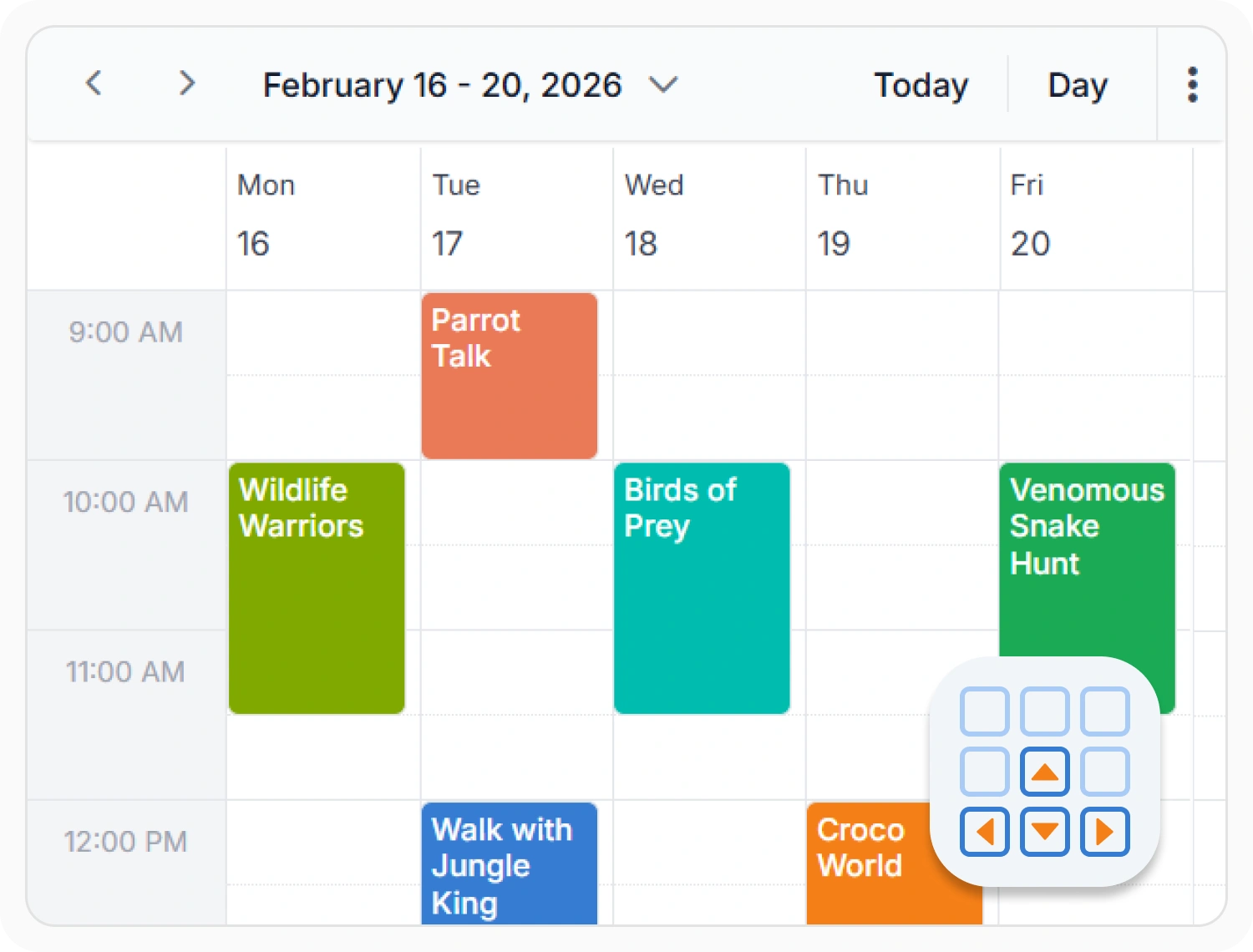
Keyboard navigation and shortcuts
Keyboard navigation enables users to access Scheduler functionality without relying on a mouse. Keyboard shortcuts and managed focus behavior allow users to navigate dates, appointments, time slots, and views entirely from the keyboard. Use it when building applications that must meet accessibility standards or support users who cannot use a pointing device.

Accessibility compliance
Scheduler supports ADA, Section 508, WCAG 2.2, and WAI-ARIA accessibility standards. Includes screen reader support, keyboard navigation, and high-contrast themes for accessible data interaction. Use it when applications must satisfy accessibility and compliance requirements.

Built-in security protections
Scheduler supports CSP and includes protections against CSRF and XSS attacks. Supports secure data access and application interactions. Use it when applications process sensitive information and require security controls.
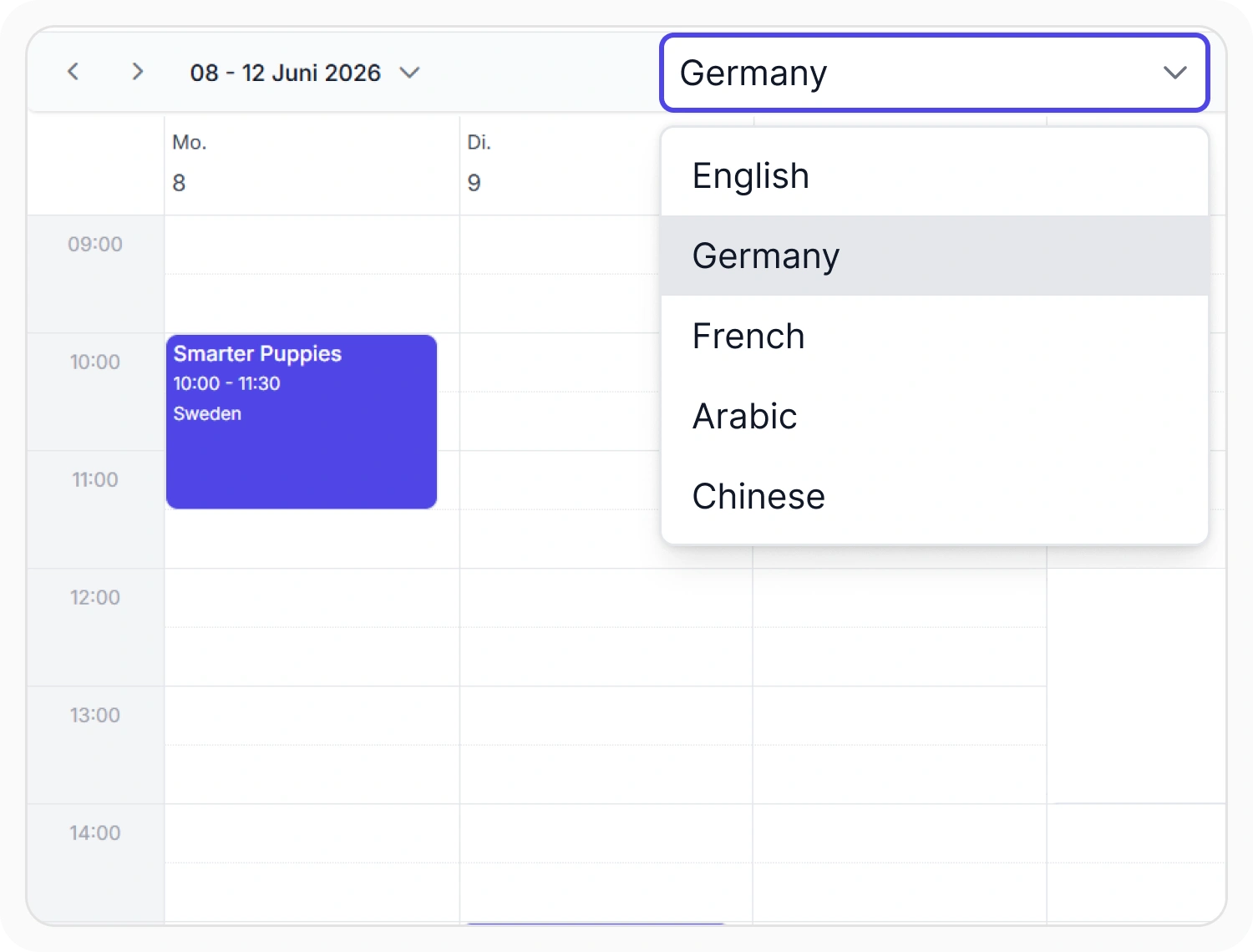
Localization and globalization
Localization displays Scheduler content using different languages and regional settings. This adapts interface text, dates, and time formats for specific locales. Use it when scheduling applications serve users across multiple regions or languages.
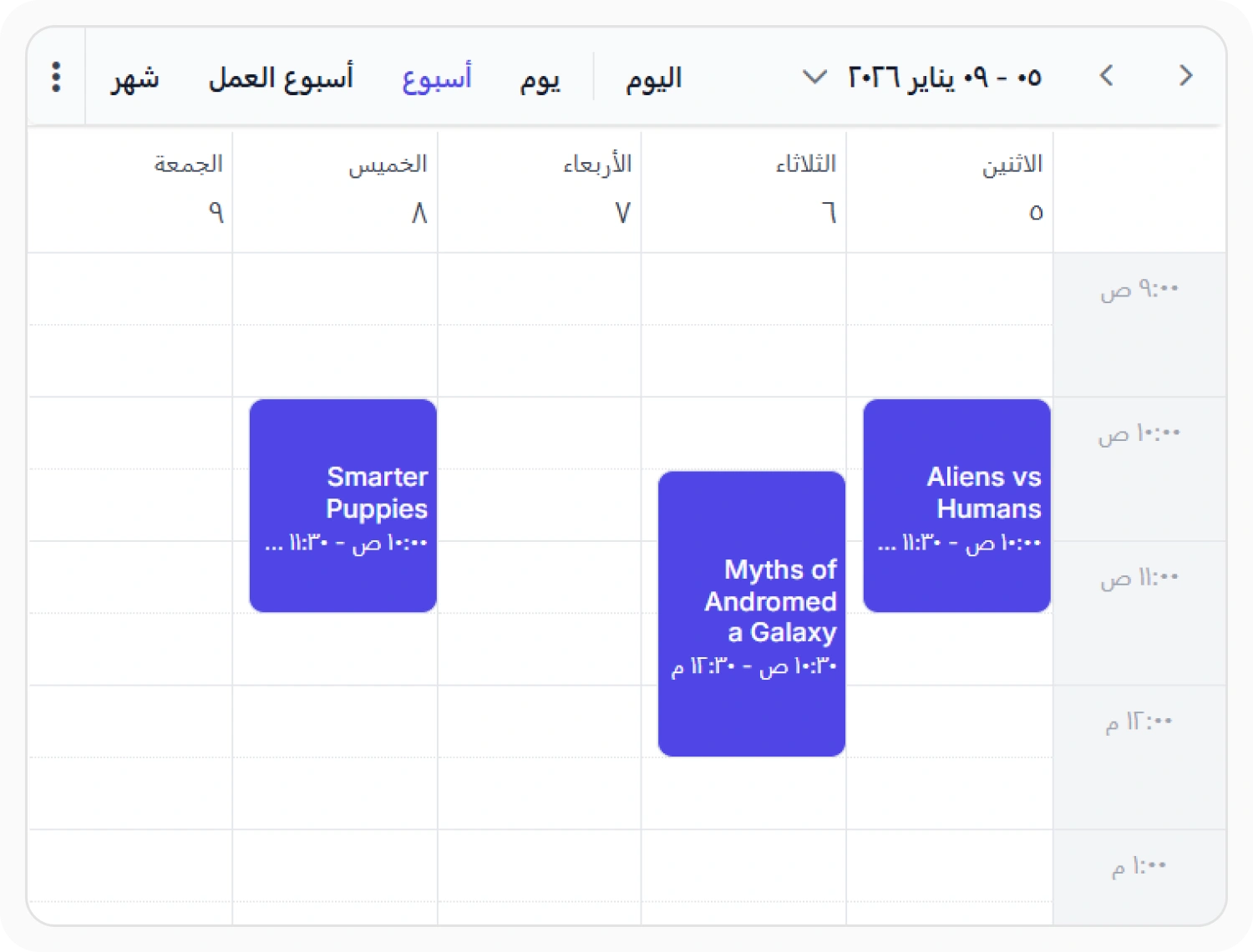
Right-to-left layout support
Right-to-left support mirrors Scheduler layouts for languages that read from right to left. This provides navigation and visual flow consistent with RTL reading patterns. Use it when applications serve Arabic, Hebrew, or other RTL-language audiences.
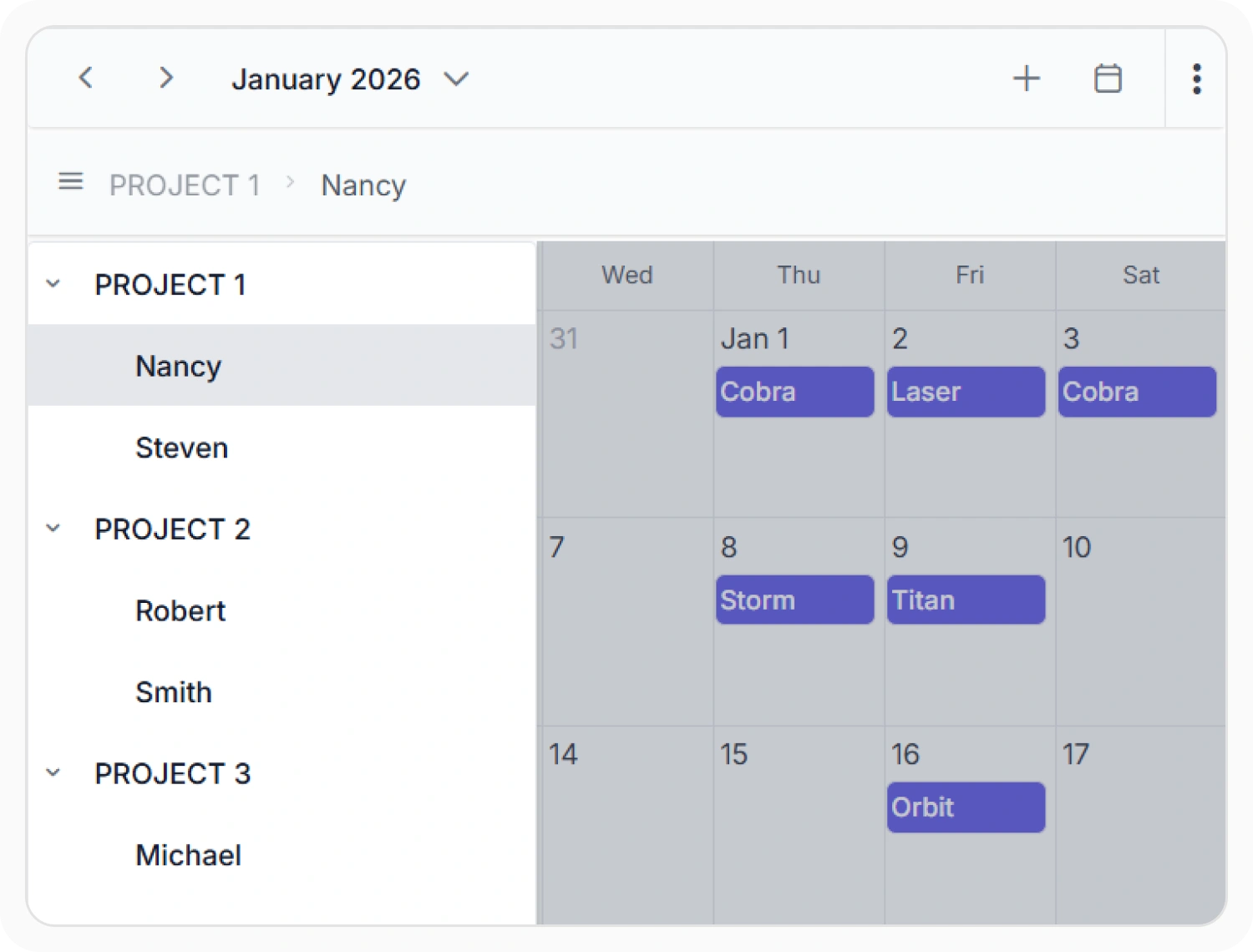
Responsive scheduling layouts
Responsive layouts automatically adapt Scheduler interfaces across desktop, tablet, and mobile devices. This optimizes scheduling interactions based on available screen space and input methods.
Frequently Asked Questions
Does the React Scheduler support keyboard navigation?
Yes. The React Scheduler provides comprehensive keyboard navigation, allowing users to move between dates, appointments, time slots, and views using keyboard shortcuts.
How does the React Scheduler support web standards and accessibility compliance?
The Scheduler is designed with accessibility best practices at its core, supporting key WCAG guidelines including keyboard accessibility, focus management, screen reader support, and semantic markup. The React Scheduler enables organizations to build applications that comply with accessibility standards and regulatory requirements.
How does the React Scheduler adapt to different devices and screen sizes?
The Scheduler includes responsive design capabilities that automatically adapt layouts, controls, and interaction patterns for desktop, tablet, and mobile devices. Touch-friendly interactions on mobile, optimized information density on tablets, and full feature access on desktop systems ensure consistent usability across all platforms.
Is the React Scheduler compatible with screen readers?
Yes. The Scheduler includes WAI-ARIA attributes and semantic markup that enable screen readers such as NVDA, JAWS, and VoiceOver to announce dates, appointments, navigation controls, and dialog content effectively.
Can the React Scheduler display different languages and regional settings?
Yes. The Scheduler supports dynamic locale switching, allowing applications to display interface text in multiple languages and apply regional conventions for dates, times, and text direction.
Does the React Scheduler support right-to-left languages like Arabic?
Yes. The Scheduler automatically mirrors its layout and text direction for right-to-left languages, providing a native RTL experience with consistent navigation patterns and improved usability for speakers of Arabic and other RTL languages.
Resources
Learn more about our React Scheduler
Explore demos, KB articles, and documentation to get the most out of our React Scheduler.
Explore guides, APIs, and quick-start tips
See live use cases in action
Ask, share, and connect with peers
Find solutions and best practices fast
Get expert help when needed
Feature requests and bug reports
Track issues and suggest improvements
Awards
Greatness—it’s one thing to say you have it, but it means more when others recognize it. Syncfusion® is proud to hold the following industry awards.









