Try Our Live Demo

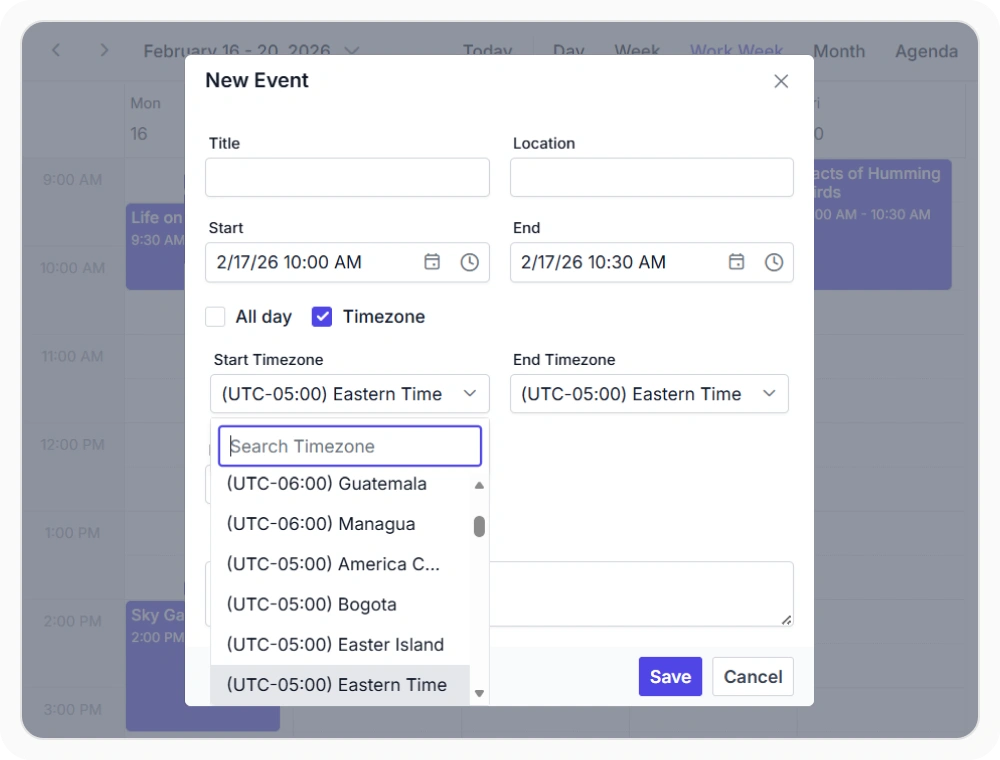
Create appointments in different timezones
Timezone-aware appointments allow events to be created with a specific timezone independent of the scheduler view. This preserves accurate event timing across regions and participants. Use it when meetings or appointments involve users in different time zones.
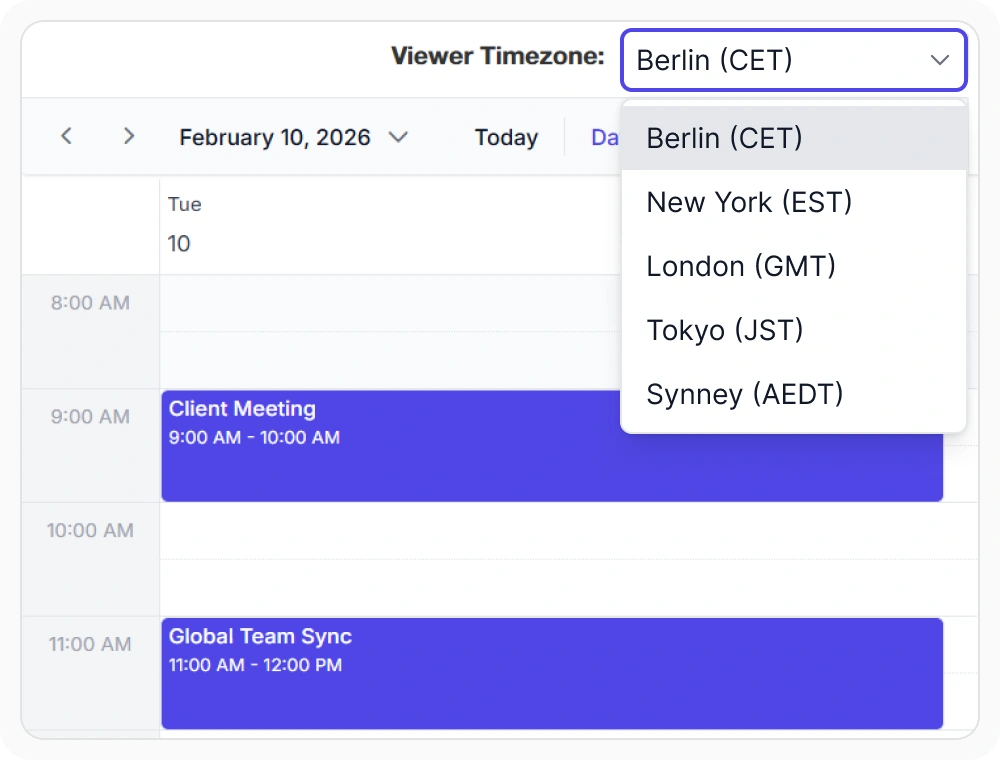
Display appointments by user timezone
Client timezone support automatically displays appointments in each user’s local timezone. This ensures users see schedules based on their location. Use it when applications serve users across multiple regions or time zones.
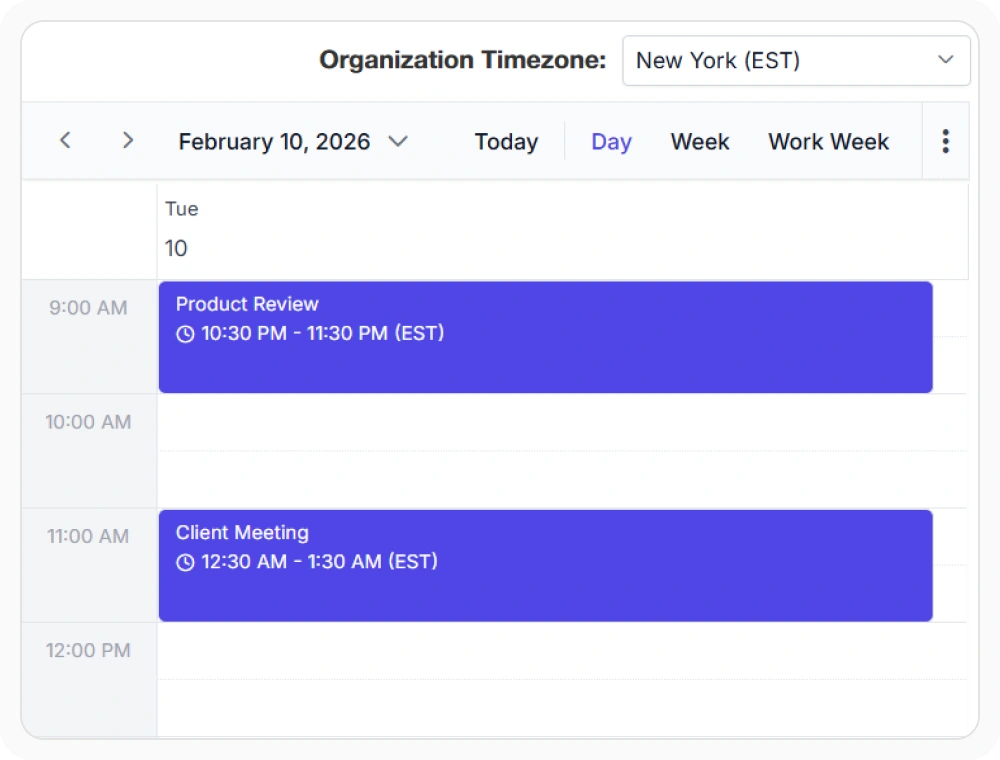
Display appointments by scheduler timezone
The scheduler timezone displays all appointments using a single configured timezone. This ensures schedules remain consistent for every user. Use it when appointments must follow a shared organizational or regional timezone.
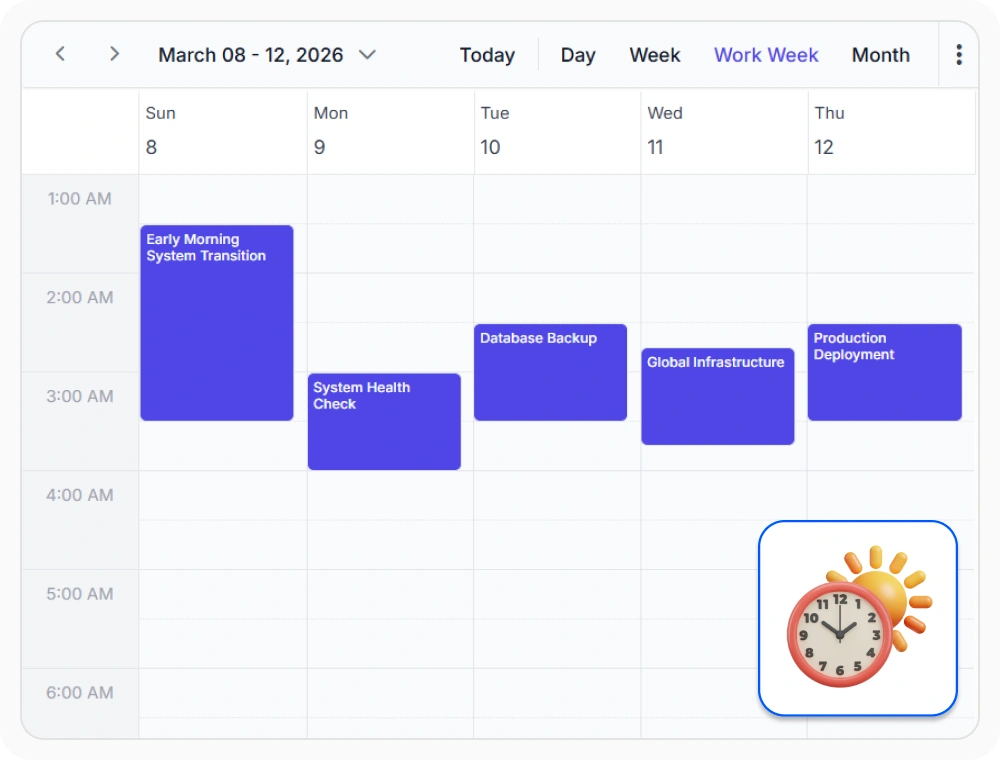
Daylight saving time support
Automatic daylight saving time support adjusts appointment times during daylight saving time transitions. This helps maintain accurate scheduling across seasonal time changes. Use it when scheduling events in regions that observe daylight saving time.
Frequently Asked Questions
Does the React Scheduler timezone support work with recurring events?
Yes. Recurring events maintain accurate scheduling behavior while respecting timezone and daylight saving time rules.
Does the React Scheduler handle daylight saving time automatically?
Yes. The React Scheduler automatically accounts for daylight saving time transitions in all supported timezones, ensuring that appointment times remain accurate before, during, and after daylight saving changes.
How does timezone support improve scheduling accuracy in the React Scheduler?
Timezone support eliminates the need for manual time conversions and helps users view appointments in the correct local time, reducing scheduling mistakes.
How does the React Scheduler display appointments in different timezones?
The React Scheduler detects or accepts user timezone settings and automatically displays all appointments according to that timezone. When users from different regions view the same event, each sees the correct local time converted by the Scheduler.
Can the React Scheduler configure a specific timezone for the entire application?
Yes. The React Scheduler supports configuring a scheduler wide timezone to ensure all appointments follow the same timezone rules, providing a consistent scheduling experience across the application.
Can appointments be created in one timezone and viewed in another using React Scheduler?
Yes. The Scheduler automatically converts appointment times based on the configured timezone settings.
Resources
Learn more about the React Scheduler
Explore demos, KB articles, and documentation to get the most out of our React Scheduler.
Explore guides, APIs, and quick-start tips
See live use cases in action
Ask, share, and connect with peers
Find solutions and best practices fast
Get expert help when needed
Feature requests and bug reports
Track issues and suggest improvements
Awards
Greatness—it’s one thing to say you have it, but it means more when others recognize it. Syncfusion® is proud to hold the following industry awards.









