Try Our Live Demo
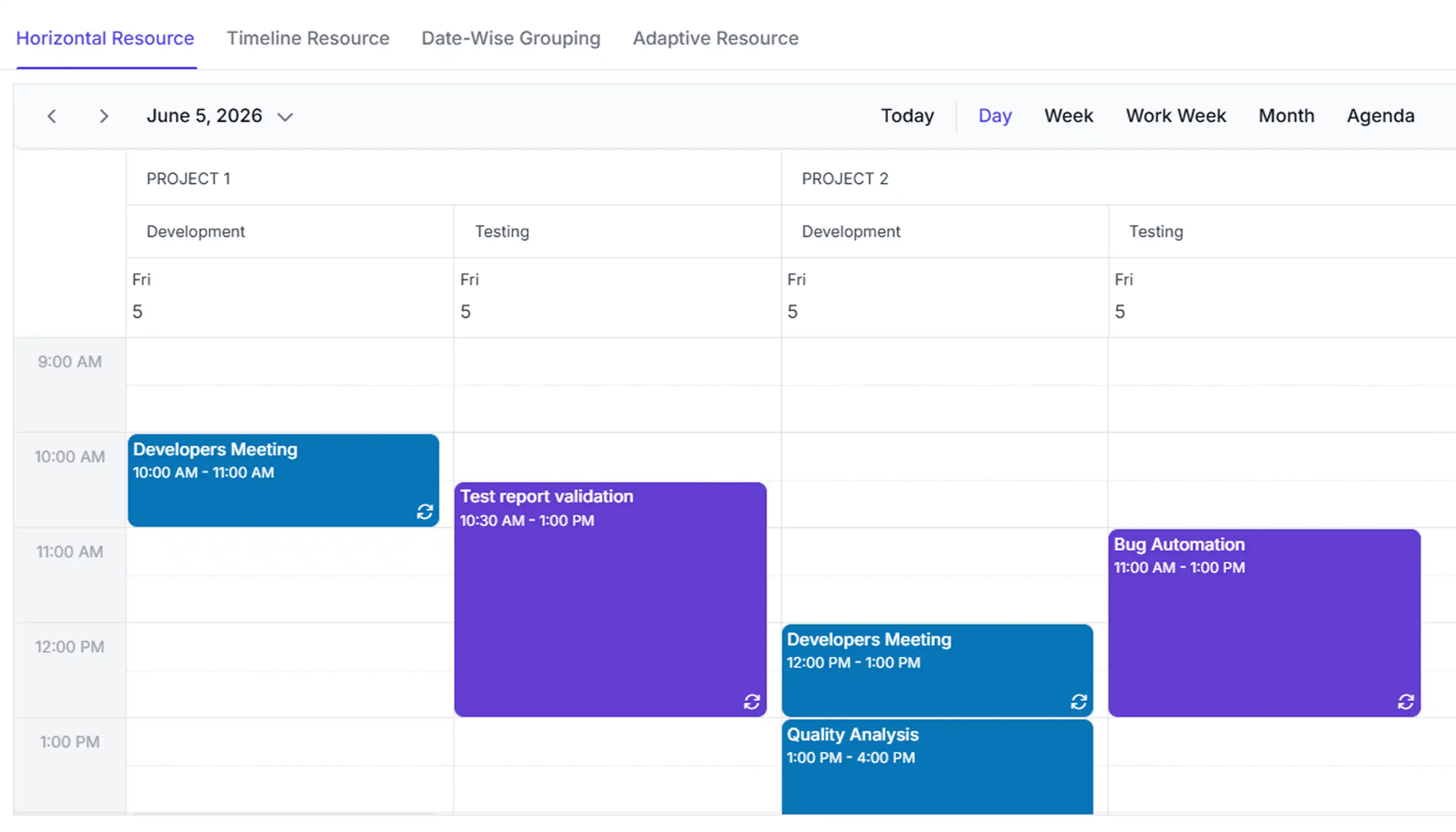
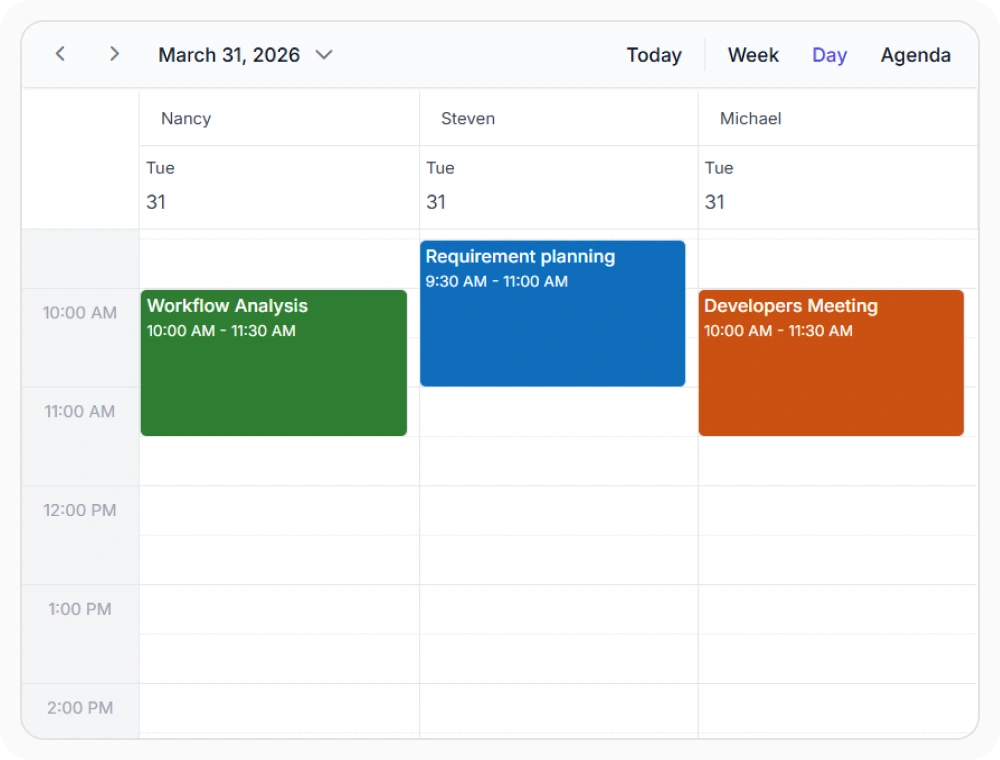
Group resources side by side
Horizontal grouping arranges resources as side-by-side columns in day, week, or month views. This lets teams compare schedules at a glance without switching between calendars. Use it when resource availability and appointments need to be reviewed side by side.
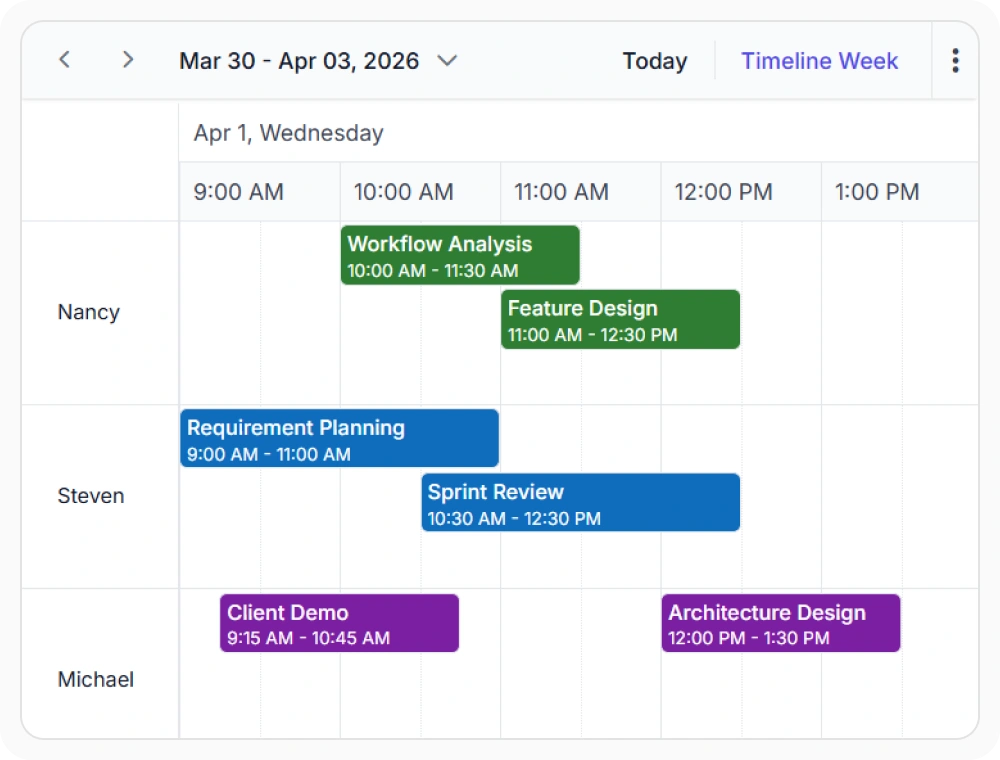
Visualize resources across a timeline
The timeline view displays resources as horizontal rows in the calendar grid. This provides a consolidated view of schedules across multiple resources. Use it when planning activities for staff, rooms, or equipment over time.
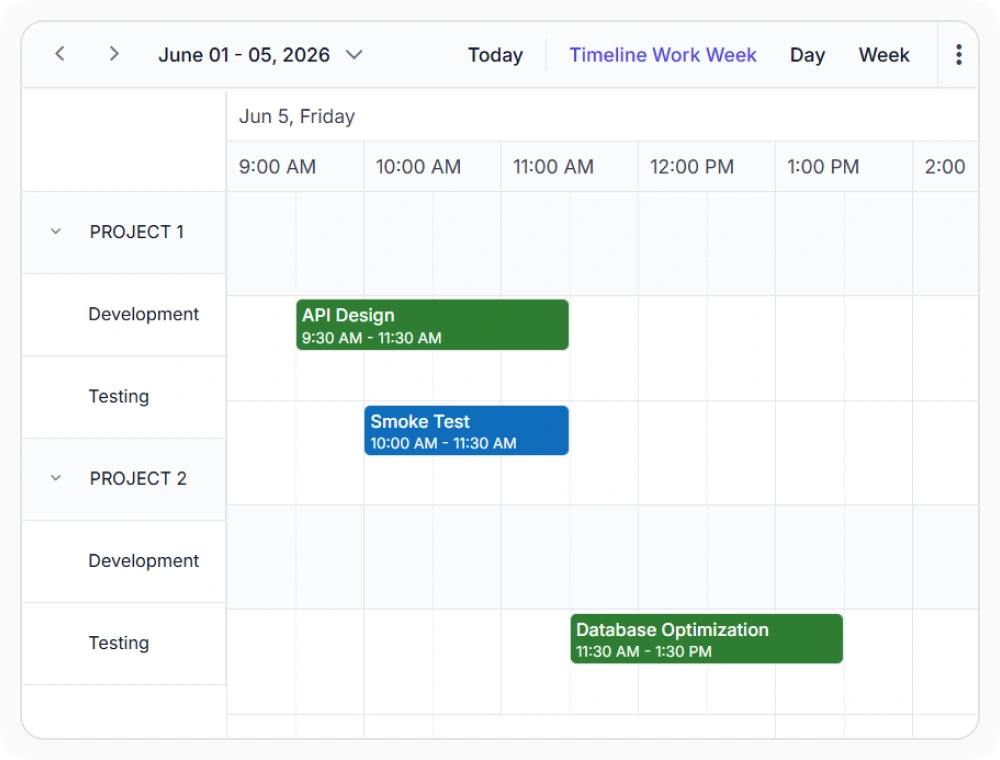
Group resources into nested levels
Resource nesting organizes resources into parent-child hierarchies such as departments, teams, or regions. This improves schedule navigation for complex resource structures. Use it when managing resources across multiple organizational levels.
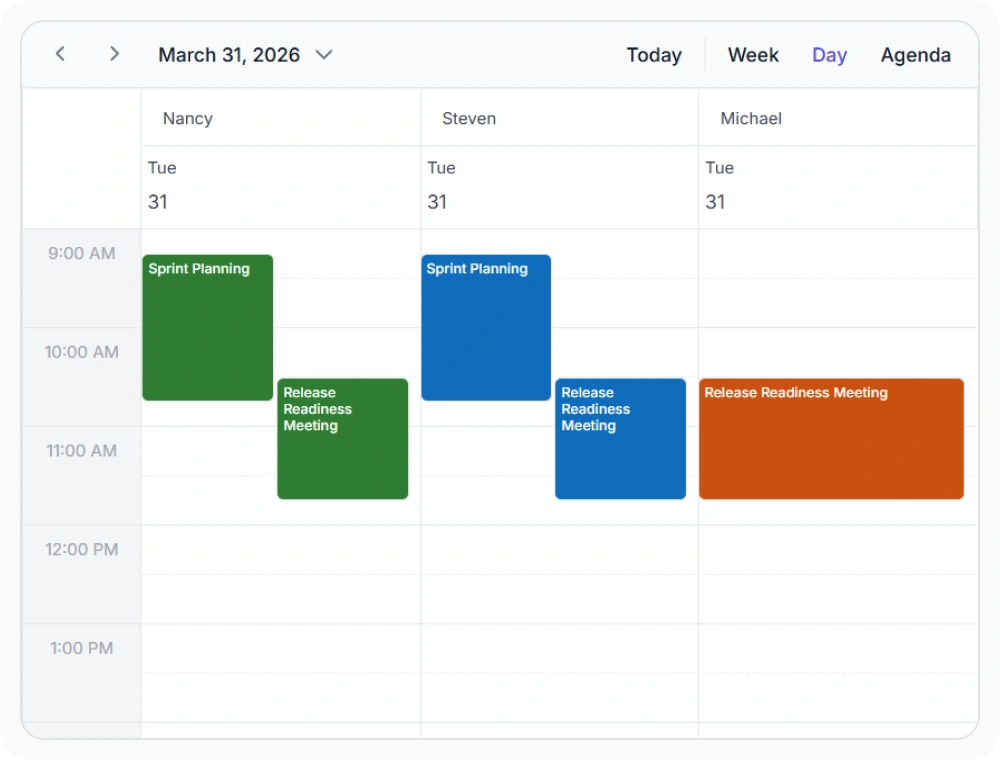
Shared resource scheduling
Multiple resource assignment links a single appointment to multiple resources. This keeps shared schedules synchronized across participants and assets. Use it when scheduling meetings, training sessions, or shared resources.
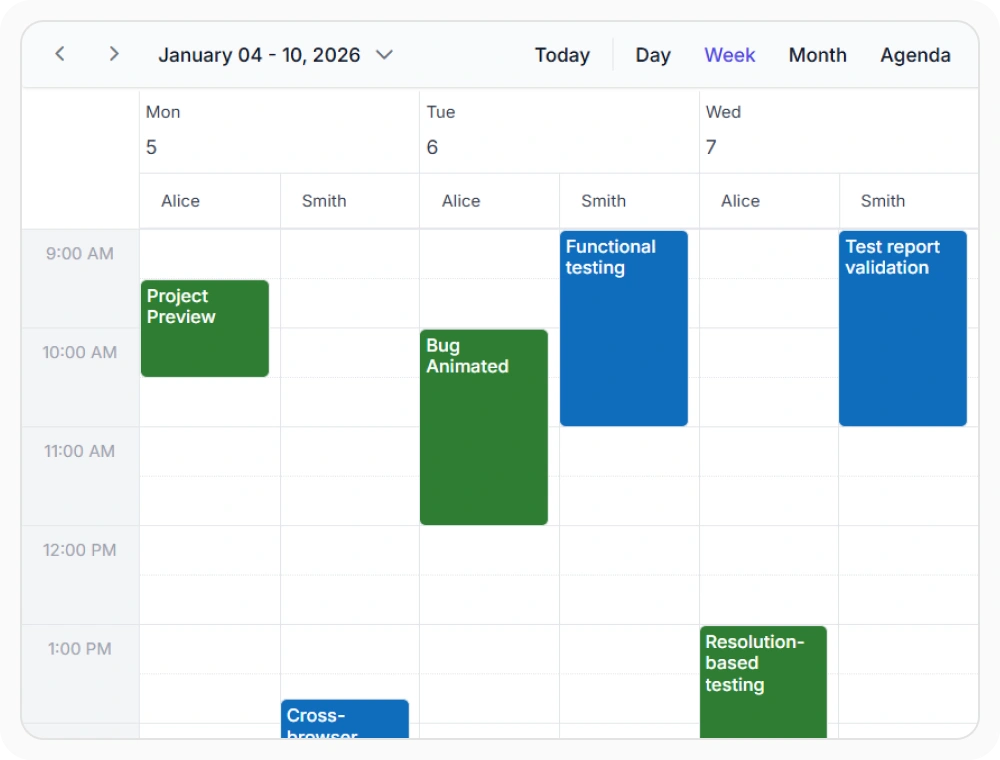
Visualize resources by date
The group-by-date layout organizes resources under date columns instead of resource groups. This simplifies reviewing resource activity for a specific day. Use it when monitoring daily schedules across multiple resources.
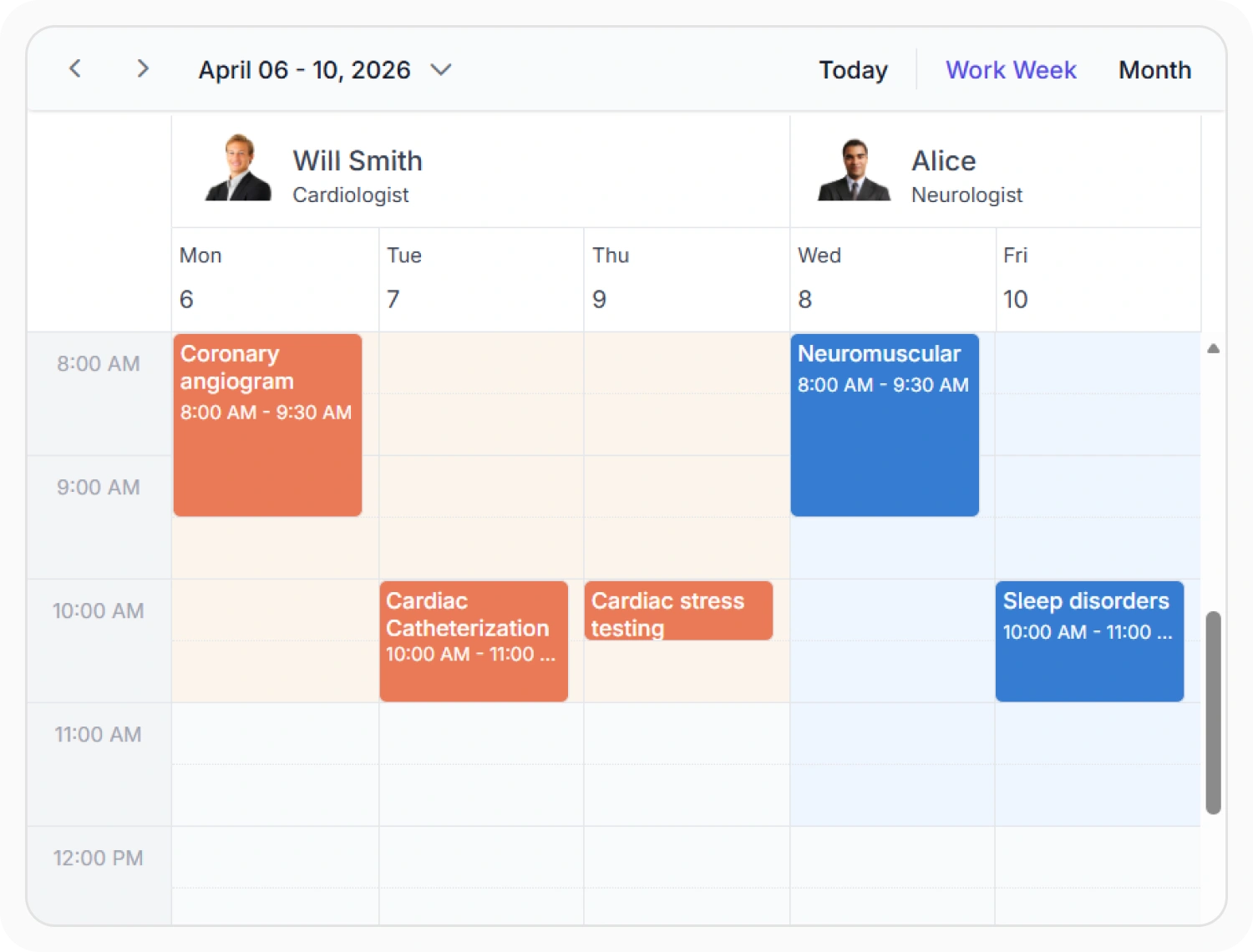
Different working days for resources
Resource-specific working days allow each resource to follow its own schedule and availability rules. This helps manage resources that operate on different days or shifts. Use it when employees, rooms, equipment, or teams have unique working calendars.
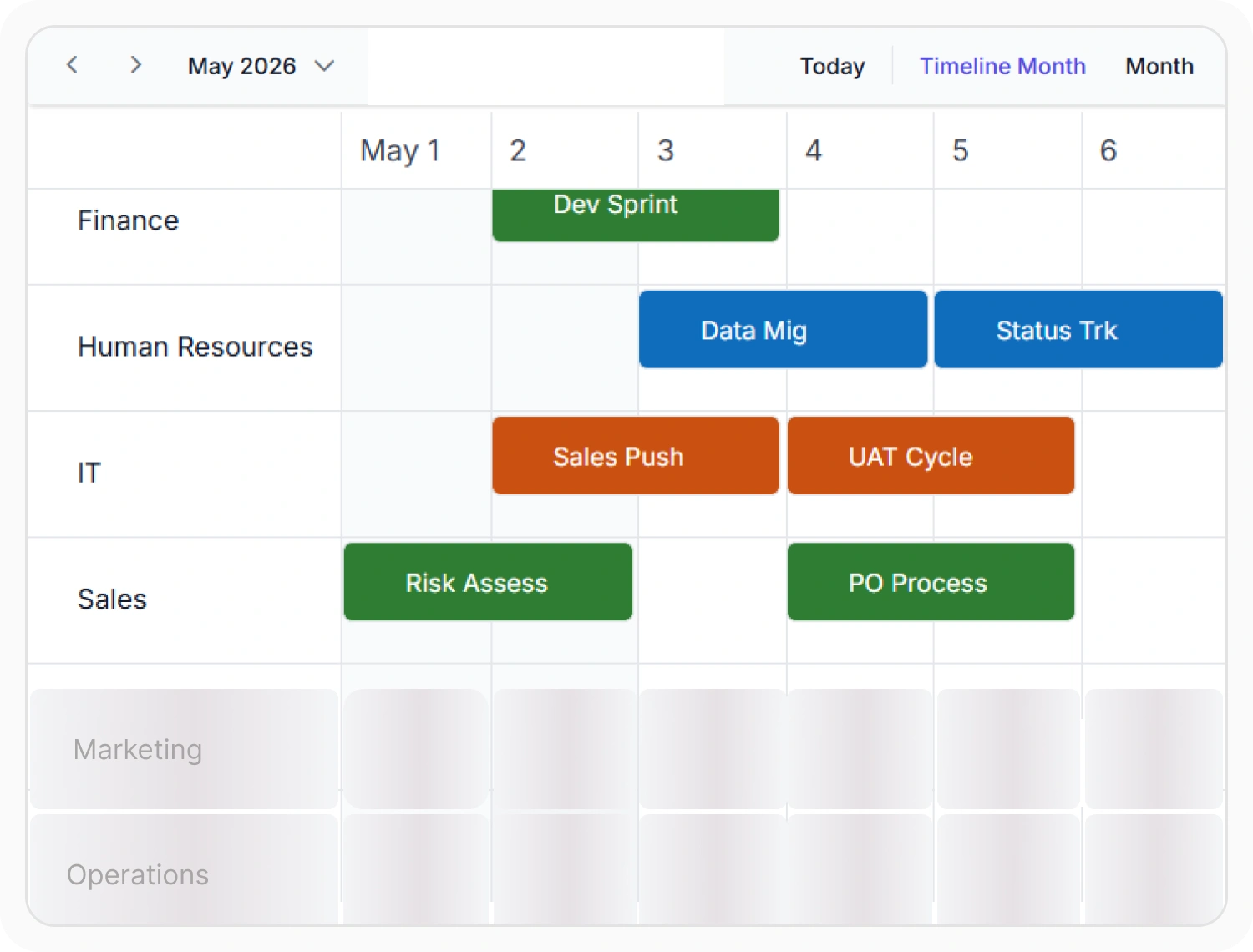
Virtual scrolling
Virtual scrolling loads and renders only the visible resources and appointments within the Scheduler view. This improves performance when working with large scheduling datasets. Use it when schedules contain many resources, appointments, or extended date ranges.
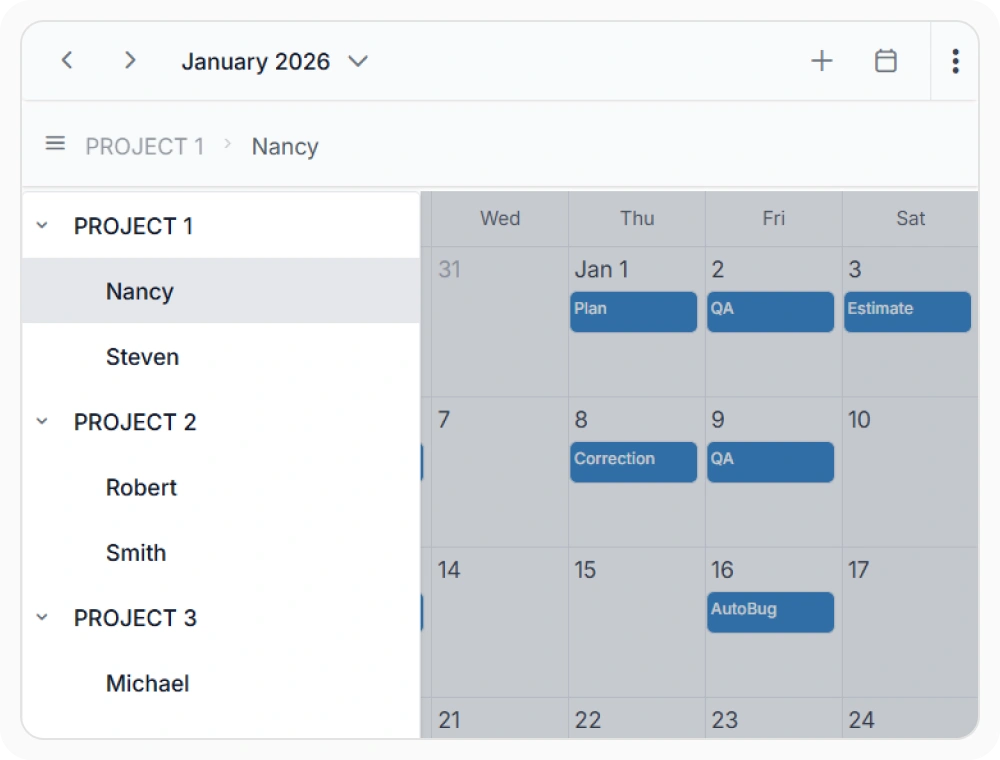
Compact resource views
The compact layout displays one resource and its events at a time on smaller screens. This improves schedule visibility on mobile devices. Use it when resource schedules need to be reviewed in space-constrained interfaces.
Frequently Asked Questions
Does React Scheduler allow displaying resource images and additional details?
Yes. Resource templates allow customization of resource displays with images, names, roles, and business-specific information.
Can the React Scheduler assign one appointment to multiple resources?
Yes. One appointment can be associated with multiple selected resources, such as employees, rooms, or equipment.
Does React Scheduler support hierarchical resource organization?
Yes. Resource nesting organizes resources into multiple levels such as department, region, or team, reflecting real-world structures while supporting appointments at any hierarchy level.
How does the React Scheduler manage resource conflicts?
React Scheduler helps prevent resource conflicts by validating appointments against resource availability, workdays, and working hours.
Which view displays many React Scheduler resources?
Timeline resource views display resources as horizontal rows across a shared time range, making many assignments available within one scrollable layout.
Can React Scheduler resource data be loaded from a backend service?
Yes. React Scheduler resource data can be supplied from local collections or remote data services.
Resources
Learn more about the React Scheduler
Explore demos, KB articles, and documentation to get the most out of our React Scheduler.
Explore guides, APIs, and quick-start tips
See live use cases in action
Ask, share, and connect with peers
Find solutions and best practices fast
Get expert help when needed
Feature requests and bug reports
Track issues and suggest improvements
Awards
Greatness—it’s one thing to say you have it, but it means more when others recognize it. Syncfusion® is proud to hold the following industry awards.









