Try Our Live Demo

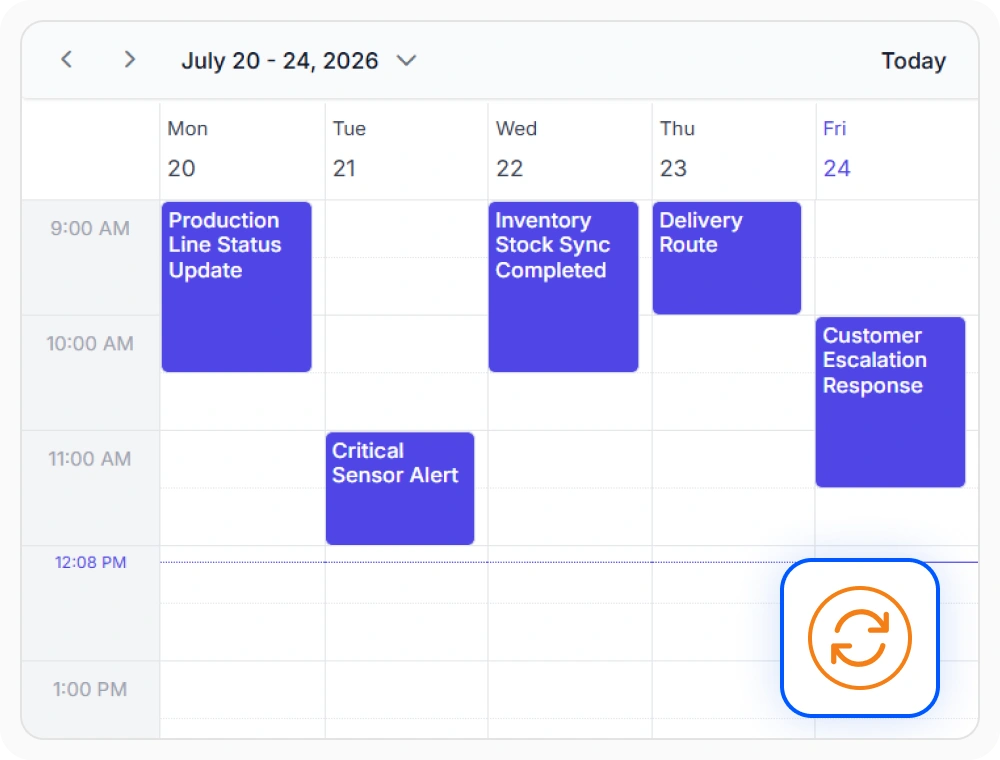
Real-time collaborative synchronization
Real-time collaborative synchronization updates appointments across connected connected user sessions instantly. This keeps schedule information consistent for all users. Use it when schedule changes must be visible immediately across teams or locations.
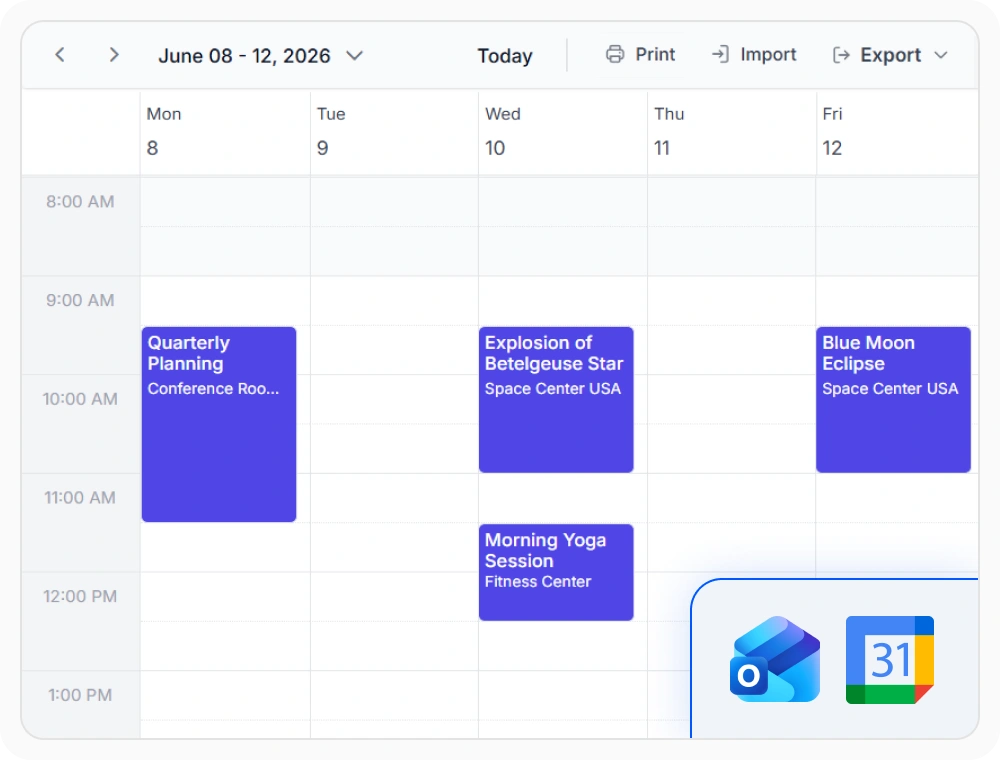
Calendar integration
Calendar integration enables the Scheduler to sync events with external calendars like Google Calendar and Microsoft Outlook. This simplifies schedule sharing across platforms. Use it when appointments must stay aligned between multiple calendar services.
Frequently Asked Questions
In React Scheduler, do users need to refresh it manually to see updated events?
No. Changes are reflected automatically, ensuring users always see the most up-to-date schedule.
Which React Scheduler appointment actions synchronize in real time?
Appointment creation, modification, deletion, drag-and-drop interactions, resizing, recurring event changes, and resource scheduling updates all synchronize across connected connected user sessions in real time.
How do React Scheduler real-time updates reduce scheduling conflicts?
Instant visibility of schedule changes reduces double-booking risks. Team members see new appointments and resource availability changes as they occur, supporting conflict-free scheduling decisions.
Can multiple team members edit React Scheduler schedules simultaneously?
Yes. Multiple team members interact with shared schedules simultaneously, with each modification appearing instantly across all connected sessions.
Can React Scheduler real-time updates be limited to specific teams?
Yes. Real-time message distribution can be scoped to specific teams, departments, projects, or resource groups using the messaging service infrastructure. This allows different teams to maintain separate synchronized schedule views.
Does React Scheduler real-time synchronization work across different devices?
Yes. Schedule changes synchronize across all devices instantly, ensuring consistent views whether team members access schedules from desktops, tablets, or mobile devices.
Resources
Learn more about the Scheduler
Explore demos, KB articles, and documentation to get the most out of our React Scheduler.
Explore guides, APIs, and quick-start tips
See live use cases in action
Ask, share, and connect with peers
Find solutions and best practices fast
Get expert help when needed
Feature requests and bug reports
Track issues and suggest improvements
Awards
Greatness—it’s one thing to say you have it, but it means more when others recognize it. Syncfusion® is proud to hold the following industry awards.









