Try Our Live Demo

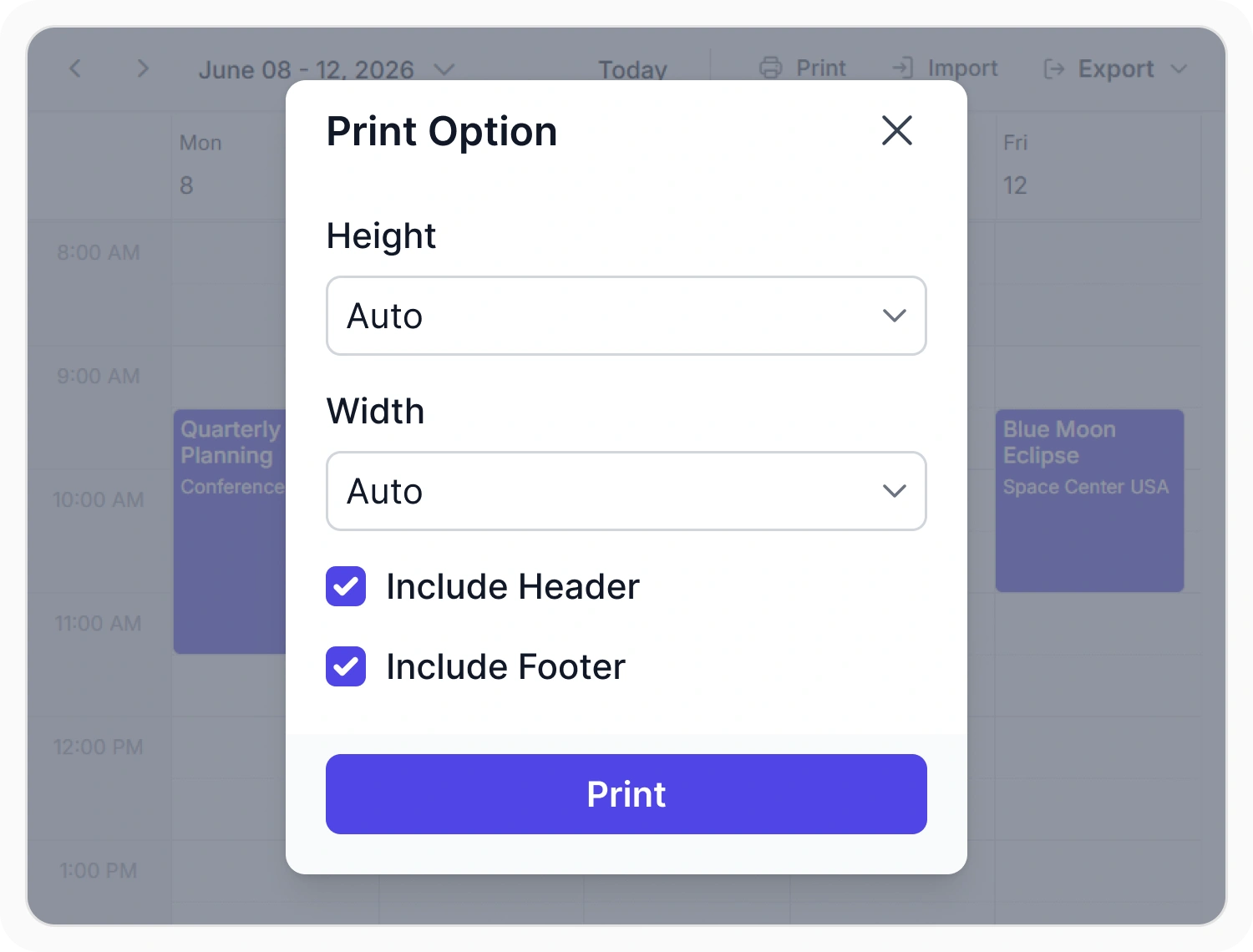
Print and customize schedules
Printing generates hard-copy versions of Scheduler views while preserving schedule information and layout. This supports tailored print output with customizable options for layouts, content, and formatting. Use it when schedules need to be shared, reviewed, archived, or presented in a printable format.
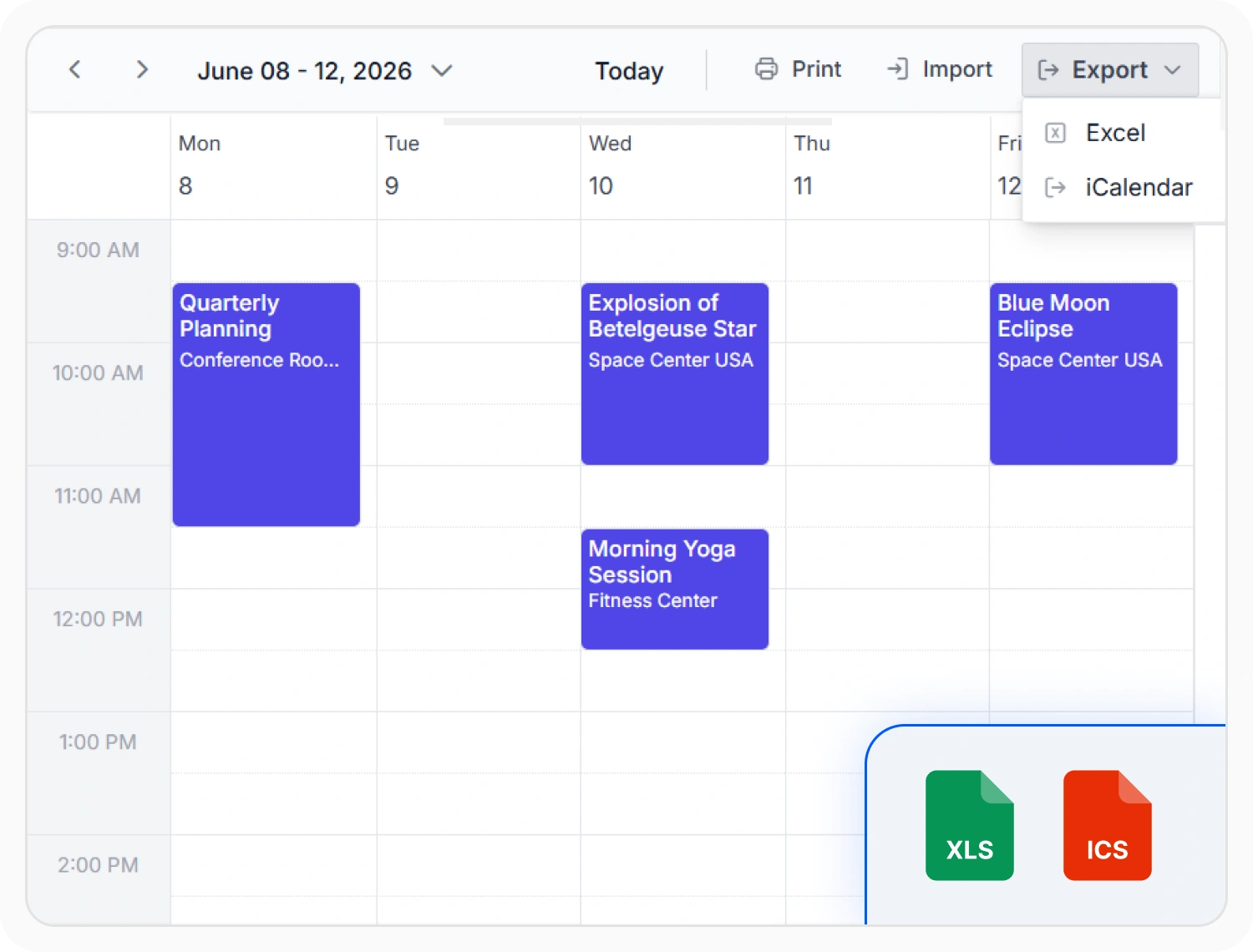
Export appointments to Excel
Excel export converts appointment data into spreadsheet format for external analysis and reporting. Use it when appointment records need further analysis, auditing, or sharing.
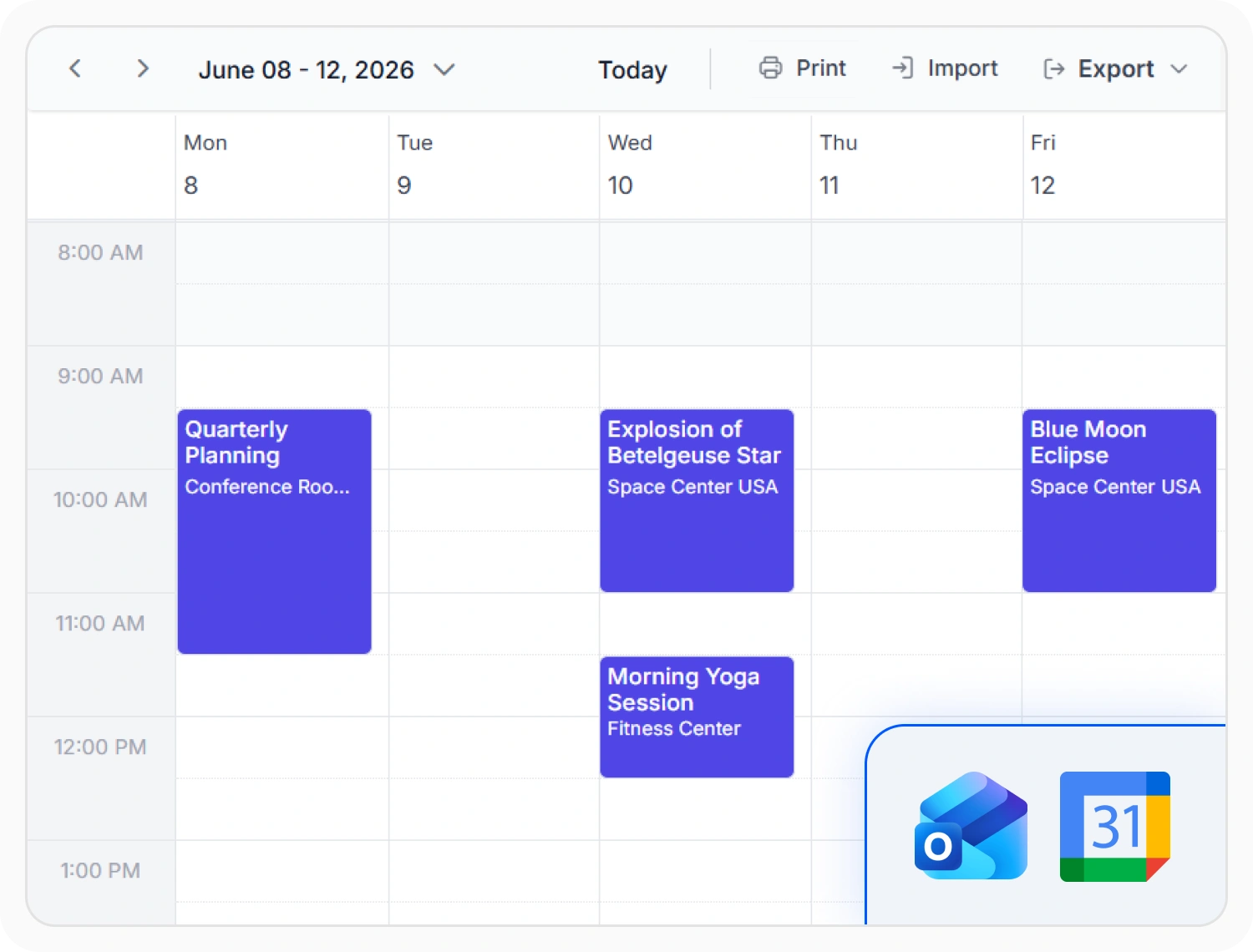
Exchange schedules with external calendar applications
iCalendar support exchanges schedule information using the standard ICS file format. This enables schedules to be shared with applications such as Google Calendar, Microsoft Outlook, and other compatible calendar services. Use it when calendar events need to be imported, exported, or synchronized across platforms.
Frequently Asked Questions
What does React Scheduler print and export support?
The React Scheduler supports printing calendar views, exporting appointments to Excel, exporting schedules to iCalendar format, and importing events from iCalendar files. Print output can be customized with branded headers, footers, and selected appointment details.
Can custom appointment fields be included in React Scheduler exports?
Yes. Excel exports can include custom appointment fields and metadata. Export output is fully editable, making it suitable for analysis, reporting, and integration with business intelligence tools.
Can React Scheduler print and export be triggered from external controls?
Yes. Print and export actions can be initiated from custom application buttons, menus, and workflows outside the Scheduler interface. This enables integration into broader scheduling and reporting processes.
Which calendar views can the React Scheduler print?
Print functionality supports all built-in Scheduler views, including day, week, work week, month, agenda, and timeline layouts. Each view renders in a printer-friendly format that preserves appointment details and schedule structure.
Can React Scheduler schedules be shared with other calendar applications?
Yes. iCalendar (.ics) export creates standard calendar files that import into Outlook, Google Calendar, Apple Calendar, and other compatible applications. Schedules can also be imported from external calendar sources.
How can React Scheduler printed schedules be customized?
Print layouts can include custom headers, footers, branding elements, and specific appointment fields. Organizations can format printed output to match corporate standards or specific reporting and distribution requirements.
Resources
Learn more about our Scheduler
Explore demos, KB articles, and documentation to get the most out of our React Scheduler.
Explore guides, APIs, and quick-start tips
See live use cases in action
Ask, share, and connect with peers
Find solutions and best practices fast
Get expert help when needed
Feature requests and bug reports
Track issues and suggest improvements
Awards
Greatness—it’s one thing to say you have it, but it means more when others recognize it. Syncfusion® is proud to hold the following industry awards.









