Try Our Live Demo
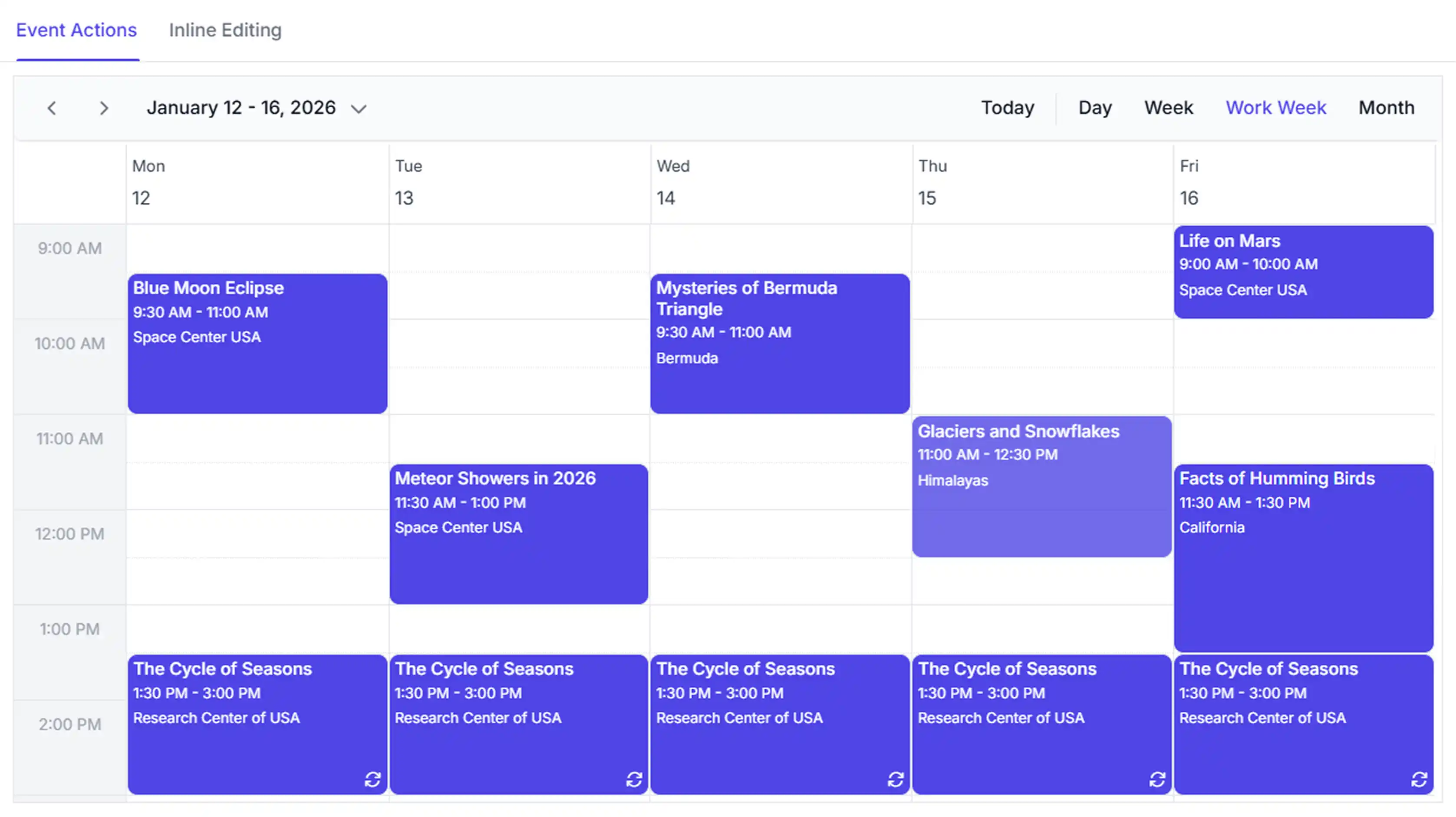
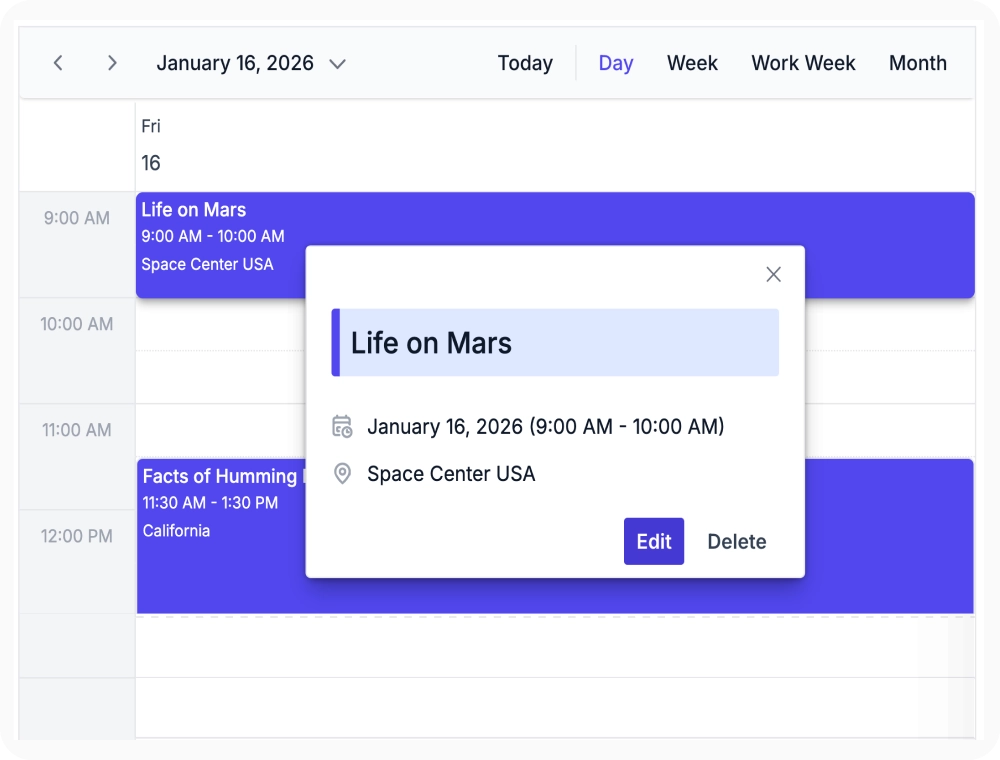
View and create events from a quick popup
The quick info popup displays key appointment details in a compact overlay. This enables quick viewing and creation of events without opening the full editor. Use it when users need to manage events directly from the current schedule view.
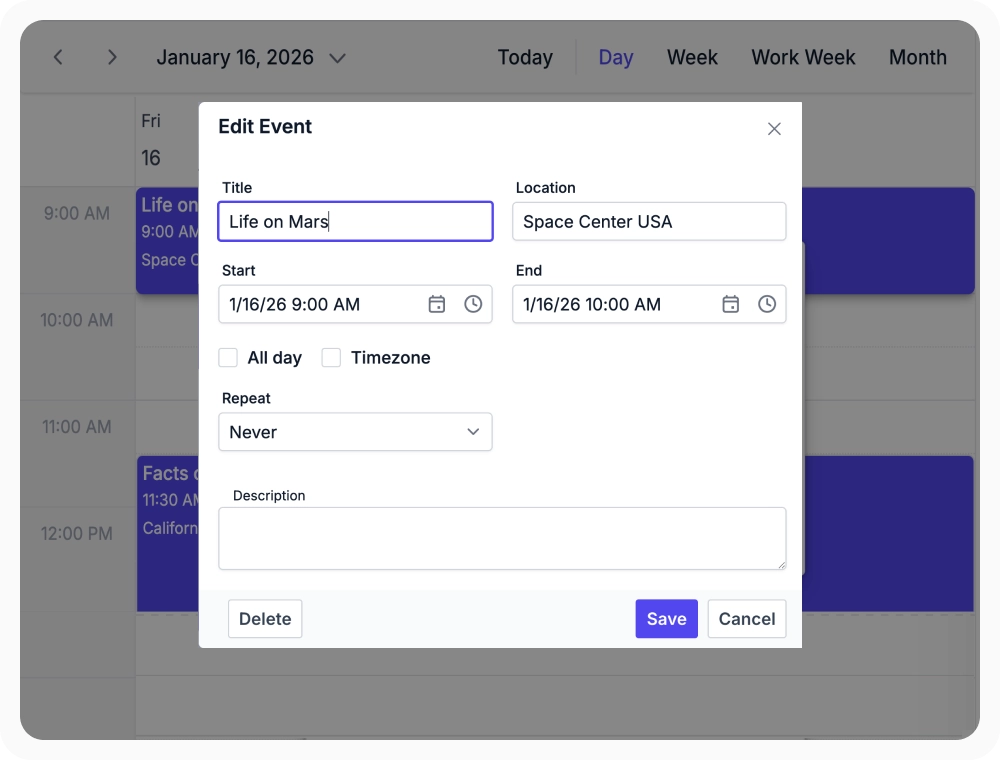
Manage details through editor dialog
The edit dialog provides a complete form for configuring appointment details, resources, recurrence, and custom fields. This centralizes event management in a single interface. Use it when events require detailed scheduling and configuration.
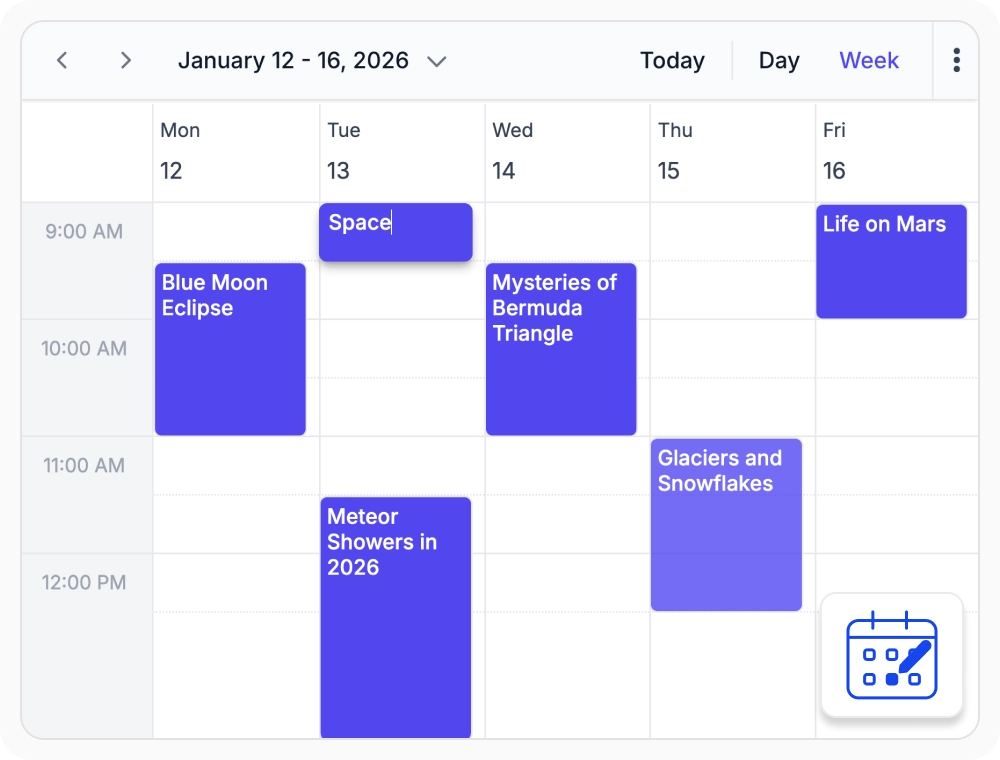
Inline editing for rapid updates
Inline editing allows users to add new events and update appointment titles directly on the scheduler surface. This streamlines quick scheduling changes within the calendar view. Use it when creating events or making simple appointment titles during scheduling.
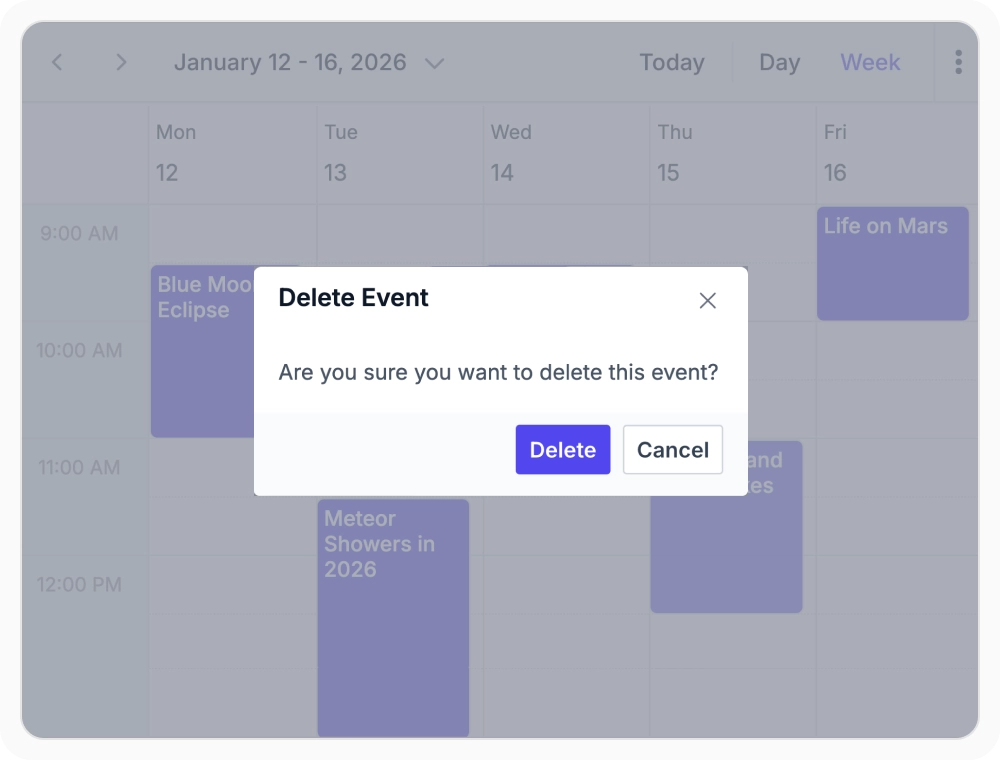
Delete single or multiple events
Event deletion allows users to remove single or multiple events from the scheduler. This helps keep schedules accurate by clearing outdated or unnecessary events. Use it when cancelling, updating, or removing events in bulk.
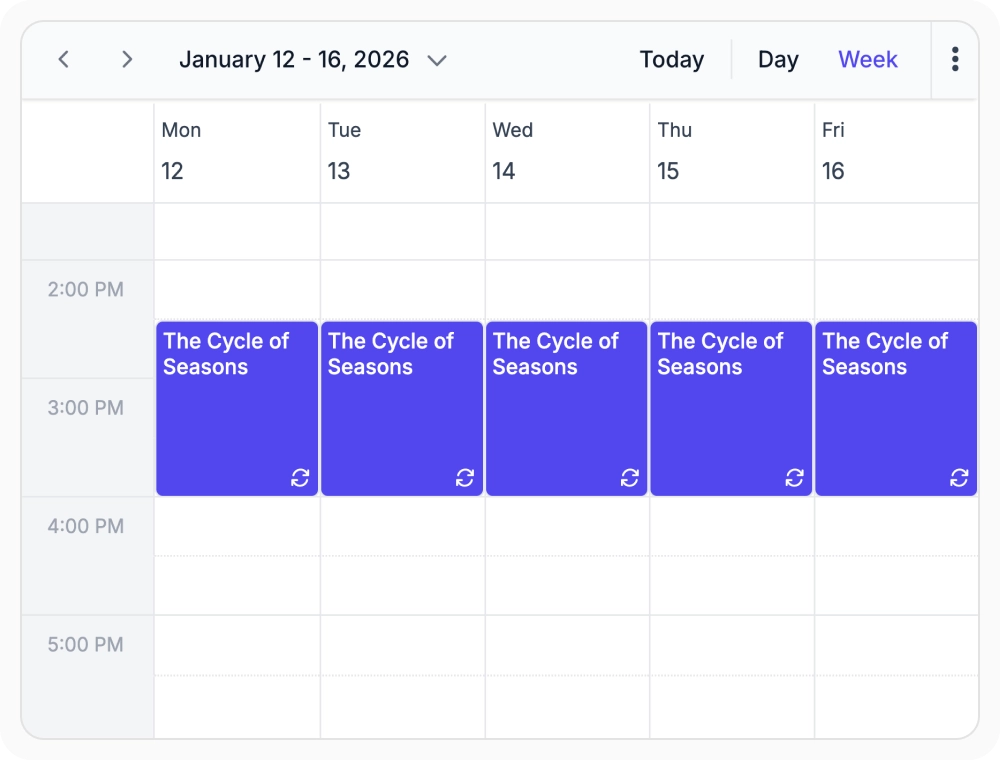
Recurring events with flexible configuration
Recurring events schedule events using daily, weekly, monthly, or yearly patterns. This automates repetitive scheduling activities. Use it when managing recurring meetings, shifts, or events.
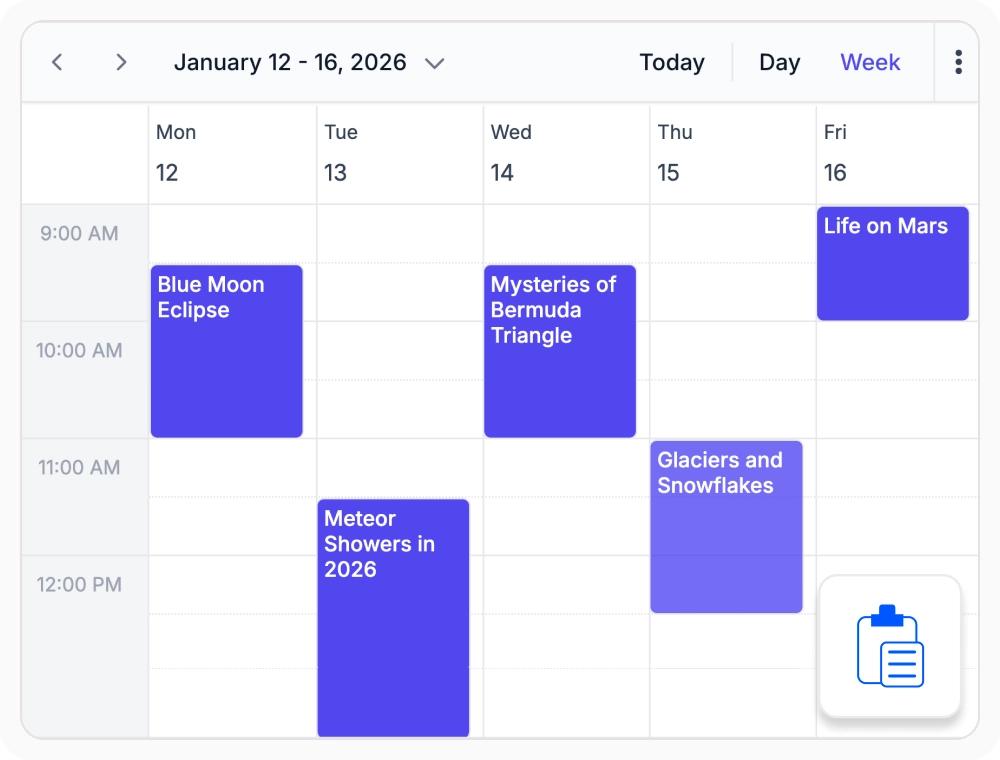
Copy, cut, and paste events using clipboard actions
Clipboard actions allow users to copy, cut, and paste events across time slots and resources. This simplifies moving or duplicating events within the scheduler. Use it when events need to be duplicated, relocated, or reassigned across schedules.
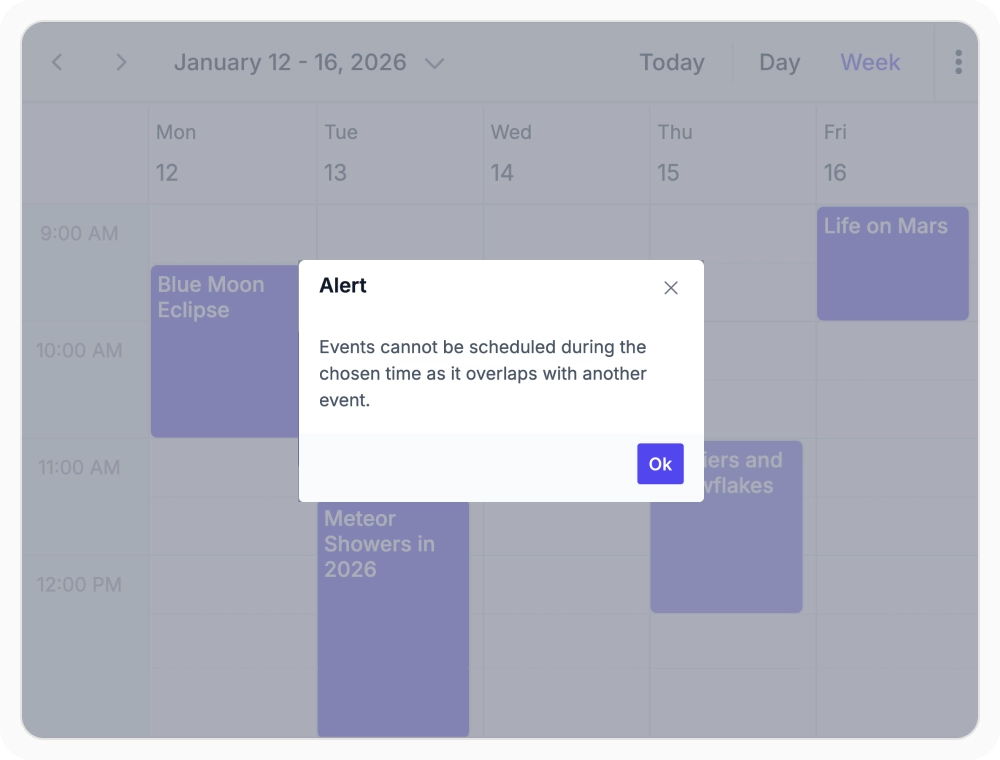
Prevent scheduling conflicts
The Scheduler blocks users from creating or saving events that overlap with existing ones in the same time slot. Use it when double-booking a resource, room, or person must be prevented at the scheduling level.
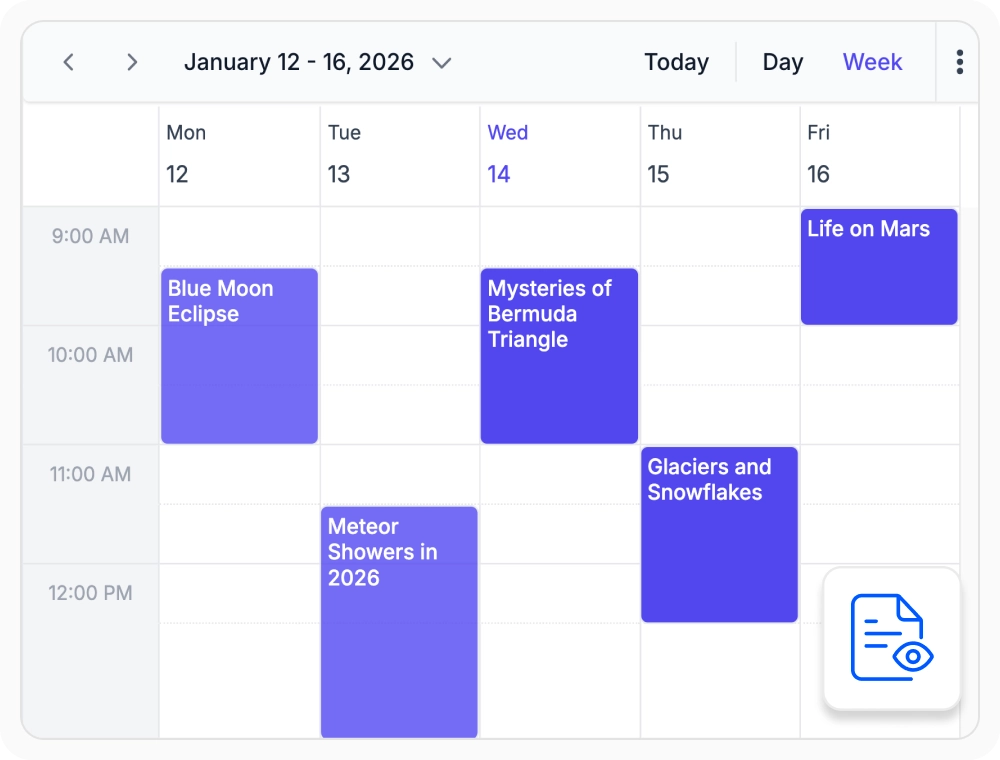
Read-only mode for protected events
Read-only mode prevents appointment changes while keeping schedules visible. This safeguards schedule data from unintended updates. Use it for approved schedules, locked records, or historical events.
Frequently Asked Questions
What editing modes does React Scheduler event management provide?
React Scheduler provides quick info popups, detailed editor dialogs, and inline subject editing for different event-update requirements.
How can events be moved efficiently using clipboard actions in React Scheduler?
Clipboard actions copy or cut an appointment and paste it into another selected time slot through keyboard shortcuts.
How does the React Scheduler handle conflicting event scheduling?
React Scheduler can reject appointment changes that conflict with an existing event in the same time range.
Does React Scheduler support recurring events and patterns?
Yes. Recurring events can follow daily, weekly, monthly, or yearly rules, with individual occurrences or the complete series available for modification.
Can specific events be protected from editing or deletion in React Scheduler?
Yes. Read-only behavior can protect specific events or the complete React Scheduler while keeping appointment information visible.
What options are available for deleting events in React Scheduler?
Individual events can be deleted through event interfaces, while multiple selected events can be removed through the keyboard.
Resources
Learn more about our React Scheduler
Explore demos, KB articles, and documentation to get the most out of our React Scheduler.
Explore guides, APIs, and quick-start tips
See live use cases in action
Ask, share, and connect with peers
Find solutions and best practices fast
Get expert help when needed
Feature requests and bug reports
Track issues and suggest improvements
Awards
Greatness—it’s one thing to say you have it, but it means more when others recognize it. Syncfusion® is proud to hold the following industry awards.









