Try Our Live Demo

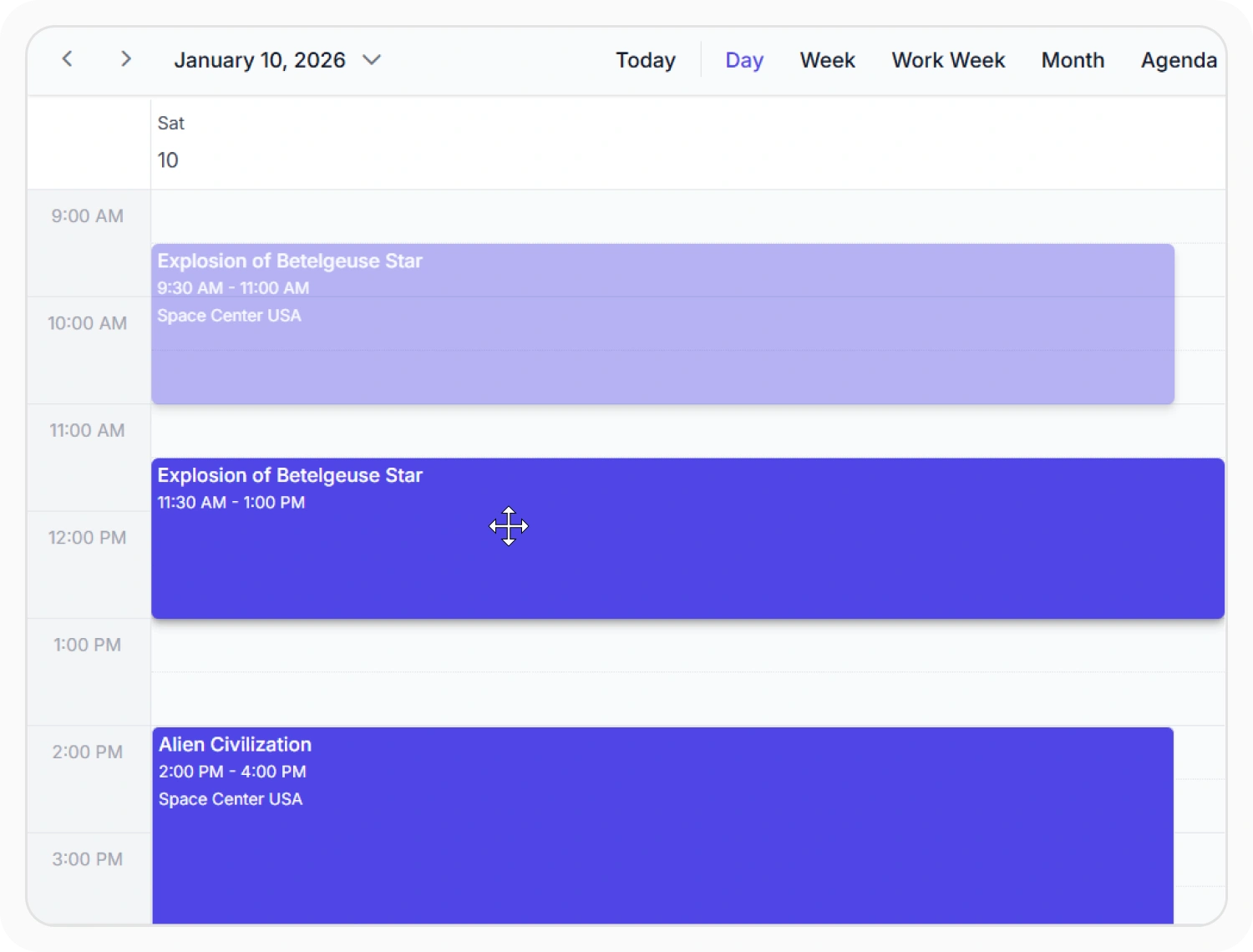
Reschedule appointments across time slots
Appointment dragging changes an appointment’s date or time directly on the calendar. Use it when scheduled work needs frequent timing adjustments.
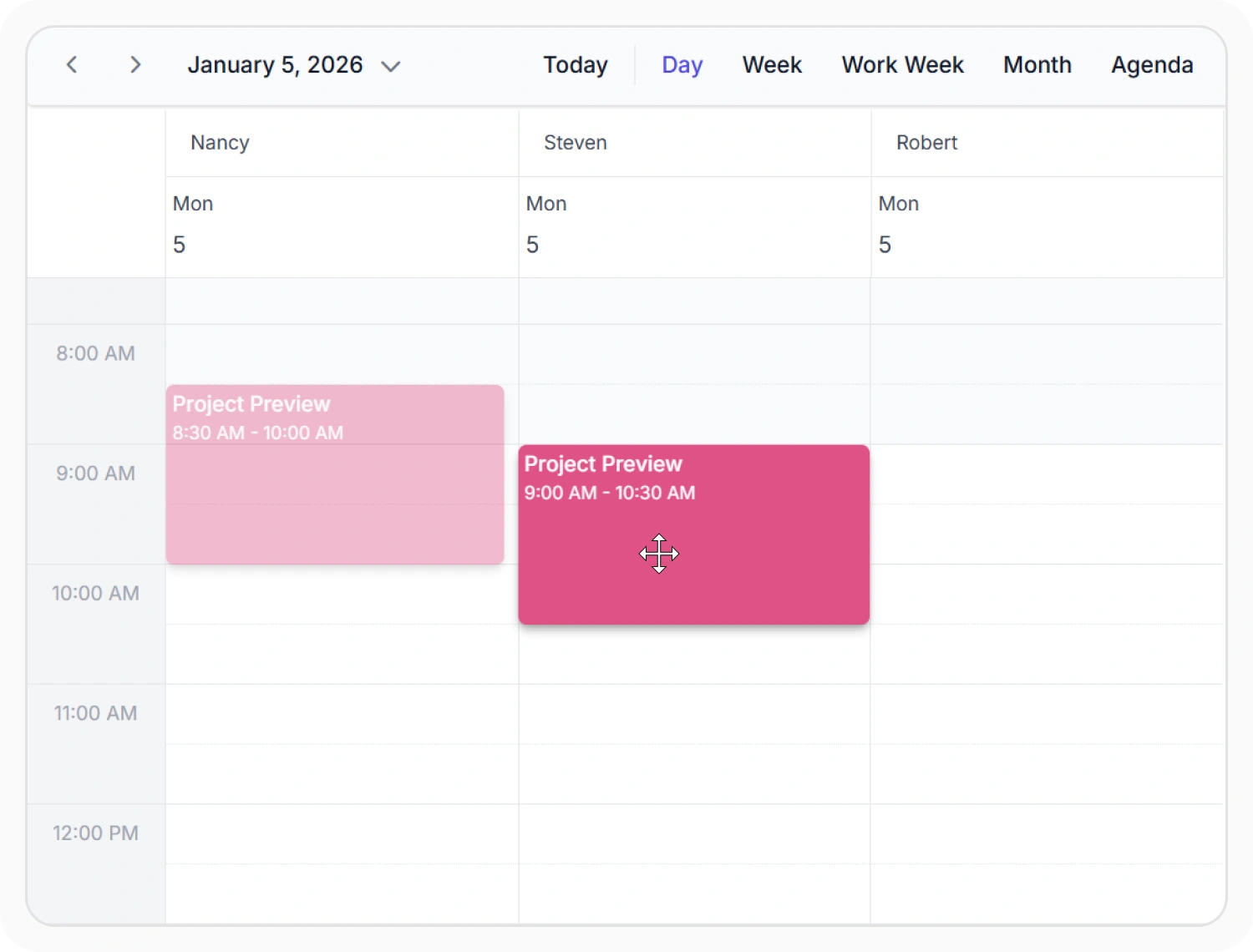
Reassign appointments between resources
Resource reassignment lets users move appointments across between people, rooms, or equipment. Use it when managing multi-resource schedules where tasks or meetings need to be reallocated quickly.
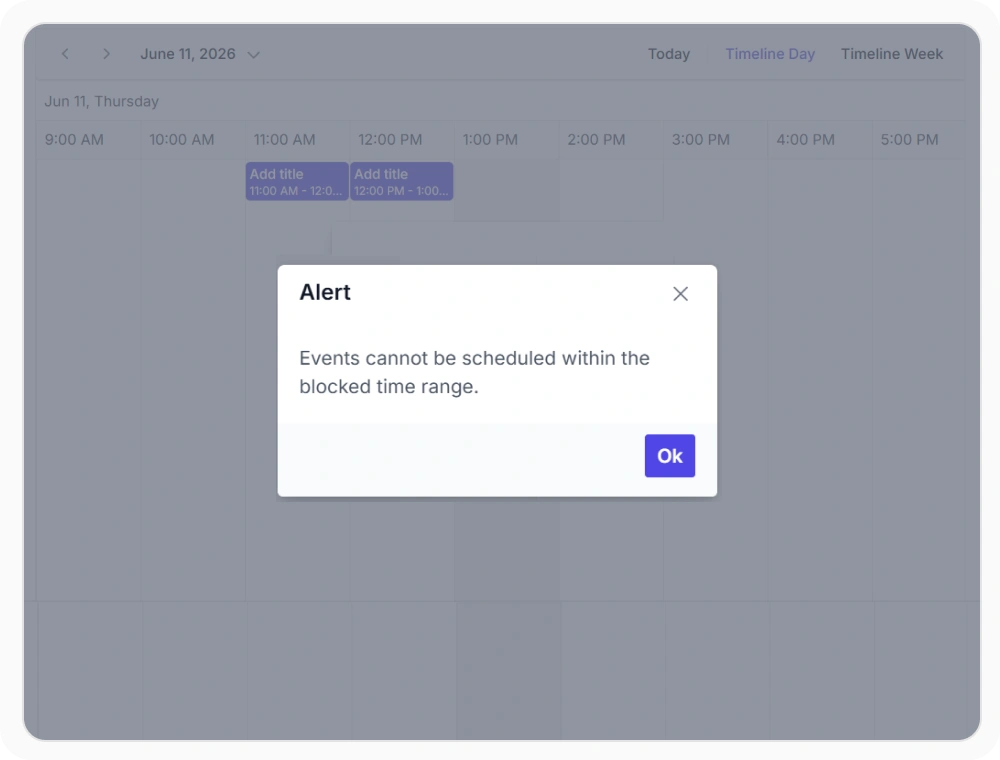
Preventing invalid schedules
Drag validation applies custom rules that control where appointments can be dropped during drag-and-drop actions. This prevents scheduling conflicts by restricting invalid drop locations. Use it when scheduling rules must be enforced before appointments are moved.
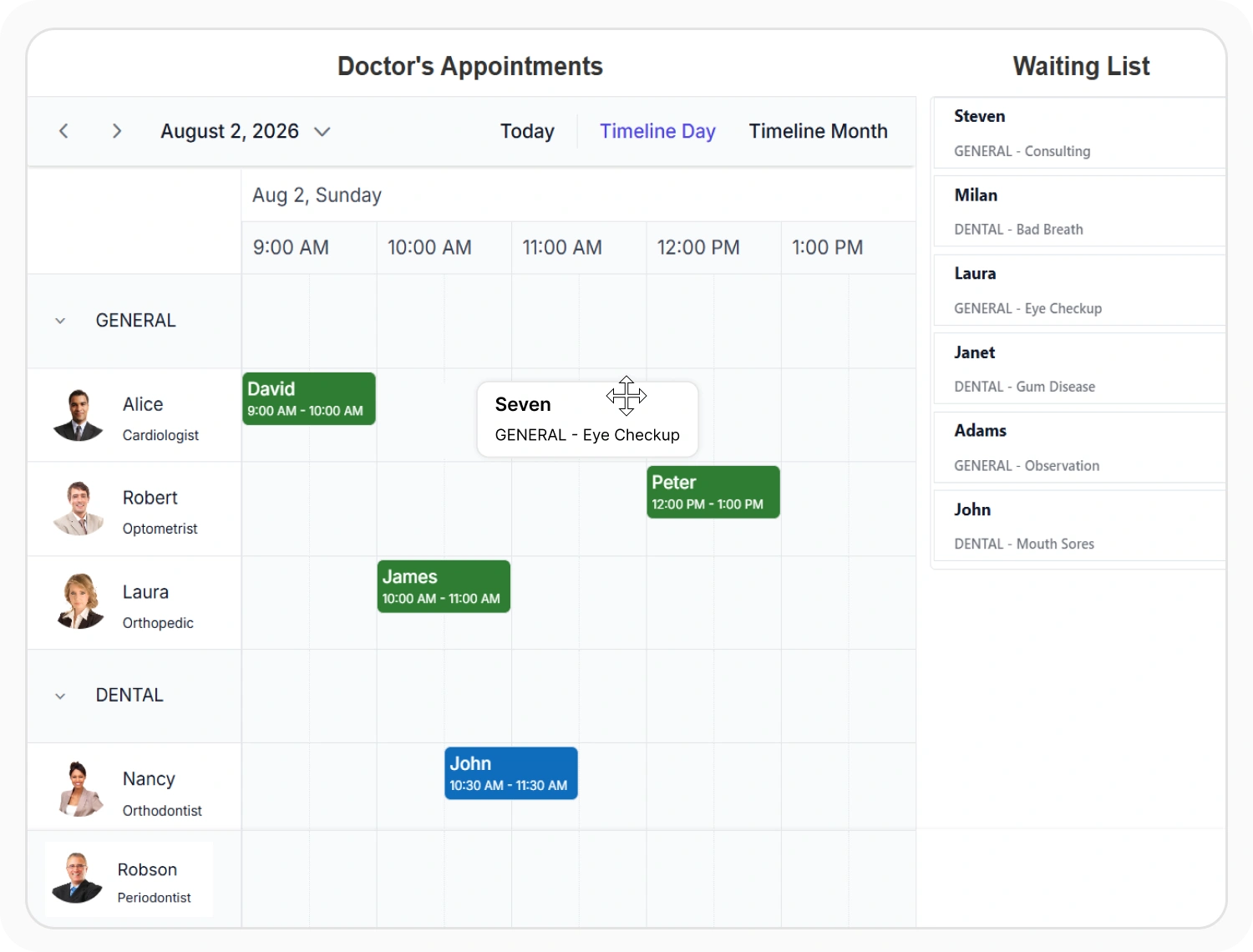
Convert unscheduled items to appointments
External drag and drop allows items from outside the Scheduler to be dragged into the calendar as appointments. This creates scheduled events from external data without manual entry. Use it when tasks, work items, or records need to be assigned to specific time slots.
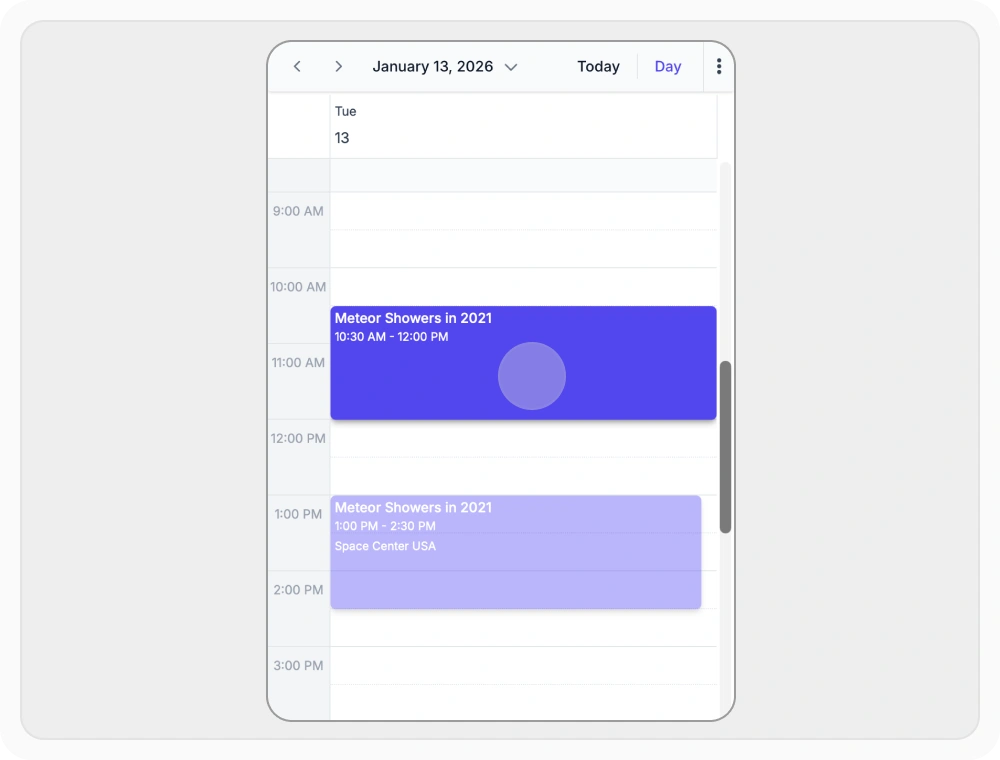
Reschedule appointments on touch devices
Touch-based drag and drop lets users reschedule appointments on smartphones and tablets. This enables scheduling on the go without requiring a desktop or pointing device. Use it when users need to manage appointments directly from mobile or tablet devices in the field.
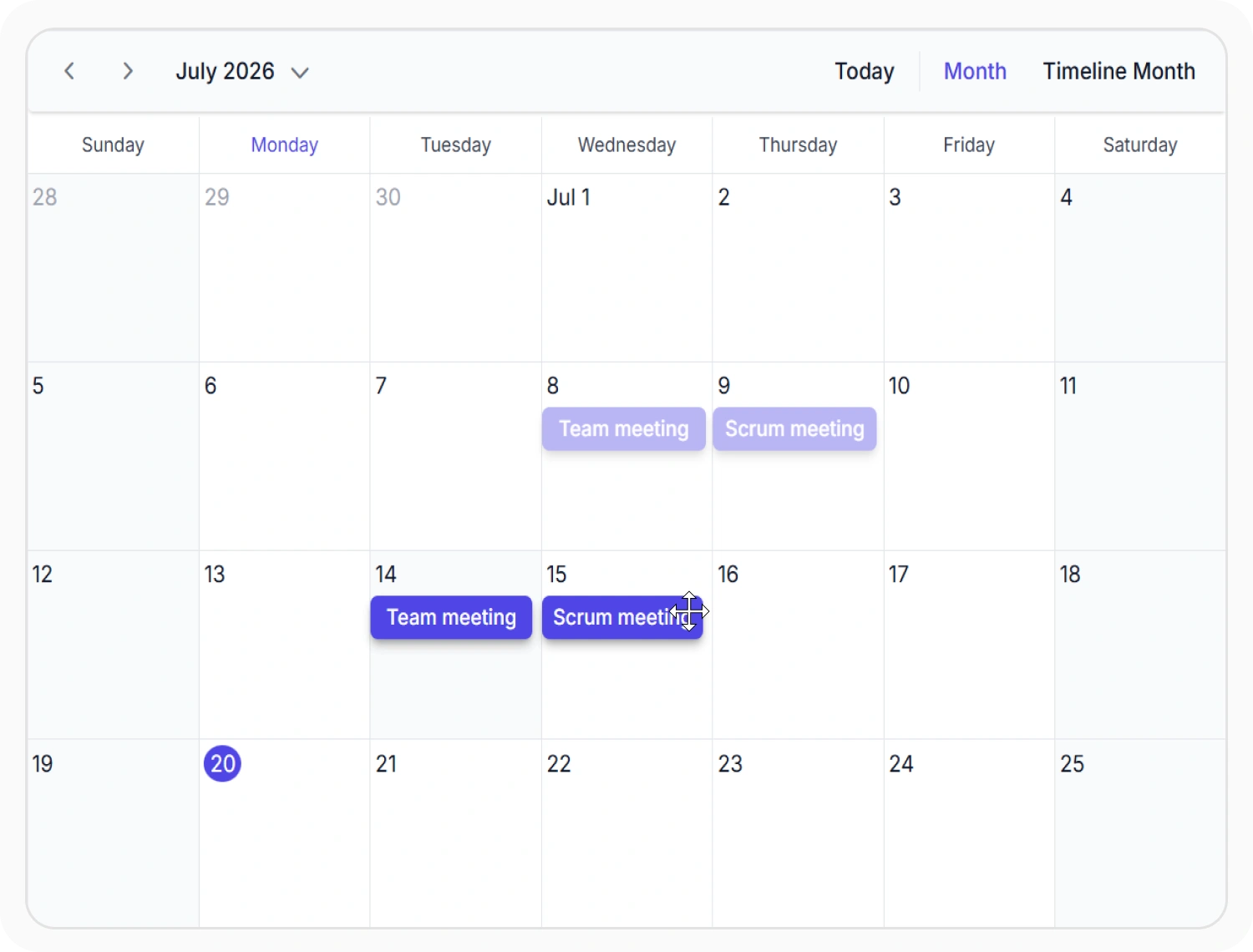
Drag multiple appointments together
Multi-appointment drag allows multiple selected appointments to be moved together in a single action. This updates related events while preserving their relative schedule. Use it when rescheduling groups of appointments that must maintain their original time sequence.
Frequently Asked Questions
Is there visual feedback during a drag operation in React Scheduler?
Yes. React Scheduler shows a visual placeholder at the target position during dragging, displaying the updated start and end times so users can confirm the new slot before releasing.
Can React Scheduler drag appointments across different calendar views?
Yes. Drag and drop is supported in Day, Week, Work Week, Month, and all Timeline views. Agenda, Month-Agenda, and Year views do not support drag interactions because appointments in those views are rendered as list items rather than positioned time blocks.
Does React Scheduler drag and drop work on mobile devices?
Yes. Touch enabled drag and drop is supported on mobile and tablet devices. Long press and drag gestures enable scheduling on any device while maintaining a consistent user experience.
How does React Scheduler drag and drop validation work?
Drag validation is handled in the dragStop event, where the target appointment, time slot, and resource can be checked. If any validation rule fails, the drop can be canceled programmatically to prevent the move.
Does React Scheduler support dragging items from external sources?
Yes. External drag sources allow items from task lists, grids, and other interface elements to be dragged into the Scheduler to create appointments. This streamlines scheduling workflows and reduces manual data entry.
Can multiple appointments be dragged simultaneously in the React Scheduler?
Yes. Multiple appointments can be selected and moved together in a single drag action. All selected appointments shift by the same time offset, preserving the intervals between them. This is useful for rescheduling a sequence of related events as a unit.
Resources
Learn more about the React Scheduler
Explore demos, KB articles, and documentation to get the most out of our React Scheduler.
Explore guides, APIs, and quick-start tips
See live use cases in action
Ask, share, and connect with peers
Find solutions and best practices fast
Get expert help when needed
Feature requests and bug reports
Track issues and suggest improvements
Awards
Greatness—it’s one thing to say you have it, but it means more when others recognize it. Syncfusion® is proud to hold the following industry awards.









