Try Our Live Demo

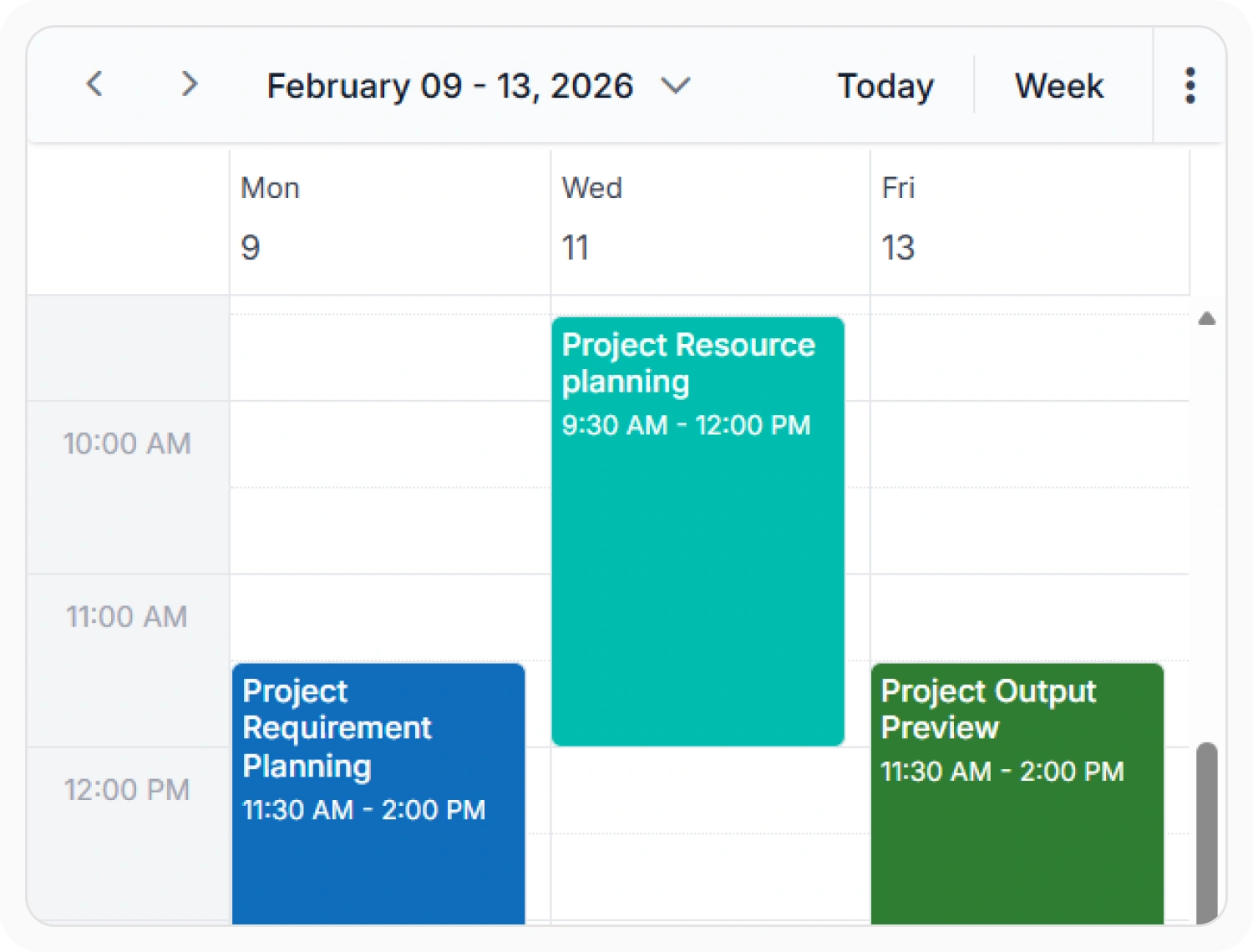
Configure working hours and days
Working time visually distinguishes working hours and days within the scheduler. This helps users identify available scheduling periods at a glance. Use it when appointments should be planned within defined business hours or shifts.
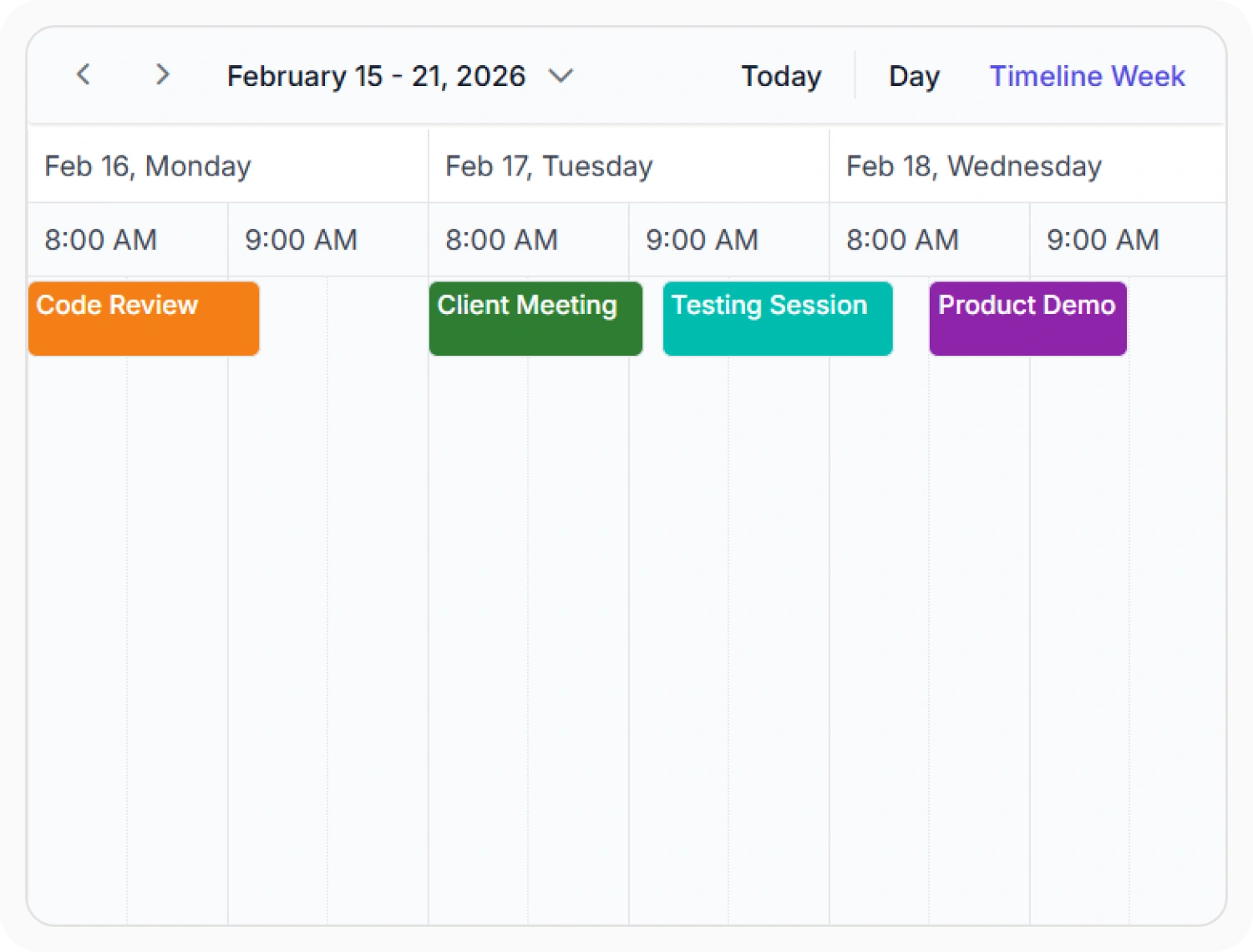
Custom start and end hours
Scheduler start and end hours define the visible time range within the scheduler. This helps focus scheduling activities on relevant working periods and reduces unnecessary time slots. Use it when appointments are scheduled only within specific operating or business hours.
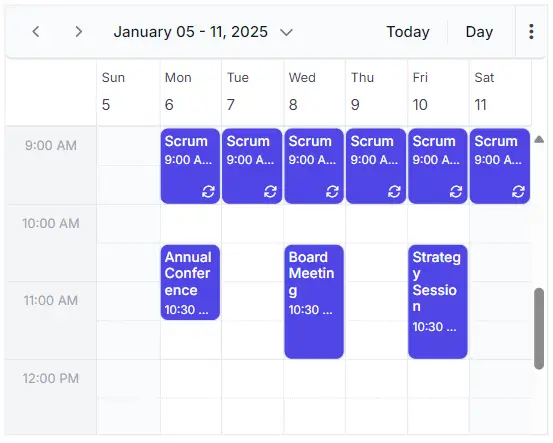
Prevent scheduling conflicts
Conflict prevention validates appointments against existing schedules and availability rules. This helps avoid overlapping bookings and resource conflicts. Use it when schedules must comply with availability rules and resource constraints.
 ”
”
Block specific time periods
Blocked periods reserve time ranges that cannot be scheduled. This helps maintain availability rules across the calendar. Use it when specific dates or hours must remain unavailable.
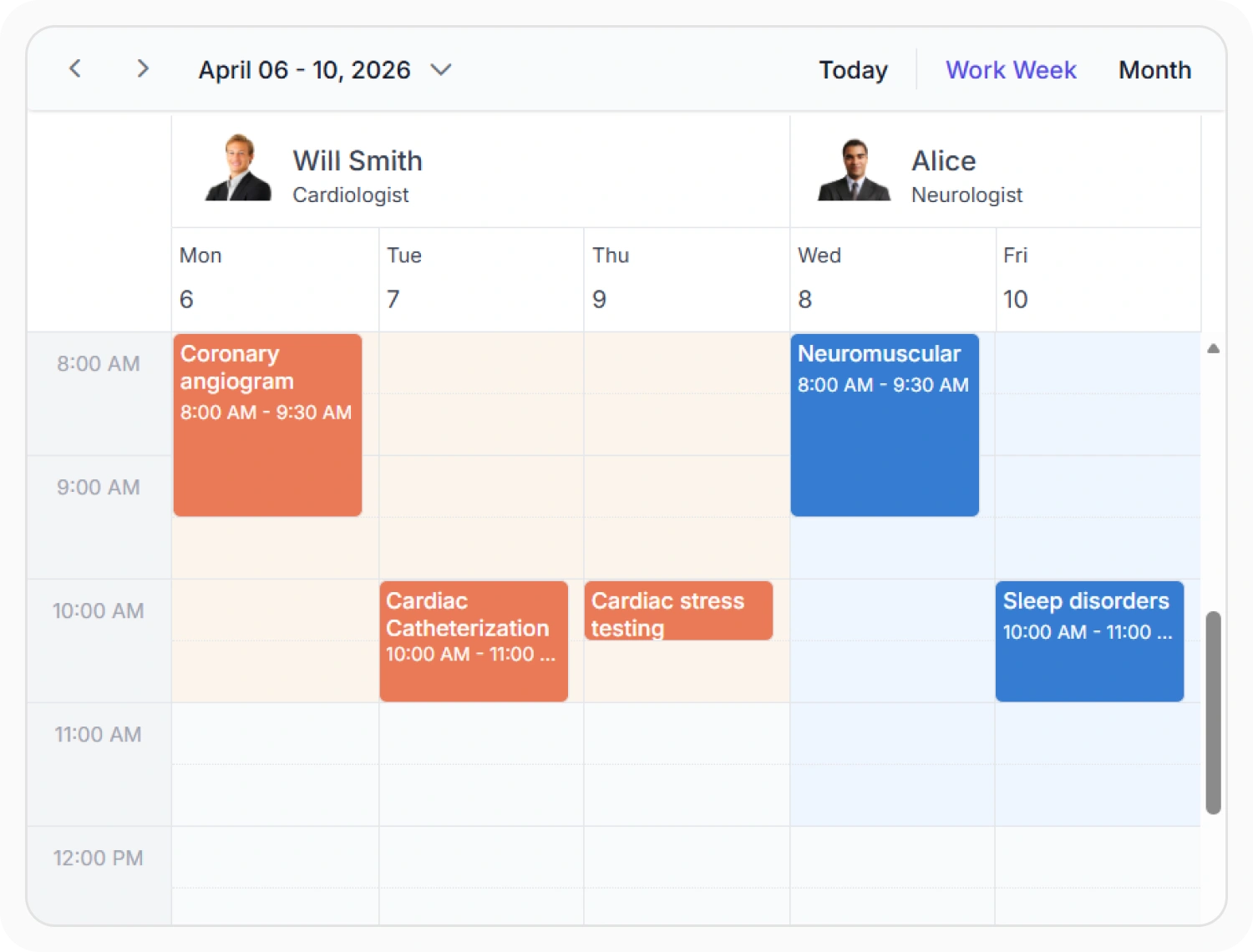
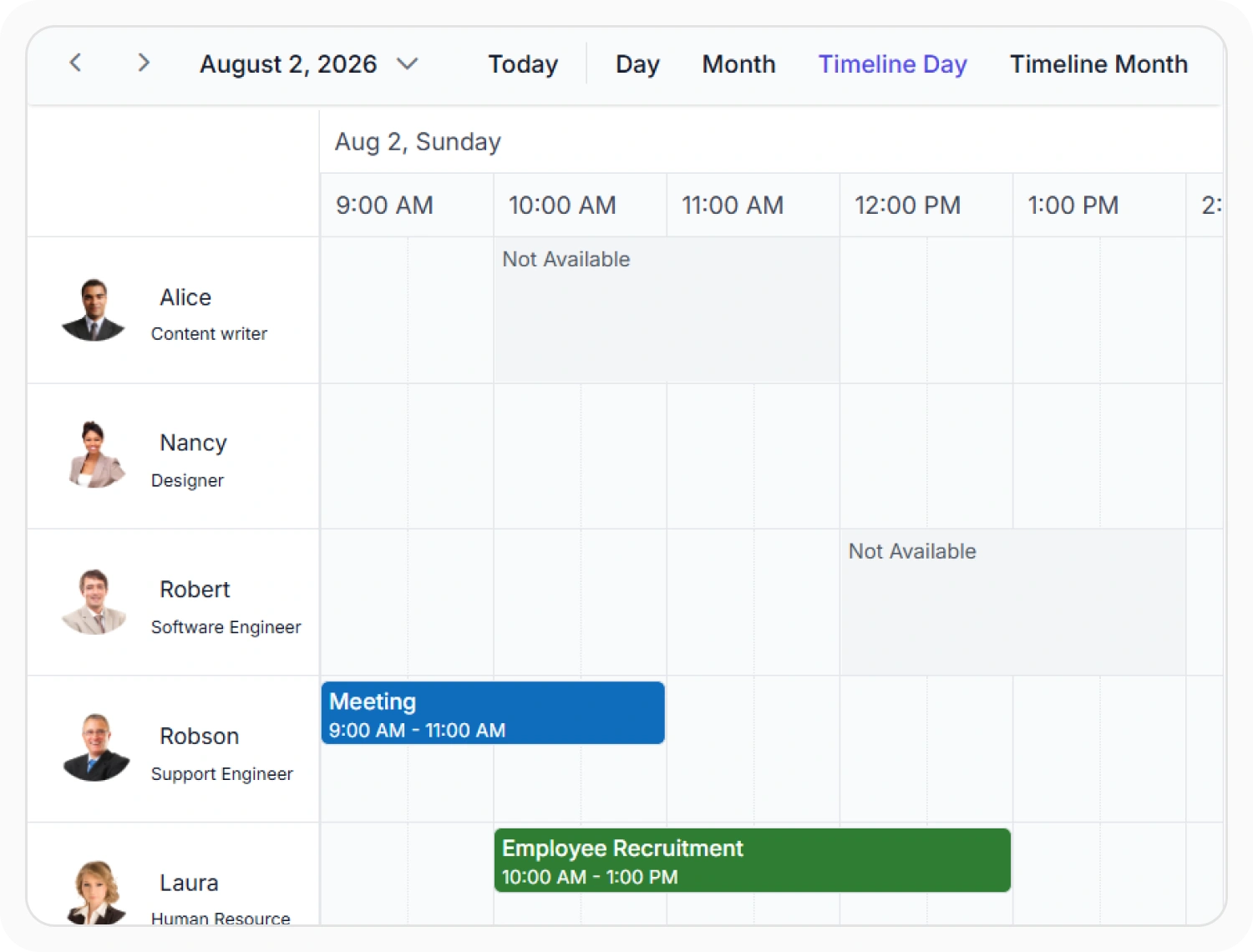
Configure resource-specific availability
Resource availability applies scheduling rules to individual resources. This helps manage availability across employees, rooms, and equipment. Use it when resources follow different schedules or availability requirements.
Frequently Asked Questions
How does the React Scheduler prevent overlapping appointments?
The React Scheduler includes automatic conflict detection that validates appointment timing against existing bookings and availability rules. When a conflict is detected, the scheduler prevents the change or displays a warning, allowing the user to resolve the issue before saving.
Can the React Scheduler apply different availability rules to different resources?
Yes. Working hours, blocked periods, holidays, and availability restrictions can be configured individually for each resource. This allows each employee, room, or asset to have its own scheduling constraints and availability windows.
Is React Scheduler availability management suitable for booking applications?
Yes. Availability management ensures accurate scheduling for healthcare clinics, service businesses, educational institutions, resource planning, and appointment booking systems where preventing double bookings and managing resource availability are critical requirements.
Can the React Scheduler block specific dates or time ranges?
Yes. Individual time intervals, entire days, holidays, maintenance windows, and custom periods can be marked as unavailable. Blocked periods can be configured as one-time events or set to recur on a regular schedule.
Can React Scheduler hide weekends from the schedule view?
Yes. React Scheduler can hide weekends and display only working days in supported views. This helps users focus on business schedules without showing non-working days.
How does the React Scheduler handle working hours across time zones?
Working hours can be configured per resource, allowing different time zones to have different availability rules. Blocked intervals are typically stored in a consistent time zone, and the React Scheduler handles conversion based on the current scheduler configuration.
Resources
Learn more about the React Scheduler
Explore demos, documentation, and articles to get the most out of availability management.
Explore guides, APIs, and quick-start tips
See live use cases in action
Ask, share, and connect with peers
Find solutions and best practices fast
Get expert help when needed
Feature requests and bug reports
Track issues and suggest improvements
Awards
Greatness—it’s one thing to say you have it, but it means more when others recognize it. Syncfusion® is proud to hold the following industry awards.









