Try Our Live Demo
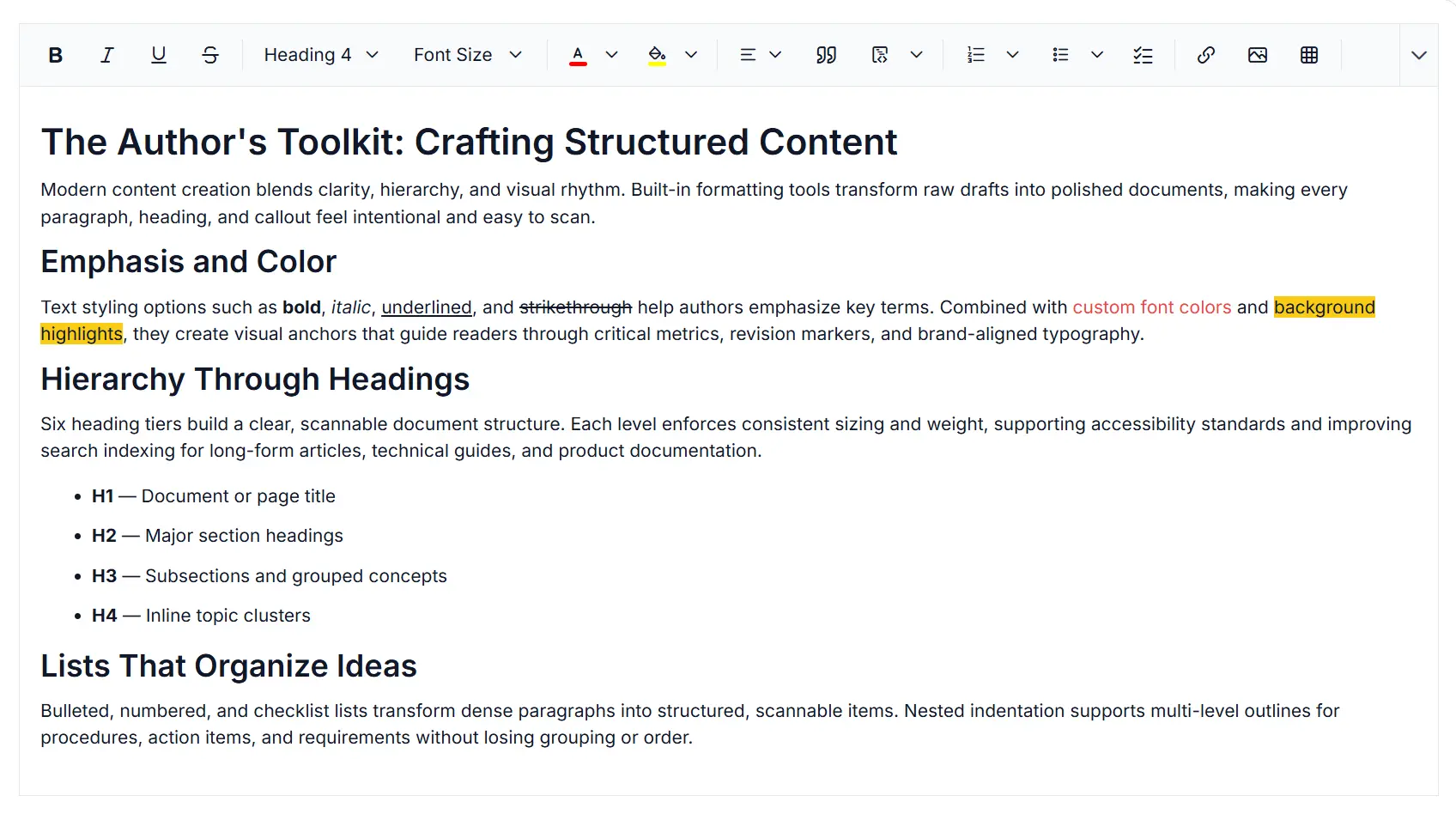
Professional Word and PDF export in Rich Text Editor
Generate Word and PDF documents from the React Rich Text Editor with authentication, custom branding, and layout preservation to support secure distribution, collaboration, archiving, and printing workflows.
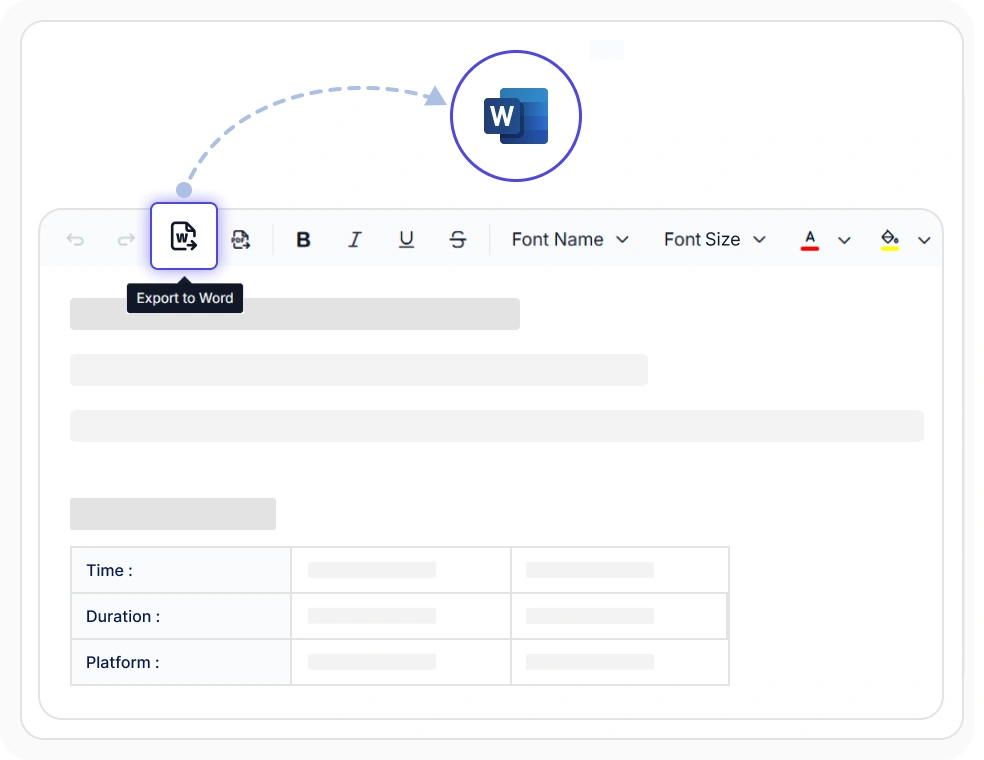
Export content to Word documents
Produce editable DOCX files that retain headings, lists, inline styles, tables, and media references from the source document. Use it to hand off work to external reviewers, legal redlines, and downstream Word workflows without rebuilding the document structure.
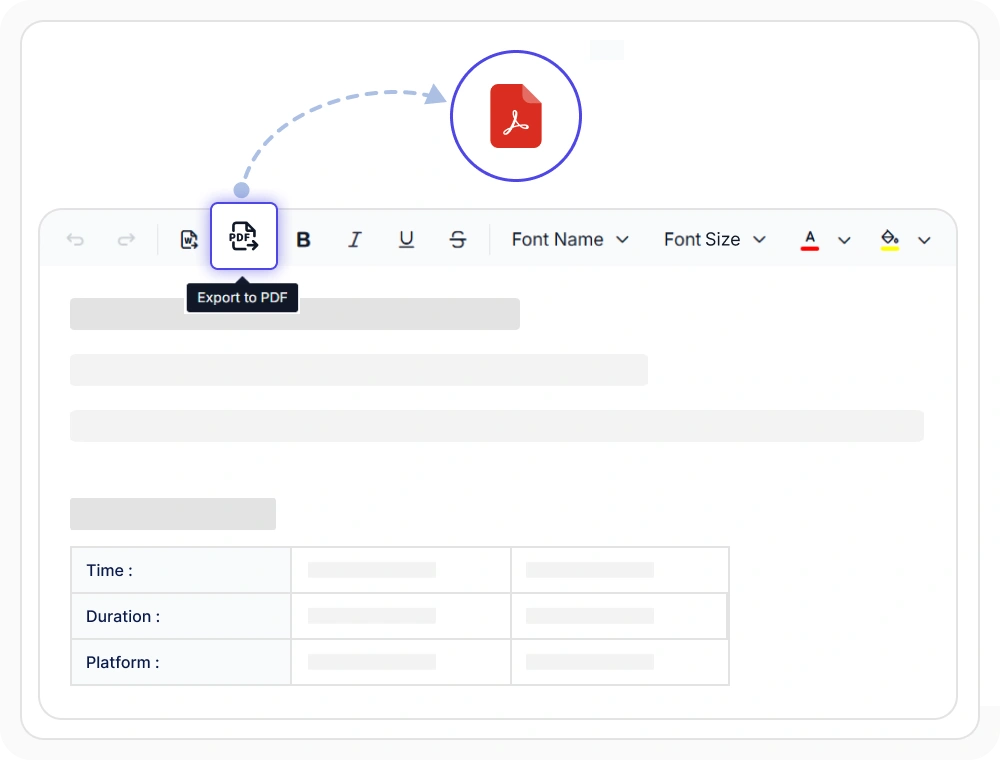
Export content to PDF documents
Generate print-ready PDF files with headings, lists, tables, and inline images preserved through the export pipeline. Use it to share read-only reports, archive approved decisions, and deliver printable documents to stakeholders without rebuilding layout.
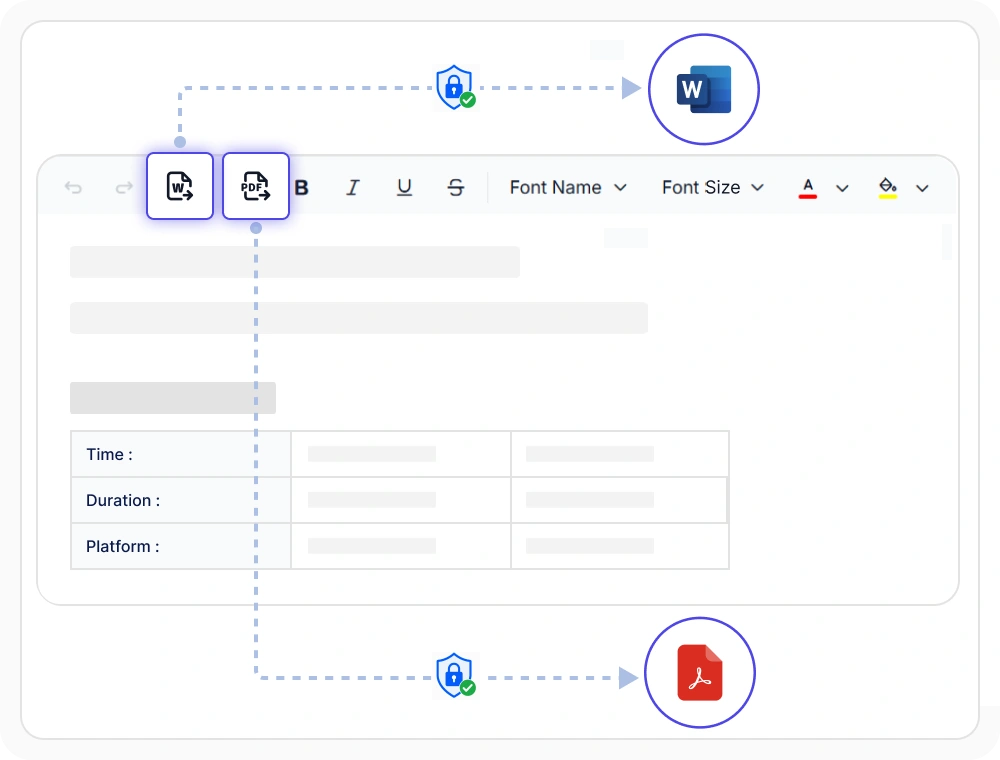
Export Word and PDF documents with authentication
Validate export requests through authorization headers and configurable form data before a file leaves the editor. Use the same authentication path across the application to keep confidential drafts, regulated reports, and restricted releases protected end to end.
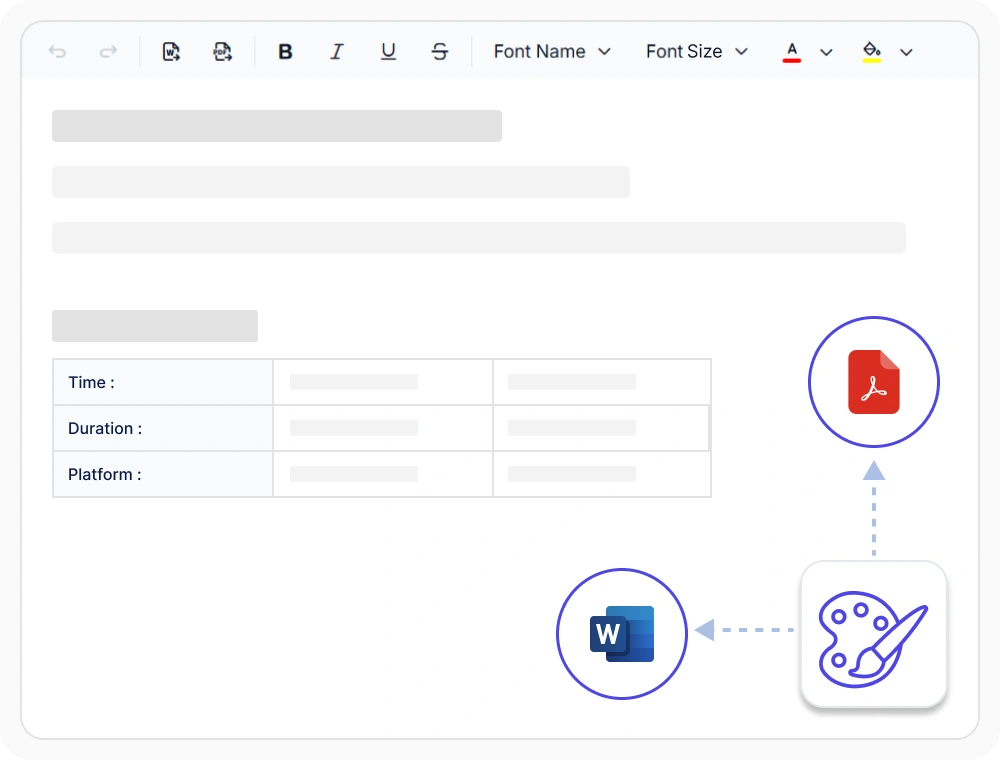
Export Word and PDF documents with custom styling
Apply organizational fonts, colors, and spacing to PDF and DOCX outputs through the export styling pipeline. Use it to maintain a recognizable visual identity across every hand-off, so published material matches brand standards without manual reformatting.
See Why Developers Love Syncfusion
Our Customers Love Us
Having an excellent set of tools and a great support team, Syncfusion reduces customers’ development time. Here are some of their experiences.




Frequently Asked Questions
Can the React Rich Text Editor export content as a PDF file?
Yes. The React Rich Text Editor generates print-ready PDF files with styles, images, tables, and layout preserved, so shared documents look identical across devices and viewers. Use PDF export to distribute read-only reports, archive approved decisions, and deliver printable files to external stakeholders without rebuilding content.
Is formatting preserved when the React Rich Text Editor exports content?
Yes. The React Rich Text Editor maintains text styles, images, tables, and document structure in both PDF and Word exports. Formatting preservation covers headings, lists, inline media, and brand styling, so recipients see the same layout the author produced.
Does the React Rich Text Editor provide secure export functionality?
Yes. The React Rich Text Editor uses built-in authentication, including authorization headers and configurable form data, to protect sensitive content throughout the export process. Confidential drafts, regulated reports, and restricted releases stay protected through the same authentication path used across the application.
Can the React Rich Text Editor export content as a Word file?
Yes. The React Rich Text Editor produces editable Word documents that retain headings, lists, formatting, and styles from the source content. Use Word export to hand off drafts to external reviewers, continue collaborative redlines, and reuse branded templates without rebuilding structure.
Can custom branding be applied to React Rich Text Editor exports?
Yes. The React Rich Text Editor applies custom fonts, colors, and spacing to exported documents so they match brand guidelines. The brand styling pipeline keeps a consistent visual identity across PDF and Word outputs at every hand-off.
Where can teams learn more about the React Rich Text Editor?
Teams can explore the React Rich Text Editor documentation, sample demos, and community forum to learn about features and integration. The resource links at the bottom of this page cover guides, live demos, knowledge base articles, support contact, and feature requests for export workflows.
Resources
Learn more about our React Rich Text Editor
Explore demos, KB articles, and documentation to get the most out of the React Rich Text Editor.
Explore guides, APIs, and quick-start tips
See live use cases in action
Ask, share, and connect with peers
Find solutions and best practices fast
Get expert help when you need it
Feature requests and bug reports
Track issues and suggest improvements
Awards
Greatness—it’s one thing to say you have it, but it means more when others recognize it. Syncfusion® is proud to hold the following industry awards.









