Try Our Live Demo
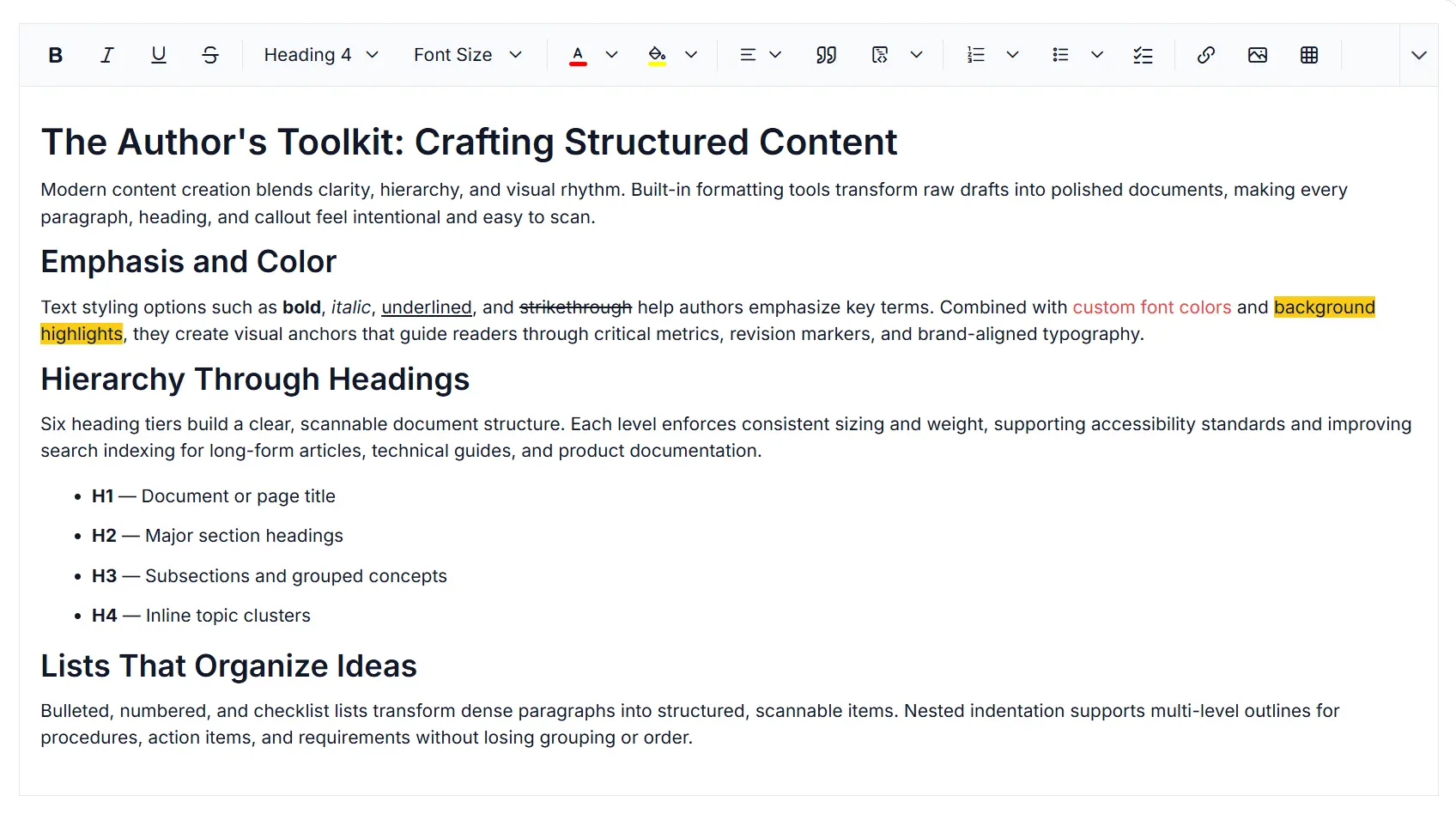
Accessibility, localization, and responsive editing in Rich Text Editor
Deliver accessible and responsive content editing experiences in the React Rich Text Editor with localization support, keyboard accessibility, RTL layout support, and adaptive user interfaces across devices and languages.
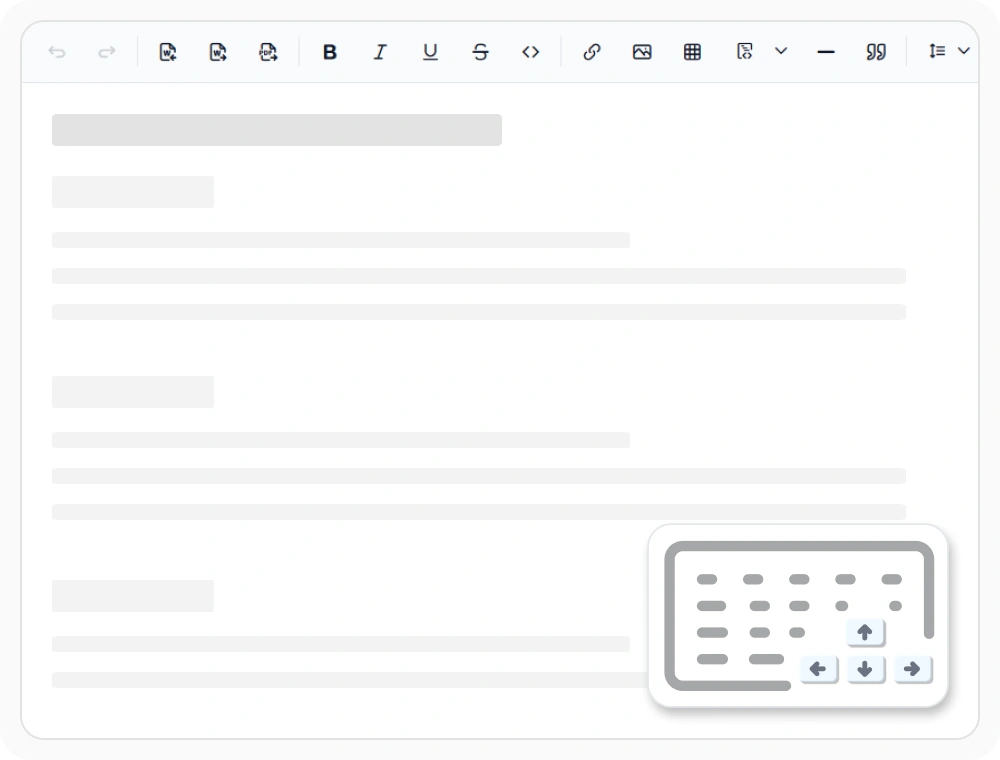
Keyboard navigation and shortcuts
Keyboard navigation and shortcuts let authors move, select, and format content efficiently without leaving the keyboard. Use them to accelerate content creation, support accessibility-first workflows, and provide a seamless editing experience across devices.
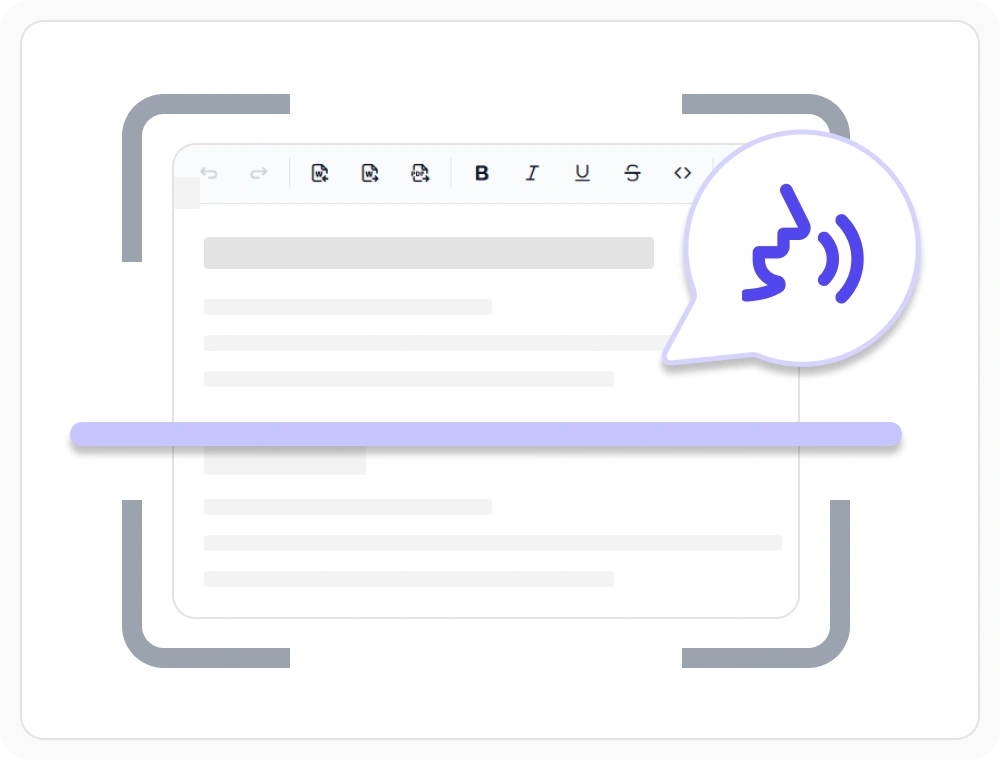
Screen reader and WCAG compliance
Expose ARIA roles, semantic markup, and accessible labels out of the box so screen readers can interpret content and toolbar state. Use it to meet WCAG 2.1 compliance audits in inclusive editing experiences without custom remediation code.
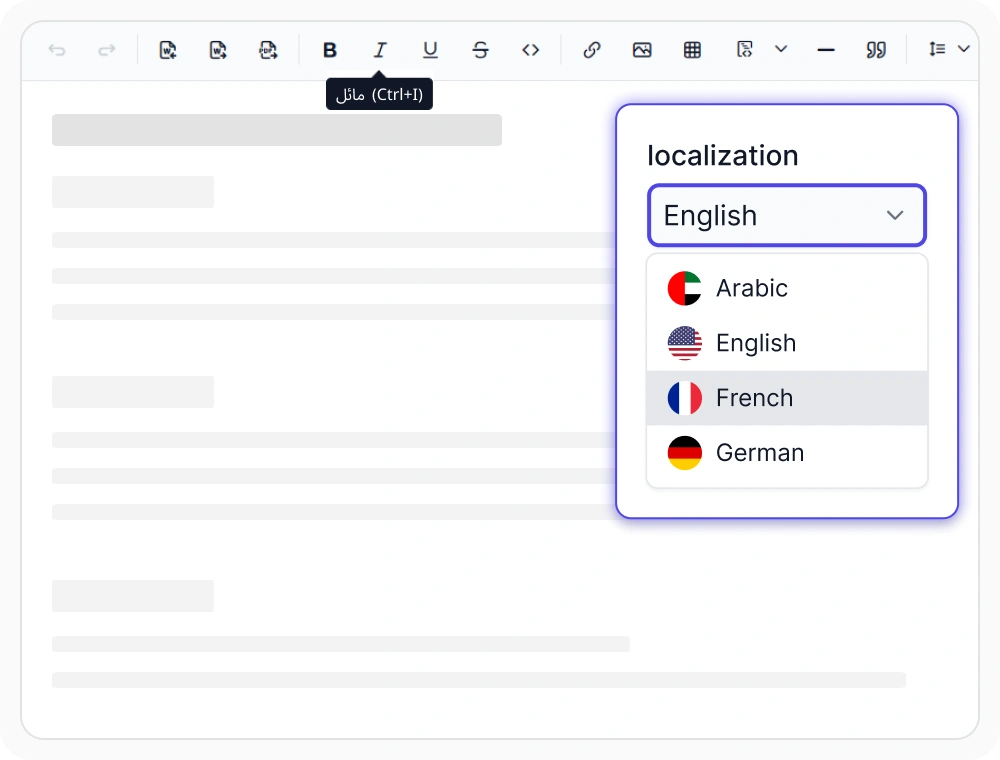
Localization and RTL
Localize editor labels, messages, and tooltips with multi-language and RTL layout support. Use localization features to deliver consistent editing experiences across global applications and multilingual content workflows.
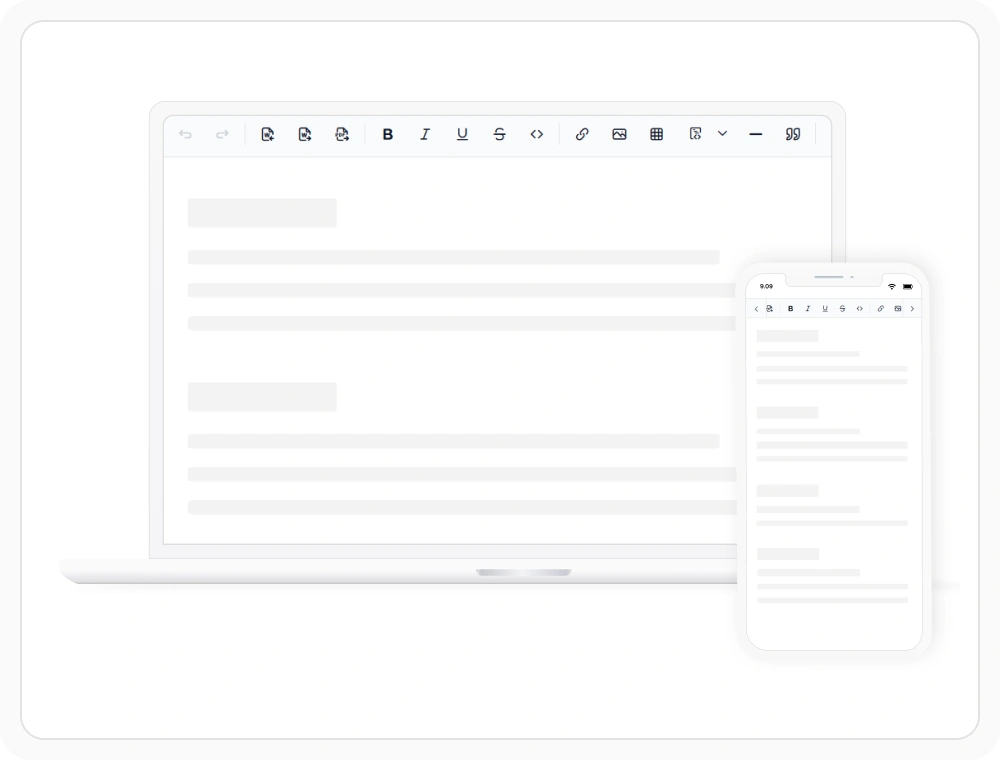
Responsive design for devices
Responsive layouts adapt the editor experience across desktop, tablet, and mobile devices with touch-friendly controls. Use them to provide consistent content authoring experiences across devices and collaborative editing workflows.
See Why Developers Love Syncfusion
Our Customers Love Us
Having an excellent set of tools and a great support team, Syncfusion reduces customers’ development time. Here are some of their experiences.




Frequently Asked Questions
Is the React Rich Text Editor WCAG compliant?
Yes. The React Rich Text Editor is designed to align with WCAG 2.1 standards for inclusive authoring. It includes built-in ARIA roles, semantic markup, keyboard navigation, and contrast-aware controls to support accessible content creation and help meet accessibility requirements.
Does the React Rich Text Editor support screen readers?
Yes. The React Rich Text Editor exposes ARIA roles, semantic markup, and accessible labels that screen readers can interpret. Authors using NVDA, JAWS, and VoiceOver get accurate announcements for content structure, formatting state, and toolbar actions.
Does the React Rich Text Editor support right-to-left languages?
Yes. The React Rich Text Editor supports RTL layouts for languages like Arabic, Hebrew, and Urdu, mirroring the toolbar and content area automatically. Combined with localization resource files, the editor delivers a native reading and editing experience for right-to-left scripts.
Can I navigate the React Rich Text Editor with a keyboard?
Yes. Every command, toolbar action, and selection control in the React Rich Text Editor is reachable through keyboard navigation. Standard shortcuts plus a logical tab order let authors move through content, format text, and manage lists without leaving the keyboard.
Can I localize the React Rich Text Editor UI?
Yes. The React Rich Text Editor allows translating UI labels, messages, and tooltips using resource files for multilingual editing workflows. Localization teams can adapt the editor to new locales without forking the source or rebuilding the component.
Does the React Rich Text Editor work on mobile devices?
Yes. The React Rich Text Editor provides responsive layouts and touch-friendly controls for mobile devices, adapting the toolbar and content area to any screen size. Authors can format text, insert media, and edit documents on phones and tablets without losing the desktop feature set.
Resources
Learn more about our React Rich Text Editor
Explore demos, KB articles, and documentation to get the most out of the React Rich Text Editor.
Explore guides, APIs, and quick-start tips
See live use cases in action
Ask, share, and connect with peers
Find solutions and best practices fast
Get expert help when needed
Feature requests and bug reports
Track issues and suggest improvements
Awards
Greatness—it’s one thing to say you have it, but it means more when others recognize it. Syncfusion® is proud to hold the following industry awards.









