Try Our Live Demo
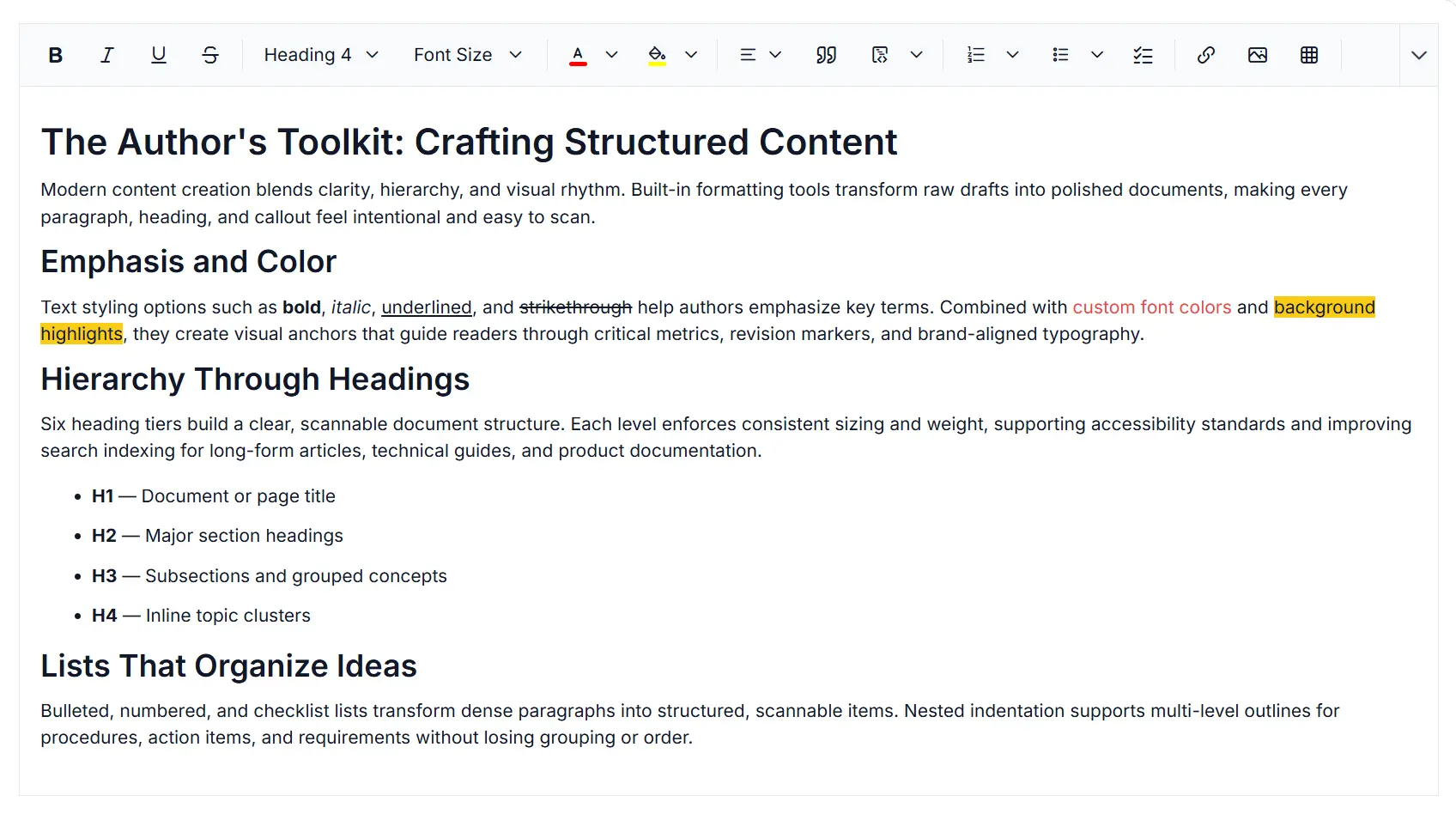
Text formatting and layout controls in Rich Text Editor
Create well-structured content in the React Rich Text Editor with text formatting, headings, lists, alignment controls, block quotes, and code formatting. Improve readability, accessibility, and semantic HTML output.
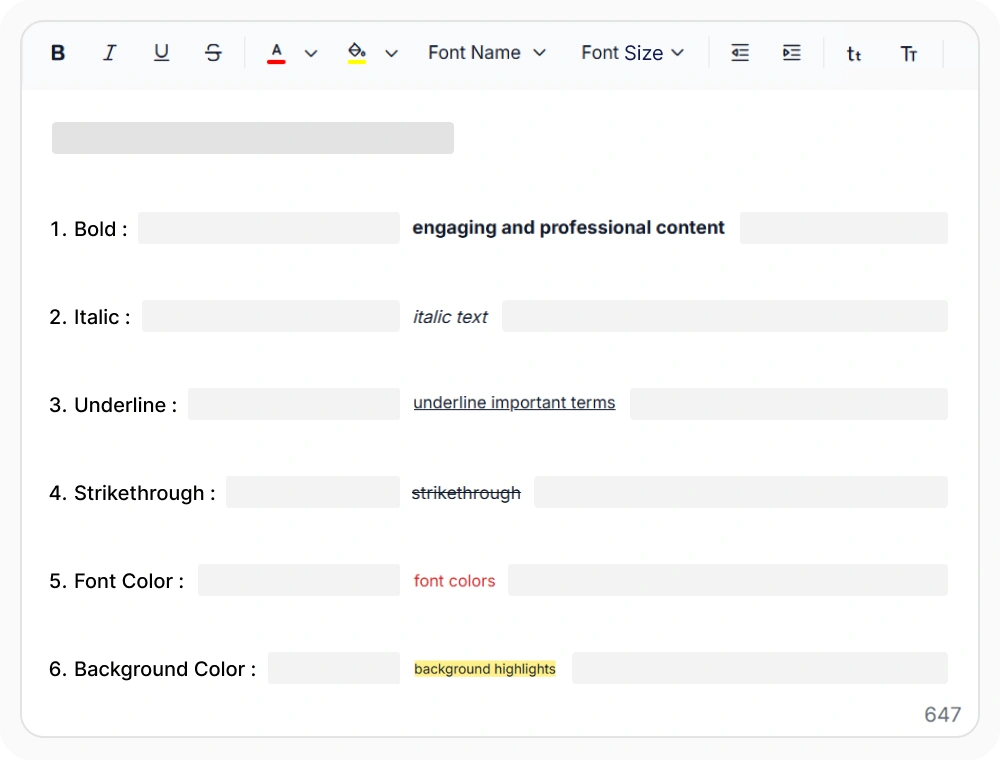
Text styling, fonts, and colors
Bold, italic, underline, strikethrough, font colors, and highlights generate semantic HTML without relying on custom CSS. Use them to emphasize key terms, warnings, and data values in long-form content while maintaining consistent formatting, improving readability, and avoiding styling conflicts.
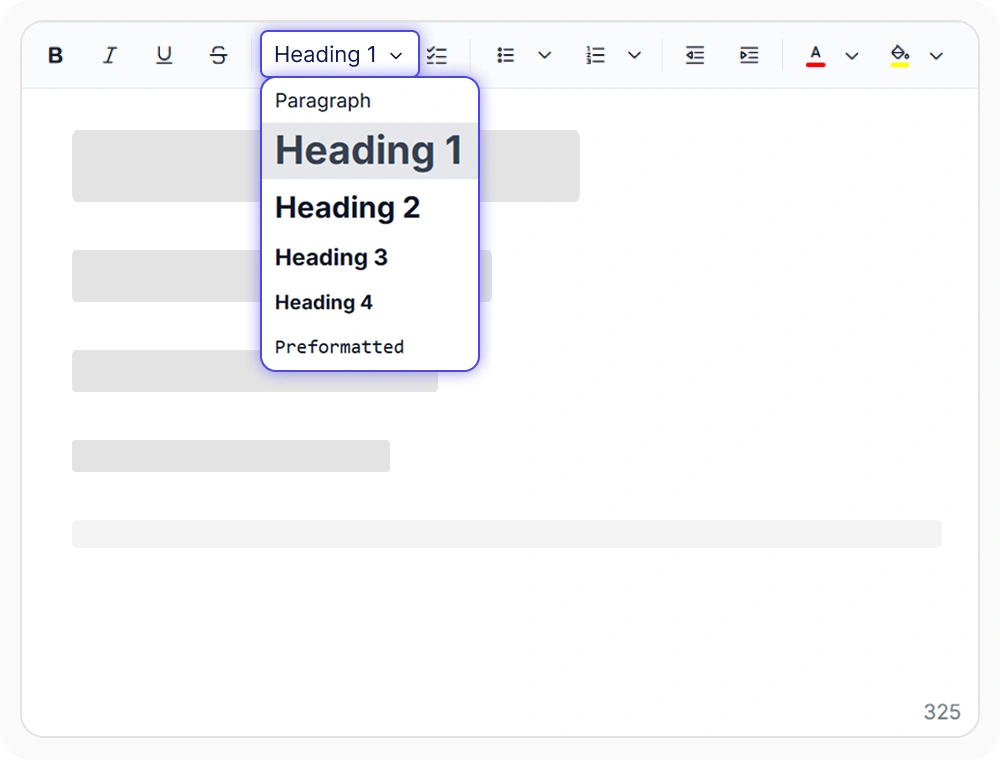
Heading and paragraph styles
Six heading levels (H1-H6) map to semantic HTML elements and support WCAG 2.1 and WAI-ARIA accessibility standards without requiring extra markup. Use them in technical guides, reports, and long-form documents to create a clear content hierarchy, improve navigation, and make information easier to scan and consume.
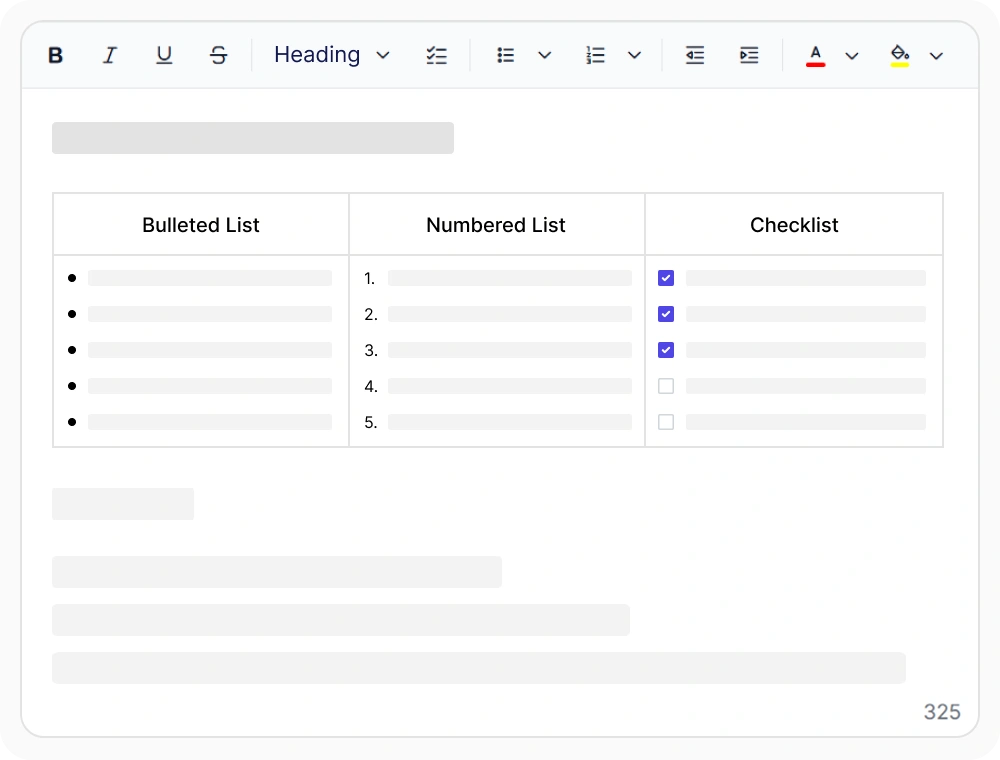
List formatting and nesting
Bulleted, numbered, checklist, and customizable list styles generate semantic HTML lists without custom layout code. Use them to organize multi-step procedures, task hierarchies, and structured content into clear sections that improve readability and make information easier to follow.
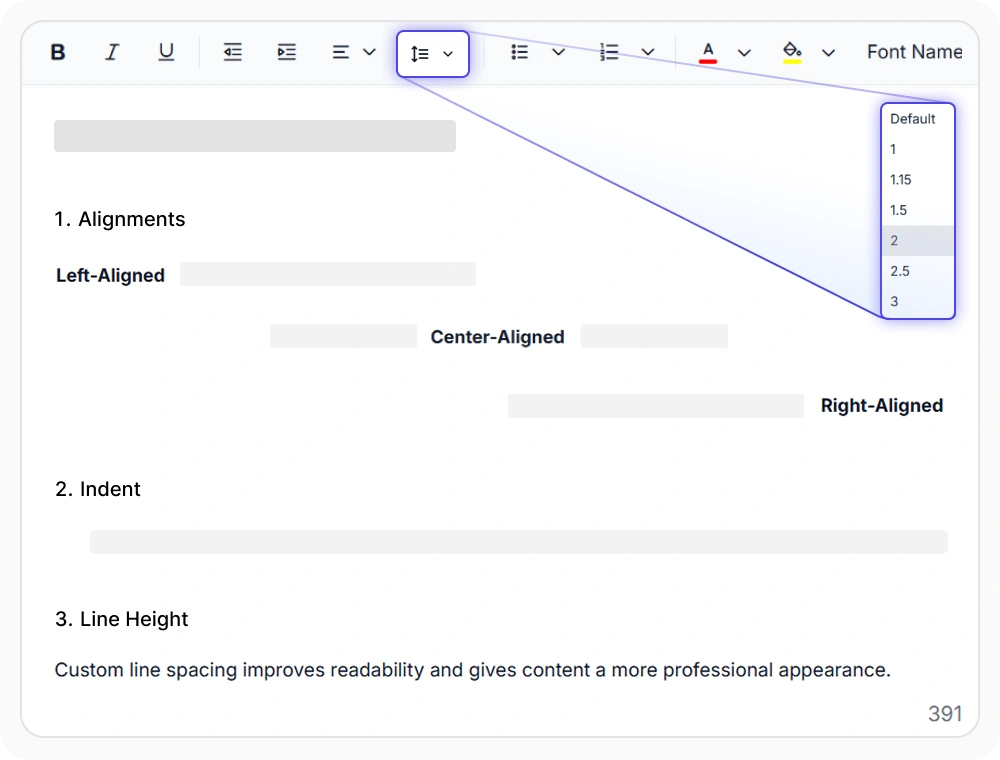
Text alignment and spacing
Left, center, right, and justified alignment, indentation, and line spacing controls generate standards-compliant HTML and CSS output. Use them to create reports, formal documents, and long-form content with consistent spacing, improved readability, and a polished visual layout.
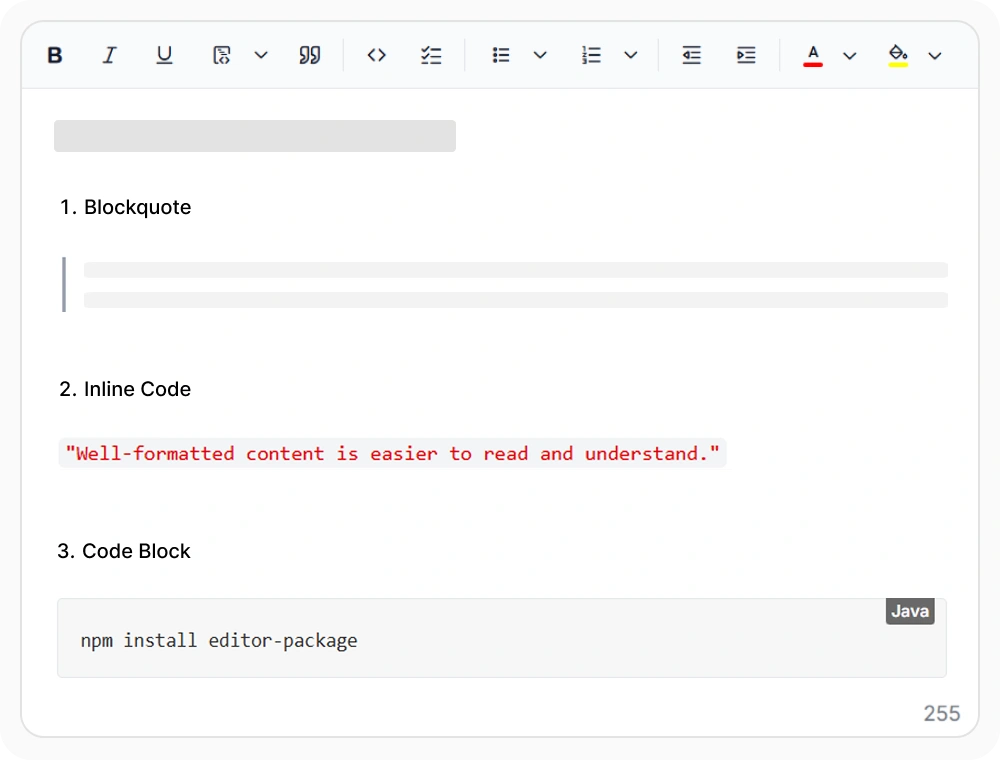
Quotes and code formatting
Generates semantic HTML for quotations inline code, and code blocks while maintaining proper structure and formatting. Use them for regulatory references, command-line examples, keyboard shortcuts, and configuration values to improve readability and help important content stand out.
See Why Developers Love Syncfusion
Our Customers Love Us
Having an excellent set of tools and a great support team, Syncfusion reduces customers’ development time. Here are some of their experiences.




Frequently Asked Questions
What rich text formatting options does the React Rich Text Editor support?
The React Rich Text Editor supports inline formatting such as bold, italic, underline, strikethrough, font colors, and highlights. It also includes heading styles, bulleted and numbered lists, paragraph alignment, line spacing, block quotes, and inline code formatting.
Are heading levels H1–H6 supported in the React Rich Text Editor?
Yes. The React Rich Text Editor includes full support for six heading levels (H1–H6) plus paragraph styles for creating consistent content hierarchy and document structure.
How do I customize colors and font choices in the React Rich Text Editor?
The React Rich Text Editor includes a built-in color picker that supports custom palettes. You can also customize font choices and apply them per selection. Default palettes can be configured during editor initialization.
Can multiple formatting styles be applied simultaneously in the React Rich Text Editor?
Yes. In the React Rich Text Editor, you can select text and apply multiple styles like bold, italic, color, and alignment together without losing existing formatting. All inline and block-level styles work independently and can be combined.
Does formatting work in both HTML and Markdown modes in the React Rich Text Editor?
Yes, core formatting such as bold, italic, heading levels, and alignment works consistently in both HTML and Markdown editing modes in the React Rich Text Editor.
Does the React Rich Text Editor support custom list styles?
Yes. The React Rich Text Editor supports custom list styles for organizing structured content. These options help authors create clear content hierarchies while maintaining a consistent reading experience.
Resources
Learn more about our React Rich Text Editor
Explore demos, KB articles, and documentation to get the most out of the React Rich Text Editor.
Explore guides, APIs, and quick-start tips
See live use cases in action
Ask, share, and connect with peers
Find solutions and best practices fast
Get expert help when needed
Feature requests and bug reports
Track issues and suggest improvements
Awards
Greatness—it’s one thing to say you have it, but it means more when others recognize it. Syncfusion® is proud to hold the following industry awards.









