Try Our Live Demo
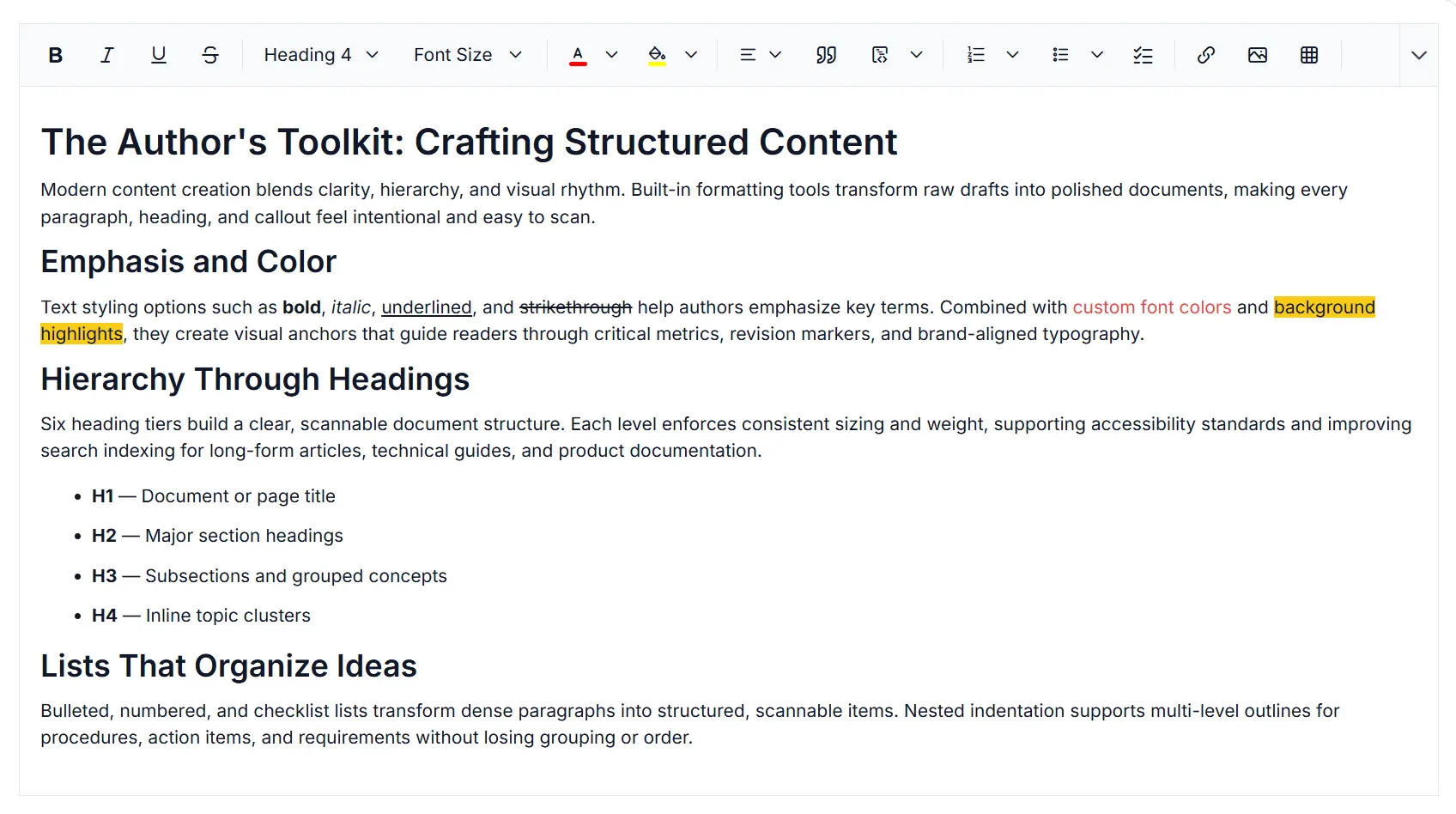
Centralized image management in Rich Text Editor
Manage images in the React Rich Text Editor with secure uploads, flexible formatting, storage integration, upload validation, and centralized asset management capabilities for scalable content workflows.
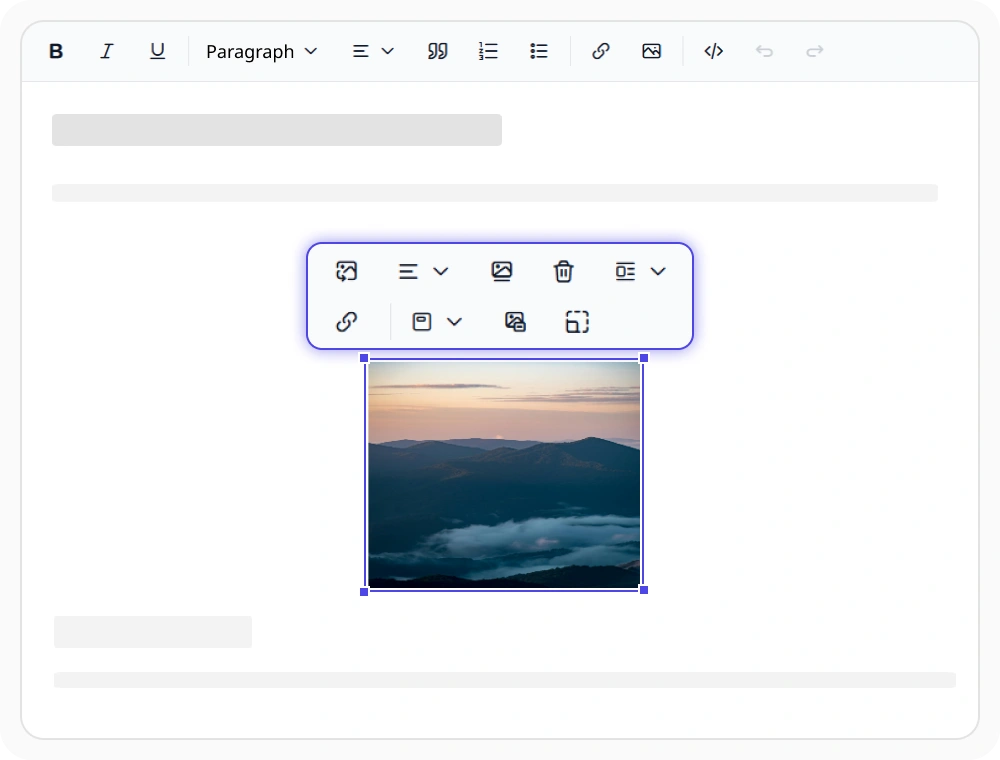
Customize image formatting and layout
Manage image size, alignment, text wrapping, captions, display modes, and alt text directly within the editor. Use image formatting to create accessible, visually balanced, and professionally formatted content for documents, articles, and publishing workflows.
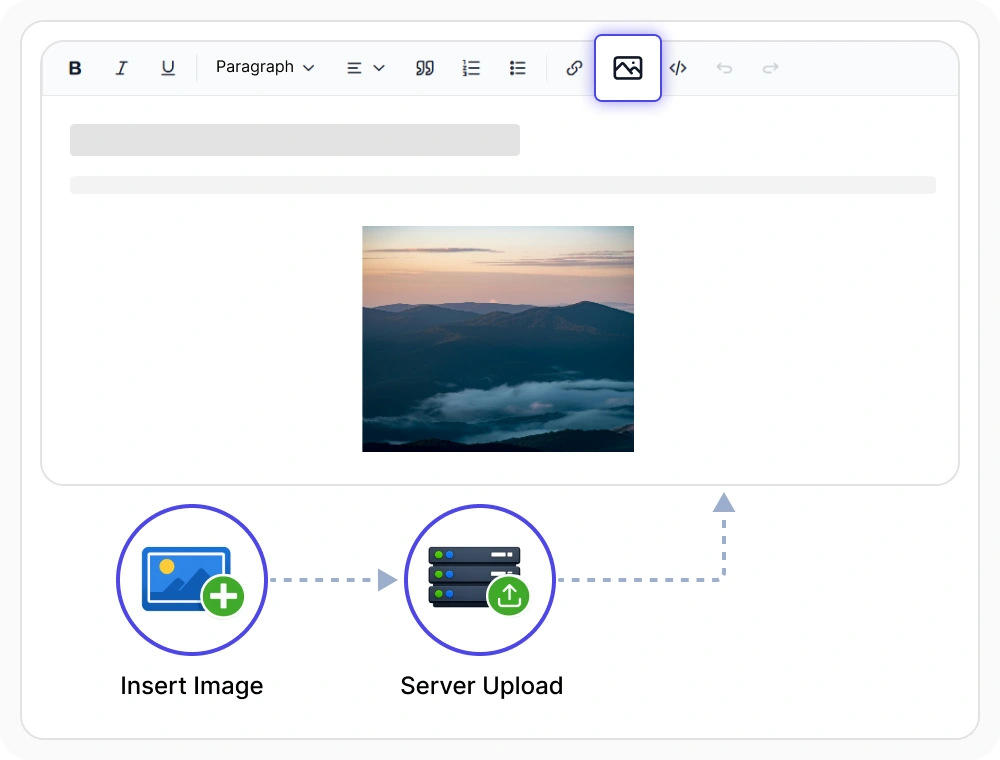
Flexible image storage
Store images as Base64, Blob URLs, or server-referenced files using configurable storage options. Use it to support different deployment requirements while preserving images across document sharing, exports, and archival workflows.
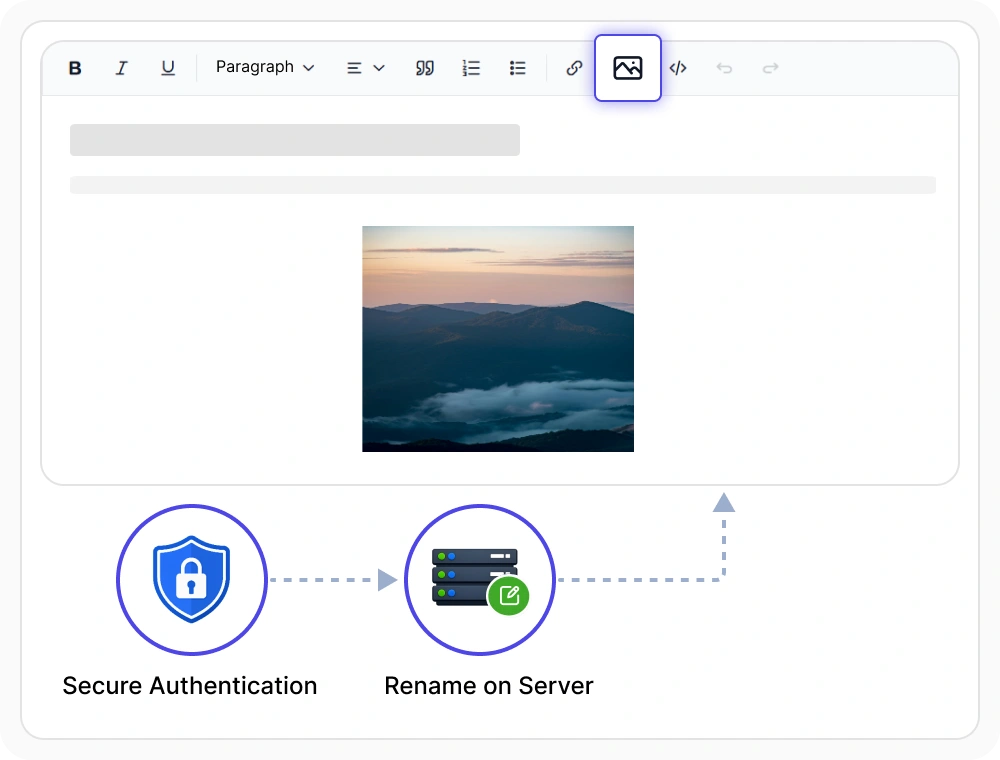
Secure image uploads
Validate image file types, enforce upload size limits, and customize file names during image uploads to support secure and consistent content management. Use it where organizations must enforce upload policies and integrate with enterprise storage and authentication systems.

Browse images with File Manager
Open the integrated File Manager from the editor toolbar to browse folders, search approved assets, and insert images through a pluggable backend adapter. Use it to keep authors working from a single source of brand-approved images without leaving the editor.
See Why Developers Love Syncfusion
Our Customers Love Us
Having an excellent set of tools and a great support team, Syncfusion reduces customers’ development time. Here are some of their experiences.




Frequently Asked Questions
Can I wrap text around images in the React Rich Text Editor?
Yes. The React Rich Text Editor supports text wrapping around images with configurable display modes, including inline, block, and break layouts. Positioning, captions, and alt text remain editable after the image is wrapped, so authors can refine the layout without re-inserting the image.
Can I restrict allowed image formats in the React Rich Text Editor?
Yes. The React Rich Text Editor allows configuring permitted file types, MIME types, and file sizes for uploads. Validation runs client-side before upload and server-side through the upload handler, so unauthorized files are rejected during upload.
What storage formats does the React Rich Text Editor support?
The React Rich Text Editor supports three image storage formats: Base64, Blob URLs, and server-referenced files. Developers can configure the storage adapter at the application level, and the chosen format is preserved during save and export operations.
Does the React Rich Text Editor support alt text and captions?
Yes. The React Rich Text Editor includes built-in alt text and caption fields on every inserted image, helping content meet WCAG accessibility requirements. Authors can edit alt text and captions inline, and the values are preserved when content is saved or exported to HTML.
Does the React Rich Text Editor rename uploaded files on the server?
Yes. The React Rich Text Editor supports server-side renaming through the upload handler, allowing each file to be assigned a unique identifier before it is written to storage. This prevents naming collisions and supports audit trails for regulated content workflows.
Can users browse existing image assets in the React Rich Text Editor?
Yes. The React Rich Text Editor includes an integrated file browser for browsing folders, searching by file name, and inserting approved images. The browser connects to a configurable backend so content teams can reuse approved assets without uploading duplicates.
Resources
Learn more about our React Rich Text Editor
Explore demos, KB articles, and documentation to get the most out of the React Rich Text Editor.
Explore guides, APIs, and quick-start tips
See live use cases in action
Ask, share, and connect with peers
Find solutions and best practices fast
Get expert help when needed
Feature requests and bug reports
Track issues and suggest improvements
Awards
Greatness—it’s one thing to say you have it, but it means more when others recognize it. Syncfusion® is proud to hold the following industry awards.









