Markdown editor
The Syncfusion React Markdown Editor is a powerful Markdown editor for React applications that supports both Markdown and HTML editing within a single component. It includes live preview, automatic Markdown syntax formatting, customizable toolbars, and support for tables, images, and links, with seamless switching between Markdown and HTML modes for building blogs, CMS platforms, documentation sites, and note-taking applications.
The component can also be configured as a lightweight React MD editor for applications that require fast and flexible Markdown authoring.
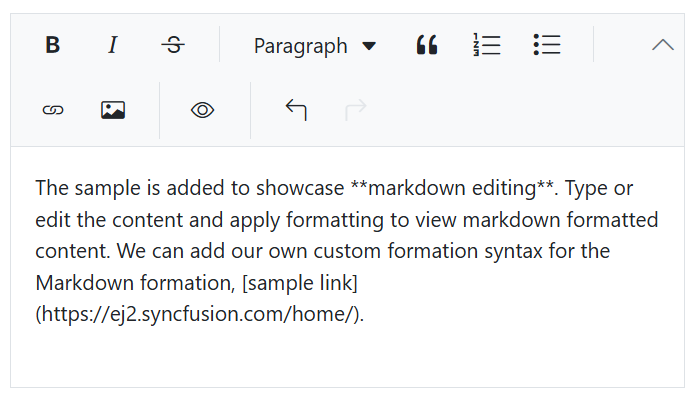
Live markdown preview
The Markdown editor allows users to view live changes of the markdown format editing content (md file) in an HTML preview.
Markdown syntax
The Markdown editor supports customizable Markdown syntax (MD syntax), allowing users to tailor rules and extend functionality. Integrated with built-in commands, it ensures a flexible, personalized editing experience while harmonizing with the editor’s formatting capabilities.
Toolbar with a rich set of tools
The Markdown editor toolbar provides a variety of commands for editing and formatting content. As part of the React Markdown WYSIWYG Editor, users can format text, insert images, add headers, insert hyperlinks, create lists, and preview results, all while seamlessly switching between Markdown and rich HTML editing using the same API. The commands are grouped based on related functionality.
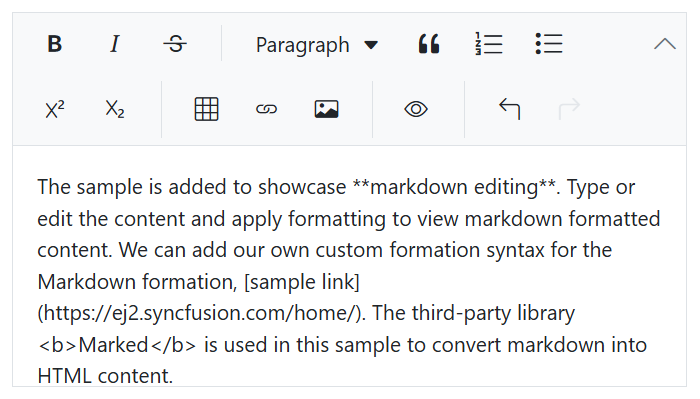
Multi-row toolbar
The excess toolbar commands are wrapped in the next rows within toolbar in the Markdown text editor.
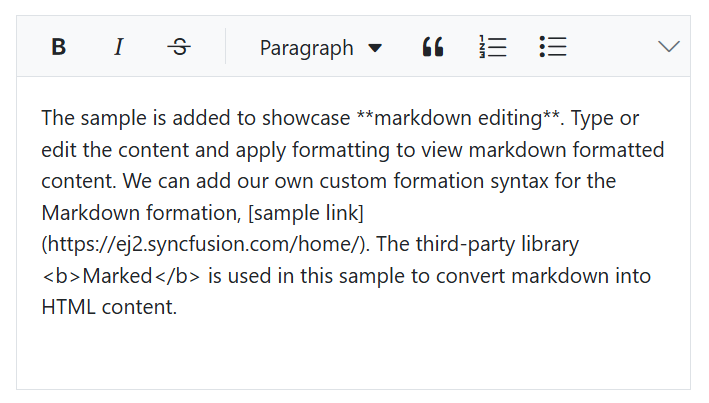
Expand toolbar
The overflow toolbar commands hidden in the next row become visible when the toolbar is expanded via the expand icon.
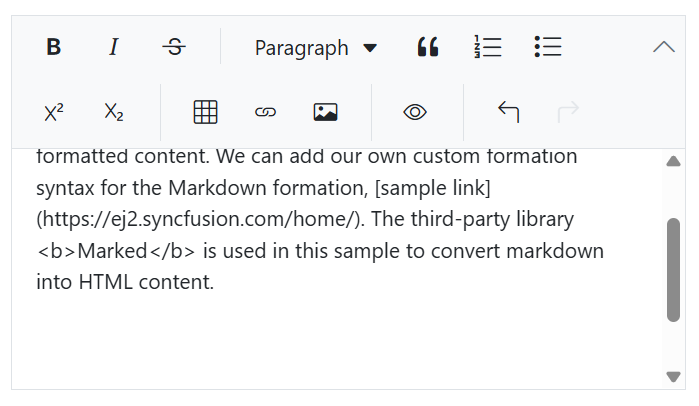
Floating the toolbar
The Markdown editor toolbar doesn’t stick with top of the editor, but floats within the editor area while scrolling the editor page.
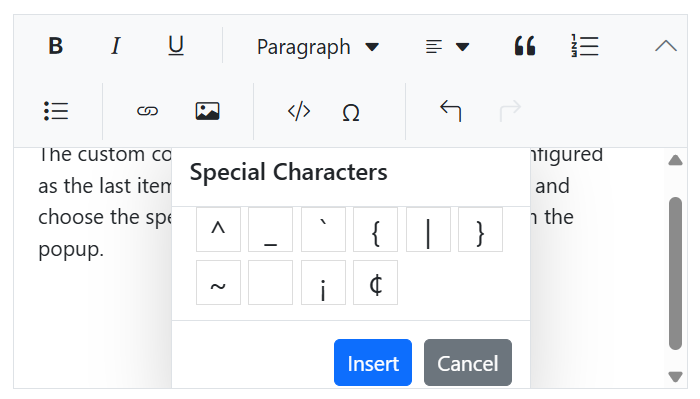
Custom tools
Users can also add their own commands (tools) with actions to the toolbar along with the built-in commands to enhance the markdown text editor.
Editing experience
The React Markdown Editor component offers a comprehensive set of tools and options to enhance the editing experience, enabling users to apply rich text formatting such as bold, italics, underlining, and strikethrough. It also supports inserting images, tables, and links, ensuring a seamless and efficient content creation process with Markdown syntax. The component can also be configured as a lightweight React MD editor for applications that require fast and flexible Markdown authoring.
Formatting commands
Users can apply formatting to the selected content, whole paragraphs, or specific words or characters:
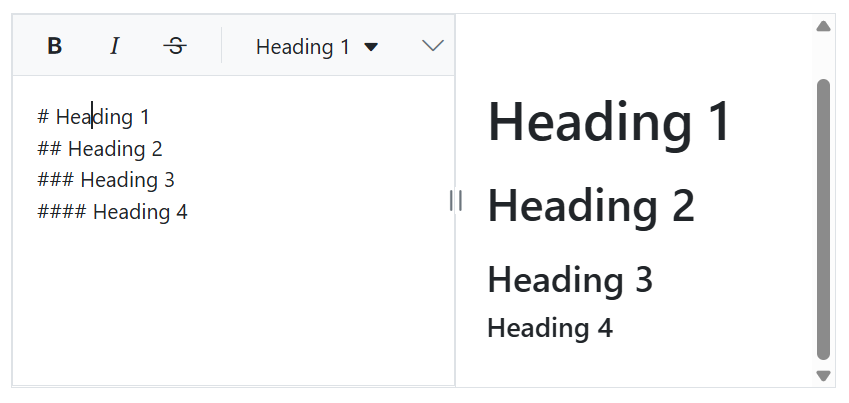
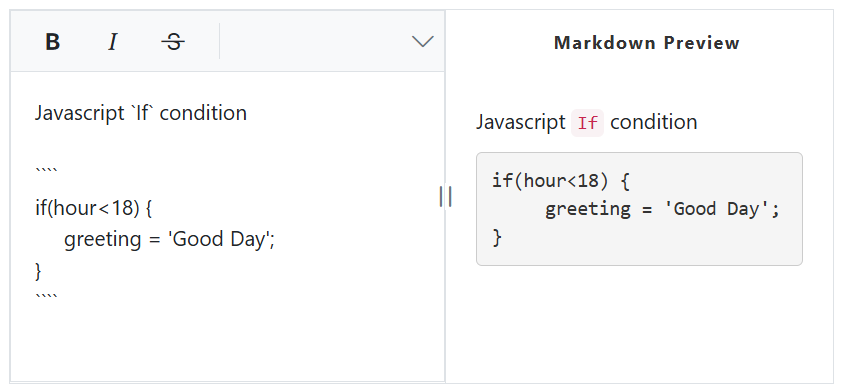
- Apply formatting to headings, quotations, code, paragraphs.
- Bold, italicize, underline, or strikethrough selected words.
Insert images
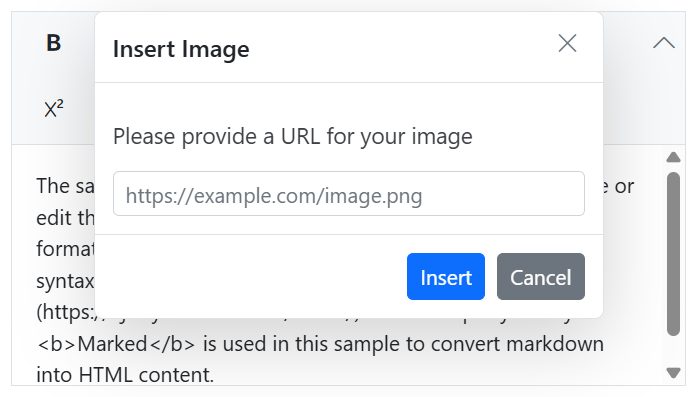
You can insert images in the markdown editor from a local path or server path with image alt text and then link URLs to the images.
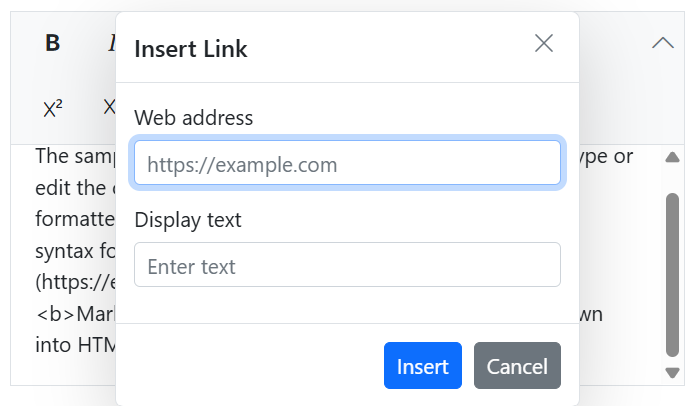
Markdown links
Insert or change the hyperlinks with display text in markdown syntax.
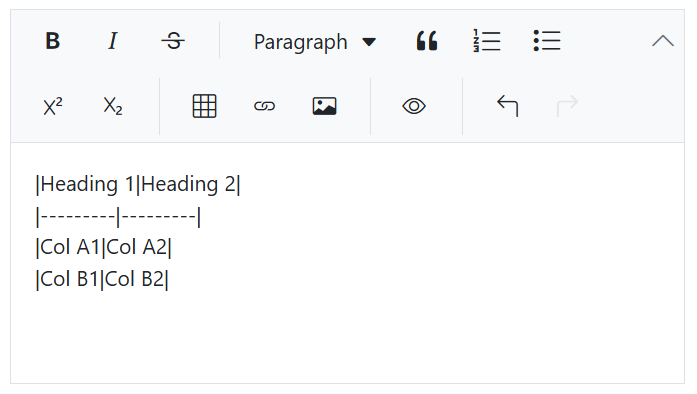
Insert markdown table
Users can insert tables with rows and columns in the Markdown editor to display grid-like tabular data.
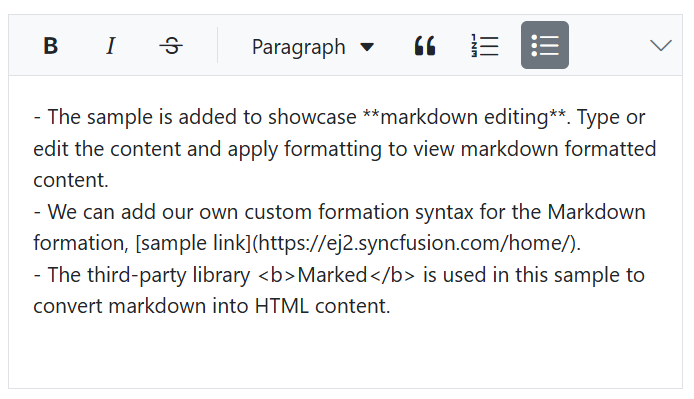
Adding lists
Create ordered (numbered) or unordered (bulleted) lists to organize content markdown syntax.
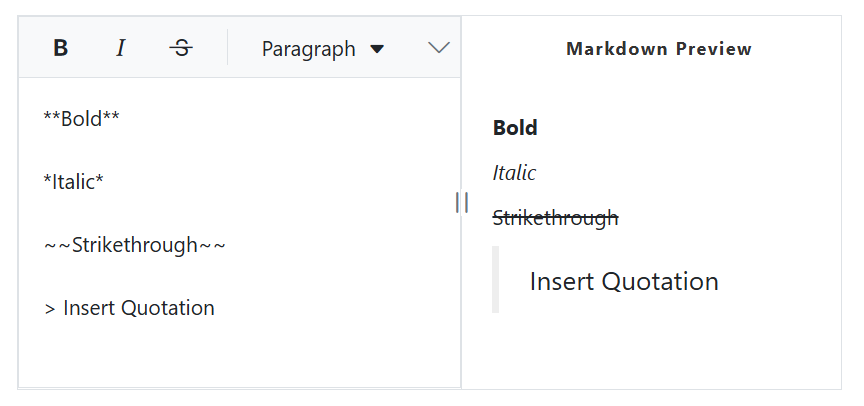
Markdown to HTML
Integrating third-party Markdown parsers like marked or remark allows users to preview Markdown content as an HTML view in a Rich Text Editor by converting Markdown syntax into formatted HTML in real time. This allows users to write Markdown on one side of the editor while instantly viewing the rendered output, improving readability and editing efficiency.
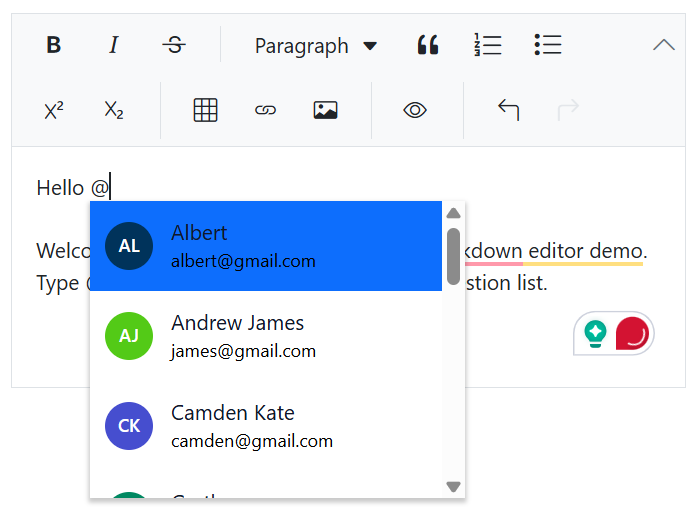
@Mention Integration
Engage collaborators effortlessly with built-in @mention support, fostering seamless interaction within the editor.
Localization
Enabling localization in a Markdown editor allows users from different locales to customize text direction, language, and numbering formats based on their preferences.
Adapts to any resolution
The Markdown editor has a highly responsive layout and an optimized design for desktops, touch screens, and smart phones. It works well on all mobile phones that use iOS, Android, or Windows OS.

Built-in and customizable themes
The Markdown editor is shipped with several built-in themes such as Tailwind CSS, Bootstrap 5, Bootstrap 4, Bootstrap, Material, Fabric, Fluent, and high contrast.

Accessibility
The Markdown editor view has complete WAI-ARIA accessibility support. The Rich Text Editor UI includes high-contrast visual elements that help visually impaired people to have the best viewing experience. Also, valid UI descriptions are easily accessible through assistive technologies such as screen readers.
Frequently Asked Questions
What is the Syncfusion Web Markdown Editor?
- The Markdown Editor is a component that enables users to write content in Markdown, a lightweight markup language. It provides a user-friendly interface with various formatting tools, facilitating easy content creation and editing.
Does the editor support live preview of Markdown content?
The React Markdown Editor supports live preview functionality. By integrating third-party libraries like Marked.js, you can convert Markdown content into HTML and display it in real-time, providing an immediate visual representation of the formatted content.
How can I limit the maximum number of characters in the editor?
- The Markdown Editor allows you to restrict the content’s maximum number of characters. This can be useful for scenarios where content length needs to be controlled. You can set this limit using the appropriate configuration options in the editor’s settings.
Does the React Markdown Editor support WYSIWYG editing?
Yes. The Syncfusion React Markdown Editor supports both Markdown and WYSIWYG HTML editing. Developers can switch between Markdown and HTML modes using the same API.
Is there a React Markdown library for editing Markdown content?
If you’re looking for a React Markdown library for creating and editing Markdown content, the Syncfusion React Markdown Editor provides a complete solution. It supports Markdown and HTML editing, live preview, automatic Markdown formatting, toolbar customization, media insertion, tables, links, and seamless switching between Markdown and WYSIWYG editing—all within a reusable React component.
How do I enable Markdown mode in the React Rich Text Editor?
- To enable Markdown mode, set the editorMode property to ‘Markdown’ when initializing the Rich Text Editor. Here’s an example:
```
```
Can I customize the Markdown syntax in the editor?
- Yes, the React Markdown Editor allows customization of the default Markdown syntax. You can override the default syntax by configuring the RichTextEditorMarkdownOptions properties.
What is the best React Markdown Editor?
The Syncfusion React Markdown Editor provides Markdown and HTML editing, live preview, auto-formatting, customizable Markdown syntax, and a rich toolbar, making it suitable for blogs, documentation tools, CMS platforms, and note-taking applications.
Can the editor be used as a React MD Editor?
Yes. The editor can be configured as a lightweight React MD editor while still providing formatting tools, images, tables, links, and a Markdown preview.







