Try Our Live Demo
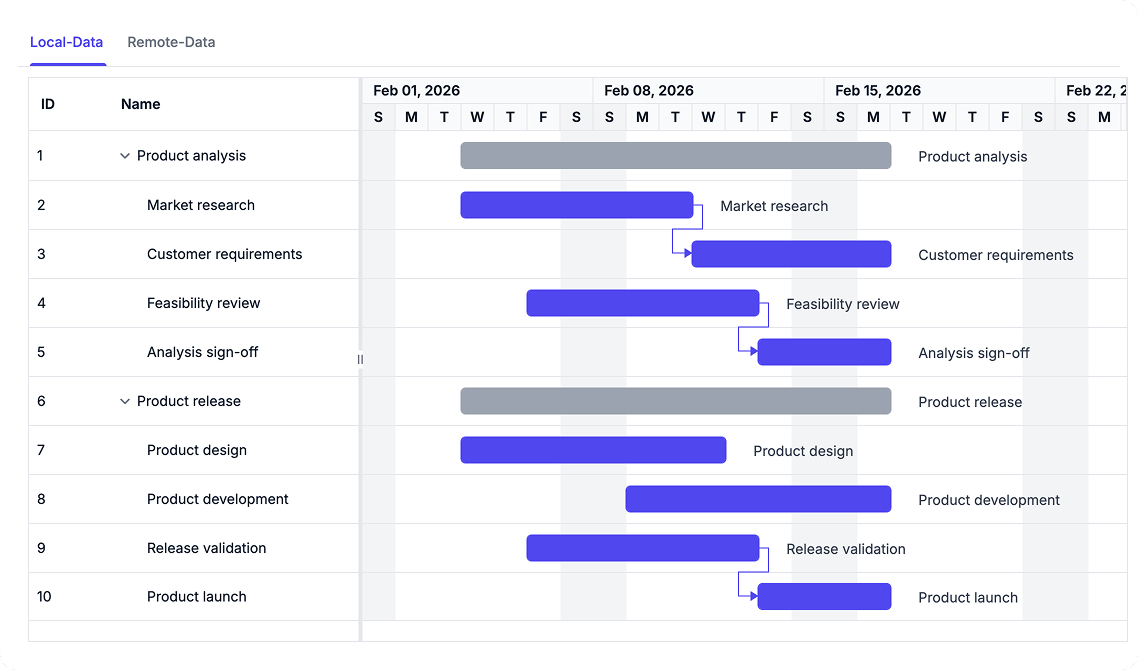
Connect and Load Project Data
Load project schedules from hierarchical or self-referential data structures and integrate directly with REST and OData services. Dynamically update data sources as project information changes to keep schedules synchronized and up to date.
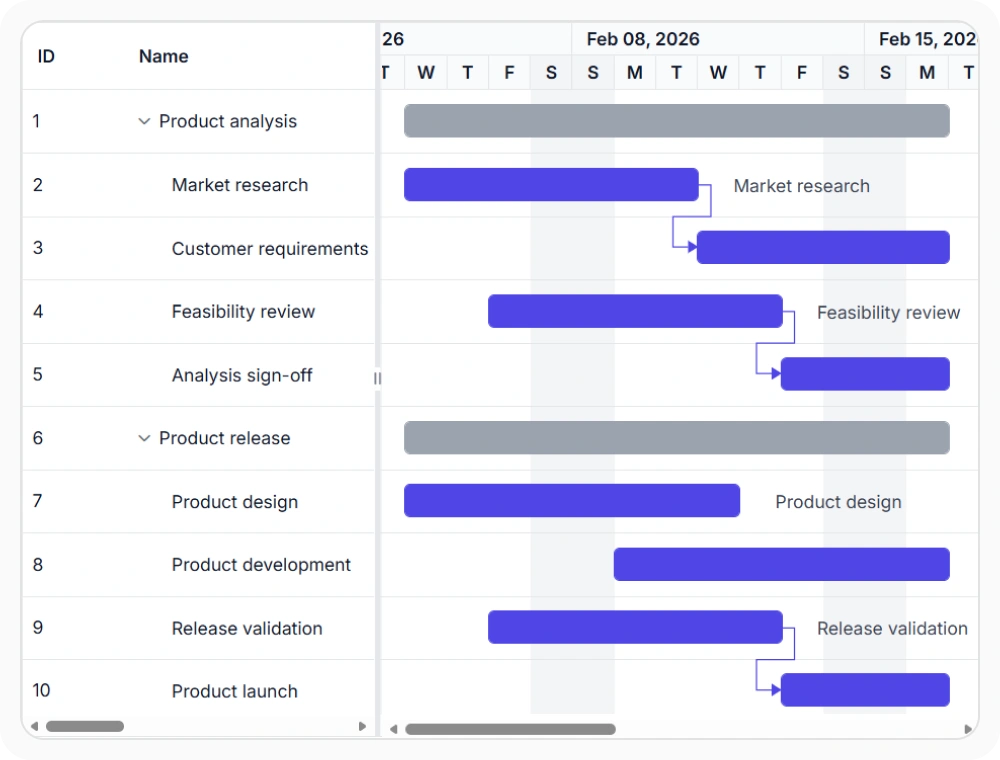
Structure local project data
Local data binding supports both hierarchical and self-referential task structures. Tasks can be organized through nested parent-child records or linked from a single data source using parent references. Use this option when project data must be displayed as a structured task hierarchy.
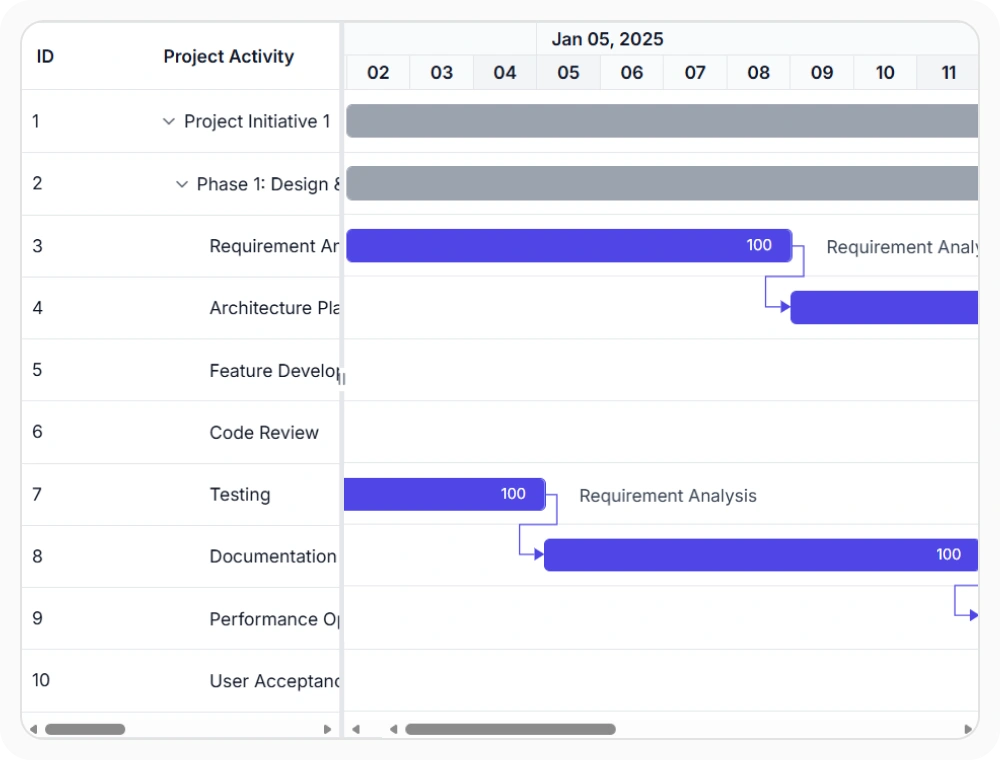
Connect schedules to centralized data
Remote data binding connects the schedule to task records served from shared systems. It helps project views stay aligned with centrally managed information across environments. Use this option when schedules depend on backend services or connected platforms.
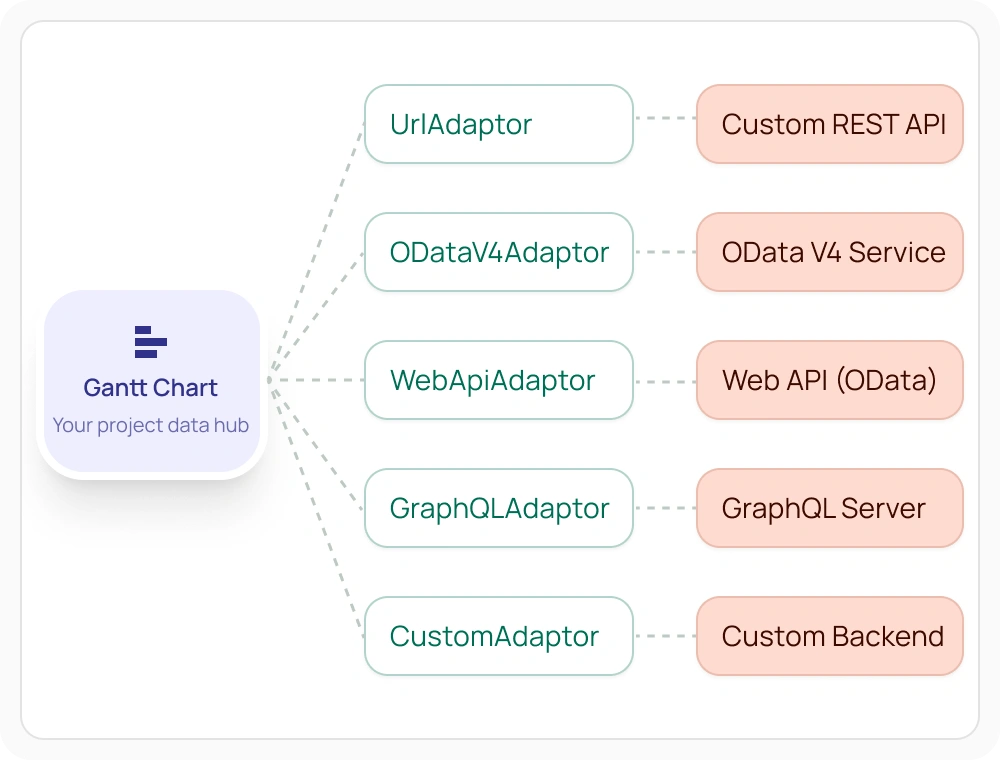
Connect through built-in data adaptors
Built-in adaptors connect the Gantt chart directly to your existing backend format, so remote data binding works without a custom integration layer in between. Each adaptor is purpose-built for a specific service type, so setup takes one property change rather than custom request handling.
See Why Developers Love Syncfusion
Our Customers Love Us
Having an excellent set of tools and a great support team, Syncfusion reduces customers’ development time. Here are some of their experiences.





Frequently Asked Questions
Can I dynamically change the data source in the React Gantt Chart?
Yes, the React Gantt Chart allows you to dynamically update or replace its data source at runtime. When the underlying data collection or remote data source changes, the Gantt Chart can be refreshed to display the latest task information, ensuring that project schedules remain synchronized with your application data.
Can React Gantt Chart handle hierarchical task data?
Yes. React Gantt Chart supports hierarchical task structures with parent and child tasks. This helps teams organize project schedules into subtasks, represent project hierarchies, and manage complex task relationships more effectively.
What is self-referential data in React Gantt Chart?
Self-referential data uses parent-child relationships within a single data source to build task hierarchies, allowing the Gantt Chart to organize tasks into hierarchical structures from flat data lists.
When should WebApiAdaptor be used in React Gantt Chart?
WebApiAdaptor should be used when project data is served from a Web API built under OData standards, allowing the Gantt Chart to send and process standardized query operations without additional configuration.
How does React Gantt Chart work with local data sources?
Local task data can be displayed directly and organized into hierarchical task structures using self-referential parent-child relationships. This allows the React Gantt Chart to build project hierarchies from a single data source without requiring additional records.
Can React Gantt Chart connect to remote data sources?
Yes. React Gantt Chart can bind to remote data sources and services, allowing project schedules to stay synchronized with centrally managed task records.
When should React Gantt Chart use remote data binding?
Remote data binding fits schedules that depend on centrally managed task records, shared services, or connected planning systems.
What data adaptors does React Gantt Chart support for remote binding?
React Gantt Chart supports built-in adaptors, including UrlAdaptor for connecting to any custom REST-style service and WebApiAdaptor for connecting to enterprise Web API services built on OData standards, without requiring a custom integration layer.
Resources
Learn more about React Gantt Chart
Explore demos, KB articles, and documentation to get the most out of React Gantt Chart.
Explore guides, APIs, and quick-start tips
See live use cases in action
Ask, share, and connect with peers
Find solutions and best practices fast
Get expert help when needed
Feature requests and bug reports
Track issues and suggest improvements
Awards
Greatness—it’s one thing to say you have it, but it means more when others recognize it. Syncfusion® is proud to hold the following industry awards.









