Try Our Live Demo
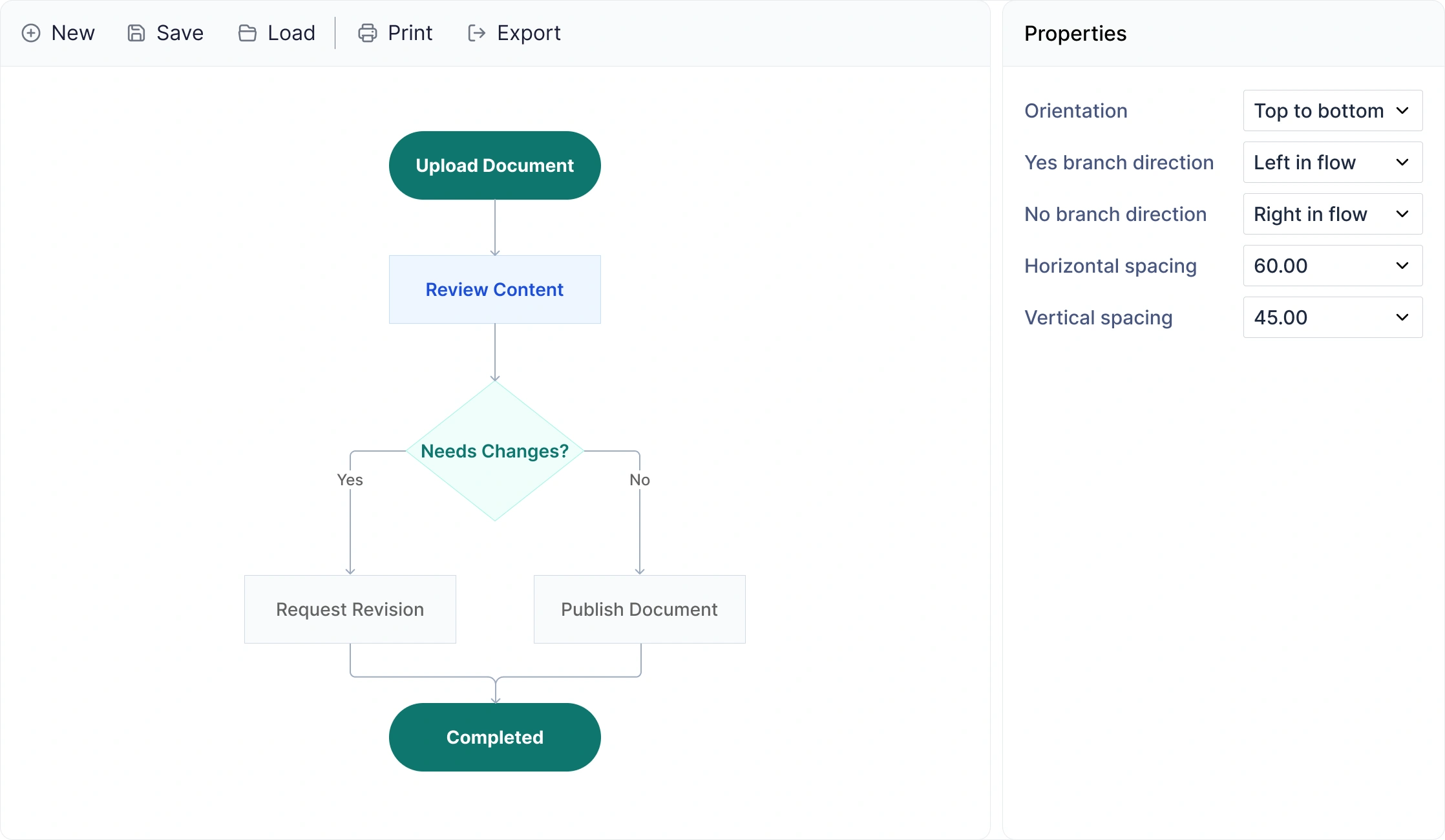
Explore React Diagram flowchart features
Automatically arrange process steps and decisions into clear flowcharts with flexible orientation and branch routing. Use business-specific decision labels, save and reload diagrams for future editing, and export or print flowcharts for documentation and sharing.
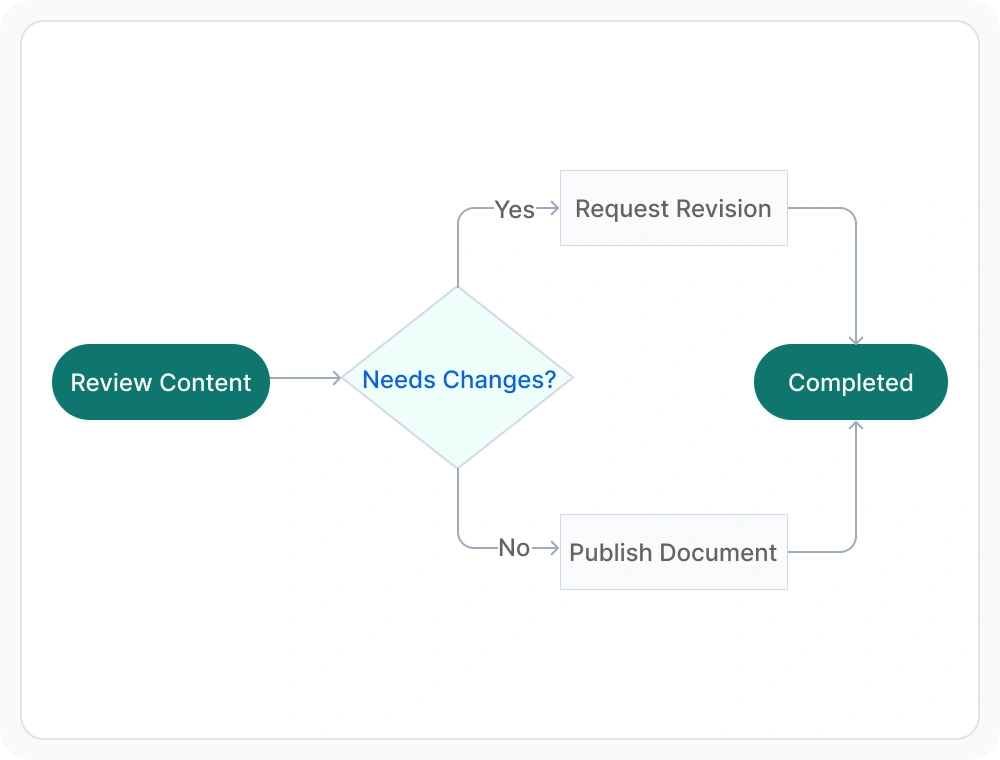
Present flowcharts in any orientation
Flowchart layout orientation arranges activities and decision points in different directions for clear process visualization. Use it to present flowcharts effectively in documents, reports, dashboards, and presentations.
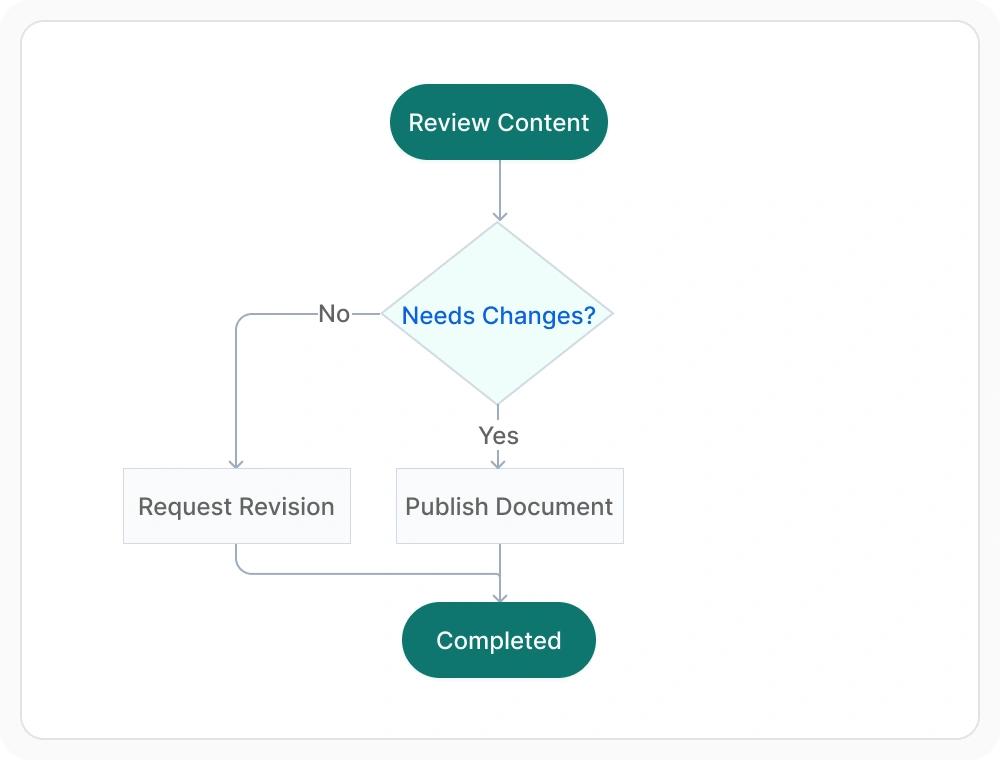
Route decision branches with clear paths
Decision branch routing controls how outcomes are positioned after a decision point, allowing workflow paths to follow specific directions for improved clarity. Use it when flowcharts need to clearly separate approval, rejection, review, or exception paths.
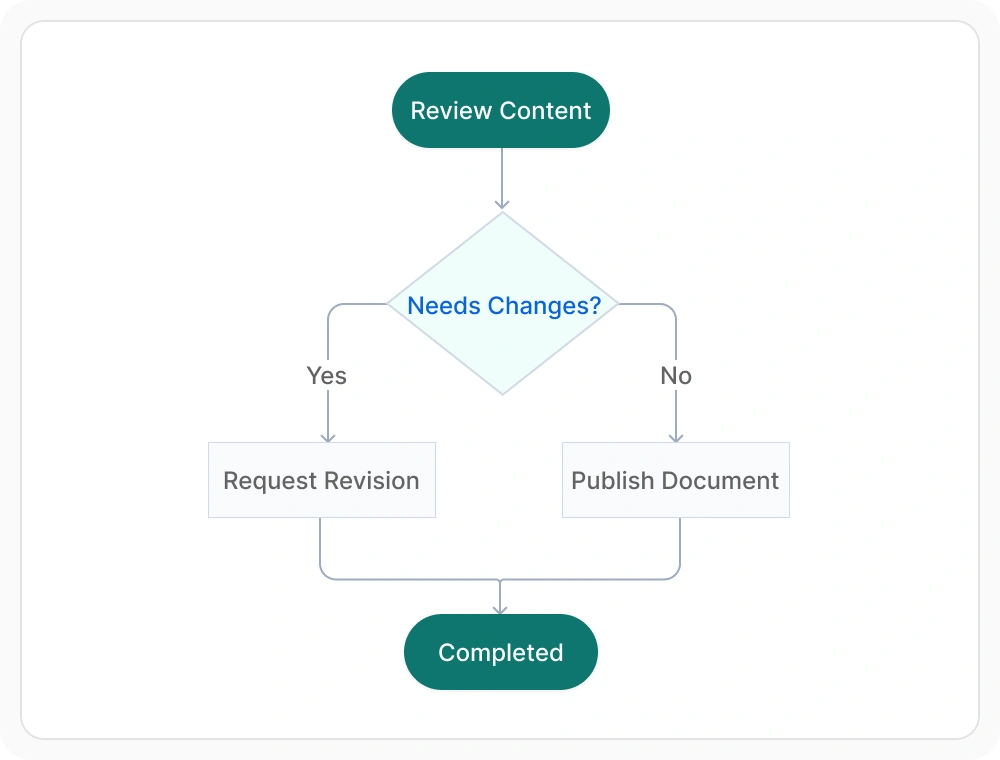
Use business-specific decision labels
Decision branch classification replaces generic labels like Yes and No with business-specific outcomes that align with real-world processes and terminology. Use it when workflows require domain-specific outcomes and business context.
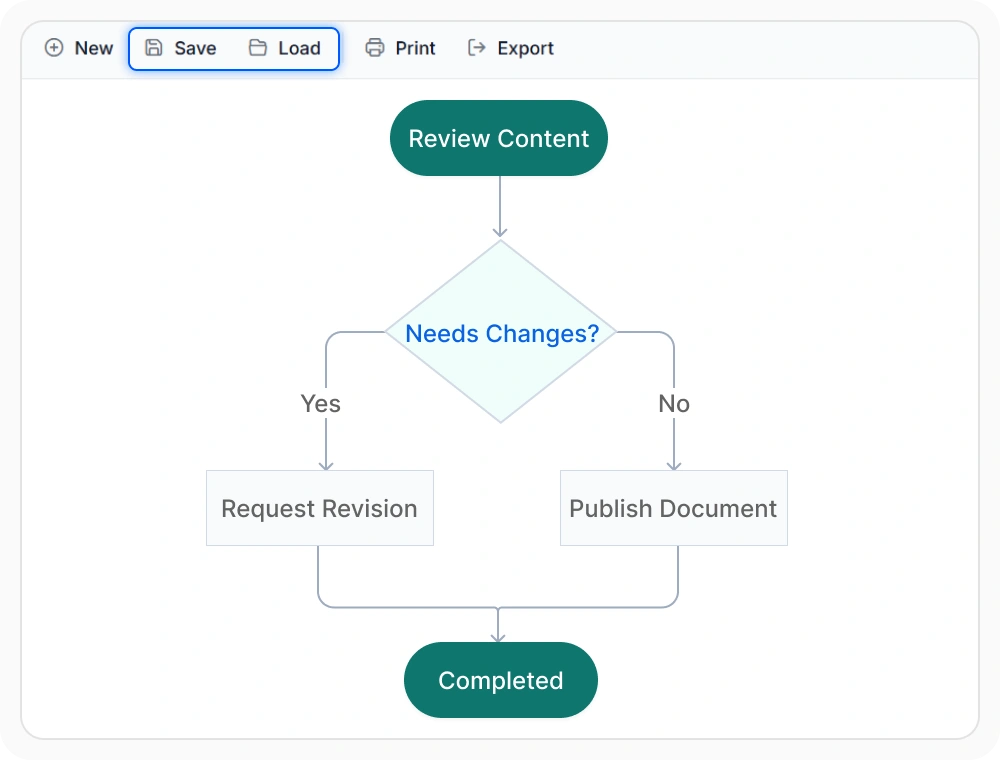
Save and reload flowcharts for future editing
Save flowcharts and reload them whenever future review or editing is needed. This helps teams maintain and reuse process documentation without rebuilding diagrams. Use this feature when documentation must be updated over time or reused across multiple projects and teams.
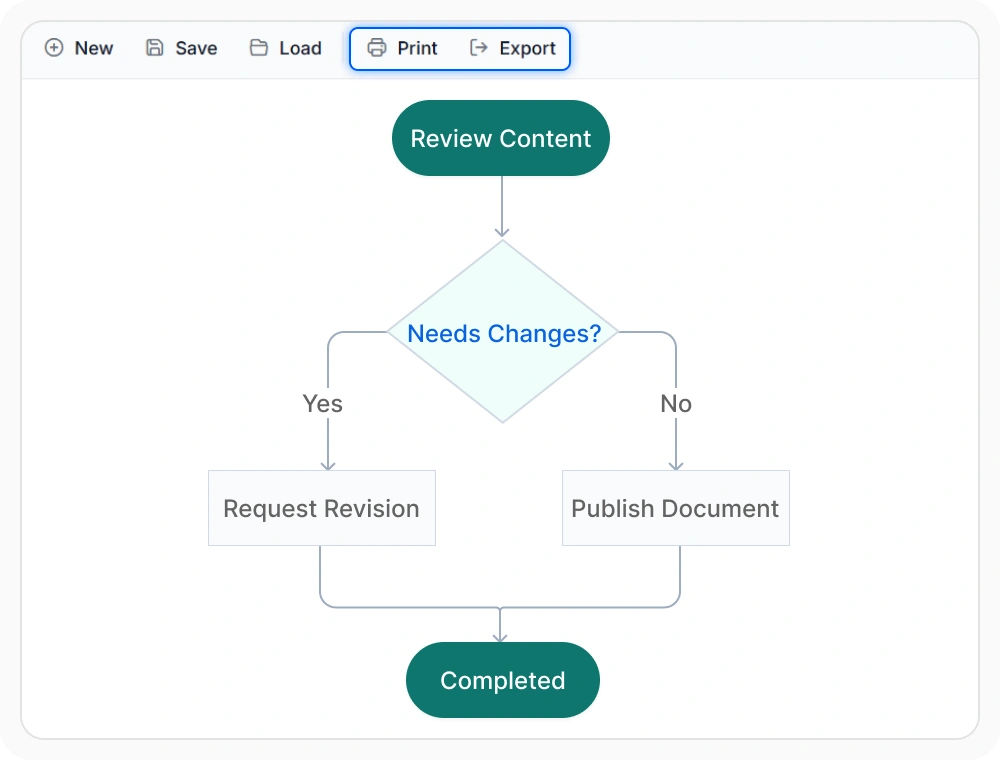
Export and print flowcharts for documentation
Export and print flowcharts for documentation, presentations, reviews, and stakeholder communication. This makes process information easier to distribute and use outside the application. Use this feature when flowcharts need to be shared or archived.
See Why Developers Love Syncfusion
Our Customers Love Us
Having an excellent set of tools and a great support team, Syncfusion reduces customers’ development time. Here are some of their experiences.




Frequently Asked Questions
Can large flowchart diagrams remain readable in React Diagram?
Yes. The automatic flowchart layout organizes process steps, decision branches, and connectors into a structured arrangement, helping workflows remain clear and easy to understand as they grow.
Can React Diagram display flowcharts in different orientations?
Yes. Flowchart layout orientation can arrange activities and decision points in different directions to suit documents, reports, dashboards, and presentations.
Can React Diagram flowcharts be exported for documentation and sharing?
Yes. Flowchart diagrams can be exported in common image formats and printed for use in reports, documentation, presentations, reviews, and stakeholder communications.
Does the flowchart layout update when workflows change in React Diagram?
Yes. When nodes or connections are added, removed, or modified, the flowchart can automatically rearrange itself to maintain a clear and organized layout.
Can spacing between flowchart nodes be customized in React Diagram?
Yes. The flowchart layout provides spacing options that control the distance between process steps, decision nodes, and branches, allowing workflows to be optimized for readability and available screen space.
Can workflow-specific outcomes be used in React Diagram flowcharts?
Yes. Flowchart layouts support workflow-specific decision outcomes such as Approved, Rejected, Escalated, Under Review, or any custom business-defined result, making process diagrams easier to understand and align with real-world workflows.
Resources
Learn more about our React Diagram
Explore demos, knowledge base articles, and documentation to get the most out of the Diagram.
Explore guides, APIs, and quick-start tips
See live use cases in action
Ask, share, and connect with peers
Find solutions and best practices fast
Get expert help when needed
Feature requests and bug reports
Track issues and suggest improvements
Awards
Greatness—it’s one thing to say you have it, but it means more when others recognize it. Syncfusion® is proud to hold the following industry awards.









