Try Our Live Demo
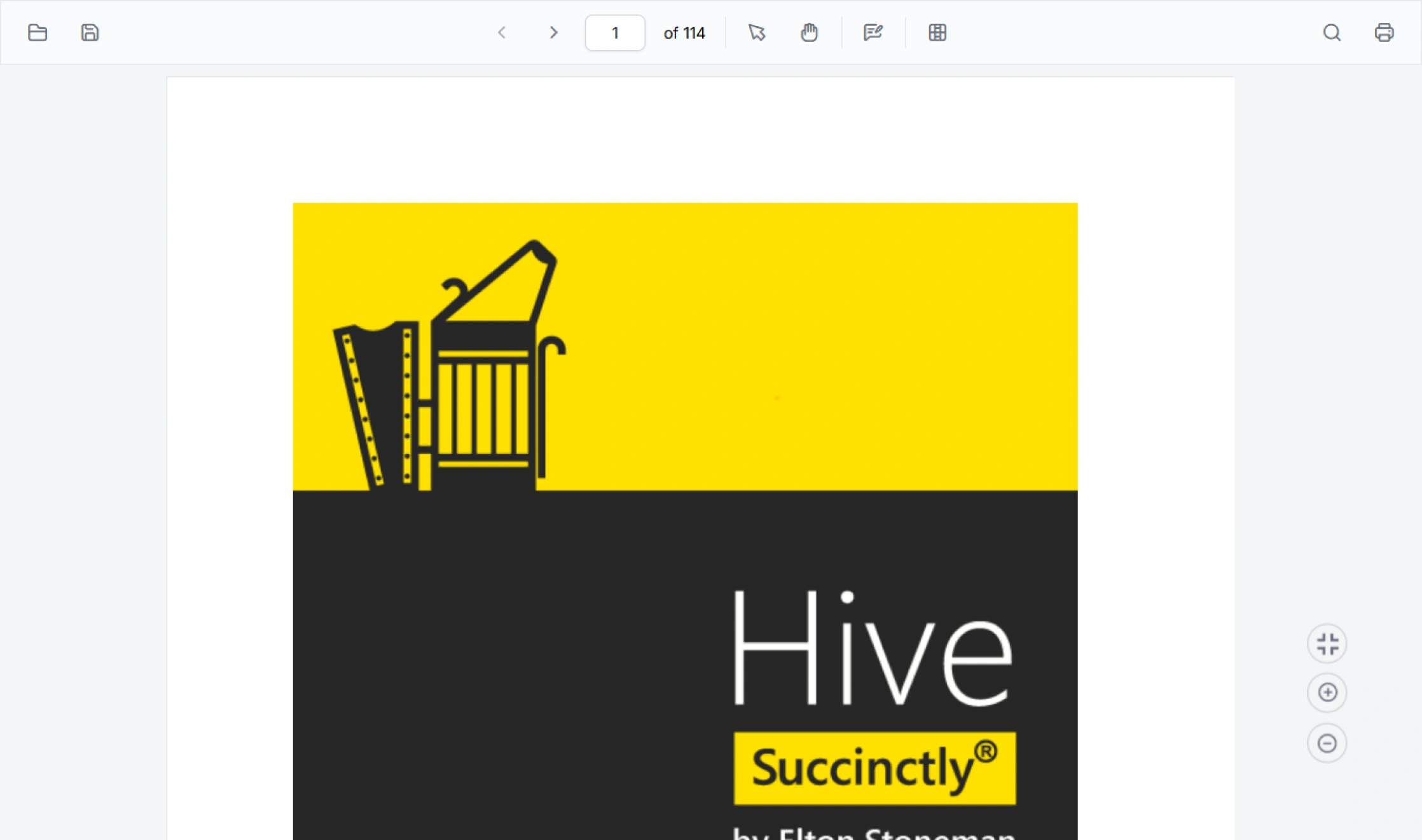
PDF Viewer customization for business workflows
Adapt the PDF Viewer experience with customizable tools, forms, menus, themes, and localization settings. Create workflow-focused document experiences that support different user roles, business processes, and operational requirements.
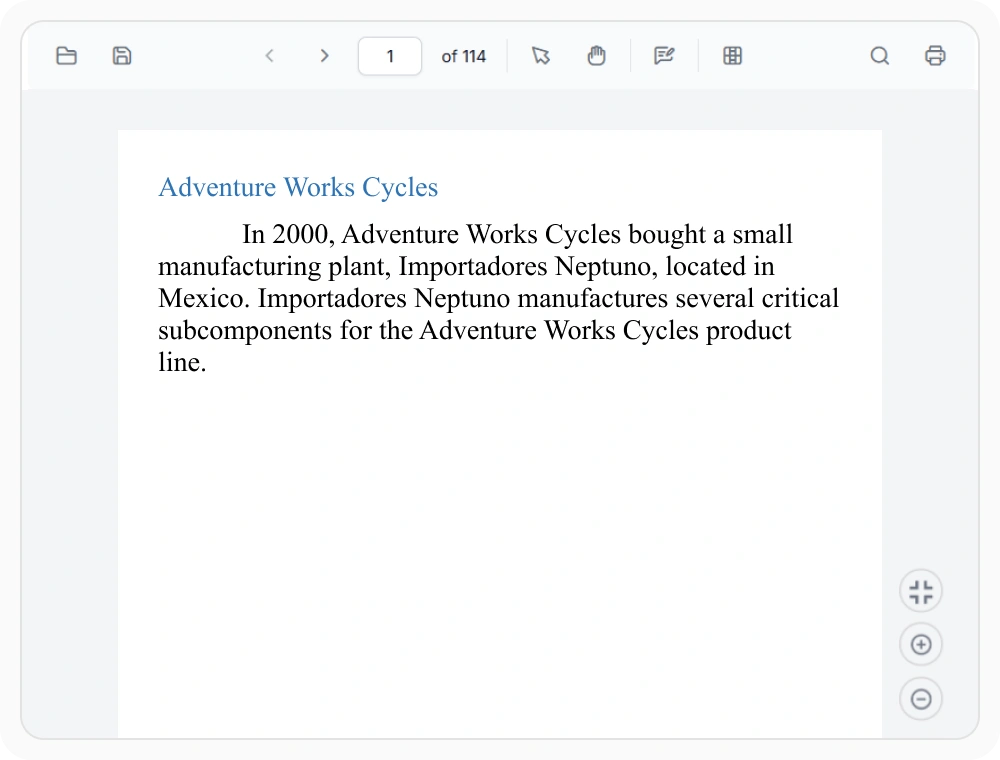
Customize toolbar for every workflow
Toolbar customization lets you surface the right tools for each role by showing, hiding, or reordering toolbar actions. Use toolbar customization when teams need different document workflows, role-based access, and permission levels for specialized document tasks.
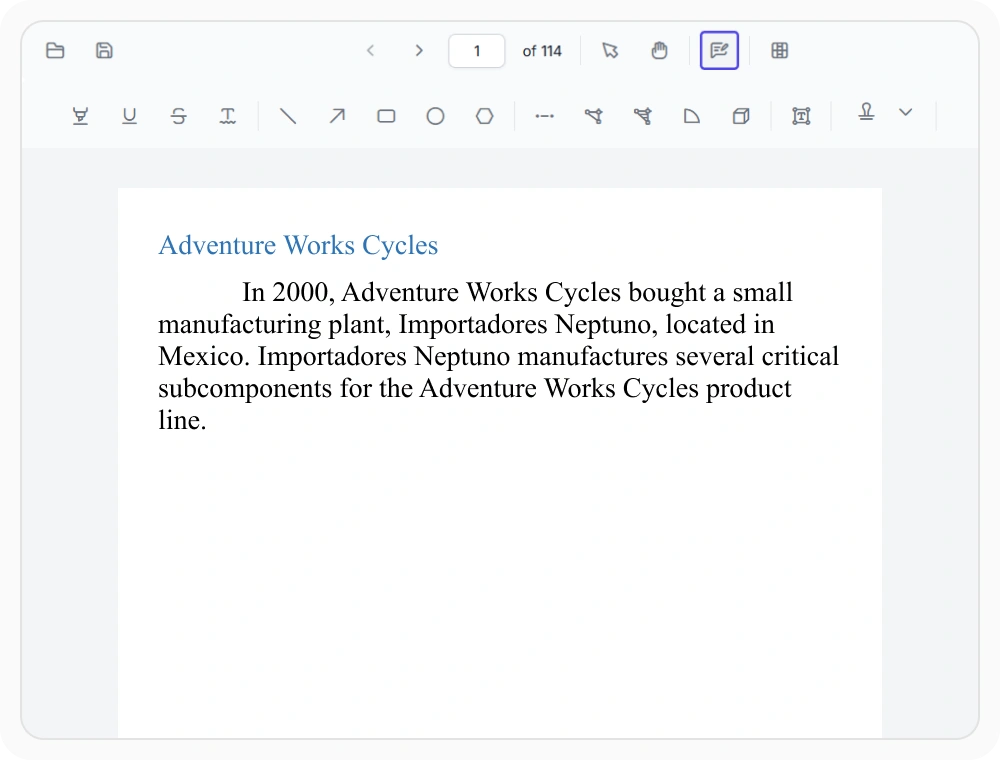
Standardize annotation tools
Annotation customization keeps reviews consistent by standardizing annotation colors, styles, and markup tools across your team. Use annotation customization when teams need uniform feedback formats, consistent visual styles, and standardized review processes.
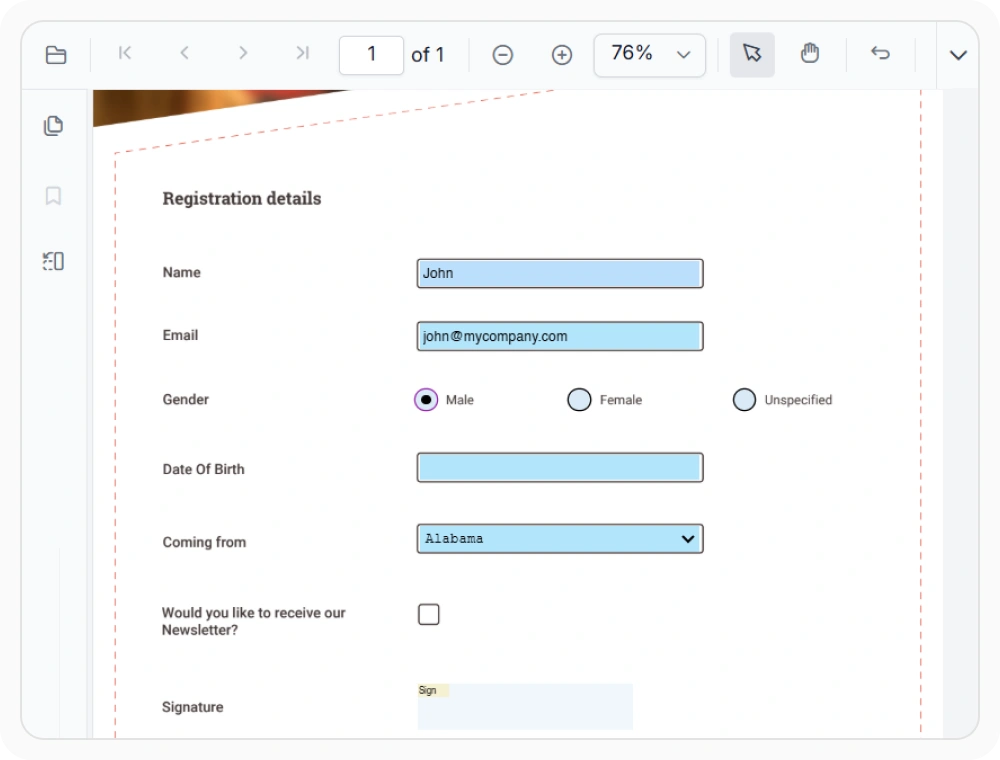
Customize form fields and validation
Form field customization guides users through data collection with customized form fields, validation rules, and controlled input. Use it when documents require structured input validation, controlled data entry, or business-specific field requirements.
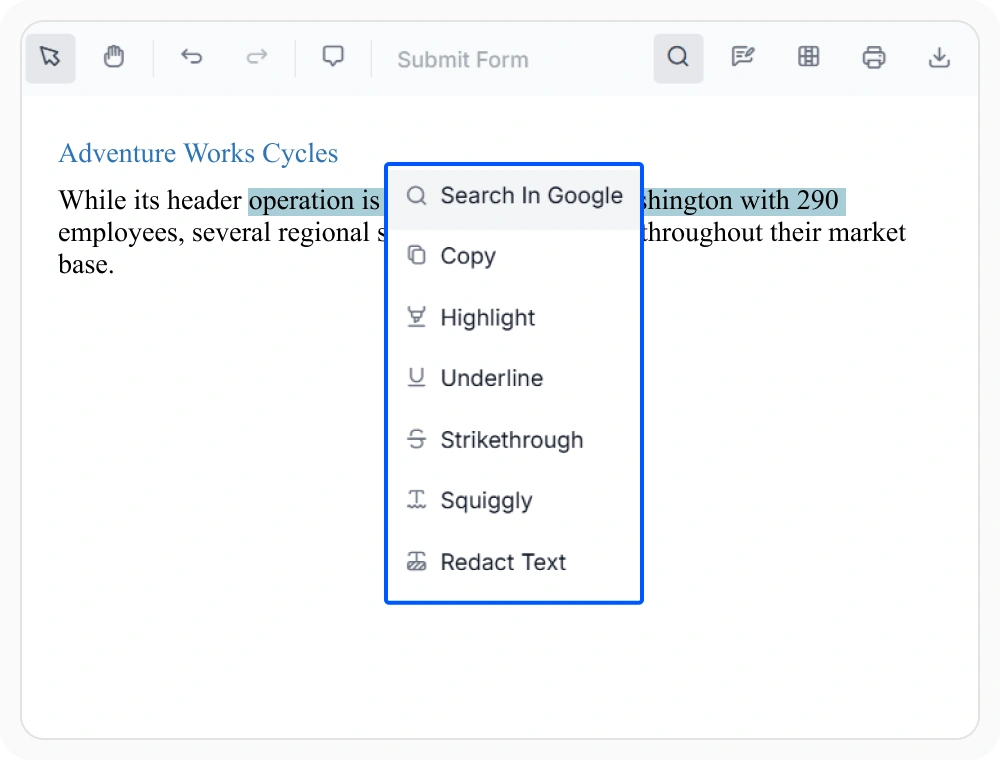
Personalize context menu actions
Context menu customization tailors menu actions to specific workflows by adding, removing, or reordering commands for quick access. Use it when teams need workflow-specific tasks, role-based commands, and quick shortcuts for specialized document operations.
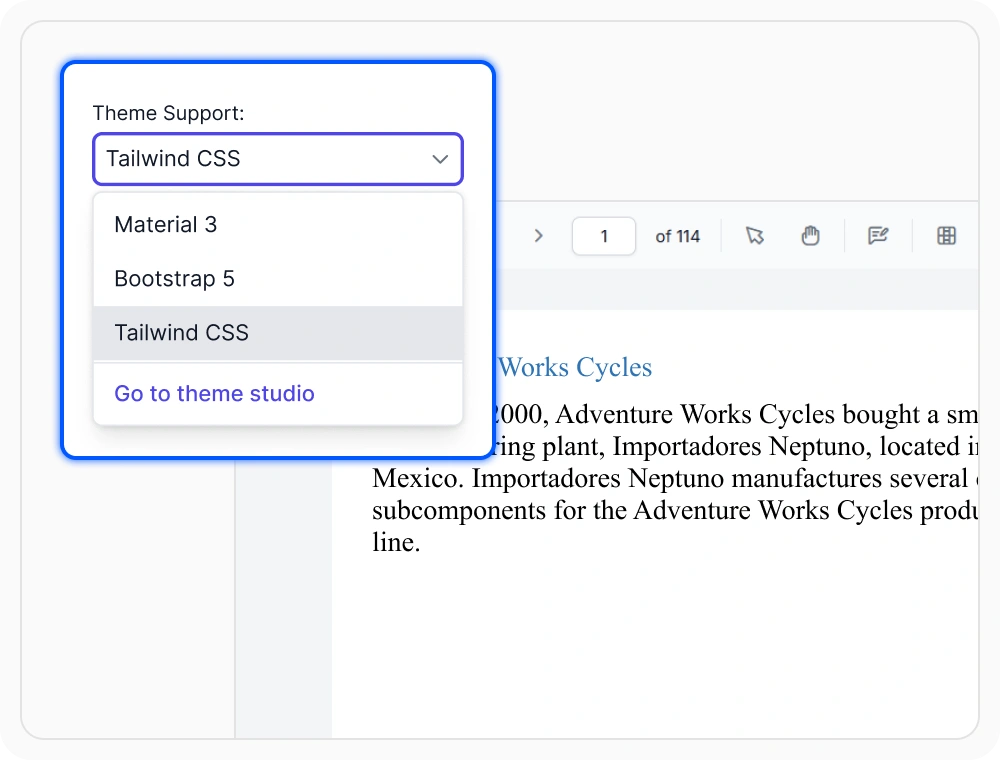
Customize viewer appearance
Theme customization matches the PDF Viewer to your application’s look and feel by customizing colors, layouts, and styles. Use theme customization when the viewer must align with application branding, support dark mode, or match specific design system requirements.
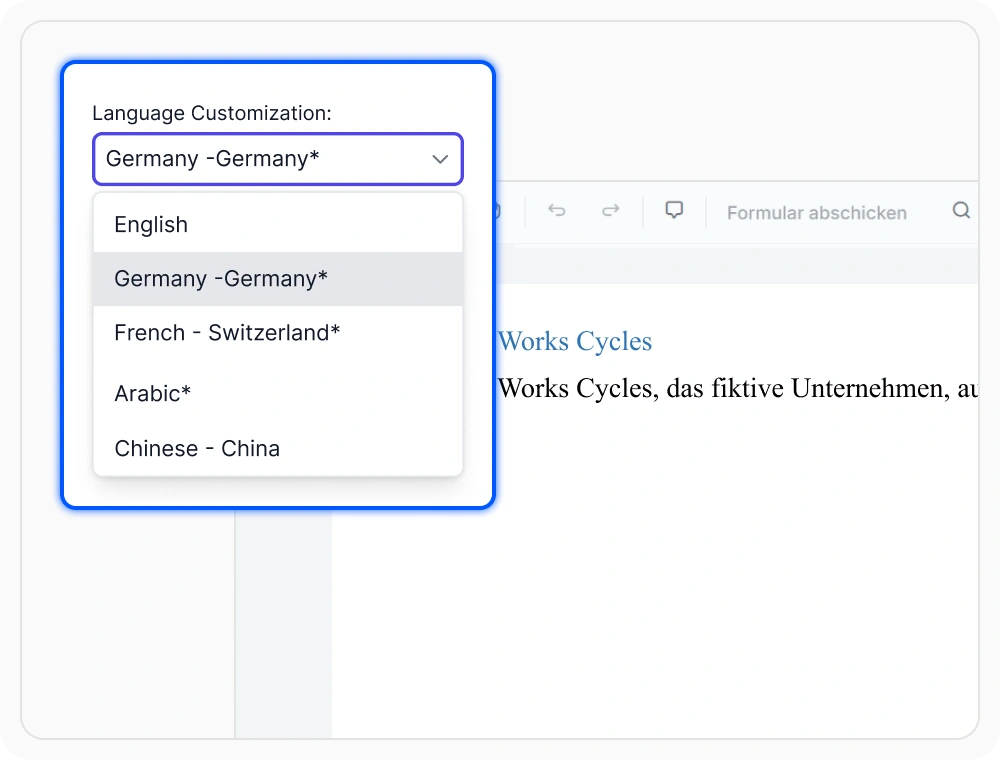
Localize viewer for any region
Localization adapts the PDF Viewer for different languages and regions by translating toolbar labels, dialogs, and interface elements. Use localization when applications support users across multiple countries, locales, or require right-to-left language support.
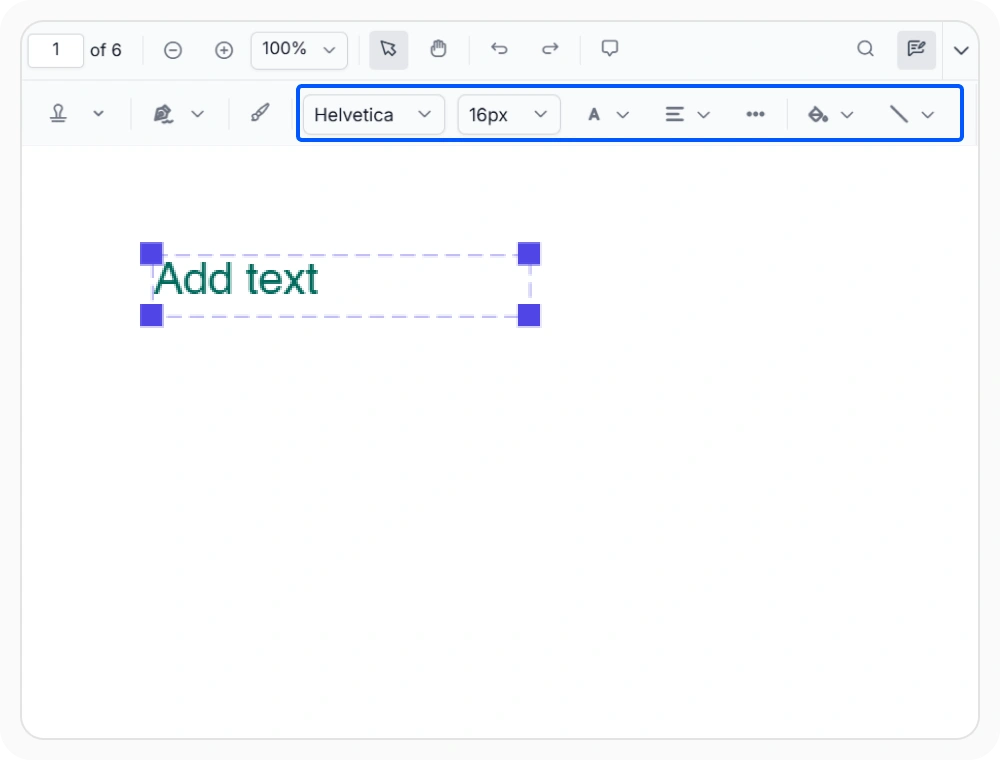
Customize annotation workflows
Annotation workflow customization streamlines document reviews with custom authors, metadata, stamps, signatures, and markup tools. Use this feature to support collaborative reviews, approval workflows, and audit-ready review tracking.
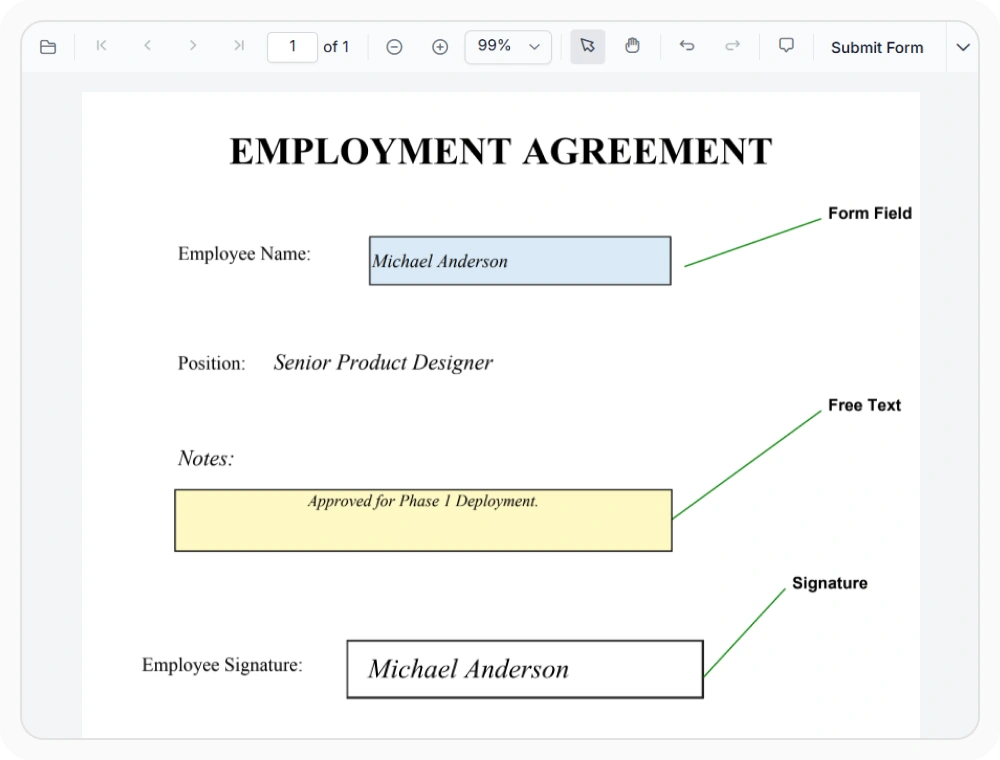
Customize fonts and document styling
Font and styling customization enables consistent document experiences through custom fonts for annotations and form fields. Use this feature to support branded workflows, standardized typography, and improved document readability.
See Why Developers Love Syncfusion
Our Customers Love Us
Having an excellent set of tools and a great support team, Syncfusion reduces customers’ development time. Here are some of their experiences.



Frequently Asked Questions
Can a custom toolbar be created with React PDF Viewer customization?
Yes. The React PDF Viewer supports toolbar customization with custom items, removing commands, reordering tools, and creating layouts for specific workflows.
Does React PDF Viewer customization support localization and RTL layouts?
Yes. The Syncfusion React PDF Viewer supports localization for multiple languages, including right-to-left (RTL) languages such as Arabic. Toolbar labels, dialogs, messages, and other interface elements can be translated to create region-specific document experiences.
Can the appearance of the React PDF Viewer be customized?
Yes. The Syncfusion React PDF Viewer supports customization of themes, colors, layouts, and UI elements to match your application’s design. It also supports light and dark themes, branded styling, and layout adjustments for embedded or portal-based applications.
How are custom actions added to the React PDF Viewer context menu?
The React PDF Viewer allows default context menu items to be removed and custom commands to be added, enabling teams to display the actions that match their workflows and permission levels.
Can React PDF Viewer features be restricted based on user roles?
Yes. The Syncfusion React PDF Viewer lets you enable or disable toolbar items, context menu commands, editing tools, and other viewer features based on user roles and application-level permissions, giving administrators precise control over what each team member can access.
Can tooltips for custom toolbar items be configured in the React PDF Viewer?
Yes. Tooltip text for custom toolbar items and annotation interactions can be configured in the Syncfusion React PDF Viewer to provide clear guidance and improve interface usability for teams working with specialized document workflows.
Resources
Learn more about our PDF Viewer
Explore demos, KB articles, and documentation to get the most out of the PDF Viewer.
Explore guides, APIs, and quick-start tips
See live use cases in action
Ask, share, and connect with peers
Find solutions and best practices fast
Get expert help when needed
Feature requests and bug reports
Track issues and suggest improvements
Awards
Greatness—it’s one thing to say you have it, but it means more when others recognize it. Syncfusion® is proud to hold the following industry awards.









