Try Our Live Demo
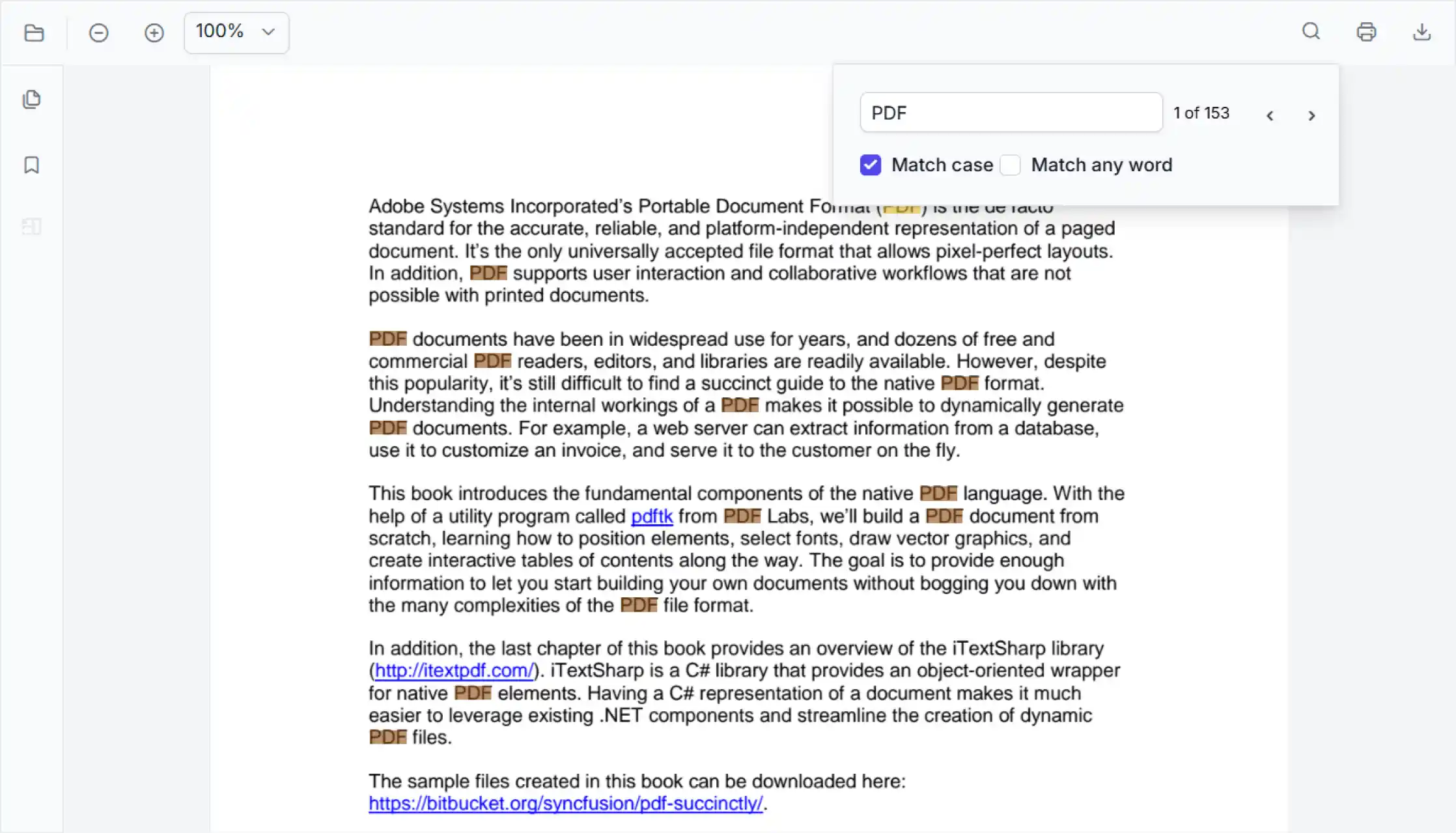
Find relevant information in PDF documents
Efficiently uncover relevant content within PDF files, move through matching results, and work with selected text for business tasks. Accelerate information access across reference documents, reports, and knowledge resources.
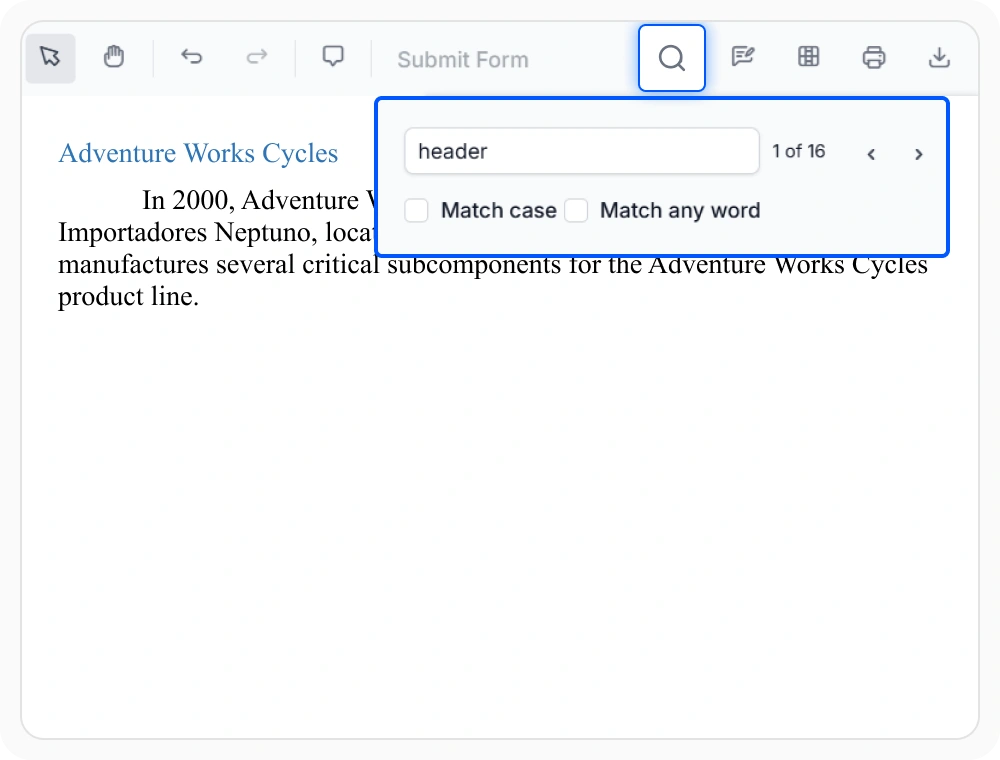
Find keywords in PDF documents
Find specific words or phrases across a PDF document and highlight every match. Quickly locate relevant information across pages and reduce the time spent reviewing large documents. Use when reviewers need to find specific content within a document.
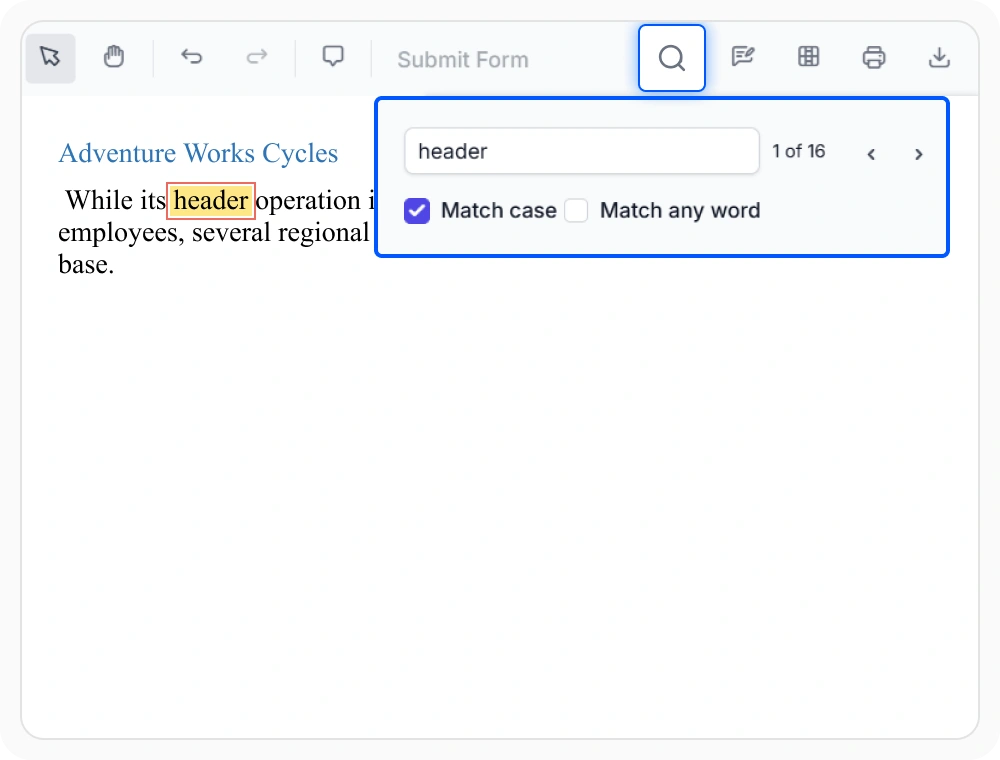
Search with case sensitivity
Search for text with exact capitalization and highlight only matching occurrences across the document. This helps reduce irrelevant matches and keeps search results focused. Use when similarly spelled terms need to be distinguished based on capitalization.
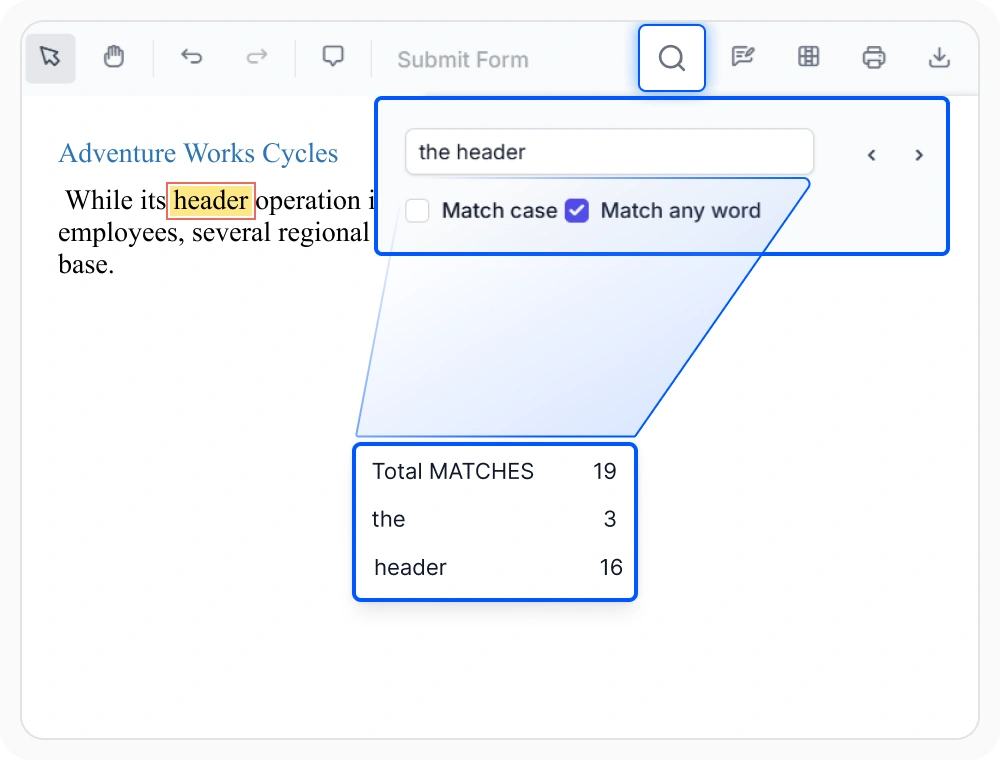
Search multiple keywords at once
Locate content using multiple keywords in a single search. Related matches can be reviewed together, helping users identify connections across document sections. Use when important information may be referenced using different terms across a document.
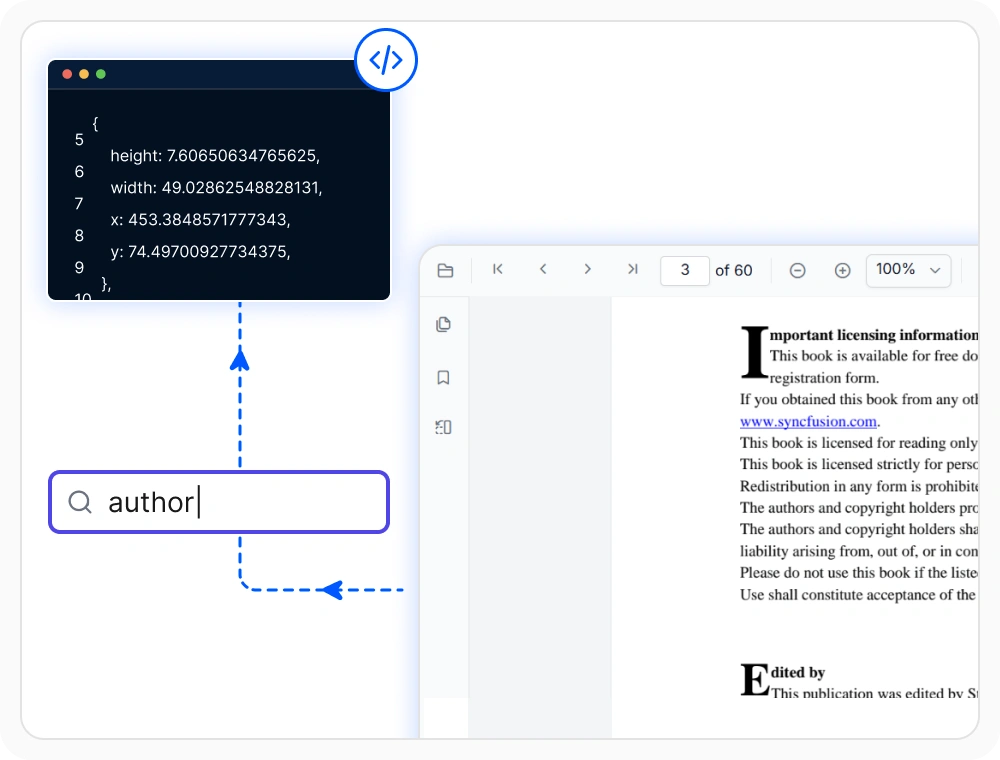
Retrieve PDF text coordinates
Identify text and access its page coordinates within a PDF document. Coordinate data can be used to anchor annotations, automate workflows, and associate actions with specific content. Use when exact placement needs to be tracked or referenced.
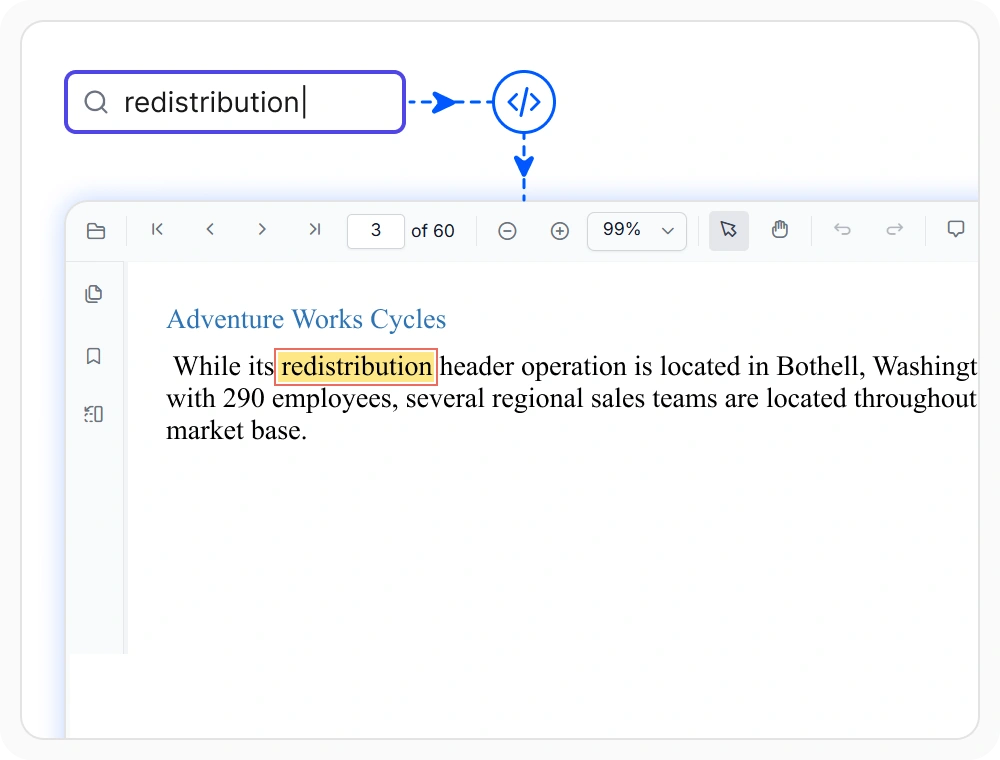
Automate PDF text search workflows
Execute text searches through application logic and return matching results automatically. This helps standardize document processing and reduce repetitive manual tasks. Use when search operations are embedded into business workflows.
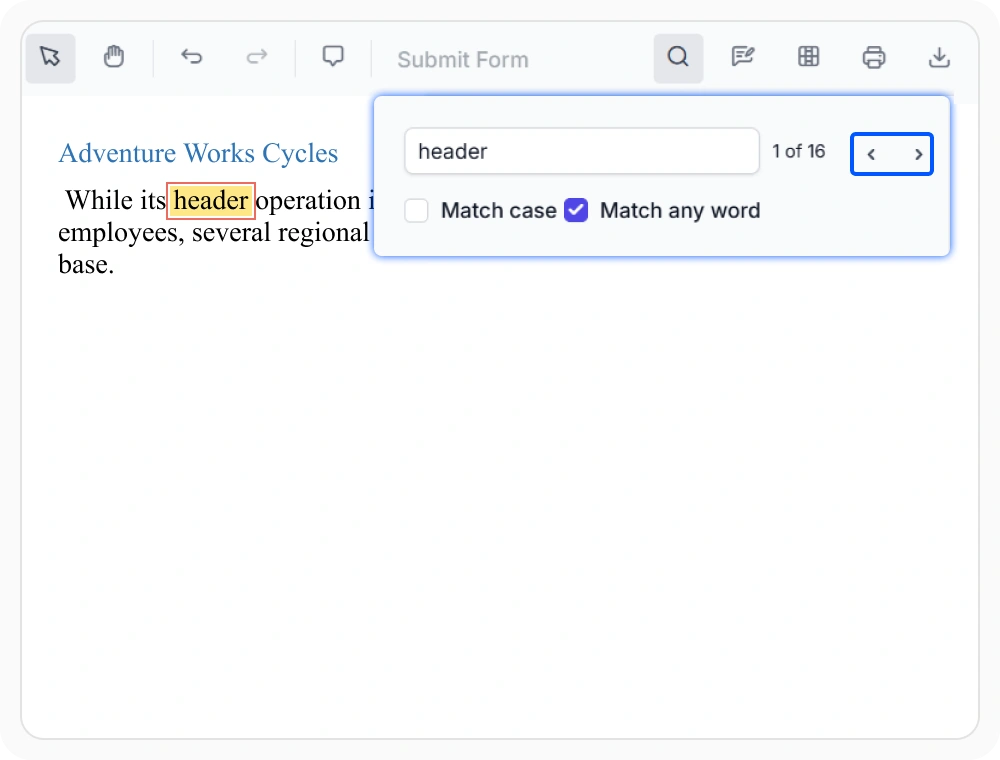
Navigate search results quickly
Navigate between search matches using next and previous controls and jump directly to each occurrence. This helps reviewers follow results in context without manually locating matches. Use when reviewing multiple search results across large documents.
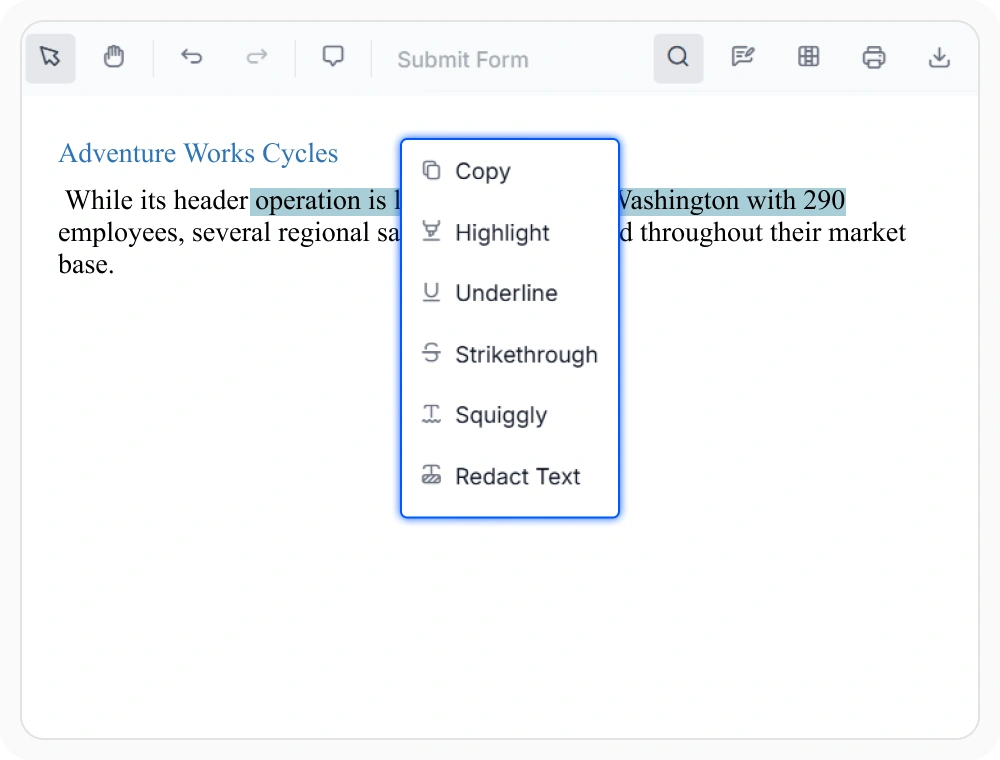
Select and reuse PDF text
Select text directly from PDF pages and copy it for reuse in other applications. This helps preserve accuracy and reduces manual effort when working with information across documents and workflows. Use when content needs to be referenced, shared, or analyzed.
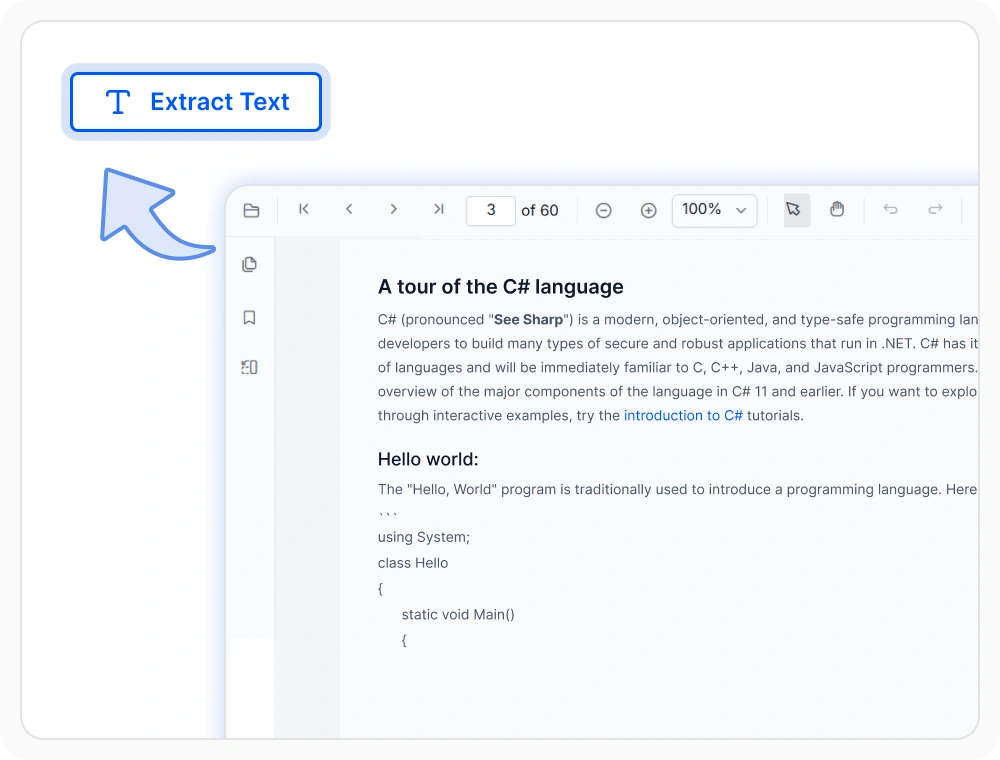
Extract text from PDF pages
Extract text directly from PDF pages for reuse in applications and workflows. Retrieve content programmatically from specific pages or entire documents to support analysis, indexing, and automation. Use when text needs to be collected, processed, or integrated into other systems.
See Why Developers Love Syncfusion
Our Customers Love Us
Having an excellent set of tools and a great support team, Syncfusion reduces customers’ development time. Here are some of their experiences.



Frequently Asked Questions
How does React PDF Viewer text search and selection help with document review?
React PDF Viewer text search and selection helps locate words and phrases, highlight matches, move through results, and copy selected content from PDF pages. These tools make it easier to review large documents without scanning each page manually.
Can React PDF Viewer search for multiple keywords at once?
Yes. The match any word PDF search option allows teams to enter multiple keywords and find results that match any of the specified terms within a document. This broadens discovery when reviews involve several related terms or topics.
How can PDF search result navigation be performed in the React PDF Viewer?
Built-in controls support PDF search result navigation by moving directly to each highlighted match. This allows sequential review of all occurrences of a search term without manually scrolling through pages.
Does the React PDF Viewer support case-sensitive PDF search?
Yes. Case-sensitive PDF search limits results to text that matches the exact uppercase and lowercase letters entered, which helps narrow results when similar terms appear in different forms.
Can PDF text search begin before a document is fully loaded in the React PDF Viewer?
Yes. The Syncfusion React PDF Viewer supports PDF text search with dynamic loading, allowing search operations to begin while the document’s text content continues loading in the background. This reduces wait time and improves responsiveness in large documents.
How can PDF text coordinates be retrieved in a React PDF Viewer?
The Syncfusion React PDF Viewer returns PDF text coordinates with precise position details, including bounding rectangle data for each matched result. This enables annotation placement, content tracking, and document analysis within PDF workflows.
Resources
Learn more about our React PDF Viewer
Explore demos, KB articles, and documentation to get the most out of the React PDF Viewer.
Explore guides, APIs, and quick-start tips
See live use cases in action
Ask, share, and connect with peers
Find solutions and best practices fast
Get expert help when needed
Feature requests and bug reports
Track issues and suggest improvements
Awards
Greatness—it’s one thing to say you have it, but it means more when others recognize it. Syncfusion® is proud to hold the following industry awards.









