Try Our Live Demo
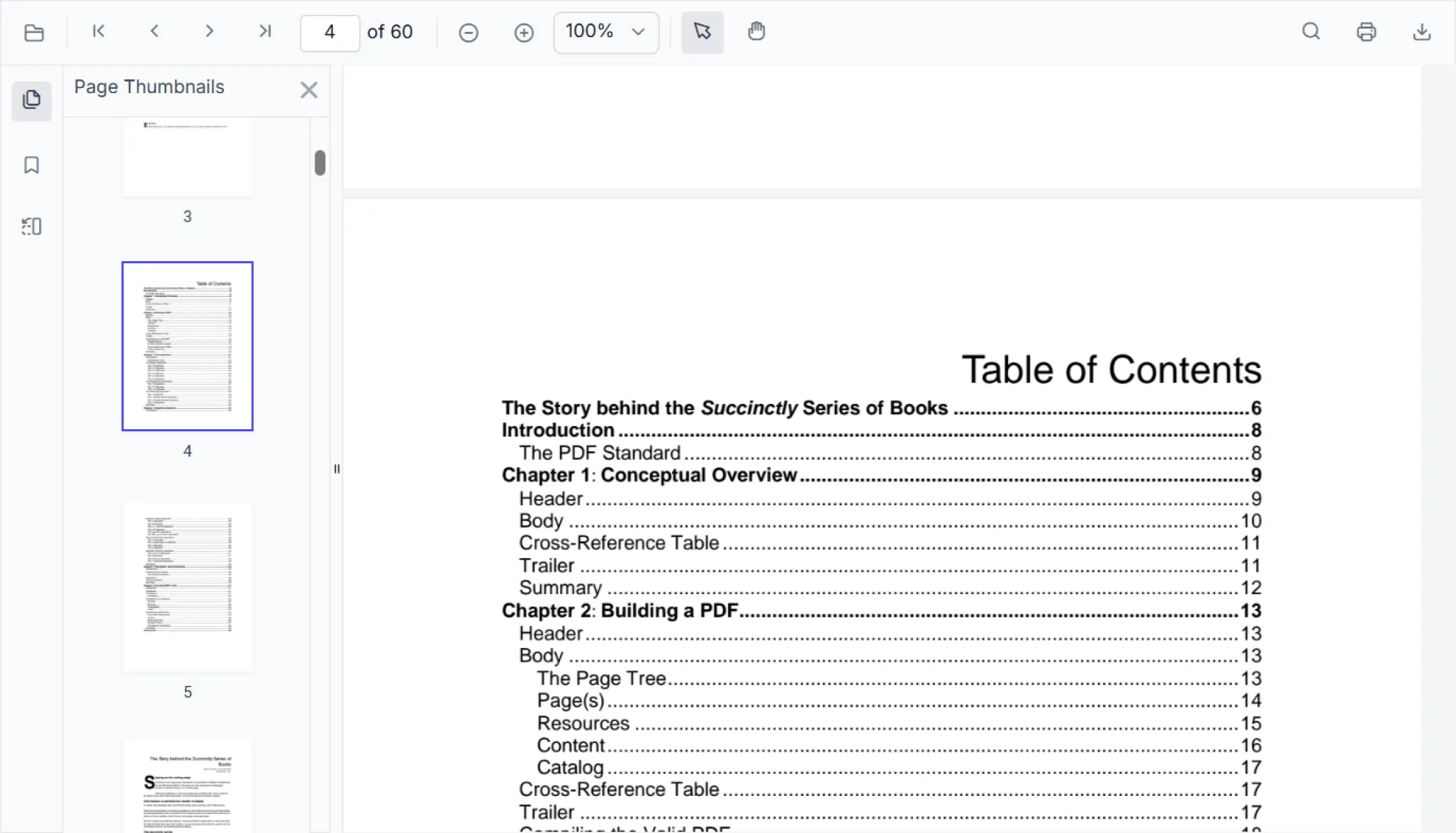
Access PDF content quickly and efficiently
Locate information easily by moving directly to specific pages, exploring sections through bookmarks, viewing previews with thumbnails, and using linked references or table of contents entries to reach relevant content instantly.
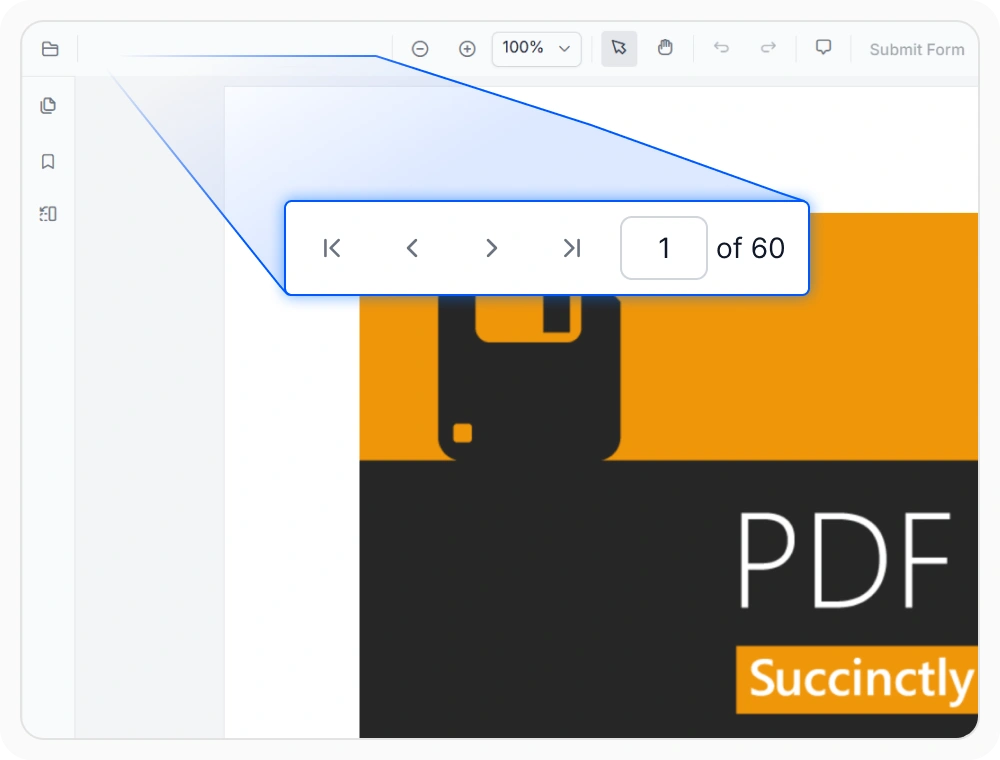
Navigate PDF pages quickly
Page navigation helps users move quickly between pages without scrolling through the entire document. Use it when readers need quick access to specific content in long PDF documents.
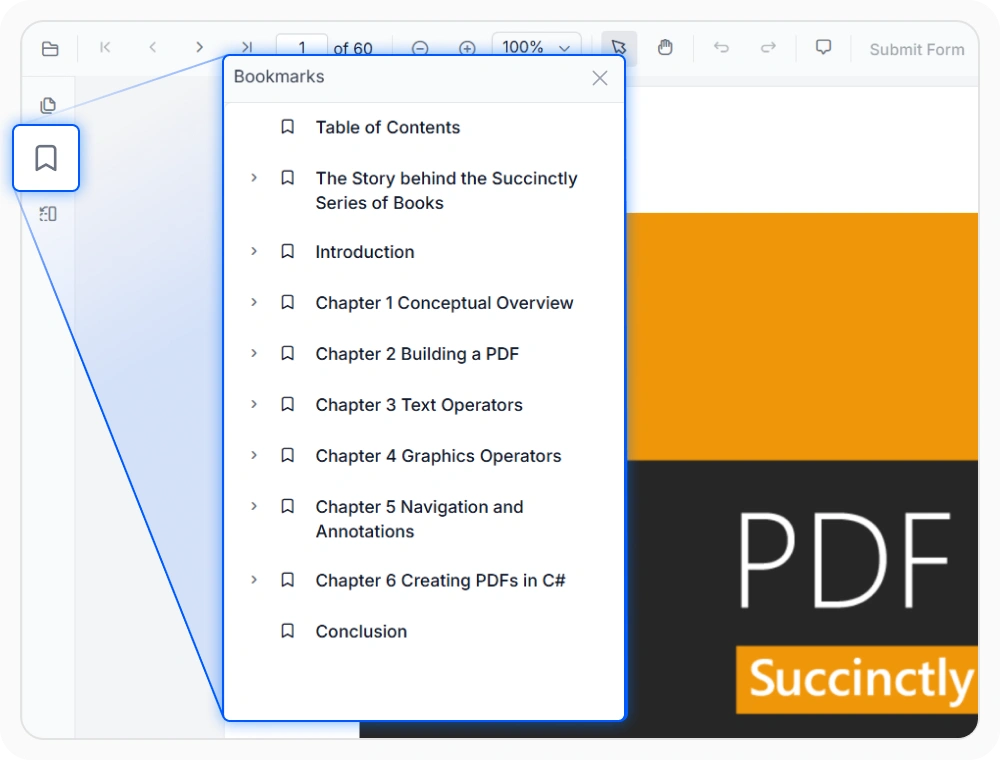
Locate content with PDF bookmarks
Bookmark navigation helps users quickly access different parts of a PDF through a structured list of chapters and sections. Use it when documents contain mapped chapters, headings, or sections.
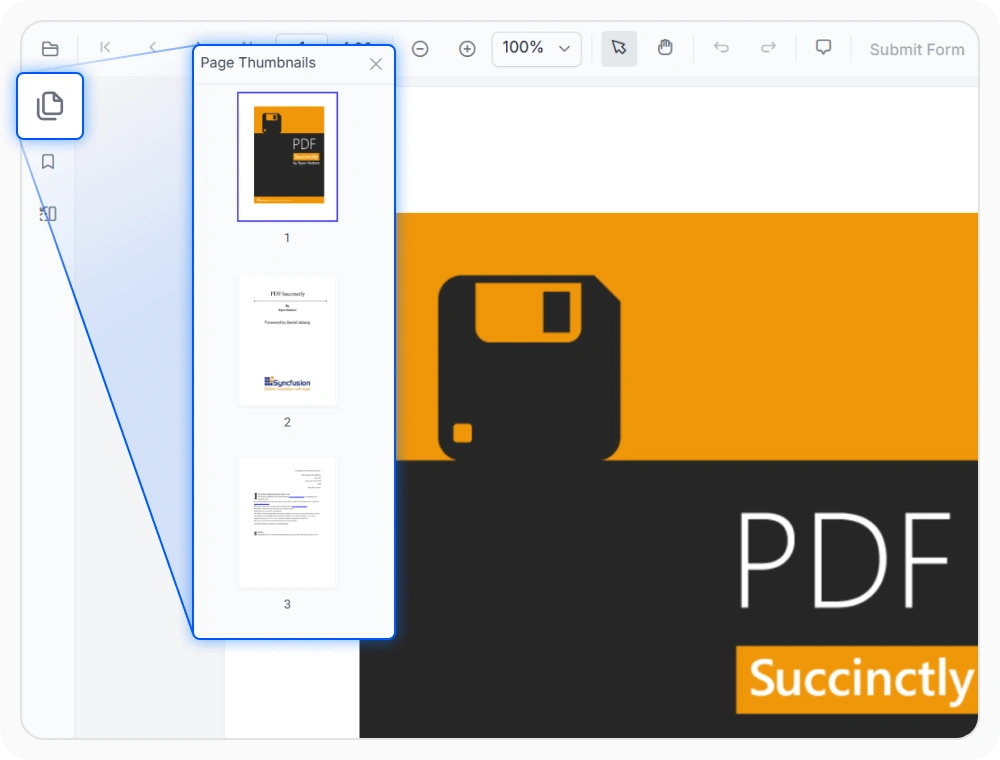
Find pages with thumbnails
Thumbnail navigation shows preview images of document pages, making it easier to find content visually. Use it when readers need to identify pages based on their layout or appearance.
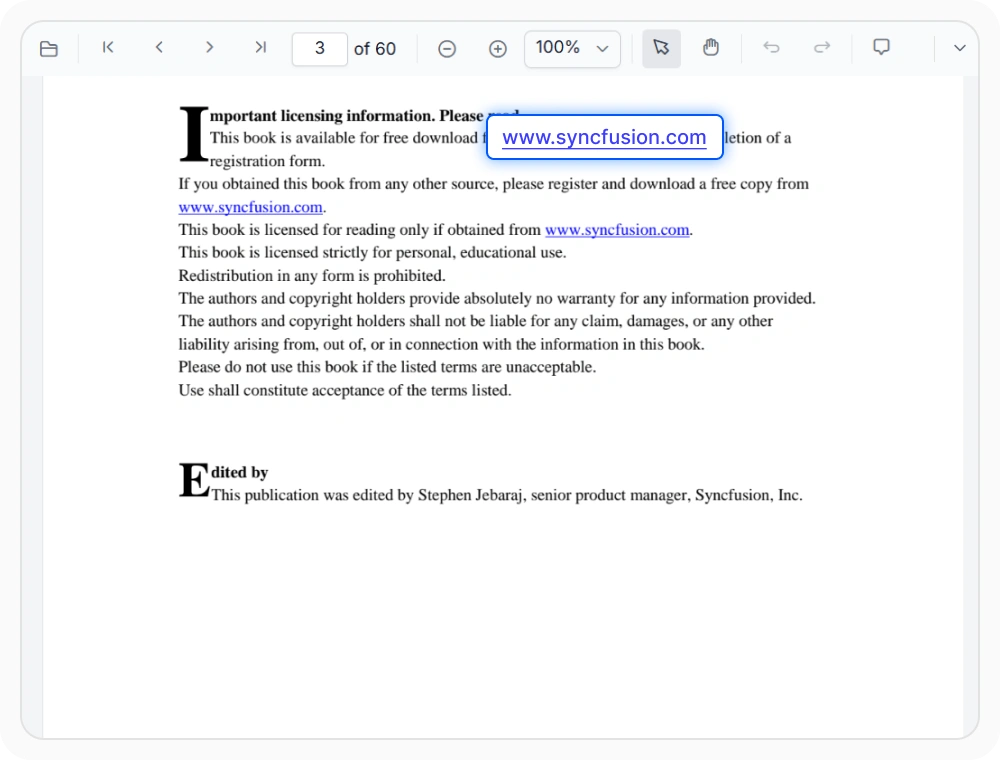
Navigate content using hyperlinks
Hyperlink navigation lets users open related content directly from a PDF document. Use it when readers need to follow references or access connected information quickly.
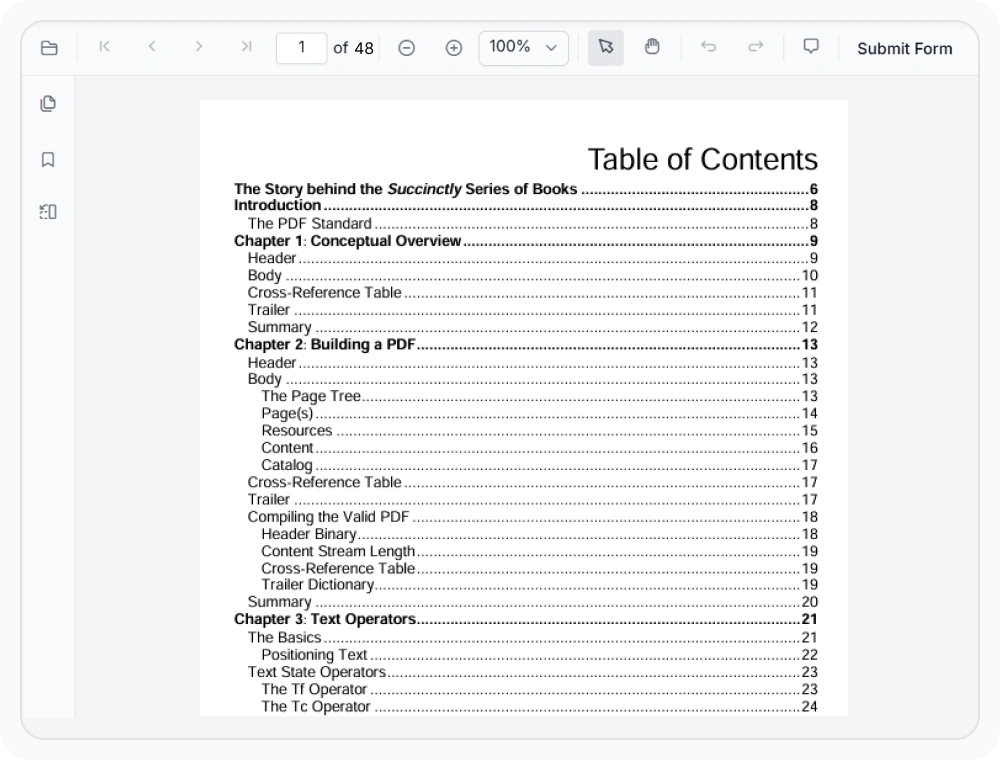
Explore PDF structure with table of contents
Table of contents(TOC) navigation helps users jump directly to chapters, sections, and topics through a structured document outline. Use it when working with lengthy reports, technical manuals, ebooks, and documentation that contain organized headings.
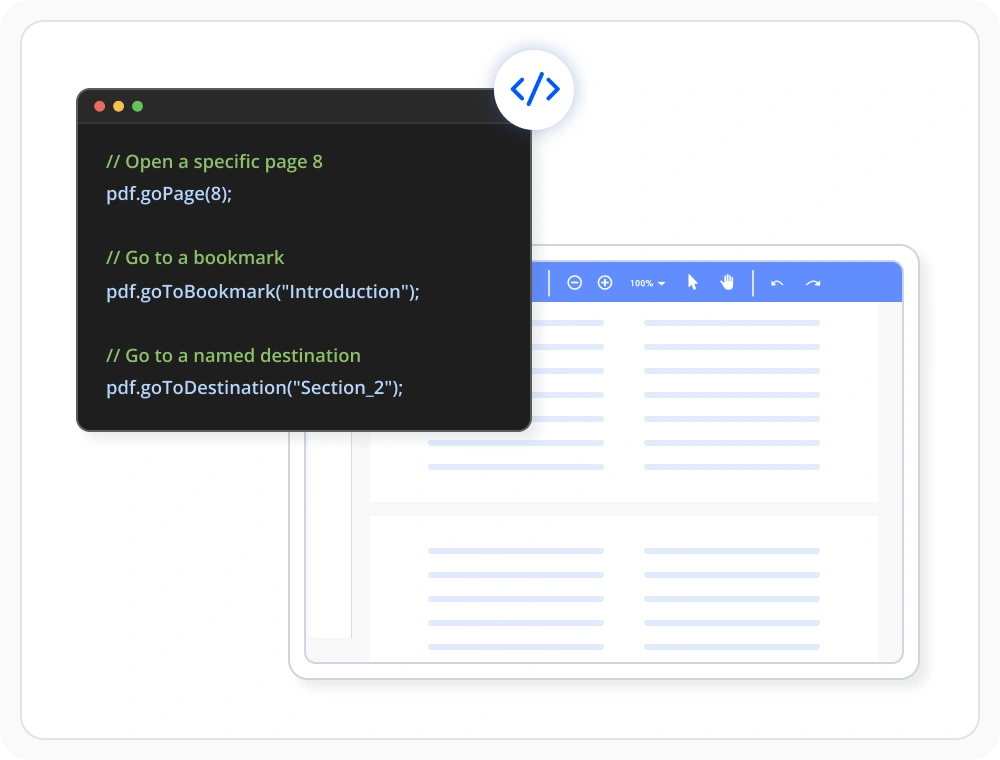
Control PDF navigation programmatically
Programmatic navigation helps applications open specific pages, sections, bookmarks, and destinations automatically. Use it to create guided document workflows, contextual navigation, and personalized viewing experiences.
See Why Developers Love Syncfusion
Our Customers Love Us
Having an excellent set of tools and a great support team, Syncfusion reduces customers’ development time. Here are some of their experiences.



Frequently Asked Questions
Does React PDF Viewer support PDF table of contents navigation?
Yes. The React PDF Viewer supports PDF table of contents navigation, allowing readers to move directly to related chapters, sections, or topics within the document.
Can PDF navigation controls be customized in React PDF Viewer?
Yes, the React PDF Viewer page navigation controls can be customized and toolbar layout to match specific application requirements. Toolbar visibility, panel behavior, and interaction options can be adjusted to suit the needs of the application.
Can PDF bookmark data be retrieved programmatically in React PDF Viewer?
Yes. React PDF Viewer provides programmatic access to PDF bookmark navigation data through built-in bookmark APIs when the loaded PDF contains bookmark data.
Can users visually navigate large PDF documents in the React PDF Viewer?
Yes, the React PDF Viewer provides PDF thumbnail navigation and visual page navigation and is optimized for smooth performance even with large and complex PDF documents.
How does React PDF Viewer support PDF bookmark navigation?
The React PDF Viewer bookmark navigation uses the outline structure available in a PDF and displays it as a hierarchical list of bookmarks. Readers can expand bookmark levels and directly access the corresponding pages or sections within the document.
Does React PDF Viewer support external PDF hyperlinks?
Yes. React PDF Viewer supports PDF hyperlink navigation through external hyperlinks embedded in PDF documents, allowing readers to access referenced web pages and resources directly.
Resources
Learn more about our React PDF Viewer
Explore demos, KB articles, and documentation to get the most out of the React PDF Viewer.
Explore guides, APIs, and quick-start tips
See live use cases in action
Ask, share, and connect with peers
Find solutions and best practices fast
Get expert help when needed
Feature requests and bug reports
Track issues and suggest improvements
Awards
Greatness—it’s one thing to say you have it, but it means more when others recognize it. Syncfusion® is proud to hold the following industry awards.









