Try Our Live Demo
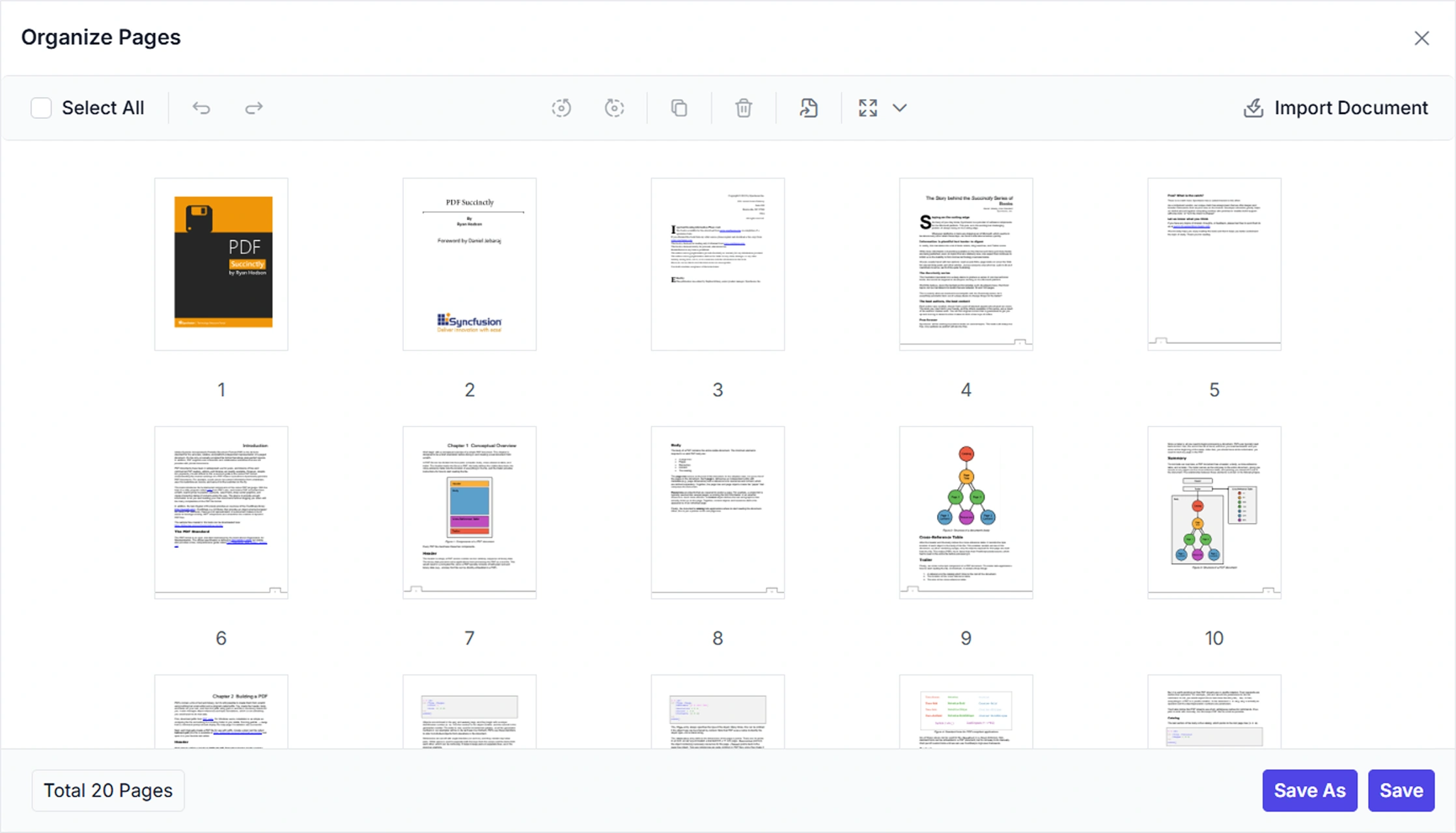
Reorder and Manage Pages in PDF Documents
Streamline document organization by adjusting page sequences, adding, removing, rotating, duplicating, extracting, and importing pages. Preview updates with thumbnails and zoom to confirm arrangements before finalizing changes.
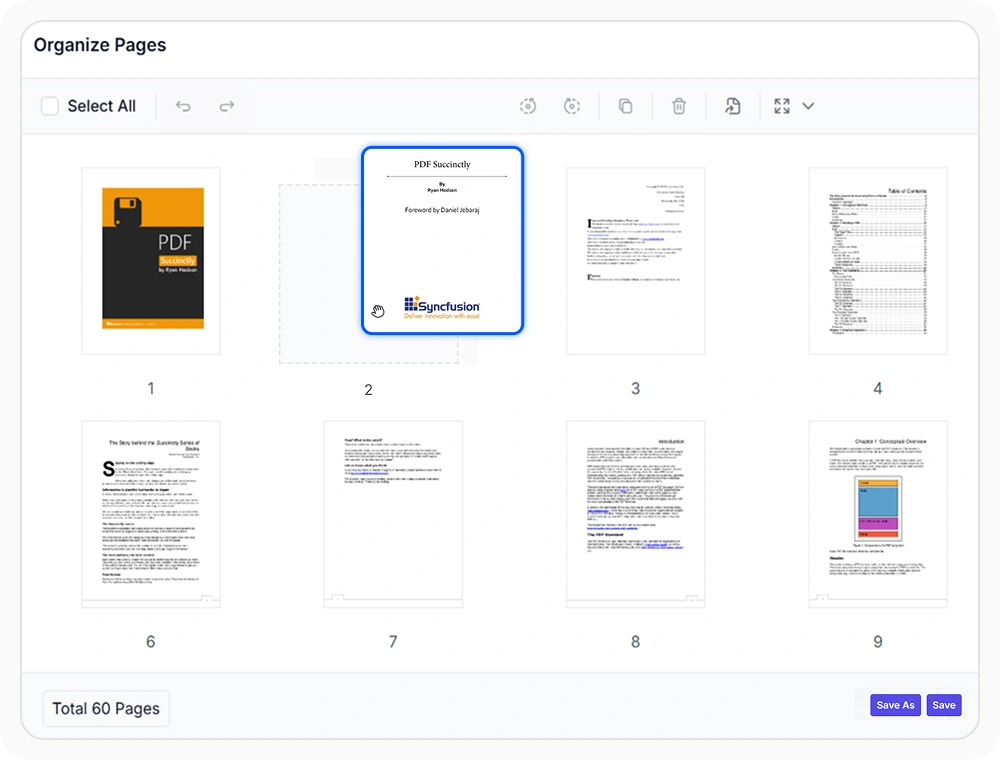
Reorder PDF pages quickly
Arrange document pages in the desired sequence using drag-and-drop. Changes appear instantly in the page preview, making it easy to review the updated document flow before saving. Use when page order needs to be updated within a PDF document.
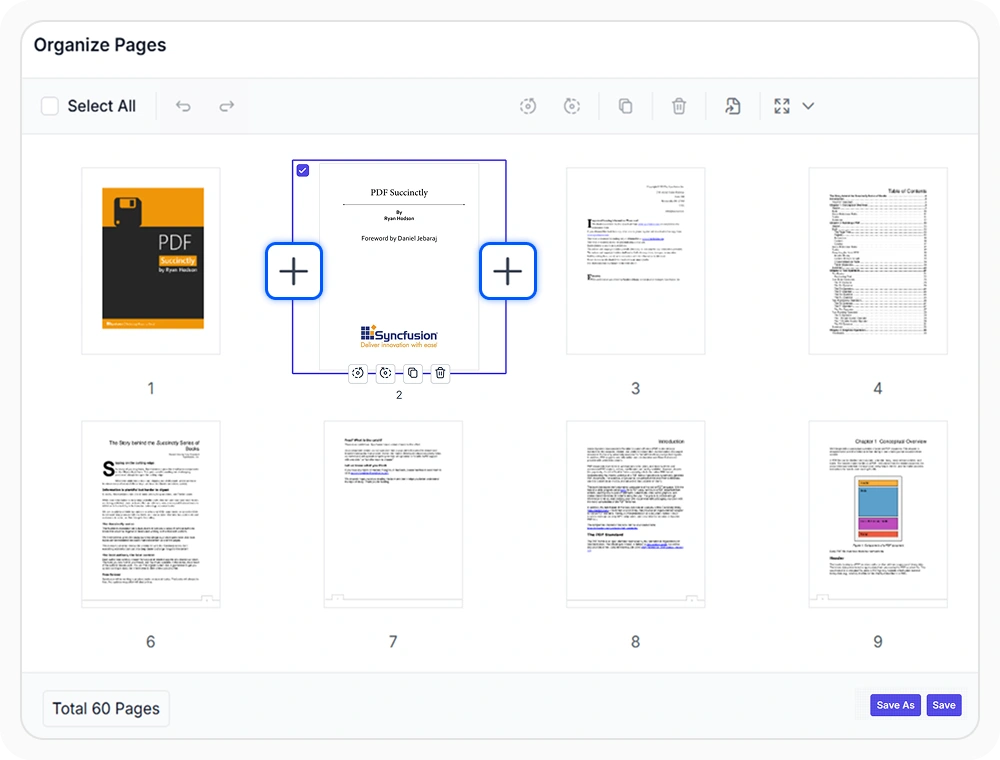
Insert blank PDF pages
Add blank pages anywhere in a document to create space for new content, section breaks, or supporting information while preserving the existing page structure. Use it when new content or a section separator will be added later.
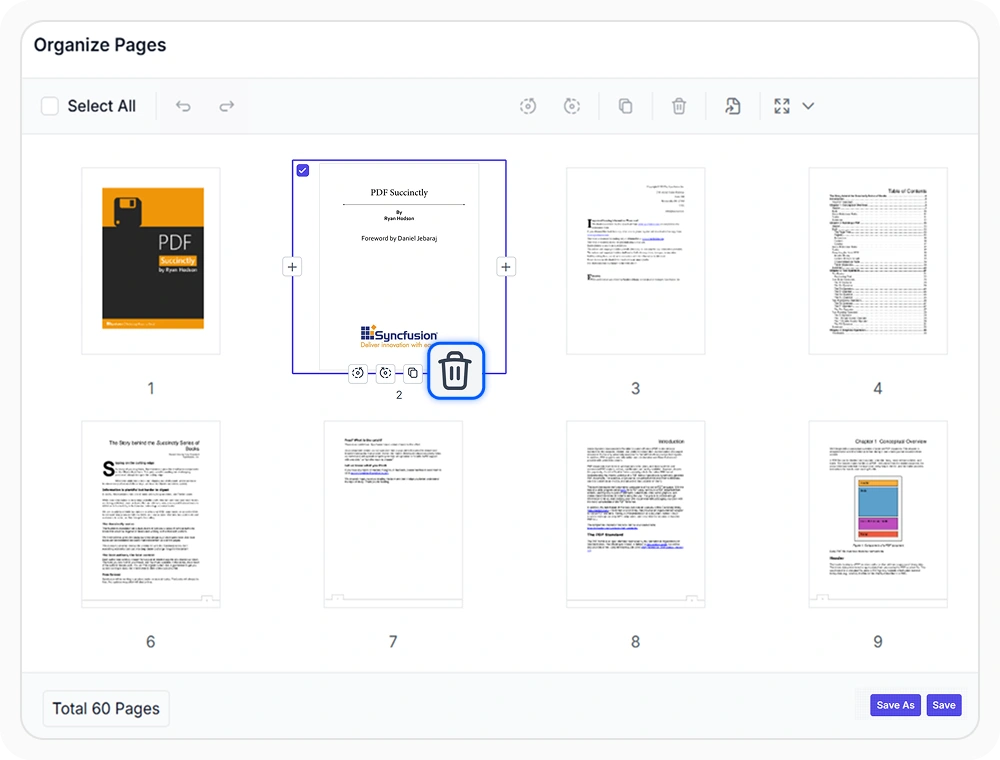
Remove unwanted PDF pages
Remove unnecessary pages to keep documents accurate, streamlined, and ready for review without affecting the remaining content structure. Use when outdated, duplicate, or irrelevant content needs to be removed from a PDF document.
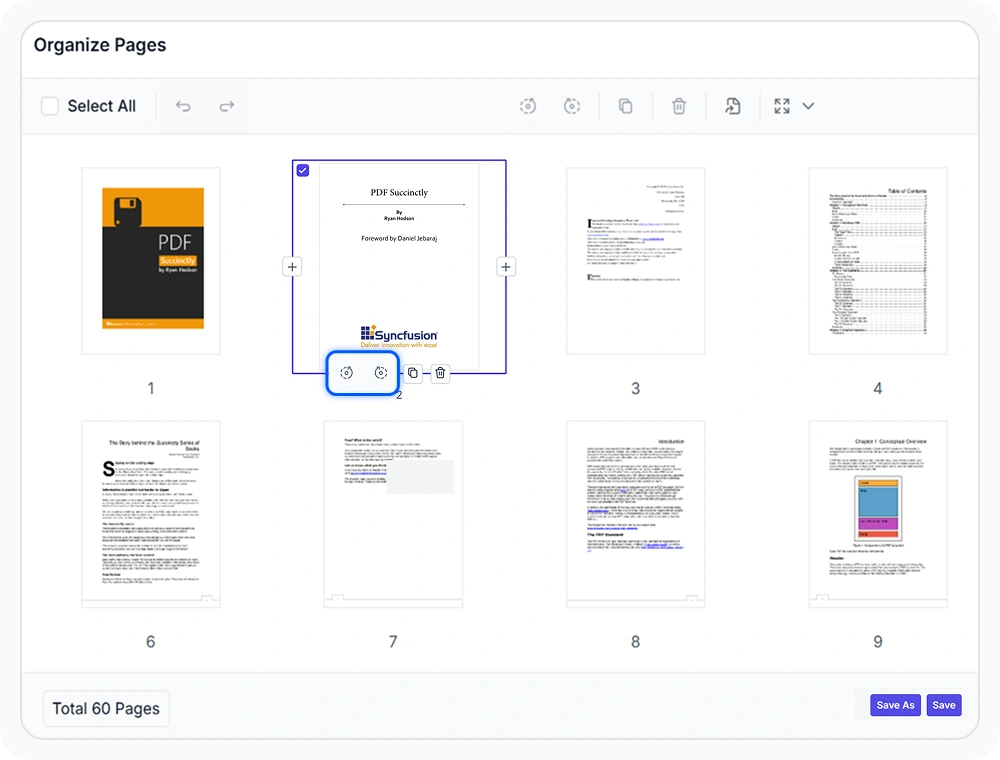
Rotate selected PDF pages
Rotate individual or multiple pages to correct viewing issues and maintain a consistent document layout for easier reading and review. Use when page orientation needs to be corrected within a PDF document.
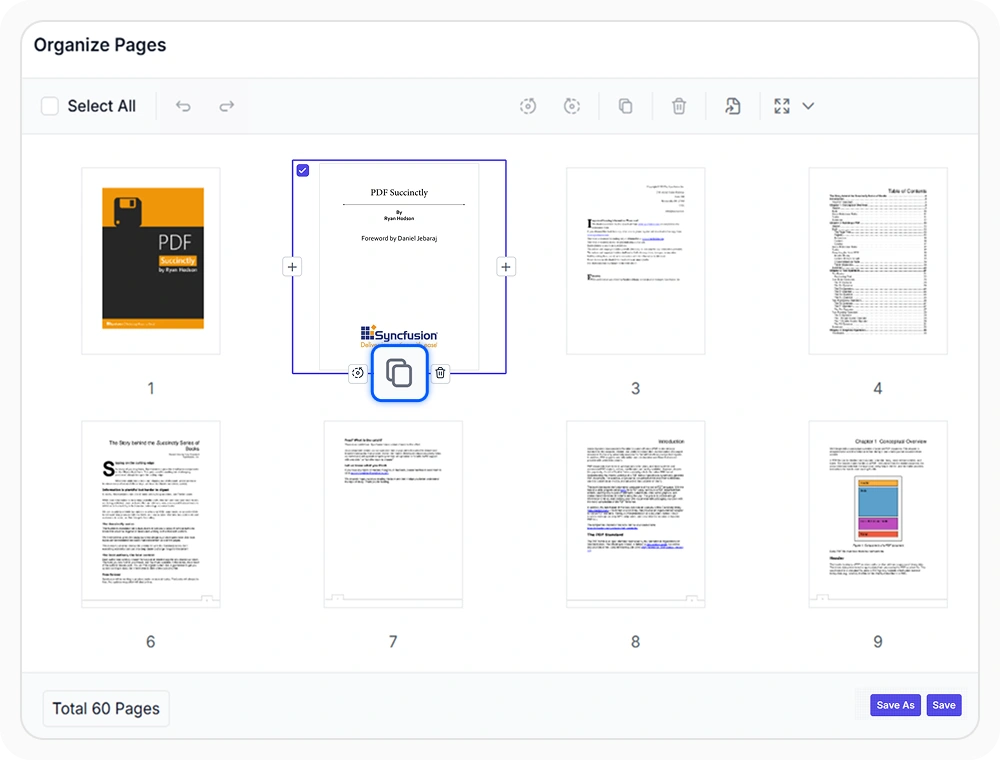
Copy existing PDF pages
Create copies of existing PDF pages to reuse forms, layouts, and recurring content without recreating them. Use this feature to maintain consistency and reduce repetitive work when reusing content within a PDF document.
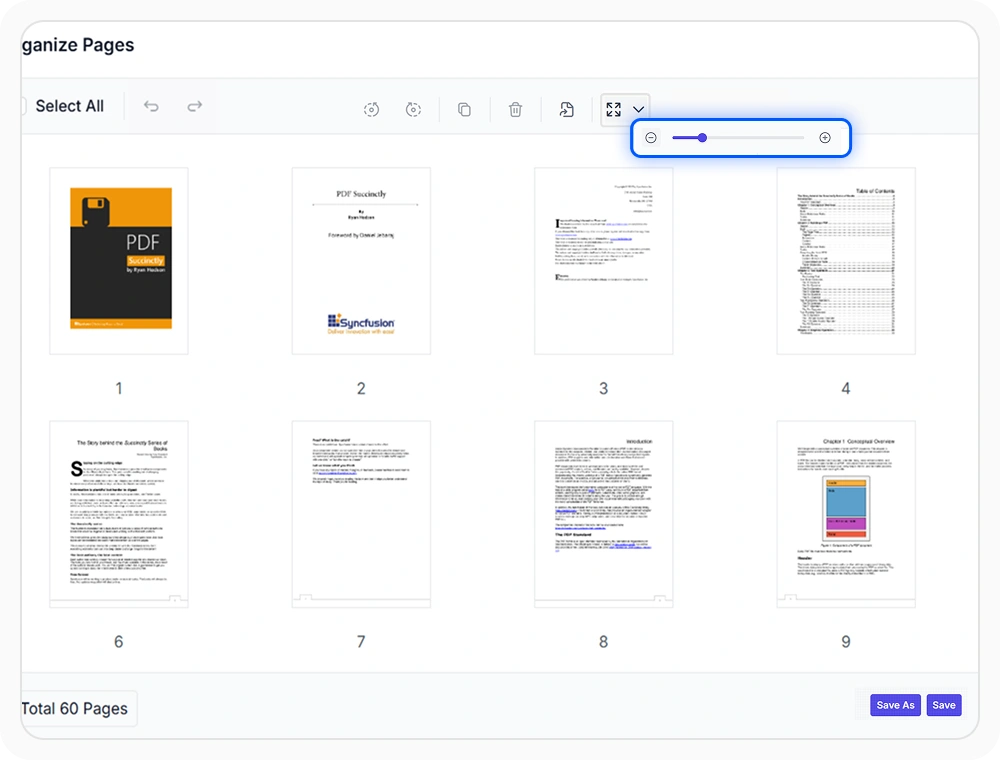
Zoom PDF page thumbnails
Adjust thumbnail preview sizes to identify pages more easily, verify document organization, and review content efficiently before finalizing changes. Use when document pages need closer visual review during organization.
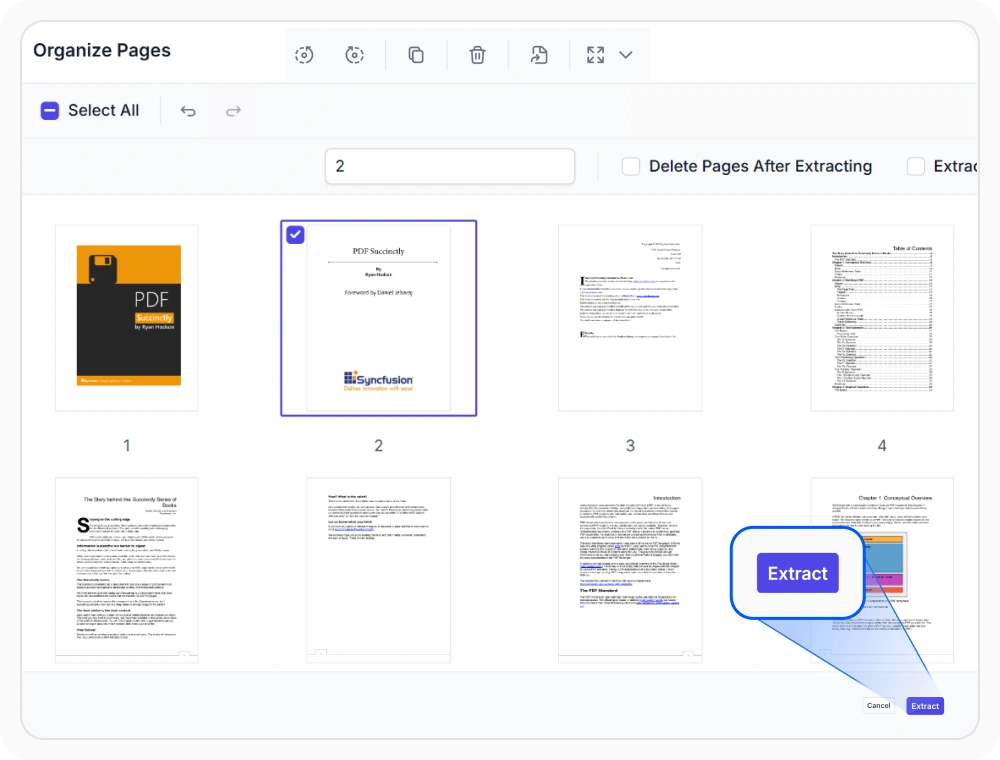
Extract selected PDF pages
Extract selected pages from a document and save them as a separate PDF while preserving the original formatting. Create focused documents without changing the source file. Use it when part of a PDF must be retained or shared independently.
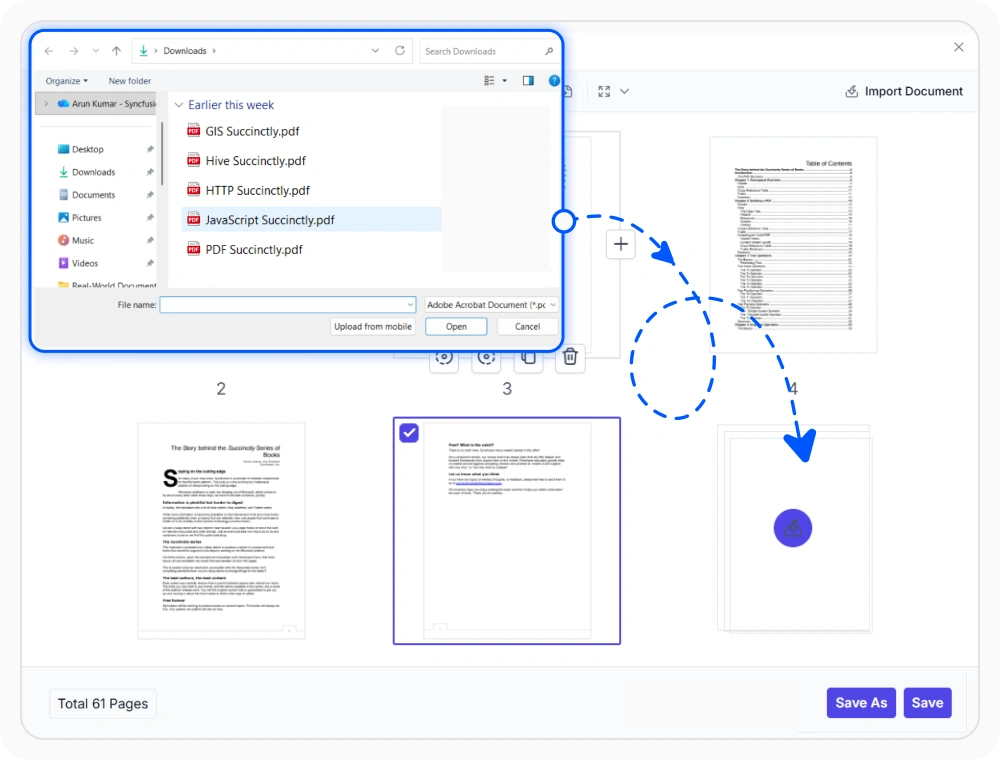
Import pages from PDF files
Import pages from external PDF files and insert them at any location within the current document. Reuse existing content without duplication and build complete documents more efficiently. Use it when content from separate PDFs must be combined.
See Why Developers Love Syncfusion
Our Customers Love Us
Having an excellent set of tools and a great support team, Syncfusion reduces customers’ development time. Here are some of their experiences.



Frequently Asked Questions
Can the PDF page organizer toolbar be customized in React PDF Viewer?
Yes. The PDF page organizer toolbar in the React PDF Viewer can be customized to show or hide specific tools based on application requirements.
How can PDF pages be copied multiple times in React PDF Viewer?
The React PDF Viewer supports copying PDF pages within a document, allowing users to reuse existing pages instead of recreating the same content from scratch.
Can confidential PDF pages be removed in React PDF Viewer before sharing?
The React PDF Viewer enables users to delete PDF pages, helping remove sensitive, incorrect, or unnecessary content before distribution.
Can the Page Organizer tool be shown or hidden in React PDF Viewer?
Yes. The page organizer tool in React PDF Viewer can be shown or hidden programmatically based on your application’s specific requirements.
How to Change the Orientation of PDF Pages in React PDF Viewer
The React PDF Viewer supports page rotation, allowing you to select one or more pages and rotate them in 90-degree increments until the required orientation is reached.
Can organized PDF pages in React PDF Viewer be saved separately?
Yes. After organizing PDF pages in React PDF Viewer, you can save the modified PDF as a separate document using the Save As option, or overwrite the existing file by saving your changes.
Resources
Learn more about our React PDF Viewer
Explore demos, KB articles, and documentation to get the most out of the React PDF Viewer.
Explore guides, APIs, and quick-start tips
See live use cases in action
Ask, share, and connect with peers
Find solutions and best practices fast
Get expert help when needed
Feature requests and bug reports
Track issues and suggest improvements
Awards
Greatness—it’s one thing to say you have it, but it means more when others recognize it. Syncfusion® is proud to hold the following industry awards.









