Try Our Live Demo
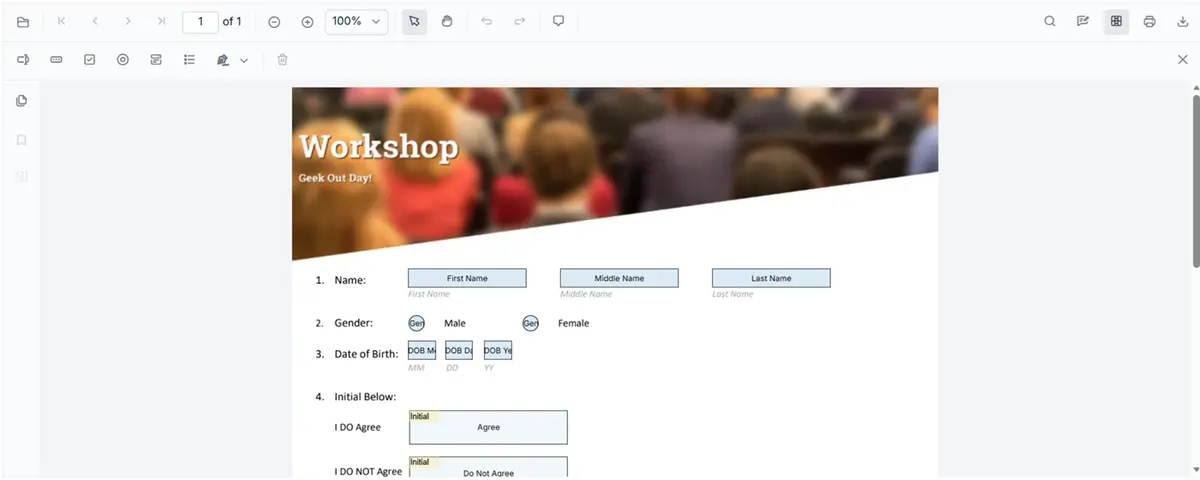
Build dynamic PDF form workflows
Build interactive PDF forms that capture accurate data, automate approvals, and simplify business processes with built-in validation and signature support.
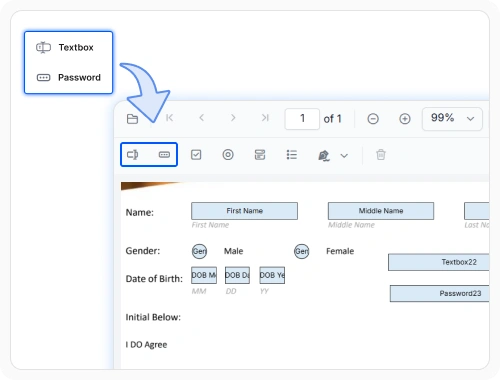
Fill forms with text and passwords
Text and password fields collect information directly in PDF forms with validation support to improve data accuracy. Use text fields for standard data entry and password fields to securely capture sensitive information during form completion.
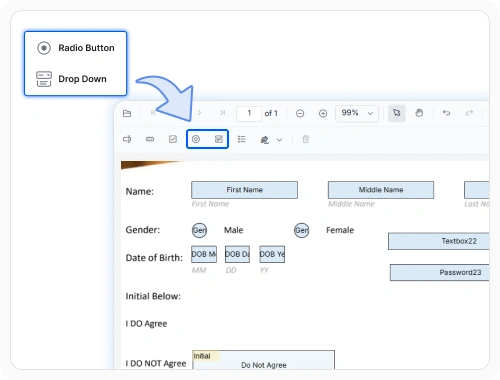
Choose with radio buttons and dropdowns
Radio buttons and dropdown fields allow users to choose a single option from predefined choices. Use them to standardize responses, improve data consistency, and simplify form processing.
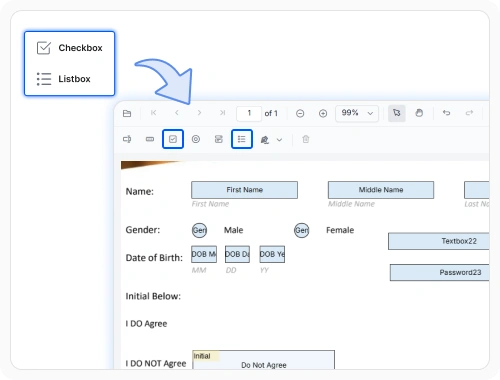
Select multiple options
Checkbox and list box fields enable users to select multiple options, confirm acknowledgments, and capture preferences. Use them for surveys, checklists, consent forms, and other multi-select workflows.
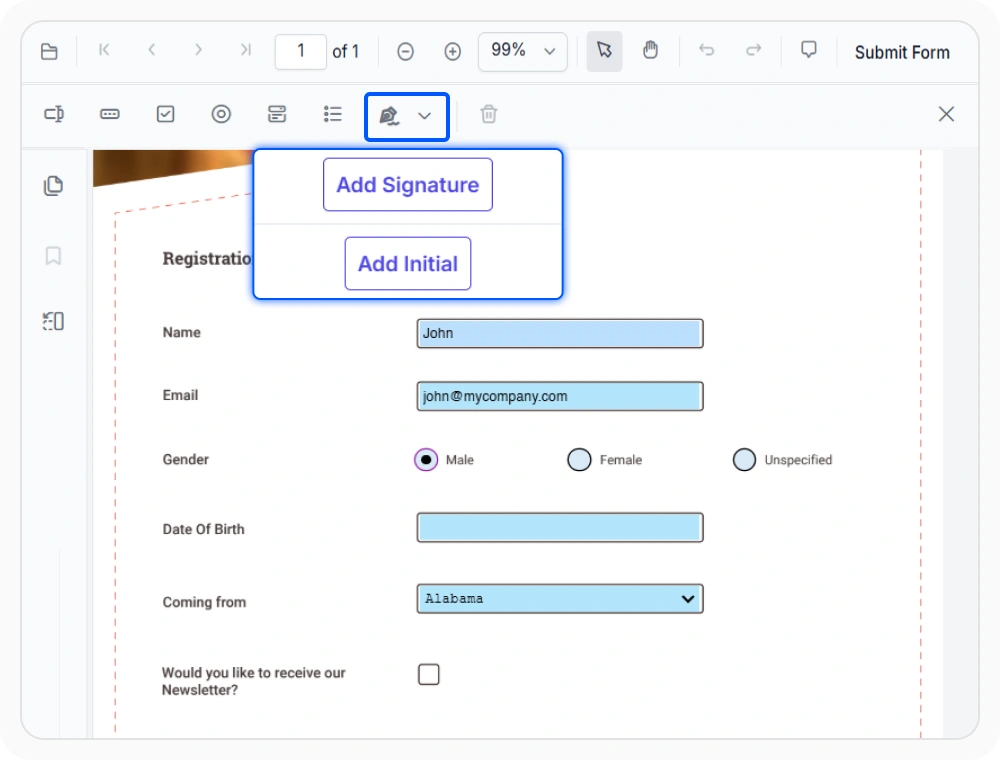
Sign and acknowledge documents
Add signature and initial fields to capture approvals, acknowledgments, and confirmations within document workflows. Use them for sign offs, approvals, and document confirmation processes.
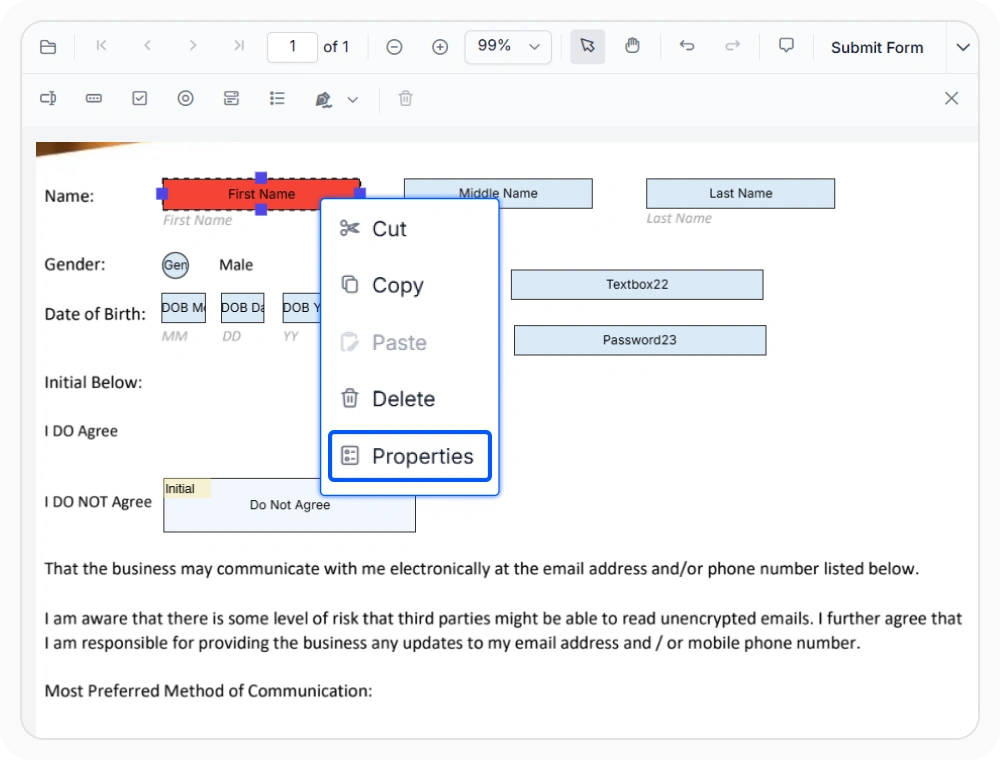
Customize PDF form fields
Customize form field appearance, behavior, and validation settings to match your requirements. Create user-friendly forms with custom fonts, colors, tooltips, and field properties.
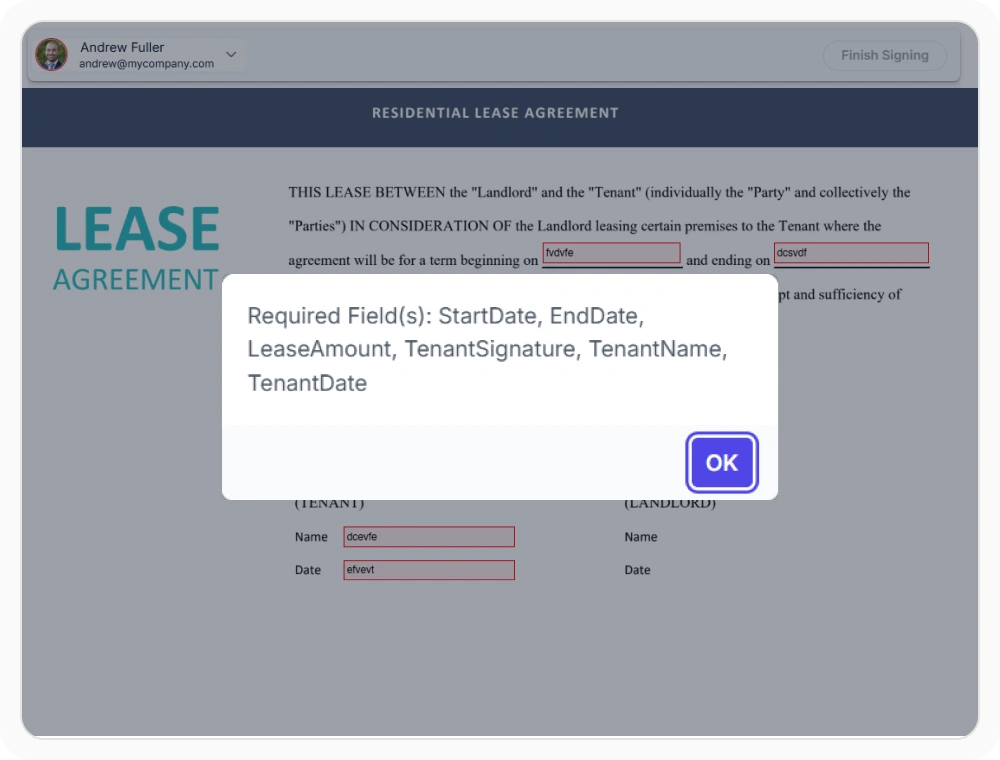
Validate PDF forms
Ensure accurate form submissions with built-in validation and required field settings. Enforce business rules, reduce errors, and prevent incomplete submissions.
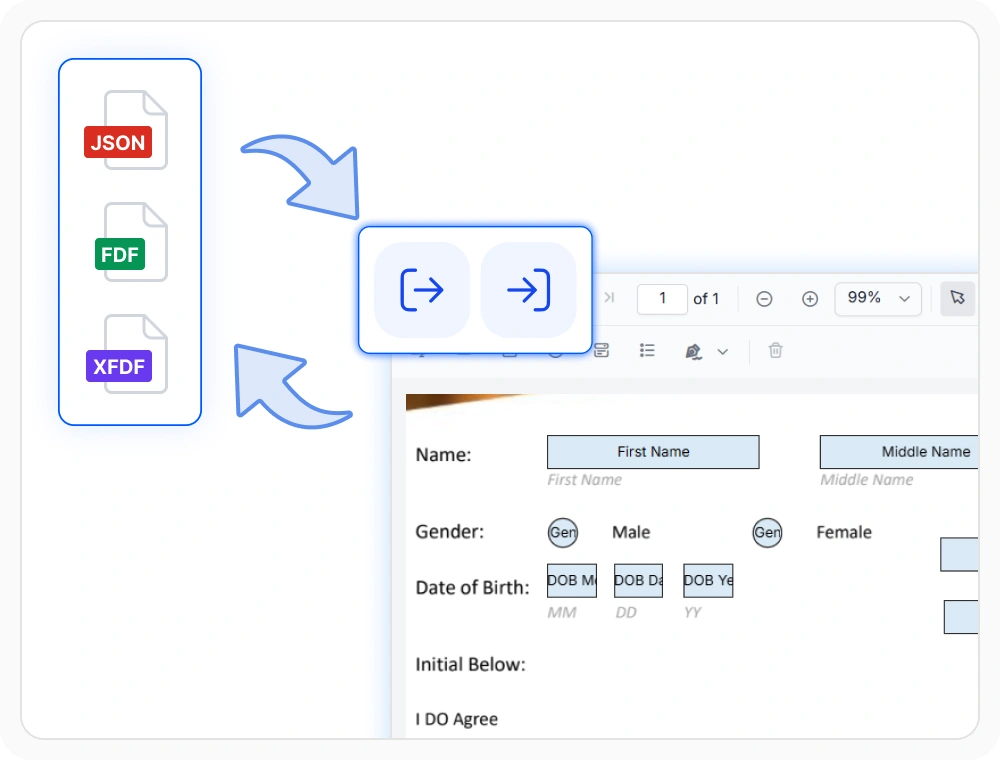
Import and export PDF form data
Import and export PDF form data in JSON, FDF, and XFDF formats for seamless workflow integration. Use this feature to prefill forms, share form data across systems, and save completed submissions for processing.
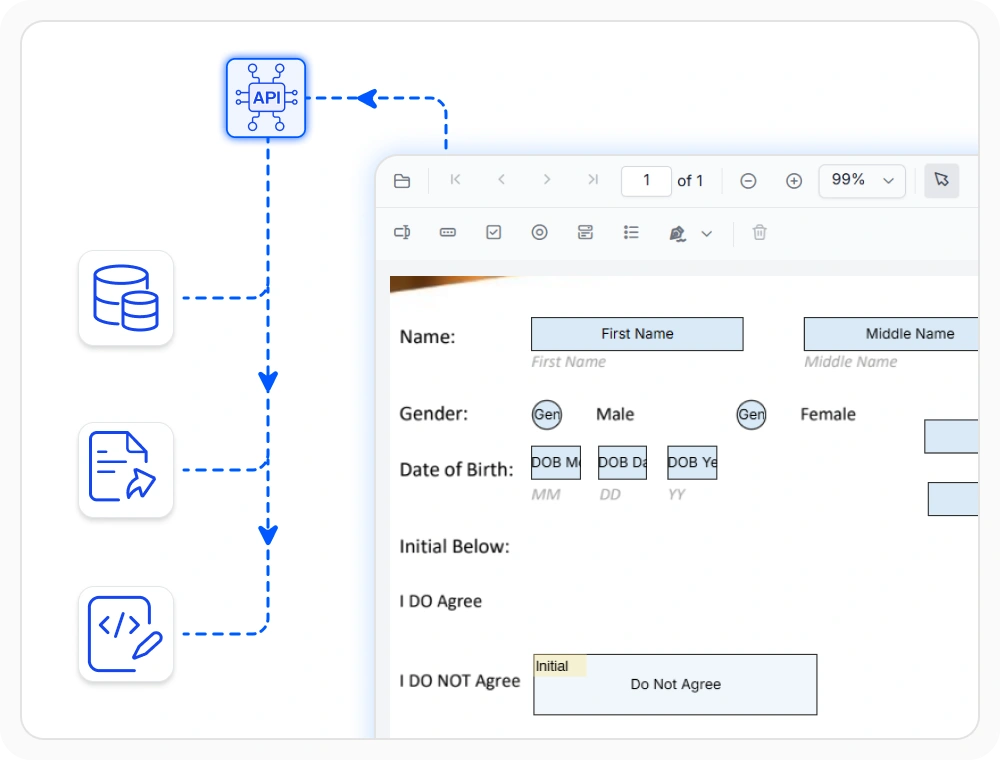
Automate PDF form workflows
Streamline document-driven processes using form field APIs, events, and data extraction capabilities. Automate form submissions, integrate with external applications, and trigger custom business workflows.
See Why Developers Love Syncfusion
Our Customers Love Us
Having an excellent set of tools and a great support team, Syncfusion reduces customers’ development time. Here are some of their experiences.



Frequently Asked Questions
How can reusable PDF forms be created in the React PDF Viewer?
The built-in form designer lets you create reusable forms directly in React PDF Viewer. Save form templates once and reuse them across departments without recreating form fields.
How can custom data be associated with form fields in the React PDF Viewer?
Associate custom data with form fields to store workflow status, department codes, and identifiers. This enables integration with enterprise applications and automated workflows.
Can form data be exported from a form filling workflow in the React PDF Viewer?
Yes. Form data import and export support JSON, FDF, and XFDF formats for seamless integration with CRM, ERP, HR, and other enterprise systems.
Can multi-step approval forms be built with form filling in the React PDF Viewer?
Yes. Signature and initial form fields support multi-step approvals. Use initial fields for section reviews and signature fields for final approvals and acknowledgments.
How does form validation in the React PDF Viewer prevent incomplete submissions?
Form validation checks required fields before saving, printing, or downloading. This ensures critical information is collected before the document moves to the next workflow stage.
Can form fields be grouped together in the React PDF Viewer?
Yes. Group related form fields together for easier management of complex forms with repeated sections, approval blocks, and multi-field layouts.
Resources
Learn more about our React PDF Viewer
Explore demos, KB articles, and documentation to get the most out of the React PDF Viewer.
Explore guides, APIs, and quick-start tips
See live use cases in action
Ask, share, and connect with peers
Find solutions and best practices fast
Get expert help when needed
Feature requests and bug reports
Track issues and suggest improvements
Awards
Greatness—it’s one thing to say you have it, but it means more when others recognize it. Syncfusion® is proud to hold the following industry awards.









