Try Our Live Demo
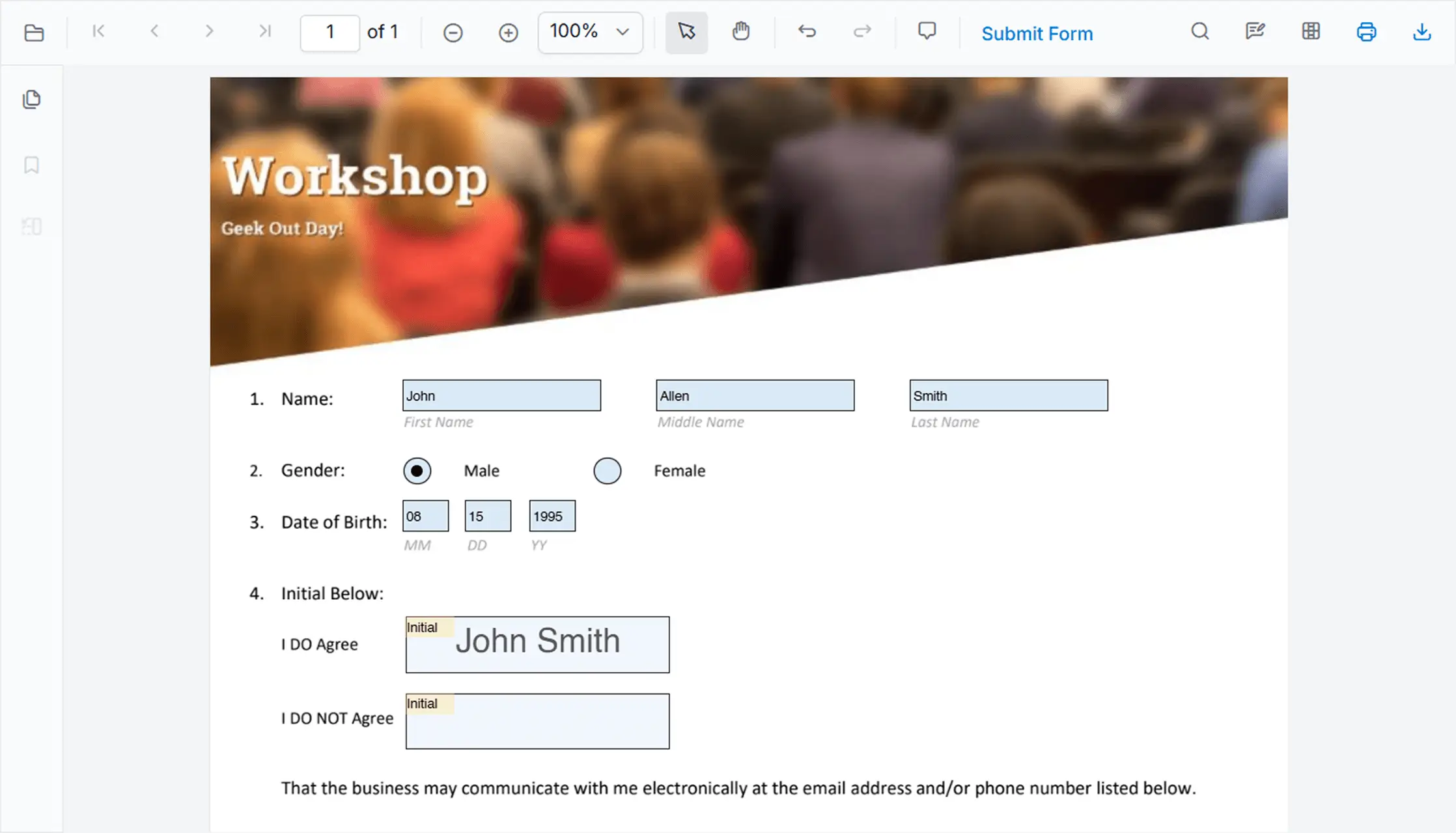
Export, Print, and Download PDF Documents
Print documents, save updated PDF files, export annotation data, and download form responses directly from React PDF Viewer. Streamline document distribution, feedback collection, and review processes without switching between tools.
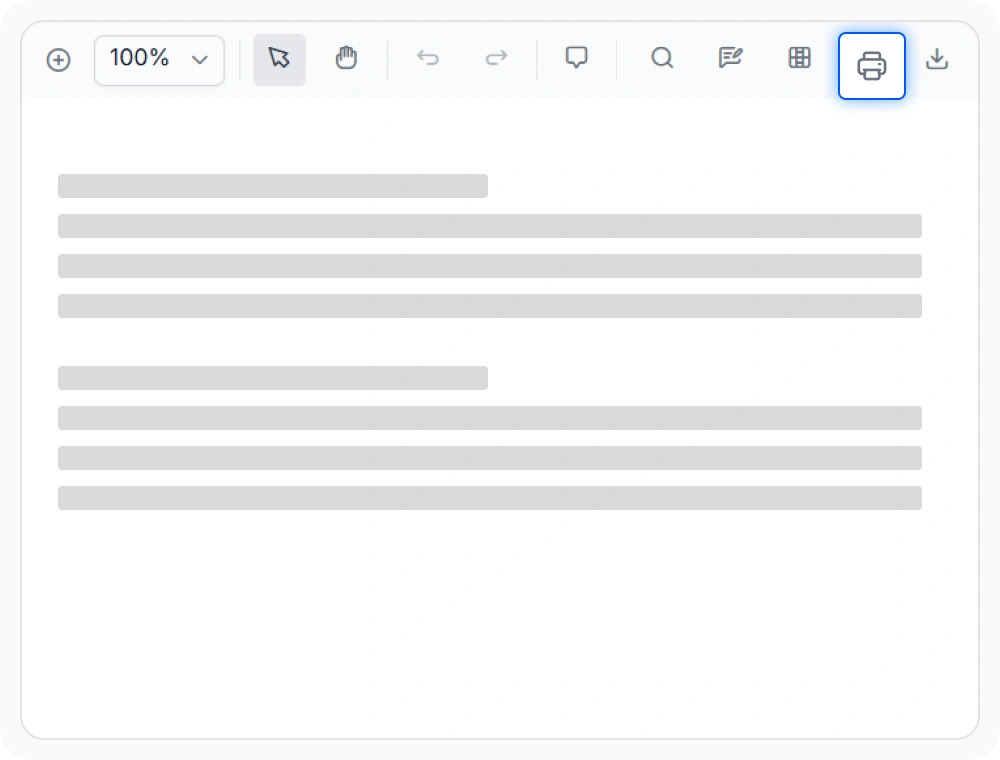
Print PDF document copies
Print PDF documents with accurate layout rendering that matches on-screen content. The feature ensures consistent formatting and clear previews for physical outputs. Use when printed copies must match digital documents.
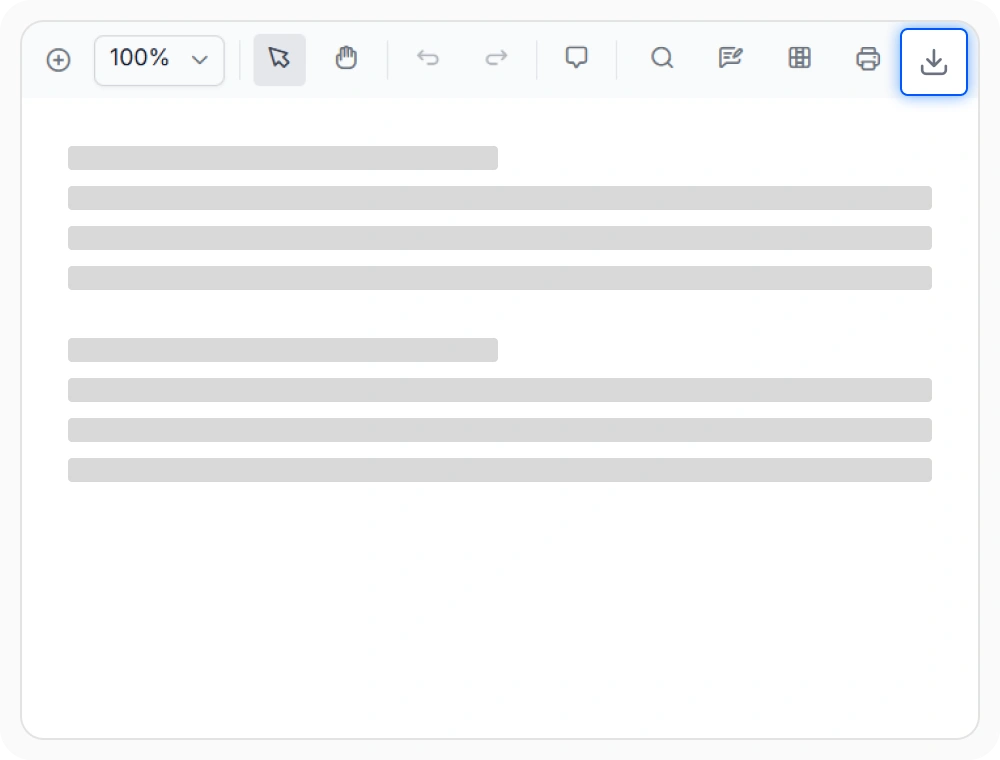
Download PDFs with latest changes
Download the current PDF with all applied annotations and form updates in a single step. This ensures offline access and easy distribution without additional processing. Use when users need the latest document version offline.
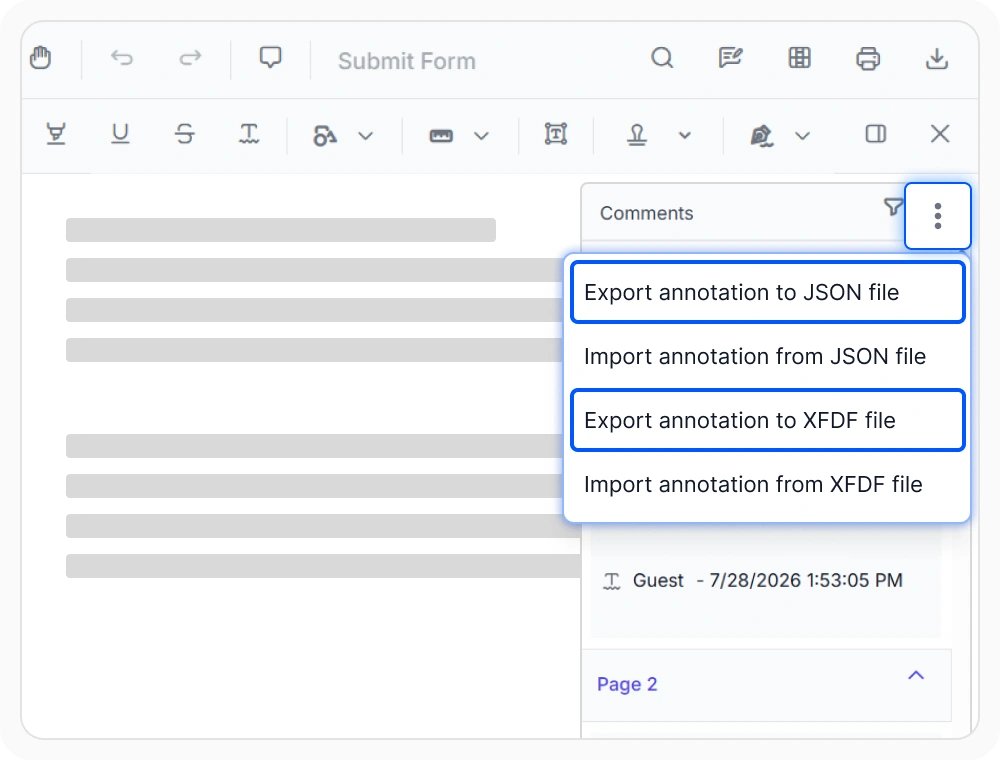
Export PDF annotations for sharing
Export annotations like comments, highlights, stamps, shapes, free text, and calibration annotations in JSON or XFDF formats. Share or store review data separately from the document. Use when feedback must be shared without the full PDF.
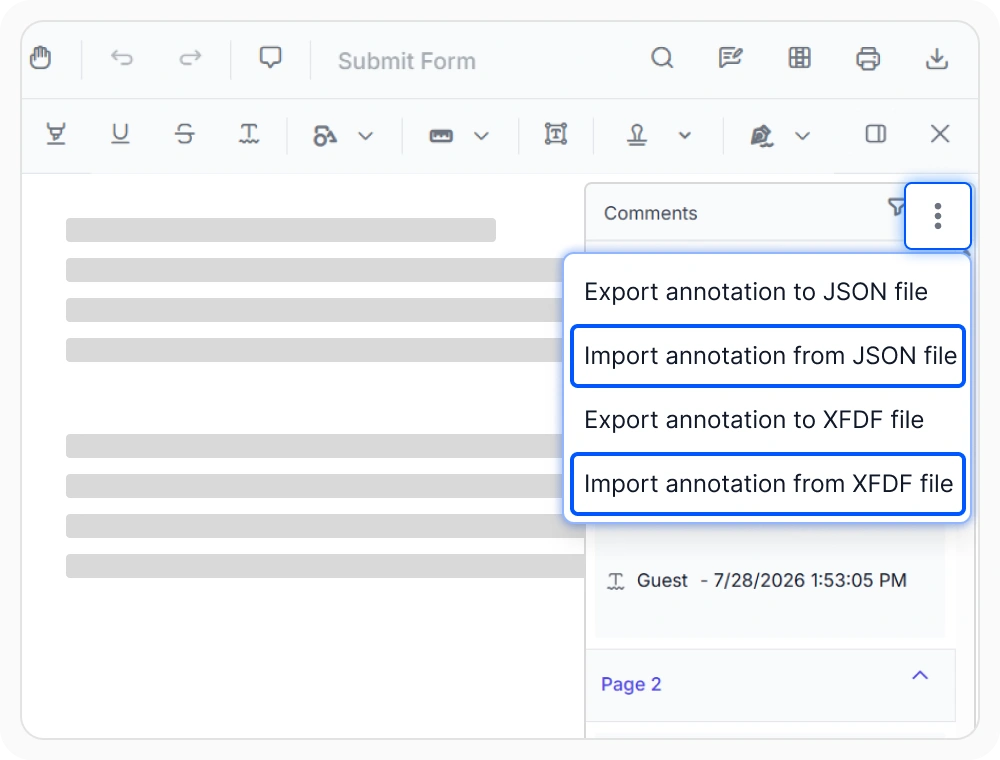
Import PDF annotations seamlessly
Import previously exported annotation data into a PDF to restore review context without manual effort. This supports collaboration across sessions and teams. Use when continuing document reviews across workflows or systems.
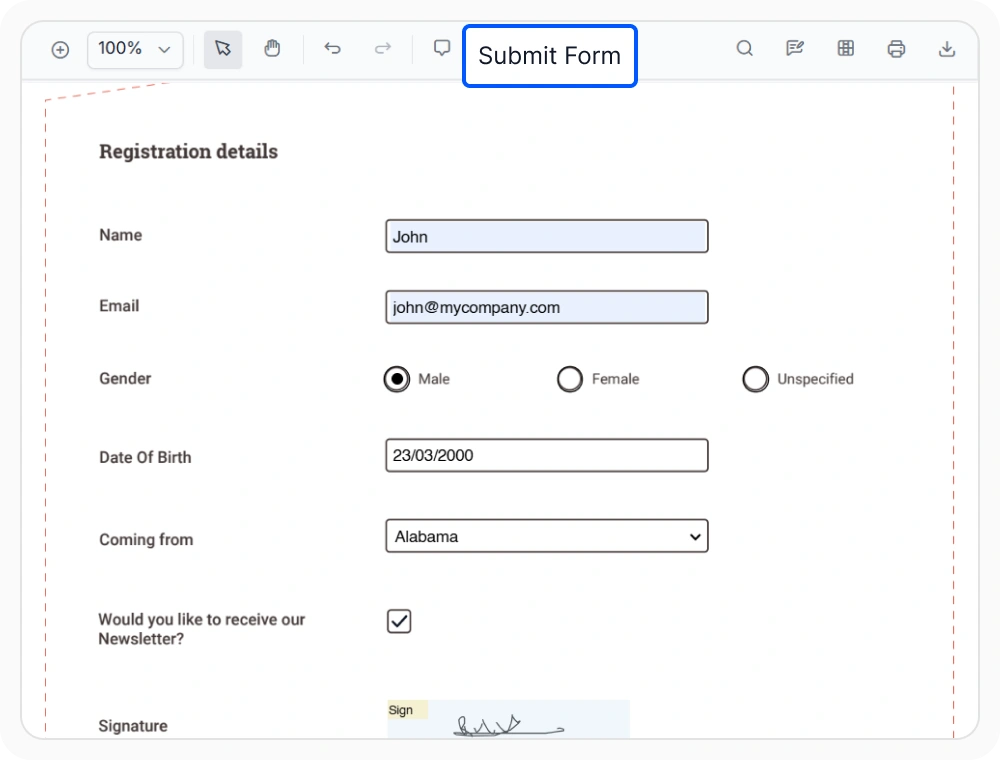
Export PDF form data efficiently
Extract form field data into a structured file for processing, storage, or integration with backend systems. This eliminates manual data entry and improves scalability. Use when collecting or processing form responses.
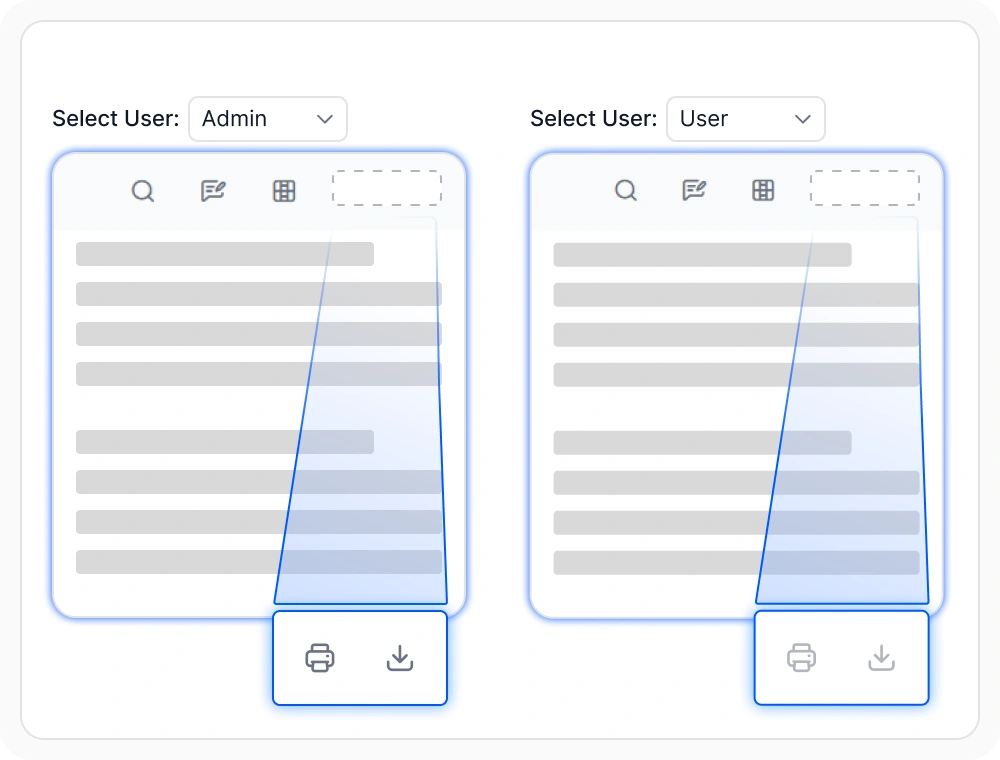
Restrict PDF export and print access
Enable or restrict print, download, and export actions based on user roles or security policies. This adds control over document distribution without altering the content. Use when enforcing access control policies for documents.
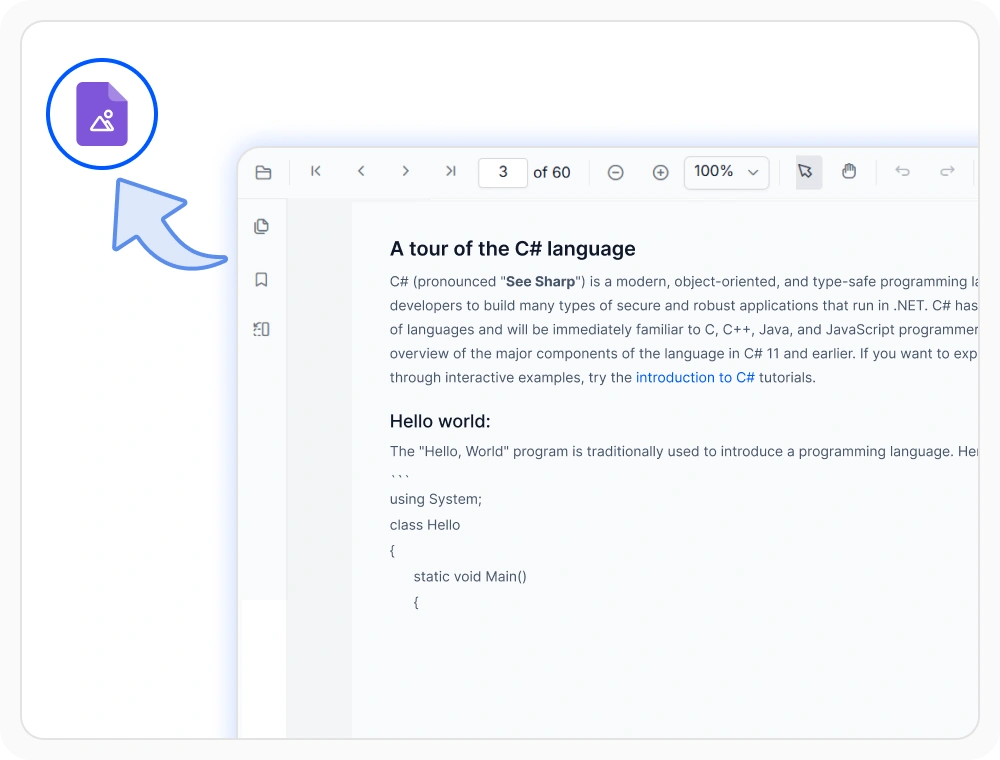
Export PDF pages as images
Convert PDF pages into image outputs for previews, thumbnails, document snapshots, and image-based workflows directly from the React PDF Viewer. Generate page images programmatically without relying on external PDF conversion tools. Use when PDF content needs to be displayed, shared, or processed as images.
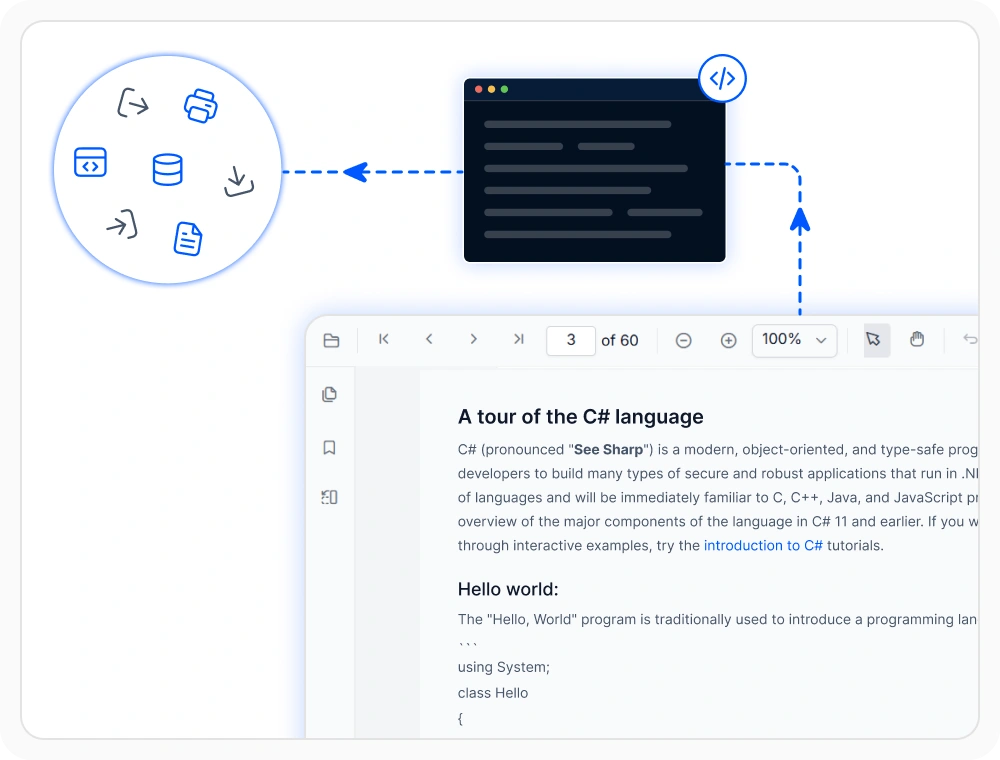
Automate PDF export and workflow operations
Build custom document workflows with programmatic APIs for printing, downloading, exporting, and importing PDF data. Automate annotation exchange, form data processing, and document distribution while tracking operations through event-based integrations. Use when creating enterprise document workflows and automated business processes.
See Why Developers Love Syncfusion
Our Customers Love Us
Having an excellent set of tools and a great support team, Syncfusion reduces customers’ development time. Here are some of their experiences.



Frequently Asked Questions
How does Syncfusion React PDF Viewer handle PDF annotation export and import PDF annotations?
PDF annotation export supports JSON or XFDF formats, and users can import PDF annotations later to restore review data.
Does Syncfusion React PDF Viewer preserve formatting when print PDF React workflows are used?
Yes, the print PDF React feature maintains the original document layout and ensures the printed output closely matches the on-screen appearance.
Is it possible to download PDF React documents with annotations in Syncfusion React PDF Viewer?
Yes, downloaded PDF React documents include all applied annotations and form updates, preserving the current state of the document.
Can Syncfusion React PDF Viewer export PDF form data separately?
Yes, PDF form data can be extracted into a separate data file, enabling easy processing, storage, and backend integration.
Can Syncfusion React PDF Viewer perform PDF annotation export without downloading the PDF?
Yes, PDF annotations can be exported separately from the document, allowing review data to be shared or stored without including the full PDF file.
How can export options such as print and download be restricted in React PDF Viewer?
React PDF Viewer export options, including print and download actions, can be enabled or disabled based on user roles or application logic to support secure document workflows.
Resources
Learn more about our React PDF Viewer
Explore demos, knowledge base articles, and documentation to get the most out of the React PDF Viewer.
Explore guides, APIs, and quick-start tips
See live use cases in action
Ask, share, and connect with peers
Find solutions and best practices fast
Get expert help when needed
Feature requests and bug reports
Track issues and suggest improvements
Awards
Greatness—it’s one thing to say you have it, but it means more when others recognize it. Syncfusion® is proud to hold the following industry awards.









