





Transform your applications today by downloading our free evaluation version
Overview
The PHP Circular Gauge control is ideal for visualizing numeric values over a circular scale. A circular gauge, also known as a radial gauge, can be used to create a speedometer, meter gauge, multi-axes clock, modern activity gauge, direction compass, and more.
Scale Customization
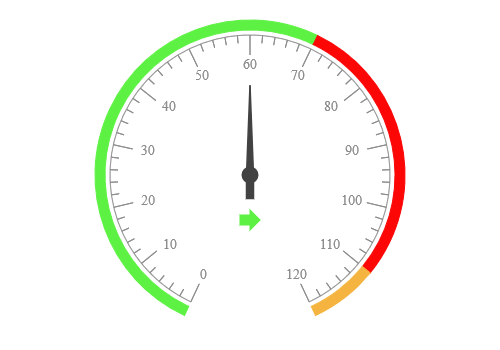
A scale holds the ranges and pointers in a circular gauge. Any number of scale elements can be added to a gauge. You can also customize the scale bar size, radius, and direction.
Labels Customization
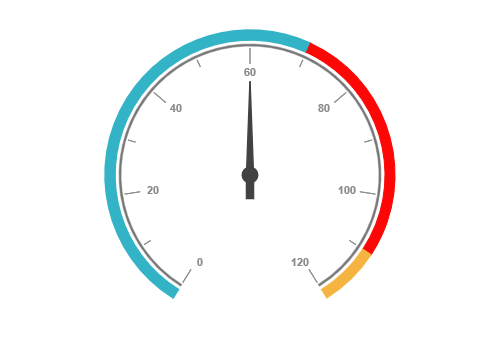
Customize the look and feel of default labels in a circular gauge by changing the font style, size, and color. Prefix or suffix text can also be added to the labels.
Ticks customization
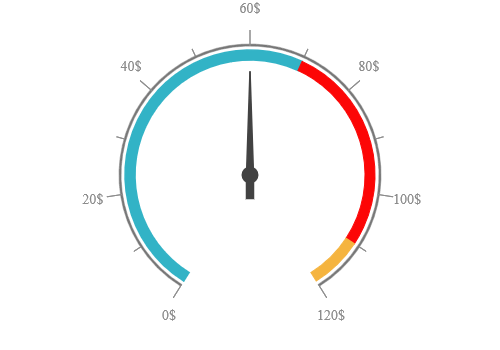
Define the desired style for major ticks and minor ticks in a gauge by changing their height, width, and color.
Custom Labels
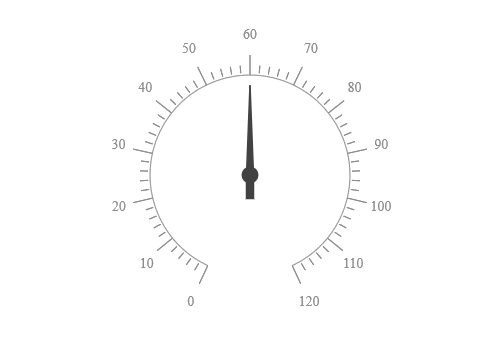
Add custom labels to visualize additional information on a circular gauge. Labels can be placed in any location of the gauge.
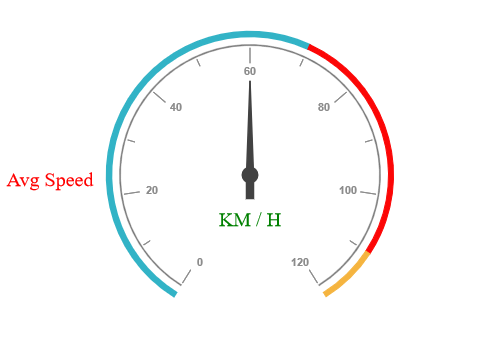
Indicators
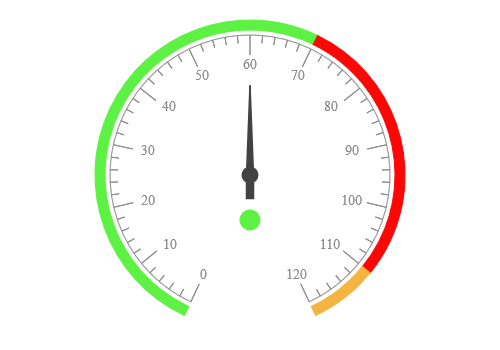
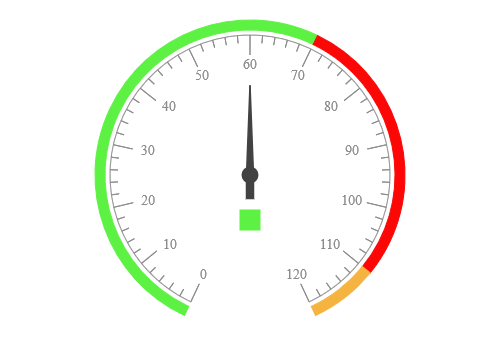
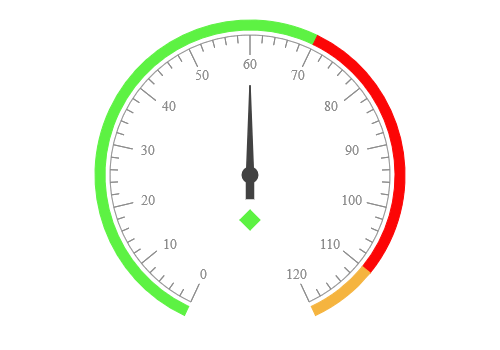
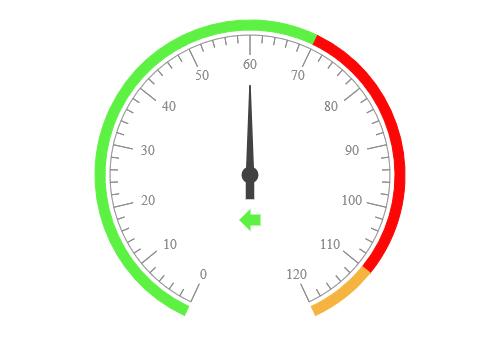
An indicator in the PHP Circular Gauge indicates the current status of the pointers based on its value. Each indicator can be rendered with different colors.
Legend
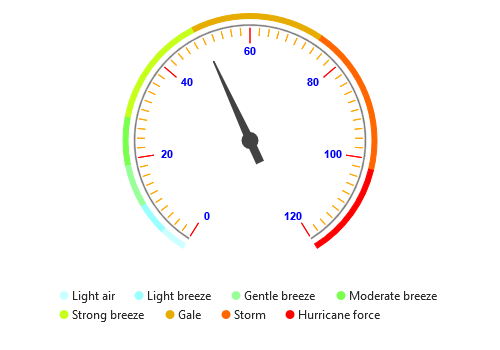
Legends provide additional information and are helpful in identifying individual ranges in a gauge. Circular gauge also provides various options to customize the position, alignment, shape, size, border, and font of the legend.
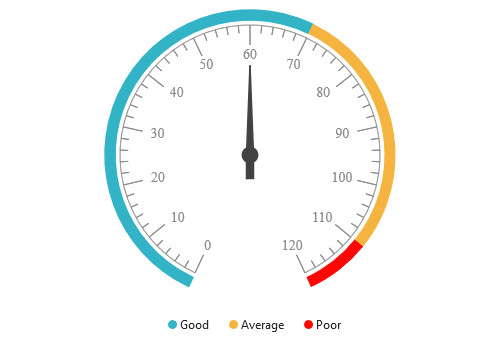
Range customization
A range in the PHP Circular Gauge control is a visual element that helps quickly visualize where a value falls on the axis.

Range position
Change the position of a range or move it to any place inside the gauge.

Range width
The range width varies based on the values to enhance usage and readability.

Multiple ranges
You can add multiple ranges inside the axes to show color variations.
Pointer Types
Indicate the values on an axis using pointers. The PHP Circular Gauge control supports two types of pointers: Marker and bar.

Marker pointer
Point out the current value by using different types of marker pointers.

Needle pointer
Use needle pointer to point the current value from the start value of the axes.
Pointer Animation
The PHP Circular Gauge control provides a visually appealing way to view its pointers with animated transitions for a certain duration. Experience smooth pointer transitions by moving the pointer from one place to another.
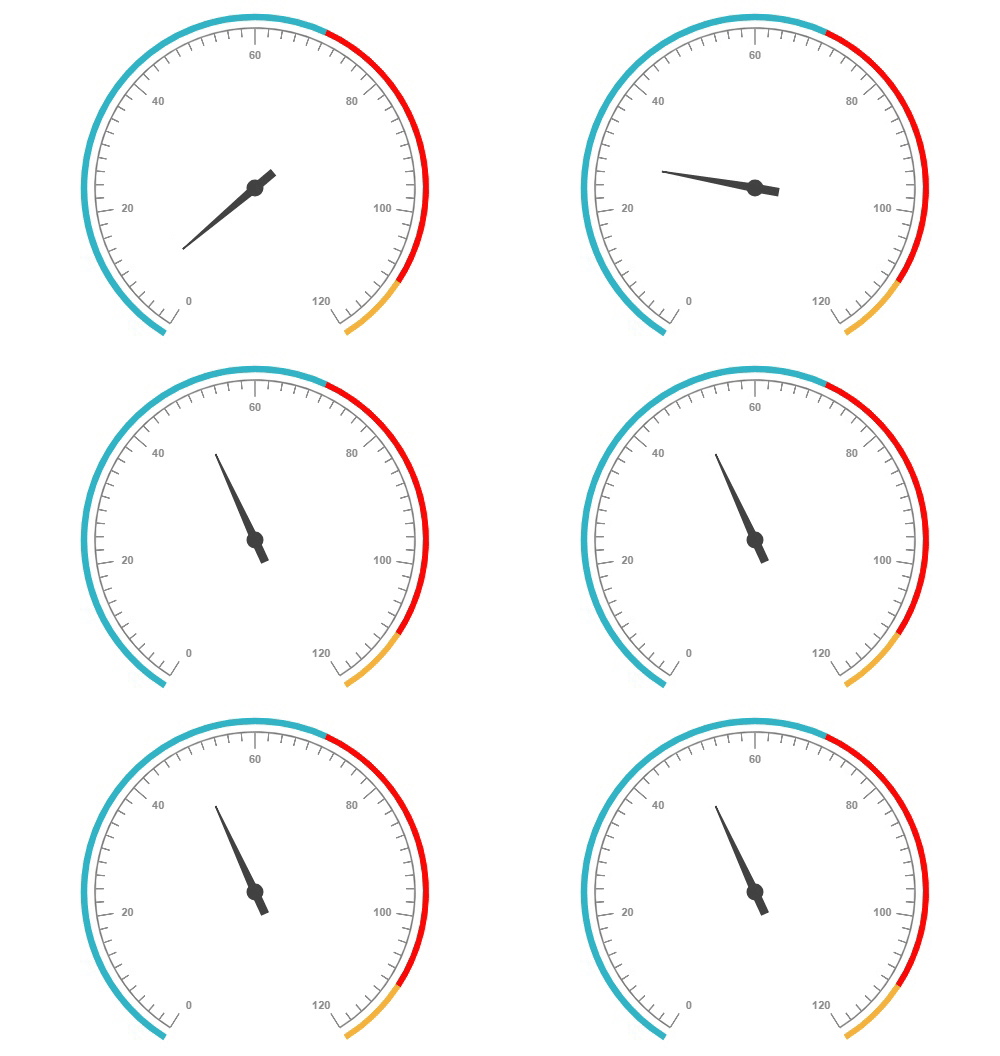
Pointer interaction
The interactive circular gauge control provides an option to drag the pointer from one place to another. This allows you to control the pointer with swipe gestures and change the value at runtime.
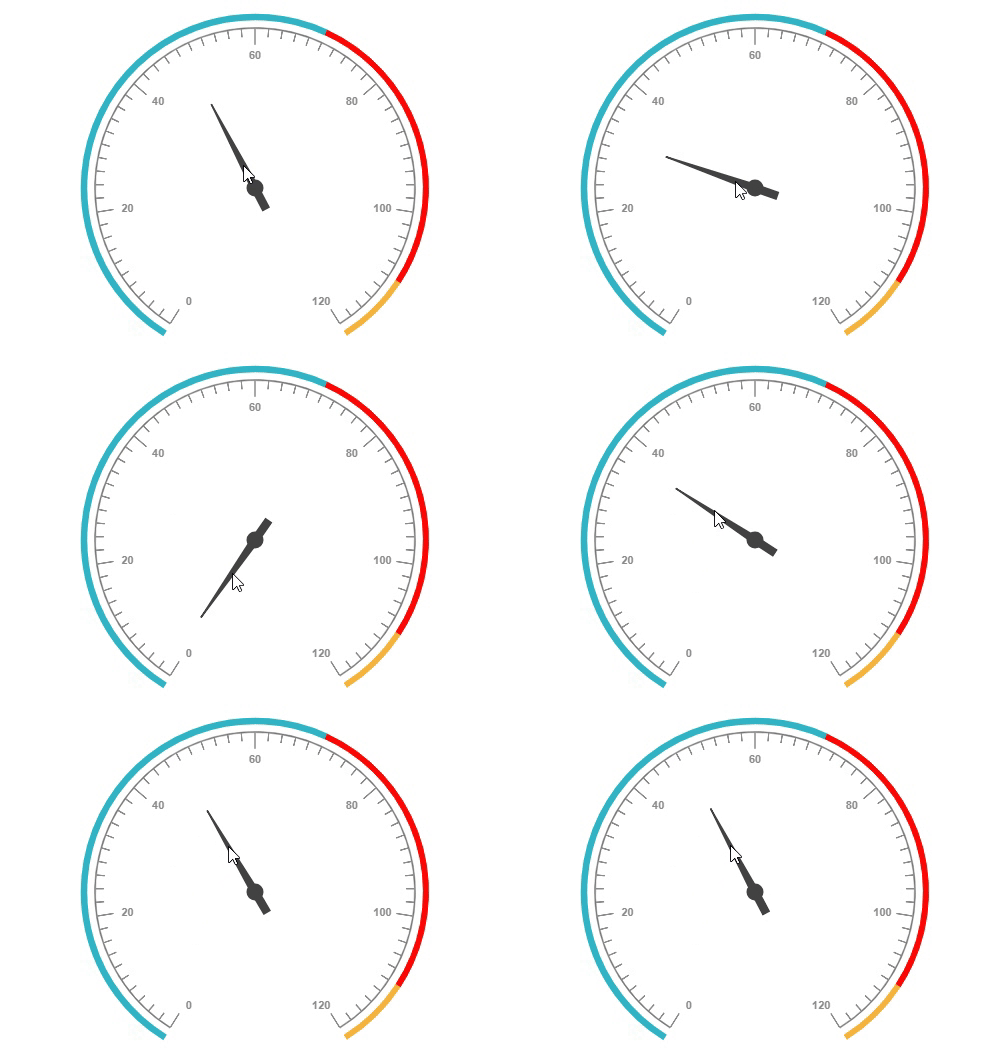
Tooltip
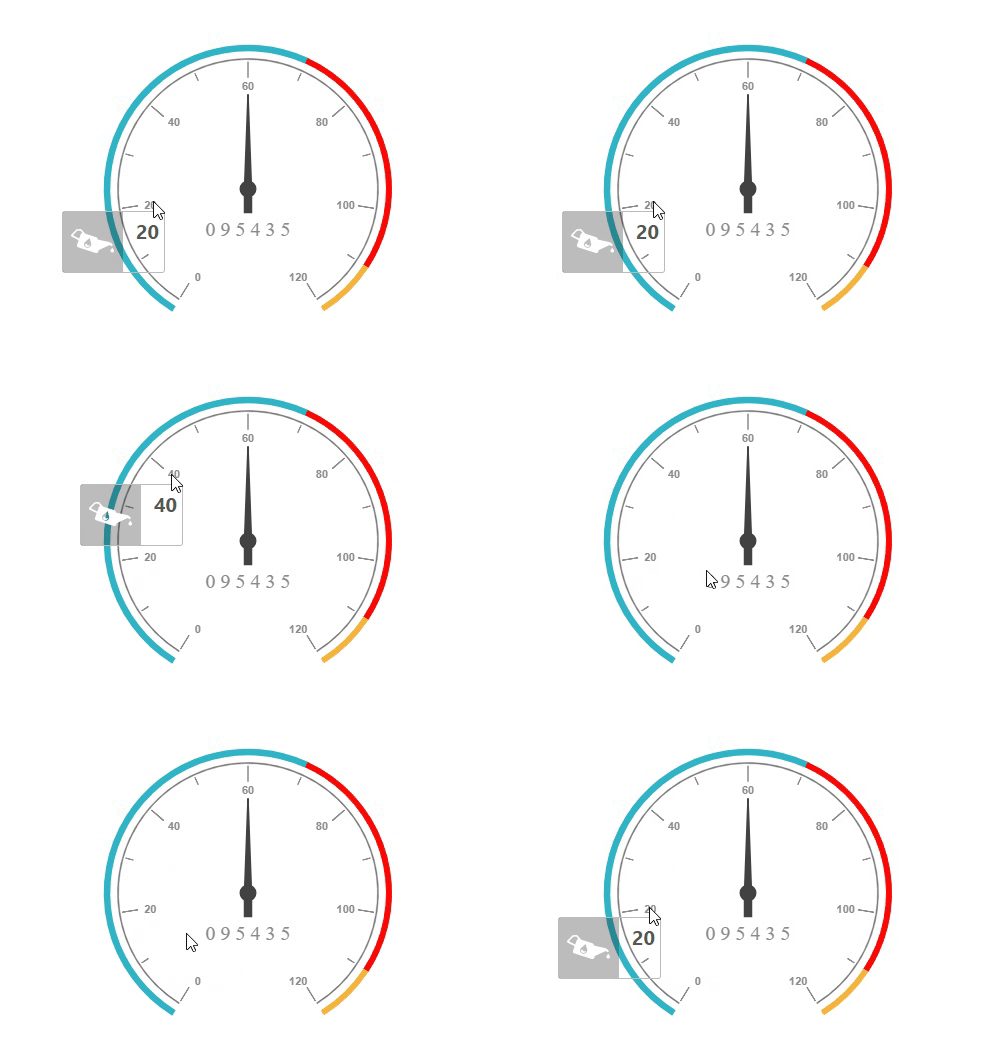
The interactive PHP Circular Gauge control provides options to display details about a pointer value using a tooltip when hovering the mouse over the labels.
Export
Export the rendered circular gauge in image formats such as BMP, GIF, and JPG in client-side.

Appearance
The appearance of each element in a circular gauge, such as scales, ranges, intervals, pointer positions, label positions and tick positions, can be customized easily.
60+ PHP CONTROLS
ALL CONTROLS
GRIDS
DATA VISUALIZATION
EDITORS
NAVIGATION
NOTIFICATION
BUSINESS INTELLIGENCE
REPORTING
Rated by users across the globe
Syncfusion PHP Resources
Learning
 Documentation
 Documentation


Awards
Greatness—it’s one thing to say you have it, but it means more when others recognize it. Syncfusion® is proud to hold the following industry awards.









