Try Our Live Demo
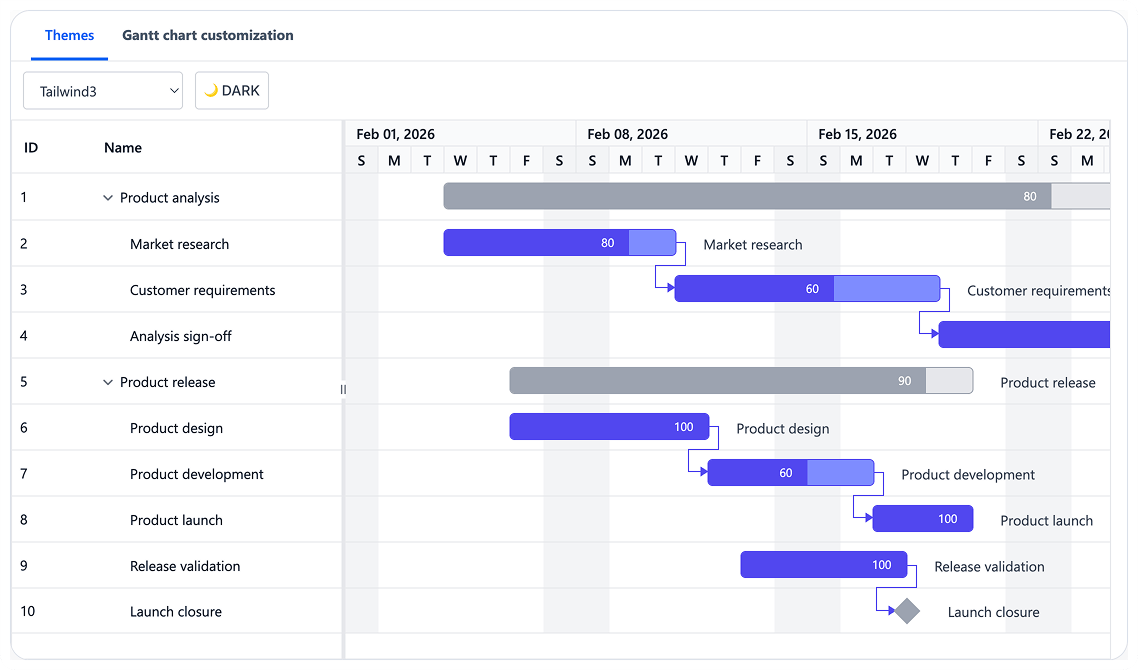
Apply Themes and Visual Styling
Configure project appearance using built-in themes and customizable styling options. Adapt the appearance of the TreeGrid, timeline, taskbars, and interactive elements to match application branding.
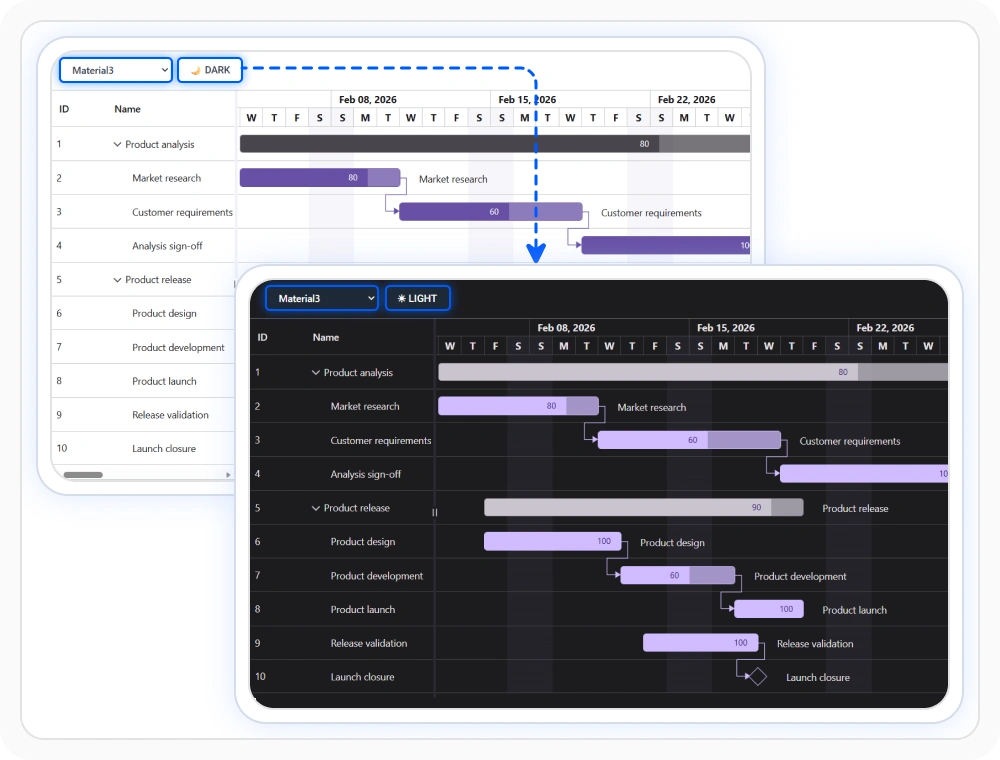
Match application themes
Built-in themes help the Gantt Chart align with design systems such as Tailwind 3, Material 3, and Bootstrap 5, along with light and dark theme variations. This keeps schedule views visually consistent with the surrounding application while preserving readability across chart and grid areas. Use this option when the Gantt Chart must match an established design language.
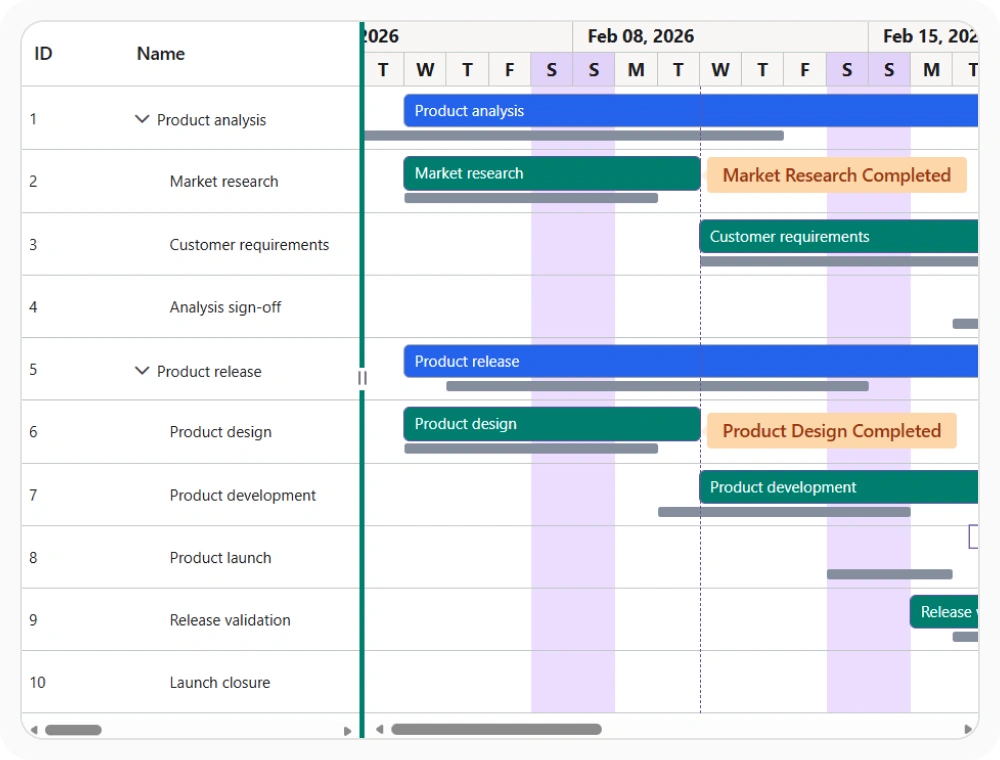
Customize Gantt Chart appearance
Customize the appearance of the Gantt Chart to match project requirements and visual preferences. This includes visual presentation, row hover behavior, and styling adjustments that help highlight important information across schedules. Use this option when project views require a tailored visual experience.
See Why Developers Love Syncfusion
Our Customers Love Us
Having an excellent set of tools and a great support team, Syncfusion reduces customers’ development time. Here are some of their experiences.





Frequently Asked Questions
What styling options does React Gantt Chart support?
React Gantt Chart supports modern themes, row hover customization, Gantt Chart appearance customization, and visual styling options that help align project schedules with application design requirements.
Does React Gantt Chart support light and dark themes?
Yes. React Gantt Chart supports theme variations that help maintain readability and visual consistency across different application appearance modes.
How does React Gantt Chart support row hover customization?
Row hover customization makes the active row easier to follow across the grid and chart. This improves scanability, reduces misreading in dense schedules, and gives stronger feedback during interaction.
Does React Gantt Chart work with modern UI frameworks?
Yes. React Gantt Chart includes themes designed to align with popular design systems such as Material 3, Bootstrap 5, and Tailwind 3.
Can React Gantt Chart be styled to match enterprise applications?
Yes. React Gantt Chart supports extensive appearance customization, making it easier to integrate schedules into enterprise dashboards, business applications, and project management systems.
Can React Gantt Chart appearance be customized?
Yes. Gantt Chart appearance customization can improve schedule readability, visual consistency, and overall presentation. This helps make project information easier to review during planning, reporting, and project tracking.
Resources
Learn more about React Gantt Chart
Explore demos, KB articles, and documentation to get the most out of React Gantt Chart.
Explore guides, APIs, and quick-start tips
See live use cases in action
Ask, share, and connect with peers
Find solutions and best practices fast
Get expert help when needed
Feature requests and bug reports
Track issues and suggest improvements
Awards
Greatness—it’s one thing to say you have it, but it means more when others recognize it. Syncfusion® is proud to hold the following industry awards.









