Try Our Live Demo
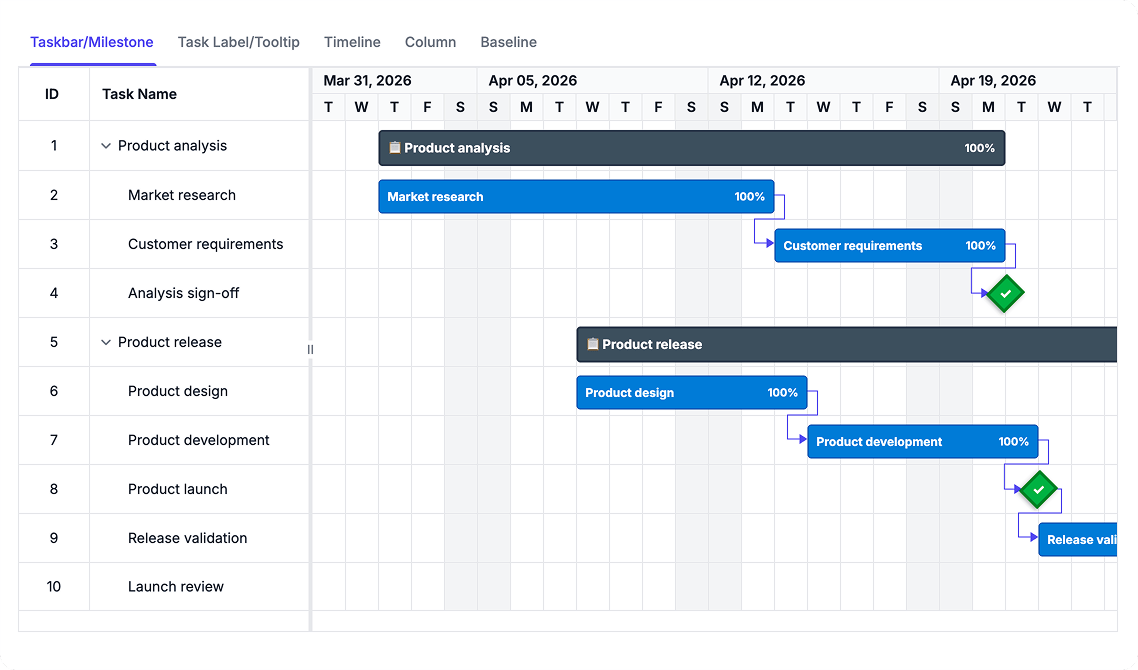
Customize Schedule Presentation
Tailor the appearance of taskbars, milestones, baselines, labels, and TreeGrid content using reusable templates. Present project information in a way that matches business and reporting needs without modifying underlying data.
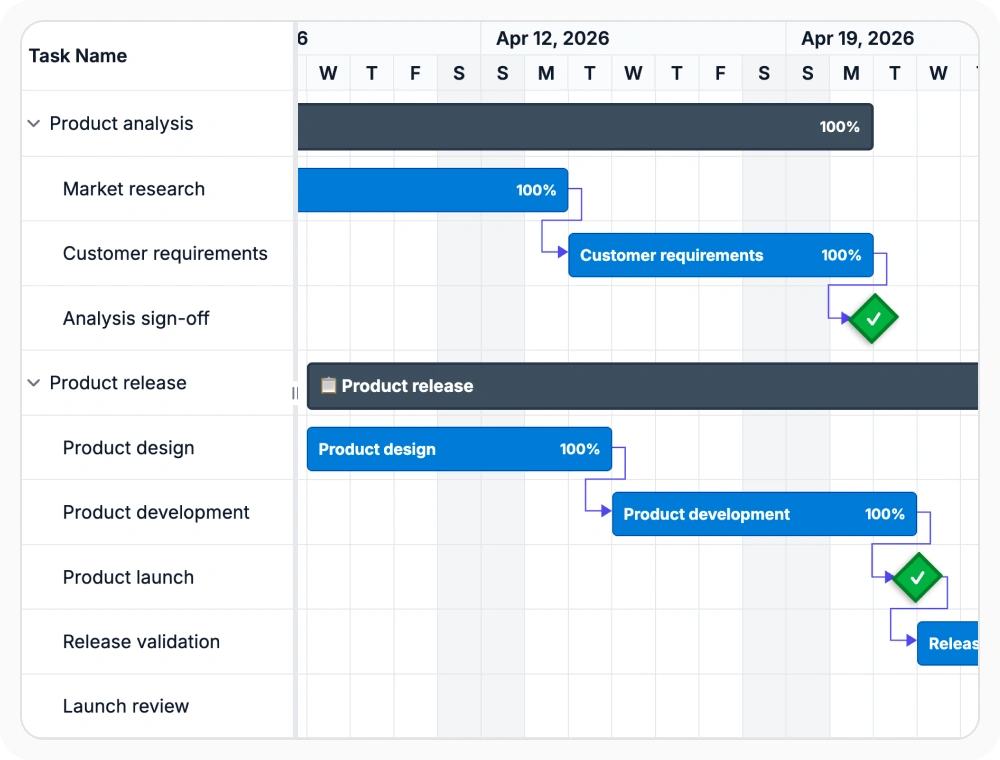
Customize taskbar visuals
Taskbar templates change how tasks, summary bars, and milestones appear in the chart area. This helps bring visual emphasis to progress, status, and schedule importance. Use them when chart bars need more than the default appearance.
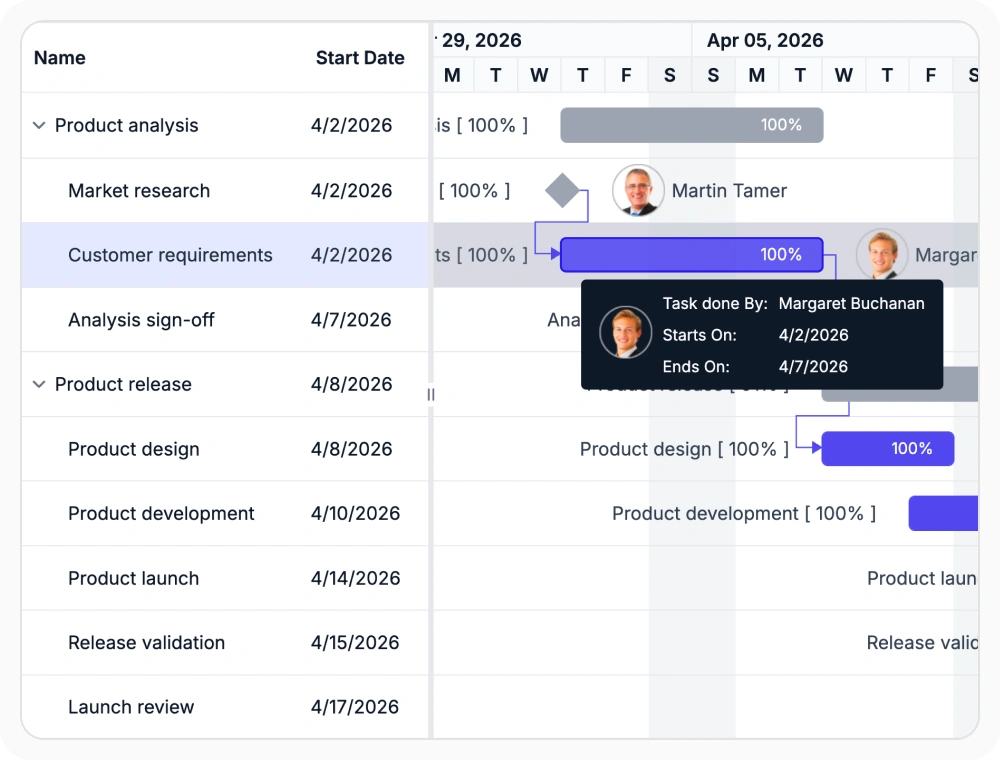
Add context with labels
Label and tooltip templates place custom text around taskbars and show supporting details on hover. This helps surface important schedule context without overloading the main chart view. Use them when nearby labels and quick hover details should work together.
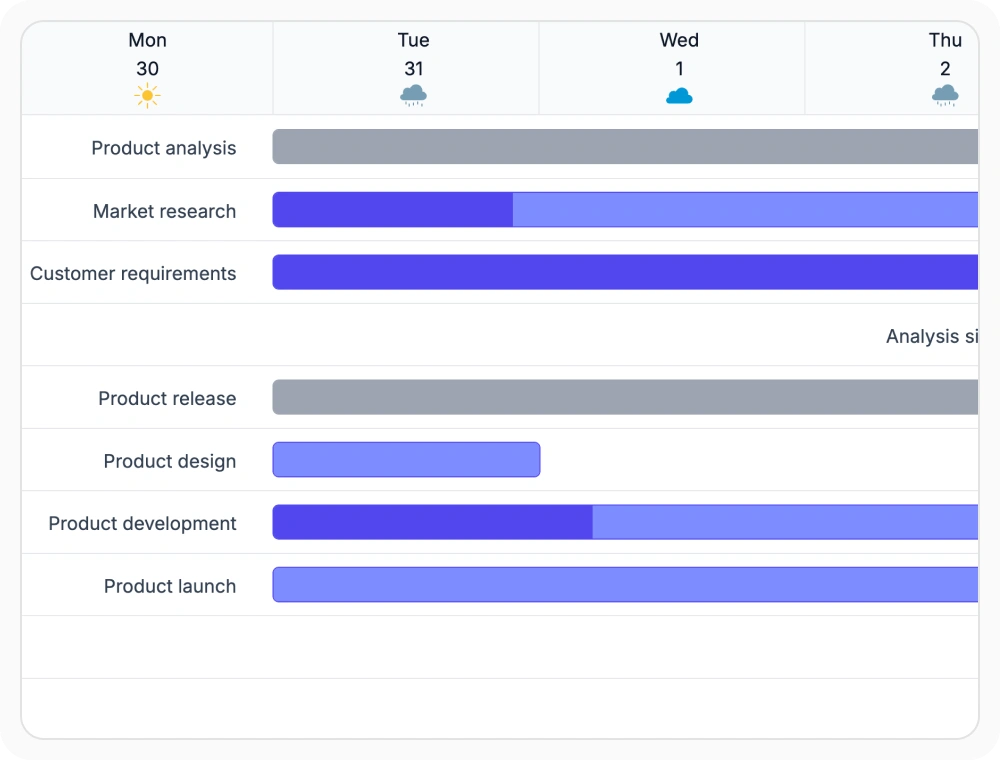
Format timeline header content
Timeline templates customize the text and presentation used in schedule header cells. This helps align date headings with fiscal periods, sprint names, or other planning language. Use them when default date labels do not match the needed timeline context.
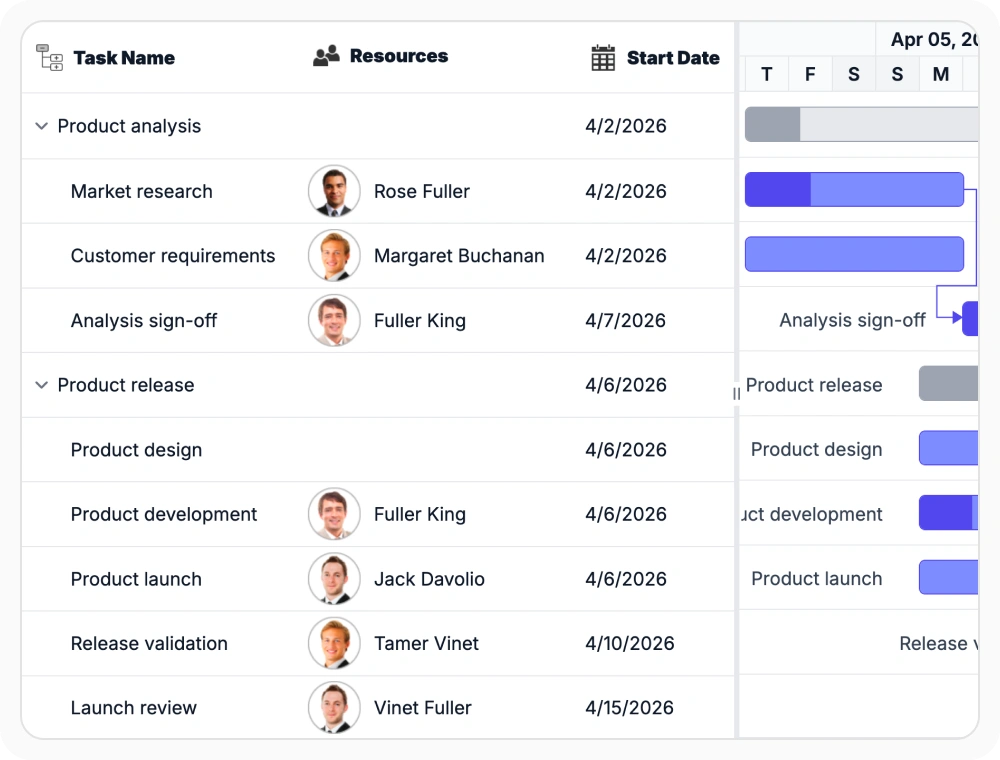
Customize grid column views
Column templates control how grid cells, headers, and editing areas appear beside the chart. This helps present schedule data in formats that match internal terminology and display needs. Use them when the grid should show richer detail than standard text fields.
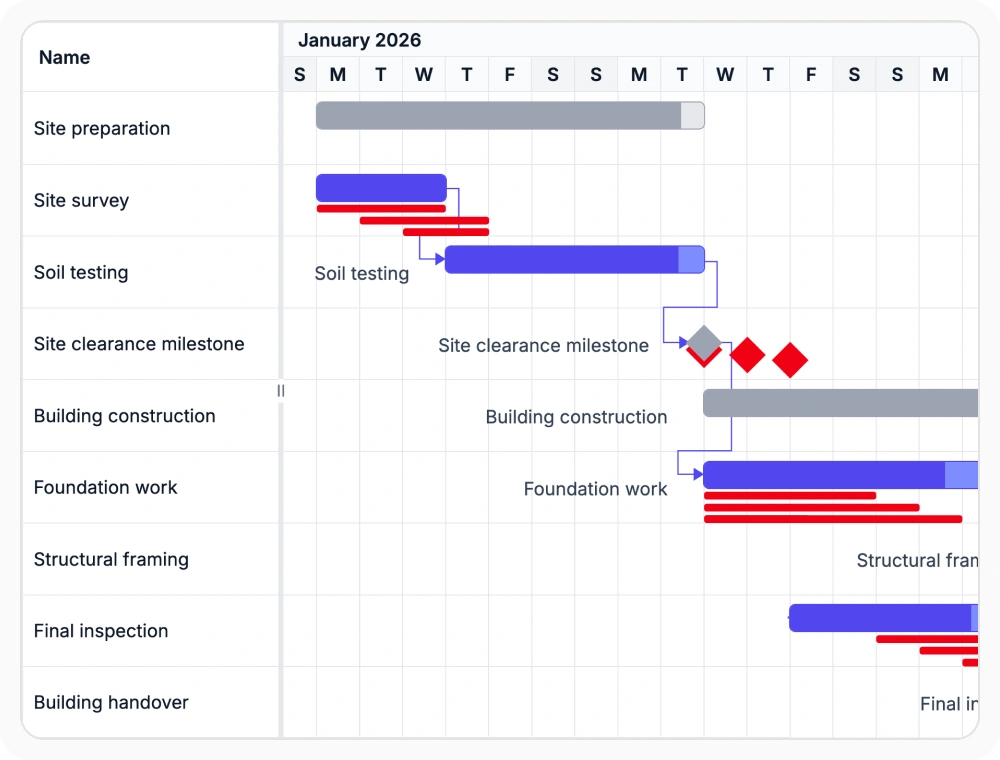
Customize baseline schedule views
Baseline templates customize how planned schedule bars are displayed beside current task progress. This helps teams distinguish baseline schedules from current execution timelines. Use them when schedule comparisons require clearer visual separation.
See Why Developers Love Syncfusion
Our Customers Love Us
Having an excellent set of tools and a great support team, Syncfusion reduces customers’ development time. Here are some of their experiences.





Frequently Asked Questions
What can be customized with React Gantt Chart templates?
React Gantt Chart templates can customize taskbars, milestone markers, labels, baseline bars, timeline headers, grid columns, editing areas, and tooltips. This helps teams tailor schedule presentation across the chart and grid.
What are timeline header templates in React Gantt Chart?
Timeline header templates customize how timeline periods are displayed in the React Gantt Chart. They are useful when standard date labels need to be replaced with fiscal periods, sprint cycles, or other project-specific timeline structures.
How do React Gantt Chart templates improve schedule readability?
React Gantt Chart templates present important details in places where readers already focus, such as bars, labels, headers, and hover views. This can make ownership, status, planned timing, and other context easier to understand at a glance.
Can React Gantt Chart templates change schedule data?
No. React Gantt Chart templates customize the appearance of schedule information without changing the underlying task records, dates, or project structure.
Resources
Learn more about React Gantt Chart
Explore demos, KB articles, and documentation to get the most out of React Gantt Chart.
Explore guides, APIs, and quick-start tips
See live use cases in action
Ask, share, and connect with peers
Find solutions and best practices fast
Get expert help when needed
Feature requests and bug reports
Track issues and suggest improvements
Awards
Greatness—it’s one thing to say you have it, but it means more when others recognize it. Syncfusion® is proud to hold the following industry awards.









