Try Our Live Demo
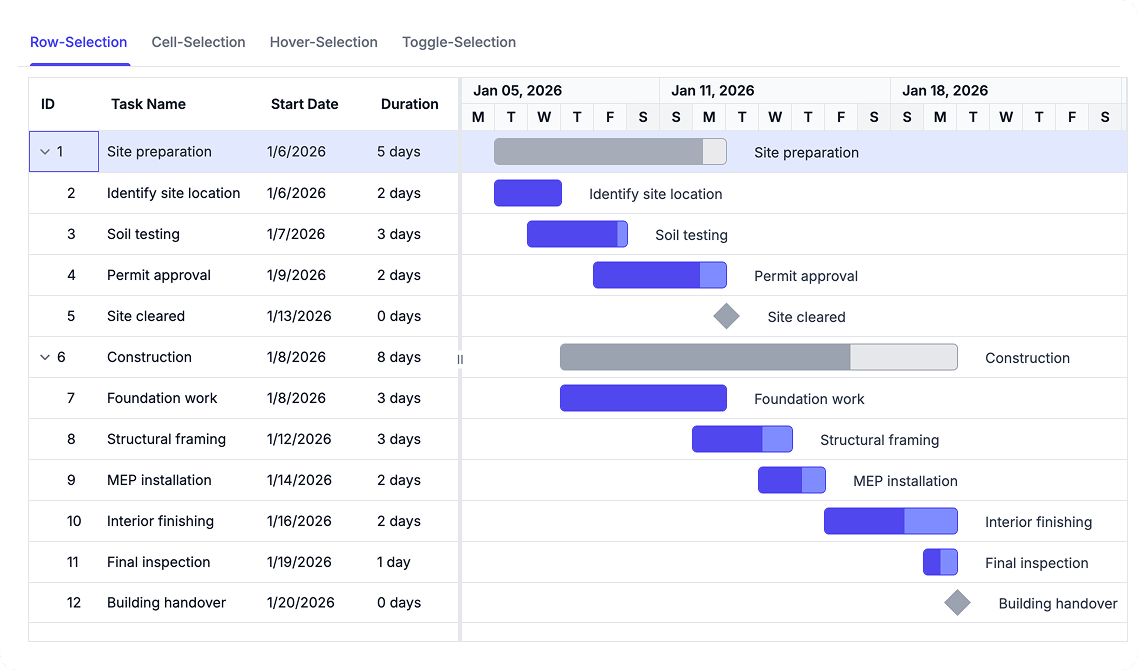
Select and Navigate Project Data
Interact efficiently with project information using row, cell, and multi-item selection options. Visual highlighting and navigation cues improve usability across grid and chart views.
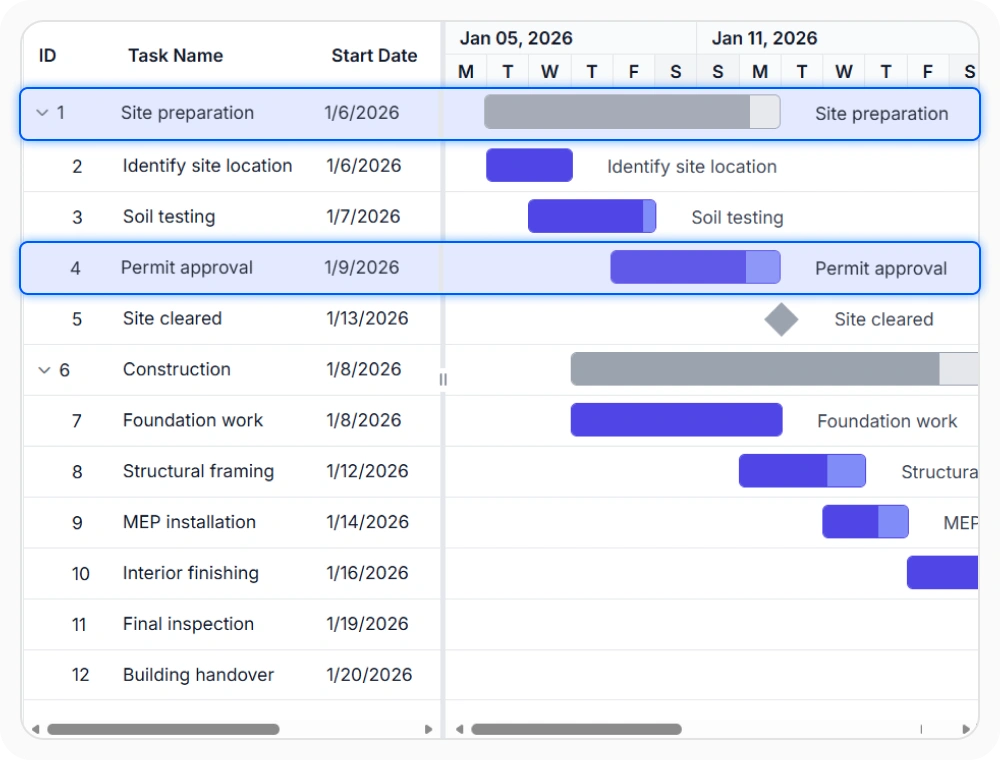
Select tasks by row
Row selection highlights complete task records in one step. It helps users focus on and work with entire task entries while preserving the surrounding hierarchy. Use it when actions or navigation depend on the full task record rather than a single field.
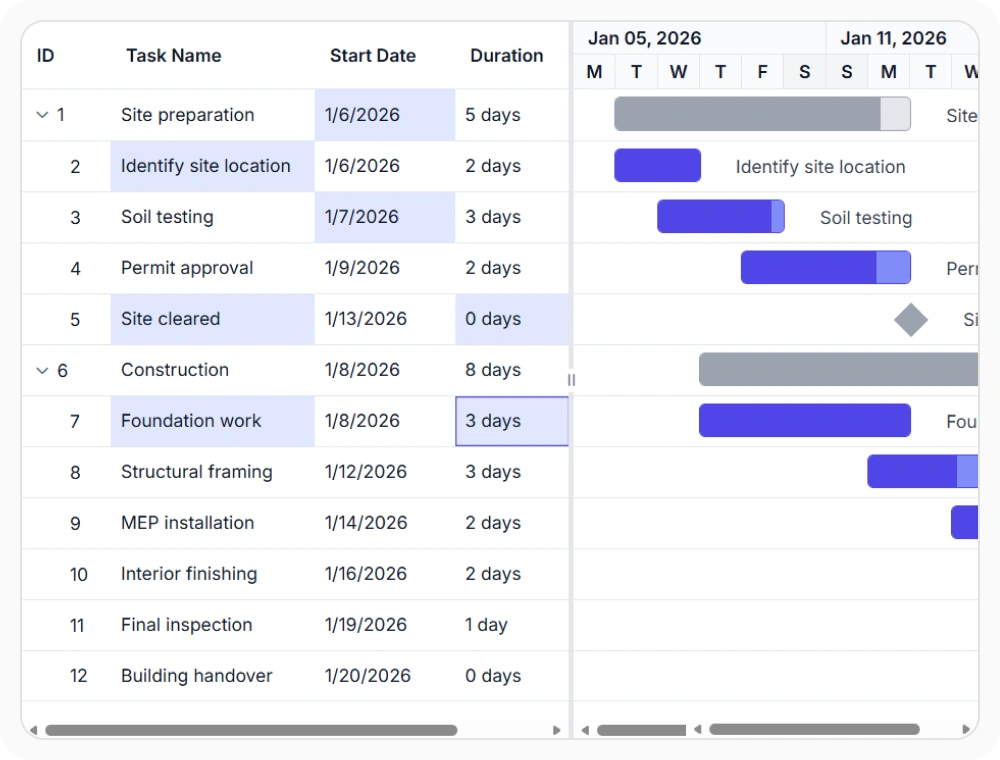
Select individual cells
Cell selection highlights individual cells instead of entire task rows. It helps users focus on specific fields with greater precision. Use it when interactions depend on individual values rather than complete task records.
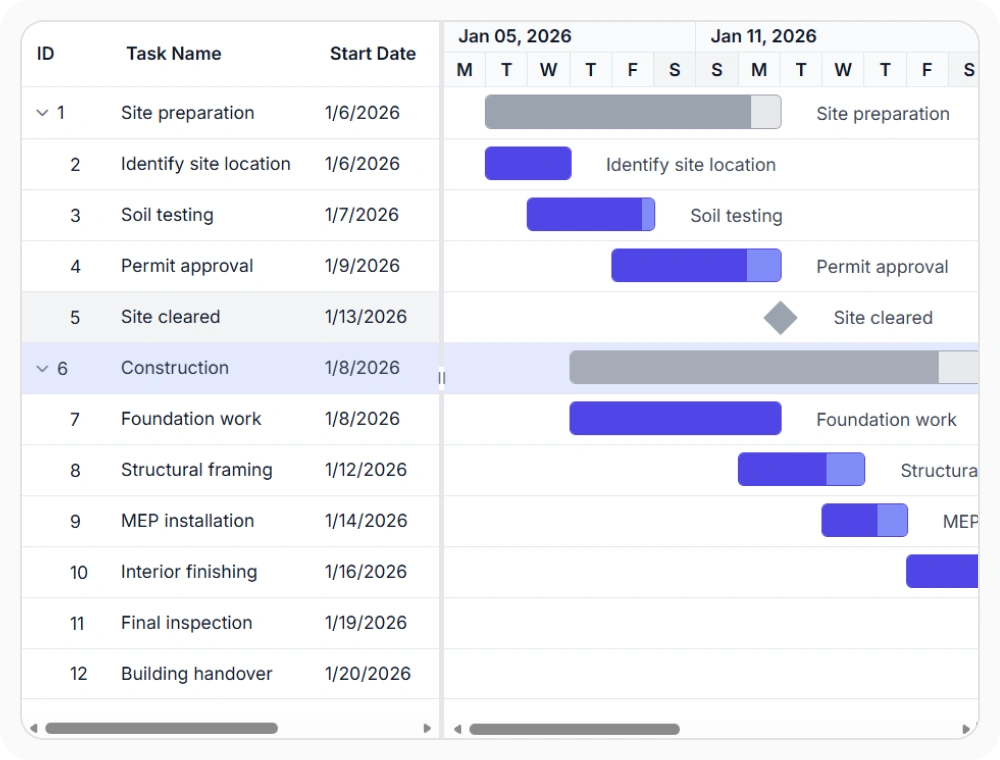
Highlight on hover
Hover highlighting marks the row or cell under the pointer during navigation. It improves visual tracking in dense charts where nearby values can blend together. Use it when quick movement across tasks needs clearer focus cues.
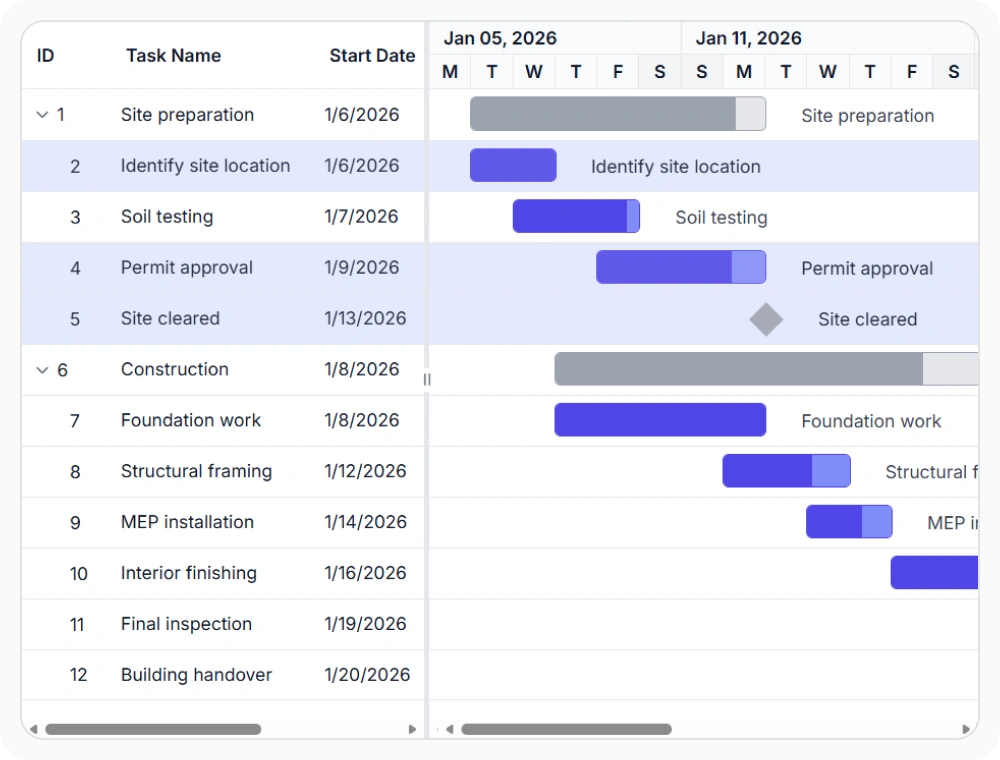
Toggle selection easily
Toggle selection allows the current row or cell to be selected or cleared with repeated interaction. This helps simplify selection management during task interaction and navigation. Use this option when users frequently switch focus between different tasks or data cells.
See Why Developers Love Syncfusion
Our Customers Love Us
Having an excellent set of tools and a great support team, Syncfusion reduces customers’ development time. Here are some of their experiences.





Frequently Asked Questions
Can React Gantt Chart select multiple tasks?
Yes. React Gantt Chart supports multiple selection, allowing several rows or cells to remain selected at the same time. This helps users work with and manage multiple task records together.
What selection options does React Gantt Chart support?
The React Gantt Chart supports row selection, cell selection, single selection, multiple selection, and hover highlighting. These options help users identify, focus on, and interact with schedule data more efficiently.
How can users focus on specific task details in React Gantt Chart?
Cell selection enables users to highlight and interact with individual task fields, improving precision when reviewing schedule data.
How does hover highlighting help in React Gantt Chart?
Hover highlighting makes the current row or cell easier to identify while navigating the schedule. This improves focus and readability when working with large or detailed project plans.
Resources
Learn more about React Gantt Chart
Explore demos, KB articles, and documentation to get the most out of React Gantt Chart.
Explore guides, APIs, and quick-start tips
See live use cases in action
Ask, share, and connect with peers
Find solutions and best practices fast
Get expert help when needed
Feature requests and bug reports
Track issues and suggest improvements
Awards
Greatness—it’s one thing to say you have it, but it means more when others recognize it. Syncfusion® is proud to hold the following industry awards.









