Try Our Live Demo
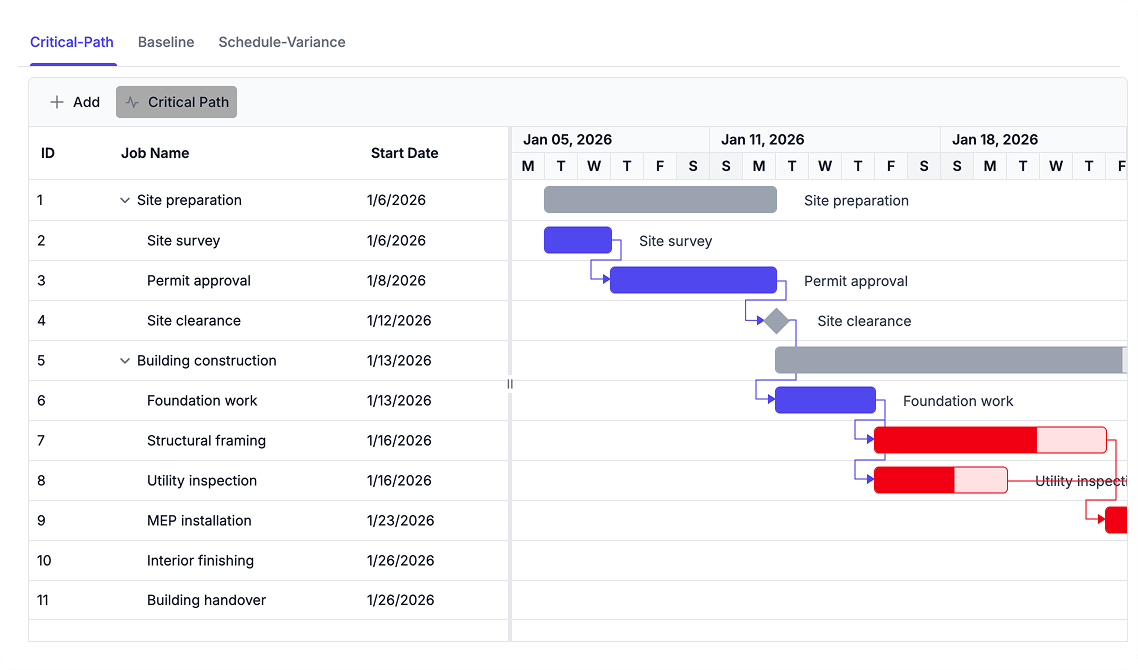
Track Progress and Schedule Variance
Monitor project performance with progress tracking, critical path analysis, and schedule comparisons. Measure variance against baseline plans to identify delays and understand schedule impacts.
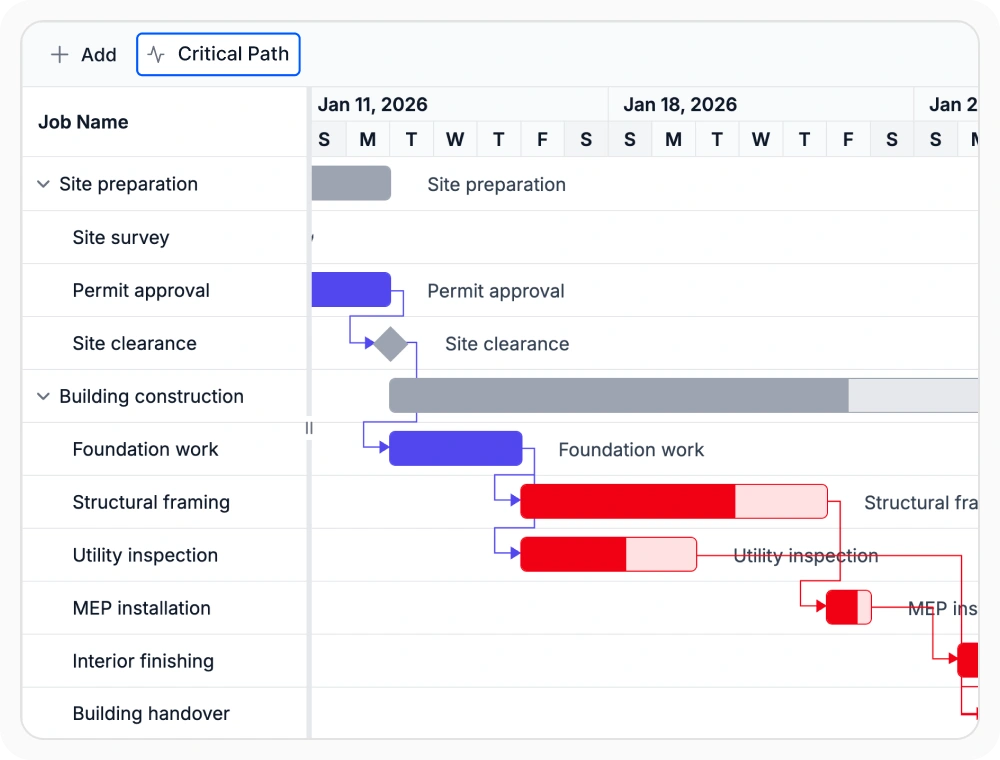
Highlight the critical tasks
Critical path tracking identifies the task sequence that directly influences the project finish date. This helps teams focus attention on work that has the greatest timing impact. Use this option when schedule pressure needs close review.
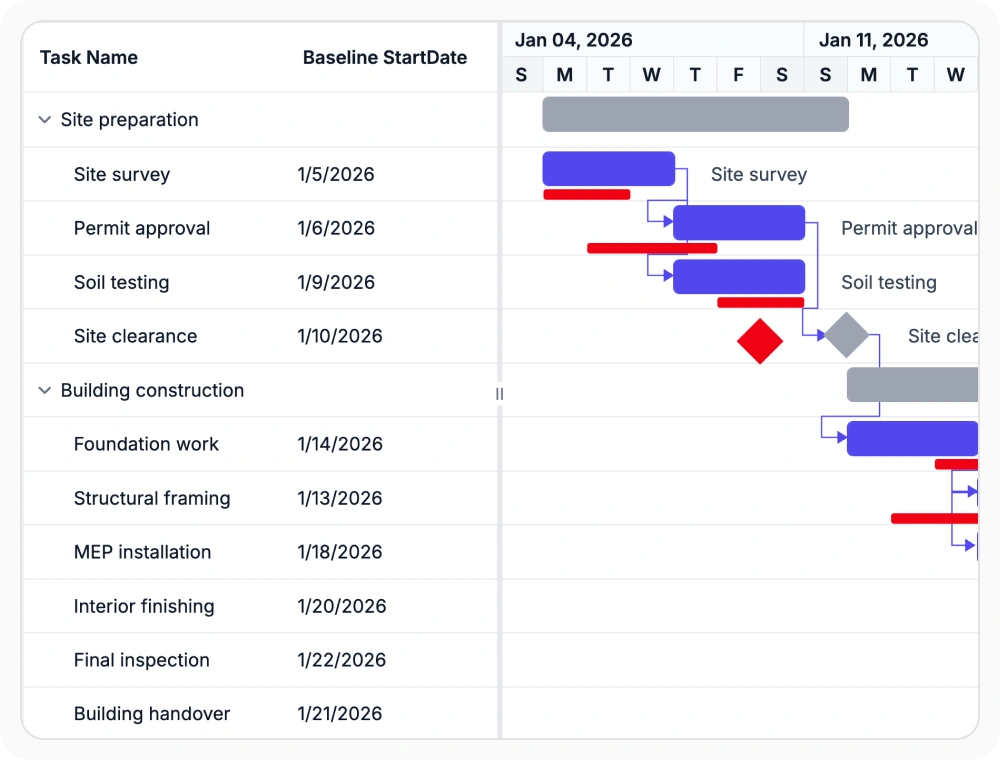
Compare baseline plans
Baseline comparison displays the original planned timeline alongside the current schedule. This makes date movement easier to review without leaving the Gantt Chart view. Use this option when original plans and current schedules must remain visible together.
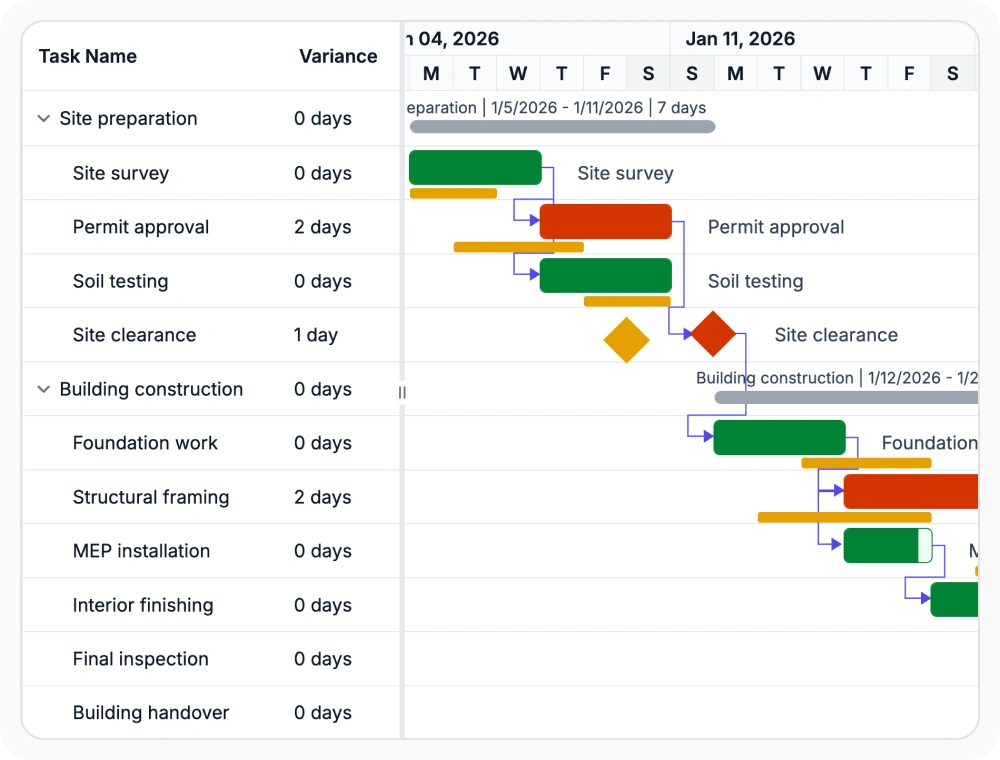
Track baseline schedule variance
Baseline variance measures schedule movement between planned and current timelines, helping teams quantify delays and assess project impacts. Use this option when timeline movement needs to be reviewed against the approved baseline.
See Why Developers Love Syncfusion
Our Customers Love Us
Having an excellent set of tools and a great support team, Syncfusion reduces customers’ development time. Here are some of their experiences.





Frequently Asked Questions
How can teams track schedule changes in React Gantt Chart?
The React Gantt Chart helps teams track schedule changes by comparing current timelines with the original project plan and highlighting variations across tasks and milestones. This makes it easier to monitor project progress, review timeline changes, and keep schedules aligned with delivery goals.
How does React Gantt Chart show critical path?
It highlights the connected tasks that directly influence the project finish date. This makes it easier to review where timing pressure is concentrated across the schedule.
How does React Gantt Chart compare planned and current schedules?
It shows the current timeline together with the original baseline so date movement can be reviewed in context. This supports clearer schedule discussions and progress checks.
Can React Gantt Chart help identify schedule overruns?
Yes. Baseline variance tracking helps teams identify tasks and milestones that have moved beyond their original planned dates.
Resources
Learn more about React Gantt Chart
Explore demos, KB articles, and documentation to get the most out of React Gantt Chart.
Explore guides, APIs, and quick-start tips
See live use cases in action
Ask, share, and connect with peers
Find solutions and best practices fast
Get expert help when needed
Feature requests and bug reports
Track issues and suggest improvements
Awards
Greatness—it’s one thing to say you have it, but it means more when others recognize it. Syncfusion® is proud to hold the following industry awards.









