Try Our Live Demo
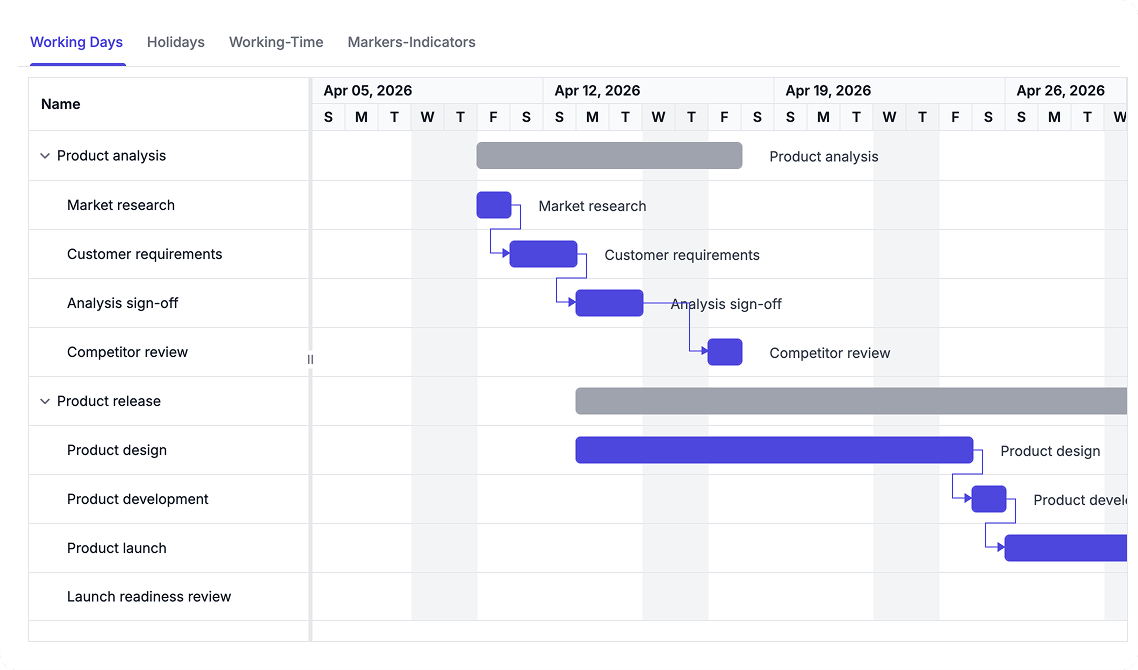
Configure Working Time and Calendars
Define working days, hours, holidays, and exceptions to ensure scheduling reflects real-world availability. Highlight important dates and milestones using timeline markers for improved project visibility.
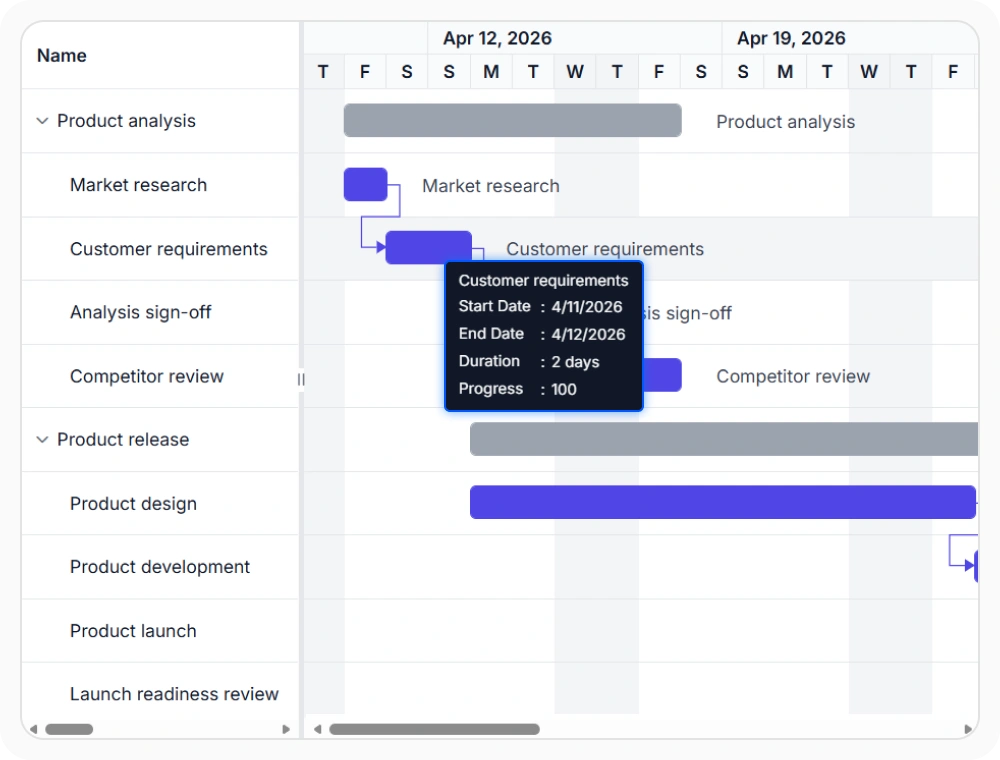
Configure project workweek
Define a custom workweek that determines when project work can occur. Schedules stay aligned with the team’s actual working pattern. Use this option when projects follow a nonstandard workweek.
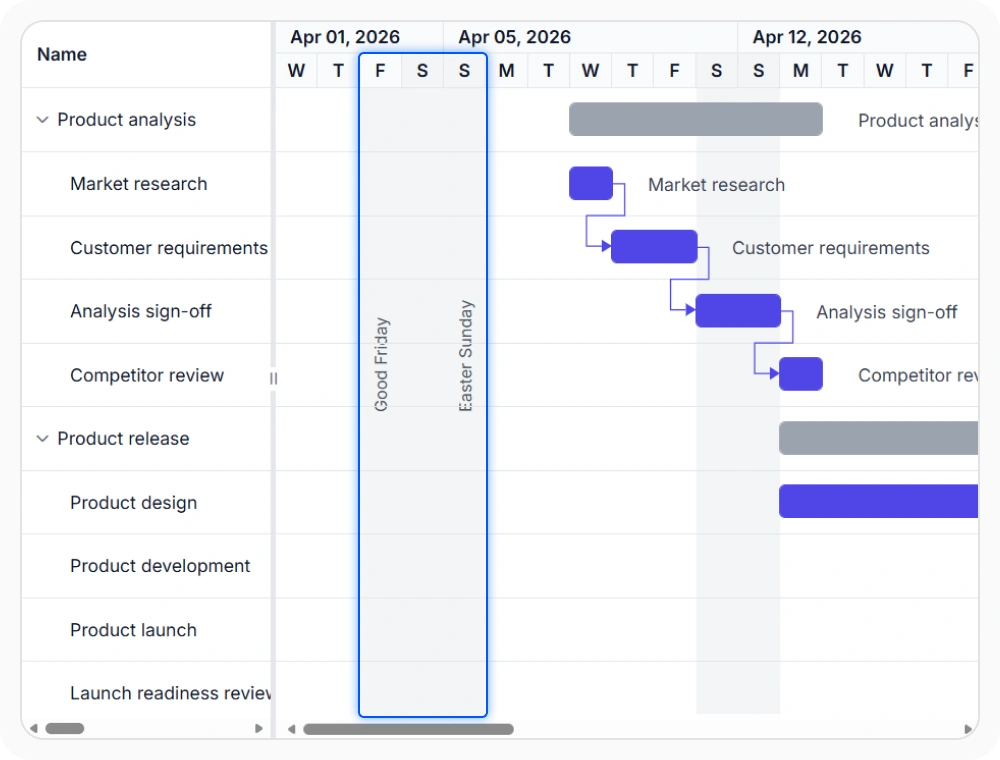
Manage project holidays
Holiday calendars mark specific dates as non-working so schedules skip them. This helps maintain realistic planning timelines. Use this option when projects must account for holidays or planned shutdown periods.
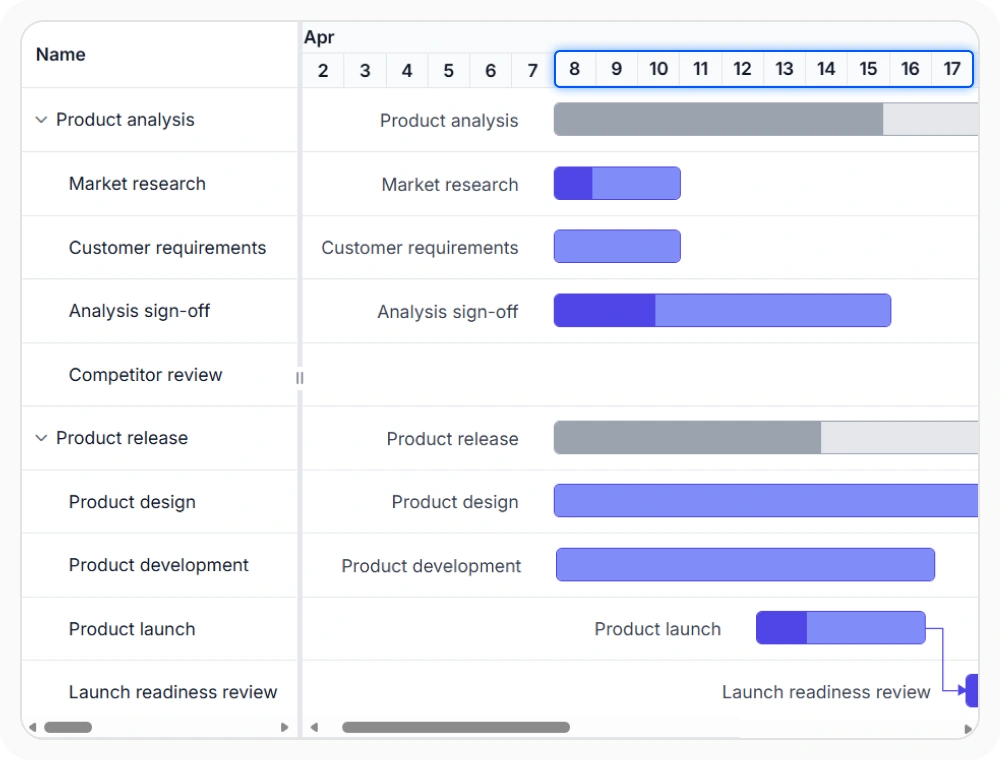
Set daily working hours
Working hours define the available time within each working day. This improves the accuracy of duration and end-date calculations. Use this option when projects follow specific working hours or shift patterns.
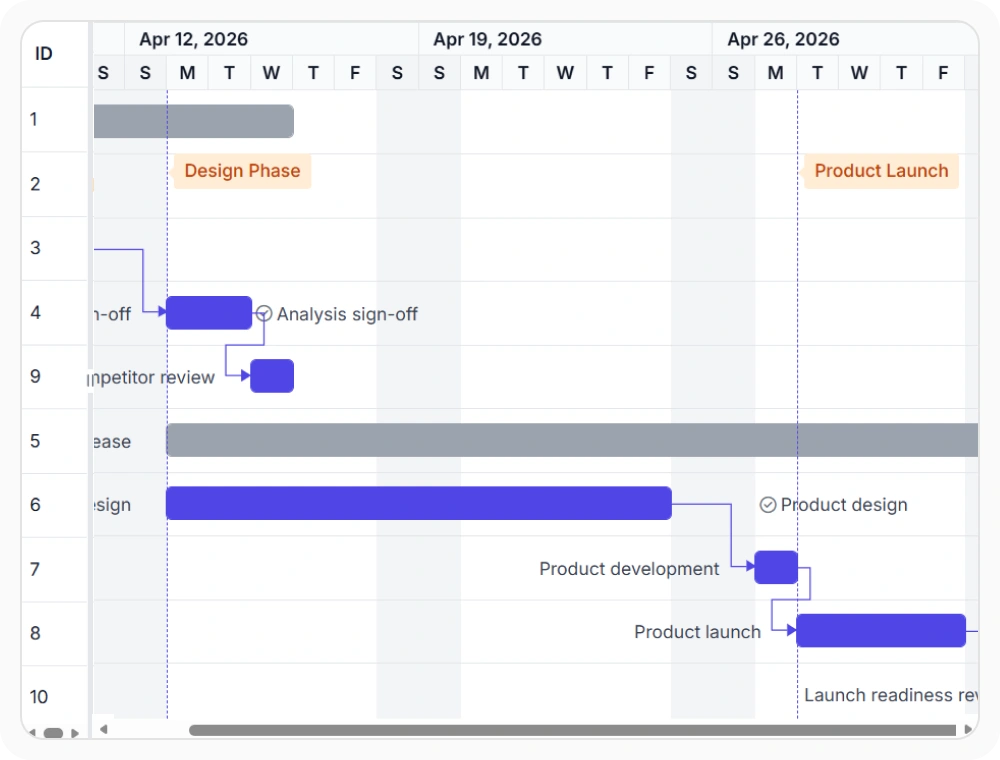
Display timeline markers
Timeline markers highlight important dates on the project schedule. This improves visibility without affecting task calculations. Use this option when key project events need continuous visibility.
See Why Developers Love Syncfusion
Our Customers Love Us
Having an excellent set of tools and a great support team, Syncfusion reduces customers’ development time. Here are some of their experiences.





Frequently Asked Questions
What do timeline markers display in React Gantt Chart?
Timeline markers display important project dates such as milestones, deadlines, reviews, and release dates. They improve timeline visibility without changing task scheduling or dependencies.
How does the React Gantt Chart manage holidays and work weeks?
The React Gantt Chart provides calendar settings that mark specific dates as holidays and specific weekdays as non-working. Duration and date calculations skip these days, keeping schedules aligned with the configured working calendar.
How do working hours affect project scheduling in React Gantt Chart?
Working hours define the available working time within each working day. The React Gantt Chart uses these settings to calculate task durations and end dates, so a task’s length reflects working time rather than elapsed time.
Can React Gantt Chart schedule weekend work?
Yes. Weekend days can be configured as working days when projects follow a non-standard work week, allowing schedules to match different organizational calendars.
What happens to tasks scheduled on non-working days in React Gantt Chart?
Non-working days are excluded from task scheduling. Work resumes on the next working day, and end dates adjust to account for the skipped time, keeping project timelines accurate.
Can I configure different working hours for each working day in the React Gantt Chart?
Yes. The React Gantt Chart allows you to define custom working time ranges for your project calendar, enabling schedules to reflect varying working patterns. This helps improve the accuracy of task duration and end-date calculations when working hours differ across the workweek.
Resources
Learn more about React Gantt Chart
Explore demos, KB articles, and documentation to get the most out of React Gantt Chart.
Explore guides, APIs, and quick-start tips
See live use cases in action
Ask, share, and connect with peers
Find solutions and best practices fast
Get expert help when needed
Feature requests and bug reports
Track issues and suggest improvements
Awards
Greatness—it’s one thing to say you have it, but it means more when others recognize it. Syncfusion® is proud to hold the following industry awards.









