Try Our Live Demo
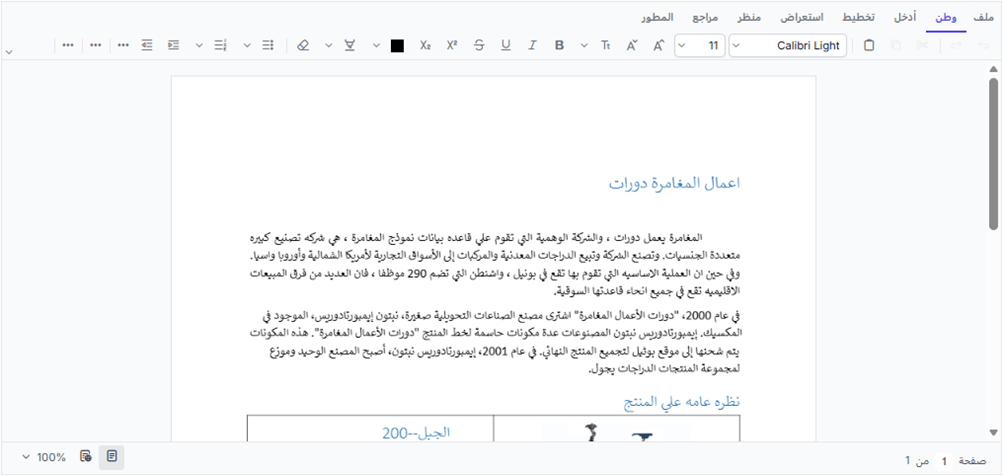
Accessibility and localization support
Deliver accessible and localized document editing with keyboard navigation, screen reader compatibility, translated interfaces, and right-to-left layouts. Adapt the editor for different languages, regions, and accessibility requirements.
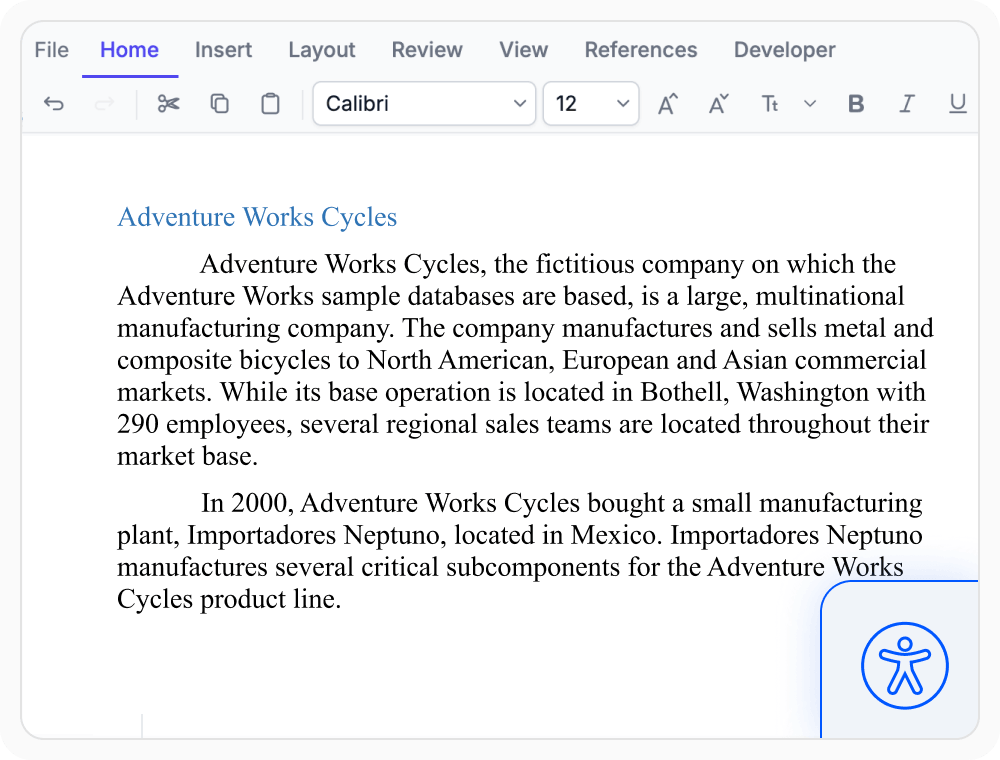
Accessibility for document editing
Help users navigate and edit documents with keyboard navigation and screen reader support. Use when workflows need to improve accessibility and make editing easier for all users.
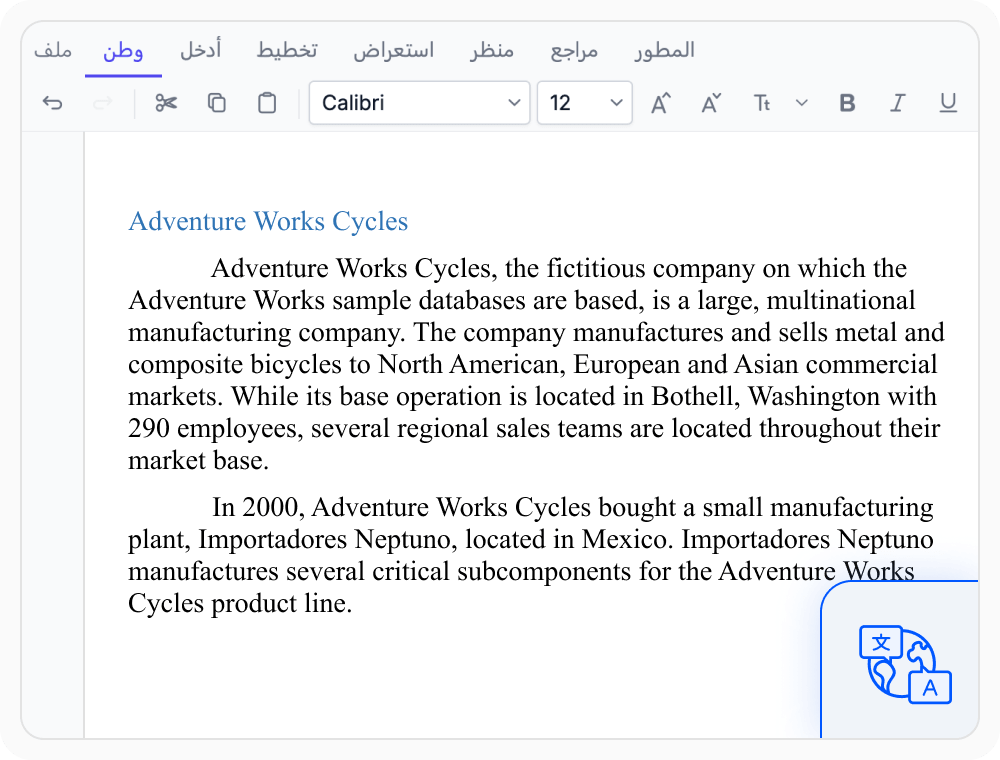
Localization
Display toolbar commands, dialogs, tooltips, and messages in different languages. Use when applications need translated interfaces and localized user experiences.
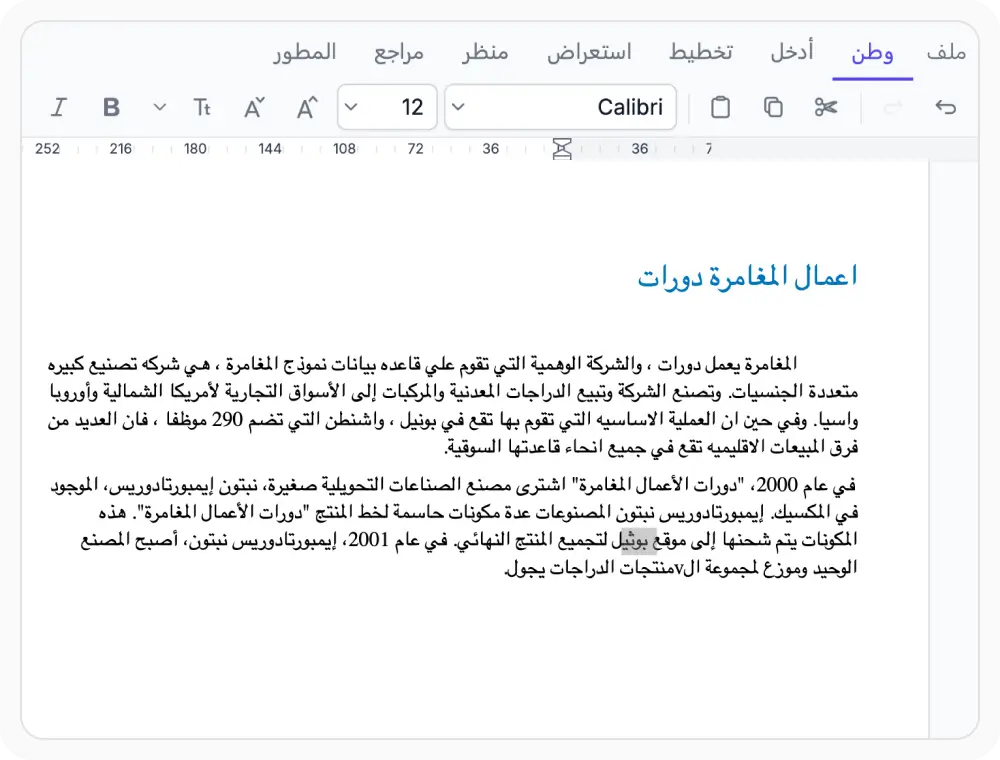
Right-to-left interface
Display toolbar commands, menus, dialogs, and other interface elements in a right-to-left layout. Use when document workflows need user interfaces tailored for RTL languages.
See Why Developers Love Syncfusion
Our Customers Love Us
Having an excellent set of tools and a great support team, Syncfusion reduces customers’ development time. Here are some of their experiences.







Frequently Asked Questions
What does React DOCX Editor web standards support include?
The React DOCX Editor web standards support includes accessibility, keyboard navigation, screen reader compatibility, localization, and RTL user interface support for document editing applications.
Does the React DOCX Editor support localization?
Yes. Labels, commands, tooltips, and messages can be displayed in localized languages to support region-specific terminology and user experiences using React DOCX Editor.
Does the React DOCX Editor support keyboard navigation?
Yes. React DOCX Editor support keyboard navigation which allows users to access and interact with editor features without relying on a mouse.
Does the React DOCX Editor support RTL user interfaces?
Yes. Toolbars, menus, dialogs, and other interface elements can be displayed in a right-to-left layout, enabling React DOCX Editor applications to support RTL languages.
Can the React DOCX Editor use custom translations?
Yes. Custom translation resources can be provided using React DOCX Editor to display interface text using application-specific terminology and language requirements.
Does the React DOCX Editor support RTL document content?
Yes. RTL document content can be created, edited, and displayed within the editor using React DOCX Editor, enabling document workflows that use right-to-left languages.
Resources
Learn more about our React DOCX Editor
Explore demos, KB articles, and documentation to get the most out of the React DOCX Editor.
Explore guides, APIs, and quick-start tips
See live use cases in action
Ask, share, and connect with peers
Find solutions and best practices fast
Get expert help when you need it
Feature requests and bug reports
Track issues and suggest improvements
Awards
Greatness—it’s one thing to say you have it, but it means more when others recognize it. Syncfusion® is proud to hold the following industry awards.









