Try Our Live Demo
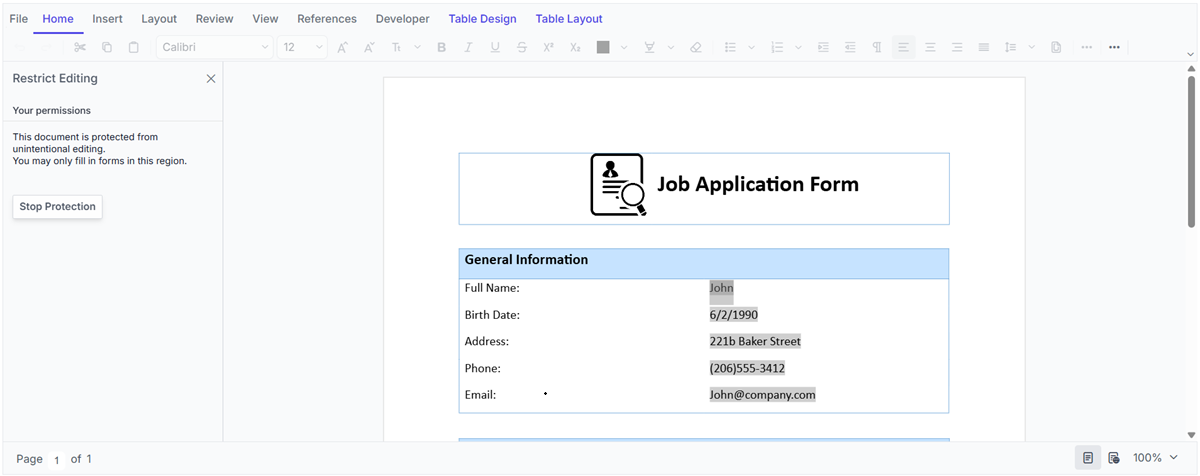
Word document form filling and data management
Create fillable Word document forms with text, checkbox, and dropdown fields. Control data entry, restrict editing to designated fields, and import or export form data as needed.
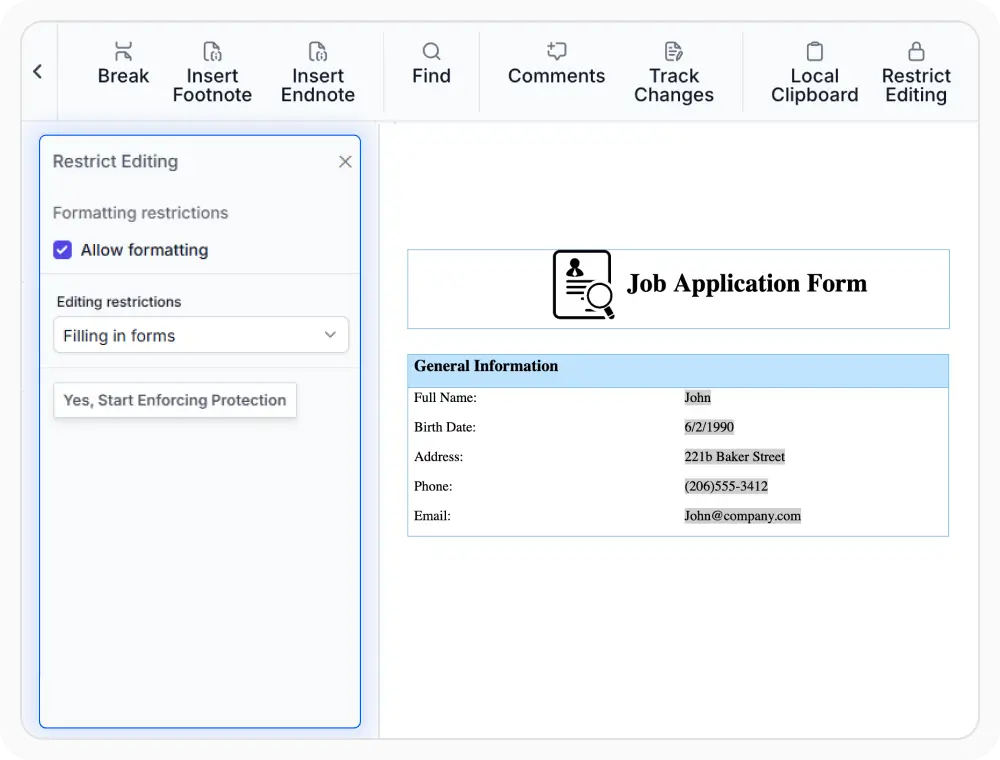
Filling form only
Keep document content unchanged while allowing information to be entered in designated form fields. Use this option when edits should be limited to form fields.
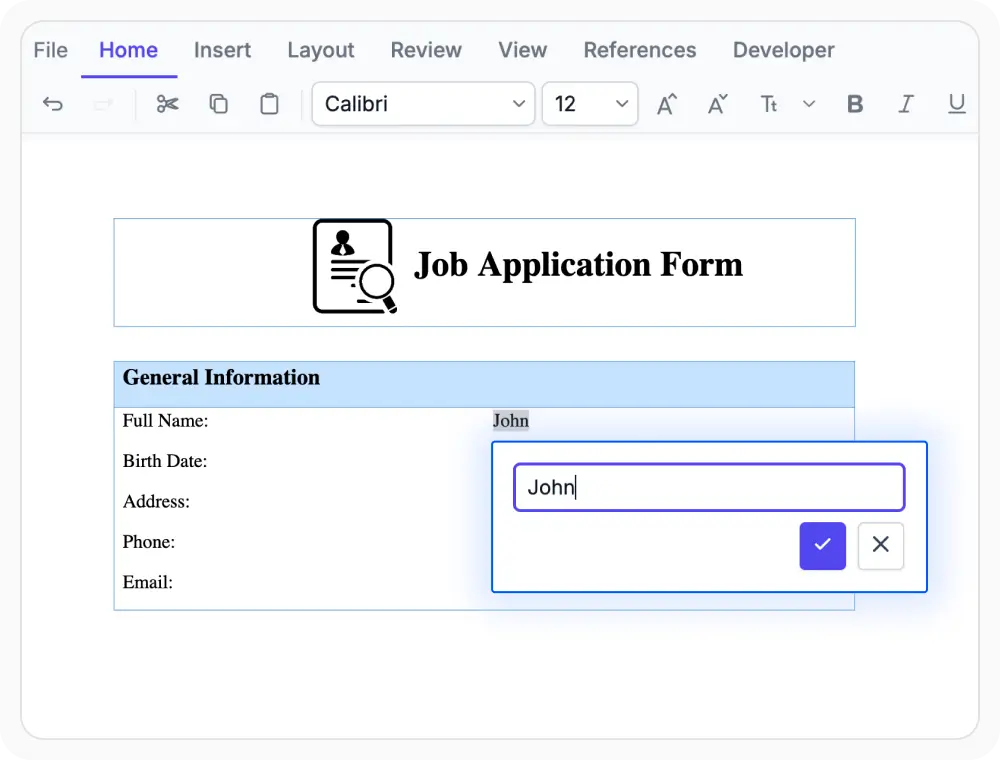
Fill forms in pop up mode
Pop-up form entry presents form fields in a dedicated view, helping users focus on one entry at a time and reduce mistakes. Use this mode when forms contain multiple fields and each entry requires careful attention.
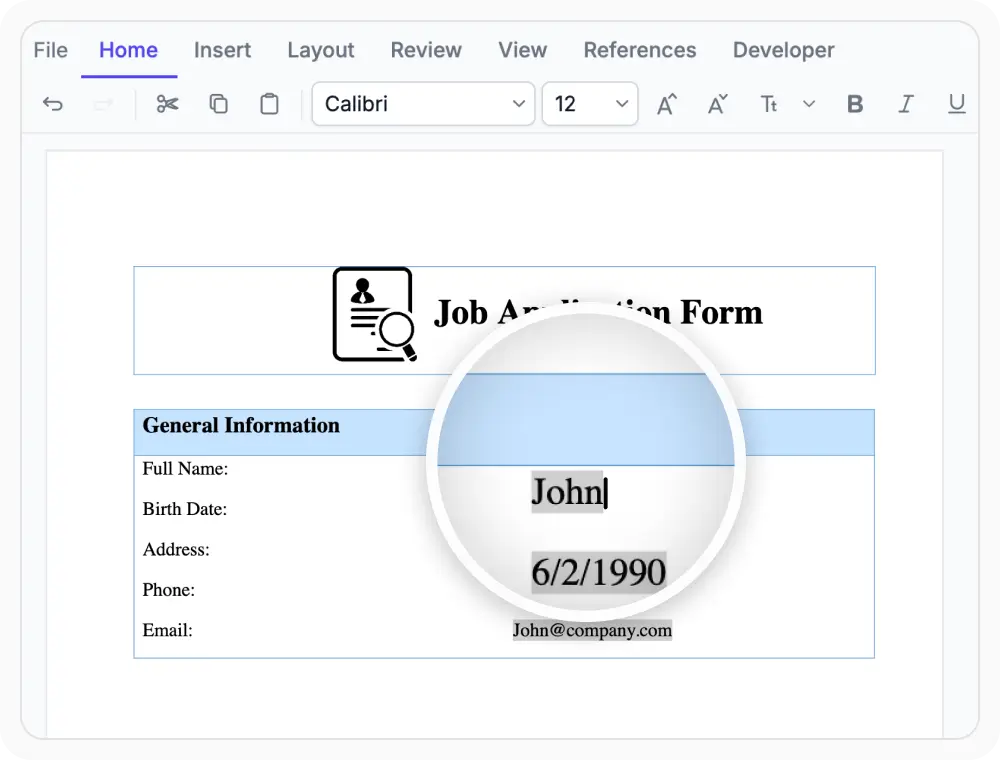
Fill forms in inline mode
Fill form fields directly within the document while keeping surrounding content visible. Use this mode when continuous reading is needed alongside data entry.
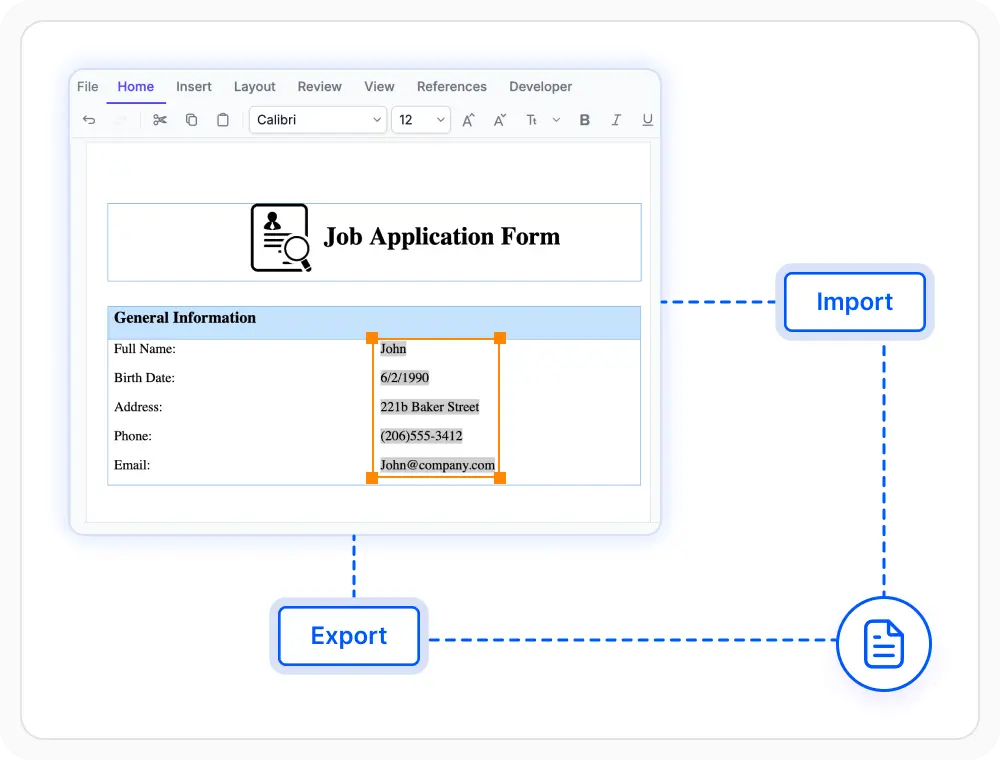
Import and export form data
Populate form fields with existing information and extract completed values when needed. Use this option when form field data needs to be updated, reused, or made available outside the document.
See Why Developers Love Syncfusion
Our Customers Love Us
Having an excellent set of tools and a great support team, Syncfusion reduces customers’ development time. Here are some of their experiences.







Frequently Asked Questions
What editing modes are available for form fields in the React DOCX Editor?
The React DOCX Editor supports both inline and pop-up form entry modes. Inline mode allows information to be entered directly within the document, while pop-up mode provides a dedicated view for form completion
Can existing documents be converted into fillable forms in the React DOCX Editor?
Yes. Form fields can be added to existing documents in the React DOCX Editor, transforming templates and static files into fillable forms.
What options does the React DOCX Editor provide for sharing completed form data?
Completed form data can be exported from the React DOCX Editor for sharing, storage, or integration with other business workflows and applications.
What form field types are available in React DOCX Editor?
Text, checkbox, and dropdown form fields are supported in the React DOCX Editor, helping collect information in a consistent and structured format. These form fields can be inserted and edited directly within the document.
How does the React DOCX Editor simplify form creation with prefilled values?
Default values can be assigned to form fields in the React DOCX Editor, helping forms start with existing information already in place. This reduces repetitive entry and speeds up form completion.
Can only form fields remain editable in the React DOCX Editor?
Yes. Protected form filling mode in the React DOCX Editor keeps document content unchanged while allowing information to be entered only in designated form fields.
Resources
Learn more about our React DOCX Editor
Explore demos, KB articles, and documentation to get the most out of the React DOCX Editor.
Explore guides, APIs, and quick-start tips
See live use cases in action
Ask, share, and connect with peers
Find solutions and best practices fast
Get expert help when needed
Feature requests and bug reports
Track issues and suggest improvements
Awards
Greatness—it’s one thing to say you have it, but it means more when others recognize it. Syncfusion® is proud to hold the following industry awards.









