Try Our Live Demo
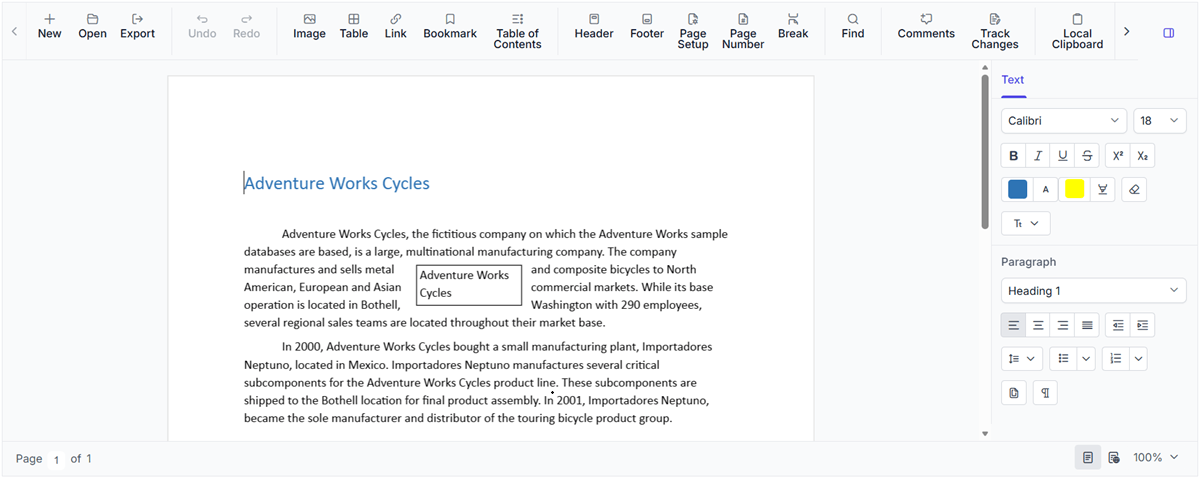
Flexible output formats for document workflows
Export document content to editable, fixed-layout, web, and plain-text formats. Choose the right format for sharing, publishing, viewing, and archiving while preserving document fidelity.
Save editable documents as SFDT
Preserve document content, structure, and formatting in the DOCX Editor’s native file format. Use SFDT when documents need to be saved and reopened in the React DOCX Editor for continued editing.
Export editable DOCX files
Export content as DOCX so it can be opened and revised in Microsoft Word or another compatible word processor. Use this format when documents need to remain editable after export.
Create fixed-layout PDF copies
PDF export creates a fixed-layout document for consistent viewing, printing, approval, and archiving. Use it when recipients need a finalized copy rather than an editable document.
Publish document content as HTML
HTML export converts document content into browser-readable markup. Use this format when document content needs to be rendered in a browser or integrated into web-based applications.
Export plain-text files
Save only the document’s textual content without formatting, images, or page layout. Use TXT when the underlying text must be retained or processed independently.
Export editable RTF documents
Create formatted, editable documents that can be opened in a wide range of word-processing applications. Use RTF when documents must remain compatible with legacy systems or software that relies on Rich Text Format
See Why Developers Love Syncfusion
Our Customers Love Us
Having an excellent set of tools and a great support team, Syncfusion reduces customers’ development time. Here are some of their experiences.







Frequently Asked Questions
Which formats does the React DOCX Editor support for export?
The React DOCX Editor exports DOCX, TXT, and SFDT directly in the browser, while DOC, PDF, HTML, RTF, ODT, and WordML require server-side processing to generate the output files.
Which export format is best for sharing finalized documents in React DOCX Editor?
PDF is the preferred format for sharing finalized documents in the React DOCX Editor because it preserves document layout, formatting, and visual appearance consistently across devices and platforms.
Does the React DOCX Editor export option preserve document formatting?
Yes. React DOCX Editor preserves formatting in all supported export formats except TXT, which retains only plain text.
Does the React DOCX Editor need Microsoft Word for exporting?
No. Microsoft Word does not need to be installed. Exporting is handled by the React DOCX Editor and its configured browser-based or server-side services.
When should SFDT format be used instead of DOCX format in the React DOCX Editor?
SFDT format is best for storing documents that need to be reopened and edited again inside the DOCX Editor. DOCX format is better suited for sharing editable files across standard word-processing environments.
Can SFDT format be converted back to DOCX format in React DOCX Editor?
Yes. React DOCX Editor can export SFDT format documents to DOCX and other supported formats while preserving formatting.
Resources
Learn more about our React DOCX Editor
Explore demos, KB articles, and documentation to get the most out of the React DOCX Editor.
Explore guides, APIs, and quick-start tips
See live use cases in action
Ask, share, and connect with peers
Find solutions and best practices fast
Get expert help when needed
Feature requests and bug reports
Track issues and suggest improvements
Awards
Greatness—it’s one thing to say you have it, but it means more when others recognize it. Syncfusion® is proud to hold the following industry awards.









