Overview
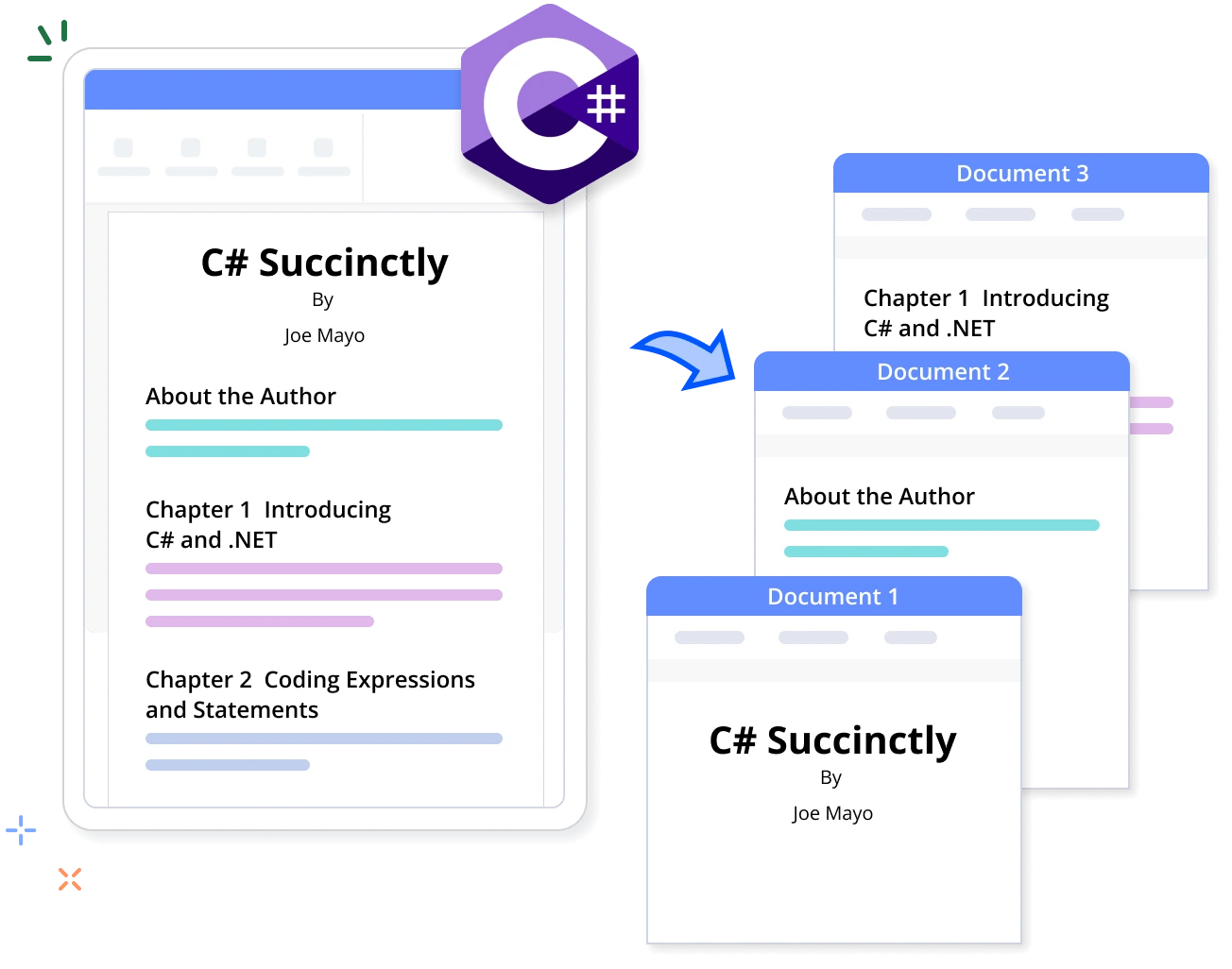
The Syncfusion .NET Word Library (DocIO) offers powerful APIs to programmatically split large Word documents into multiple smaller ones with ease. Achieve document segmentation in just a few lines of code, all without relying on Microsoft Word or interop dependencies.
Split Word documents using C#
This sample code shows how to split a Word document by sections using the Syncfusion .NET Word Library with just few lines of code in C#.
Key features of splitting Word documents
Split by sections
Iterates through the document content section by section and saves each section as an individual Word document.
Split by headings
Extracts the content of a heading in the Word document by iterating the document contents and saves the extracted content as an individual Word document.
Split by placeholder text
Extracts a part of a document based on placeholder text and saves the extracted content as an individual Word document.
Split by bookmarks
Retrieves content within a bookmark and saves it as a separate Word document.
Syncfusion .NET Word Library Resources
Explore these resources for comprehensive guides, knowledge base articles, insightful blogs, and ebooks.


Product Updates


Technical Support


Frequently Asked Questions
What are the different splitting options available in the .NET Word Library?
You can split a Word document by sections, bookmarks, headings, and placeholder text.
Are there options for splitting a Word document into individual chapters?
Yes, you can maintain the chapters’ titles with heading styles and split the Word document by headings using the .NET Word Library.
Does the .NET Word Library support splitting based on certain keywords or content?
Yes, use the find functionality to find the keywords or content and then split the Word document into separate documents.
Can I programmatically combine split documents later, if needed?
Yes, you can merge the split Word document’s pieces later using the merge functionality of the .NET Word Library.
Can I split Word documents into other file formats like PDF, image, or HTML?
Yes, you can programmatically split Word documents and convert them into PDF, image, or HTML formats.
How can I integrate the split Word documents feature into my application?
You can access it through the Syncfusion.DocIO.Net.Core NuGet package. Detailed code samples and tutorial videos are available in the documentation.
Trusted by the world’s leading companies
Our Customers Love Us




Want to create, View, and edit Word documents in C# or VB.NET?
No credit card required.