

Overview
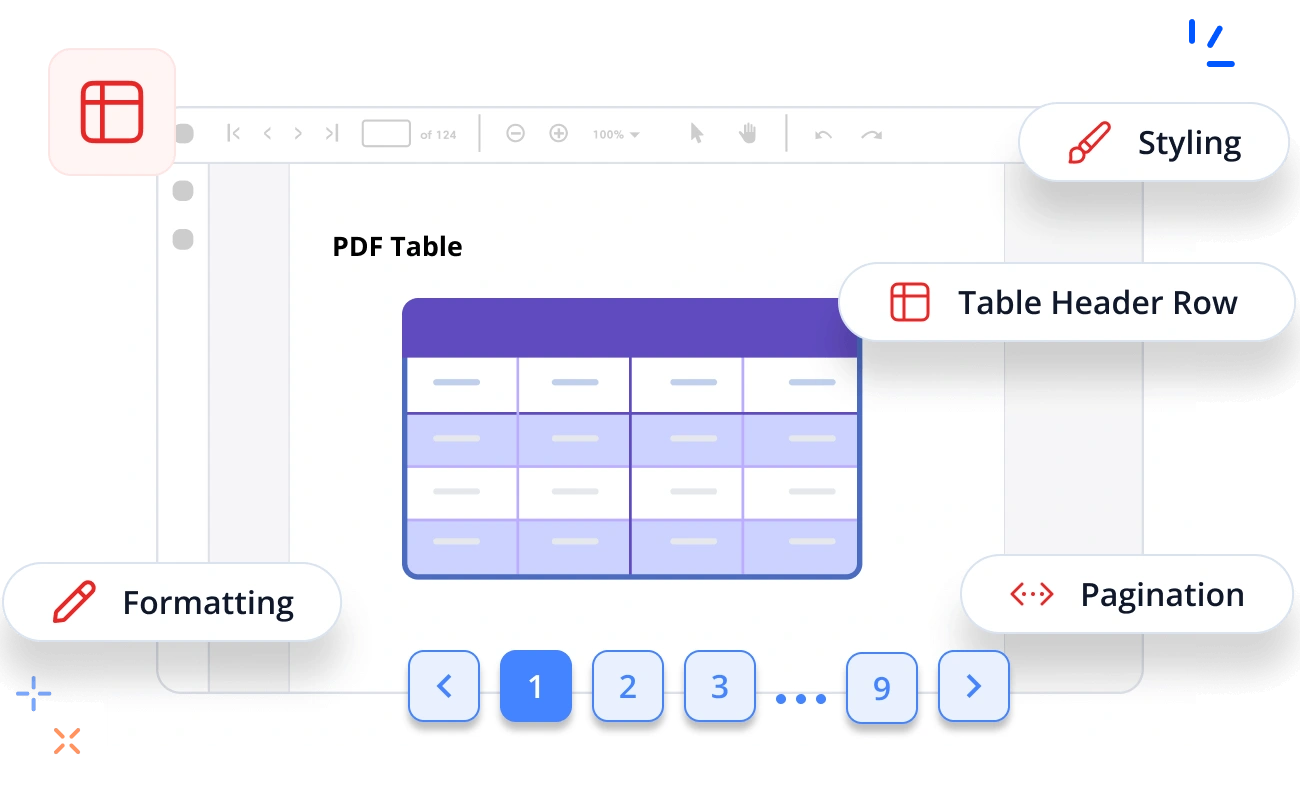
The Syncfusion® .NET PDF Library provides robust support for creating PDF tables or grids in C#. With its intuitive API, users can effortlessly display data in a tabular format from various sources or perform direct data binding within PDF documents. The PDF table functionality is built for high-performance, offering advanced customization options, extensive styling capabilities, and comprehensive formatting features.
How to create a table in a PDF document using C#
This example shows how to create a table in a PDF document from a data source in C# using the Syncfusion® PDF Library.
Key features of PDF tables
Explore the various key features available in the PDF tables.
Data Binding
Data can easily be imported from various sources, such as object arrays, datasets, data tables, IEnumerable collections, or even directly without explicitly setting any specific data source.
Formatting
The PDF Library helps you create richly formatted tables to keep your data organized with both basic and advanced operations on cells, rows, and columns.
Styling
Built-in table styles are available. Tables can look like Microsoft Word tables. Advanced styling options for banded columns, banded rows, the first column, last column, header row, and last row are available.
Pagination
Table pagination can split a huge amount of content within a table into smaller parts across PDF pages.
Row and Column Customization
Row and column customization is important for constructing a complex table. The Syncfusion® .NET PDF Library provides support for row and column spanning, column-width and row-height resizing, nested grids, etc., for PDF tables.
Fully Controllable via Events
Advanced table events are available to control table formatting, styling, customization, etc.
Table Header Row
The header of a table can be controlled by toggling the visibility and repetition across pages.
Nested table
Nested tables are tables within tables, used to organize hierarchical or structured data.
Explore PDF table resources
Discover valuable resources from our blog and knowledge base about PDF Tables.
Knowledge base
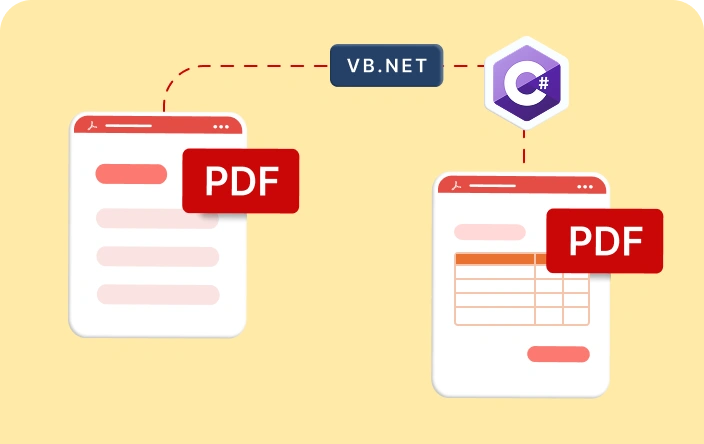
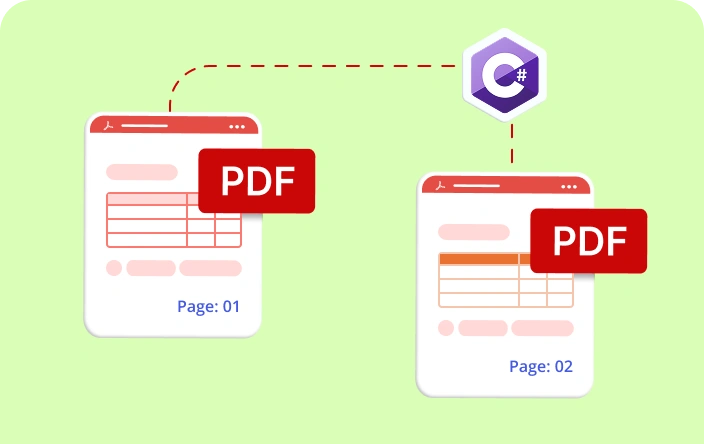
How to add multiple table sequentially in a PDF with pagination using C#

Knowledge base
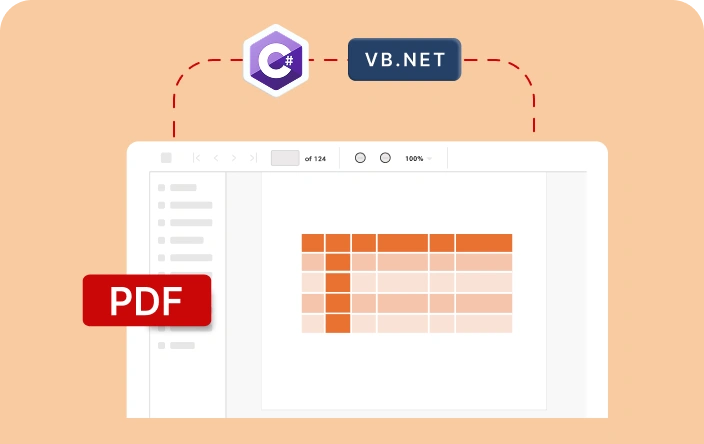
How to add image and text in the PDF table cell using C# and VB.NET in WinForms
Syncfusion .NET PDF Library Resources
Explore these resources for comprehensive guides, knowledge base articles, insightful blogs, and ebooks.


Product Updates


Technical Support


 20+ conversions supported
50+ interactive demos
1.7M+ downloads
20+ conversions supported
50+ interactive demos
1.7M+ downloads

Frequently Asked Questions
What is a PDF table?
A PDF table is a grid of rows and columns used to organize and present data within a PDF document, with each cell capable of containing text, numbers, or images.
Can nested tables be created in a PDF document?
Yes, it is possible to create nested tables in a PDF document.
Can I create a table without borders in a PDF?
Yes, you can create a table without borders in a PDF document using the Syncfusion® PDF Library.
Is it possible to merge cells in a PDF table?
Yes, merging cells in a PDF table is achievable with the Syncfusion® PDF Library, which supports creating both spanning columns and rows. This feature enables you to create complex layouts and visually organize data more effectively in your PDF documents.
Is it possible to add images to the cells of a PDF table?
Yes, you can add images to the cells of a PDF table using the Syncfusion® PDF Library.
Trusted by the world’s leading companies
Our Customers Love Us




Want to create, view, and edit PDF files in C# or VB.NET?
No credit card required.








